How do I make a character sheet with Nano Banana? Every side, one picture.
The short answer
A character sheet is one picture of the same Character from every side.
Ask Nano Banana for five views in one row: front, three-quarter, side, back and a face close-up, on plain white, with no text. In the Studio, every Character you make gets one, on Nano Banana 2.1 by default, kept as its reference for every angle.
The face.
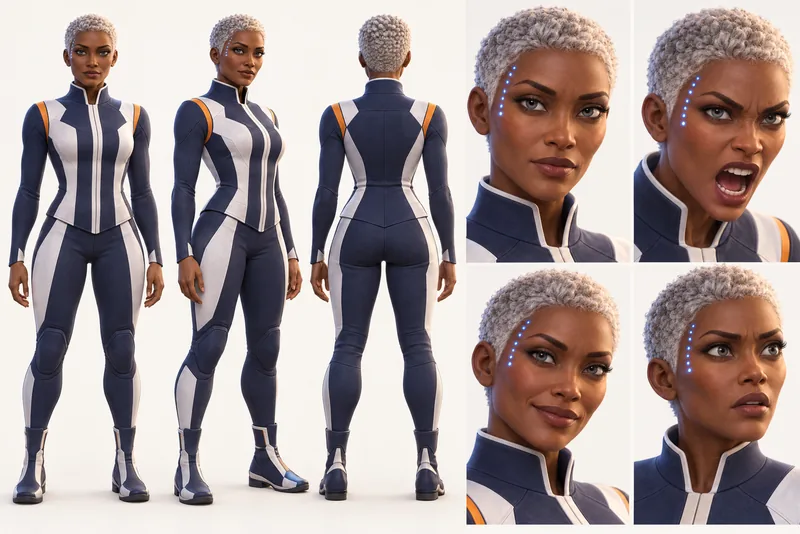
What each view is for
- Front, full body
The Studio asks for “full-body front view with neutral standing pose facing camera directly”
The anchor: proportions, outfit and stance, seen straight on.
- Three-quarter and side
The Studio asks for “full-body three-quarter view … full-body side profile with clean silhouette”
How the body turns, so a walking shot has something to follow.
- Back
The Studio asks for “full-body back view showing rear outfit and hair details”
What no front view shows: the back of the hair and the coat.
- Face, close up
The Studio asks for “close-up face portrait showing detailed facial features”
The detail a close shot needs: eyes, brows, marks.
- Make a CharacterStudioLive
- Its sheetNano Banana 2.1Live
- In your AI toolsMCPLive
Three rules
Three rules close the prompt.
The Studio ends every sheet prompt with the same three asks. Check a sheet against them before you keep it.
A plain ground.
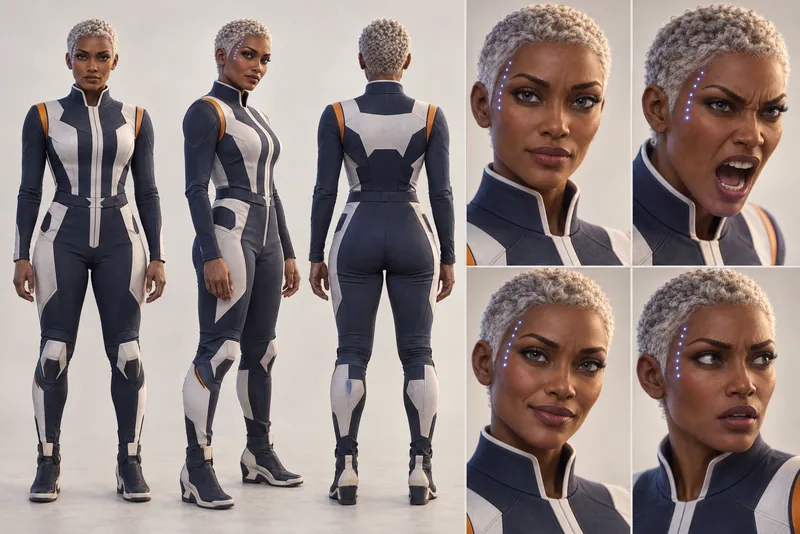
What every sheet must keep
- One face, one outfit
The prompt says “Same face, hairstyle, hair color, skin tone, body proportions, and outfit in every view”
Five views of one person, not five cousins. A mismatch here turns into drift later.
- Nothing written
The prompt says “No text, no labels, no other people”
A reference passes on what is in it, words and strangers included.
- A plain ground
The prompt says “Clean white studio background, even consistent lighting”
The Character travels into each Scene; the room stays behind.
What it costs
The sheet comes with the Character.
Every Character you make gets one. A new sheet later is one Nano Banana 2.1 picture, priced before you press.
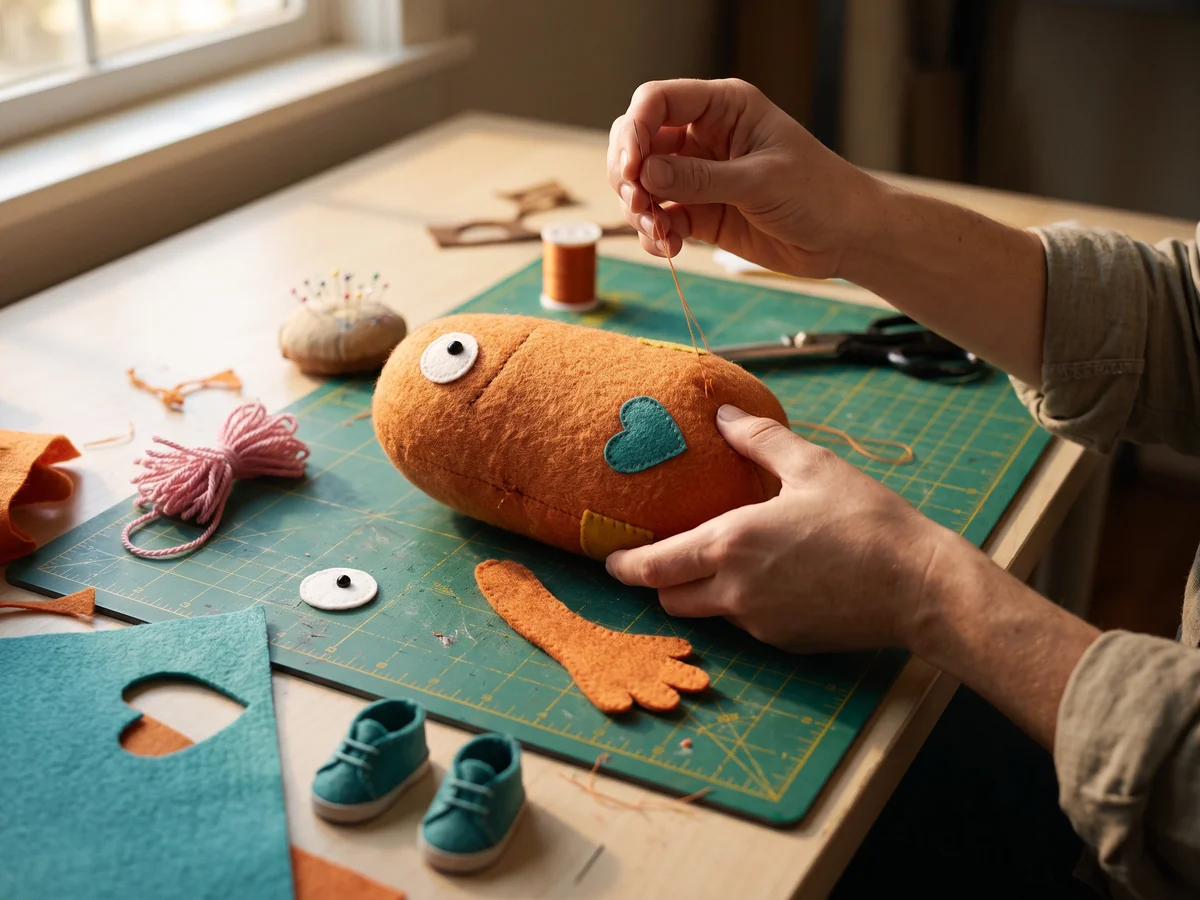
Kept with BodoHis sheet, every side of him
The price on the button.
Bodo · reference pictures
- The sheet, drawn with the CharacterComes with it
- A new sheet, on Nano Banana 2.1about $0.156 Credits
A new sheetabout · 6 Credits$0.15
Drawing a new sheet takes a plan’s Credits.
At Starter’s price ($19.99 a month for 800 Credits); our arithmetic.
Where it goes
Saved once, it goes where Bodo goes.
The sheet stays with the Character. Stories and Films send it along with the portrait, so a turn or a side shot has something to follow.
How to keep a Character the same in every videoNano Banana 2.1 and Pro, priced
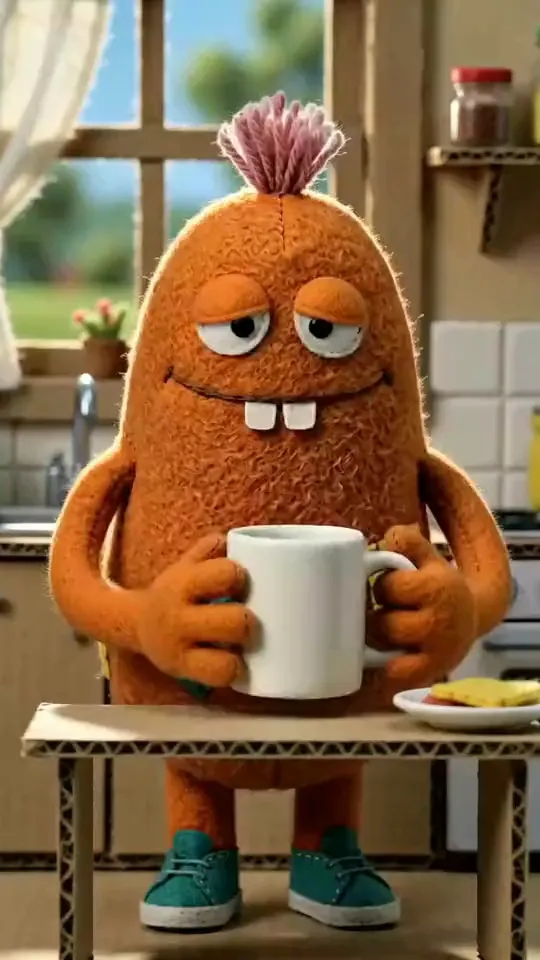
Behind every Scene.
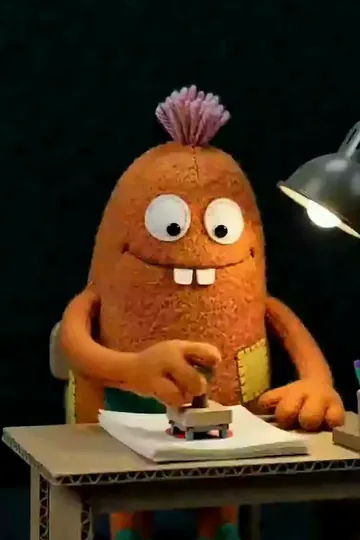
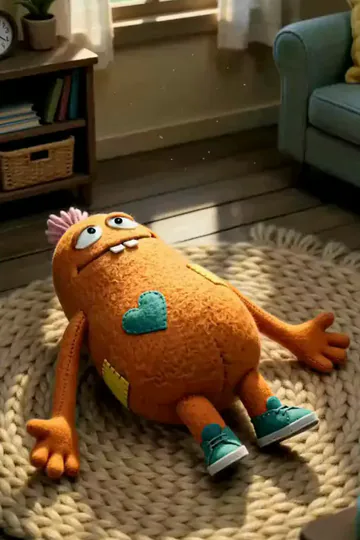
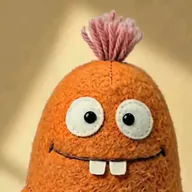 BodoFelt Craft
- SheetFront, turns, back, faceSaved
- LookFelt CraftSaved
- RoleTries to be scary. Fails.Saved
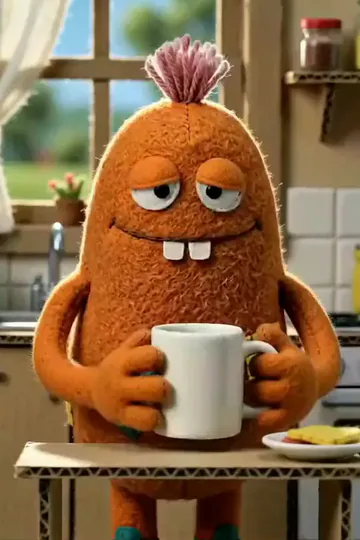
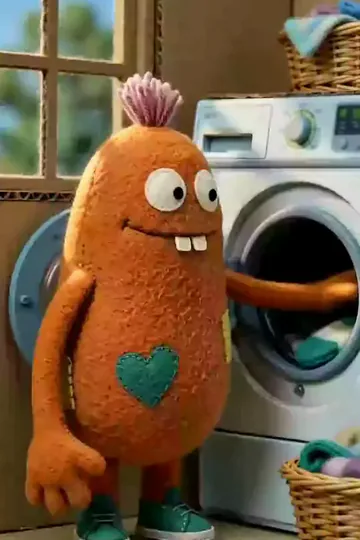
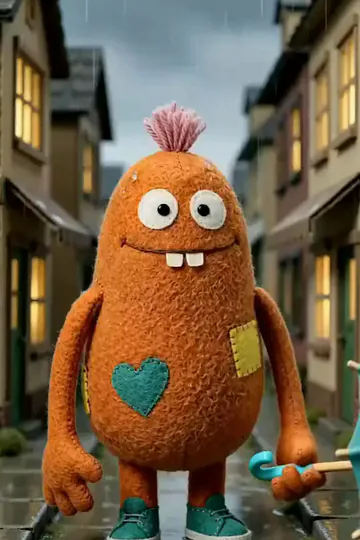
In Stories and Films
Questions
What is a character sheet in AI art?
One picture of the same Character from several sides on a plain ground: the front, a three-quarter turn, the side, the back and a close-up of the face. A model given it later can draw the Character from any side without inventing what it never saw.
Can Nano Banana keep a character consistent?
Google’s documentation says Nano Banana 2.1 takes up to four character pictures and Nano Banana Pro up to five, to keep a character consistent. A sheet puts every side into one of them. Results still vary, so look at each picture.
Should I draw the sheet on Nano Banana Pro?
The Studio draws sheets on Nano Banana 2.1 by default, and every new sheet on it. Pro costs twice as much a picture, about $0.30 against $0.15; Google sells it for complex pictures and legible text, and a sheet carries no text.
Why no text or labels on a sheet?
A model given the sheet as a reference sees everything in it, words and strangers included. So the Studio’s prompt asks for no text, no labels and no other people.
What does a character sheet cost?
It comes with each Character you make. A new sheet later, with a plan, is one Nano Banana 2.1 picture: about $0.15 (6 Credits). The price is on the button before you press.
Sources
Each checked against the source on 16 Nov 2026, unless the entry says otherwise.
- Nano Banana image generation, Google AI Studio documentation, Undated page.
- Introducing Nano Banana Pro, Google, 20 Nov 2025.