Nano Banana Pro or Nano Banana 2.1? The workhorse, or the premium pick.
The short answer
Use Nano Banana 2.1 for everyday pictures; Nano Banana Pro when a picture needs legible words or a complex layout.
Google calls 2.1 its high-efficiency workhorse and Pro the premium choice for complex visual tasks. In the Studio, 2.1 draws your Characters by default, at about $0.15 a picture; Pro is a pick with a plan, at about $0.30.
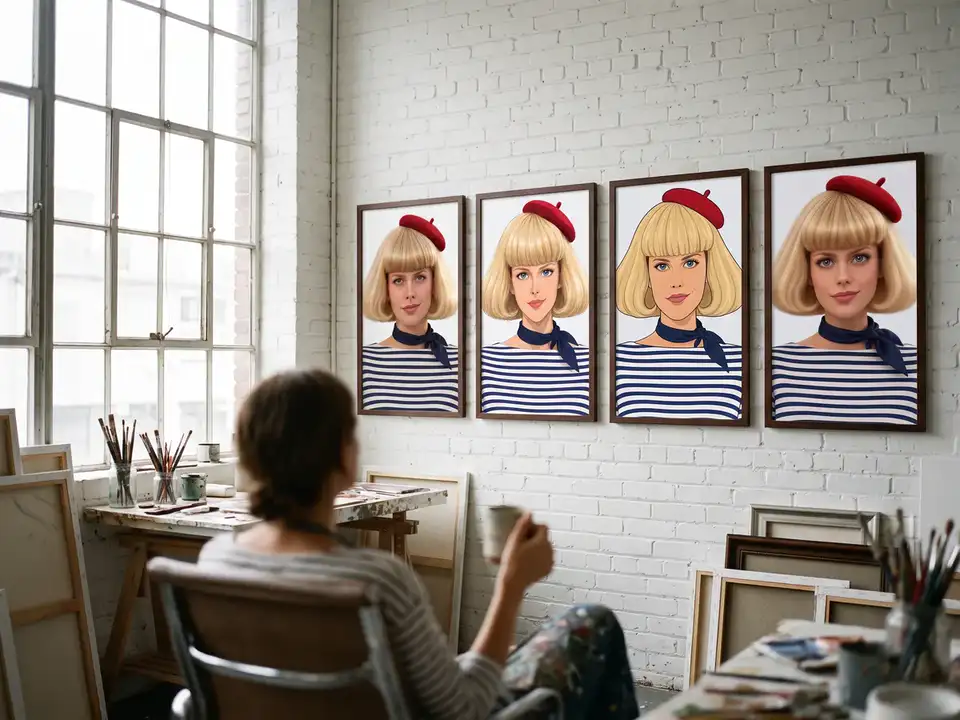
The same jobFour pictures of Paulette, and a poster
Twice the price.
Five pictures, one Character
- Four pictures of your Characterabout $0.6024 Credits
- One more, for a posterabout $0.156 Credits
Five pictures on Nano Banana 2.1about · 30 Credits$0.75
A plan member’s default picture.
At Starter’s price ($19.99 a month for 800 Credits); our arithmetic.
Five pictures, one Character
- Four pictures of your Characterabout $1.2048 Credits
- One more, for a posterabout $0.3012 Credits
Five pictures on Nano Banana Proabout · 60 Credits$1.50
A pick, with a plan.
At Starter’s price ($19.99 a month for 800 Credits); our arithmetic.
- Your Characters, by defaultNano Banana 2.1Live
- A pick with a planNano Banana ProLive
- In your AI toolsMCPLive
What Google says
Google sells them for different jobs.
In its own words, 2.1 is the workhorse and Pro the premium choice. The difference you meet first is the bill.
What it costs here.
Which to pick
Three questions pick the model.
Each question stands on Google’s own words. Answer for one picture at a time: the Image lane lets you switch models picture by picture.
Which model fits this picture? Three questions
1Does the picture carry words people must read: a sign, a title, a menu?
If yes Pro: Google calls it “the best model” for “legible text”.
If no Nano Banana 2.1 does the job, at half the price.
2Is it a crowded picture, with many people or objects to place?
If yes Pro: “the premium choice for complex visual tasks”.
If no Nano Banana 2.1: Google’s “high-efficiency workhorse”.
3Will you give it more than four character pictures to follow?
If yes Pro takes up to five pictures of characters.
If no Nano Banana 2.1 takes up to four.
Answer all three.Every answer yes: Pro is built for that picture.A no or more: start on Nano Banana 2.1, and move only the pictures that need Pro.
In the Studio
In the Studio, 2.1 is the default.
Characters are drawn on 2.1 by default, and it is a plan member’s default picture. Pro is the pick you make on purpose.
How the Studio draws a character sheetPrice your pictures on 2.1 and Pro
Ten pictures, two bills.
Questions
Is Nano Banana Pro better than Nano Banana 2.1?
For some jobs, by Google’s account. It calls Pro “the premium choice for complex visual tasks” and names it for legible text; 2.1 is its “primary high-efficiency workhorse”. For a Character in a Scene, start on 2.1 and compare the pictures you care about.
What does each cost on character.app?
Nano Banana 2.1: about $0.15 (6 Credits) a picture. Nano Banana Pro: about $0.30 (12 Credits). The price is on the button before you press.
Which one draws my Character?
Nano Banana 2.1, on every account, with its five-view sheet. With a plan you can pick Nano Banana Pro instead when you draw it.
How many reference pictures does each take?
Up to 14 in all, Google says. Nano Banana 2.1 takes up to four pictures of characters and ten of objects; Nano Banana Pro up to five of characters, six of objects and three style references.
Can I use Nano Banana Pro with no plan?
No: pictures on Nano Banana Pro need a plan. With no plan, your Characters are still drawn on Nano Banana 2.1. Free: your idea as a Story starring your Character, with Scene 1 filmed. A plan films every Scene.
Sources
Each checked against the source on 16 Nov 2026, unless the entry says otherwise.
- Nano Banana image generation, Google AI Studio documentation, Undated page.
- Introducing Nano Banana Pro, Google, 20 Nov 2025.