Character App · Guides
Make your own show, step by step.
Practical guides: write the premise, meet your Cast, direct the Scenes, cut the episode. Every guide ends one tap from the Studio.
The Jean Phil effect
Characters with a face, a fit and a recurring bit
Make a character like Jean Phil →
 How to make an AI character like Jean PhilTo make an AI character like Jean Phil, describe him from words in New Character (a blond bob, a brown patterned suit, a deadpan face), draw it and keep the picture you like. Then open Star in a clip in the Playground to put your Character into a dance or shadowboxing clip; the price is shown before you press. Jean Phil, also known as Jean Philanthrope, is widely reported to be an AI-generated persona, and Character App cannot confirm how his clips were made. This guide builds an original character from scratch, Celeste Brindle, an overqualified municipal inspector who treats tiny inconveniences like national emergencies, and leaves you with a character brief and three Clip ideas.Updated October 2026 · 5 min read
  Who Is Jean Phil? Is He AI?Jean Phil, also called Jean Philanthrope, is a Belgium-based, blond-bobbed, curled-moustache, brown-suited character who shadowboxes and dances across Instagram and TikTok. Is he AI? Partly. VRT NWS (10 October 2026) reports that the character is AI-generated, but his anonymous creator says AI plays a role in the creative process and the videos are not fully generated by AI. The creator splits their time between Brussels and Paris, and the videos are set partly in each city. One of his first videos, posted on 18 September 2026, passed 36 million views on Instagram. In under a month, he had about 270,000 followers on TikTok and 240,000 on Instagram. He promotes a $JEANPHIL meme coin that Character App does not endorse. We cannot confirm which tools made his clips. This page explains the persona, the creative structure behind it and how to make an original Character, Clips and a World in Character App.Updated October 2026 · 7 min read
  The viral AI character formulaTo create a viral AI character, give one Character a look people recognize in a second, one bit they can predict and a real street to do it on, then post short Clips on a steady schedule and label them as AI. Nobody can promise reach, but Jean Phil’s reels show the pattern: a blond bowl-cut bob, a vintage suit and a deadpan face stay fixed while the dance, the fight and the place change. This guide builds it step by step in Character App.Updated October 2026 · 9 min read
  Put your Character in a dance videoTo put your character in a dance video, open Star in a clip in Character App, pick a dance or drop your own clip of up to 30 seconds in any shape, tap who your Character replaces and press Make. Your Character performs the clip’s moves in a new Clip, and on the default H3 Turbo engine a 5-second Clip is 25 Credits. It is the same idea behind the Jean Phil dance reels: a performance people already know, with a different character in it.Updated October 2026 · 6 min read
 - Design a readable characterA character design formula turns inspiration into decisions you can test: shape, color, expression and behavior. If Jean Phil is your reference point for an AI character, focus on making an original persona readable before adding detail. This guide designs Otis Vale, a fictional lighthouse concierge who insists on hotel etiquette during storms. You will make a concise visual brief, identify the traits that stay fixed and test whether the Character reads at the size of a Clip thumbnail.Updated October 2026 · 5 min read
- Plan recurring character ClipsTo plan recurring clips for an AI character, keep the Character and the behavior familiar while changing the situation. The repeat becomes a useful creative constraint: the audience can recognize the person, anticipate the action and notice the difference. This guide plans a small original series about Nell Quince, a lift attendant who ceremonially announces destinations in places without lifts. You will write three short premises, define what stays constant and choose a payoff that changes the pattern.Updated October 2026 · 5 min read
- Create original character rivalsTo create character rivals, give two original people incompatible answers to the same everyday problem. Visual contrast helps the audience tell them apart, while a shared concern gives their rivalry a reason to continue. This guide creates Ada Plover, a meticulous stationmaster, and Basil Mott, a florist who treats every platform as a garden. You will design their opposing beliefs, write a conflict that can recur and build three scene ideas with a rivalry that can run for a whole series.Updated October 2026 · 5 min read
- Build an original comedy WorldA character World gives recurring Clips a shared place, a small cast and rules that make new situations feel connected. If Jean Phil inspired you to imagine a character universe, translate that interest into your own fictional setting. This guide builds Bellweather Quay, a seaside town where minor inconveniences receive elaborate civic ceremonies. You will define its central rule, choose reusable places and develop three episodes around an original inspector, a florist and a lighthouse concierge.Updated October 2026 · 5 min read
- Write original character promptsA useful character prompt describes an original identity, a readable design and a behavior you can stage. If you want an AI character with Jean-Phil-style energy, ask for the qualities you mean: the haircut, the fit, the deadpan face and the bit. This guide supplies five fictional prompt recipes, from a formal beekeeper to a robotic librarian, and shows how to revise an unclear result. You will have starting briefs for Images and concrete scene directions for Clips, with room to choose your own Look.Updated October 2026 · 5 min read
Make your own Character
words, hair, fashion, and prompts
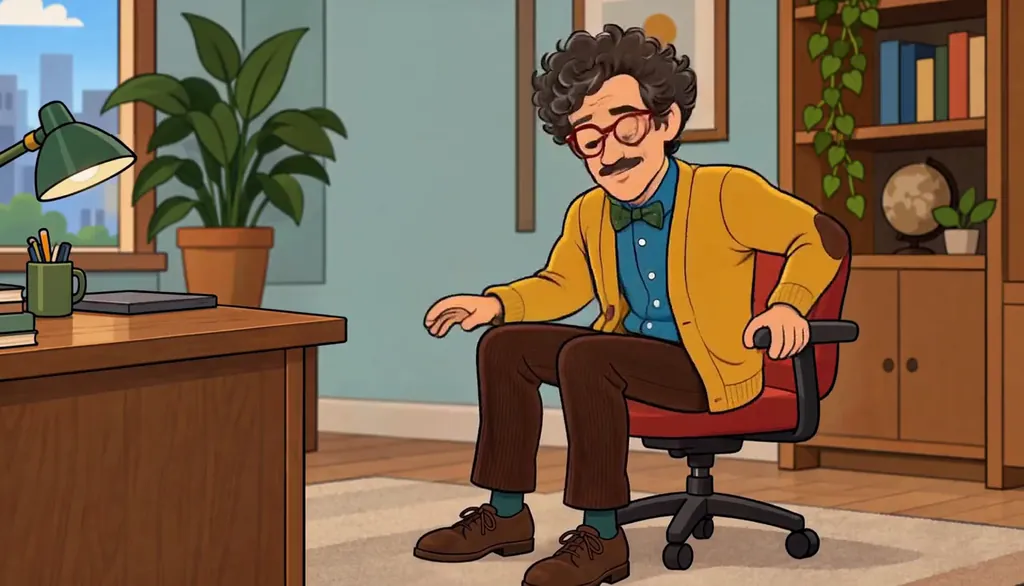 Create a Character from wordsTo create a Character from words, describe the visible person first: face, silhouette, outfit and expression. Pick a Look separately, then inspect the result before keeping it. Character App’s New Character screen supports a name and written description; a photo is optional. This guide turns a fictional night-market announcer, Nori Bell, into a practical visual brief. It covers the first Character, while the consistent-Cast guide covers reuse across a larger production.Updated October 2026 · 6 min read
  Character hairstyle ideas that read on screenDesign a Character hairstyle around one clear contour, then test it with the face, outfit and framing you plan to use. Our original adult fashion cast offers three ideas: Lucie Loop’s arched-loop bob, Ines Brume’s oversized pin curl and Sofia Velluto’s sculptural bouffant. This guide helps you compare hair shapes, write a useful description and review the result before keeping a Character reference. The goal is readable identity, not a pile of unusual details.Updated October 2026 · 6 min read
  Create an original adult female AI CharacterCreate an original adult female AI Character by separating the person, the outfit and the action. This guide develops Ines Brume, a fictional 23-year-old woman with auburn pin-curl hair and a green tweed skirt suit. Give her a visible identity and a reason to act, then use the actual Character form to draw and keep a reference. You will also plan three short situations where her personality can do something beyond posing.Updated October 2026 · 6 min read
  Create a European-inspired fashion CharacterCreate a European-inspired fashion Character with wearable retro tailoring, one unusual hairstyle and a clear personality. This is an art-direction exercise, not a single definition of European fashion. Our fictional adult cast, ages 22–24, uses suits, tweed and velvet as different starting points. You will build a clothing palette, a silhouette and a recurring situation, then enter a focused brief in Character App, keep a reference and direct the first Clip.Updated October 2026 · 6 min read
 - Fashion Character prompt examples you can editUse these fashion Character prompt examples as editable briefs for original adult women, ages 22–24. Each separates identity, hair, clothing, expression and action so the first portrait has a clear job. Lucie Loop, Ines Brume and Sofia Velluto provide three wearable retro-fashion directions. You can open a brief in Character App’s actual name-and-description form, draw and keep a reference, then move the situational idea into a separate Playground Clip direction.Updated October 2026 · 6 min read
How it works
the platform, explained visually
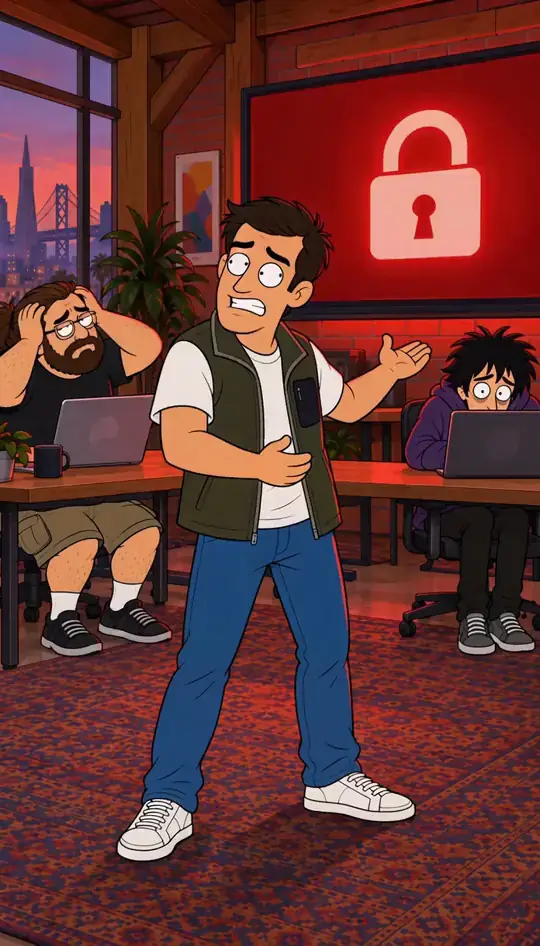 Character App for your AI agentCharacter App's MCP connector lets a compatible AI agent work with your Characters, Worlds, Stories and media while Character App keeps the account, permissions and generation process. Connect through the official setup page, sign in, and begin with a read-only view of your creative workspace. Then give the agent an original idea to develop. The tools available depend on your connection and account, and every paid Character App step needs the exact quote and your explicit approval.Updated October 2026 · 6 min read
 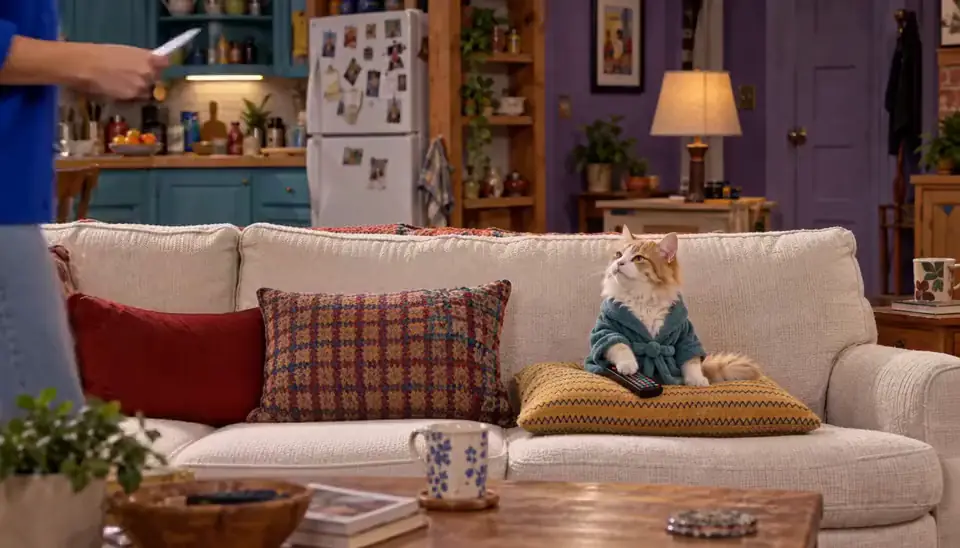 How Character App worksCharacter App turns a sentence or a photo into a running series. You describe the idea or drop a picture; the Studio draws your Character, builds a World around them — the Cast, the Look, and the Bible that remembers — and a Director turns one line of direction into Scenes, Takes, and a finished Episode. Or put your Character into a clip you filmed with Star in a clip. The path to a first Episode takes about ten minutes, and it is free to start.Updated October 2026 · 7 min read
  How the Director worksThe Director is the Studio’s conversational planner: you write one line about what should happen, it drafts an outline of Scenes, you push back in plain words until it reads right. Approving the outline draws the Scene Images; filming a Scene makes a Take you keep or retry. You direct with sentences — the Director handles the translation into a production plan.Updated October 2026 · 6 min read
  Your first Episode in ten minutesTen minutes is enough for a first Episode in Character App. The path: one line of premise at the front door, one photo (or an invented lead), a Character drawn and kept, a World built around them, one line of direction to the Director, Scenes drawn, and a kept Take assembled into the Episode. Most of the ten minutes is watching it work — your job is about six small decisions.Updated September 2026 · 7 min read
  Plans and the free tierFree: make your Character and its Story as picture-only Slideshows. Real video comes with a plan. Every account currently gets one World build, one Character a day and 4 Lite Images a day, with no card required. A plan unlocks Clips and Film and includes monthly Credits: Starter at $19.99, Creator at $39.99, Pro at $99.99 a month. Images and Story pictures use Credits or the daily Lite allowance — they never require a plan.Updated October 2026 · 6 min read
  Scenes, Takes, Clips, EpisodesCharacter App has five production nouns and they nest: a Scene is one dramatic moment, a Take is one filmed attempt at it, a Clip is the take you kept, an Episode is kept Clips assembled in order, and a Season is the run of Episodes. Knowing which layer you’re working on tells you what a change costs — direction edits are free, draws and films are priced.Updated September 2026 · 6 min read
  Web app vs iPhone appCharacter App is one Studio on two surfaces: the web app runs in any browser at character.app, and the iPhone app — “Character App: AI Video Studio” — is on the App Store. Both sign into the same account, so your Worlds, Cast, and Episodes are the same objects on either. The web is where the fullest Studio lives; the iPhone app puts the same Studio in your pocket.Updated September 2026 · 5 min read
  What is a Cast?A Cast is your World’s roster of recurring people: each member is a drawn Character with a locked look, a name, and whatever the Bible remembers about them. Because every Scene draws from the same locked reference, your Cast looks like themselves in episode nine the way they did in episode one — that’s the whole reason the Cast exists.Updated September 2026 · 5 min read
  What is a World?A World is the container your series lives in: the place the Cast returns to, the Look every Image follows, the Episodes you’ve made, and the Bible that remembers what happened. You build one in minutes — usually by accident, on the way to your first Character — and every Episode after that is easier and more consistent because it exists.Updated September 2026 · 5 min read
  What you can makeCharacter App makes serialized, character-driven video: sitcoms, vertical dramas, cartoons, anime, graphic novels, fantasy series, satire, and 3D animation — in 9:16 phone-first, 1:1 square or 16:9 widescreen. It can also put your Character into a clip you filmed. The same pipeline powers all of it: a Cast that stays on-model, a World that remembers, and a Director that turns sentences into Episodes. The genre only changes the Look and the rules it plays by.Updated October 2026 · 5 min read
Getting started
your first idea, Cast, and Scenes
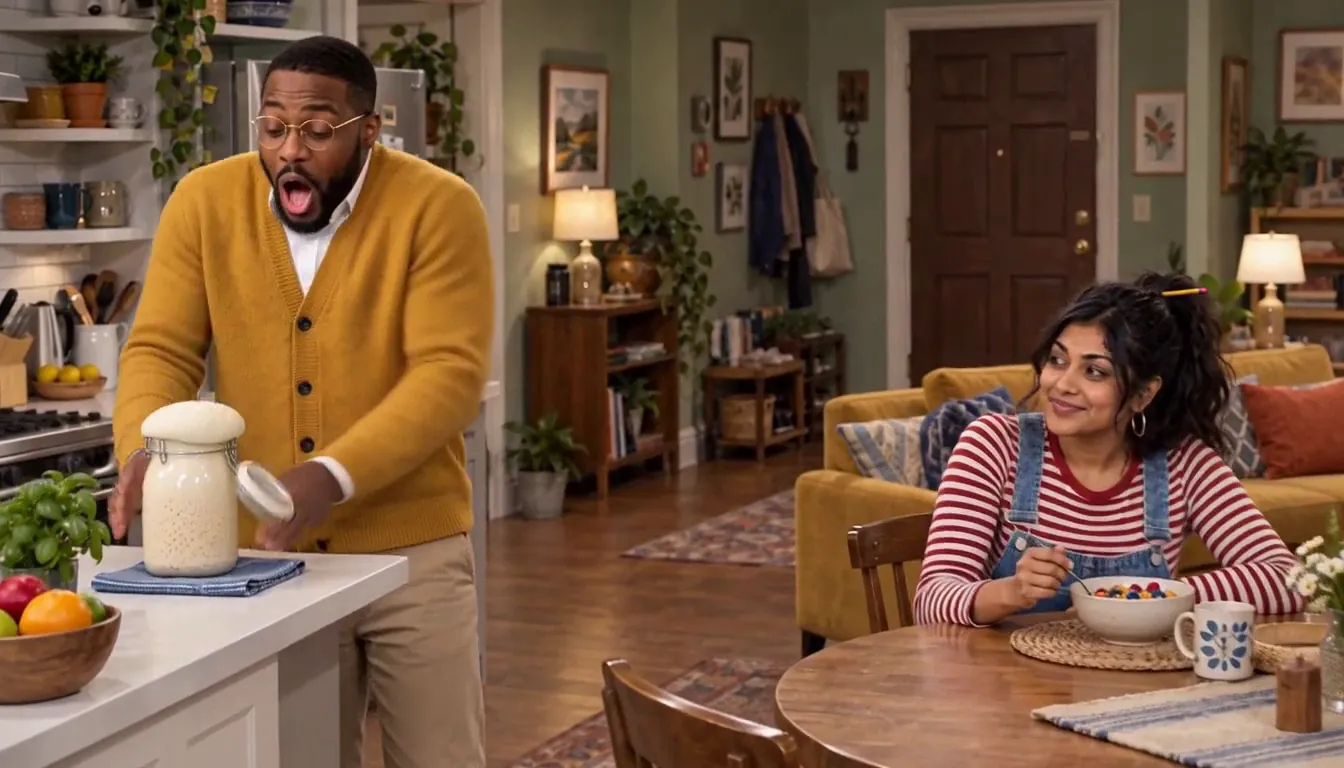 Make a sitcom about yourselfMake a multicam sitcom where the lead is you and the scene-stealer is your pet — one candid photo and one line of premise gets you a styled Cast, a World that looks like your living room, and a first Scene in about ten minutes. A watchable Episode 01 is one evening of directing. No camera, no crew, no writing experience — just the grudge your cat already holds.Updated September 2026 · 7 min read
 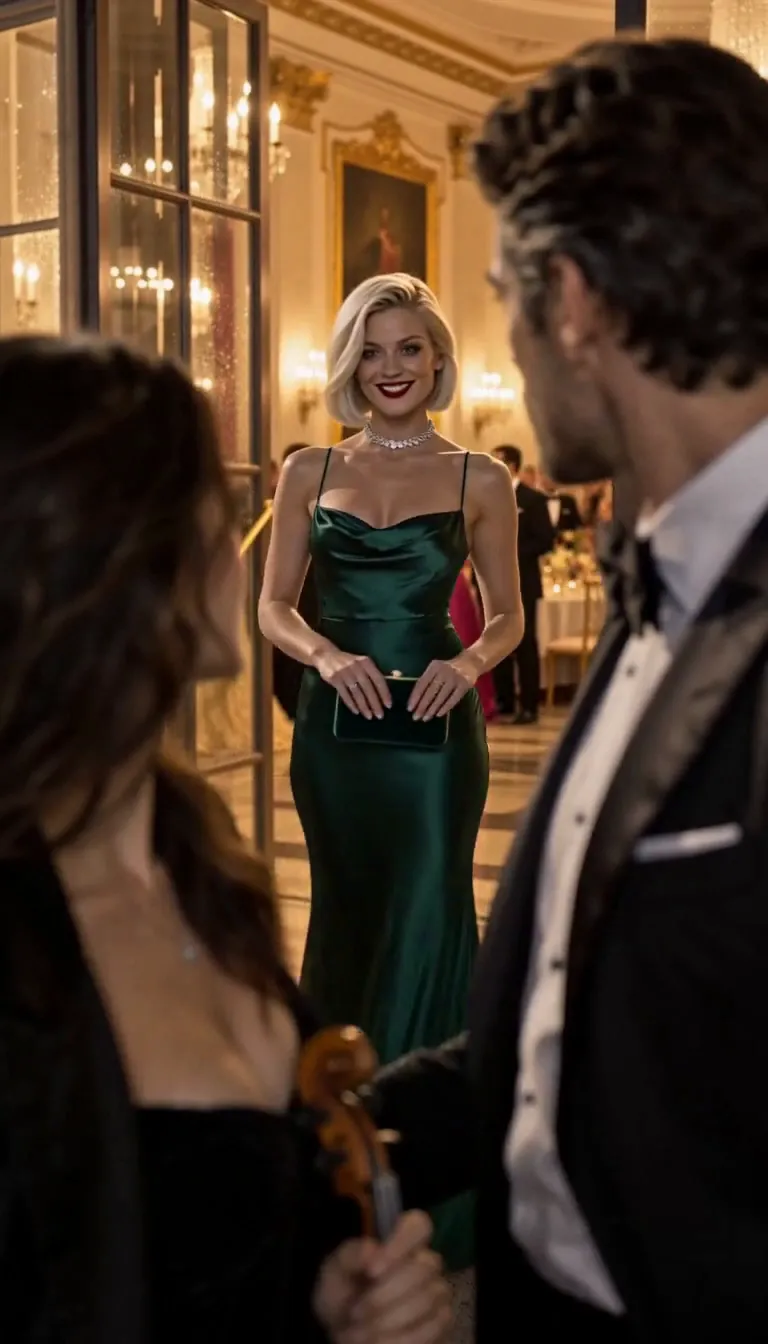 Write a vertical drama cliffhangerA cliffhanger is a promise: one image that makes the next episode necessary. Six types reliably work in vertical drama — the reveal, danger, decision-point, return-of-the-thing, the unanswered question, and the visual sting — and this guide teaches each with stills from a real 9:16 series, then walks you through writing your own: setup, turn, held shot. You need a premise and ten minutes.Updated September 2026 · 7 min read
 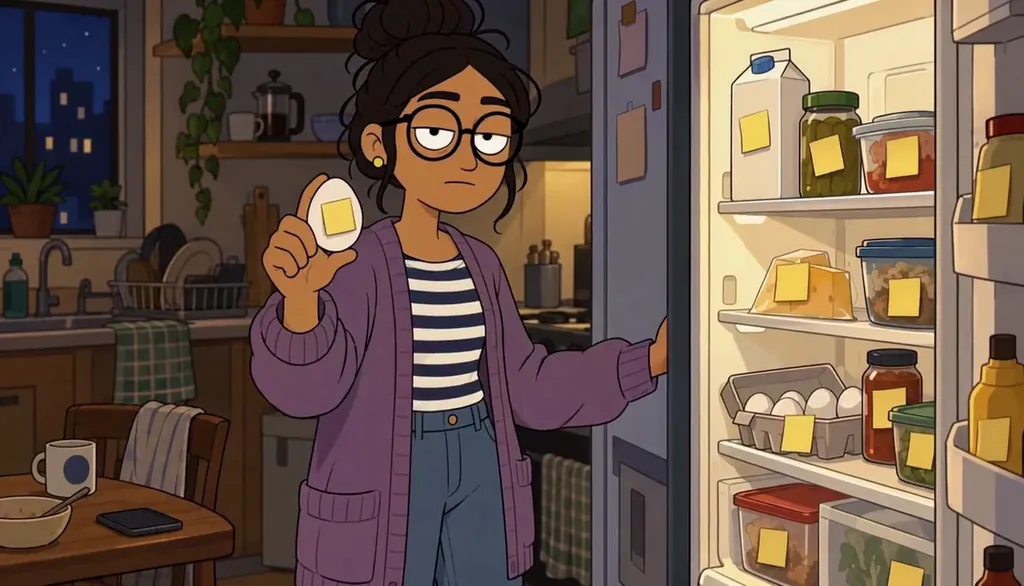 Make your own cartoon showMake an original adult cartoon series — your own characters, your own city, episode after episode with the same look. You design a small cast once (two or three friends, each readable in silhouette), lock a warm flat 2D style, then direct episodes one Scene at a time. No drawing, no animation software: the Studio draws, you decide what happens. First Cast takes about ten minutes; a first episode, one evening.Updated September 2026 · 7 min read
  Turn yourself into an anime character from a photoTurn a photo of yourself (or a willing friend) into a recurring anime character: one candid shot becomes a Cast card with your actual face, readable in every episode. The work is five minutes — upload, approve the style, pick the hair and wardrobe details that carry your identity, lock the Cast. After that the character can appear in any world the Studio builds — slice-of-life now, mecha later.Updated October 2026 · 6 min read
  Build a consistent castKeep the same face, proportions, and costume in every episode — the fix isn’t better prompts, it’s architecture. Build a Cast once in the Studio (a card per character, with a reference and one locked identity detail), then reuse it forever instead of re-describing people per scene. Fifteen minutes of setup buys a season of consistency — the same lead in anime, fantasy, or live-action style stays recognizably them.Updated September 2026 · 7 min read
 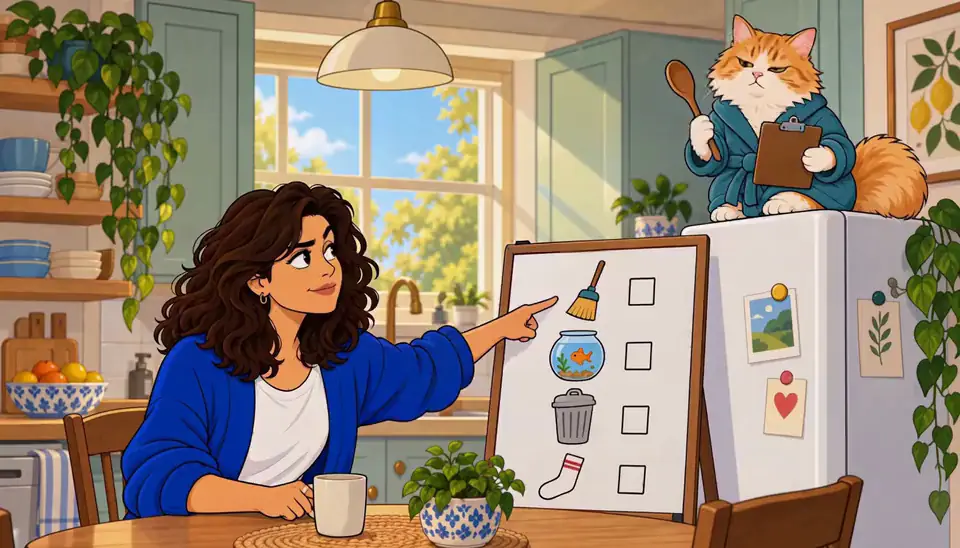 Write a 60-second episodeSixty seconds is a complete episode if you stop treating it like a short film. The structure is three beats — a hook in the first five seconds, one scene doing one thing, and a payoff that either lands the joke or opens a loop — plus roughly eight shots of seven seconds each. You need a premise and one page of notes; the Studio handles shots and timing. A finished episode takes about thirty minutes.Updated September 2026 · 6 min read
  Storyboard a vertical sceneStoryboard a vertical scene before you direct it: sketch the beats as a shot list so the scene plays in 9:16 instead of a cropped 16:9. Vertical framing changes everything — faces carry more, backgrounds carry less, and the frame stacks instead of spreads. This guide walks a worked scene through the Scene Planner: pick the five shots, order them, hold the last one. Takes about twenty minutes.Updated September 2026 · 7 min read
 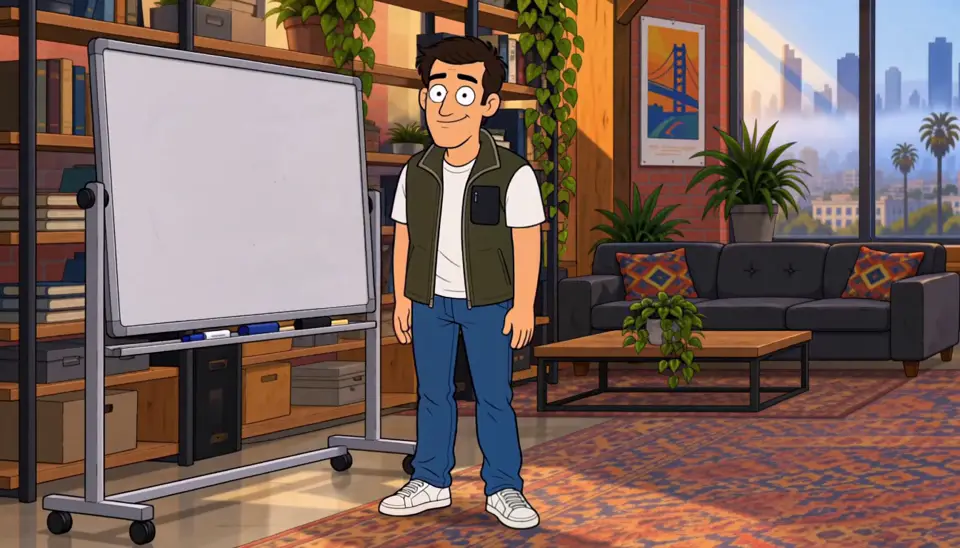 Direct AI actors with textDirecting an AI actor is writing a stage note, not a prompt: a good direction line names who, where, what changes, and the one held beat — then lets the Director stage it. Bad lines describe moods ("make it dramatic"); good lines describe actions ("she reads the letter twice before looking up"). This guide breaks the line into five parts and shows the fixes for the five most common misses. First real direction takes minutes.Updated September 2026 · 6 min read
  From one photo to a seasonThe whole pipeline, end to end: one photo becomes a Cast card, a Cast card drops into a World, the World produces episodes, and episodes accumulate into a season with its own poster. No camera, no animation software, no writing background — each stage feeds the next, and each stage is one decision. A Cast card takes five minutes; a season is a few evenings of directing.Updated September 2026 · 7 min read
  What is a story world?A story world is the container a show lives in: the sets the cast returns to, the rules the story keeps, and the memory of what already happened. Without one, every scene is a fresh start — new room, re-rolled faces, no continuity. With one, episode six knows what episode two left behind. Building a World in the Studio takes about ten minutes and pays off for the entire season.Updated September 2026 · 6 min read
  Keep an AI character the same in every videoTo keep the same AI character in every video, save the character once as a reference and film every Clip from it instead of describing them again. In Character App that is three pieces: a character sheet that settles the design, one anchor frame you pick as the keeper, and a saved Character reference that every Clip starts from. This guide walks through each piece, then changes the Look, the setting and the dance without changing the person.Updated October 2026 · 7 min read
Shape your episode
naming, outlining, cost, and dialogue
 Cast vs. World vs. SeriesCharacter App is built from a few named parts: a Cast is your characters, a World is the container that holds them and remembers what happened, and a Series is the show that runs inside a World. Episodes are made of Scenes, Scenes of kept Takes — the Clips. Once the nouns are clear, the build order is too: premise, Cast, World, first Episode. Five minutes of reading; the whole product.Updated September 2026 · 5 min read
  How much a show costsMaking a show costs what its Scenes cost — and you see every price on the button before you press it. The free Studio currently covers a World build, a Character a day, and up to 4 Lite Images a day, no card. Paid work runs on Credits: an Image is 4–12, a 5-second Clip from an Image is 25 at the default model, and plans unlock Clips and Film. Here’s the honest arithmetic.Updated September 2026 · 5 min read
  Build a fantasy worldA fantasy world for a series needs less than a novel’s — one place the cast returns to, one rule the magic keeps, and one secret the season is about. That’s the whole foundation; lore grows as episodes demand it. This guide builds a working World in about fifteen minutes using the Waystone Tavern — a crossroads inn run by an archivist — as the worked example.Updated September 2026 · 6 min read
  Make a 3D animated showA stylized 3D show is the feature-film look — soft volumes, cinematic light, faces with real warmth — without the rigging, the render farm, or the software. In Character App the look is a World property: set it once, and every Scene keeps the same rendering rules and the same cast. This guide builds one from premise to pilot using “Substrate Row,” a transit-city drama, as the worked example.Updated September 2026 · 6 min read
  Make a graphic novel seriesA graphic novel series is a hero, an ink style, and an issue structure — an ongoing comic where the same detective walks into a new case every issue and the same shadows follow. No drawing required: you write the premise and the issues, the Studio inks the World and keeps the Cast on-model. This guide builds one using a noir series — Frank the detective, Ivy, and the Magpie — as the worked example.Updated September 2026 · 6 min read
 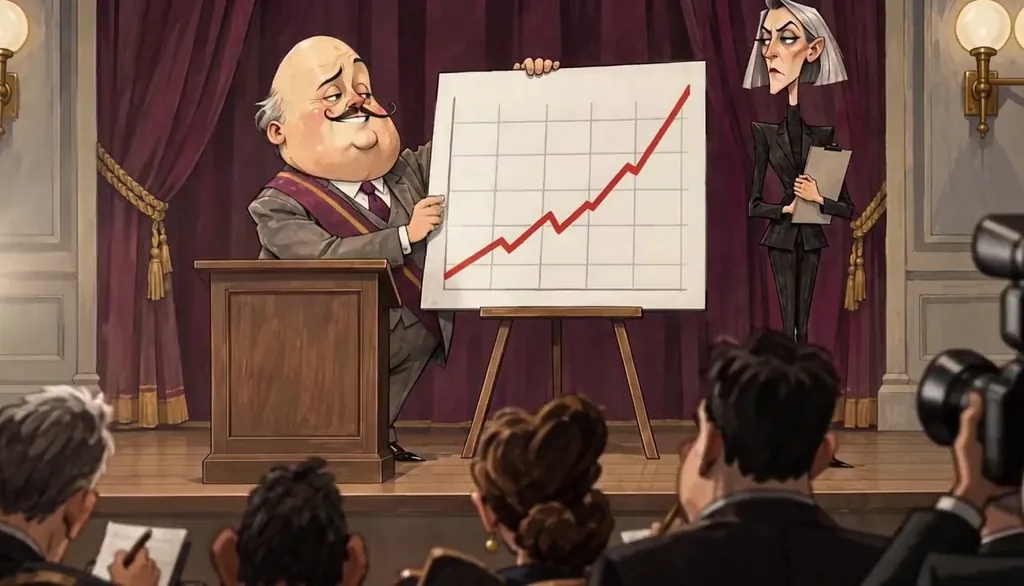 Make an adult animated satire showAn adult animated satire needs three things: a target worth roasting, a cast of archetypes who never break character, and a look flat enough to stay deadpan. In Character App, one premise populates the World and the Cast, then you air a new absurdity every week with the same faces. This guide builds the whole machine — target, ensemble, tone, the weekly engine — using the startup satire “Rate Limited” as the worked example.Updated September 2026 · 6 min read
  Name your showA show name has one job: make the right person stop scrolling. The method below takes about ten minutes — pull the promise out of your premise, run it through five naming patterns, then put each candidate through the search-and-say-it test. You need a one-line premise and nothing else. By the end you’ll have a title that survives a thumbnail and a search bar.Updated September 2026 · 5 min read
  Outline an episode (beat sheet)An episode outline is five lines: a logline, three beats, and a last image. Write it before any Scene exists — ten minutes of outlining saves an afternoon of takes that don’t add up. This guide walks the method scene by scene, with a fill-in beat sheet you can reuse for every episode. What you need: a premise and fifteen minutes.Updated September 2026 · 5 min read
  Write a cold open that hooksA cold open is the first three seconds: the frame that either stops the scroll or loses it. The method is counterintuitive — start mid-event, withhold the explanation, and choose the first frame before you write anything else. This guide breaks the technique into five steps with worked cold opens across three genres. What you need: a scene, and the discipline to start it late.Updated September 2026 · 5 min read
  Write dialogue for AI actorsAI dialogue sounds stiff for a fixable reason: it’s written like prose, and people don’t talk in prose. The fixes are mechanical — contract everything, let them interrupt, put the real meaning under the line instead of in it. This guide rewrites a stiff exchange line by line, then shows how the direction tells the actor where to breathe. What you need: a scene and two people who want different things.Updated September 2026 · 5 min read
Build a series
arcs, finales, gags, and likeness
 Use your own photo and likenessYes — your own photo is the intended input, and the rules around it are explicit. When you add an Image and press Draw, you confirm you can use that likeness; the photo goes to the AI partners that draw your character, and what comes back is a cartoon likeness, never a realistic photo. The consent is recorded once per account and you can revoke it in Account settings at any time.Updated October 2026 · 5 min read
  Build a running gagA running gag is a contract with the viewer: the same small thing, arriving on schedule, getting funnier each time it almost repeats. The pattern is three beats — plant it quietly, repeat it with a twist, break it at the payoff — and the whole trick is keeping the thing small enough to survive a season. Here’s the seeding method.Updated October 2026 · 5 min read
  Cast a vertical drama villainA vertical-drama villain isn’t a monster — they’re the person who wants the same thing as your lead and is willing to pay a price your lead won’t. The casting method: give them a real want, make every cruel act explainable, keep exactly one redeeming crack, and cast a face that reads as trustworthy until it isn’t. Then lock the look so the mask survives the season.Updated September 2026 · 5 min read
  Design a title cardA title card is your show’s three-second signature: the name, the look, and the promise, in one frame that never changes. In Character App you make it a fixed beat — write it once as a direction line, reuse it every episode, and let the card carry the branding your episodes share. Five decisions cover it: what it says, what it looks like, where it lives, when it plays, and when it earns a variation.Updated September 2026 · 5 min read
 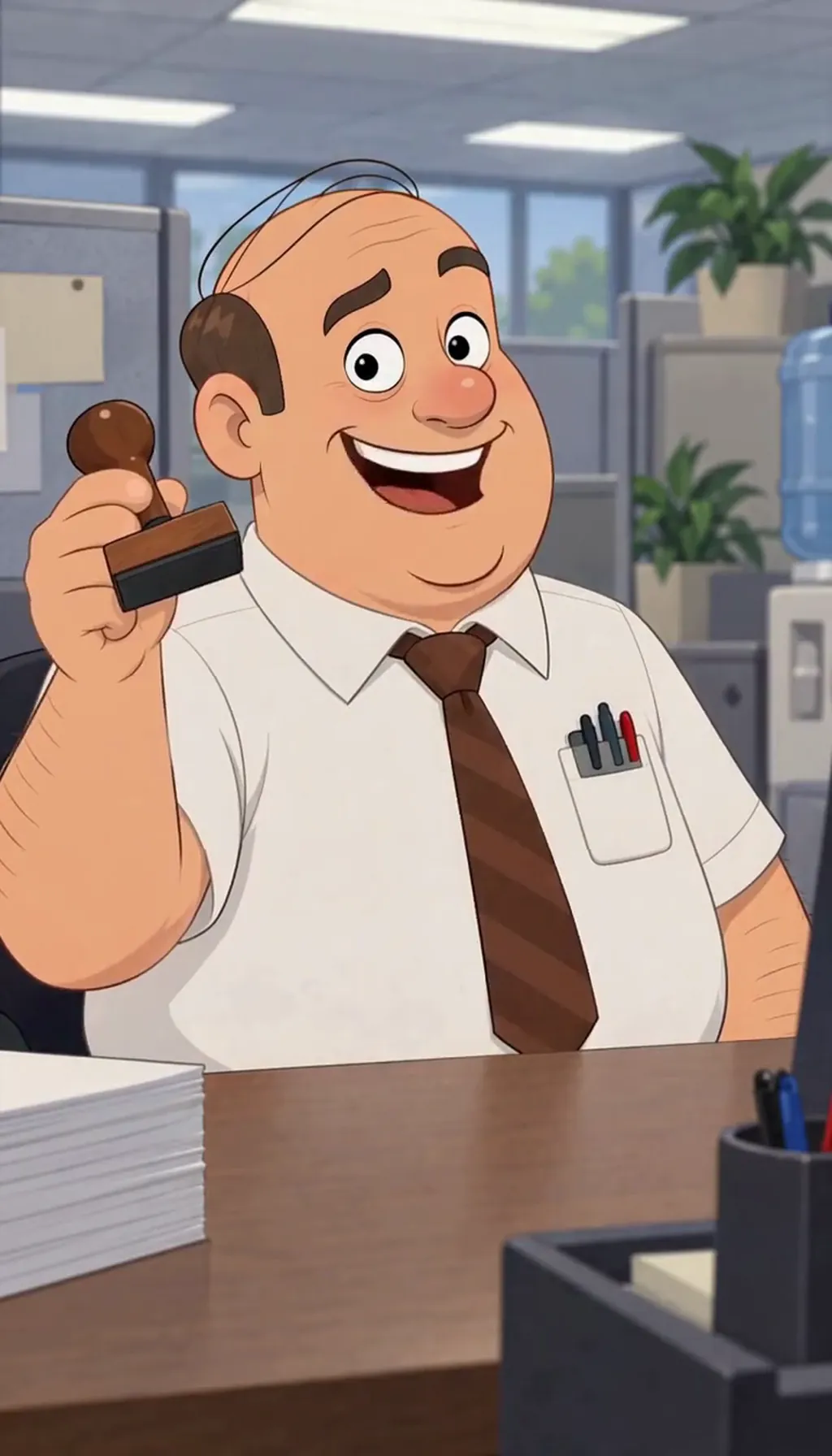 Design a workplace comedy ensembleA workplace comedy isn’t about a workplace — it’s a machine for colliding three kinds of people who can’t leave: the planner who believes in the mission, the problem-maker who detonates the plan, and the observer who sees all of it. Cast those three roles with faces and flaws, give the room a weekly ritual, and the episodes write themselves.Updated September 2026 · 5 min read
  End a series wellA finale works when it’s the episode only this season could produce: the question the whole run kept asking, finally answered on screen. The method is audit, not invention — list what the season promised, pay the oldest promise first, pick one of three ending shapes, and land on an image, not a speech. Five steps, three patterns, one held frame.Updated September 2026 · 5 min read
 - How to make an AI influencerTo make an AI influencer, create an original adult Character with a face you can recognise, keep that Character as your reference, then make Images and 9:16 Clips of the same person in new outfits and places. In Character App a 5-second Clip on H3 Turbo is 25 Credits, and the free Studio lets you start with one Character a day. The part most guides skip is disclosure: label the account and posts as AI where the platform or the law requires it, and say when a post is paid.Updated October 2026 · 8 min read
 Pick your show’s genreGenre is a promise about how an episode ends: a sitcom lands on a laugh, a drama on a gasp, a satire on a wince. You pick it by naming the feeling your idea keeps producing — not by counting which genre has more fans. This guide runs the decision in five moves: the feeling, the cast shape, the world, the ending, the test episode.Updated September 2026 · 5 min read
 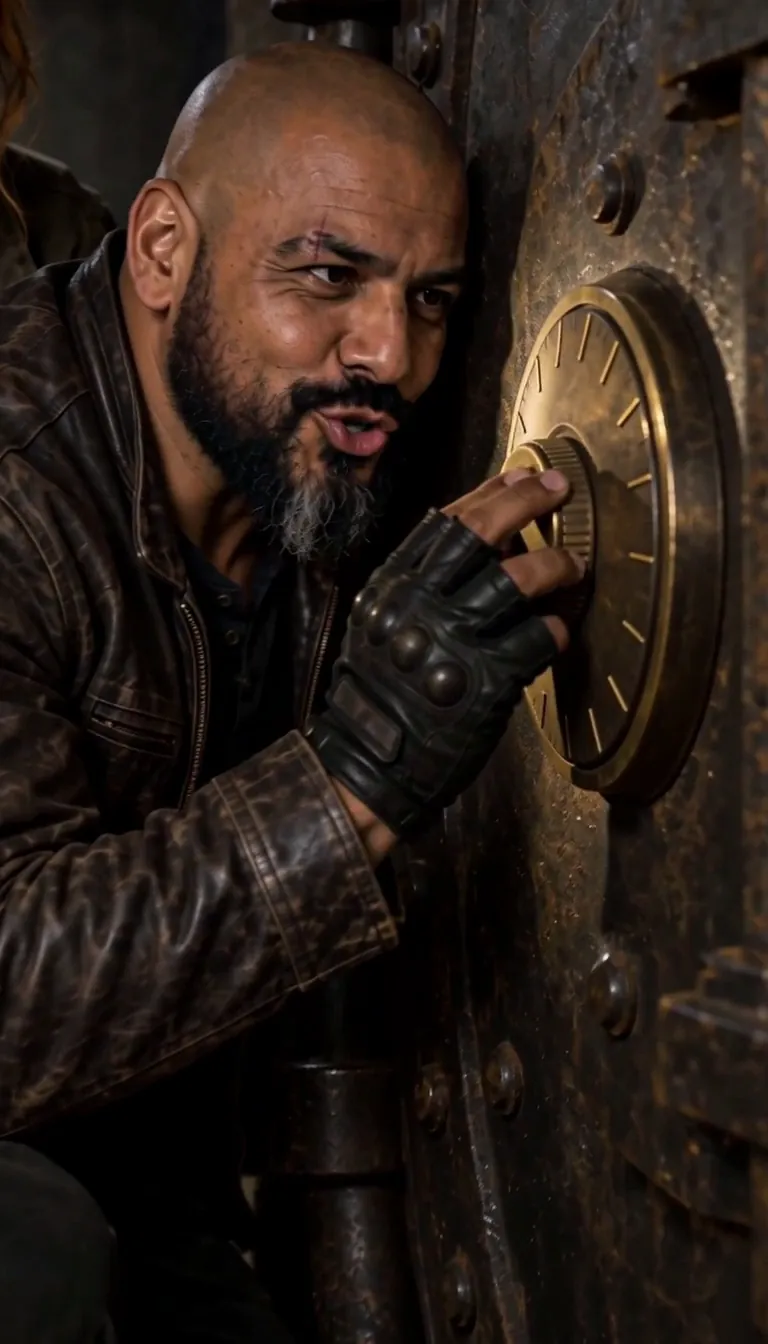 Plan a season arcA season arc is one promise the whole season keeps: a question episode one asks and the finale answers. You don’t need a series bible — you need a destination, one midpoint turn, a job for each episode, and a running list of what’s true now. This guide walks the lightweight version — five moves, ten minutes, and every episode starts leaning toward the ending.Updated September 2026 · 5 min read
 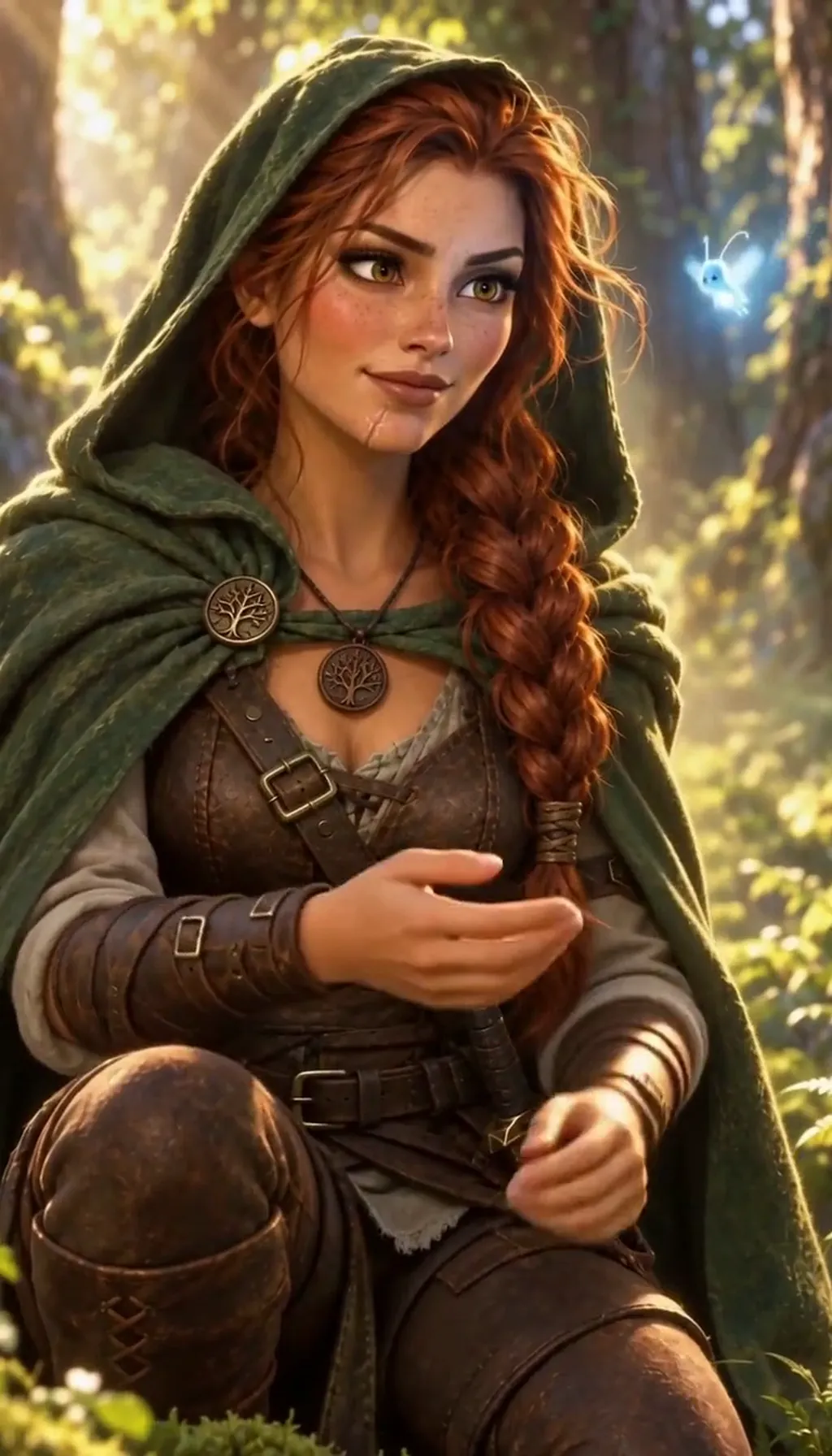 Spot an AI character account, and label yoursYou can usually tell a character account is AI-run by looking for a human behind it: no label, a face that never changes, no live or unscripted footage, and a feed of short, perfectly smooth cuts. No single sign proves it, so count the signs and trust a platform AI label when one exists. This guide gives you seven checks, explains why these accounts make money, and shows how to label your own AI character so nobody feels fooled.Updated October 2026 · 7 min read
 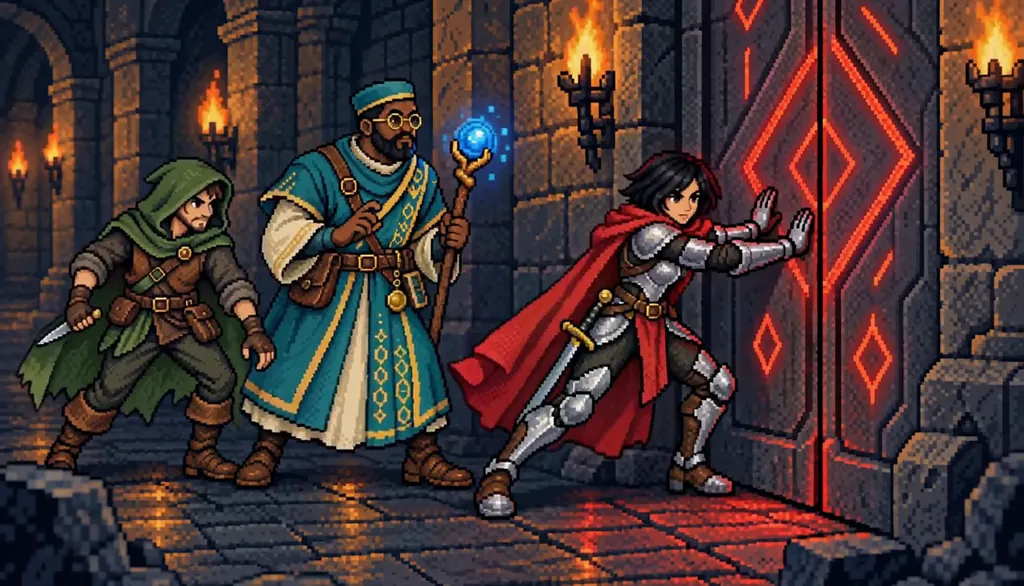 Turn a fandom idea into your own showLoving a world is the start of a show, not the show. The method is extraction: write down the energy you actually want — the party dynamics, the exploration, the betrayal at the keep — then rebuild it with your own names, faces, and rules until nothing on screen points back at the thing you love. Five steps from “inspired by” to “entirely mine.”Updated September 2026 · 5 min read
  Turn a real story into an episodeThe best first episode is usually something that actually happened — to you. The method isn’t transcription, it’s adaptation: find the one moment everything turned, change every fact that needs changing, keep every feeling that doesn’t, and give the story the ending life forgot to deliver. Five steps take it from memory to a finished Episode, with the consent guardrails built in.Updated September 2026 · 5 min read
Compare
honest comparisons and the glossary
 AI video series generators comparedA "series generator" is only a generator of clips until the cast survives past episode one. Compared on public-page facts: Character App keeps a saved Cast on-model and a World that remembers, with you directing retakeable Takes. Anijam stores its cast as a persistent project asset and outlines whole seasons. Frameo sequences short-form episodes from a script. Showrunner is early access. Below: what each actually claims, and how to test the claim that matters.Updated September 2026 · 6 min read
  Best AI tools to make your own showFour tools claim to help you make a show with AI, but they are not the same kind of thing. Character App is a Studio you direct — a persistent Cast, a World that remembers, 9:16, 1:1 or 16:9 Episodes, free to start. Frameo turns a script into short-form episodes. Anijam locks a cast across a generated season. Showrunner is early access. The table below holds only facts we could verify on each product’s own pages.Updated October 2026 · 6 min read
  Character App, Cantina and ImagineArtCharacter App, Cantina and ImagineArt all work with AI characters and visual content, but their public product pages lead with different workflows. Character App brings original Characters into Stories, Clips and recurring Worlds. Cantina combines social characters, conversation and shareable videos. ImagineArt offers a broad creative suite, including a Drama Studio and an MCP connector. Choose around the project you want to finish, then test the same original character and short scene before committing to a workflow.Updated October 2026 · 7 min read
  The glossaryTwo vocabularies meet in a made show: the product’s nouns — Cast, World, Director, Scene, Take, Clip, Episode, Season — and the craft’s — vertical drama, cold open, cliffhanger, on-model, beat sheet. Each entry below is answer-first, forty to eighty words, anchored so you can link straight to it, with one door into the page that goes deeper. Capitalized words are product nouns; lowercase ones are craft terms the whole industry shares.Updated October 2026 · 12 min read
  ReelShort vs DramaBox vs making your ownReelShort and DramaBox are the same kind of product: free-to-browse catalogs of vertical drama series — long stories sold in short episodes, sorted by trope. Making your own is a different product entirely: in Character App you build the Cast, keep the World, and direct the Episodes yourself. If you searched this comparison because you love the genre, the honest answer is that watching and making solve different urges — and the free path lets you test the second today.Updated October 2026 · 5 min read
More guides are on the way. For the genres themselves, browse all genres. On vertical drama, read what a vertical drama is, how to make one with AI and where to publish it, or browse the blog.
Your next Scene starts with one line.
Free: make your Character and its Story as picture-only Slideshows. Real video comes with a plan.