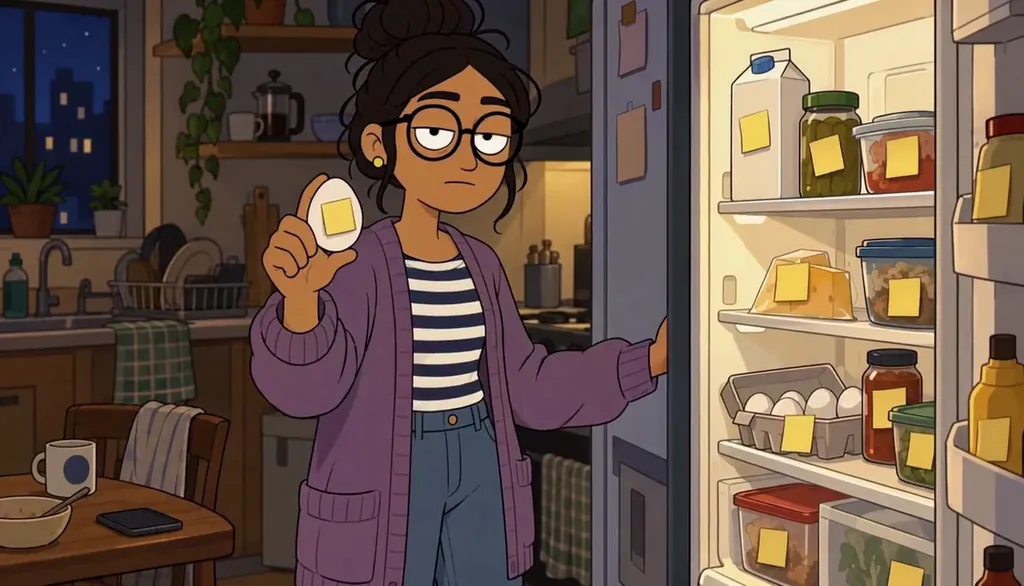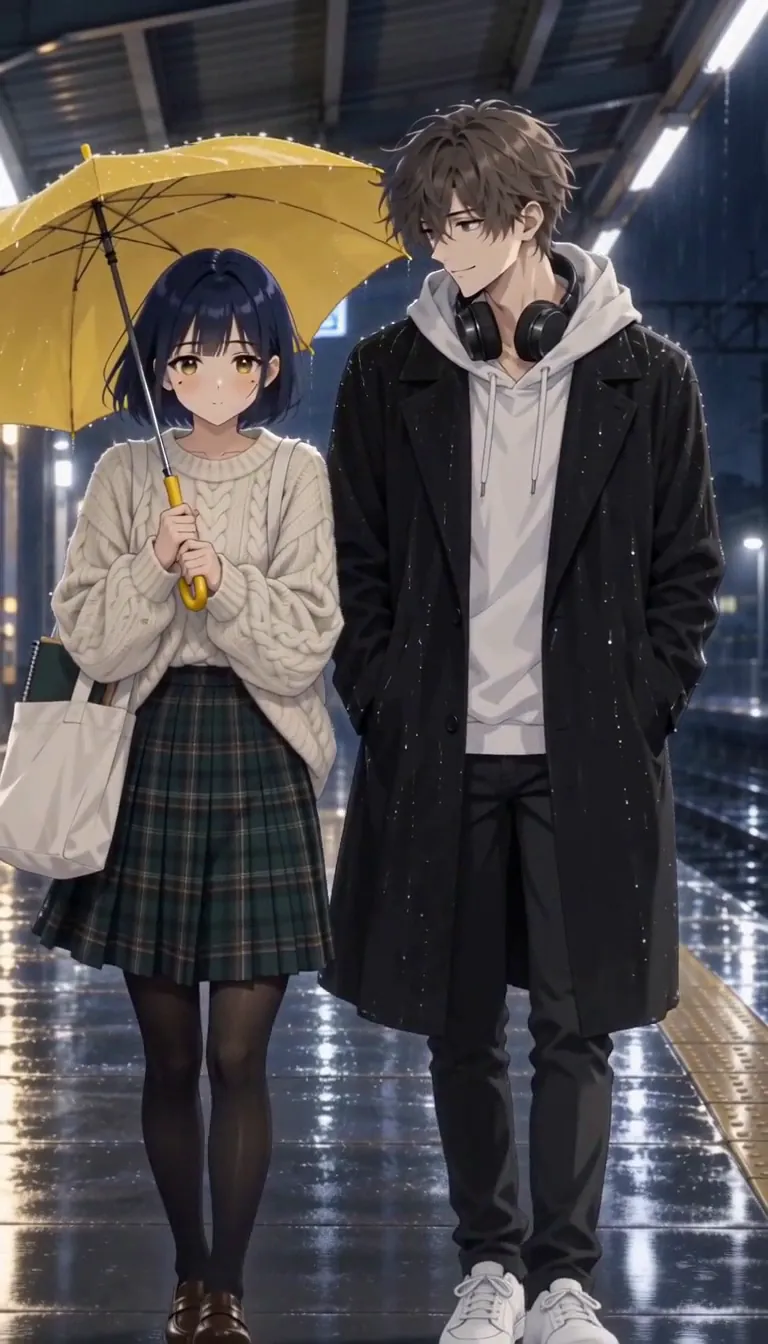


Choose the photo that reads like you
Not your best photo — your most you photo. Face forward, decent light, one expression you actually make. Candid beats posed here: the Studio translates character, not posture, and a stiff headshot gives it far less to work with than a laugh mid-sentence.
Skip sunglasses, heavy filters, and group shots entirely. The face has to survive simplification into cel lines, so give it clean input — one person, fully unobstructed, looking the way they do on an ordinary good day.
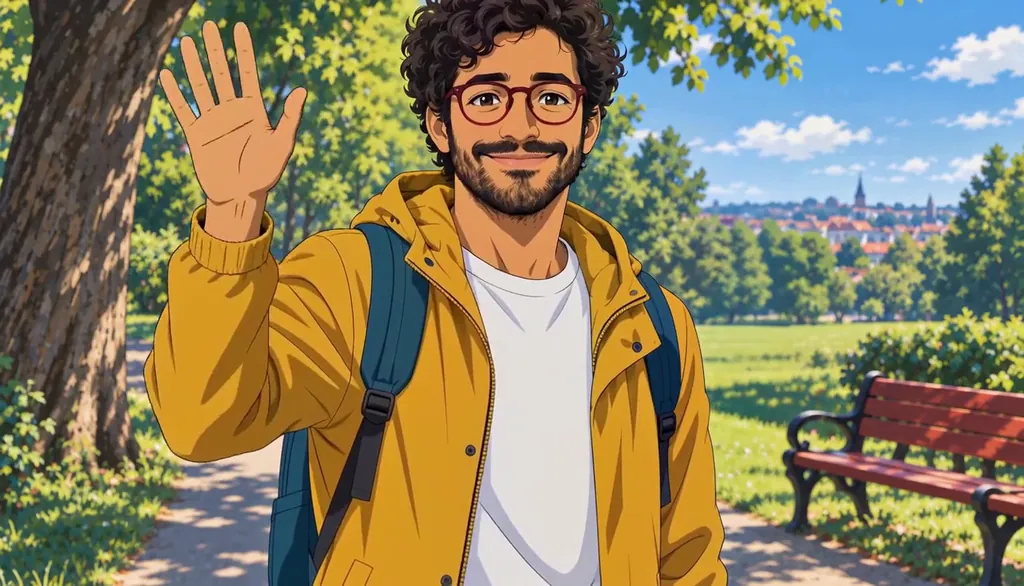
Milo Fenn · Milo, anime. Original character made for Character App’s character pages with gpt-image-2.5 and H3 Turbo Upload it to the Cast panel and approve the anime style
Drop the photo into Cast and approve the anime style — cel-shaded, clean lines, flat color. The Studio keeps your proportions and your expression while swapping skin for cel shading and raw photo detail for design.
This is the moment to compare before approving: does the translation still read as you at first glance? The version you lock here becomes the reference that every future frame of the show is drawn from, so approve the face, not just the vibe.
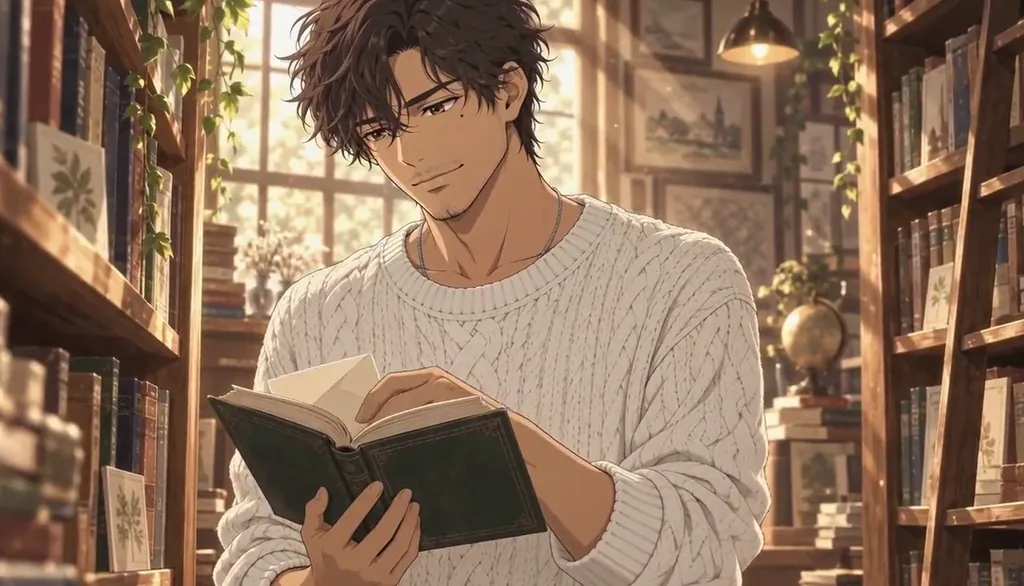
Elias Varo · The kept letter. Original character made for Character App’s character pages with gpt-image-2.5 and H3 Turbo Tune the details: hair, eye line, the thing that makes it you
The photo gives the face; you give the identity. Pick one or two details that survive translation — the fringe that never behaves, the glasses, the jacket you’re never without. Haruto’s transfer-student jacket does this job well: one detail, always on, always him.
Two details is the ceiling. A character sheet crowded with accessories reads as noise in motion; choose the two things a good friend would sketch if you asked them to draw you from memory, and stop there.
If the translation misses — right energy, wrong person — adjust the details and re-approve while the card is still a draft. Locking makes it the reference for every future frame, so this is the last cheap moment to fix the face.
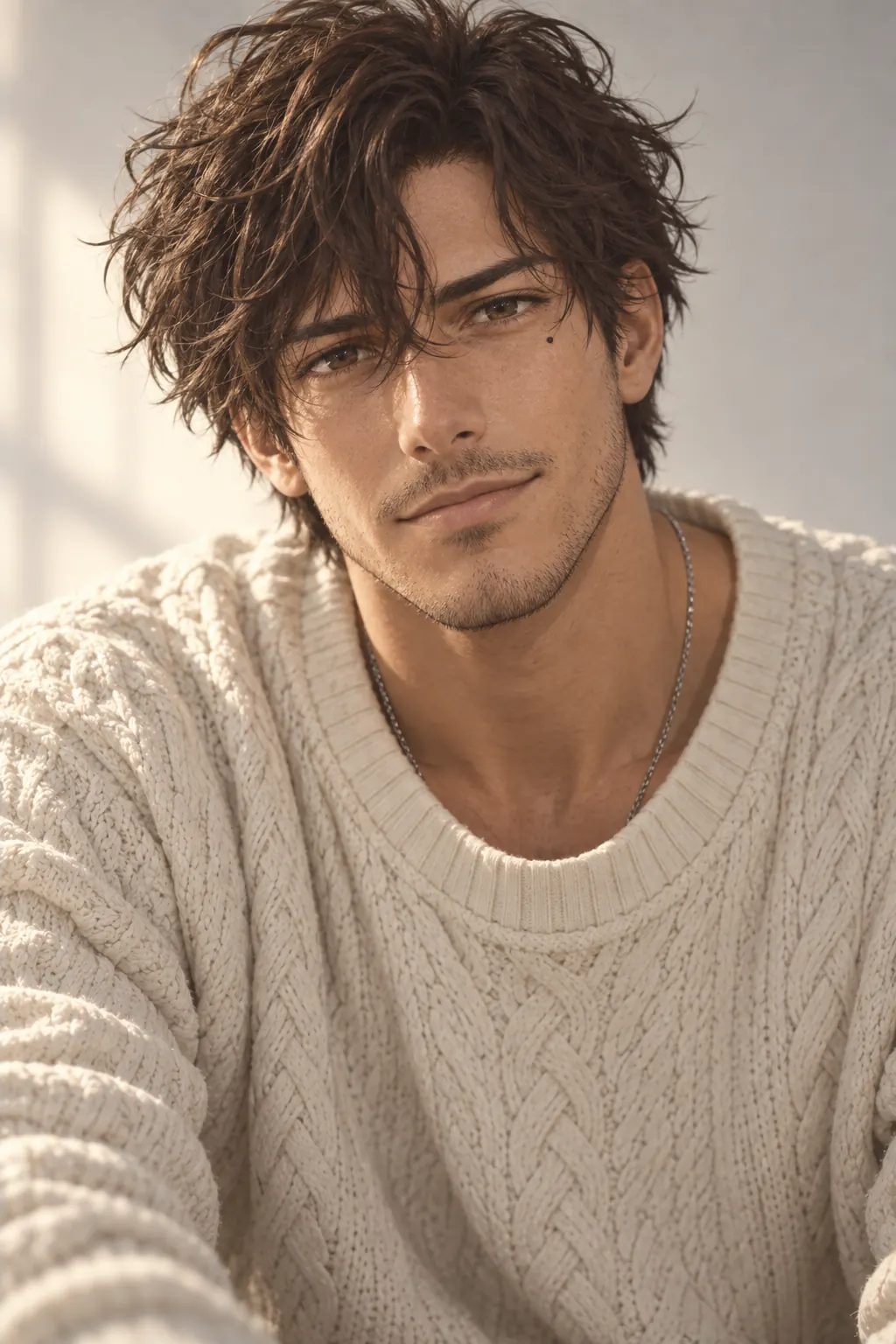 Live action
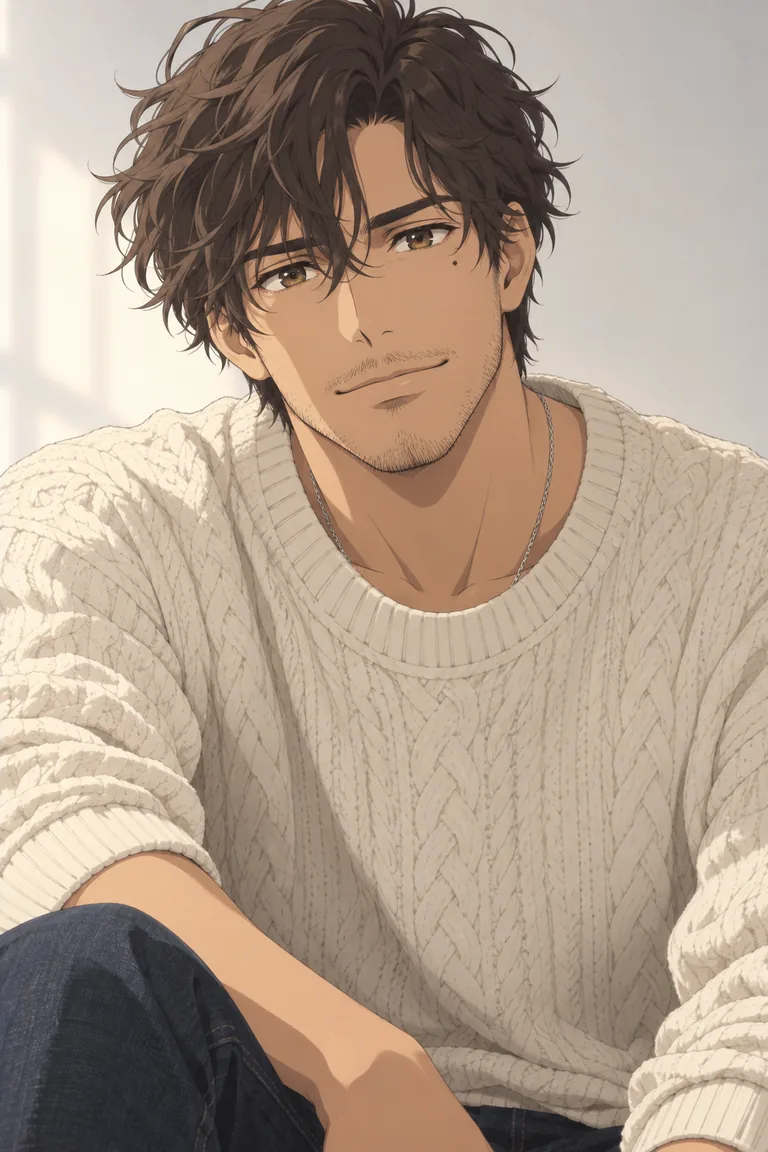 Anime
AnimeElias Varo · one original Character in two Looks. Made for Character App’s character pages with gpt-image-2.5; a design reference, not an app export. Lock the Cast card and check it at three sizes
The Cast card is the master copy — every Scene reuses it. Before locking, check the face at three sizes: close-up, medium, and background-small. If it’s still you at the smallest size, it’s locked; if the identity lives in details that vanish at distance, strengthen the silhouette trait and check again.
This check takes a minute and saves you from discovering in episode three that your lead is only recognizable in close-up — the worst possible time to find out.
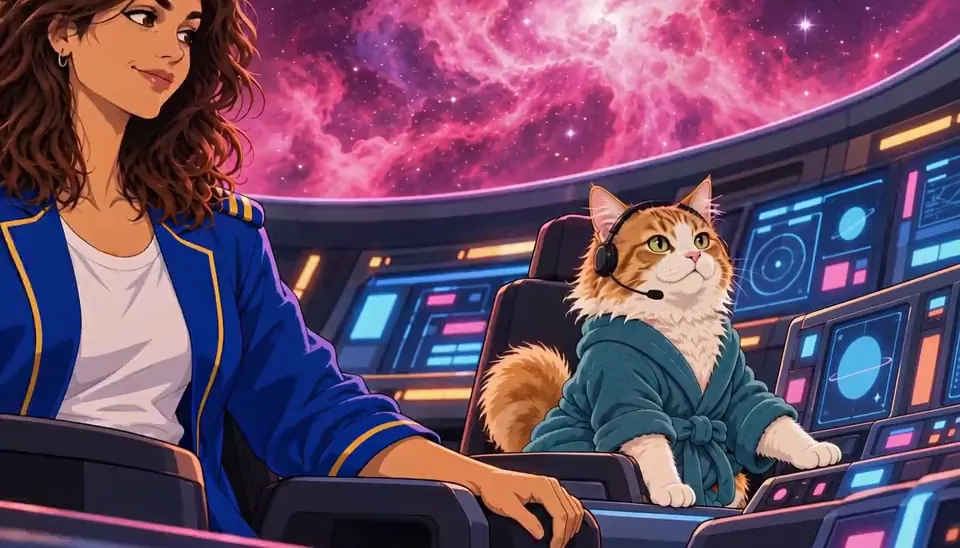
The Long Haul · The snack cupboard. Made with H3 Turbo, the Clip model in Character App · fictional sample series Drop them into their first scene
Now give them somewhere to be. Type one line — “the transfer student realizes the astronomy club has one member” — and the Director stages your new character in the World’s first Scene. The schoolyard, the clubroom door, the awkward bow: the World was already built for them before they arrived.
That first Scene is the real test of the Cast card: if they still read as you standing there in the schoolyard, everything after that is just more episodes.
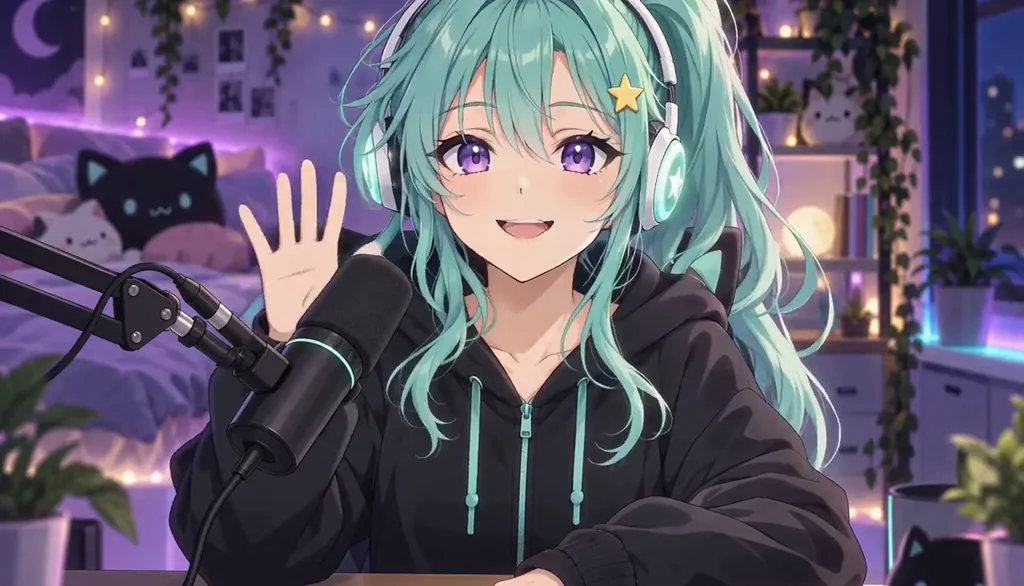
Momo Starling · Hi hi, chat! Original character made for Character App’s character pages with gpt-image-2.5 and H3 Turbo How long it takes — and what it costs
Five minutes is the honest number for the card: upload, approve, two details, lock. The first Scene is one typed line more — call it ten minutes photo-to-Scene. The Story draft costs zero Credits, so audition scenes as text before anything is drawn.
Free: make your Character and its Story as picture-only Slideshows. Real video comes with a plan. No card needed. The free tier covers a Character a day — this card is exactly that — and Lite Images draw the Scene stills you check it against. Motion prices separately: a Clip is per-second, exact Credit cost on the button before you press.
Common mistakes
A photo with a filter or heavy shadow. The Studio translates what’s there — start with a face it can actually read, not a moody crop.
Testing only in close-up. If the character isn’t recognizable in a wide shot, the identity detail isn’t doing its job — strengthen the silhouette trait.
Changing hairstyle between episodes. Hair is the strongest identity signal in anime — lock it early and let wardrobe carry variety instead.
Starting the World before the Cast card is locked. Build the character first; the schoolyard can wait an extra five minutes.
Locking the card before the three-size check. Approve the face at background-small first — a card locked while only pretty in close-up drifts in every wide shot.
Spending a Clip to test the card. A Lite Scene Image shows the character in place on the free meter — check them standing in the World before motion costs anything.
Questions
Does the anime character actually look like me?
Yes, if the source photo does. The translation keeps proportions and expression — you’ll read as you at first glance, just drawn. Friends recognize it faster than you expect.
Can I make anime characters of my friends or family?
Yes — upload their photo to Cast the same way. Only use photos of people who’ve said yes; a Cast card of someone is still a likeness of someone.
What if I want a different anime style — retro, chibi, shonen?
Style is a choice at the Cast/World level, not a locked format. Approve the one that fits the show you’re making; the face survives whichever style you pick. The approval step is the gate — nothing locks until you say the face is right.
Can the same character appear in non-anime worlds?
Yes — the Cast card is an identity, not a costume. The same face can guest in a 3D world or a sitcom set; the style translates around it.
How do I keep them looking the same across 10+ episodes?
Never re-upload; reuse the locked Cast card. One silhouette detail (jacket, fringe, glasses) does the heavy lifting — the consistent-cast guide covers the method.
How much does it cost to try?
Free: make your Character and its Story as picture-only Slideshows. Real video comes with a plan. The free tier covers a Character a day and Lite Scene stills; Clips — the moving part — price per second on the button. Continue with the free Studio; spend on motion only once the card is locked.
Can I keep my glasses or beard in the translation?
Yes — pick them as the locked identity detail and they carry every frame. Details you mark stay; details you don’t may simplify away.