Make your own anime episode
Type the arc — the hidden power, the rival who already knows, the tournament draw — and get a cel-shaded episode whose Cast keeps its designs from pilot to finale.
Free: make your Character and its Story as picture-only Slideshows. Real video comes with a plan.
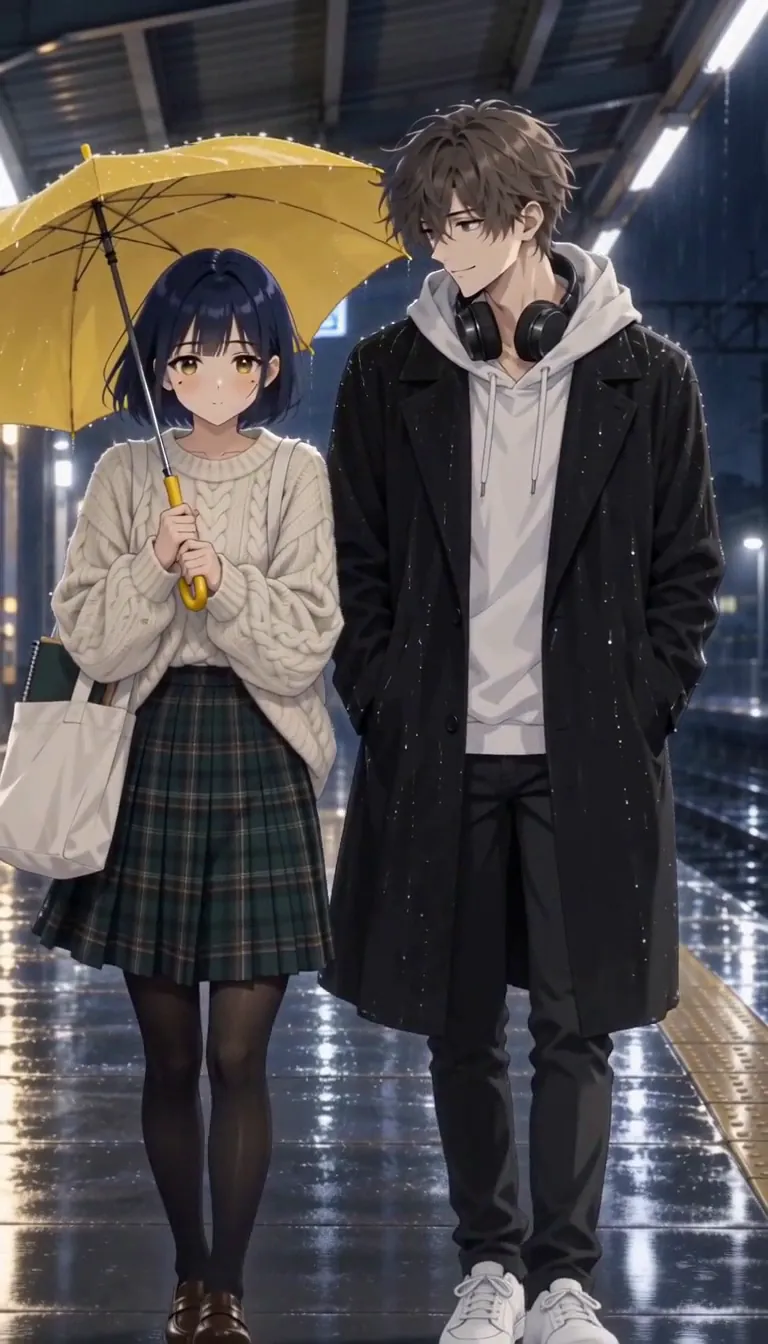
How to make your own anime
Character App is an AI anime generator for your own anime series. Describe your anime in one line — the school, the hidden power, the rival. Character App sketches the World and casts characters who hold their designs in cel-shaded motion all season. Then you direct: each Scene becomes an animated Clip, you keep the best takes, and Episode 01 is your own anime. The Cast and World persist, so the arc can run as long as the rivalry does.
Updated October 2026 · Free to start · Web and iPhone
Made in Character App
Real Clips from fictional sample series. Same Cast from shot to shot; tap a Clip for sound.
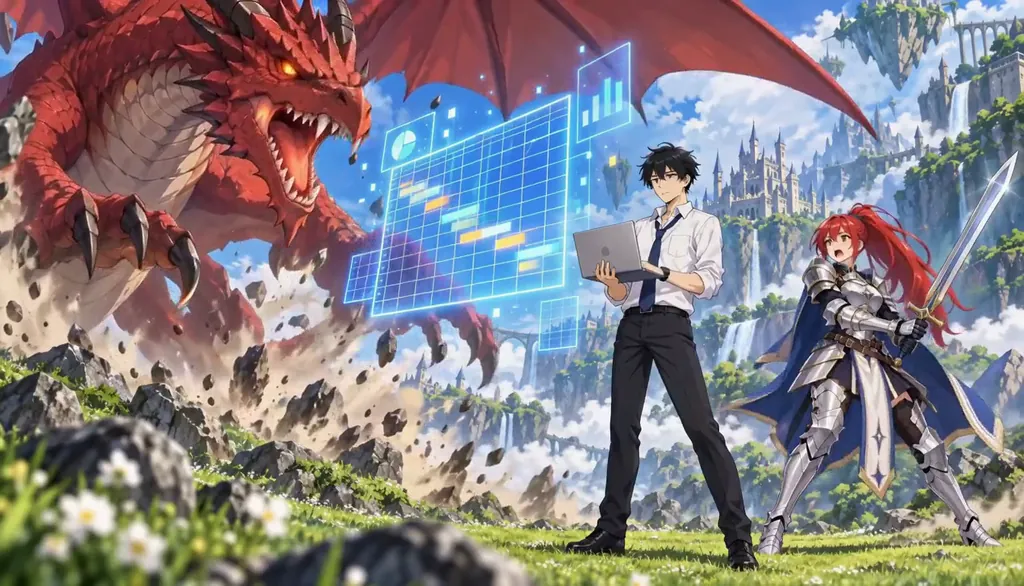
Summoned With Spreadsheets Resized
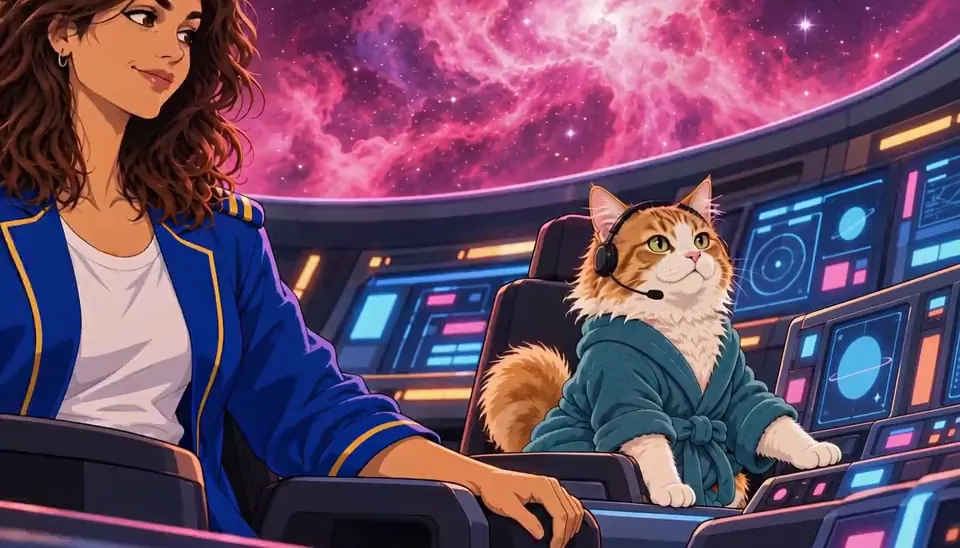
The Long Haul The snack cupboard
Made with H3 Turbo, the Clip model in Character App · fictional sample series
Pick your anime genre
Anime covers a huge range. The common thread is a Cast whose designs fans can recognise from one frame. For slow, healing stories there's cozy anime; for getting transported to another world, there's isekai. Here are four more.
Sports anime
A volleyball team, one rival school and a tournament bracket. Six teammates who look exactly the same from the first practice to the finals, sweat and knee pads included.
Mecha
Design the pilot and the machine once. The robot keeps its paint job, its number and every dent from the last battle.
Magical girl
A team of original heroines, one colour each, and a transformation sequence that comes back every Episode, because the audience waits for it.
Space opera
A recurring crew on one battered ship: the captain with a debt, the engineer who talks to the engine, the stowaway with a secret. The ship is part of the World, so its corridors stay put.
Borrow anime's grammar, Scene by Scene
Anime has its own visual language. Use it and your Episodes read as anime even a few seconds at a time. None of it needs animation software; it goes in the Scene direction.
The impact frame
Speed lines, a flash, a freeze on the hit. Write the Scene as one strike and keep the take where the impact lands hardest.
The quiet cutaway
A wind chime, a vending machine humming, a cloud crossing the sun. A short still beat between big ones gives an Episode room to breathe.
The reaction close-up
Wide eyes, a clenched jaw, the rival's small smile. Anime lives on faces, so give the important ones a close-up of their own.
The rooftop talk
Two Characters, a chain-link fence, a sunset. It's where rivalries get settled and confessions get almost-made.
Design a Cast that survives an arc
Anime fans track details: a hair clip, a scar, the stripe on a school uniform. Each Character's design is locked once and reused in every Scene, so the tournament-arc callback still looks like the first Episode.
One signature detail
A spiky fringe and a red scarf. A cracked visor. A ribbon that's never tied the same way twice. One detail per Character makes them readable from across a stadium.
Plan both outfits
School uniform and battle form, flight suit and dress uniform. Describe both at the start so the switch reads as the same person.
Start from your own photo
Turn yourself into an anime lead who stays on-model all season. Friends can join the Cast from their photos only if they agree first; otherwise, describe original rivals and teammates.
Colour-code the team
Give each member of an ensemble a colour and keep it through every outfit: the red pilot, the blue captain. Viewers track a team by colour long before they learn the names.
Shape the season
A season needs a spine. Sketch three movements before you film the pilot. A dozen or so Episodes is a comfortable size for a first arc.
The awakening
The first Episodes reveal the power, the talent or the robot, and set up the rival who was better first. End the first Episode on the rival's face.
The arc
A tournament, a mission, a war. Each Episode is one match or one battle, ending on the next opponent.
The rematch
The finale puts the lead against the rival from Episode 1, with the same faces and new scars.
The mid-season twist
Somewhere around the middle, turn one ally. The rival becomes a teammate, or the mentor was working for the other side. The Cast stays on-model, so the reveal lands on a face viewers trust.
8 anime ideas to start from
Press one and it lands in the idea box. Change a word or keep it; the Director takes it from there.
- 01Last ServeA volleyball team of five has one season to win before their school closes, and the sixth player is a ghost.Use this idea
- 02Unit ZeroA delivery driver is the only person the abandoned giant robot will let in the cockpit.Use this idea
- 03Magical OvertimeThree office workers become magical girls after 6 p.m., and the transformation doesn't cover the commute.Use this idea
- 04Salvage CrewA space opera: a scrap ship's crew finds a sleeping pilot in the wreck they were meant to sell.Use this idea
- 05Skyline CourierA rooftop courier can run faster than any train, as long as nobody is watching.Use this idea
- 06Second SeatThe second-best swordsman at academy has one year to beat the rival who never notices him.Use this idea
- 07Graduation NightI wake up with a hidden power the night before graduation, and so does my rival.Use this idea
- 08Ramen TournamentA shy cook enters an underground ramen battle league to save her grandfather's shop.Use this idea
From one line to Episode 01
- 1
Write the arc
One line — the school, the hidden power, the rival who already knows. The World sketches itself in dusk-lit cel shading.
- 2
Cast the trio
Hot-head, rival, master — designs locked once, so the tournament-arc callback still looks like them.
- 3
Direct the reveal
Scenes become animated Clips. Keep the take with the right impact frame; the next episode raises the stakes.
Questions, answered
Still curious? The guides go deeper.
Can I make my own anime with AI?
Yes — type the premise and direct each Scene as an animated Clip in a cel-shaded style. No drawing, no rigging, no animation software.
Do the anime character designs stay on-model?
They do. Cast designs are locked once and held across every Scene — your rival looks like your rival in episode ten.
Is it one video or a real anime series?
A real series. Episodes are built Scene by Scene from kept takes, and the Cast and World persist so arcs can run a full season.
Can I star in my own anime?
Yes — describe yourself, or add a reference photo in the app, and the Cast is built around you.
Can I use existing anime characters?
The Cast is for original characters you design by describing — other studios’ characters are not what this is for.
How much does it cost to make anime?
Free: make your Character and its Story as picture-only Slideshows. Real video comes with a plan. Every Clip carries its exact Credit price on the button before you press.
More genres
Every genre- IsekaiAnother world, your hero, one ridiculous skill.
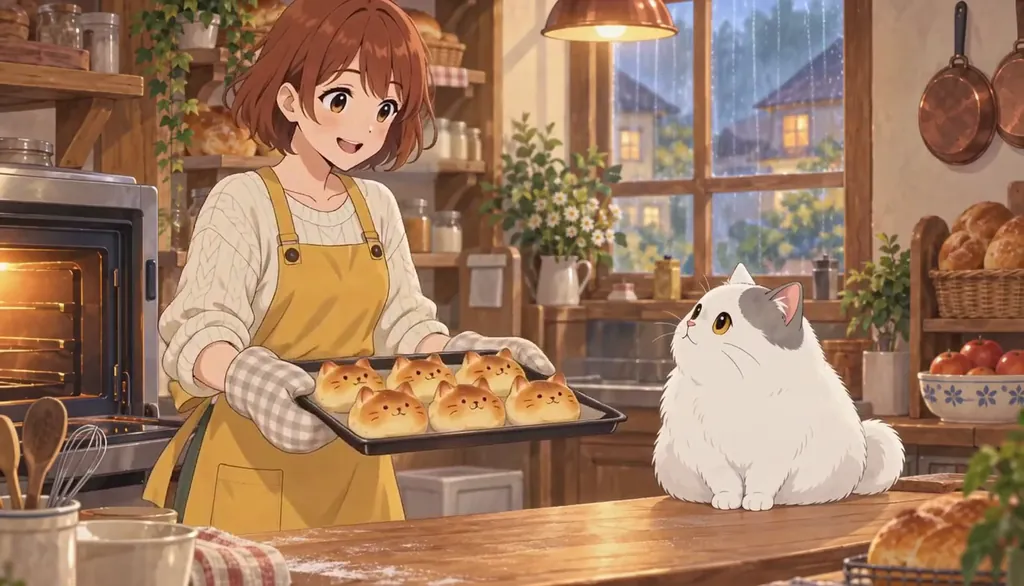 Cozy animeGentle slice-of-life anime you can relax into.
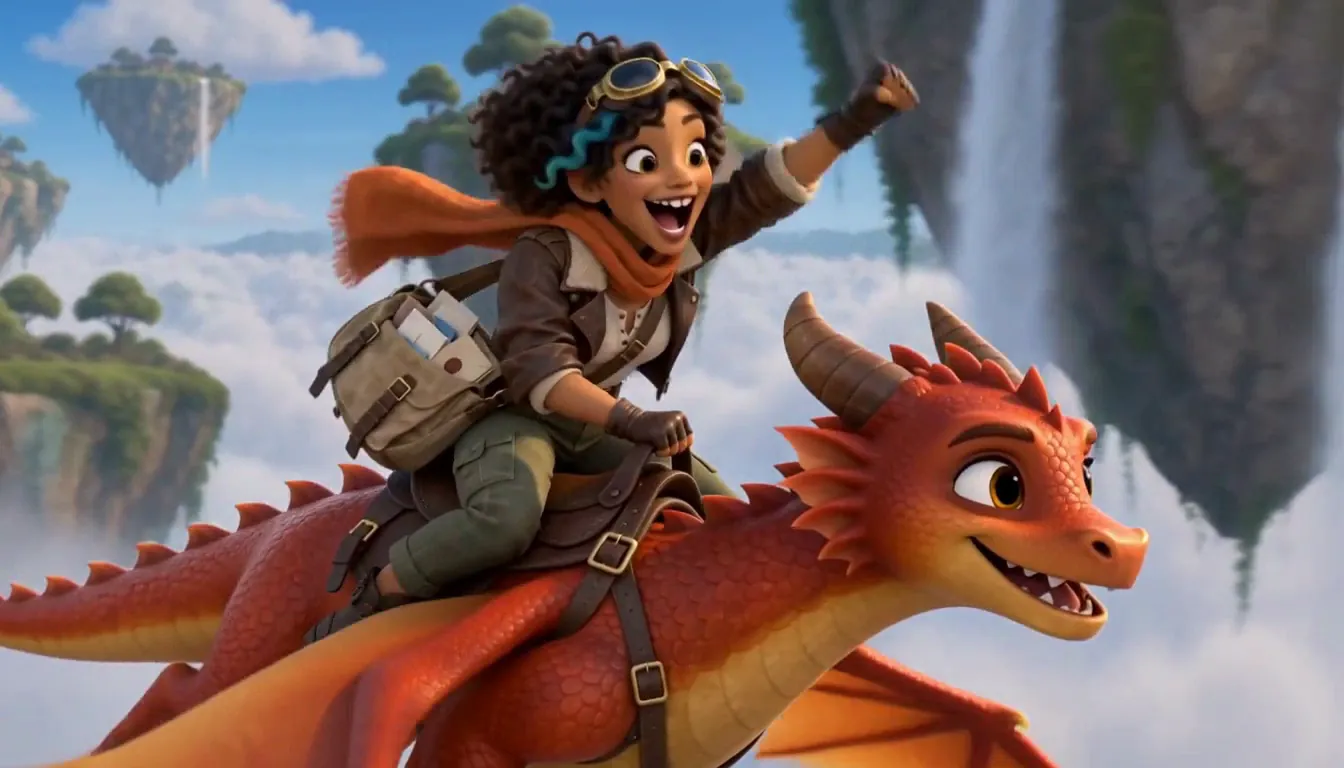 Fantasy seriesA painterly realm with a party that persists.
Cast for this genre
Plan it as a full season with the AI series maker.
Guides for this genre
- Turn yourself into an anime character from a photoTurn a photo of yourself (or a willing friend) into a recurring anime character: one candid shot becomes a Cast card with your actual face, readable in every episode.
- AI video series generators comparedA "series generator" is only a generator of clips until the cast survives past episode one.
- From one photo to a seasonThe whole pipeline, end to end: one photo becomes a Cast card, a Cast card drops into a World, the World produces episodes, and episodes accumulate into a season with its own poster.
Your anime starts with one line.
Free: make your Character and its Story as picture-only Slideshows. Real video comes with a plan.