Make an anime OC who has an actual story
Design the hair, the outfit and the vibe once — then put your OC in a World with rivals, friends and Episodes that move.
Continue with the free Studio · one World build, one Character a day, 4 Lite Images a day
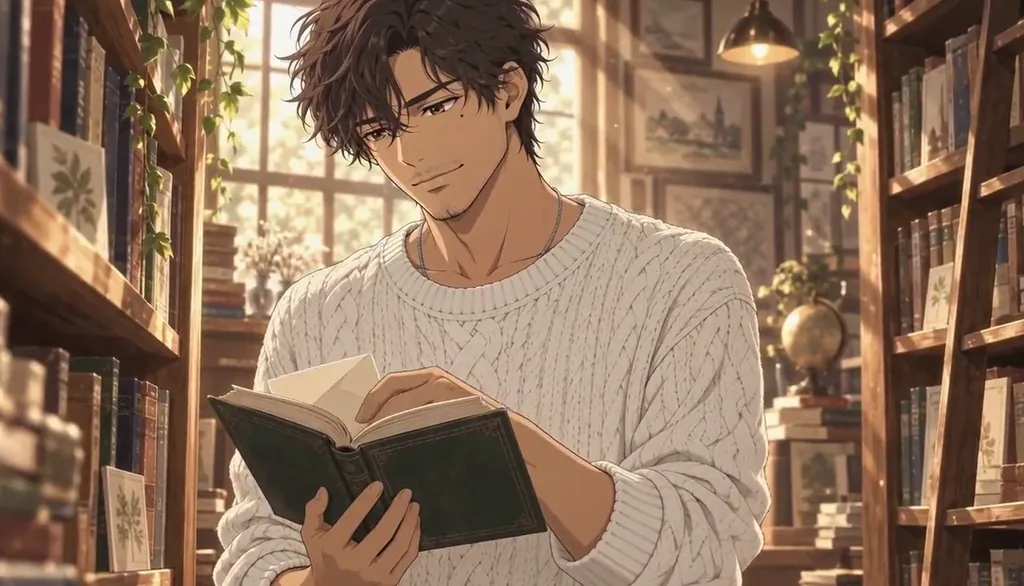
How to make an anime OC
Describe your OC in one line — hair, eyes, outfit, one signature prop and what they want — or start from your own photo. Character App builds that Character once and keeps them on-model in every Scene, Episode and Look, then films them as anime Clips instead of a one-off picture. Give them a World, add a rival and a best friend to the Cast, and direct their story Scene by Scene. Start in the free Studio with one Character a day; a plan unlocks Clips.
Updated September 2026 · Free to start · Web and iPhone
Looking for the general tool? Start with the AI character creator.
Same Character, any Look
Meet Milo Fenn, an original Character made for these pages: 6 Looks, one face. Every World has its own Look; put the same Character into another World and the Character underneath stays the same.

01 Live actionMilo, realistic

02 AnimeMilo, anime

03 3D animatedMilo, 3D animated

04 2D cartoonMilo, 2D cartoon

05 ClaymationMilo, claymation

06 Pixel artMilo, pixel art
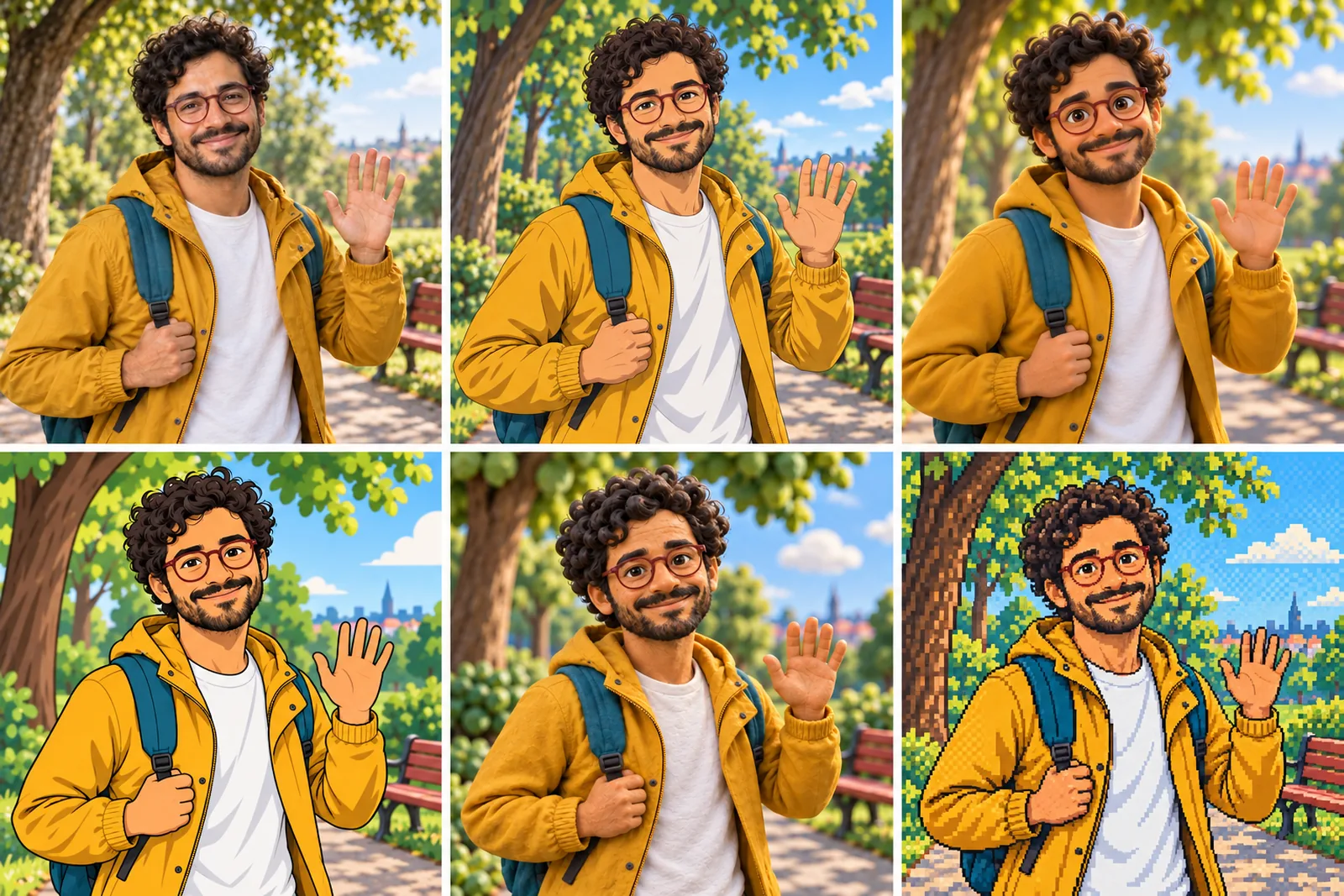
07 All six Looks
Original character made for Character App’s character pages. Clips filmed with H3 Max Turbo, the Clip model in Character App; Looks drawn with gpt-image-2.5 from one portrait.
The character sheet
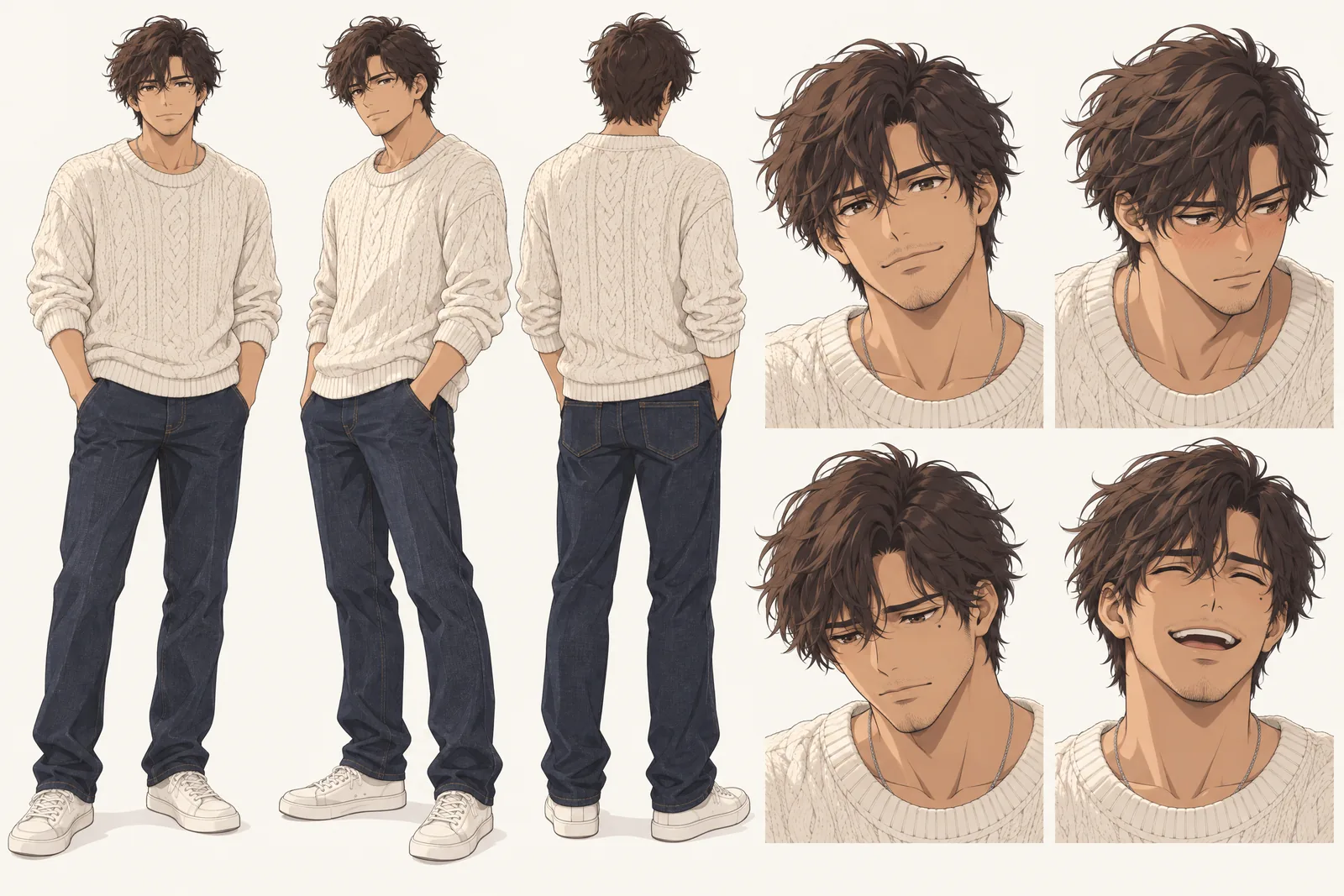
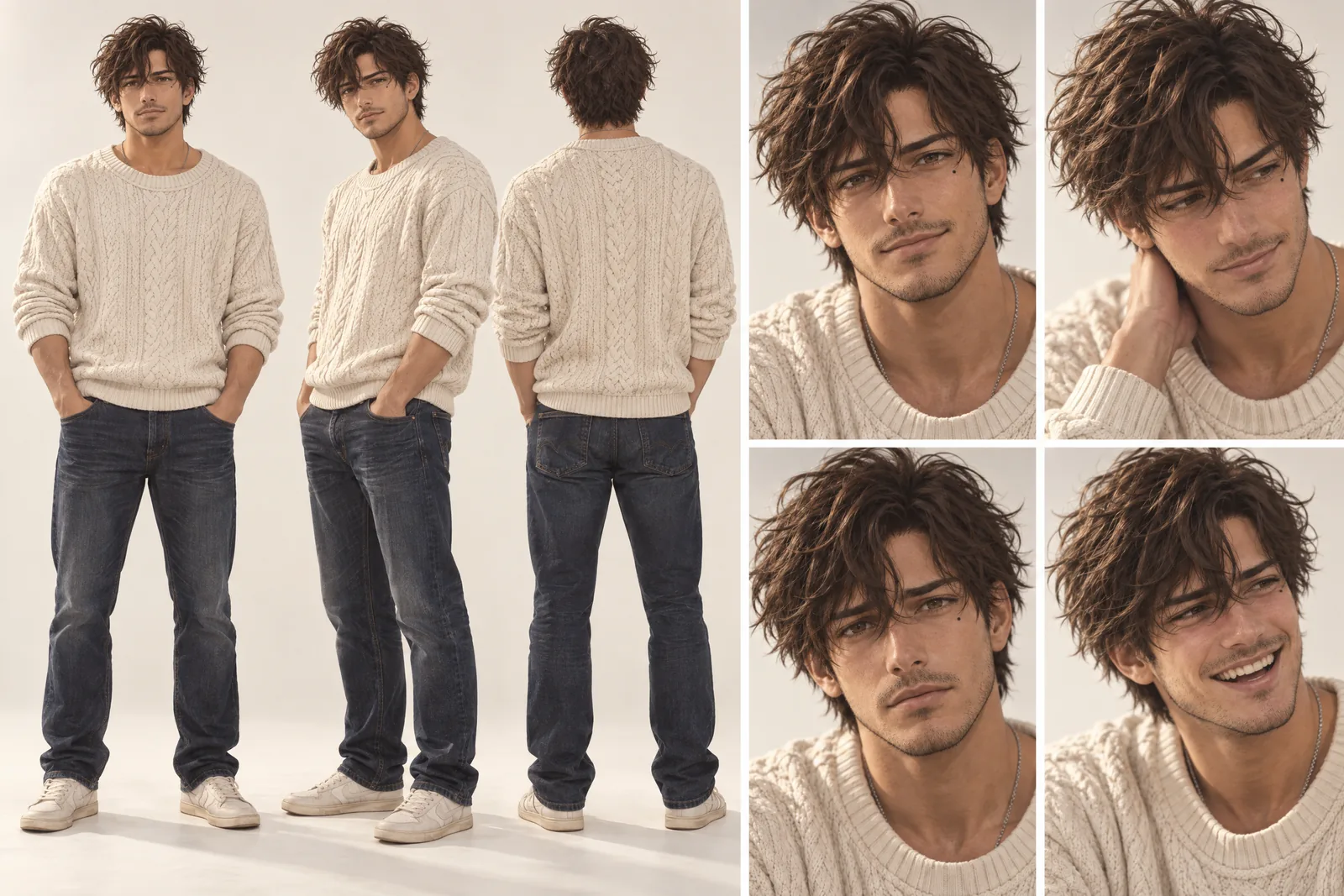
Before Elias is in a single Scene, there is a sheet: front, three-quarter and back views, plus the expressions the story will need. It is how we design a Character and how Character App keeps Elias consistent from Clip to Clip, in every Look.
It is not a download. You never manage a reference sheet yourself, and the app does not export a turnaround file; the Cast keeps the Character on-model in the Scenes you direct.
Elias lives in your Characters
Every Character you make keeps its Looks in one place, one for each World’s Look. Use Elias in a new World and the Cast brings the same face into that World’s Look, in every Scene and Clip.
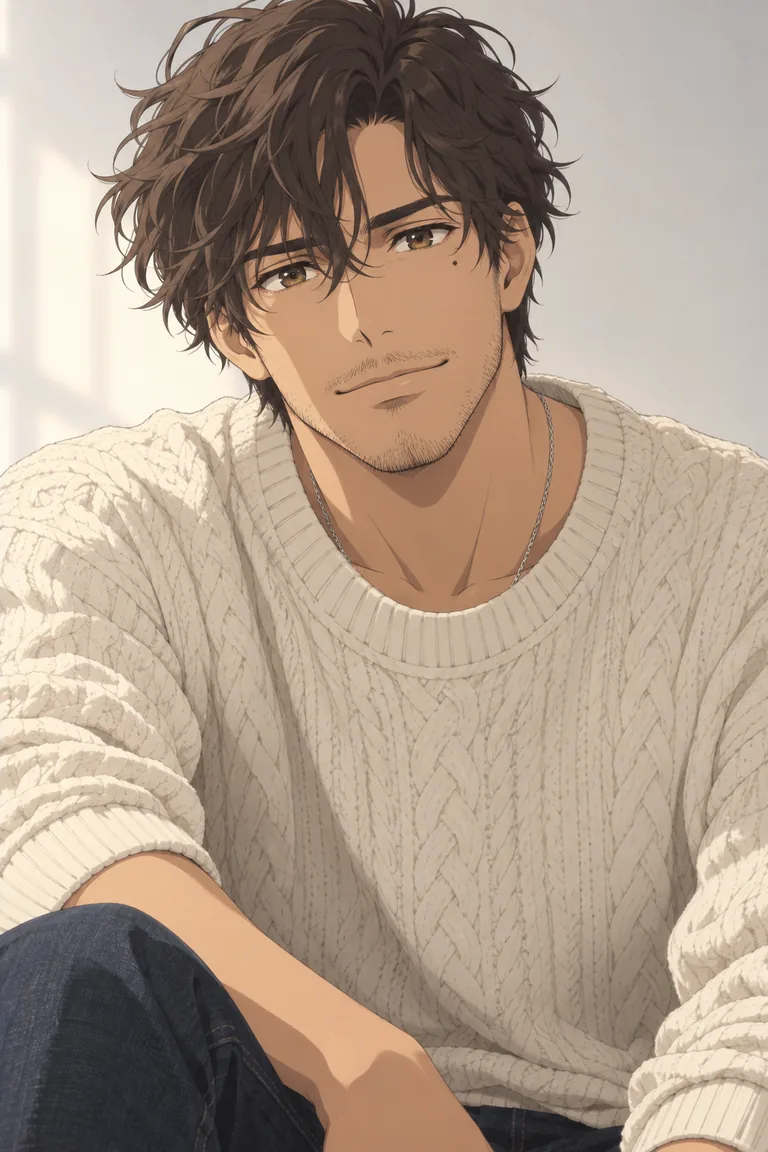

Illustration of the Characters screen, recreated with Elias Varo’s Images. Original character made for Character App’s character pages with gpt-image-2.5.
Why most OC makers stop too early
Most OC makers hand you one image, maybe a small pack, and stop. But an OC is more than a picture: it has lore, relationships, a rival, a reason to get up in the morning. Character App keeps going. Your OC becomes a Character in a World, next to a Cast you design, and every Scene is filmed as a moving Clip. The design holds in every Scene, Episode and Look — the same star clip in the same ponytail, whether it's a close-up in the rain or a wide shot at the festival.
Design an OC that reads in any shot
Anime design works best with a few strong anchors the eye catches in any frame.
A hair colour and a shape
Mint-teal in a high ponytail, a silver bob with blunt bangs. Hair is the silhouette in anime; make it unmistakable.
One signature prop
A yellow star hair clip, a glowing headset, a scarf that is always slightly too long. Props carry an OC through wardrobe changes.
An expression they return to
The shy smile and the glance away, the grin with one fang, the tired stare. Give your OC a face you can direct.
Pick your anime flavour
The same OC can live in very different stories.
Action hero
Training arcs, rivals, a power that costs something. Pairs well with the isekai and fantasy genres.
Slice-of-life and cozy
A café, a small town, a cat who judges everyone. Low stakes, high comfort.
Romance
One umbrella, a rooftop confession, a letter kept for years. Romantic leads are always adults.
Isekai
An ordinary person wakes up in another world. Your OC keeps their face even when everything else changes.
Base your OC on yourself — or no one
Add your own photo in the app and your OC resembles you, anime-style. A friend as your OC's rival? Only with their permission — the content policy requires the person in the photo or their written consent. Characters from existing anime belong to someone else, so keep your OC original.
8 anime OC ideas to start from
Press one and it lands in the idea box. Change a word or keep it; the Director takes it from there.
- 01Letters Between WorldsA courier with mint hair delivers mail between two worlds that are not speaking.Use this idea
- 02The UmbrellaTwo strangers under one umbrella every rainy Tuesday, names never traded.Use this idea
- 03Last Shift at the Shrine CaféA café owner serves spirits after midnight and humans before dawn.Use this idea
- 04Rival SwordsmithAn apprentice smith forges the blade her rival will use against her.Use this idea
- 05Stream Goes WrongAn anime streamer's avatar starts answering chat on its own.Use this idea
- 06Reincarnated as the MentorShe wakes up in her favourite game as the mentor who dies in chapter three.Use this idea
- 07Summer FestivalTwo old friends promise to meet at the festival. Only one remembers why.Use this idea
- 08Cat DetectiveA sleepy cat solves the town's mysteries; only one girl can hear him talk.Use this idea
From one line to a Character on film
- 1
Describe your OC
One line: the design and what they want. Character App reads it and sketches the World they belong to — the city, the academy, the other world.
- 2
Build the Cast
Add the rival, the best friend and the mentor from descriptions or your own photo. Every design stays locked from the first Scene.
- 3
Film the arc
Direct each Scene in anime style, make the Clips and keep the best takes. The next Episode picks up where your OC left off.
Questions, answered
Still curious? Using your own photo and the guides go deeper.
What's the difference between this and a normal OC generator?
A normal OC generator gives you a picture. Character App gives your OC a World, a Cast and filmed Scenes, and keeps the design the same in every one.
Can I give my OC a backstory and relationships?
Yes. Write the backstory into your premise, add the people in their life to the Cast, and the Story is built around them.
Does my OC stay on-model from Episode to Episode?
Yes. Your OC is built once and kept on-model across Scenes, Episodes, outfits and Looks — anime, 3D or live-action.
Can I base my OC on myself?
Yes — add your own photo in the app and your OC resembles you. Anyone else's photo needs their permission.
Can I use characters from an existing anime?
No. Existing characters belong to their creators. Design an original OC inspired by the style you love.
What does it cost to make an OC and their first Scene?
Currently the free Studio gives you one World build, one Character a day and 4 Lite Images a day. A plan unlocks Clips and Film — Starter is $19.99 a month for 800 Credits — and a 5-second Clip made from an Image on H3 Max Turbo is 15 Credits. The price is on the button before you press.
More character types
Every character type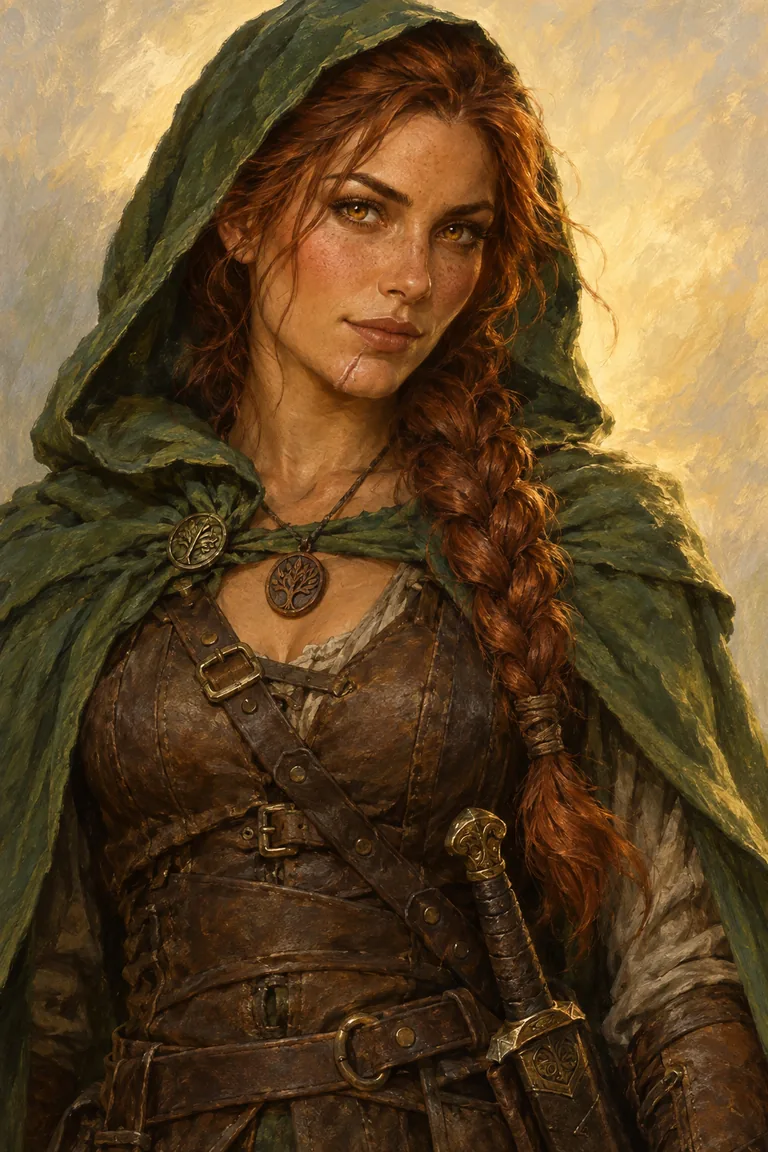
Your anime OC starts with one line.
Continue with the free Studio · one World build, one Character a day, 4 Lite Images a day