Make a 3D animated character who stars in every Scene
Design your character once in a family-film 3D look, then film them on a starship bridge, a castle balcony or a kitchen counter.
Continue with the free Studio · one World build, one Character a day, 4 Lite Images a day
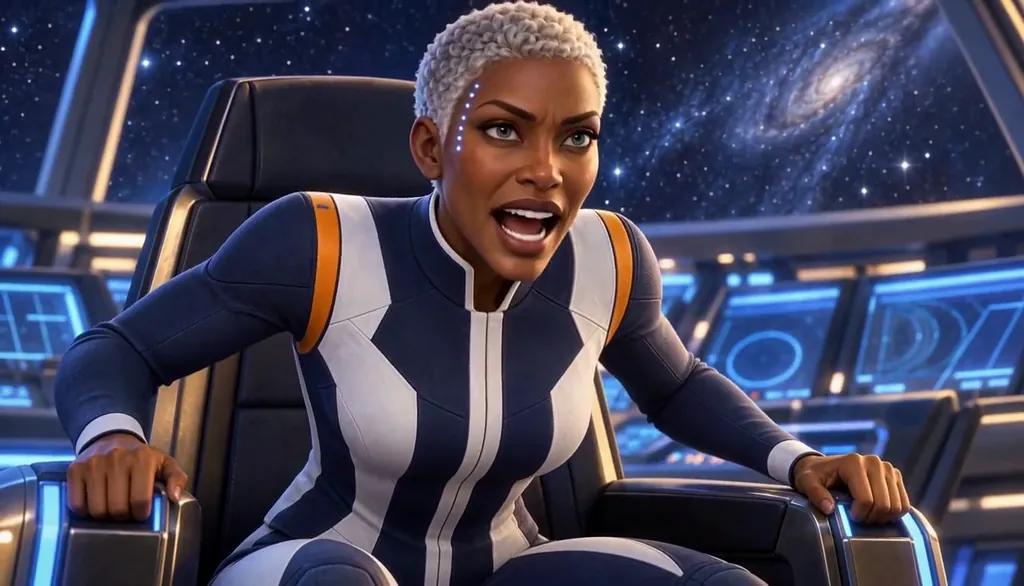
How to make a 3D character
Describe your character in one line — shape, outfit, one signature detail — or start from your own photo. Character App builds them once in a stylized 3D animated Look and keeps the same design in every Scene, Episode and Look, then films them as moving Clips. Add the rest of the Cast, give them a World and direct each Scene. It is a filmed 3D look, not a downloadable 3D model file. Start in the free Studio; a plan unlocks Clips.
Updated September 2026 · Free to start · Web and iPhone
Looking for the general tool? Start with the AI character creator.
Same Character, any Look
Meet Milo Fenn, an original Character made for these pages: 6 Looks, one face. Every World has its own Look; put the same Character into another World and the Character underneath stays the same.

01 Live actionMilo, realistic
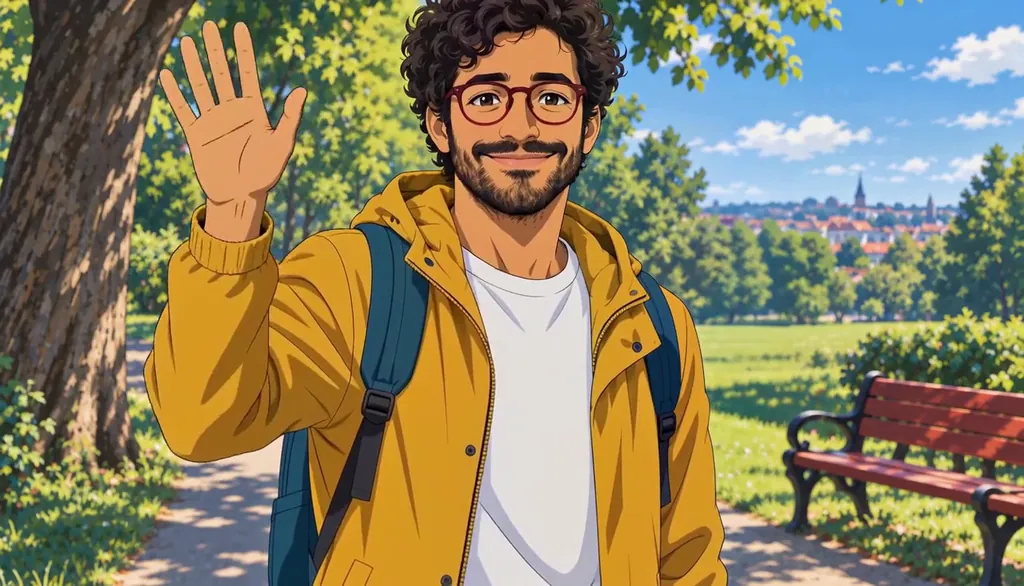
02 AnimeMilo, anime
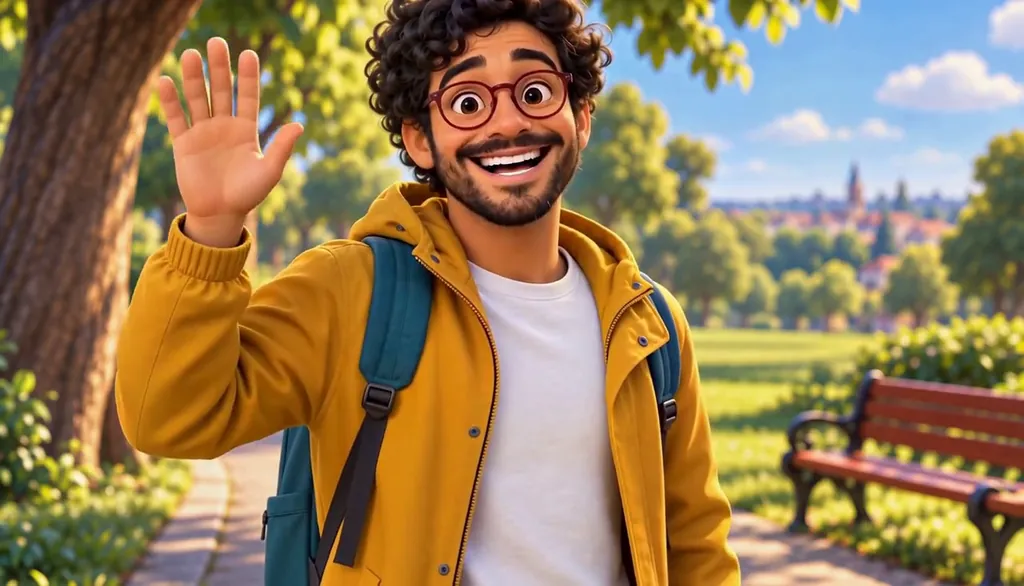
03 3D animatedMilo, 3D animated

04 2D cartoonMilo, 2D cartoon
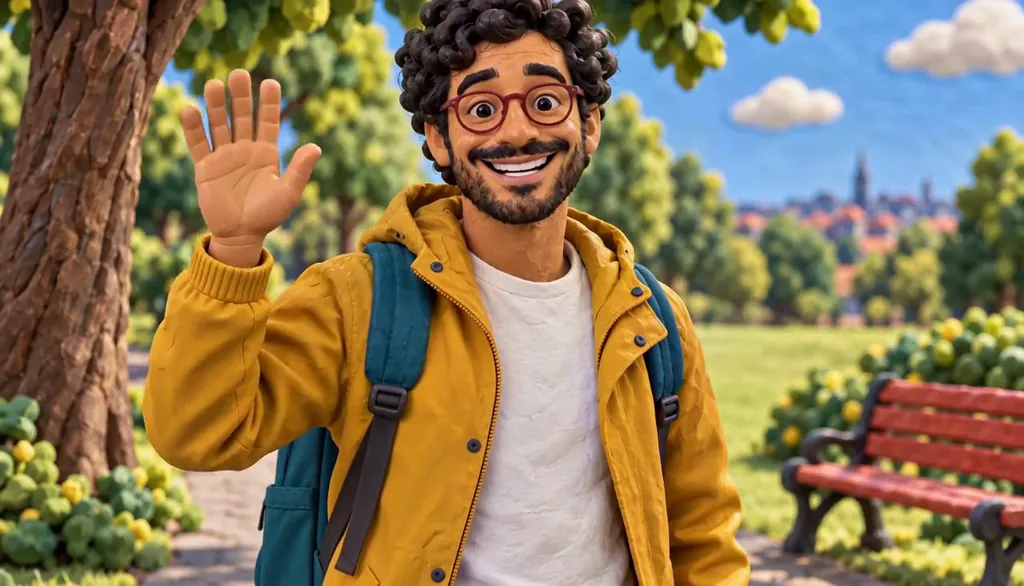
05 ClaymationMilo, claymation

06 Pixel artMilo, pixel art
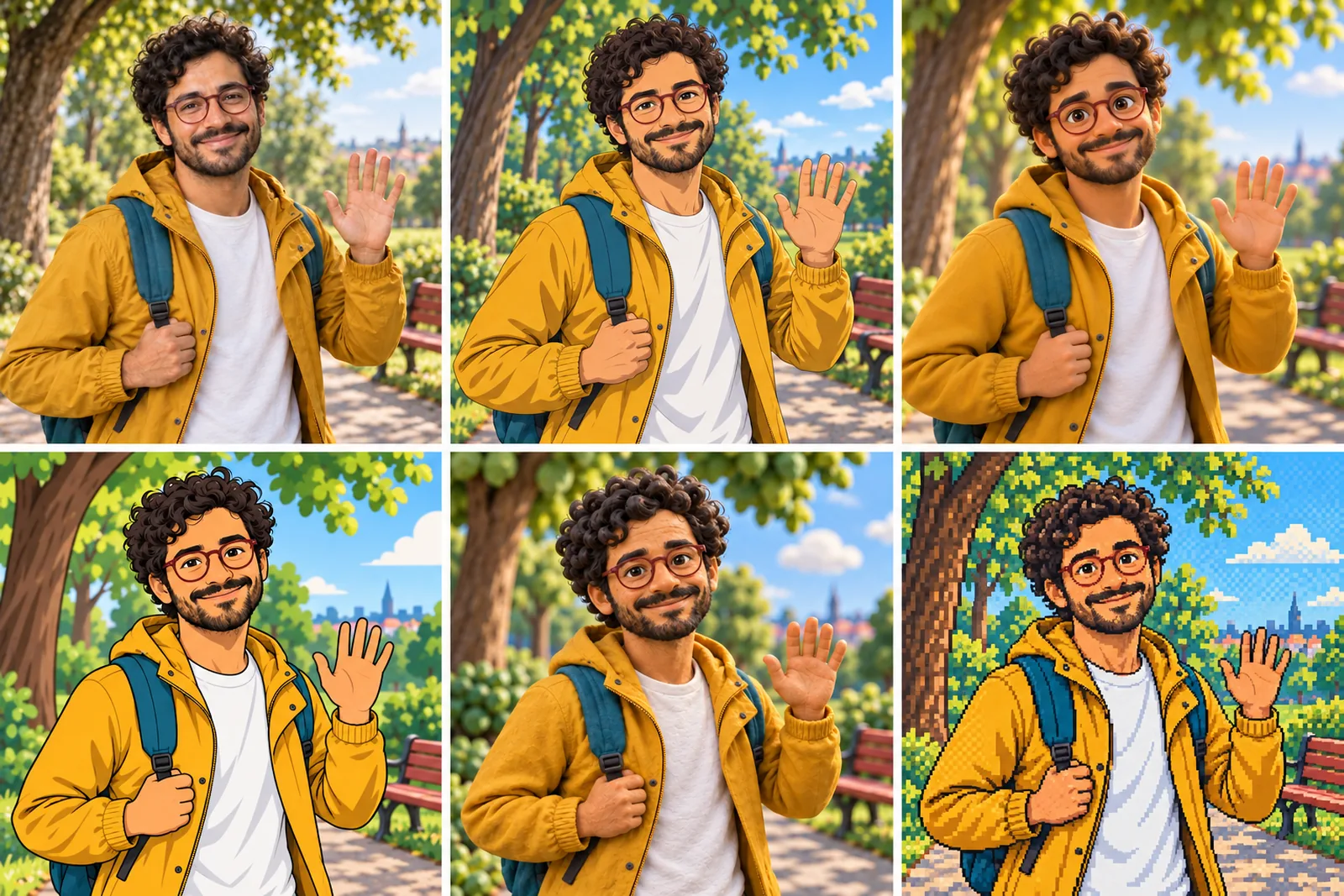
07 All six Looks
Original character made for Character App’s character pages. Clips filmed with H3 Max Turbo, the Clip model in Character App; Looks drawn with gpt-image-2.5 from one portrait.
The character sheet
Before Rhea is in a single Scene, there is a sheet: front, three-quarter and back views, plus the expressions the story will need. It is how we design a Character and how Character App keeps Rhea consistent from Clip to Clip, in every Look.
It is not a download. You never manage a reference sheet yourself, and the app does not export a turnaround file; the Cast keeps the Character on-model in the Scenes you direct.
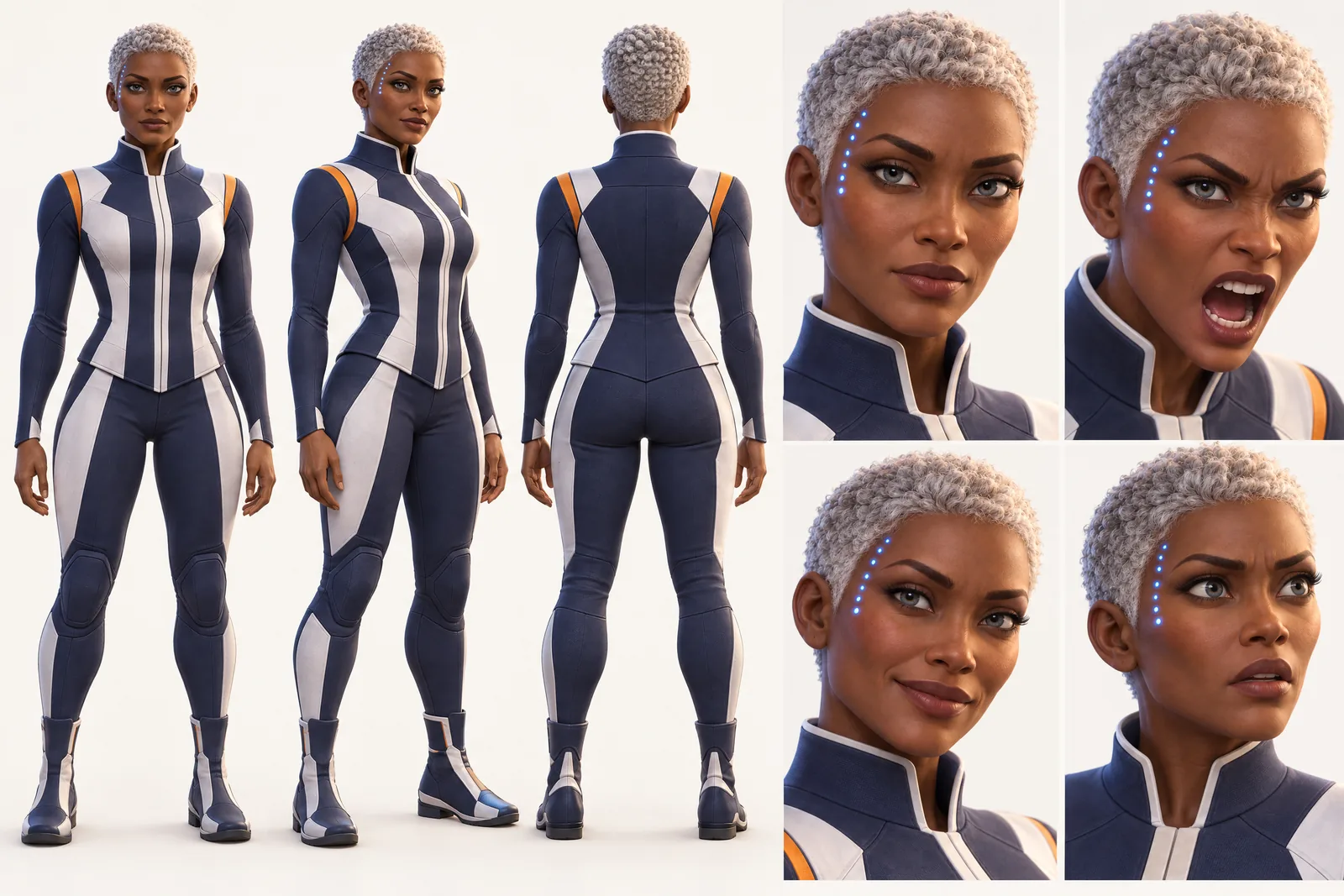
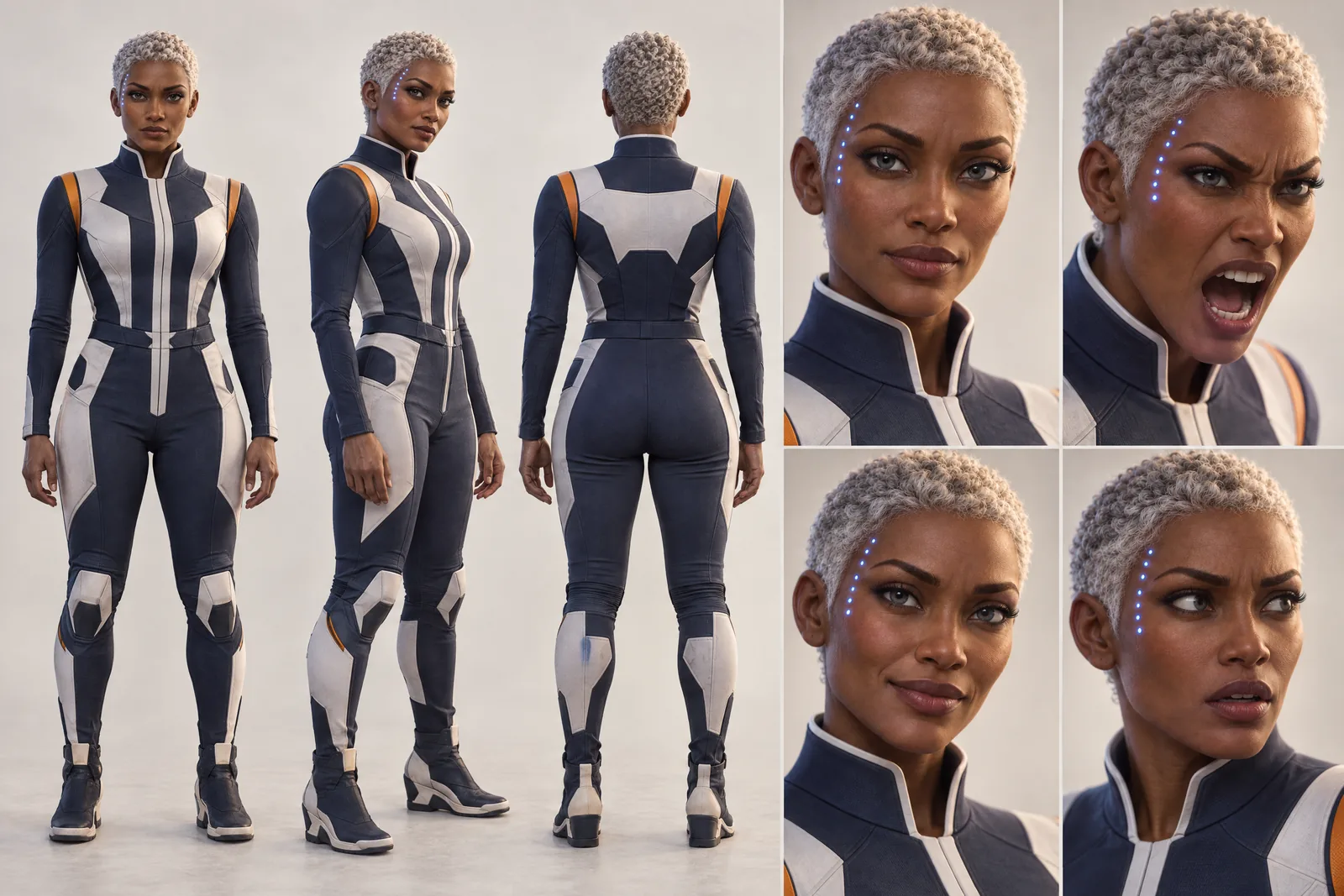
Rhea lives in your Characters
Every Character you make keeps its Looks in one place, one for each World’s Look. Use Rhea in a new World and the Cast brings the same face into that World’s Look, in every Scene and Clip.
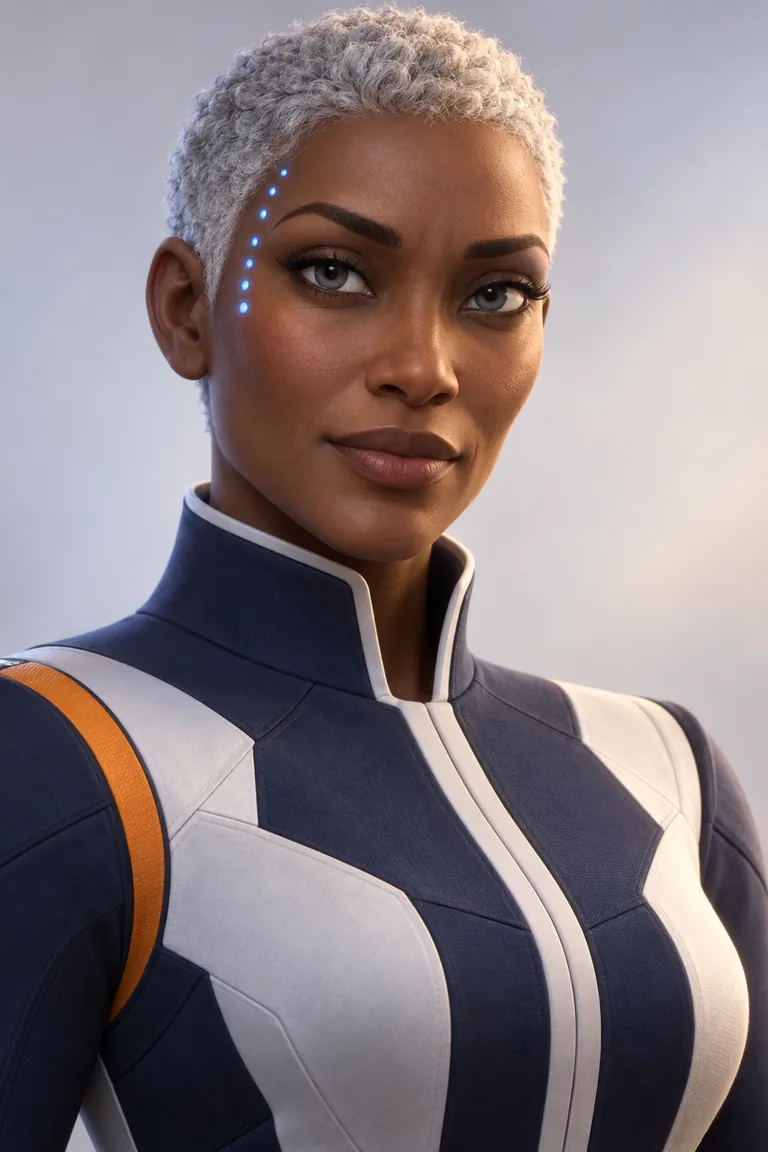
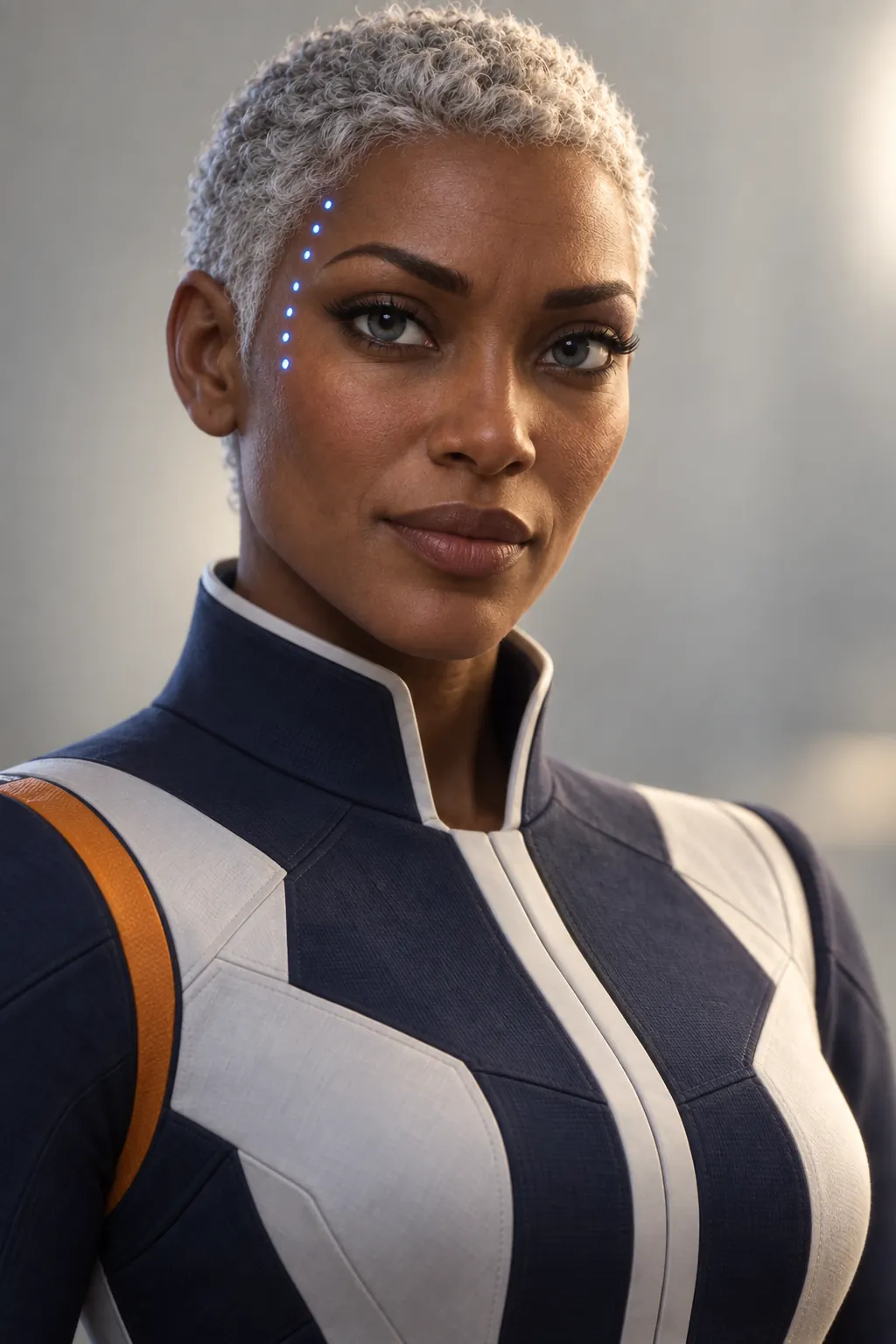
Illustration of the Characters screen, recreated with Captain Rhea Okonkwo’s Images. Original character made for Character App’s character pages with gpt-image-2.5.
What you get — and what you don't
Plenty of people searching for a 3D character generator want a model file for a game or a printer. This isn't that. Character App makes a Character in a stylized 3D animated Look — the soft light and rounded shapes of a family film — and then films them. You get Scenes, Clips and Episodes with the same character in each; you don't get a mesh, a rig or a file to import into a 3D program. If you want to see your character act, you're in the right place.
Designing for 3D animation
Stylized 3D rewards bold, simple choices.
Exaggerate the proportions
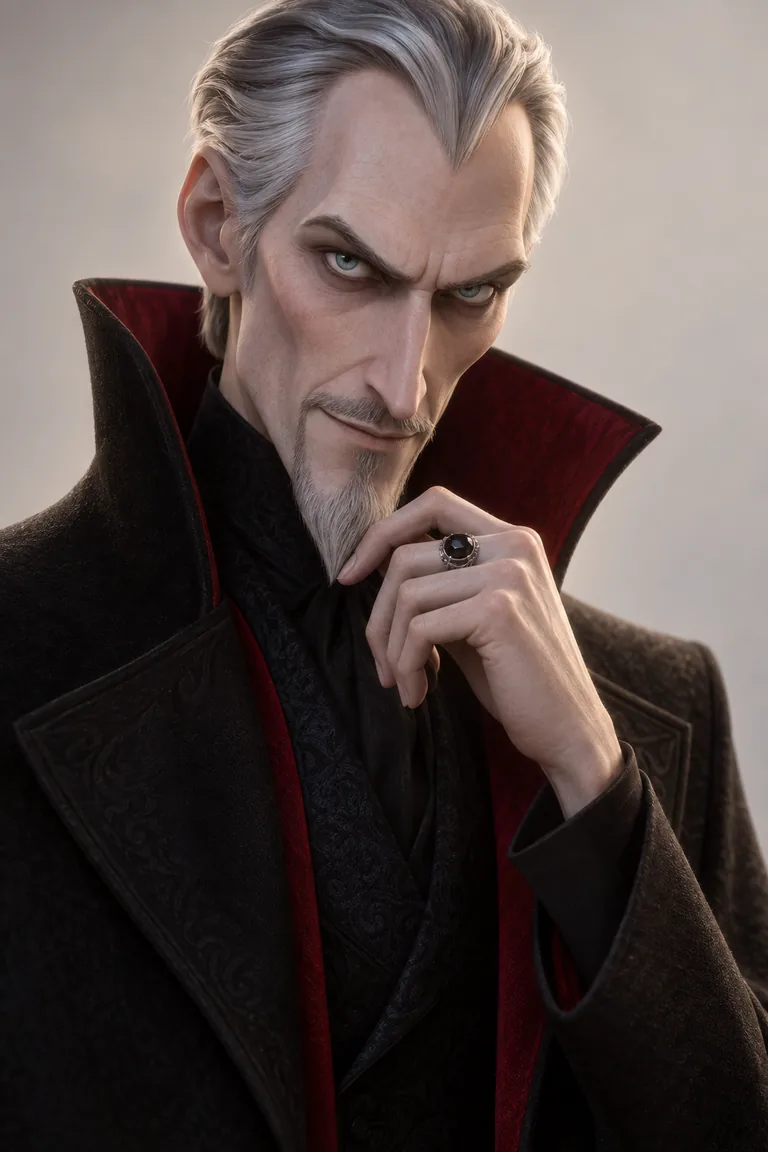
A tall thin villain in a high collar. A tiny round mascot with big eyes. 3D light wraps around shapes, so strong shapes read beautifully.
Pick materials that catch light
A glossy coffee bean, a silver ring with a black stone, a knit scarf. Texture is where 3D shows off.
One colour story
Navy and white with one orange stripe; black with a crimson lining. A limited palette keeps the character readable in busy sets.
The same design, every Scene and every Look
The wedge is consistency. Character App builds each Character once — from a description or your own photo — and keeps them on-model through close-ups, wides and new locations, Episode after Episode. Want a teaser in graphic-novel ink or a live-action version of the same captain? Put the same Character into another World with a different Look and the face comes along. Every Scene is filmed as a Clip: the villain actually tips over the king, the captain actually grips the chair as the stars stretch.
Put yourself in 3D — with permission
Add your own photo in the app and your Character resembles you in 3D. Anyone else needs to agree first — the content policy requires the person in the photo or their written consent — and public figures are off the table. Existing animated characters belong to their studios, so design your own.
8 3D character ideas to start from
Press one and it lands in the idea box. Change a word or keep it; the Director takes it from there.
- 01Hold OnA starship captain takes her crew through a rift nobody has come back from.Use this idea
- 02CheckmateA silver-haired villain wins every game — until a child beats him at chess.Use this idea
- 03Beanie on BoardA coffee-bean mascot skateboards across the kitchen to save breakfast.Use this idea
- 04The Lighthouse RobotA rusty robot keeps the lighthouse running for ships that stopped coming.Use this idea
- 05Forest SpriteA traveller follows a glowing blue sprite home through an enchanted wood.Use this idea
- 06Tiny ChefA mouse-sized chef runs the busiest kitchen in the city from a teacup.Use this idea
- 07Snow DayTwo rival snowmen compete for the best spot on the street.Use this idea
- 08Grandpa's GarageA retired inventor's toys wake up whenever he falls asleep in his chair.Use this idea
From one line to a Character on film
- 1
Describe the character
One line: the shape, the outfit and one detail. Character App draws them in a 3D animated Look and sketches their World.
- 2
Build the Cast
Add the sidekick, the rival and the crew from descriptions or your own photo. Every design holds from the first Scene.
- 3
Film the Episodes
Direct each Scene in 16:9 or 9:16, keep the best takes and build the Episode. The next one opens in the same World.
Questions, answered
Still curious? Using your own photo and the guides go deeper.
Does this make a 3D model file I can download?
No. It makes a Character in a stylized 3D animated Look and films them as Clips. There's no mesh, rig or game-engine export.
Does the 3D character stay consistent across Scenes?
Yes. The Character is built once and kept on-model across Scenes, Episodes and Looks, including outfit and props.
Can I make a 3D animated version of myself?
Yes — add your own photo in the app. Anyone else's photo needs their permission or written consent.
Can I switch the same character to another style?
Yes. Put the same Character into another World with a different Look: 3D, anime, 2D cartoon, graphic-novel ink or live action.
Can I make a 3D animated short film?
Yes. Direct a few Scenes, keep your best Clips and build them into an Episode.
What does a 3D animated character cost?
Currently the free Studio gives you one World build, one Character a day and 4 Lite Images a day. A plan unlocks Clips and Film — Starter is $19.99 a month for 800 Credits — and a 5-second Clip made from an Image on H3 Max Turbo is 15 Credits. The price is on the button before you press.
More character types
Every character type
Your 3D character starts with one line.
Continue with the free Studio · one World build, one Character a day, 4 Lite Images a day