Make a cartoon character who can carry a whole show
Design the shape, the colours and the flaw once — then send your cartoon into Scenes that actually move, Episode after Episode.
Continue with the free Studio · one World build, one Character a day, 4 Lite Images a day
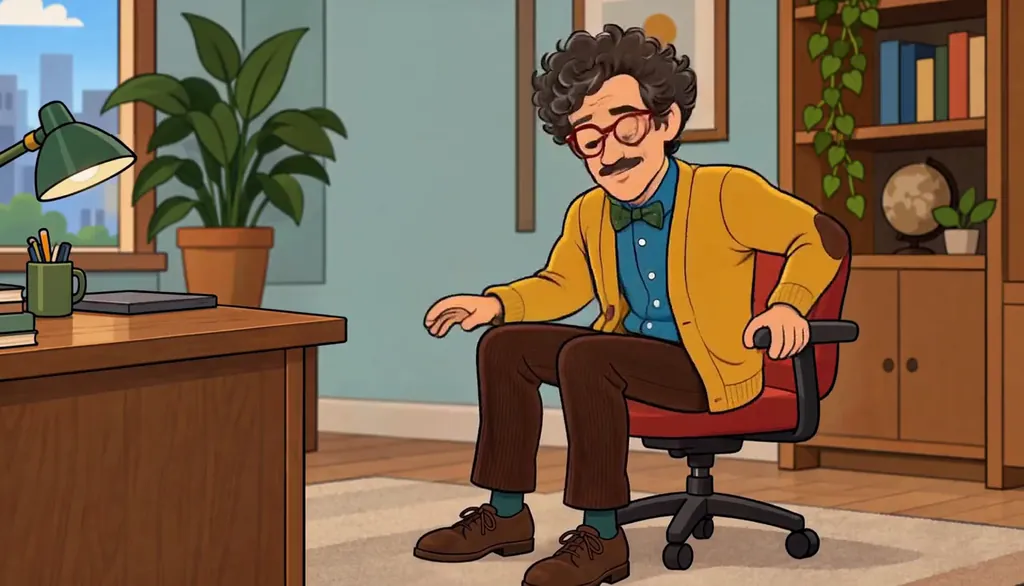
How to make a cartoon character
Describe your cartoon in one line — the shape, the colours, the flaw — or start from your own photo. Character App builds that Character once and keeps them on-model in every Scene, Episode and Look, from flat 2D TV cartoon to claymation, then films them as moving Clips, not a one-off drawing. Add a sidekick and a nemesis to the Cast, give them a World, and direct each gag Scene by Scene. Start in the free Studio; a plan unlocks Clips and Film.
Updated September 2026 · Free to start · Web and iPhone
Looking for the general tool? Start with the AI character creator.
Same Character, any Look
Meet Milo Fenn, an original Character made for these pages: 6 Looks, one face. Every World has its own Look; put the same Character into another World and the Character underneath stays the same.

01 Live actionMilo, realistic
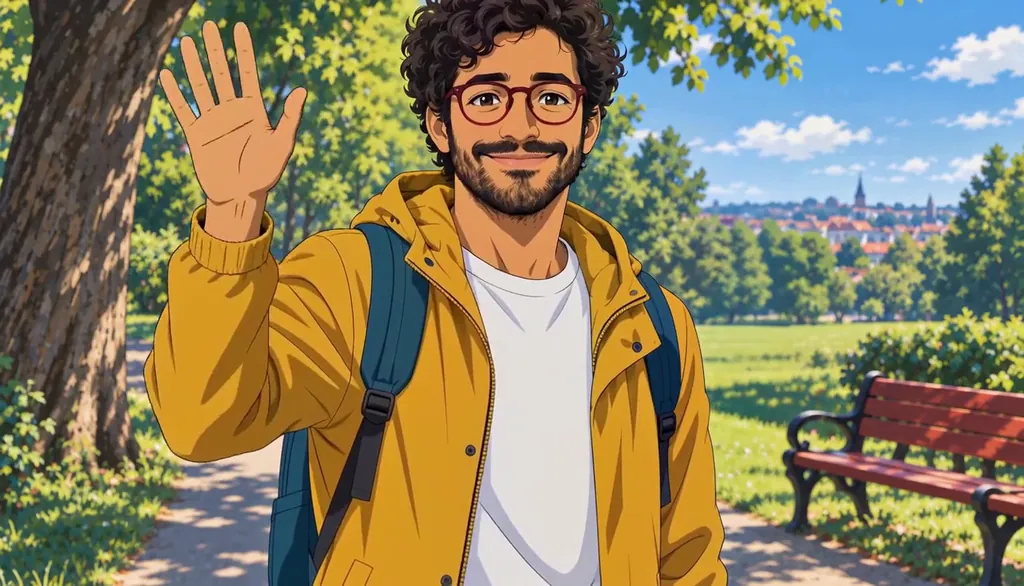
02 AnimeMilo, anime

03 3D animatedMilo, 3D animated

04 2D cartoonMilo, 2D cartoon
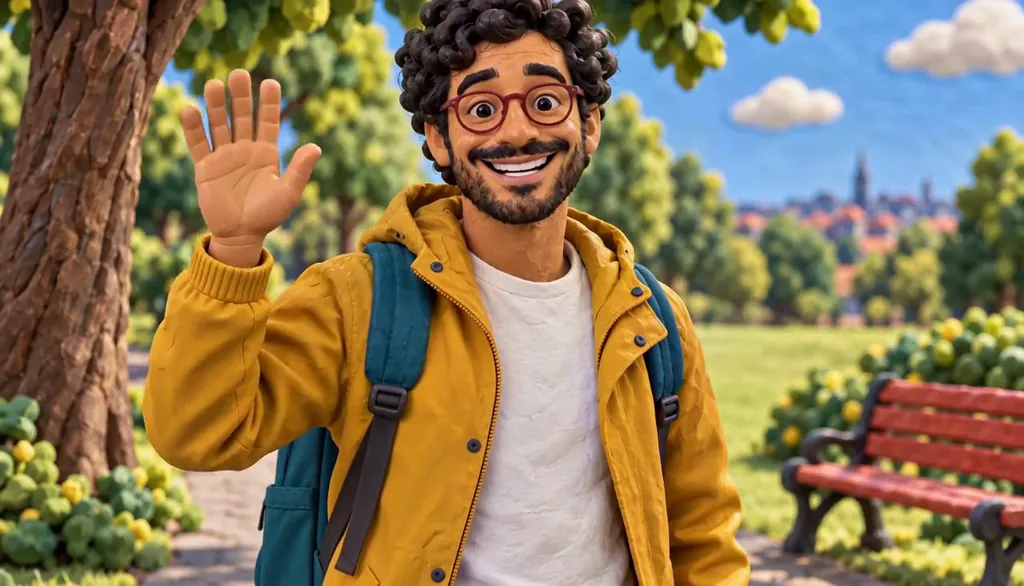
05 ClaymationMilo, claymation

06 Pixel artMilo, pixel art
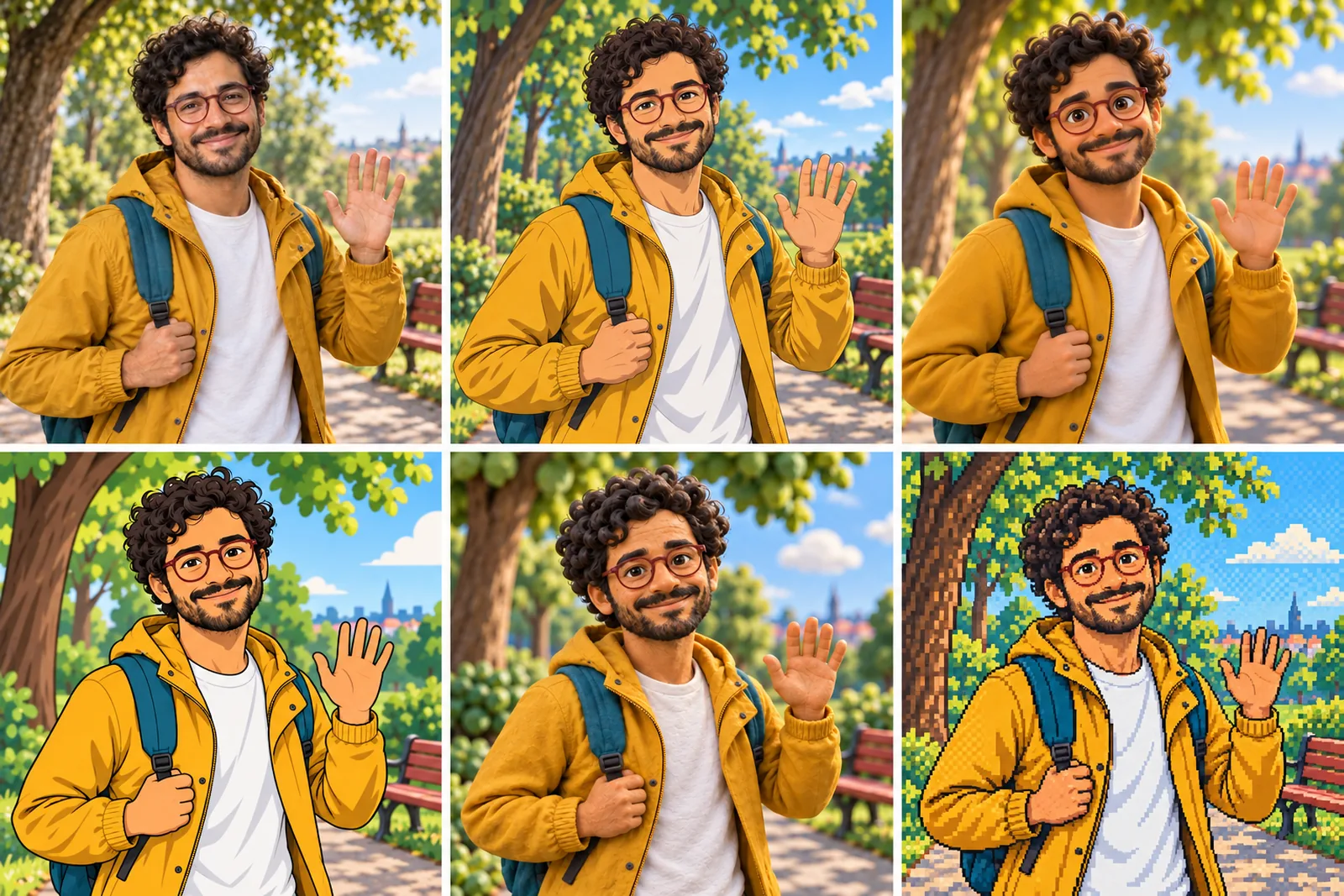
07 All six Looks
Original character made for Character App’s character pages. Clips filmed with H3 Max Turbo, the Clip model in Character App; Looks drawn with gpt-image-2.5 from one portrait.
The character sheet
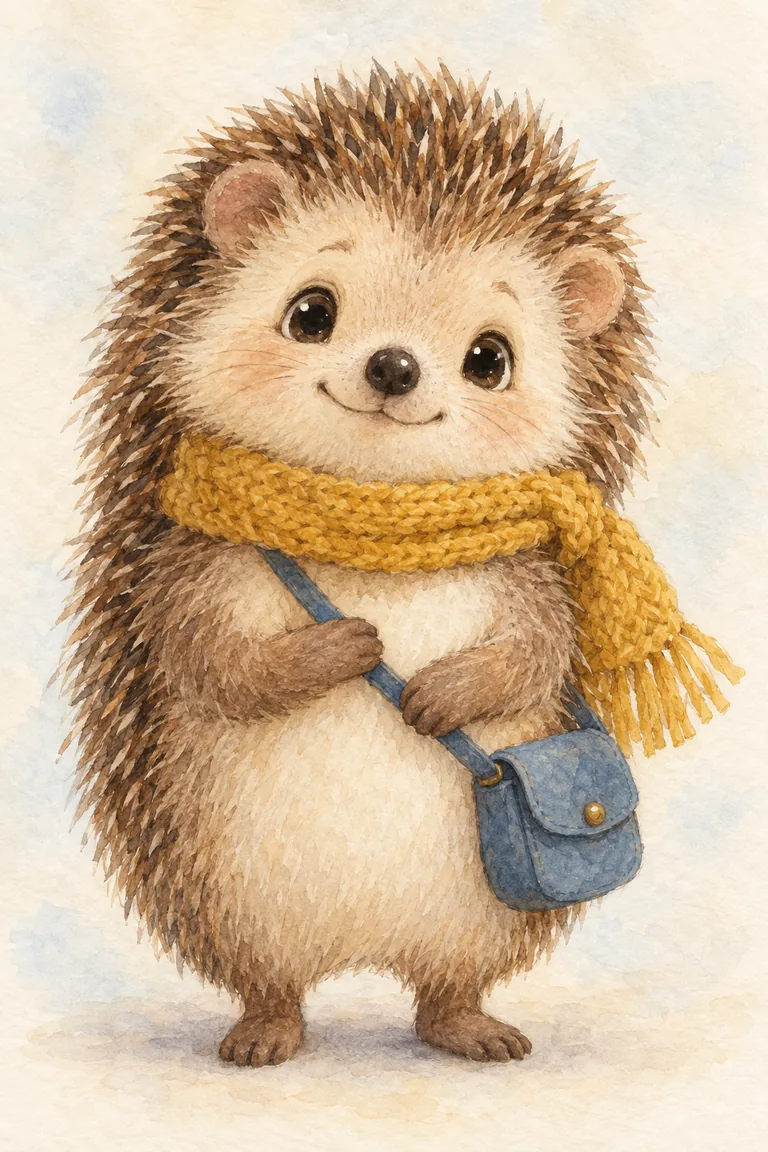
Before Barnaby is in a single Scene, there is a sheet: front, three-quarter and back views, plus the expressions the story will need. It is how we design a Character and how Character App keeps Barnaby consistent from Clip to Clip, in every Look.
It is not a download. You never manage a reference sheet yourself, and the app does not export a turnaround file; the Cast keeps the Character on-model in the Scenes you direct.
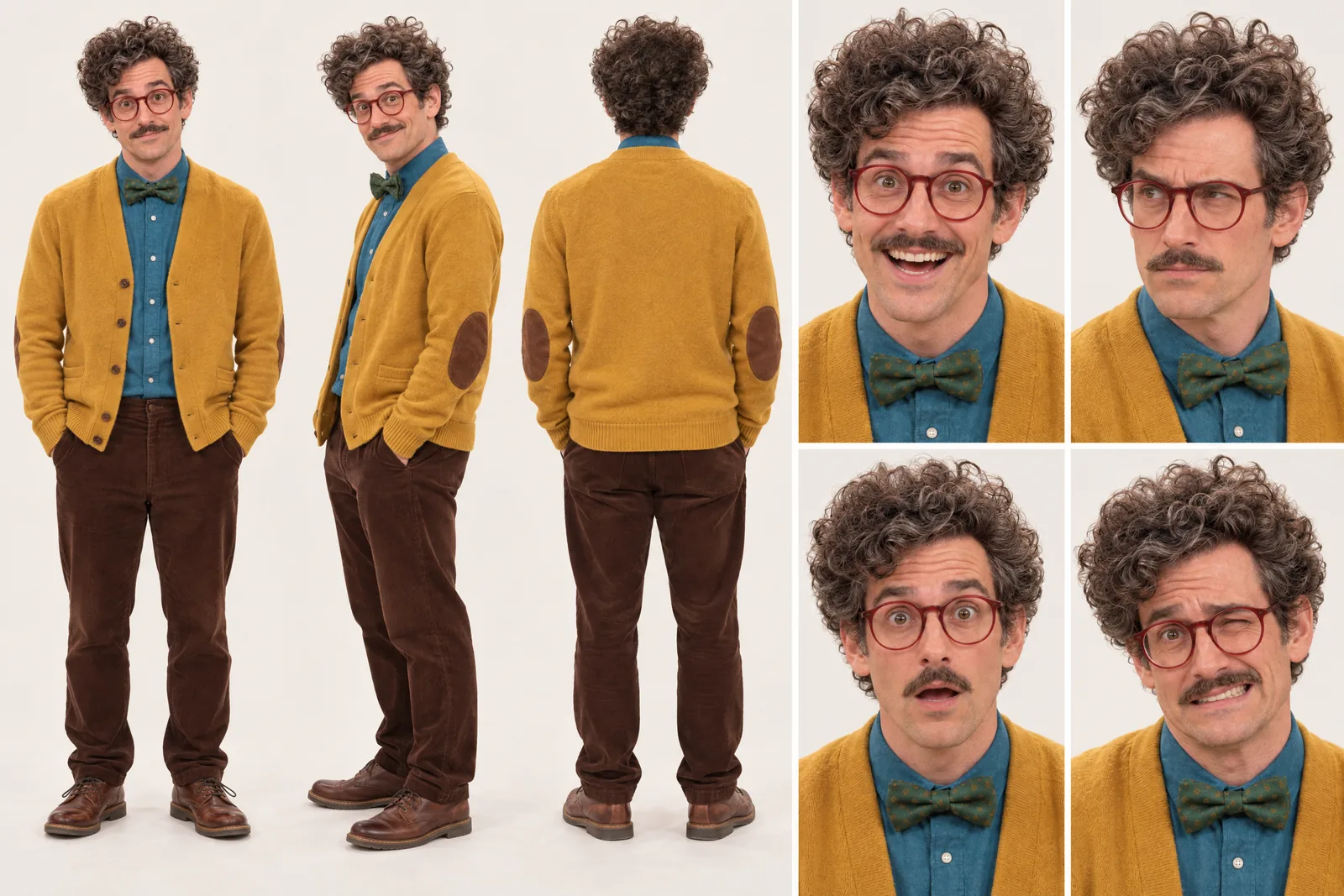
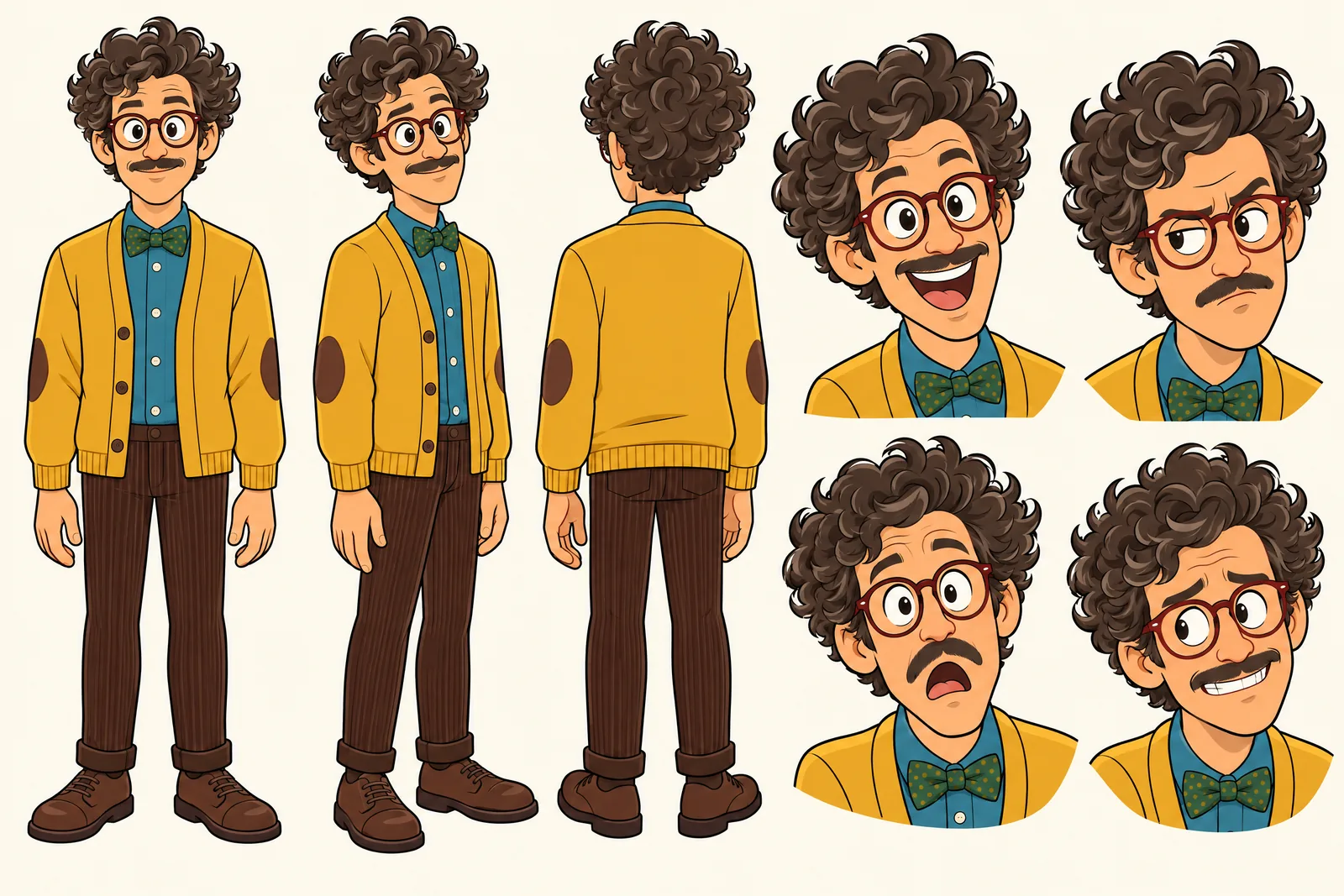
Barnaby lives in your Characters
Every Character you make keeps its Looks in one place, one for each World’s Look. Use Barnaby in a new World and the Cast brings the same face into that World’s Look, in every Scene and Clip.
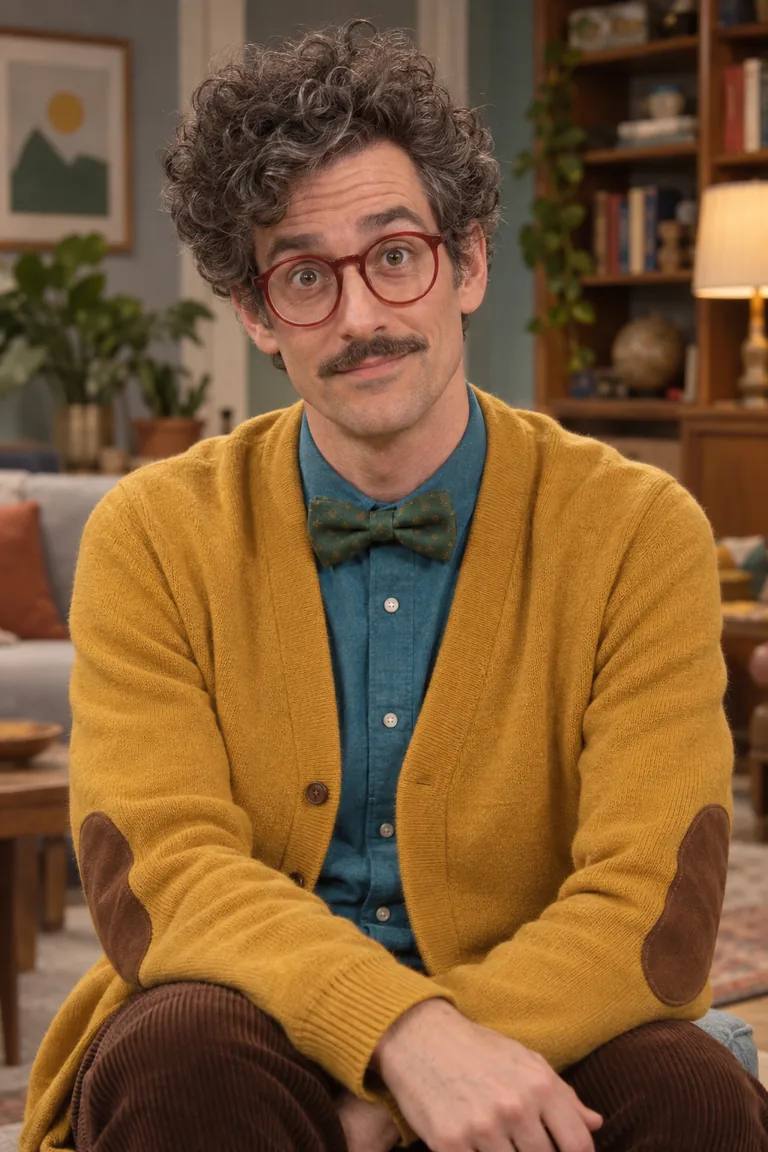
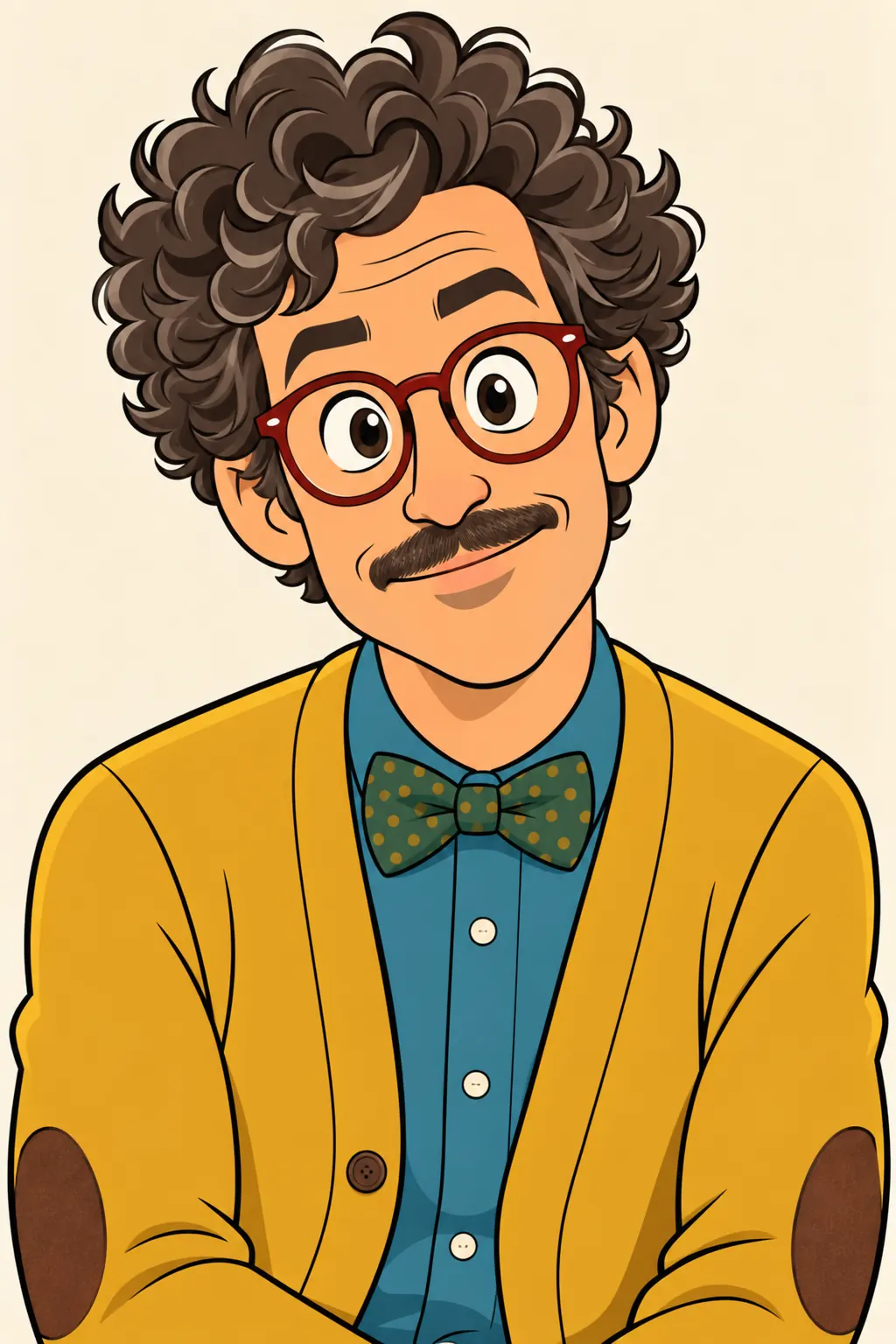
Illustration of the Characters screen, recreated with Barnaby Fitch’s Images. Original character made for Character App’s character pages with gpt-image-2.5.
What makes a cartoon character work
Great cartoons can be recognised as a shadow. Start with shape, then personality, then detail.
A silhouette first
Round, tall, lanky, tiny. A coffee bean with gloves and sneakers is readable at any size; so is a man who is mostly hair and glasses. If the shadow reads, the cartoon reads.
Two or three colours
Mustard and teal. Orange and brown. Fewer colours make a stronger character and keep them on-model when the scenery gets busy.
A flaw you can film
Too proud, too eager, afraid of ducks. Flaws create plots; a flawless cartoon has nowhere to go.
Your cartoon, the same in every Scene
A cartoon character becomes beloved through repetition — the same shape, the same wave, the same terrible idea every week. Character App builds each Character once and keeps them on-model through every Scene, Episode and Look. Make your hero in flat 2D, then try the same Character as 3D animated or claymation for a special; the design comes along. Every Scene is filmed as a Clip with real timing, so the chair actually spins twice before your hero stops, hair askew, and gives a thumbs-up.
Pick a cartoon style
Choose the Look that suits the joke.
2D TV cartoon
Bold lines, flat colour, fast timing. The classic Saturday-morning feel.
Retro cartoon
Grainy, loud, a little chaotic — the look of old weekday afternoons.
Claymation and felt
Handmade textures and slightly wobbly motion. Cosy and funny at once.
Cartoon yourself — or invent someone
Add your own photo in the app to become a cartoon. Turning your brother into the villain? Only with his permission — the content policy requires the person in the photo or their written consent. Existing cartoon characters belong to someone else; invent your own and it's yours.
8 cartoon character ideas to start from
Press one and it lands in the idea box. Change a word or keep it; the Director takes it from there.
- 01Beanie Hates MorningsA coffee bean who fuels the whole town cannot, himself, wake up.Use this idea
- 02The Office OddballA lanky man in a mustard cardigan loses a war with his own swivel chair.Use this idea
- 03Pigeon LandlordA pigeon owns the building and raises the rent every time it rains.Use this idea
- 04Toaster KnightA small toaster is knighted by accident and must now fight a dragon.Use this idea
- 05Grandma's RobotGrandma builds a robot to help with chores. It only wants to knit.Use this idea
- 06Ghost RoommateThe ghost was here first and would like everyone to stop using his mug.Use this idea
- 07Snail MailThe fastest snail in the garden takes a job delivering urgent letters.Use this idea
- 08Cloud InternA tiny rain cloud's first day at the weather office goes badly for everyone below.Use this idea
From one line to a Character on film
- 1
Describe your cartoon
One line: the shape, the colours and the flaw. Character App reads it and sketches the World your cartoon lives in.
- 2
Build the Cast
Add a sidekick, a rival and a neighbour from descriptions or your own photo. Every design stays locked from Episode 1.
- 3
Film the gags
Direct each Scene, make the Clips and keep the take with the best timing. The next Episode starts the next bad idea.
Questions, answered
Still curious? Using your own photo and the guides go deeper.
Can I make my own cartoon character with AI?
Yes. Describe it in a sentence and the Studio draws a Character you keep, then films them in real Scenes rather than stopping at one picture.
Does my cartoon stay on-model across Episodes?
Yes. Each Character is built once and kept on-model across Scenes, Episodes and Looks, so the shape and colours hold.
Can I turn myself into a cartoon?
Yes — add your own photo in the app. Anyone else's photo needs their permission or written consent.
Is it animated or just a drawing?
Animated. Every Scene is filmed as a moving Clip, and your Episode is built from the takes you keep.
Is a cartoon series for kids?
It can be for anyone; the app itself is for adults 17+. For stories you make for children, see the kids' story character page and use original characters.
What does it cost to make a cartoon character?
Currently the free Studio gives you one World build, one Character a day and 4 Lite Images a day. A plan unlocks Clips and Film — Starter is $19.99 a month for 800 Credits — and a 5-second Clip made from an Image on H3 Max Turbo is 15 Credits. The price is on the button before you press.
More character types
Every character type
Your cartoon character starts with one line.
Continue with the free Studio · one World build, one Character a day, 4 Lite Images a day