Make a claymation series without touching any clay
Describe the story and get a handmade-looking World of clay and cardboard, with a Cast that keeps every thumbprint from the pilot to the finale.
Continue with the free Studio · one World build, one Character a day, 4 Lite Images a day
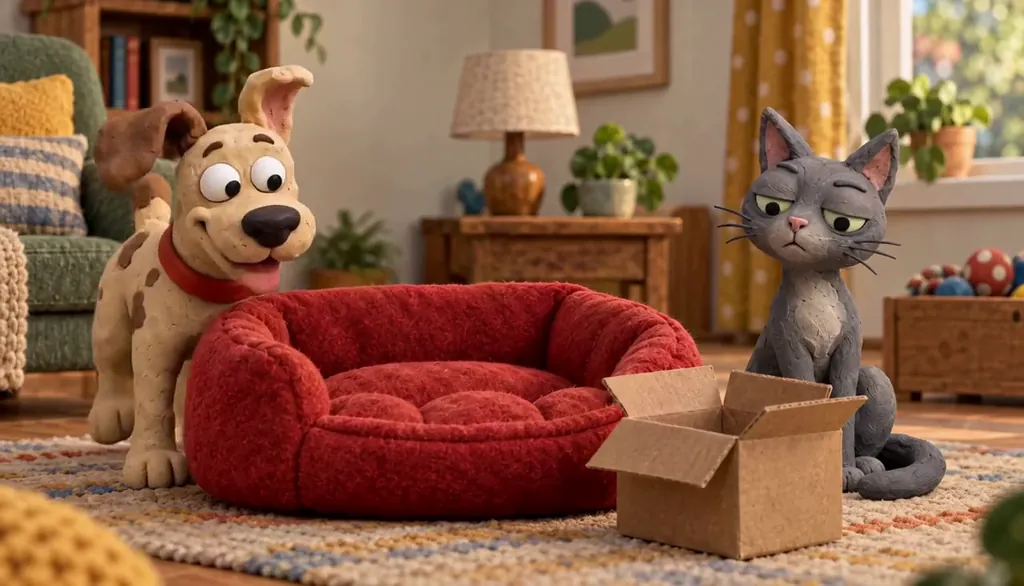
How to make a claymation series with AI
Write the premise in one line and ask for the clay look: thumbprint texture, handmade sets, warm lamplight. Character App builds the World in that style and sculpts a Cast of clay Characters who keep their shape and colours in every Scene. Direct each beat as a Clip, keep the takes you like, and the next Episode returns to the same tabletop town. It is the stop-motion look made by AI, not frame-by-frame animation. Free Studio to start; a plan unlocks Clips.
Updated September 2026 · Free to start · Web and iPhone
Made in Character App
Real Clips from fictional sample series. Same Cast from shot to shot; tap a Clip for sound.
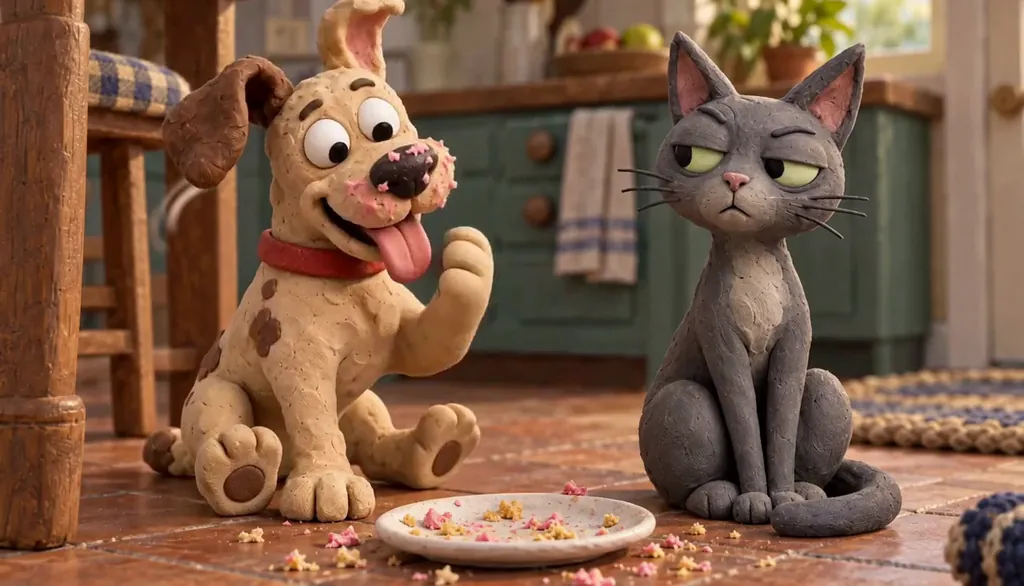
Biscuit & Pickles He did it
Made with H3 Max Turbo, the Clip model in Character App · fictional sample series
Why claymation is everywhere again
Clay reads as made by hand, even on a phone screen. Visible thumbprints, slightly wonky sets and a warm desk lamp make a story feel personal before anyone speaks, which is why the claymation look keeps showing up in feeds full of glossy AI clips. Real stop-motion can take weeks for a single minute. Here you describe the look, and the World carries it into every Scene.
The four ingredients of the clay look
Name these in your premise or your World’s look and they carry through every Scene.
Thumbprint texture
Clay that shows the hand that shaped it: small dents, soft edges, colours that are slightly uneven.
Handmade sets
Cardboard houses, felt grass, a cotton-wool cloud on a wire. Miniature and a little imperfect.
Warm tabletop light
A single lamp, soft shadows, the feeling of a studio on a kitchen table.
A gentle stutter
The slightly stepped motion of stop-motion. Keep actions simple so it reads as charm, not glitch.
One clay Cast, a whole season
Single-clip claymation effects are fun once. A series needs the same gnome with the same chipped hat in Episode 06, and that is what a Cast is for. Each Character keeps a locked design, the World keeps the set, and each Episode is a new premise on the same tabletop. You can start from an idea, or from your own photo to get a clay version of yourself. Friends can join if they say yes, and pets are welcome.
Stories that suit clay
Clay loves small worlds with big feelings: neighbours feuding over a hedge, a lonely robot fixing a music box, a family of mice planning a holiday. Keep each Scene to one clear physical action, a gnome drops a pebble, a mouse opens a suitcase, and the handmade look does the rest.
8 claymation ideas to start from
Press one and it lands in the idea box. Change a word or keep it; the Director takes it from there.
- 01The Pebble & Co.Squabbling garden gnomes defend their flowerbed from a new rock-garden HOA.Use this idea
- 02Lamp RobotA tiny robot fixes broken music boxes for a town that has forgotten how to sing.Use this idea
- 03Mouse HolidayA mouse family packs for the beach, which is the sandbox next door.Use this idea
- 04Clay Me Goes to WorkA clay version of you survives a Monday, one coffee at a time.Use this idea
- 05Hedge WarTwo neighbours trim their hedges into increasingly rude shapes.Use this idea
- 06The Last BiscuitFour kitchen utensils plan a heist on the biscuit tin.Use this idea
- 07Snail MailA snail postman delivers a love letter, eventually.Use this idea
- 08Moon BakeryA baker on a clay moon makes bread that floats away.Use this idea
From one line to Episode 01
- 1
Sketch the premise
One line plus the clay look. Character App builds a tabletop World with thumbprints, cardboard and lamplight.
- 2
Sculpt the Cast
Original clay Characters or a clay version of you, each with a locked design, so every thumbprint survives to the finale.
- 3
Film the Episodes
With a plan, direct simple physical beats as Clips and keep the best takes. Next Episode, same tabletop, new trouble.
Questions, answered
Still curious? The guides go deeper.
Is this real stop-motion?
No. It is the claymation look made by AI video models from your description, not frame-by-frame animation of physical clay. That is why an Episode can take an evening instead of a month.
How do I make a claymation-style video with AI?
Describe your premise and the clay look: thumbprint texture, handmade sets, warm light. Character App builds the World and Cast in that style, then you direct each Scene as a Clip.
Does the clay look stay consistent across Scenes?
The look lives in the World and each Character has a locked design, so new Scenes come back in the same style with the same clay Cast.
Can I turn my photo into a clay character?
Yes, for your own photo or a photo of your pet. Anyone else needs to agree to be in it.
Can I make it vertical?
Yes. Plan 9:16 for short-form posts or 16:9 for a wider tabletop feel, then export the Clips you keep.
What does a claymation series cost?
Continue with the free Studio: currently one World build, one Character a day and 4 Lite Images a day. Clips need a plan, from $19.99 a month for 800 Credits; a 5-second Clip from an Image on H3 Max Turbo is 15 Credits, priced before you press.
More genres
Every genre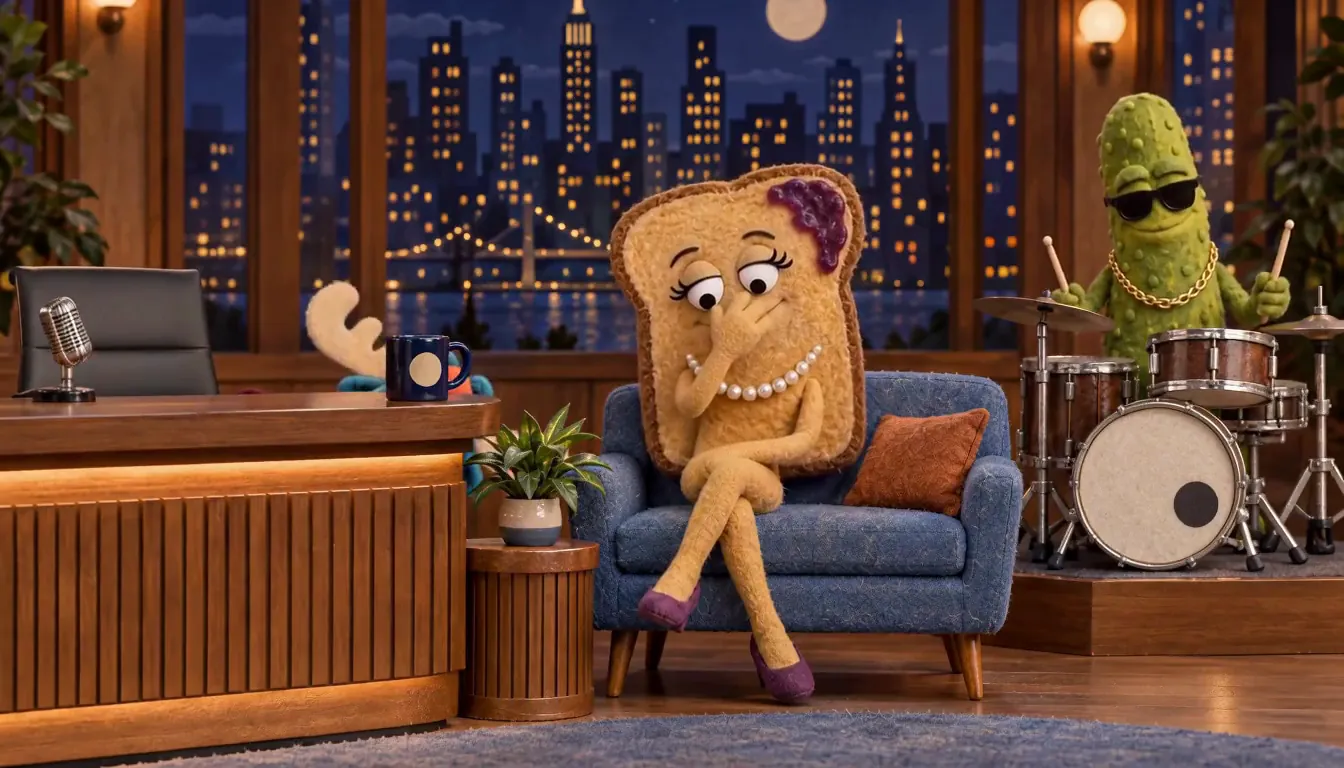 Puppet showOriginal felt puppets with their own show.
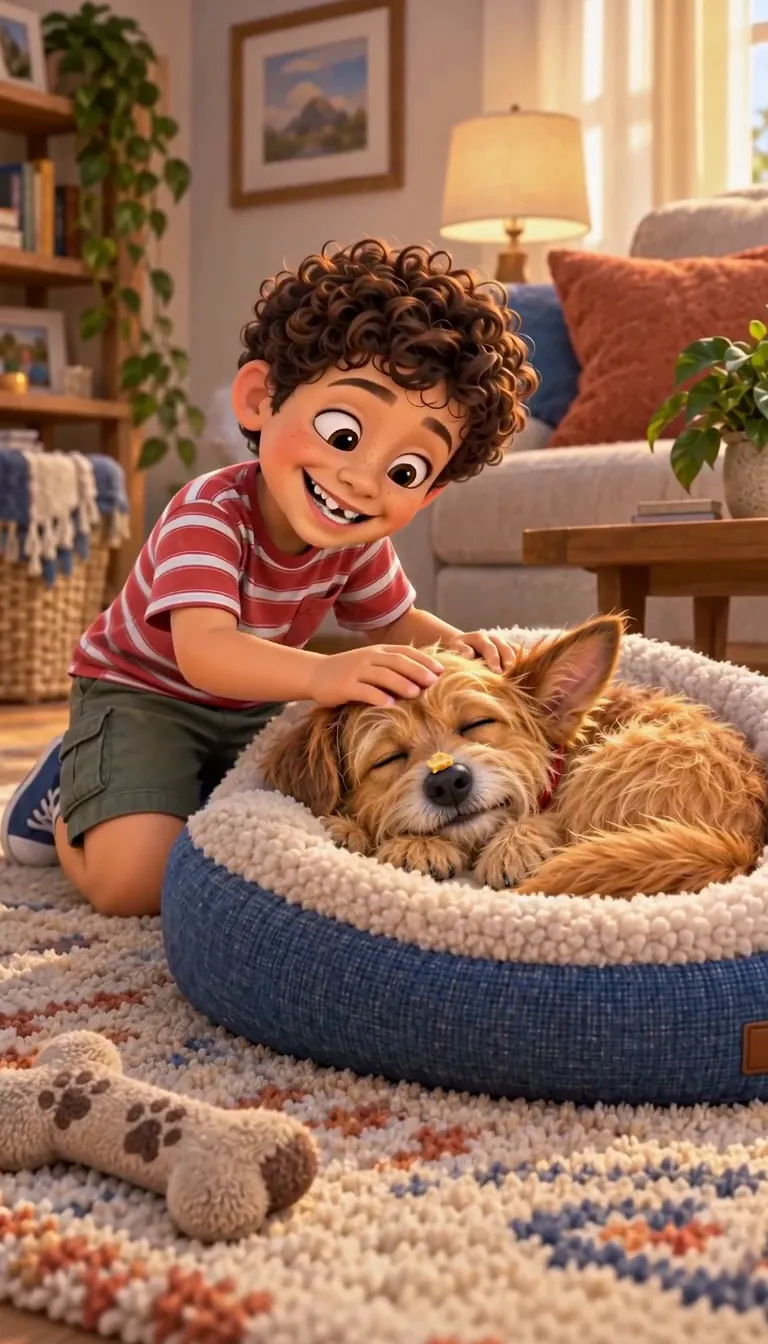 Pet comedyYour actual pet, starring in their own comedy.
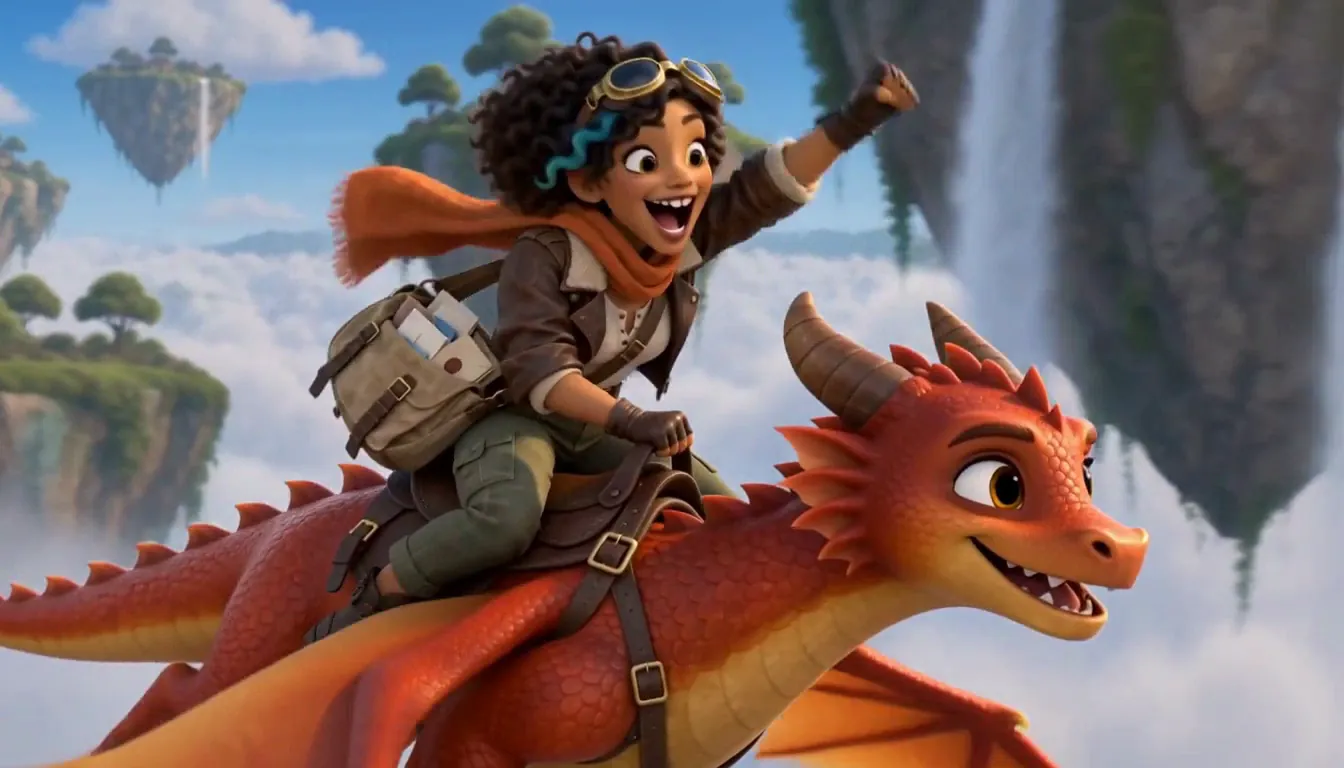 3D animated dramaStylized 3D with feature-film warmth and real stakes.
Guides for this genre
- Make a 3D animated showA stylized 3D show is the feature-film look — soft volumes, cinematic light, faces with real warmth — without the rigging, the render farm, or the software.
- Build a consistent castKeep the same face, proportions, and costume in every episode — the fix isn’t better prompts, it’s architecture.
Your claymation starts with one line.
Continue with the free Studio · one World build, one Character a day, 4 Lite Images a day