Make a 3D animated drama with real weight
Type the stakes — the handoff, the debt, the thing someone buried — and get a stylized 3D series where every character carries it differently.
Free: make your Character and its Story as picture-only Slideshows. Real video comes with a plan.
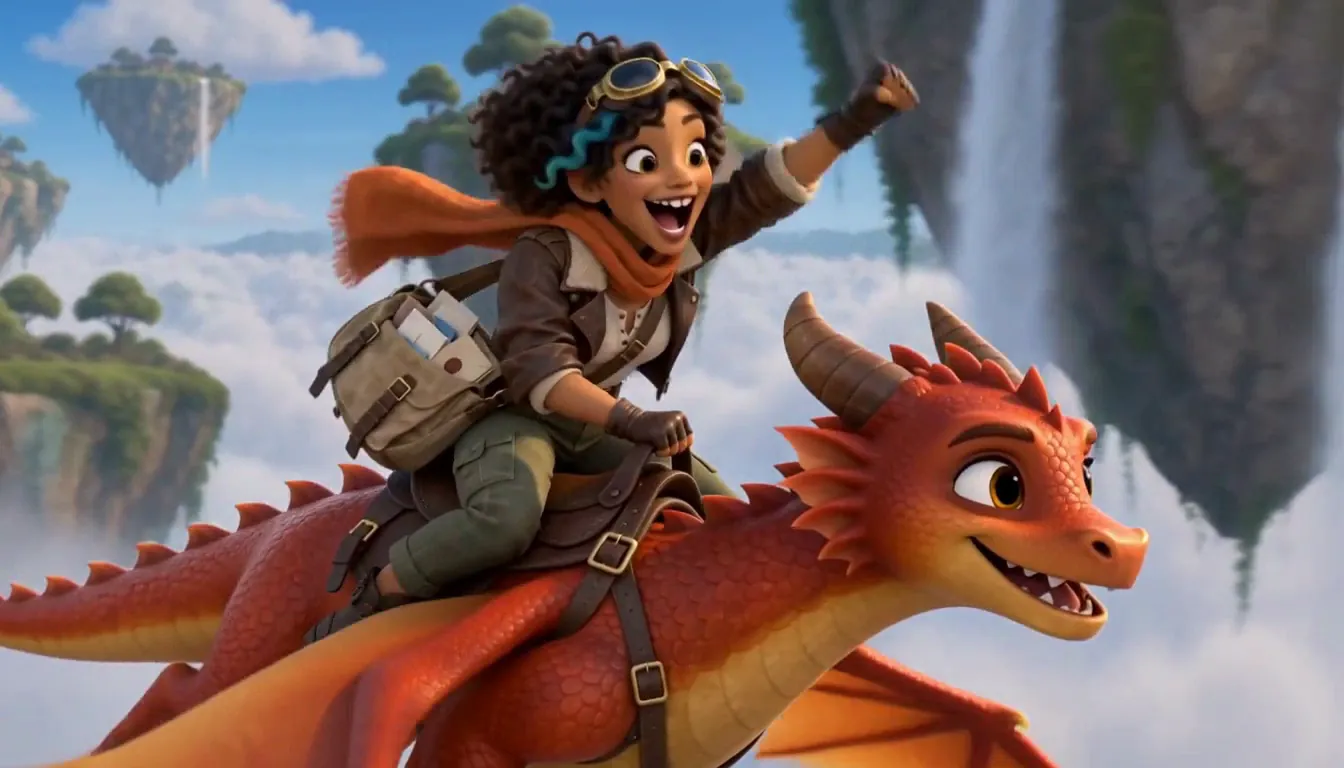
How to make your own 3D animated drama
Pitch the drama in one line — the overpass, the data-key, the reunion nobody asked for. Character App builds the World in a stylized 3D, feature-film look and casts characters who keep their silhouettes and wardrobes across every Scene and episode. Direct each Scene as a Clip, review your takes, and decide what the envelope was always hiding. Continue with the free Studio.
Updated September 2026 · Free to start · Web and iPhone
Made in Character App
Real Clips from fictional sample series. Same Cast from shot to shot; tap a Clip for sound.
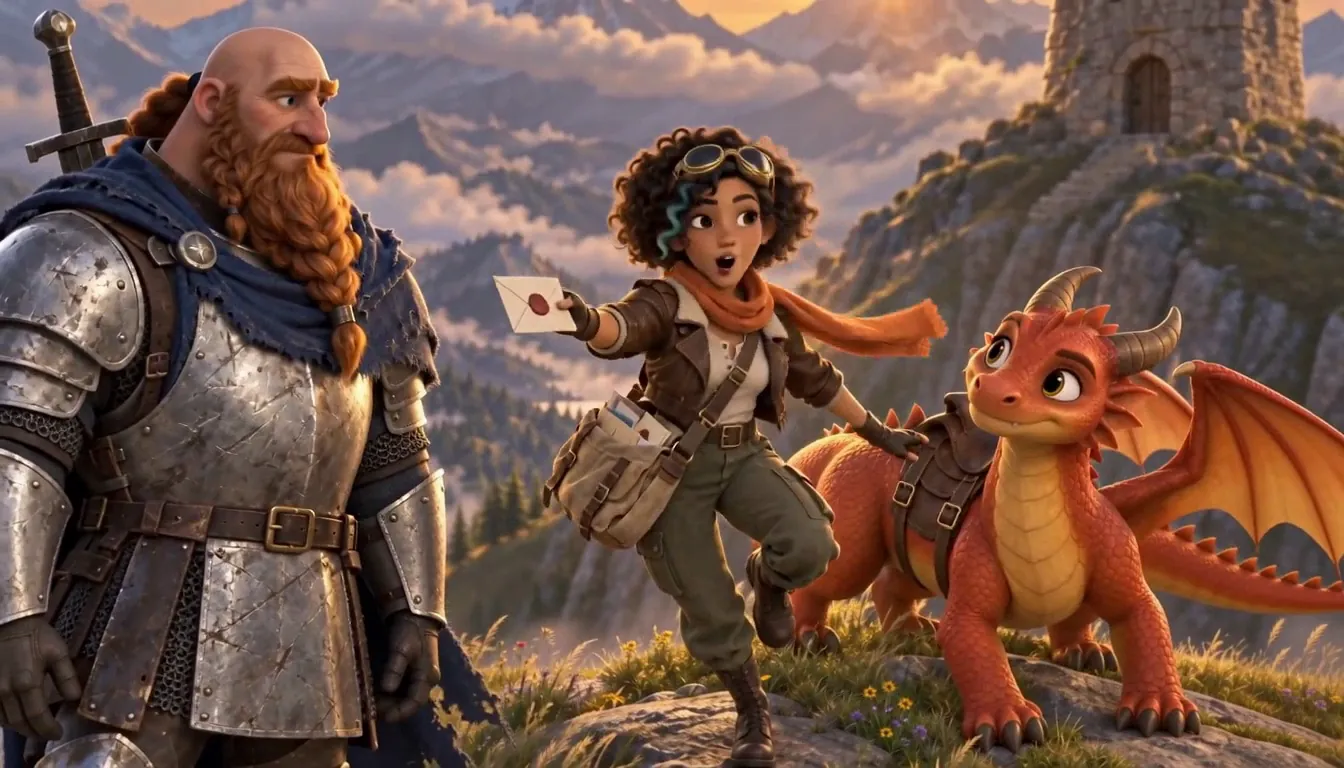
Emberwing Special delivery
Made with H3 Turbo, the Clip model in Character App · fictional sample series
Stories that suit stylized 3D
Stylized 3D has the warmth of an animated feature and room for real stakes. These stories get the most out of it. Each one works as a series with a Cast who come back.
Family dramedy
A dad secretly moonlighting as a masked hero, a mum who already knows, a teenager who is about to find out. The big fights happen at the kitchen table, not on rooftops.
Original superheroes
Invent the hero, the costume and the one weakness. Lock the suit design once and it survives every fight, rip and rebuild. The personal stakes carry more than the explosions.
A music video with a story
One recurring Character across a song's verses: she leaves town in the first verse and comes home by the last chorus. Make a new chapter for each release, then export the Clips and cut them to your track.
A mascot series
A small business's mascot in a weekly 3D Episode for social media: the bakery's anxious croissant, the gym's overconfident kettlebell. It's the same mascot in every post, which is how people start to recognise it.
Why 3D carries weight
3D gives you volume and real light, and characters who feel solid enough to lose something. A stylized look also ages well: it doesn't try to pass for real, so nothing looks slightly off.
Light is the emotion
Amber kitchen light for home, cold neon for the overpass, one bare bulb for the confession. Ask for the light in each Scene's direction; it does more than any line.
Silhouette and wardrobe
Every Character should read in shadow: the heavy coat, the cape folded into a gym bag, the grandmother's cardigan. Designs and outfits hold from Scene to Scene, so a costume change means something.
Small acting
3D faces can do a lot with a little: a jaw tightening, a glance at the door. Write the Scene around one small action and keep the take where it reads.
No 3D software, still the director
There's no modelling, rigging or keyframing. You keep the part that matters: what happens, where the camera is and which take is true.
Write what the camera sees
Describe one physical event per shot: "She slides the envelope across the table." A plain verb and a visible object film better than a mood. Keep the feeling in the story purpose and let the shot show the action.
Let the Director break it down
Tell the AI Director what the Episode is about and it drafts the Scenes. Rewrite any of them before anything is filmed.
Choose your takes
Not the moment you wanted? Change the direction and make another take. Each take is its own priced Clip, and the price is on the button before you press.
A World worth coming back to
The World persists between Episodes: the apartment with the broken lift, the overpass, the secret workshop behind the laundry room. Once a place is built, every Episode can go back to it.
Recurring places
Return to the same kitchen in every Episode and let it change a little as the story does: dishes piling up, a chair nobody sits in any more.
Your family as a 3D Cast
Adults can join from their own photos, with everyone's permission. Kids in the story are best written as original Characters. For a film about your real family, see family movie.
A season arc in three rooms
Pick three recurring rooms (home, work, the place the secret lives) and build the season around moving between them. Fewer places, visited more often, make the World feel real.
8 3d animated drama ideas to start from
Press one and it lands in the idea box. Change a word or keep it; the Director takes it from there.
- 01Night Shift HeroA dad secretly moonlights as a masked hero, and his daughter has just been hired as his sidekick's intern.Use this idea
- 02The Last LighthouseA retired keeper refuses to leave the lighthouse the town wants to demolish, and the light still comes on by itself.Use this idea
- 03Croissant WeeklyA bakery's anxious croissant mascot tries a different job every week to prove he isn't just breakfast.Use this idea
- 04OverpassTwo brothers, one debt and a handoff under the neon overpass that goes wrong in the first minute.Use this idea
- 05Homecoming VerseA music video in four chapters: a singer leaves her hometown and the same stray dog follows her all the way back.Use this idea
- 06The ReplacementA retired superhero is replaced by a younger one, who moves in next door.Use this idea
- 07Grandma's WorkshopClearing out her grandmother's garage, a woman finds a half-built robot with her name on it.Use this idea
- 08Second ShiftA nurse and a night-bus driver meet at the same stop at 4 a.m., and one night he doesn't show.Use this idea
From one line to Episode 01
- 1
Pitch the stakes
One line — the overpass, the data-key, the debt nobody names. The World builds in a stylized 3D look.
- 2
Cast in 3D
Stylized 3D characters who keep silhouette, wardrobe and weight from Scene to Scene — expressive, not photoreal.
- 3
Direct the reveal
Compose each Scene, make the Clips, hold the take one beat too long. You decide what the envelope hid.
Questions, answered
Still curious? The guides go deeper.
What does a 3D animated drama look like here?
Stylized, feature-film-adjacent 3D — expressive characters under neon and amber light, not photoreal. Think the emotional register of an animated feature, directed by you.
Can I make an animated series that continues?
Yes — the Cast and World persist, so what gets buried in Episode 01 can stay buried until the finale.
Is each Scene real 3D-animated video?
Yes — generated video Clips in the stylized 3D look, directed Scene by Scene and assembled into episodes.
Do I need 3D software or animation skills?
None. You write what happens and choose the takes; modeling, lighting and motion are the pipeline’s job.
How is this different from the anime style?
Anime is cel-shaded 2D built for arcs and reveals; this is volumetric 3D with cinematic light. Same Cast persistence, different surface.
What does a 3D animated drama cost?
Free: make your Character and its Story as picture-only Slideshows. Real video comes with a plan. Every Clip shows its exact Credit price on the button before you press.
More genres
Every genre Family movieYour family, cast as themselves.
 Vertical dramaGlossy 9:16 drama built on cliffhangers.
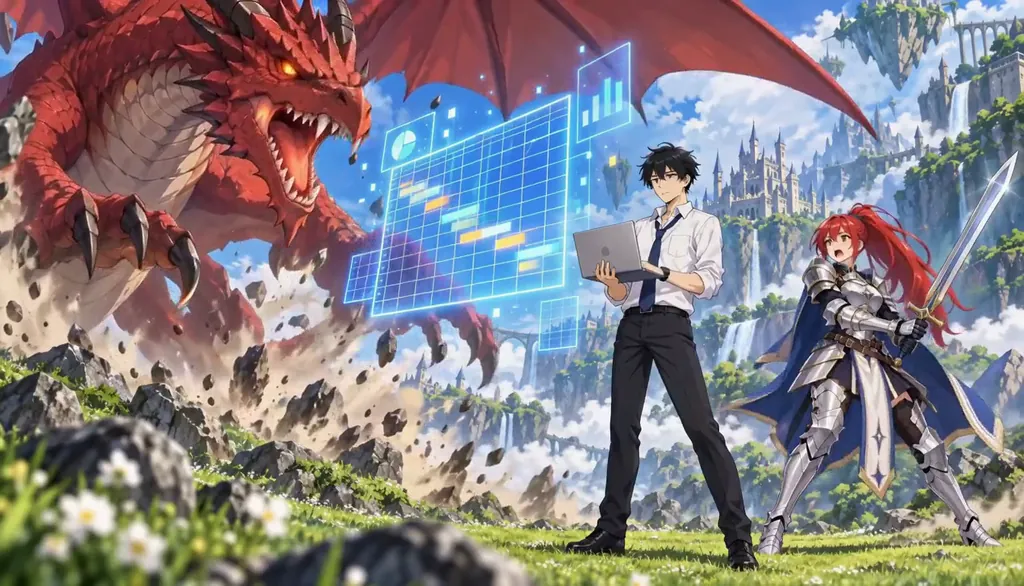 AnimeCel-shaded arcs, rivals and late-waking powers.
Cast for this genre
Plan it as a full season with the AI series maker.
Your 3d animated drama starts with one line.
Free: make your Character and its Story as picture-only Slideshows. Real video comes with a plan.