Start with a sentence or a photo
Everything begins at the front door: one line that says what the show is — “a heist crew that only steals back stolen things” — or a photo of the person who should star in it. If you’d rather not write, ready-made Worlds let you start inside a premise that’s already built.
The first question is “Who’s in it?” and there are three answers: Put yourself in it (one photo — you’re the lead), Me and friends (up to five photos — everyone gets a seat), or Make someone up (one invented lead). That answer is the only input the Studio needs before it starts drawing.
The line it came from: Three friends, one AI startup, one rate limit.
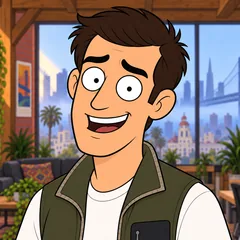 MilesFounder
 DevEngineer
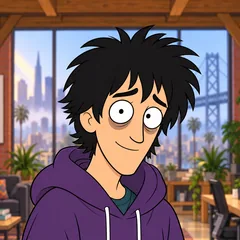 WizProdigy
Rate Limited · one line, and the Cast it drew: three Characters who keep their faces in every Episode. Our own fictional sample series, made in Character App. The photo becomes a Cast member
A photo is translated into a Character — a drawn version of the person that belongs to the show’s Look rather than a filtered selfie. You name them, add anything else you want known (a job, a habit, a grudge), and the Bible — the World’s written memory — keeps it.
Keeping the look is the important press: once a Character’s look is kept, they’re seated in the World and every future Scene draws from the same reference. That’s what a Cast is — your recurring people, on-model every time.
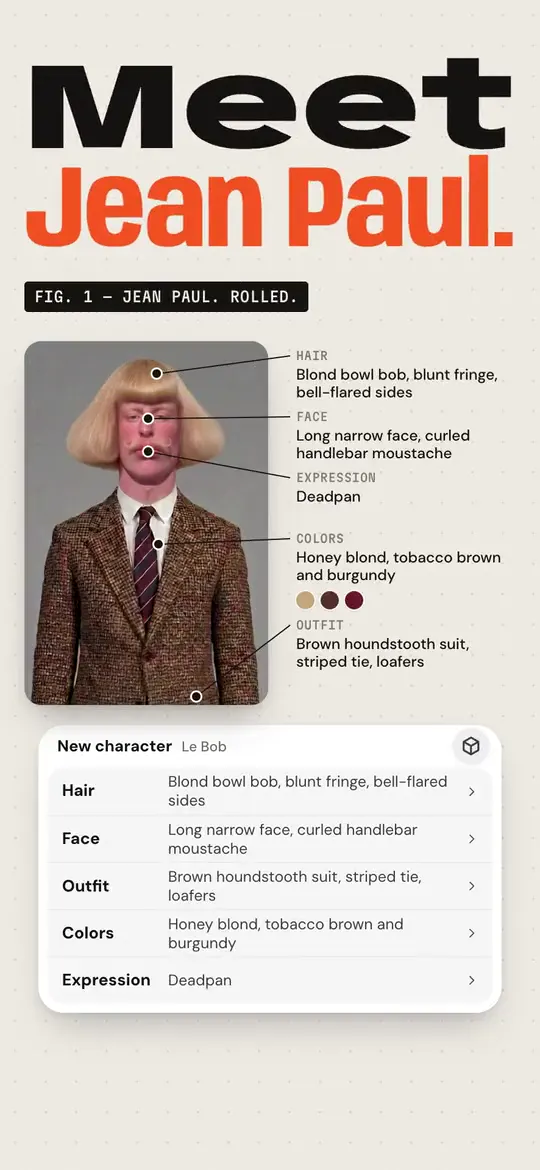
How Character App works · From a clip to a series. Jean Paul · made in Character App · H3 Turbo The Cast lives in a World
A World is the container a series runs in: the place the Cast returns to, the rules the story keeps, the visual Look every Image follows, and the Bible that remembers what already happened. Genesis — the first-run build — creates all of it around your first Character in one pass.
Nothing here is homework. The World assembles itself from your idea and your Cast; you can rename it, restyle it, or never think about it again — it works either way, because its whole job is to keep your series consistent.
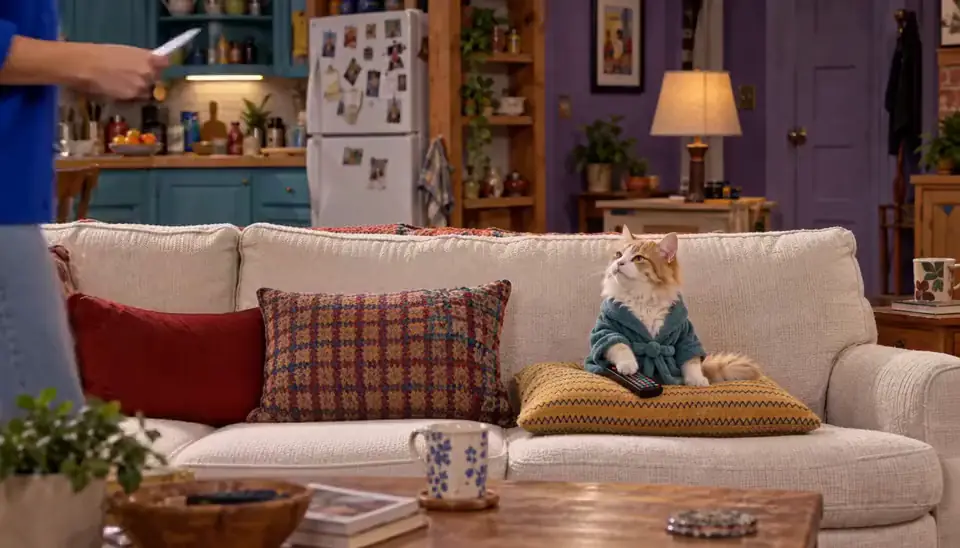
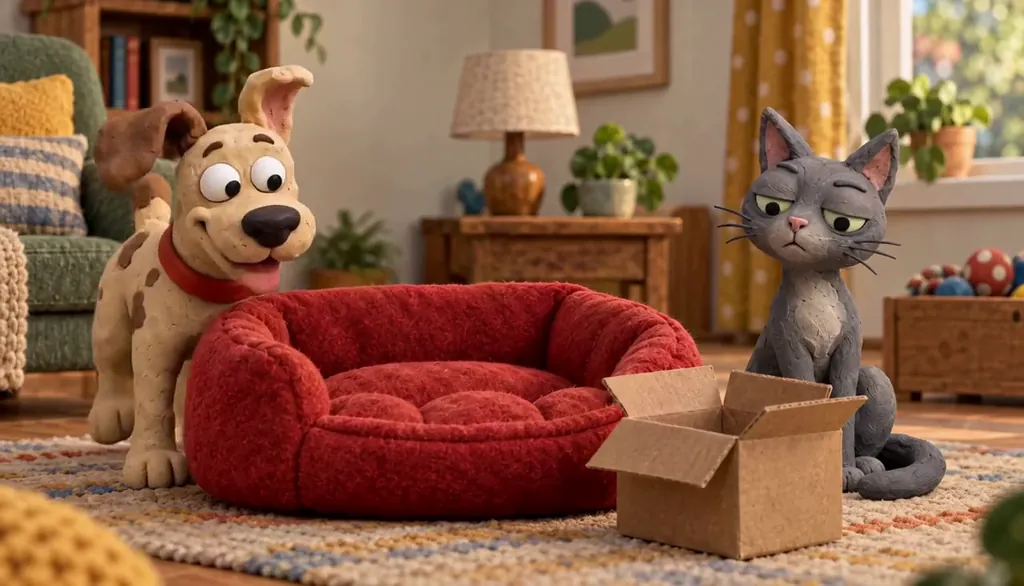
Roommates & Rent · Episode 1: Rent Is a Suggestion. Made with H3 Turbo, the Clip model in Character App · fictional sample series The Director turns a line into a plan
The Director is the Studio’s planning conversation: you write one line — “the dinner goes wrong when the critic walks in” — and it comes back with an outline you can review. Tag the Cast members who should be in it; they arrive already knowing their look.
The outline is free to iterate on. Retype the pitch, ask for a different ending, swap who’s in the scene — the Director revises until the plan is the episode you meant, and nothing has been spent yet. Turn on Auto-film and it films the Scenes too, up to a Credit cap you set for each Story.
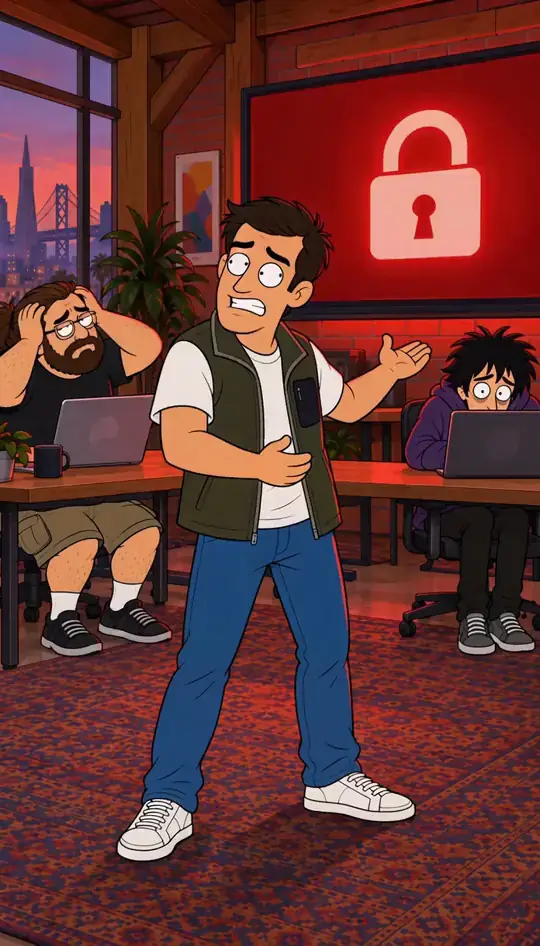
Rate Limited · Limit reached. Made in Character App · fictional QA Cast Scenes get planned, then drawn
An accepted outline becomes a run of Scenes — one dramatic moment each, laid out like a shot list: wide, medium, close, hold. Each Scene carries its own direction line, the Cast visible in it, and its place in the order.
Drawing the Scene Images is the one spend checkpoint before filming — the pictures that become the episode’s key frames. They land in the planner as they finish, and you can rewrite direction or reorder Scenes before anything moves.

Milo Fenn · Milo, anime. Original character made for Character App’s character pages with gpt-image-2.5 and H3 Turbo Takes become an Episode
Filming turns a Scene into motion: each render is a Take — one attempt you can watch the moment it lands, keep, or send back with new direction. The take you keep becomes a Clip, and the kept Clips assemble into the Episode in order.
Every Clip is priced before you press — the Studio shows the exact Credit cost up front, and the charge only happens on your approval. Film in 9:16 for phones, 1:1 for feeds or 16:9 for widescreen. A take you don’t like isn’t failure; it’s direction. Write a sharper line and ask for another one.

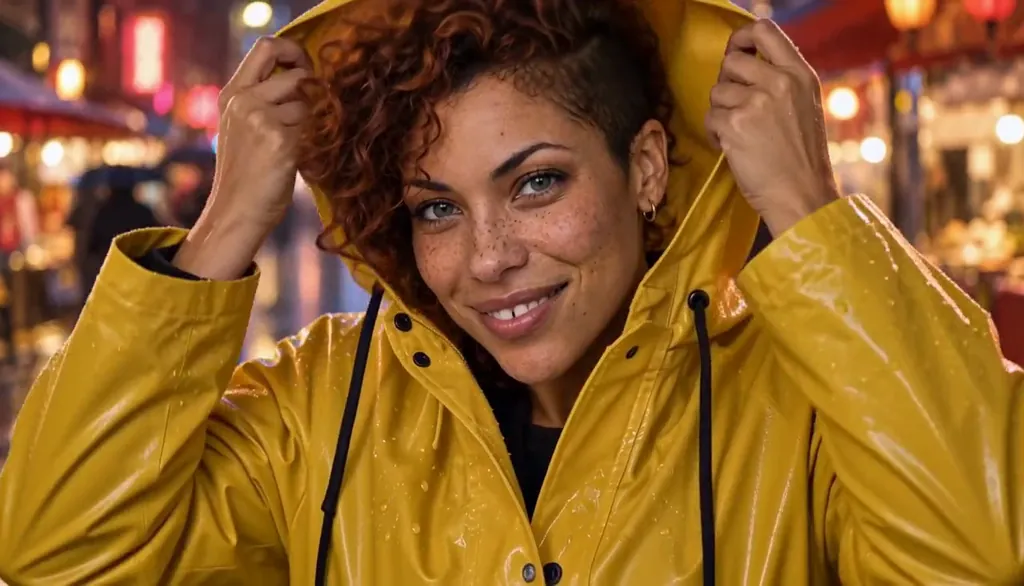
Last Train, Yellow Umbrella · The last train too. Hana, a university art student, and Ren, from the bakery by the station · made with H3 Turbo, the Clip model in Character App · fictional sample series Or start from a clip you already have
Not every Clip has to start from a plan. Star in a clip, in the Playground, takes a clip you filmed: up to 30 seconds, in any shape, vertical, square or wide. If more than one person is in it, tap the one your Character replaces; seated and upper-body shots work too. Your Character takes the lead with the same moves and camera.
Customize prompt then changes the outfit, the place, the weather or the props in plain words, several at once, as a new take with its price on the button. Star in a clip needs a plan, and only uses clips you have the rights to, with people who agree to AI processing. See how to put your Character in a dance video.
Episodes stack into a Season
One Episode is a win; a run of them is a series. Episodes collect on the World’s board under a Season — and because the World remembers, episode six can call back the joke, the grudge, or the prop from episode two without you re-explaining it to anyone.
That’s the whole machine: photo to Cast, Cast to World, line to Director, plan to Scenes, takes to Episode, Episodes to Season. Every layer below keeps working in the background so every layer above gets easier to use.
Common mistakes
Writing a novel at the front door. One line is enough — the first-run flow asks for the idea, not the outline. Detail belongs in the Bible and the Director, not the pitch field.
Redoing a Character instead of keeping the look. The kept look is what makes the Cast recur — a Character you keep re-describing never becomes a Cast member the World can rely on.
Filming before the outline reads right. The plan is the cheapest place to fix the episode; every correction after “Draw the scenes” costs more than the same note made earlier.
Starting a new World for every idea. A second idea is usually a new Season in the World you have — the Cast, the Look, and the memory all carry over for free.
Treating a rejected take as wasted spend. Takes are how direction gets sharper — the keep/retry loop is the tool, not a tax.
Questions
Do I need a photo to start?
No — you can start from one written line and let the Studio invent the lead, or pick a ready-made World. A photo is the fastest way to put yourself in it, not a requirement.
Is Character App free?
Free: make your Character and its Story as picture-only Slideshows. Real video comes with a plan. That covers the first World build and daily Images; Clips and Film are the paid steps, always priced before you approve them.
What’s the difference between the Director and the Studio?
The Director is the conversational planner — you write what should happen, it drafts the outline. The Studio is where the pieces live: the Cast, the World, the Scenes, and the Library of finished work.
Can I bring friends into my show?
Yes — “Me and friends” seats up to five photos in the Cast at first run, and you can add members later. Everyone keeps their look across every Scene they appear in.
What happens to my work between sessions?
Everything persists in the World — the Cast, the Bible’s memory, drafted Scenes, finished Episodes, and every kept take land in your Library to reopen later.
Do I own what I make?
Your Episodes, Clips, and Images are yours to keep and share. Nothing leaves your private Studio unless you deliberately send it to a Room.