
Decide whether you want a maker or a catalog
The first filter isn’t quality — it’s which side of the glass you want to be on. ReelShort and DramaBox are catalogs: they sell you episodes to watch. Showrunner is a studio making its own shows and letting early-access members extend them. Character App, Frameo, and Anijam are makers: the show that comes out is yours.
If you want to watch, this list is the wrong list — the watching apps compare on catalog depth, not on tools. If you want a show that exists because you invented it, keep reading: the remaining checks separate a real series tool from a clip generator with a season-shaped pitch.
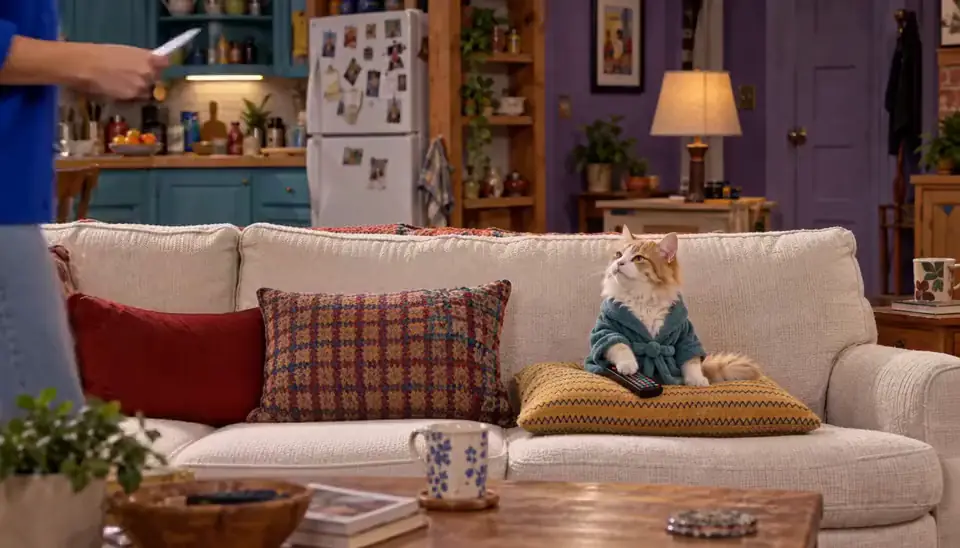
Roommates & Rent · Episode 1: Rent Is a Suggestion. Made with H3 Turbo, the Clip model in Character App · fictional sample series Check what survives between episodes
The single feature that turns clips into a series is persistence — does episode twelve still look like episode one? In Character App the Cast is a saved asset: characters are drawn on-model in every Episode, and the World keeps what happened. Anijam describes the same idea — a cast stored as a project asset rather than a one-off render.
Anything weaker is a clip tool with a numbering scheme. If the tool can’t tell you where the character lives between episodes, the answer is nowhere — every new prompt starts from scratch and drifts.
The line it came from: Three friends, one AI startup, one rate limit.
 MilesFounder
 DevEngineer
 WizProdigy
Rate Limited · one line, and the Cast it drew: three Characters who keep their faces in every Episode. Our own fictional sample series, made in Character App. Check who actually directs
Every tool here accepts a text description; the difference is what happens next. In Character App you direct — a line becomes Scenes and Takes, and a Take you don’t like is retaken, not accepted. Frameo’s flow sequences the episode for you after you describe it. Anijam’s agent writes and assembles, then you adjust on a timeline.
Neither is wrong — they’re different jobs. If you want to make editorial calls shot by shot, pick the tool that gives you a shot-level surface. If you want to hand over a premise and grade the result, the agent model fits.

The Long Haul · The snack cupboard. Made with H3 Turbo, the Clip model in Character App · fictional sample series Check the format and where episodes can go
Shape decides where the show can live. Character App produces 9:16 vertical for phone-first audiences and 16:9 widescreen for shared screens, in ten genre Looks. Frameo exports for social platforms; Anijam’s examples show both vertical micro-drama and wide cinematic frames.
Ask the boring question early: can you get the file out, at the aspect your audience actually watches, without a watermark you didn’t agree to? A series you can’t publish where your viewers are is a private screening — check the export story before the demo.
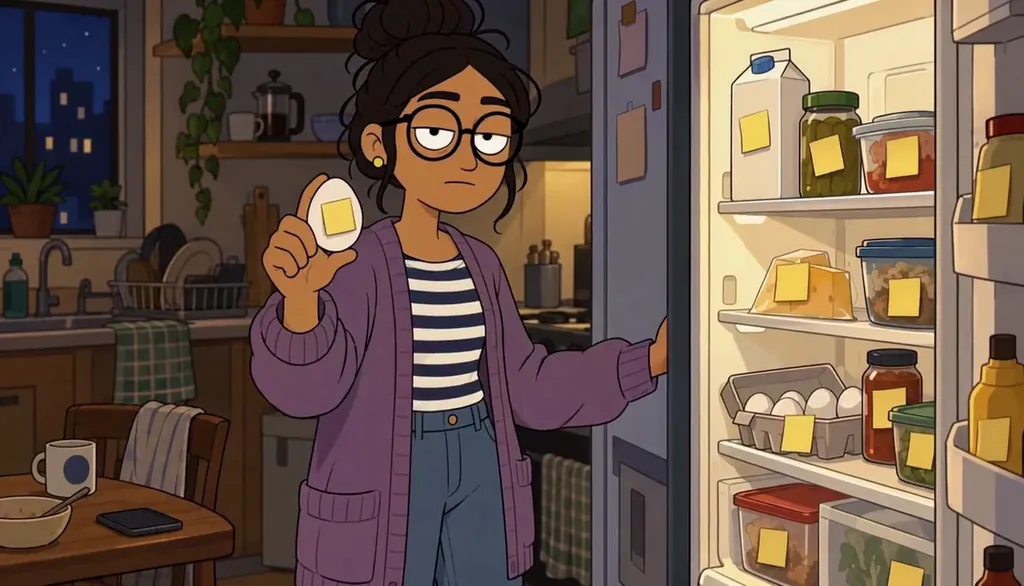
Unit 4B · He labeled the egg. Made with H3 Turbo, the Clip model in Character App · fictional sample series Continue with the free Studio, and judge one finished Scene
Every honest entry point here costs nothing. In Character App, free means a World build, a Character a day, four Lite Images a day, and Story drafts at zero Credits — no card. Frameo and Anijam both advertise a free start on their own pages. Showrunner’s public site is an application gate, so its terms aren’t publicly checkable.
The right trial is one finished thing, not a tour: make a Cast member, draw one Scene, and look at it. The tool whose free output you’d actually post is the one worth paying.
Common mistakes
Comparing demo reels instead of episode two. Any tool can make one impressive clip — the question is whether the twelfth episode still has the same people in it.
Paying for a catalog when you wanted a maker. Watch apps and make tools answer different searches; check which one the homepage is selling.
Judging by the press, not the page. A famous name can still be early access — if the site is an application gate, the public facts end there.
Starting on a paid plan. Each real tool here has a free entry — make one finished Scene before a subscription makes the decision for you.
Questions
Which tool is best for a complete beginner?
Whichever gets you to a finished Scene fastest. Character App’s free Studio covers a World, a Cast member, and Story drafts with no card; Frameo and Anijam advertise free starts. Try the free path on each before paying anything.
Can I make a show about myself or my friends?
In Character App, yes — a Character can start from a photo or a description, and likeness rules apply. The point of a maker tool is that the Cast is yours, not a stock set.
Do any of these make full-length TV episodes?
Not as their main job — Frameo says plainly it targets short-form digital episodes rather than full-length TV. Character App is tuned for short connected Episodes; the Season is the long-form unit.
What about ReelShort and DramaBox?
Different product category — they’re catalogs you watch, not tools you make with. Our ReelShort vs DramaBox vs making-your-own page covers that comparison directly.
Why are some cells just “—”?
Because the competitor’s public page didn’t state that fact when we checked, and we don’t fill tables with guesses. A dash is an honest answer; the sources list shows where each claim came from.