Make your own TV show with AI: a series, not a clip
Type the premise once and get the machinery of a show — a Cast that remembers, a World that persists, and episodes that pick up where the last one ended.
Free: make your Character and its Story as picture-only Slideshows. Real video comes with a plan.
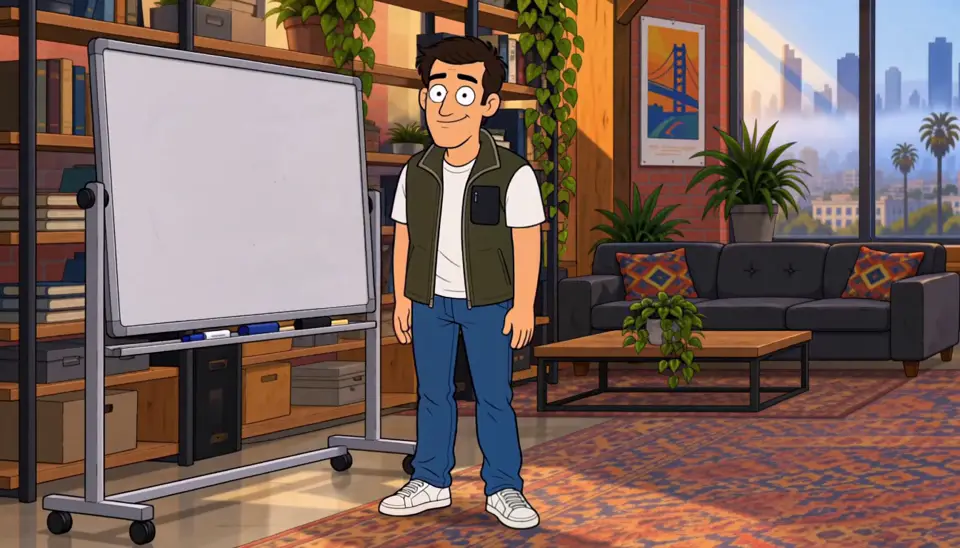
How to make your own series
To make your own TV show with AI, start with a series, not a clip. Set the premise in one line — that becomes the show’s first page. Character App keeps the Cast, World and continuity across every episode you direct: running gags run, arcs arc, grudges hold. Each episode is Scenes and Clips you choose, and the next one opens on the hook you left — a real show, not a one-off clip. Continue with the free Studio.
Updated October 2026 · Free to start · Web and iPhone
Made in Character App
Real Clips from fictional sample series. Same Cast from shot to shot; tap a Clip for sound.

Rate Limited We hit the limit

Roommates & Rent About the rent
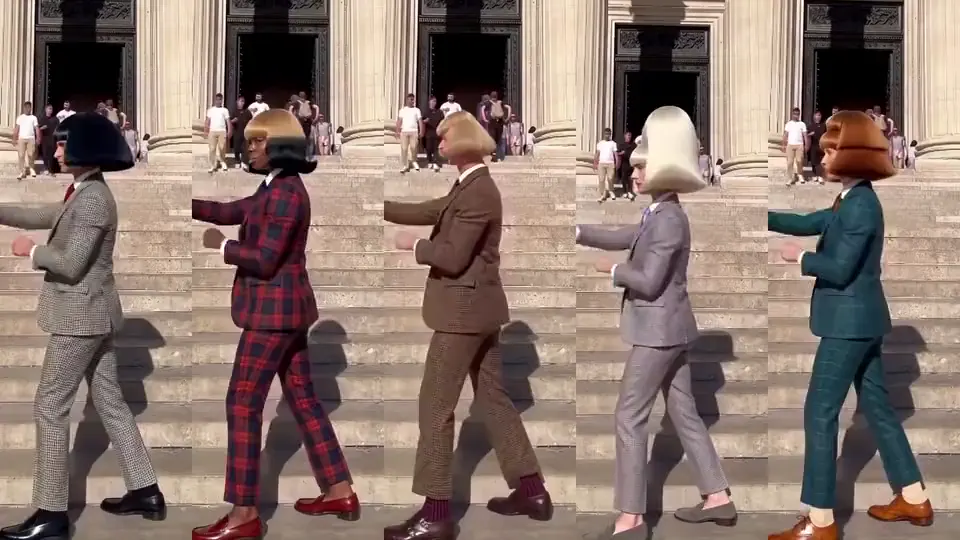
Jean Paul The whole gang, same move
Rate Limited · made with H3 Turbo · founder-owned fictional cast · Made with H3 Turbo, the Clip model in Character App · fictional sample series · Jean Paul · made in Character App · H3 Turbo
What a premise needs to become a series
Plenty of good ideas are one Episode long. A series idea has four parts that keep producing new Episodes. To start from one line, the AI series maker plans the season for you; for a single finished Story, use the AI story maker; for one longer film, the AI film maker.
An engine
Something that creates a new problem every week without anyone forcing it: a household with one bathroom, a ship that keeps breaking down, a rivalry nobody will end.
An ensemble
Four to six roles that pull against each other: the lead, the foil, the one who knows too much, the wildcard. Any two of them in a room should make a Scene.
A home base
One place every Episode returns to, whether that's the couch, the bridge of the ship or the tavern. The World keeps it the same so the audience feels at home.
A season question
One thing the audience wants answered by the finale: will they get the apartment, who sent the letter, does the ship make it home.
Plan the season before the pilot
Ten minutes of planning saves hours of filming Scenes that go nowhere.
One line per Episode
Write the whole season as a list, one sentence each. If you can't write Episode 6 in one line, the engine needs work.
Choose a length and stick to it
Minute-long 9:16 Episodes for a vertical drama, longer ones for a sitcom or a fantasy. A steady rhythm is part of why people come back. Once you pick a rhythm, the Director plans each Episode to fit it.
Decide the finale first
Know where it ends and plant things early: the borrowed scarf, the locked drawer, the rival glimpsed in the background of the pilot.
Keep a Bible
Record the facts that must not change (names, ages, who owes whom) in the World's Bible. The Director can help you draft the season, and the facts stay written down.
Character, Cast, World, Series, in one minute
The same few words appear everywhere in Character App. Here's how they fit together. Once the words are clear, planning the season gets much easier.
Character and Cast
A Character is one person, pet or creature, built once and kept on-model. The Cast is the ensemble of Characters in a World.
World
The place, the Look and the facts: the apartment, the kingdom, the villa, plus everything that's true there. The Cast lives in it.
Story, Scene and Clip
A Story is an Episode's plan, broken into Scenes. Each Scene is filmed as a Clip, and you keep the takes you like.
Episode and series
An Episode is made from the Clips you keep. A series is Episodes in the same World with the same Cast, each picking up where the last one stopped.
What a season costs, and who can drive it
Here's where Credits go. The Story outline itself is free; drawing Scene Images uses your daily free Lite Images first and Credits after that; filming Clips is the priced step, and it needs a plan.
Priced per Clip
The free Studio currently gives you one World build, one Character a day and 4 Lite Images a day. A plan unlocks Clips and Film. At today's rate, a 5-second Clip made from an Image on H3 Turbo is 25 Credits, so Starter's 800 Credits ($19.99 a month) covers about 2 minutes 40 seconds of those Clips.
Run it from your AI assistant
Claude Code, Codex or ChatGPT can run the Studio through the Character App connector. They show you a quote and wait for your approval before any Credits are spent.
Web and iPhone
Start the season on the web and keep directing from the iPhone app. Your Cast and World are the same on both.
8 series ideas to start from
Press one and it lands in the idea box. Change a word or keep it; the Director takes it from there.
- 01The Messiest YearTen Episodes about a friend group's worst year, one disaster per month.Use this idea
- 02One BathroomSix adult siblings move back into their childhood home, which still has one bathroom.Use this idea
- 03The Long Way HomeA broken-down ship, a crew that doesn't like each other and a home planet nine jumps away.Use this idea
- 04Room 9A mystery series: every Episode, a different guest checks into Room 9 and something from the last guest is waiting.Use this idea
- 05The InheritanceFour cousins must live together for a year to inherit the house, and one of them wants the others gone.Use this idea
- 06Night MarketOne food stall, one family, a new customer with a secret every Episode.Use this idea
- 07The RivalsTwo bakeries on the same street, one season, one town festival that decides who stays.Use this idea
- 08Season TwoPick up a finished pilot and ask the Director what happens next, keeping the same Cast in the same World.Use this idea
From one line to Episode 01
- 1
Set the premise
One line defines the show — the household, the ship, the tavern. That premise is the series’ first page, and everything you make afterwards grows from it.
- 2
Keep the continuity
Cast and World persist across episodes — running gags run, arcs arc, grudges hold between seasons.
- 3
Direct the season
Each episode is Scenes and Clips you direct, take by take. Episode 02 picks up where Episode 01 ended, in the same World with the same Cast.
Questions, answered
Still curious? The guides go deeper.
How is a series different from making one video?
Continuity. A series keeps its Cast, World and story state — Episode 02 is a sequel, not a fresh start. One-off generators reset every time; a series does not.
How do I make a multi-episode series with AI?
Type the premise, build the Cast and World once, then direct each episode as Scenes and Clips. The show state persists between them, so you never re-explain your own characters.
Can episodes end on cliffhangers?
Yes — you decide where each episode cuts, and the next one opens on the hook you left. The Cast, World and continuity wait for your return.
Do running gags and callbacks carry over?
They do. The Cast and World remember, so a joke set up in the pilot can pay off episodes later — and a feud can simmer all season.
Which genre can a series be?
Any of them — sitcom, anime, vertical drama, fantasy, graphic novel. The series machinery is the same; the look is your choice.
What does it cost to run a series?
Free: make your Character and its Story as picture-only Slideshows. Real video comes with a plan. Each Clip lists its exact Credit price on the button before you commit.
More genres
Every genre Vertical dramaGlossy 9:16 drama built on cliffhangers.
 RomanceTwo leads, one slow burn, a whole season.
 CharactersOne face, on-model in every style and show.
Guides for this genre
- Plan a season arcA season arc is one promise the whole season keeps: a question episode one asks and the finale answers.
- AI video series generators comparedA "series generator" is only a generator of clips until the cast survives past episode one.
- Write a 60-second episodeSixty seconds is a complete episode if you stop treating it like a short film.
Your series starts with one line.
Free: make your Character and its Story as picture-only Slideshows. Real video comes with a plan.