Create a character that stays itself
Describe them once — or start from a photo — and get a Cast member who keeps the same face in anime, fantasy, sitcom or stylized 3D.
Free: make your Character and its Story as picture-only Slideshows. Real video comes with a plan.
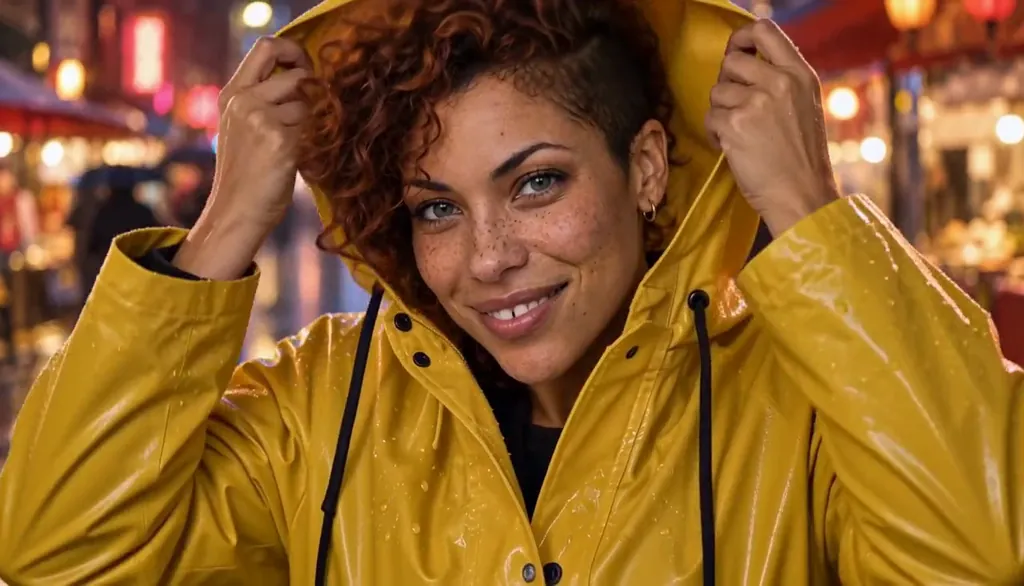
How to create your own characters
Describe a character in a line of text — or add a photo in the app. Character App builds a Cast member who stays recognisably themselves across every Scene, episode and art style you try. Then put them in a show: Cast members live in your World and appear wherever you direct them. The character is yours to keep — Continue with the free Studio.
Updated October 2026 · Free to start · Web and iPhone
Made in Character App
Real Clips from fictional sample series. Same Cast from shot to shot; tap a Clip for sound.
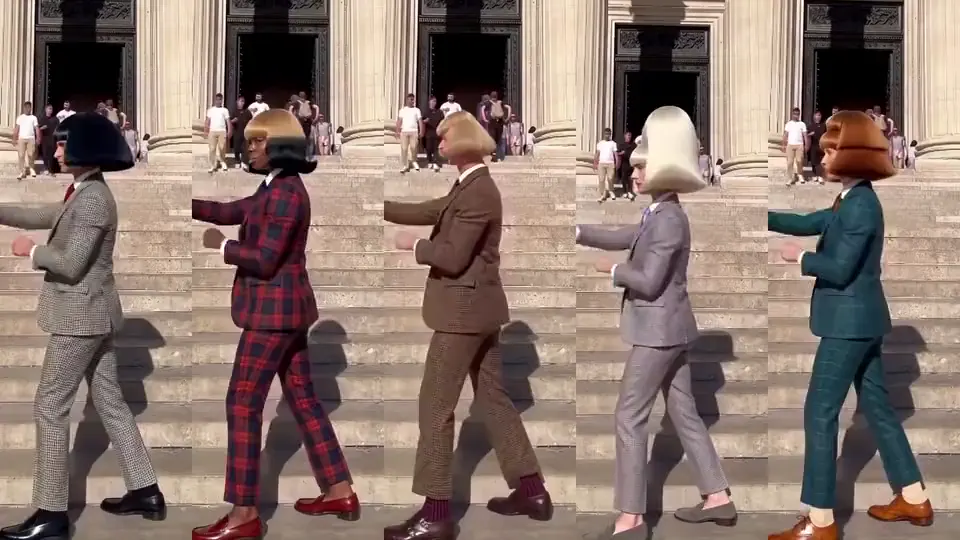
Jean Paul The whole gang, same move
Jean Paul · made in Character App · H3 Turbo
Three ways to start a Character
Every Character starts from one of three places. Whichever you pick, what you get is the same: one Character who stays themselves wherever you put them. You can build a whole Cast this way, one Character at a time. Prefer a guided start? The AI character creator builds one from a sentence, and the character appearance generator designs the face, hair and outfit first.
From your own photo
Add a clear photo of yourself and the Character resembles you. Only use a real person’s likeness if it’s you or you have their permission, so a photo of anyone else needs their yes. For kids' stories, invent original Characters instead.
From a description
One line is enough: age, build, one signature detail, how they carry themselves. "Woman, about 30, copper curls shaved on one side, freckles, gold hoop in her left ear." Specific details are what stay recognisable.
From an original you already have
Your brand mascot, your VTuber persona, the character from your fan-fiction rebuilt with a new name and a new design. Describe them and they join the Cast as themselves.
Same face, any Look
A Look is the visual style of a World: cel anime, painted fantasy, stylized 3D, warm 2D cartoon, ink and halftone, cinematic live action. The Character keeps what makes them recognisable while the rendering changes around them.
What carries across
Face shape, hair, colouring, the gap in the teeth, the scar, the earring. Those are the anchors, and they survive every Look.
What the Look changes
Line, texture, light and a little bit of proportion: bigger eyes in anime, softer volumes in 3D, harder shadows in ink. It's the same person drawn by a different hand.
Try two Looks early
Before you film anything, put the Character into two Worlds with different Looks and draw an Image in each. If you'd recognise them in both, the anchors are strong enough. If you wouldn't, add a signature detail and try again.
One Character, many Worlds
A Character isn't tied to one project. Build them once, cast them in a sitcom World this week and a fantasy World next month, and they arrive already themselves, with no re-describing and no redrawing from scratch.
A recurring lead across genres
You as the roommate in a sitcom, the hero of an anime, the detective in a noir graphic novel. The same face goes through three very different Worlds.
An ensemble that travels
Your friend-group Cast (everyone agreed) can leave the apartment World for a holiday special somewhere else entirely and still look like the same group.
Continuity stays in the World
Inside a World, the Cast keeps its wardrobe, its history and its grudges. A new World can dress them differently without changing who they are.
A face for your brand
A mascot is a Character too. Build it once and it can star in a weekly social series, a holiday Episode and a product Clip without looking like three different mascots.
Getting a Character that holds
A few habits make the difference between a Character who drifts and one who stays on-model all season.
Use a clear, well-lit photo
One person, face visible, no sunglasses, no heavy filter. The clearer the photo, the more closely the Character resembles you. It should be you, or someone who agreed.
Name one signature detail
A red scarf, a silver streak, round glasses. One detail you'd spot in a crowd keeps the Character readable in wide shots and dark Scenes.
What it costs
The free Studio currently includes one Character a day, one World build and 4 Lite Images a day. A plan unlocks Clips: Starter is $19.99 a month for 800 Credits, and a 5-second Clip made from an Image on H3 Turbo is 25 Credits.
8 character ideas to start from
Press one and it lands in the idea box. Change a word or keep it; the Director takes it from there.
- 01Juno, EverywhereOne Character across five Worlds: pilot in an anime World, chef in a 3D one, detective in an ink one, herself in live action.Use this idea
- 02The Mascot Goes WeeklyA bakery's croissant mascot gets its own series, the same croissant in every post.Use this idea
- 03Me, RecastStart from your own photo and play the lead in a sitcom, a fantasy and a vertical drama in the same month.Use this idea
- 04Lore DropA VTuber's original persona finally gets its backstory filmed, one mysterious Episode at a time.Use this idea
- 05The Original CharacterRebuild the hero of your fan-fiction with a new name and design, and give them a World of their own.Use this idea
- 06The Friend Group, AnywhereFour friends, all of whom agreed, drop into a western, a space station and a haunted inn, and still bicker the same way.Use this idea
- 07Villain OriginDesign one villain, then make the Episode where they were the hero.Use this idea
- 08Ten Years LaterThe same Character at twenty-five and thirty-five, in the same World, a decade of wardrobe apart.Use this idea
From one line to Episode 01
- 1
Describe the character
A line of text — or a photo. We build a Cast member who stays recognisably themselves from the first frame to the finale.
- 2
See them in every style
The same face renders in sitcom, anime, cartoon and stylized 3D — the look changes, the character does not.
- 3
Put them in a show
Cast members live in your World and appear in every Scene and episode you direct them into.
One Character, six Looks
Meet Milo Fenn, an original Character made for these pages. Every World has its own Look; put the same Character into another World and the face, the glasses and the raincoat come along.

01 Live actionMilo, realistic
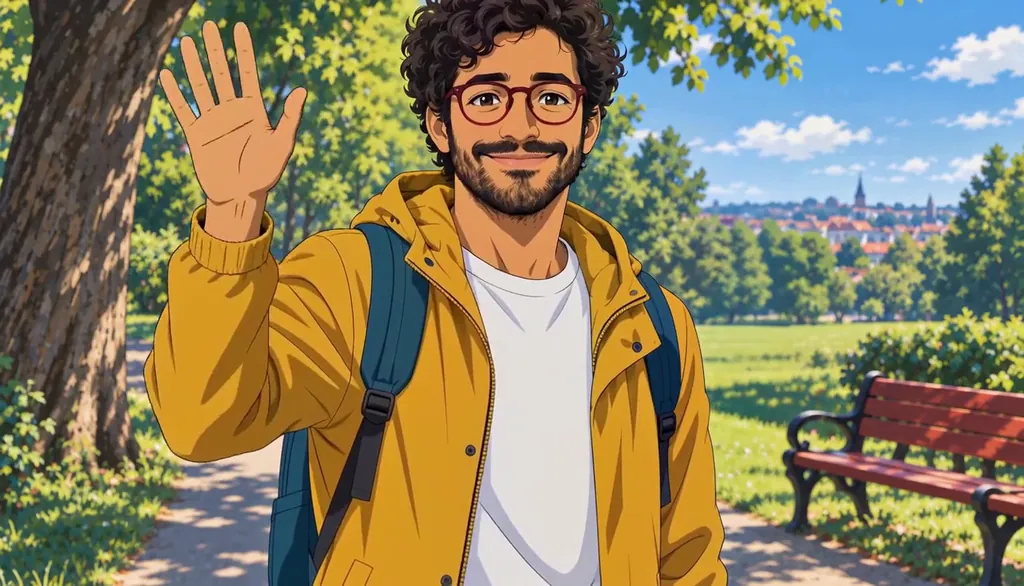
02 AnimeMilo, anime
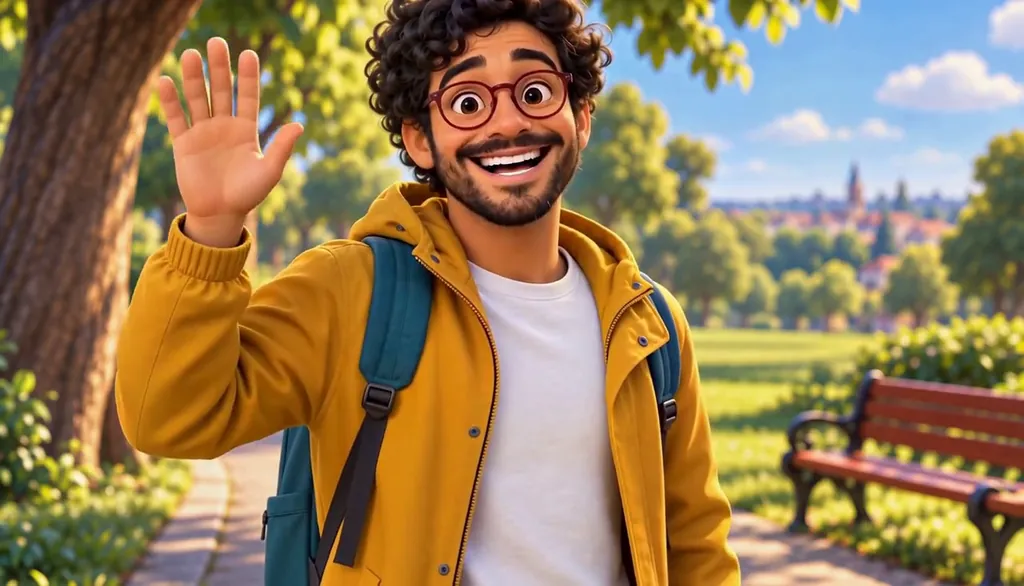
03 3D animatedMilo, 3D animated

04 2D cartoonMilo, 2D cartoon
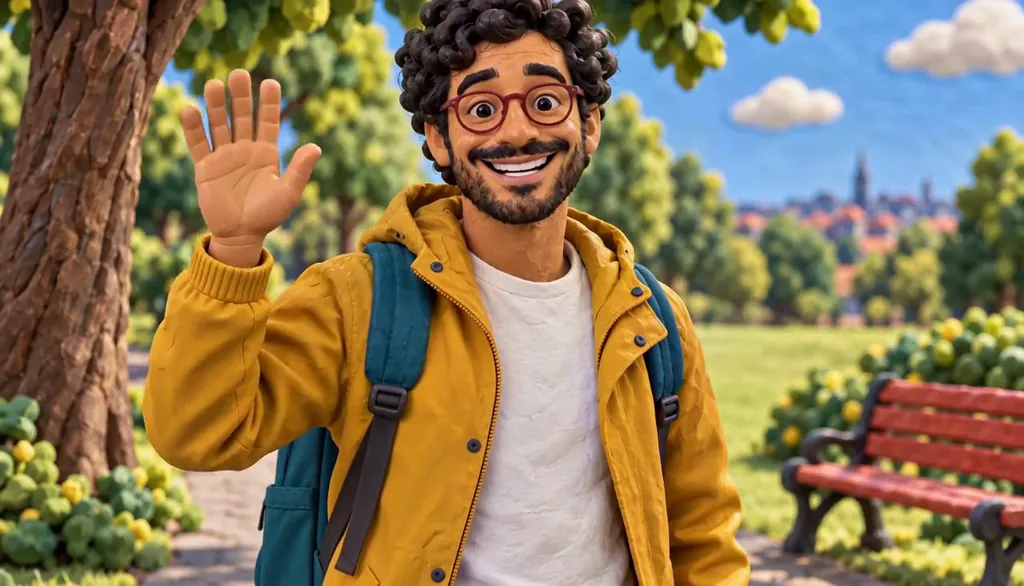
05 ClaymationMilo, claymation

06 Pixel artMilo, pixel art
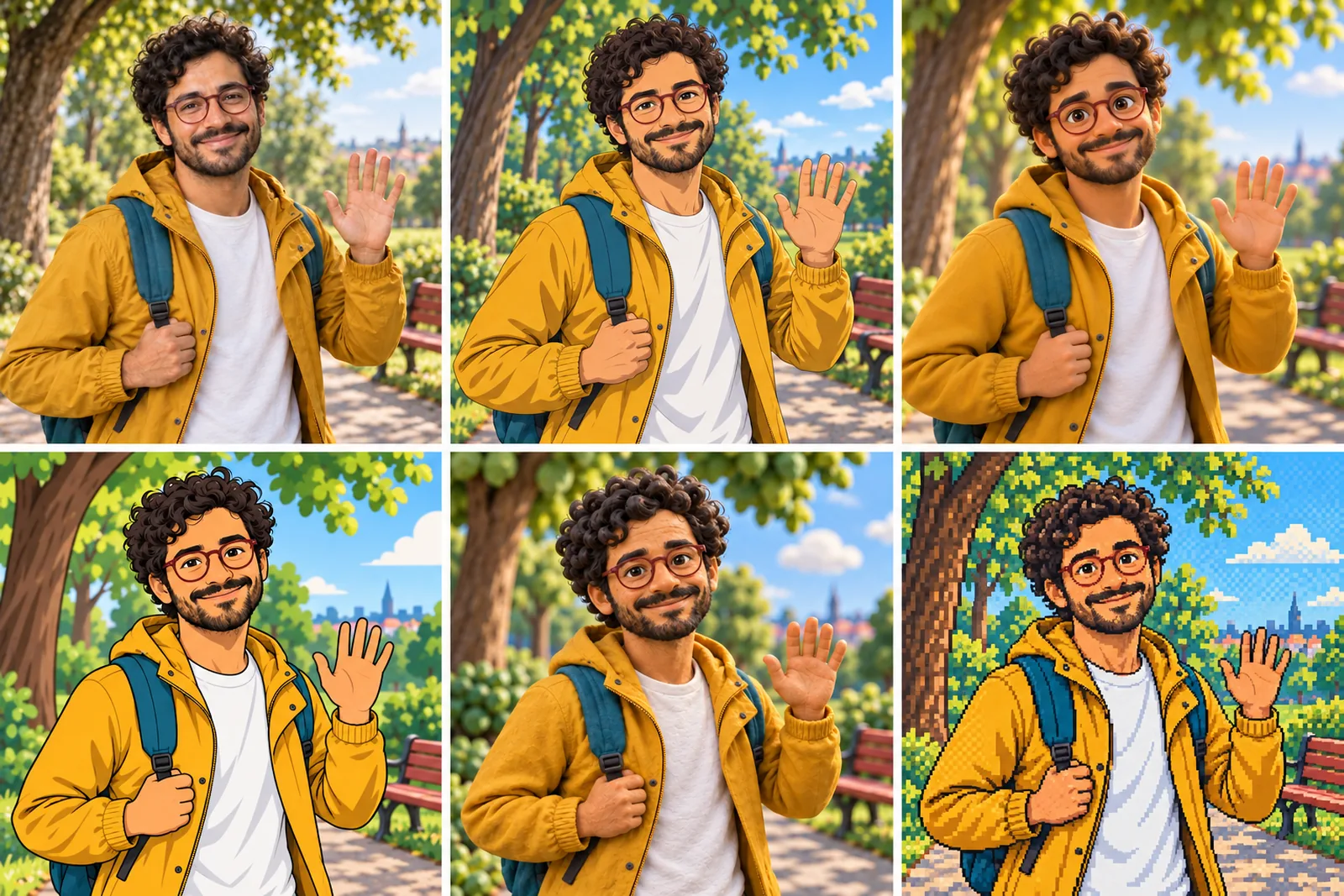
07 All six Looks
Original character made for Character App’s character pages with gpt-image-2.5 and H3 Turbo.
23 kinds of Character, one Cast
Pick the kind of Character you are making. Each page shows an original Character: the portrait, the character sheet, the Looks and the Clips.
For your genre
The lead, the villain, the oddball: a Character built for the kind of show you are making.
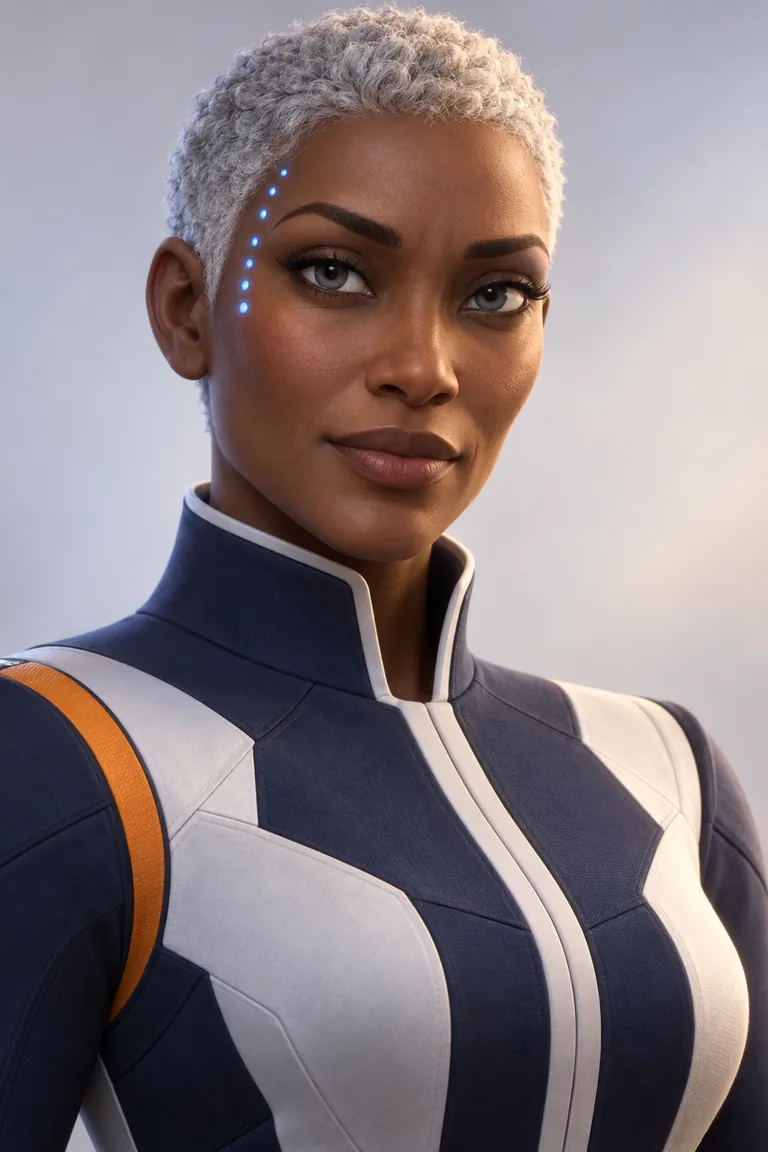 3D CharacterOne design, lit like a feature, every Scene.
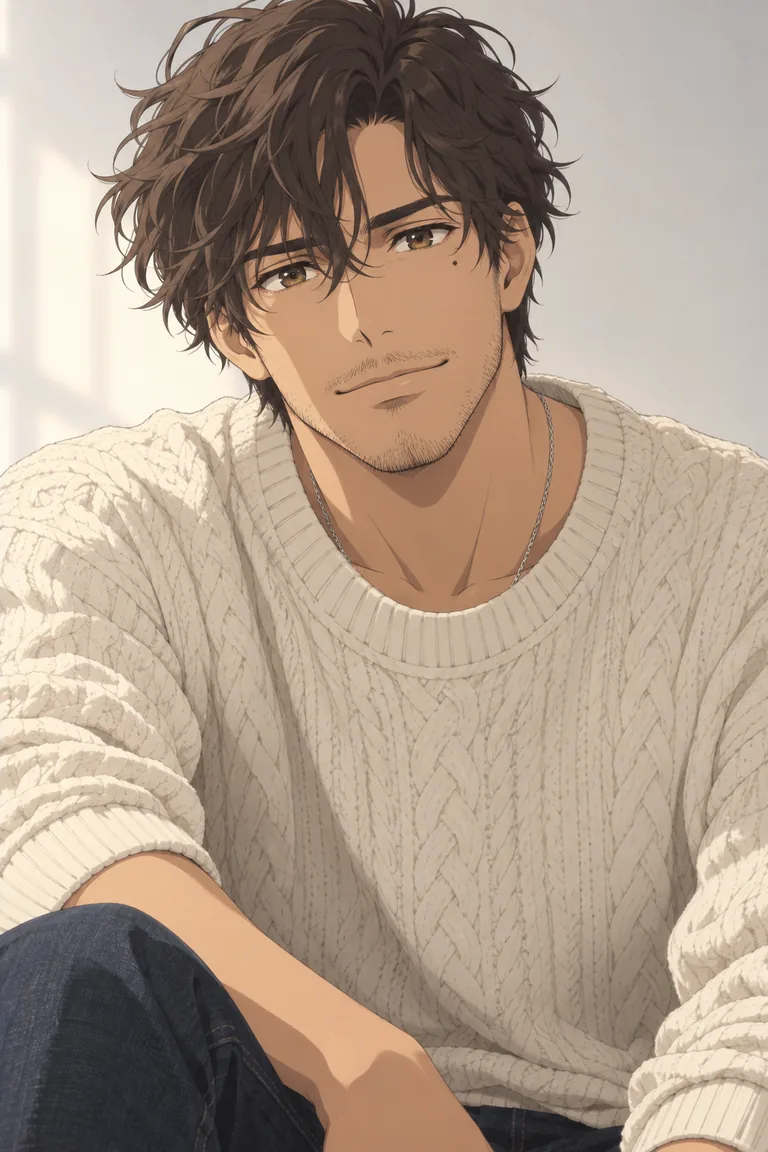 Anime OCYour OC, their World, a whole arc.
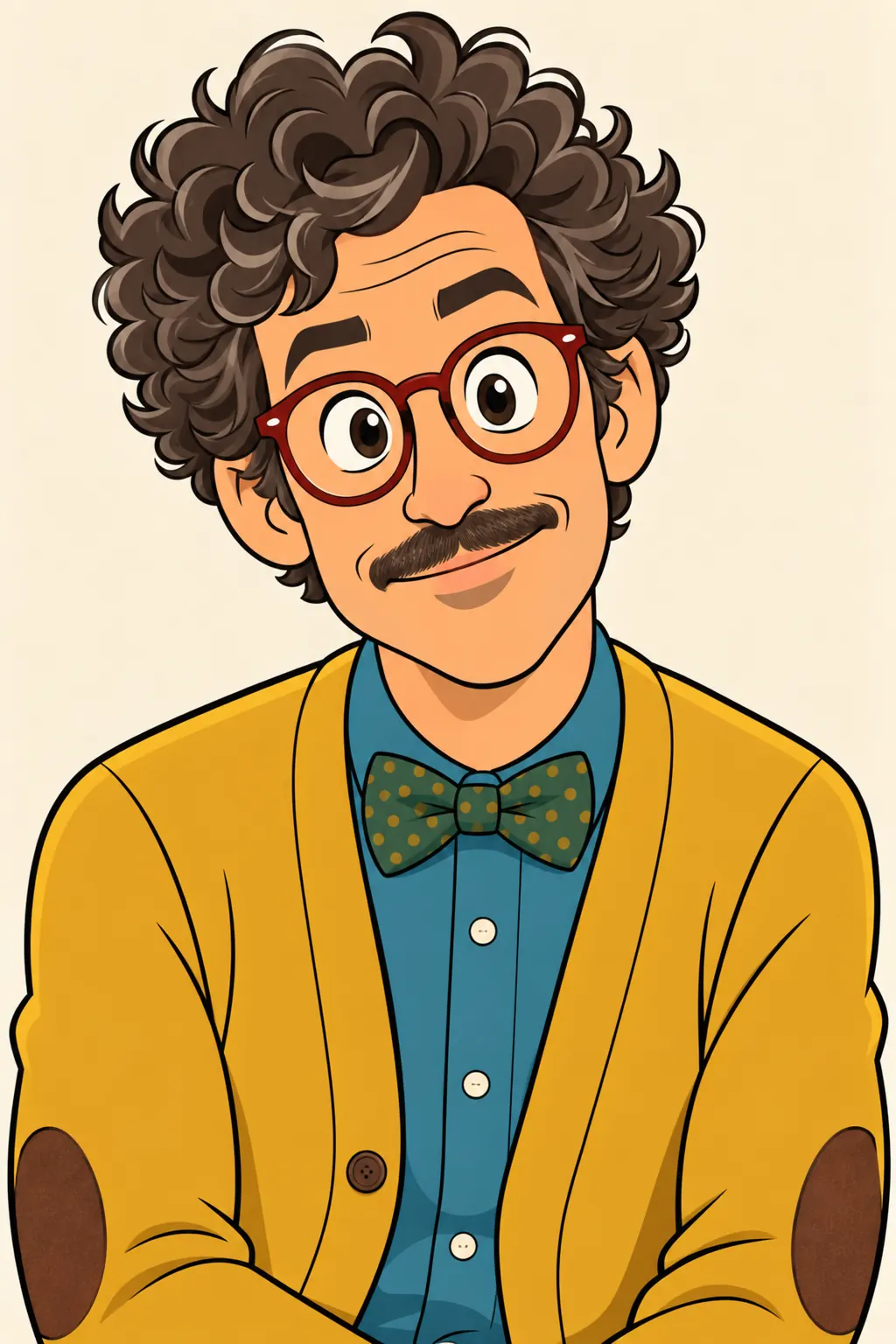 Cartoon CharacterOne silhouette, one flaw, a whole season of trouble.
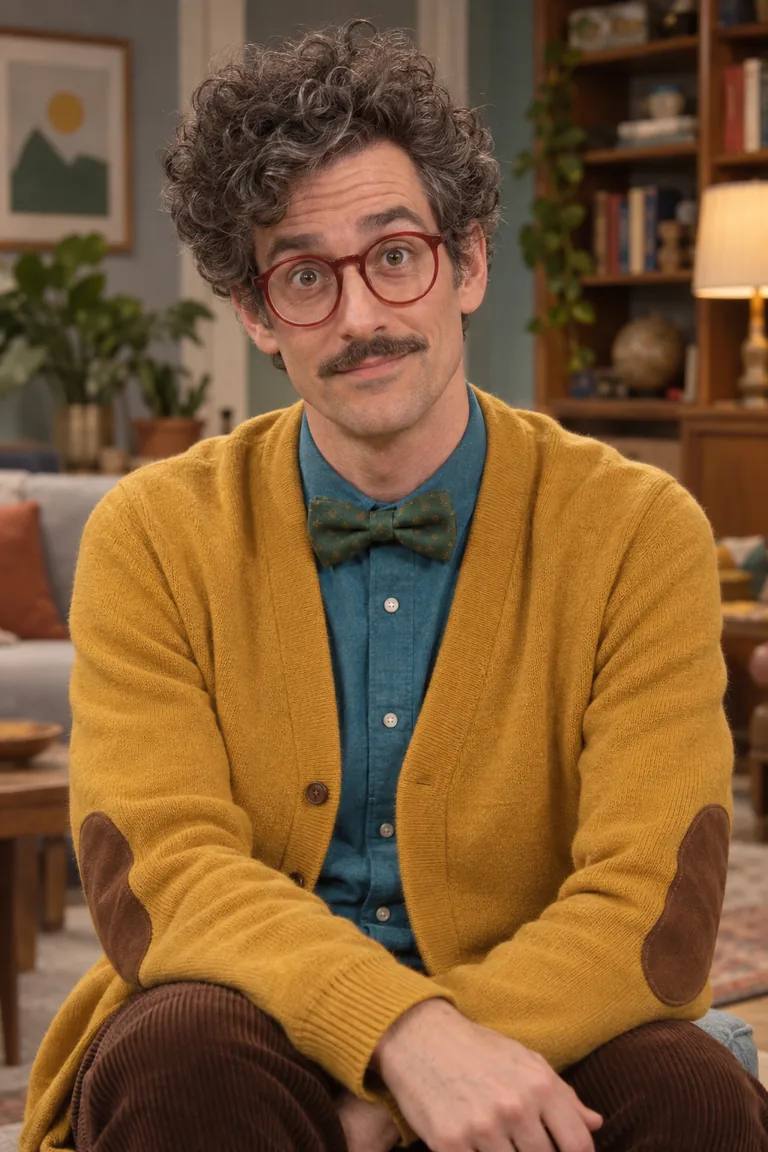 Comedy CharacterOne oddball, one straight man, a whole season of bits.
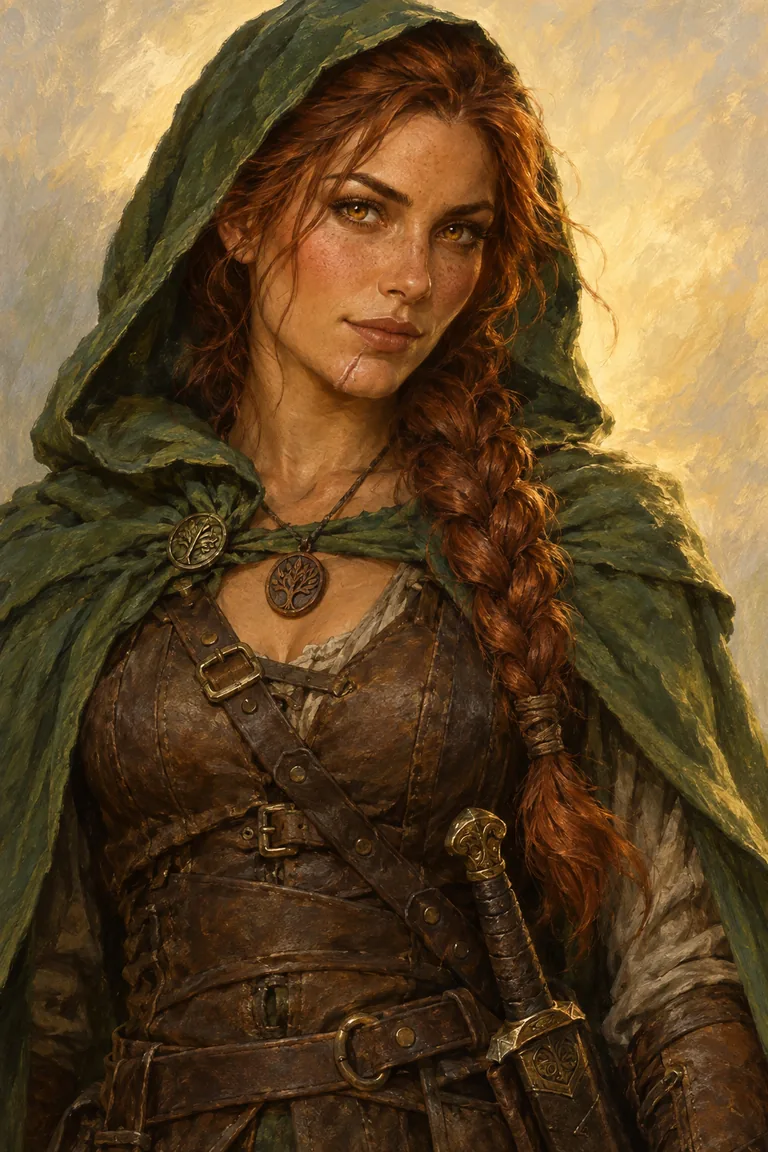 Fantasy HeroOne hero, one quest, every mile of it.
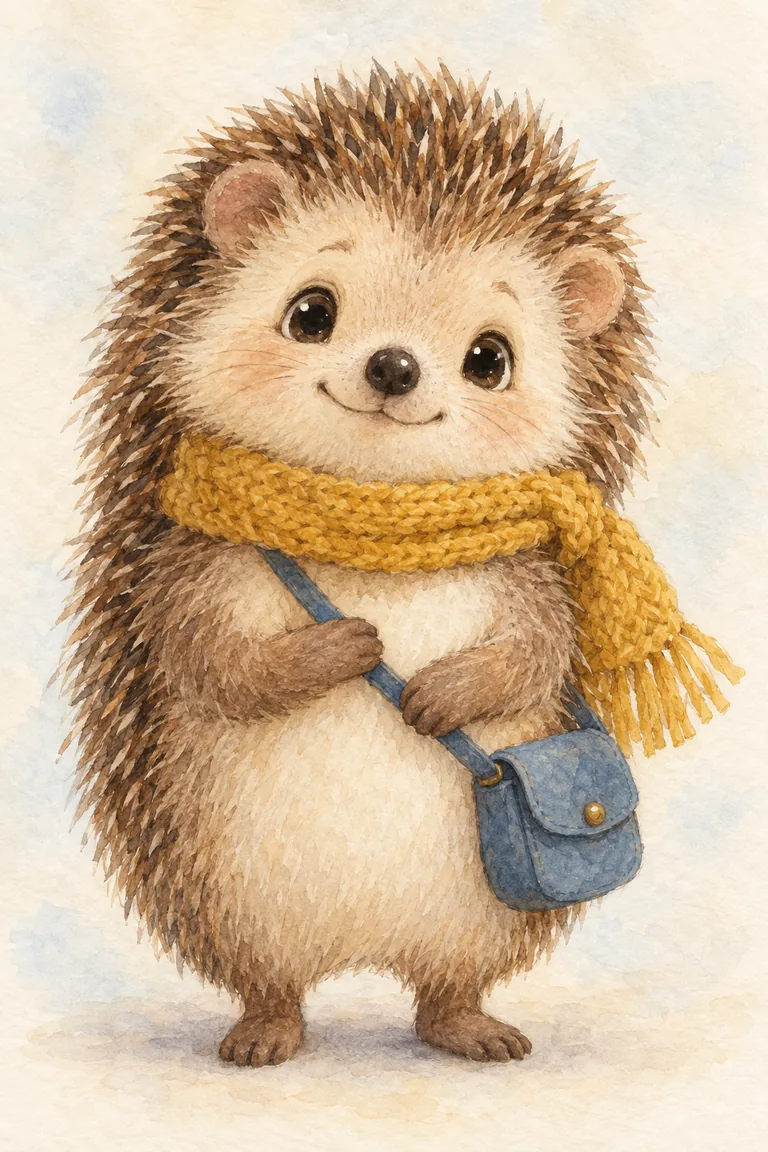 Kids' Story CharacterOne small hero, a new adventure every night.
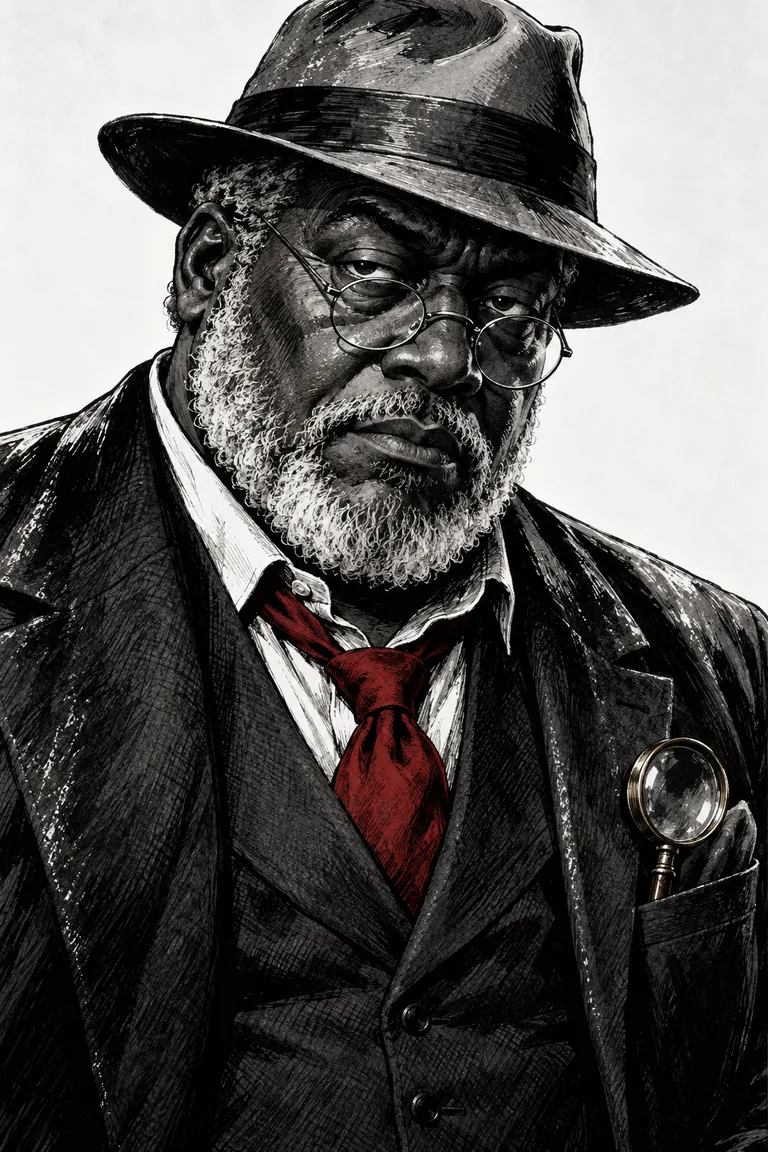 Monster & Horror CharacterOne shape in the dark, one Episode closer.
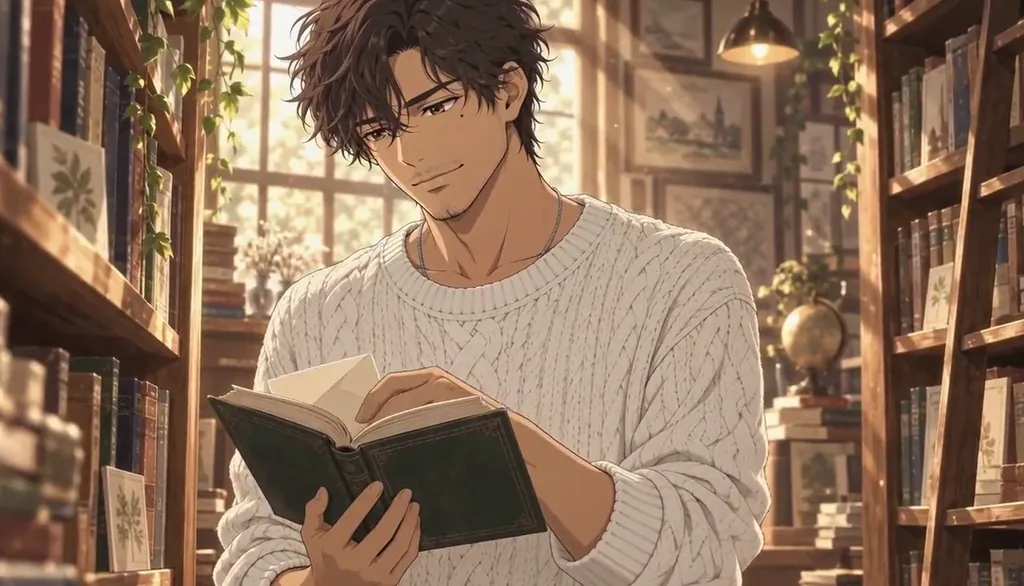 Romantic LeadOne face, one slow burn, every almost.
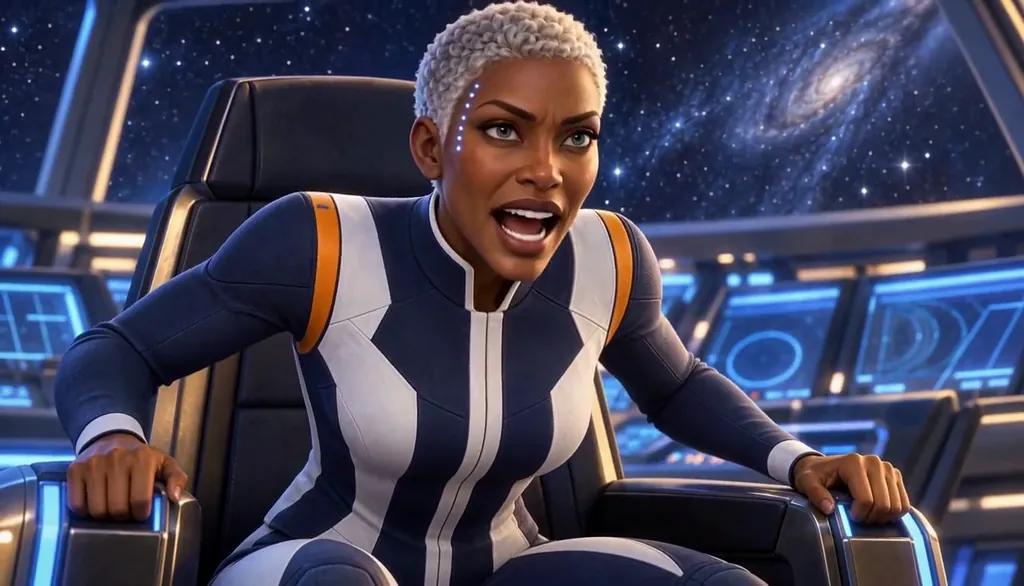 Sci-Fi CharacterOne captain, one ship, a long way out.
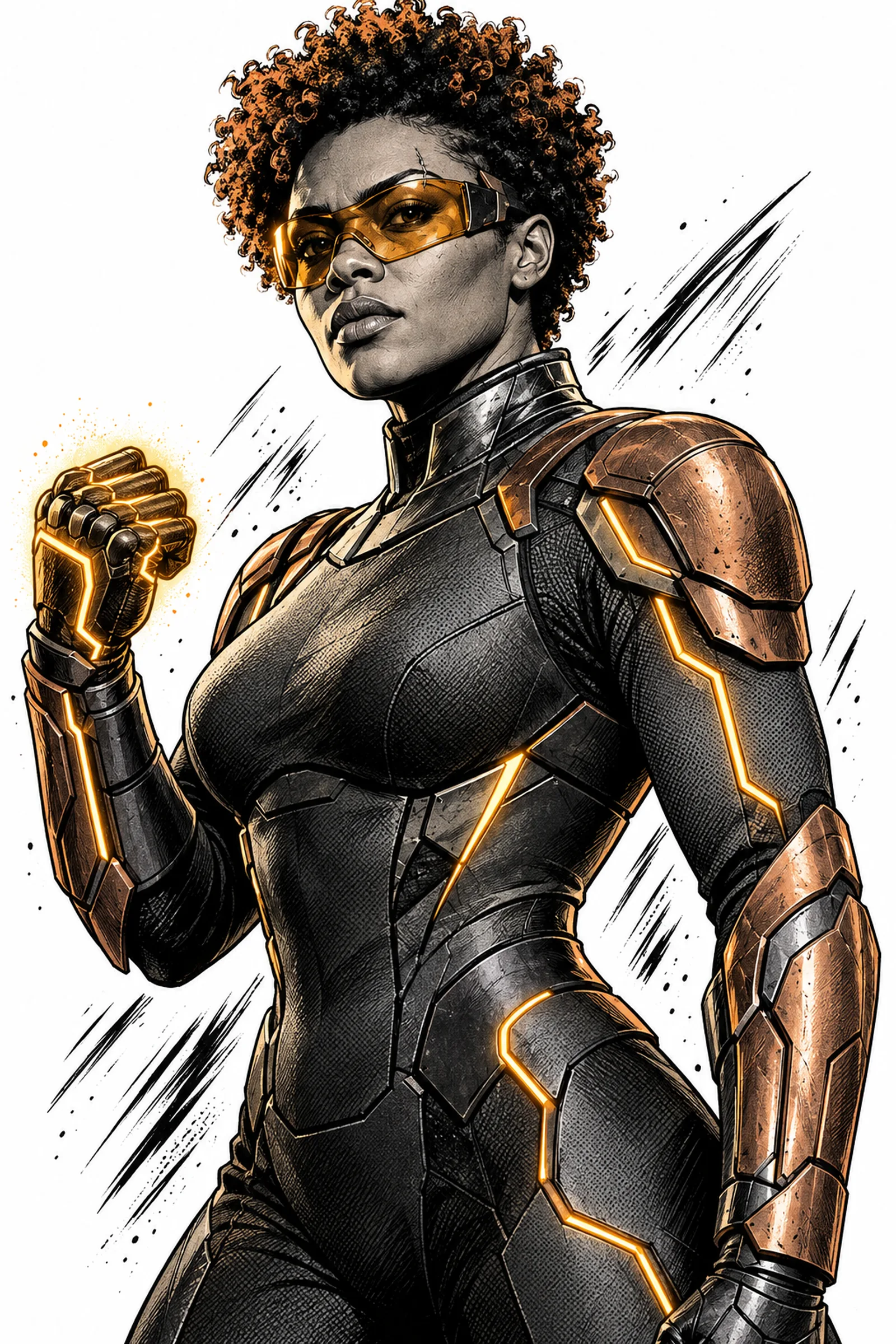 SuperheroOne suit, one power, one city that needs them.
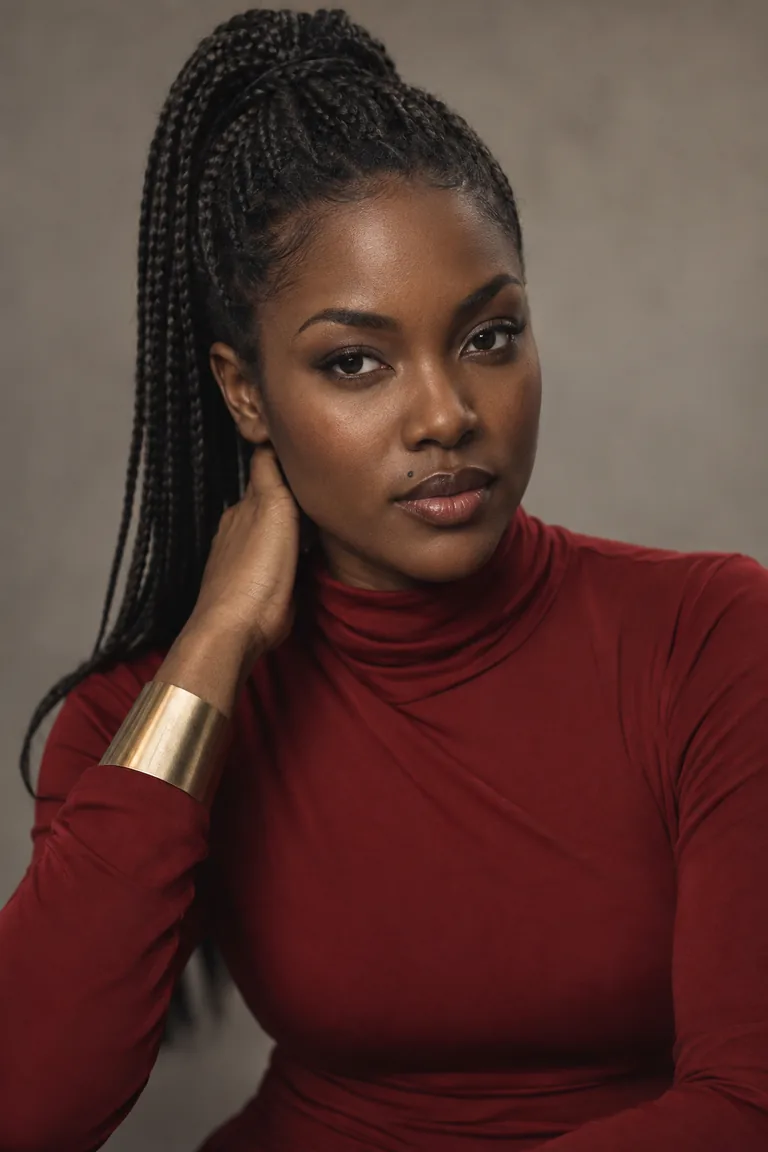 Vertical Drama CharacterOne face, ninety seconds, a twist at the end.
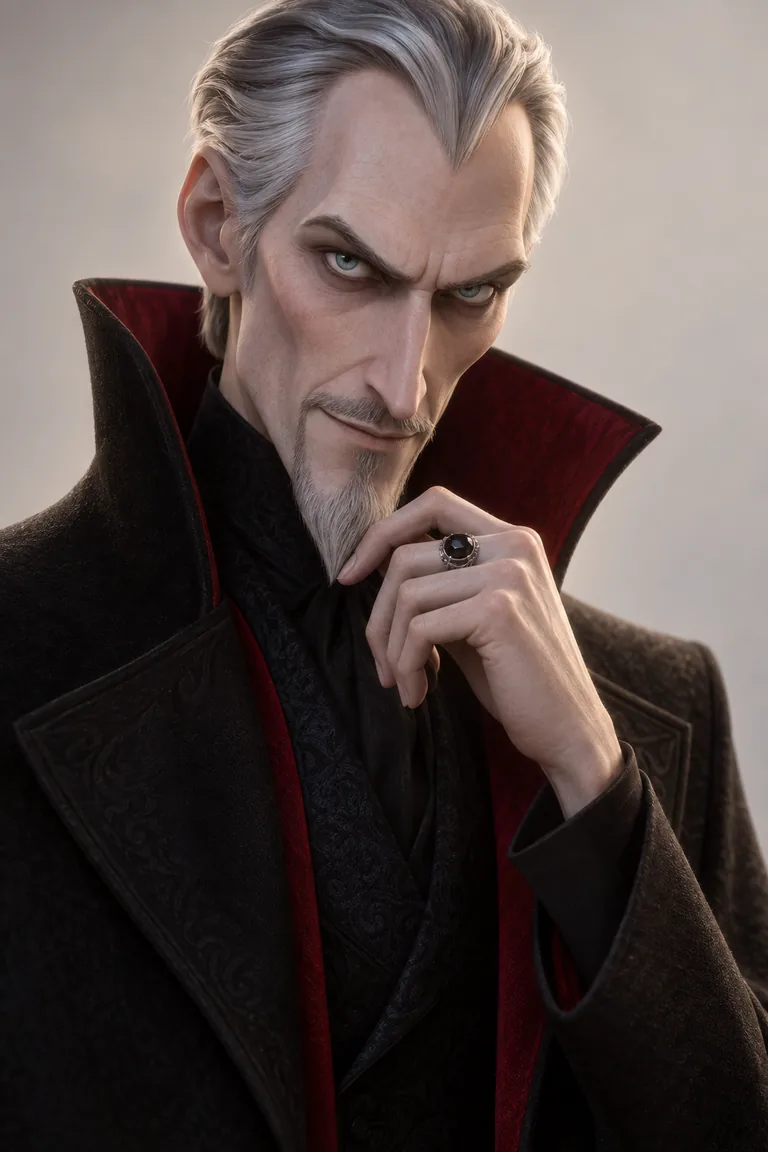 VillainOne silhouette, one calm voice, a season of dread.
For creators
A face for your channel, your brand, your table or your stream, that stays the same every post.
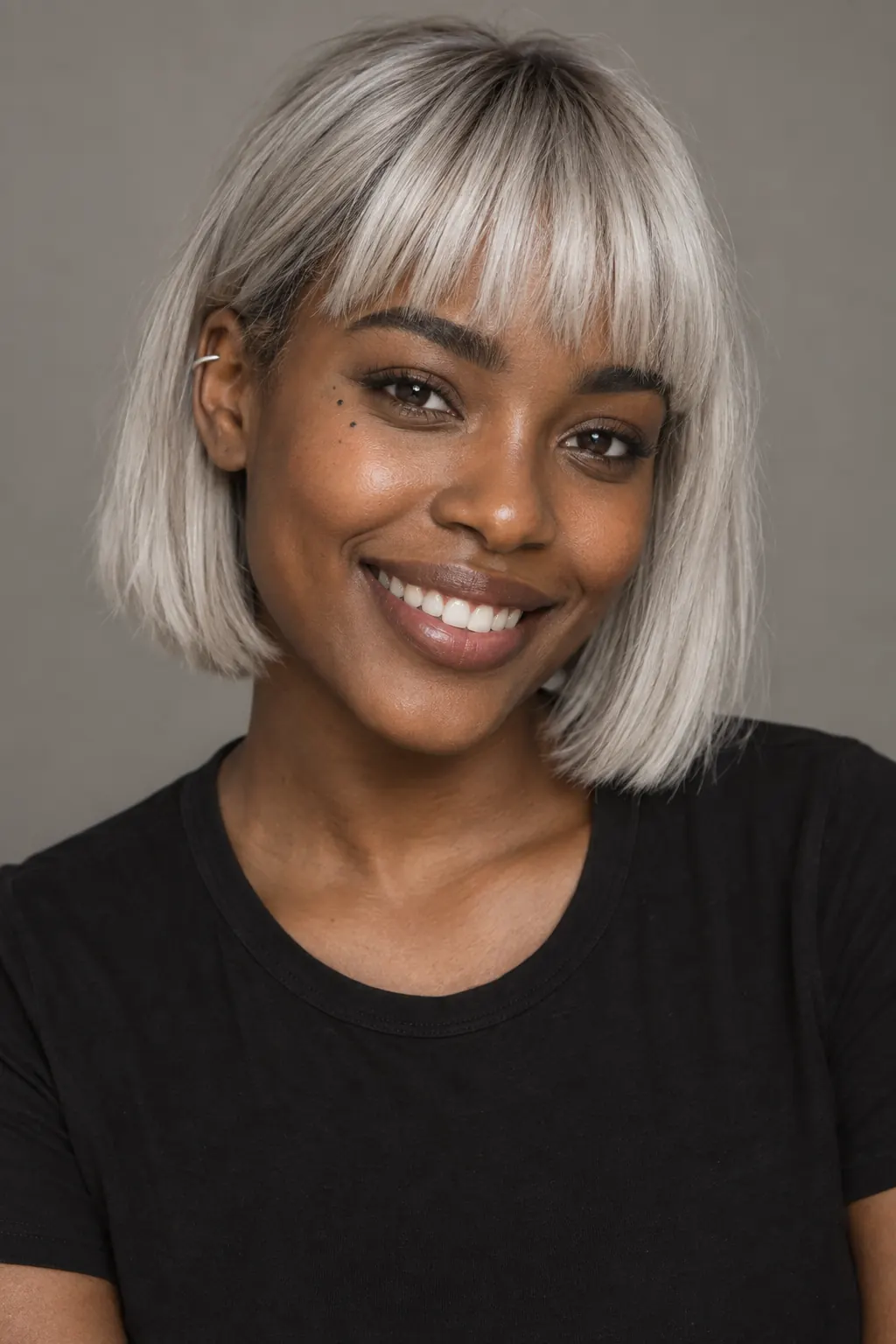 AI influencerOne persona, every post, the same face.
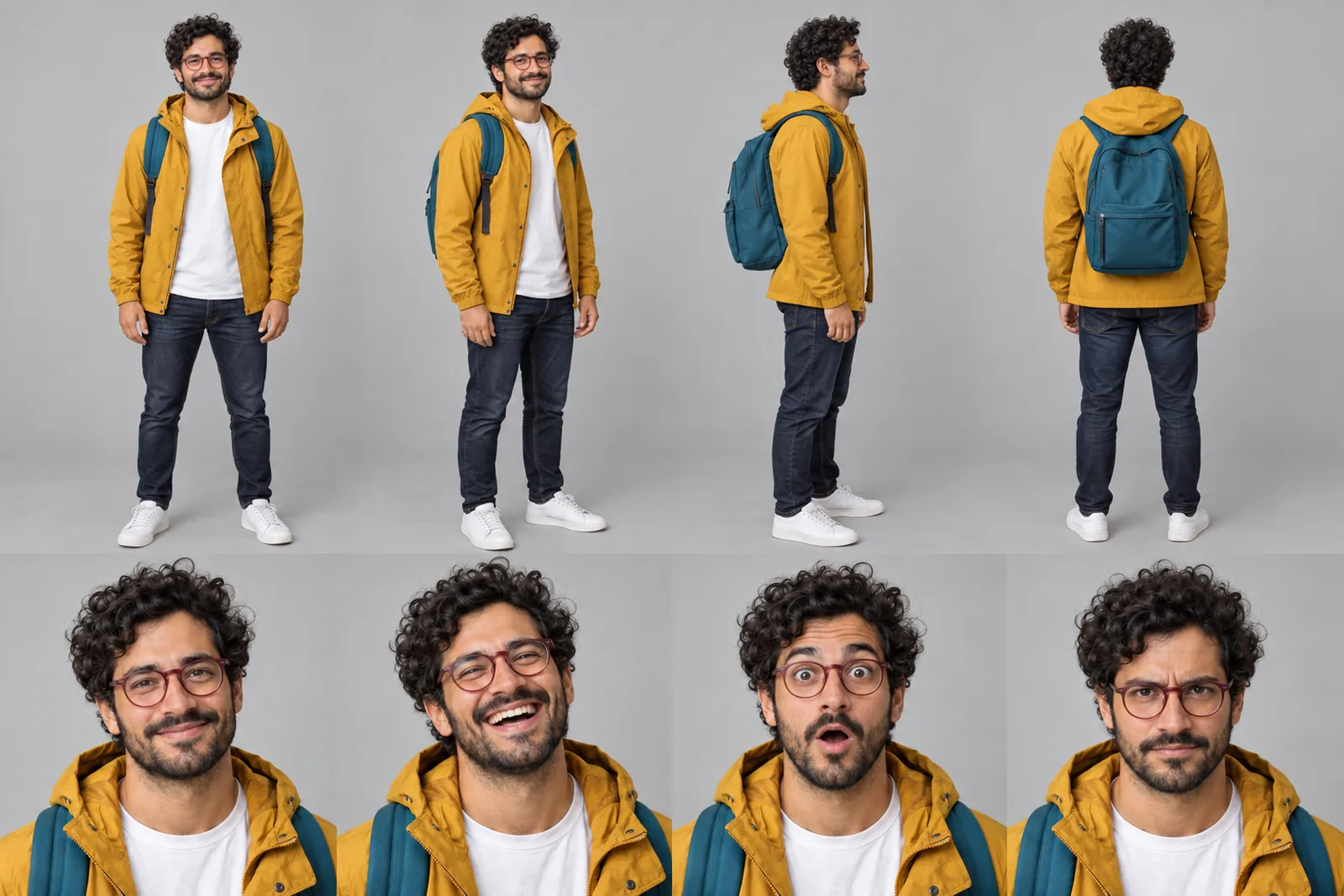 Character sheetSettle the design once; every Scene reuses it.
 ChibiCute, consistent, and actually moving.
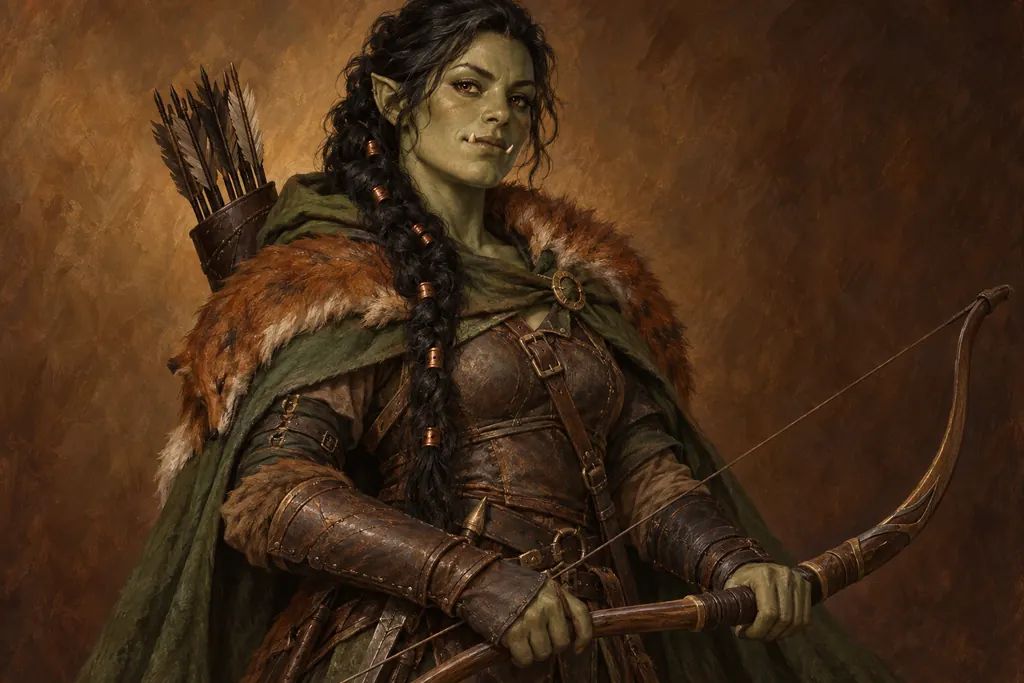 D&D and TTRPG characterYour party's portraits, then the session, filmed.
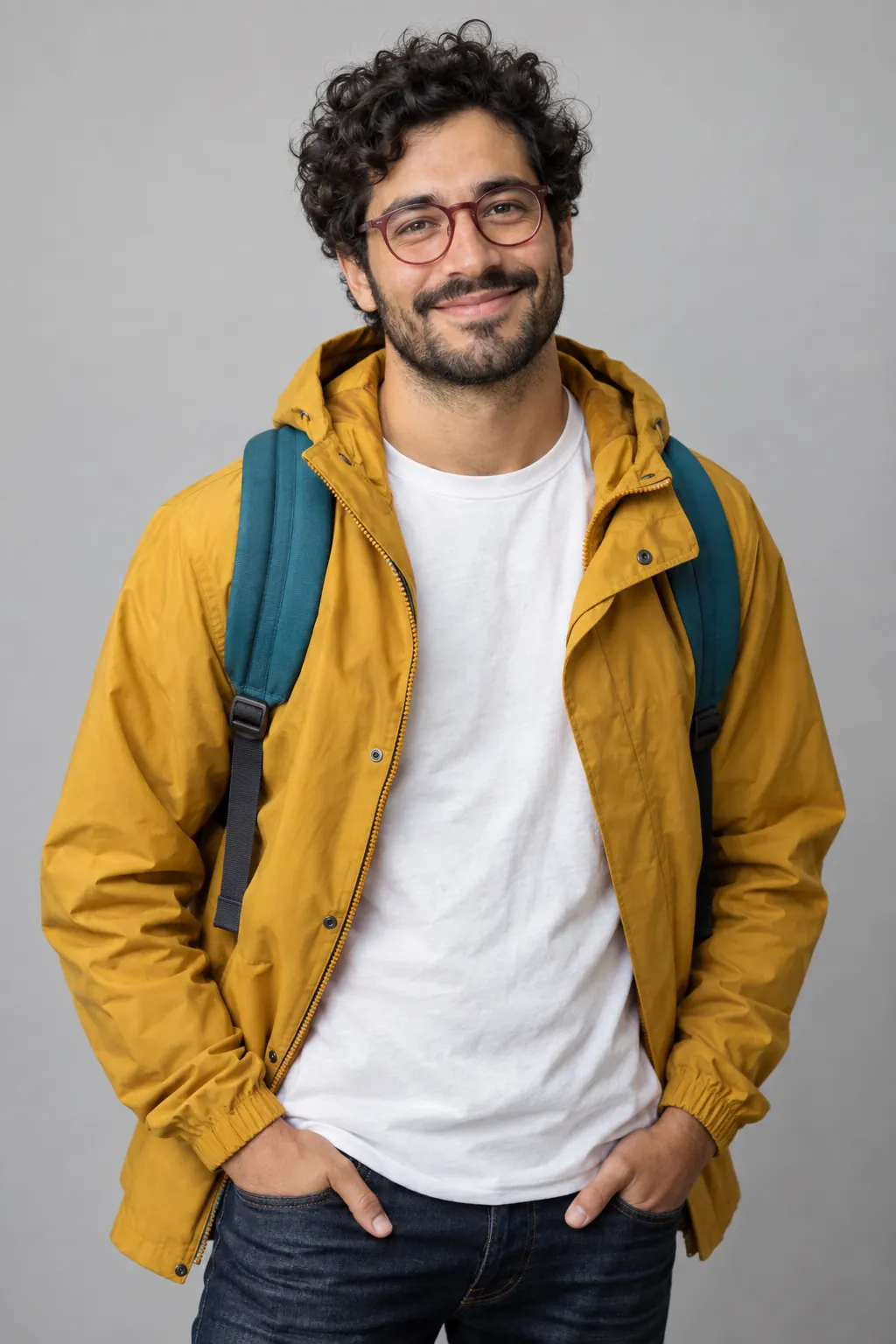 From your photoYour face, a Character you keep, in any art style.
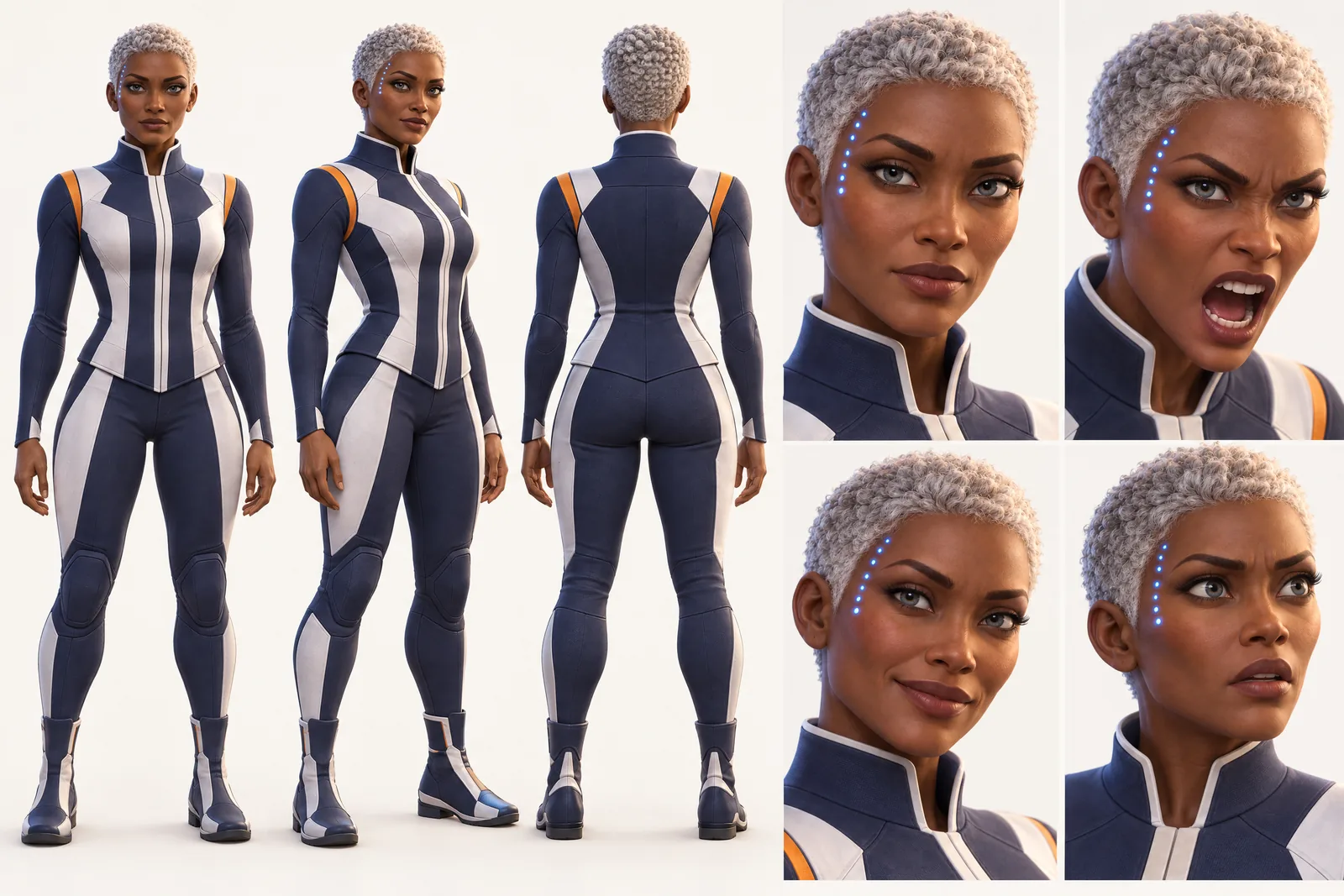 Game characterConcept a roster, then film the trailer.
 MascotYour mascot, starring in its own series.
- Pixel art characterRetro pixels, a Character that moves.
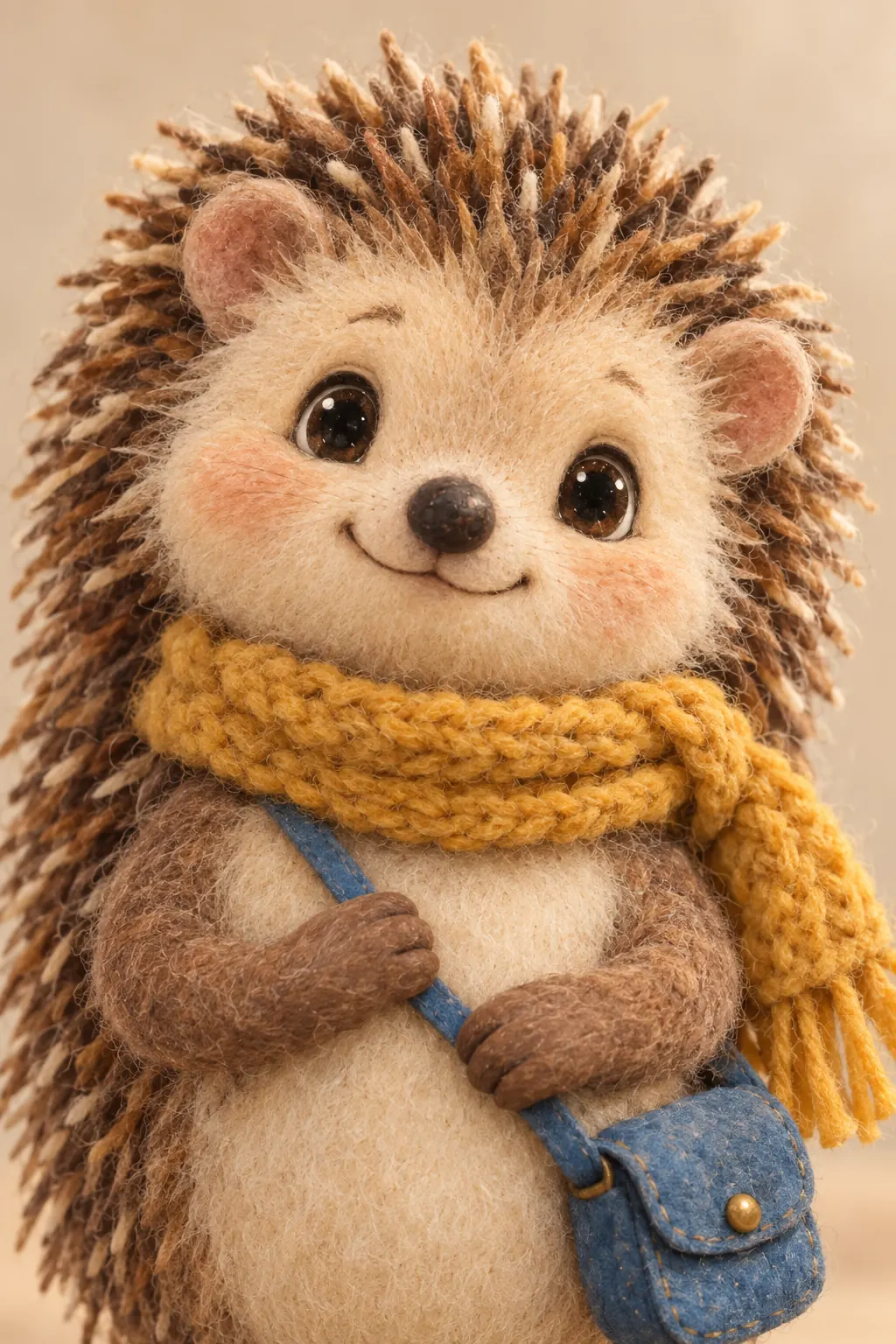 Puppet characterA felt Character with an ensemble behind it.
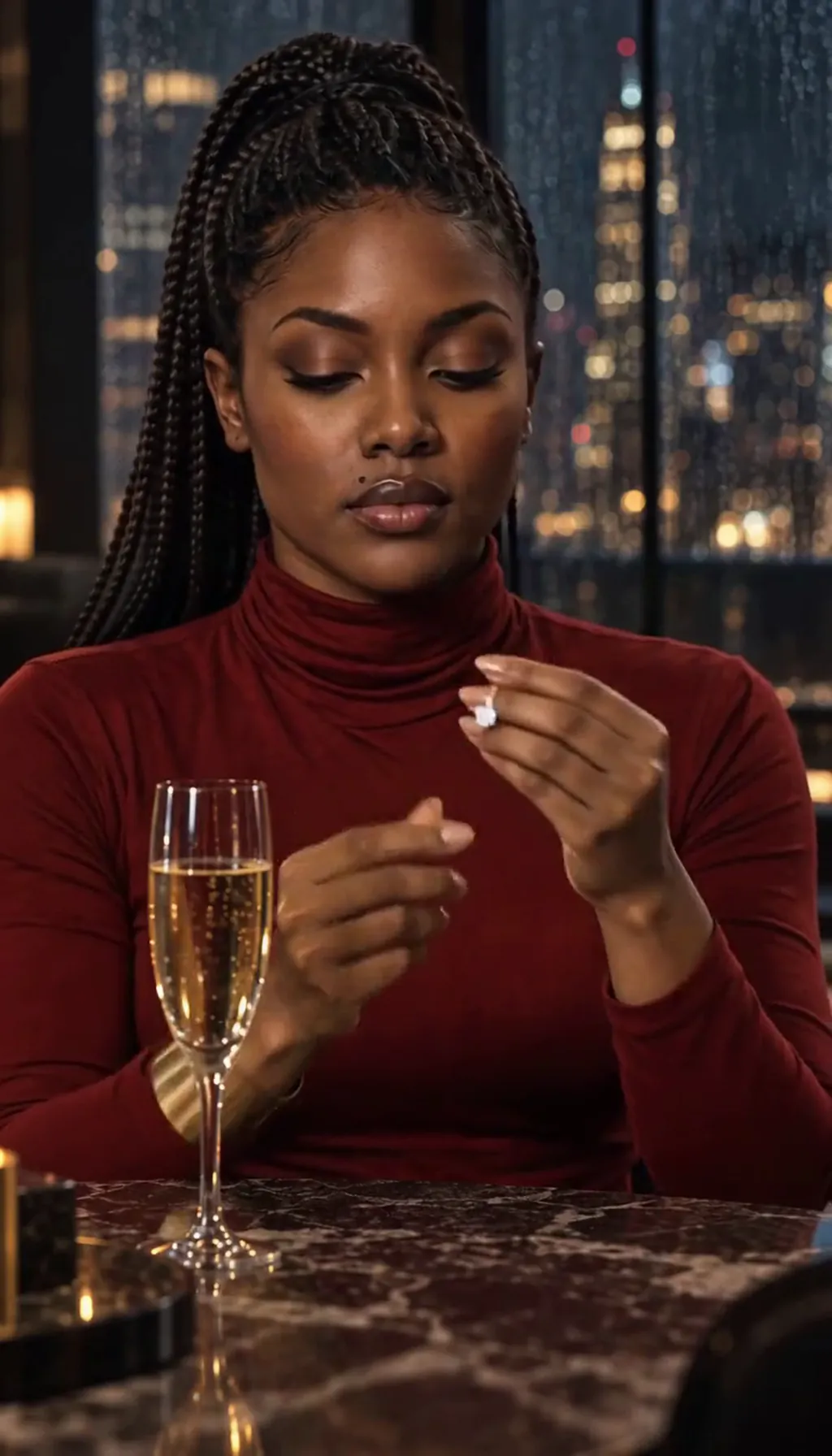 Realistic characterA live-action face that stays itself.
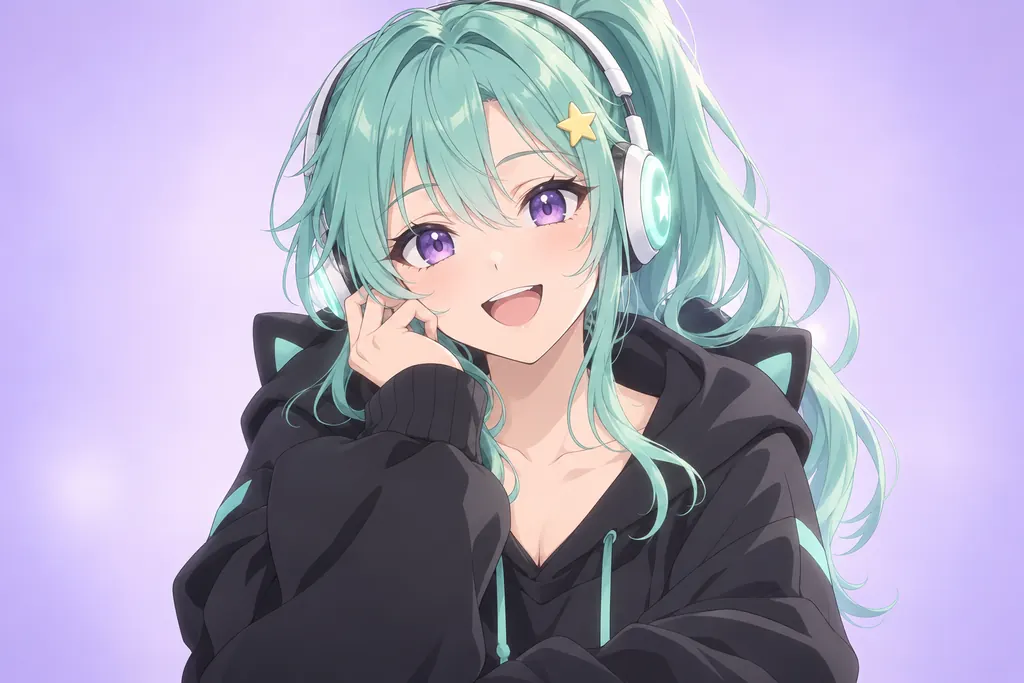 VTuber characterYour VTuber's lore, filmed with the same face.
Questions, answered
Still curious? The guides go deeper.
Will my character look the same in every scene?
Yes — that is the core promise of a Cast. Once created, a character keeps its design across Scenes, episodes and art styles.
Can I make a character from a photo of me?
Yes — add a photo reference in the app, or describe the character in words. Both paths stay on-model.
Can one character appear in different art styles?
That is this page’s whole demo — the same Cast member rendered in anime, painted fantasy and stylized 3D without drifting.
Can I build a whole cast, not just one character?
Yes — a Cast is an ensemble. Create each member once and they all persist together in your World, ready for whatever show you put them in.
Who owns the characters I create?
They live in your World and are built from your descriptions and your photos — your cast, for your shows, in every style you try.
What does it cost to create a character?
Free: make your Character and its Story as picture-only Slideshows. Real video comes with a plan. Video Clips each show their exact Credit price on the button before you press.
More genres
Every genre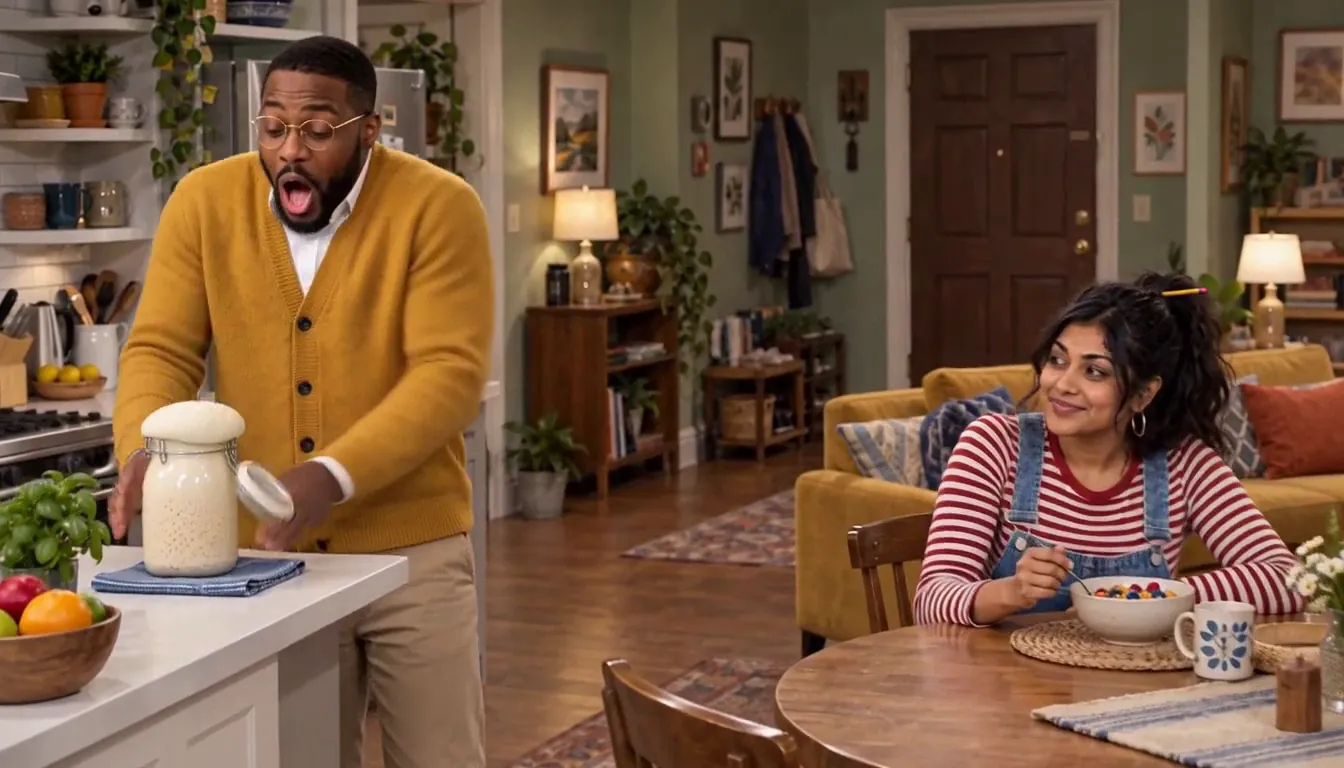 SitcomYour life, recast as a multicamera comedy.
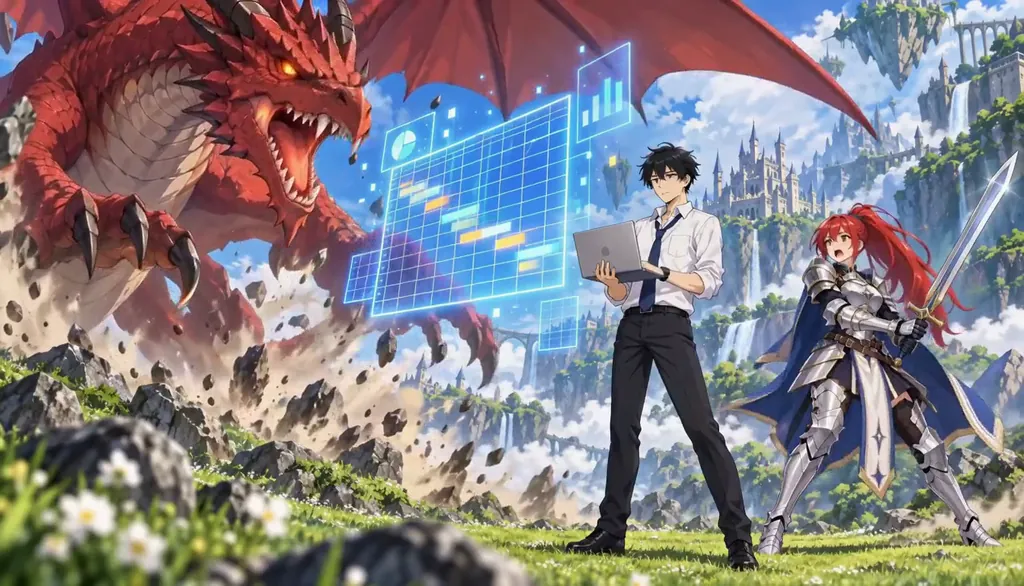 AnimeCel-shaded arcs, rivals and late-waking powers.
 SeriesA Cast, a World and continuity between episodes.
Plan it as a full season with the AI series maker.
Guides for this genre
- Build a consistent castKeep the same face, proportions, and costume in every episode — the fix isn’t better prompts, it’s architecture.
- From one photo to a seasonThe whole pipeline, end to end: one photo becomes a Cast card, a Cast card drops into a World, the World produces episodes, and episodes accumulate into a season with its own poster.
- Use your own photo and likenessYes — your own photo is the intended input, and the rules around it are explicit.
Your character starts with one line.
Free: make your Character and its Story as picture-only Slideshows. Real video comes with a plan.