Build a mascot, then give it a series
Design the mascot once, then film the launch Clip, the holiday special and the one where it skateboards across the counter, with the same gloves and scarf every time.
Continue with the free Studio · one World build, one Character a day, 4 Lite Images a day
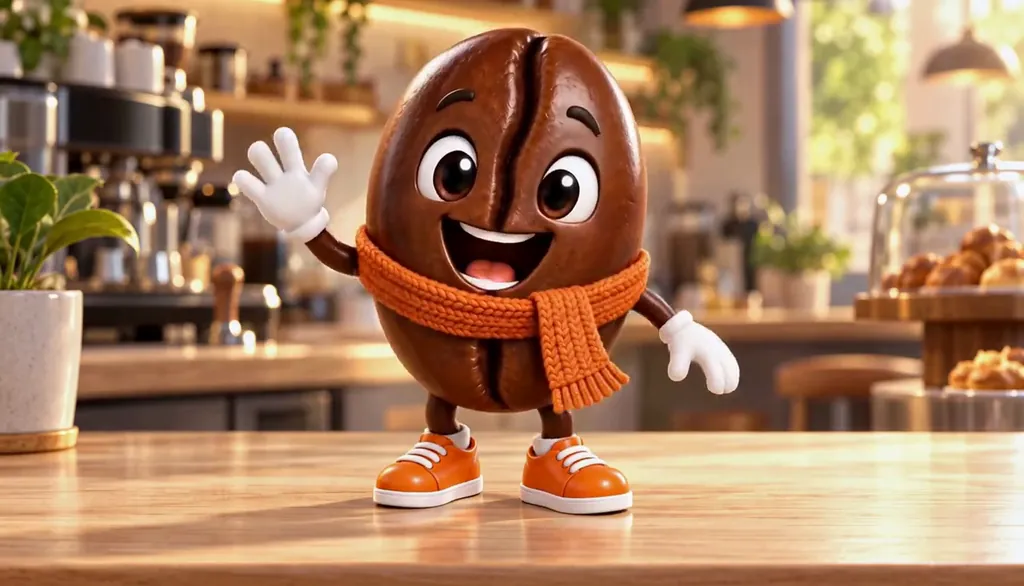
How to make a mascot
Describe the mascot in one line: what it is, one outfit piece, one personality trait. Character App builds it as a Character that keeps the same shape, colours and accessories in every Scene, then films it as Clips for launches, social posts and an ongoing animated series. It is a Character to film, not a print-ready logo file; for a vector logo, a design tool is the better fit. Invent your own rather than echoing another brand's.
Updated September 2026 · Free to start · Web and iPhone
Looking for the general tool? Start with the AI character creator.
Same Character, any Look
Meet Milo Fenn, an original Character made for these pages: 6 Looks, one face. Every World has its own Look; put the same Character into another World and the Character underneath stays the same.

01 Live actionMilo, realistic

02 AnimeMilo, anime
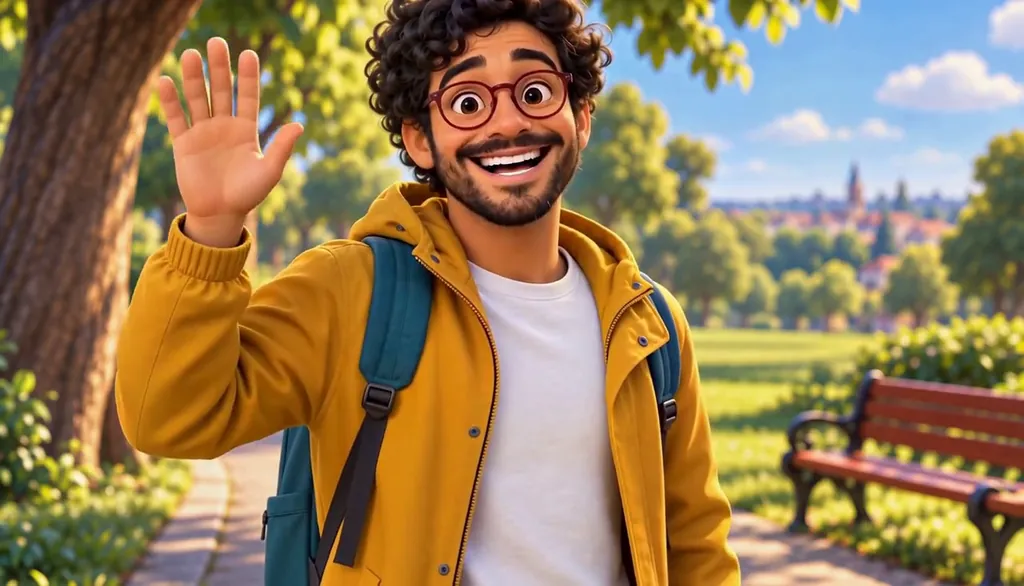
03 3D animatedMilo, 3D animated

04 2D cartoonMilo, 2D cartoon
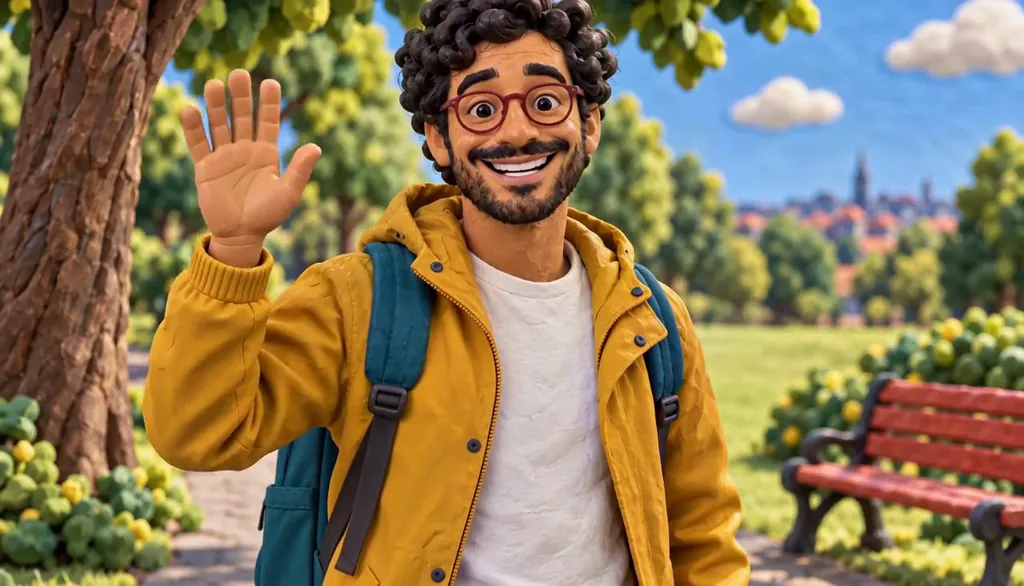
05 ClaymationMilo, claymation

06 Pixel artMilo, pixel art
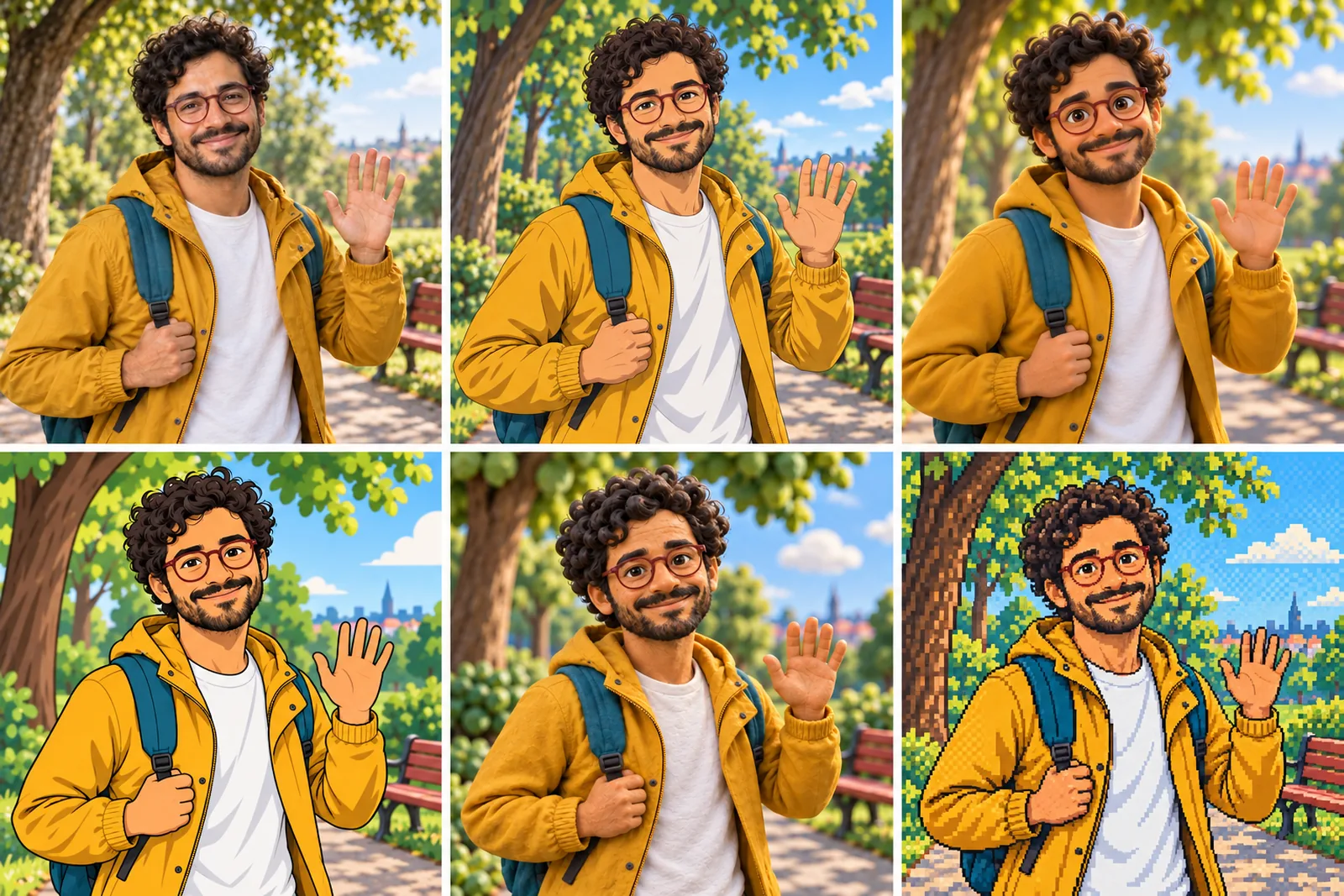
07 All six Looks
Original character made for Character App’s character pages. Clips filmed with H3 Max Turbo, the Clip model in Character App; Looks drawn with gpt-image-2.5 from one portrait.
The character sheet
Before Beanie is in a single Scene, there is a sheet: front, three-quarter and back views, plus the expressions the story will need. It is how we design a Character and how Character App keeps Beanie consistent from Clip to Clip, in every Look.
It is not a download. You never manage a reference sheet yourself, and the app does not export a turnaround file; the Cast keeps the Character on-model in the Scenes you direct.
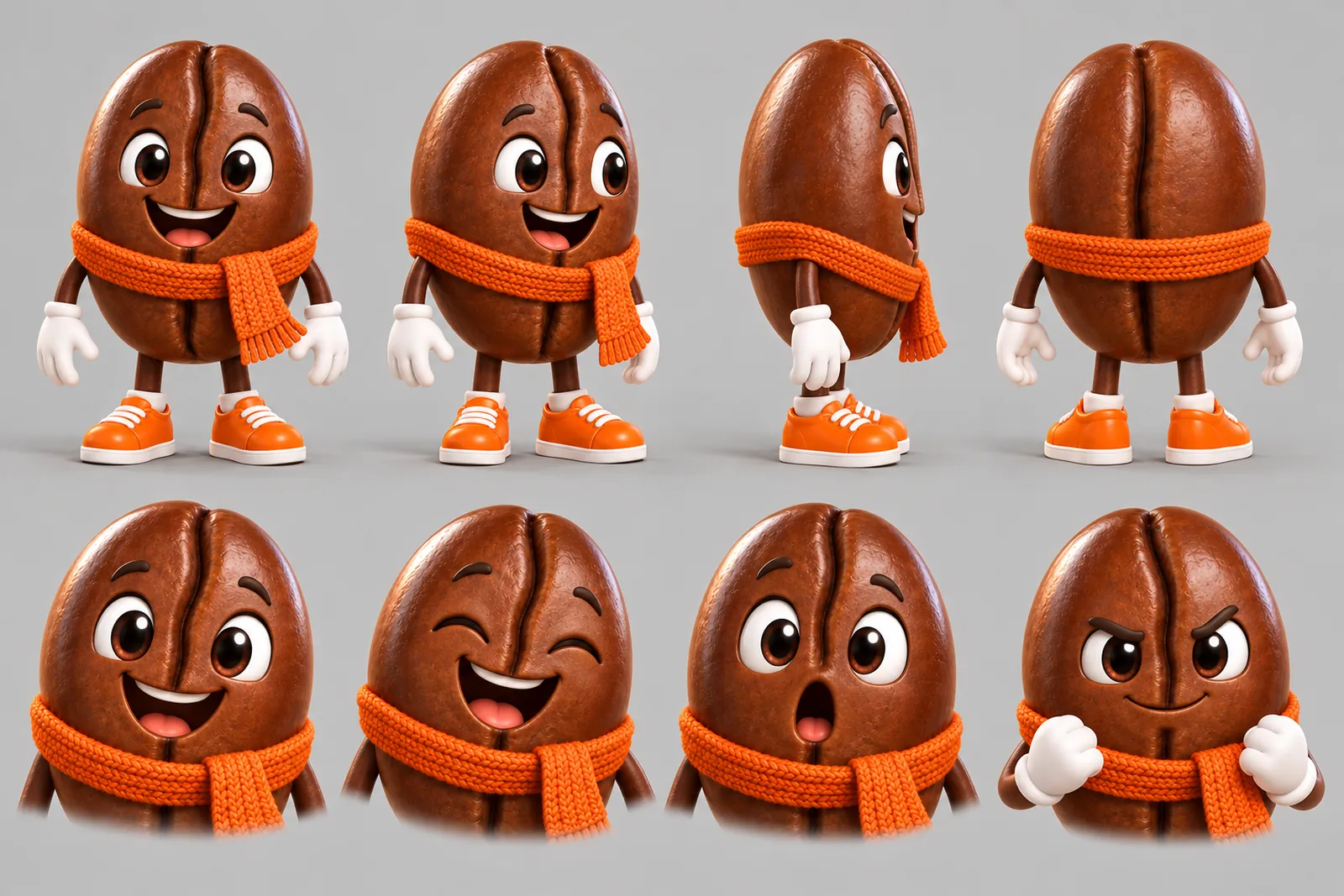
Beanie lives in your Characters
Every Character you make keeps its Looks in one place, one for each World’s Look. Use Beanie in a new World and the Cast brings the same face into that World’s Look, in every Scene and Clip.

Illustration of the Characters screen, recreated with Beanie’s Images. Original character made for this page with gpt-image-2.5.
A mascot is a Character, not a logo
Most mascot tools hand you a static picture for the corner of a website. Fine, until someone asks for a launch Clip, a holiday post and something for Friday, and the redraws look like three different beans. Character App treats the mascot as a Character: one design, reused in every Scene and Episode. Beanie the coffee bean keeps the same crease, white gloves, orange sneakers and knitted scarf whether it's waving from a café counter or ollieing over a spoon.
Design rules for a mascot that holds up
A shape you can read at thumbnail size
A bean, a cloud, a sock, a small determined rhino. If it works as a silhouette, it works everywhere.
Two or three fixed accessories
Gloves, sneakers, a scarf. Accessories are how people spot the mascot in a busy feed.
One personality trait
Overcaffeinated optimist. Nervous but brave. Pick one and the Episodes write themselves.
A Look to match the brand
Glossy 3D for a family-film feel, flat 2D cartoon for something clean and graphic. The same mascot can do both.
From one Clip to a series
Start with a hello Clip. Then give the mascot a World (the café, the office, the stadium tunnel) and plan short Episodes: launch day, a product mishap, the seasonal special. Build each one around a clear physical gag: it rides, it trips, it hands someone a mug. Keep it short, loopable and 9:16 for TikTok or Reels. Workplace comedy is a natural home: the mascot is the colleague who believes in synergy.
What to keep out
Invent your own. No other company's mascot, no logos you don't own, no look-alikes of famous cartoon characters. Keep readable text out of the Scene too: signs and slogans are better added later. Your own logo belongs on the final export, added in your editor, so the mascot stays clean enough to reuse in every campaign.
8 mascot ideas to start from
Press one and it lands in the idea box. Change a word or keep it; the Director takes it from there.
- 01Rise and ShineThe mascot waves from the café counter and knocks over exactly one sugar packet.Use this idea
- 02Countertop SkaterA coffee bean on a tiny skateboard ollies over a spoon, then bows.Use this idea
- 03Launch DayThe mascot cuts the ribbon and the ribbon keeps going for a very long time.Use this idea
- 04Team SpiritA school mascot practises the halftime dance alone in an empty gym.Use this idea
- 05Out of OfficeThe mascot tries to take a holiday and keeps getting called back.Use this idea
- 06The Decaf CousinA relative shows up at the café and nobody trusts him.Use this idea
- 07Holiday SpecialThe mascot wraps a gift for every customer and runs out of tape.Use this idea
- 08New HireThe mascot trains a nervous intern in how to wave properly.Use this idea
From one line to a Character on film
- 1
Describe the mascot
What it is, two accessories, one trait. Character App builds a Character that keeps the design.
- 2
Build its World
The shop, the office, the stadium. Built once, so every Episode happens somewhere the audience knows.
- 3
Film the Episodes
Split each idea into Scenes, draw the Images, film the Clips you like with a plan, and export them for your channels.
Questions, answered
Still curious? Using your own photo and the guides go deeper.
Can I use this for a brand, school or sports team mascot?
Yes. Any original mascot works: a product, an animal, a team creature. Invent it rather than copying an existing brand's or team's.
Do I get a static logo file?
No print-ready vector logo. You get Images and filmed Clips of the mascot; for a logo file, a design tool is the better fit.
Can the mascot appear in real video, not just an image?
Yes. Each Scene becomes a moving Clip, in 3D or flat 2D, 9:16 or widescreen.
Will the mascot look the same in every Clip?
That is what a Cast is for. The shape, colours and accessories are reused in every Scene and Episode.
Can I put my logo in the Clips?
Add it afterwards in your editor. Keep Scenes logo-free and brand the export at the end.
Can the mascot talk?
Write a short line into the Scene. Narration can also be added to a Story, and its price is shown before anything is charged.
What does it cost?
Continue with the free Studio: currently one World build, one Character a day and 4 Lite Images a day. Clips need a plan, from $19.99 a month for 800 Credits; a 5-second Clip from an Image on H3 Max Turbo is 15 Credits, shown on the button before you press.
More character types
Every character type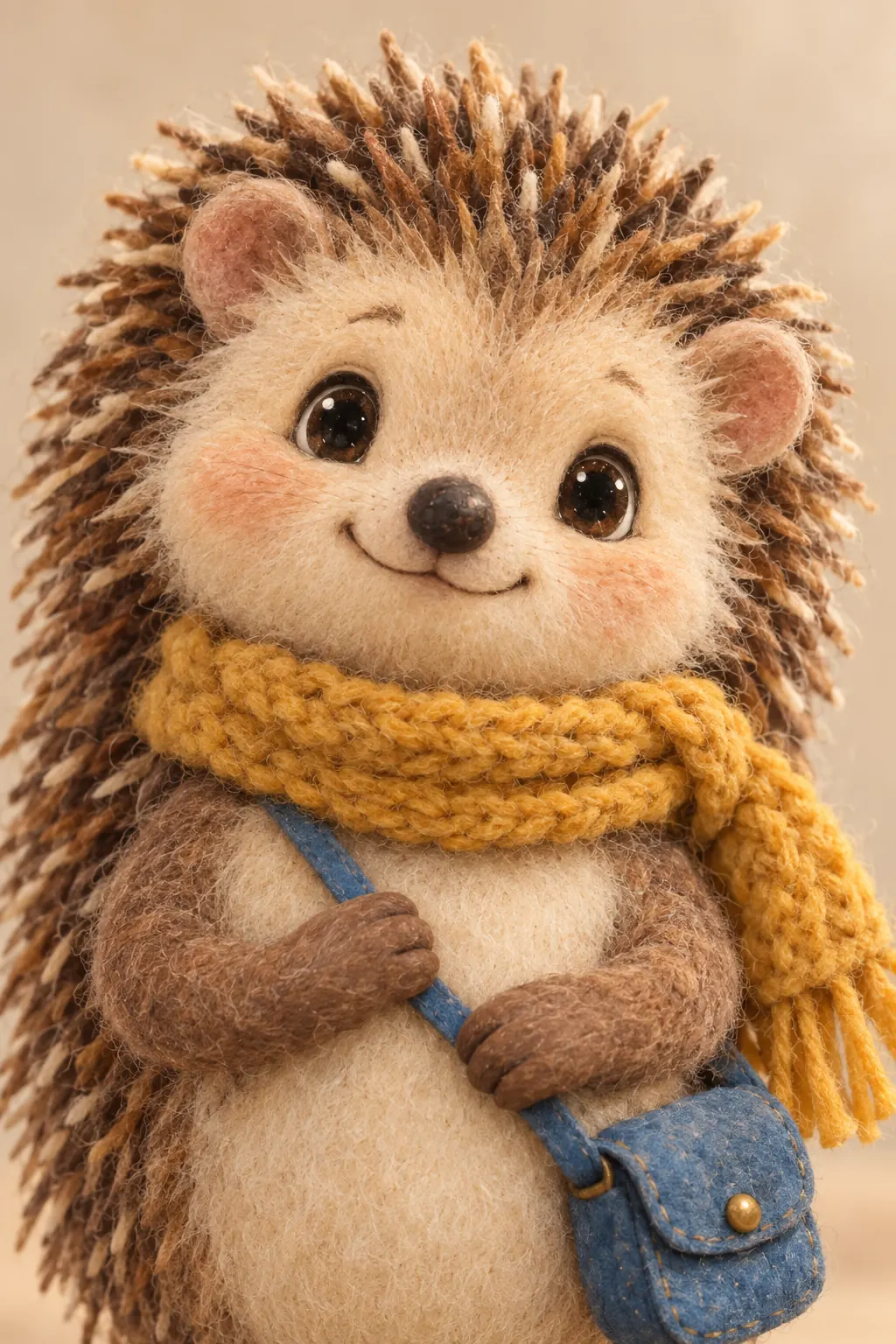
Your mascot starts with one line.
Continue with the free Studio · one World build, one Character a day, 4 Lite Images a day