What your photo actually becomes
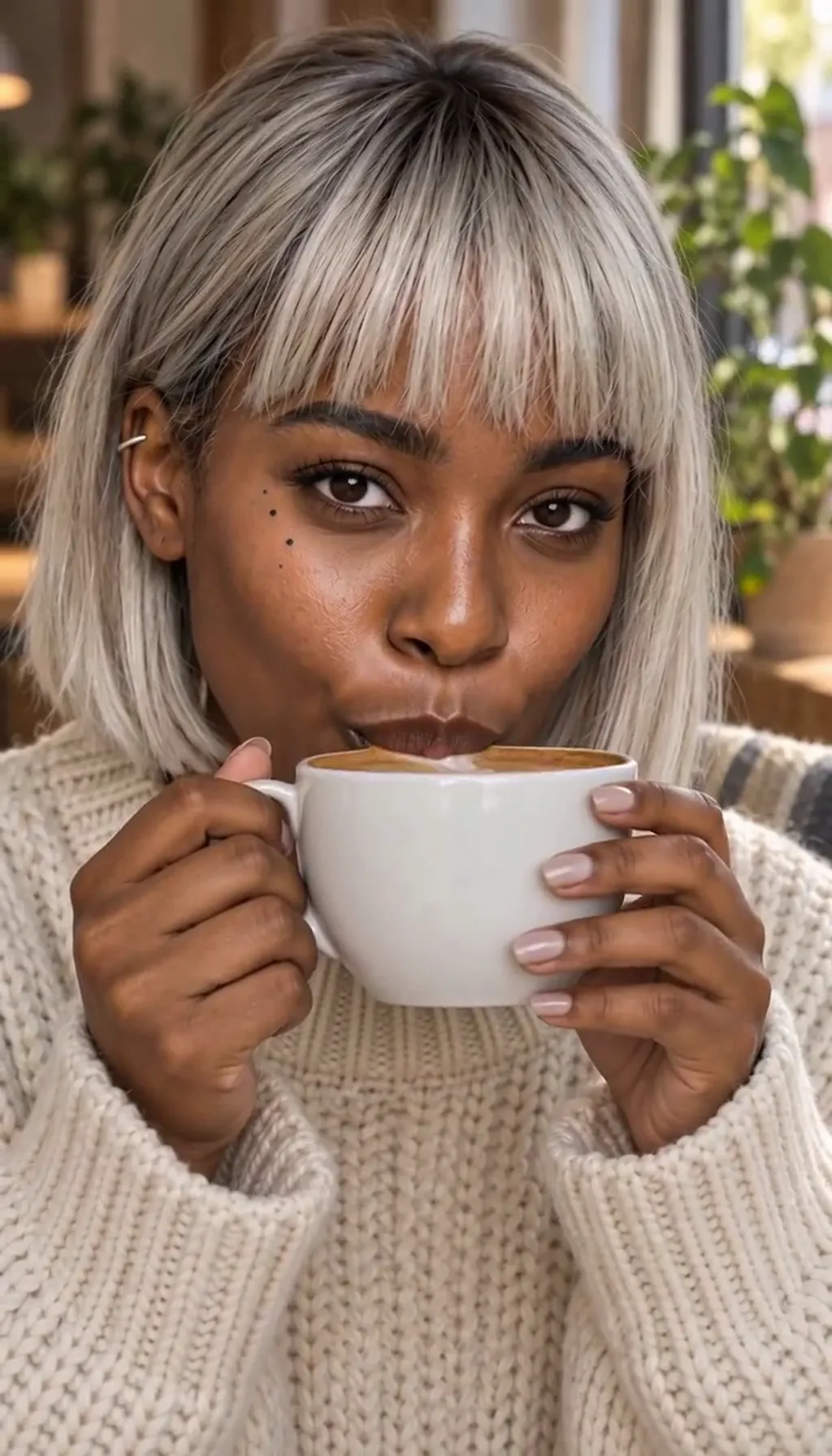
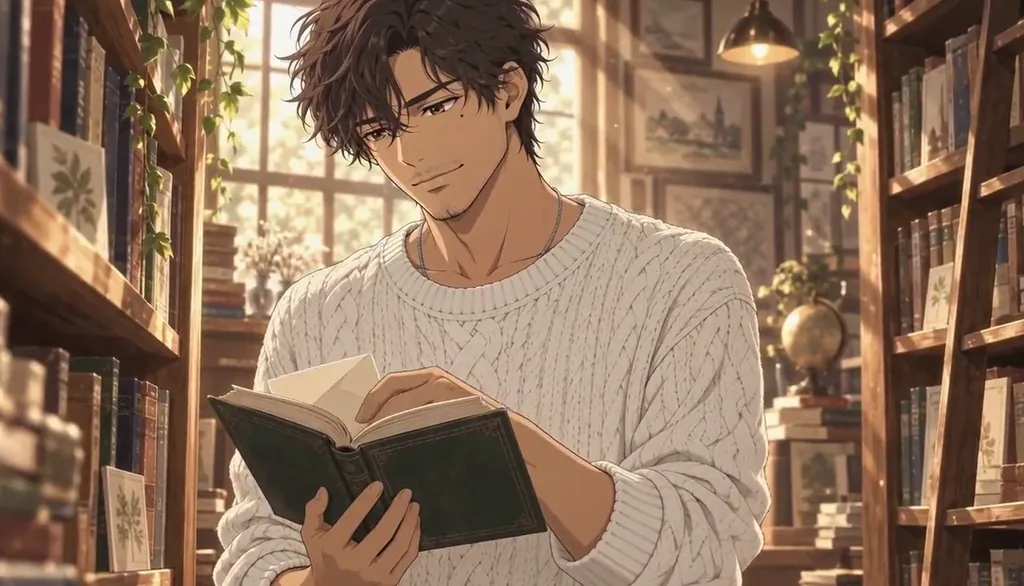
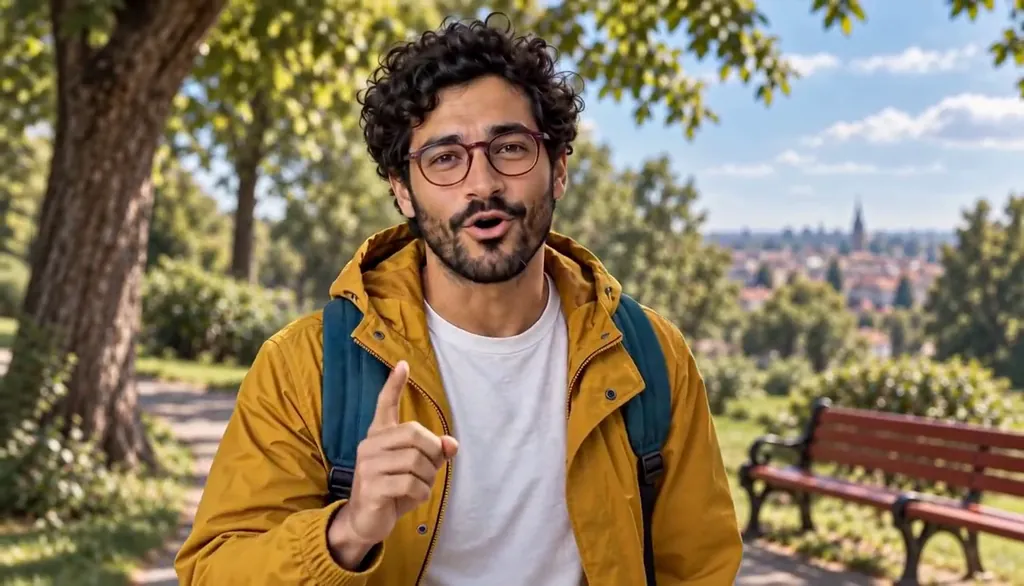
An uploaded photo is a reference, not a surface. The app’s own disclosure says it plainly: the Image goes to the AI partners that draw your character, and what returns is a cartoon likeness — a stylized character that reads as you, not a realistic photo of you. That’s the design intent: your face becomes a cast member’s look, the way a photo becomes a reference on an animator’s desk.
The likeness is yours to use because you confirmed the right when you pressed Draw.
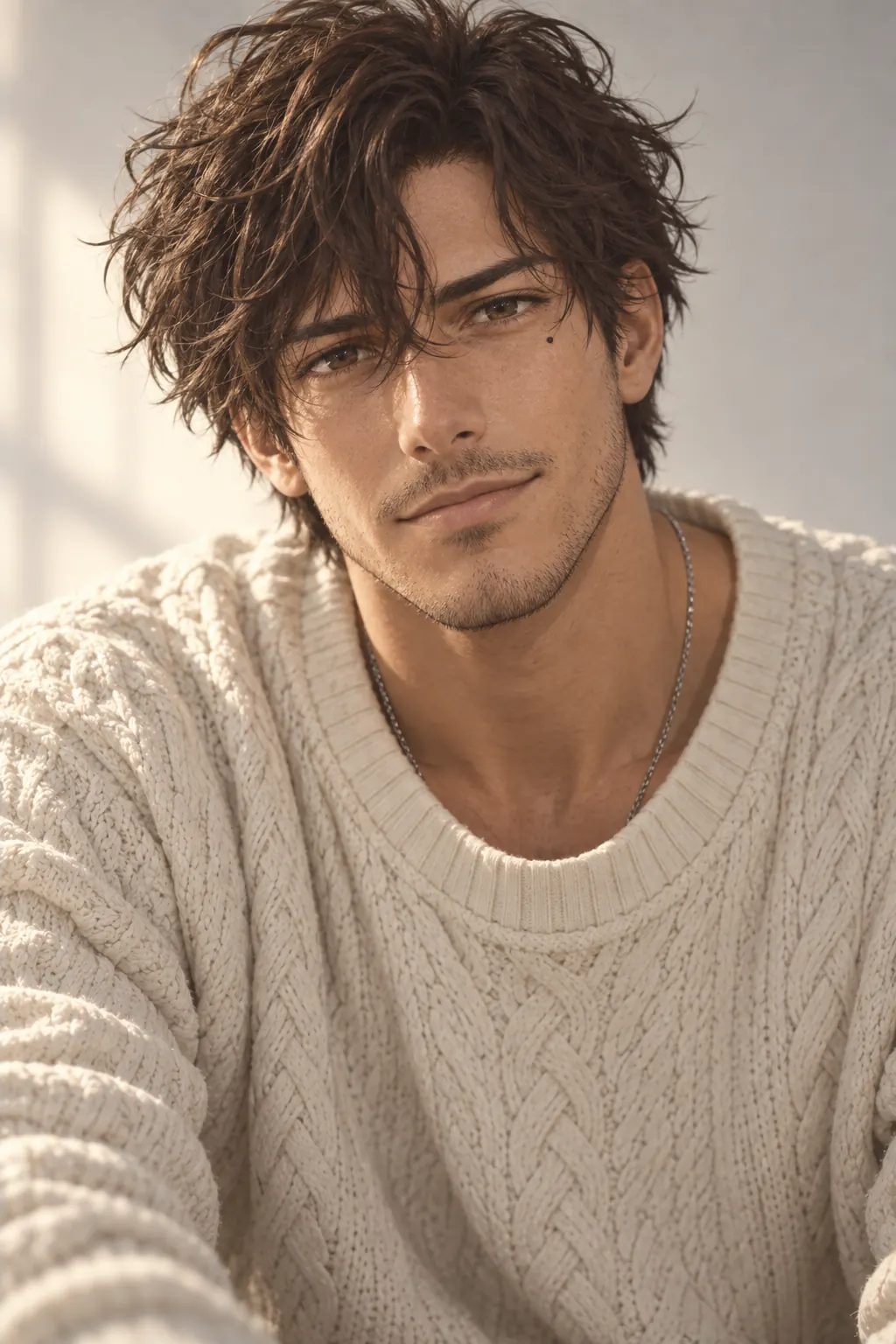 Live action
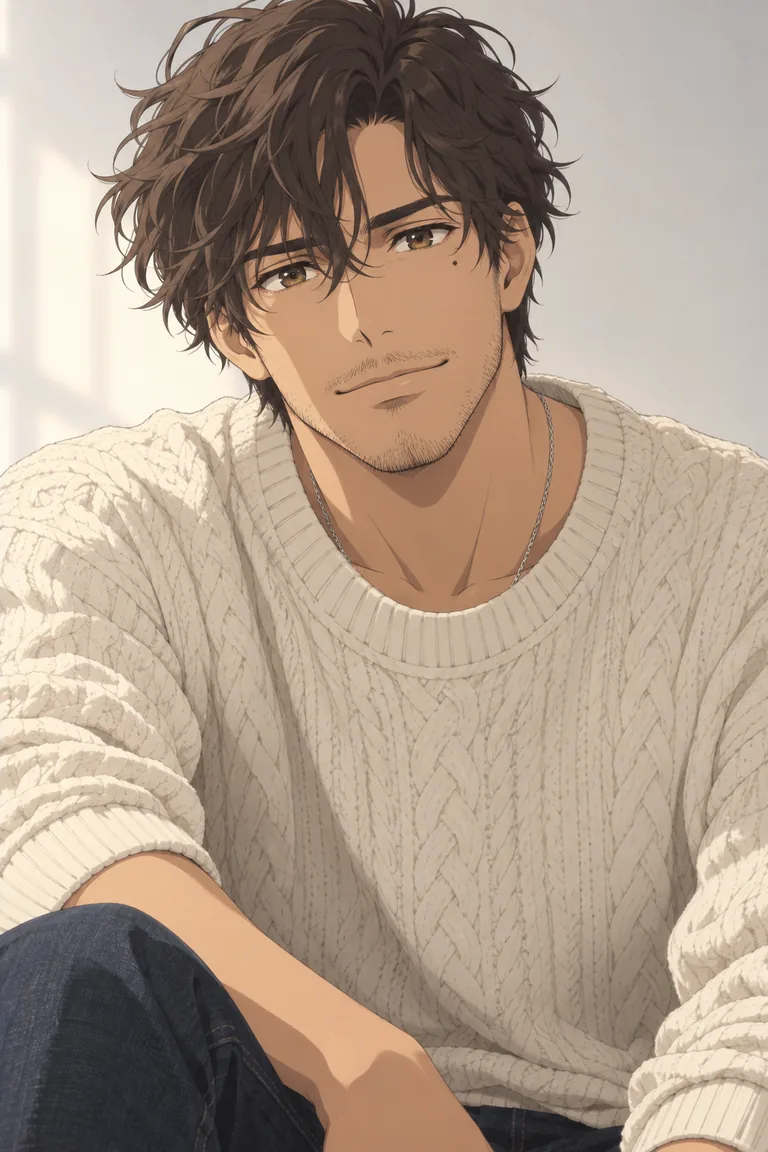 Anime
AnimeElias Varo · one original Character in two Looks. Made for Character App’s character pages with gpt-image-2.5; a design reference, not an app export. What pressing Draw confirms
The moment you press Draw you confirm two things: that you have the right to use this likeness, and that the Image may be sent to the AI partners for processing. That confirmation is recorded once per account — a consent grant, not a per-upload nag. It’s deliberately a caption on the surface, not a popup, so it’s always readable where the action is.
And it’s reversible: AI processing can be revoked in Account settings at any time. The grant lives with the account, not with any single upload.
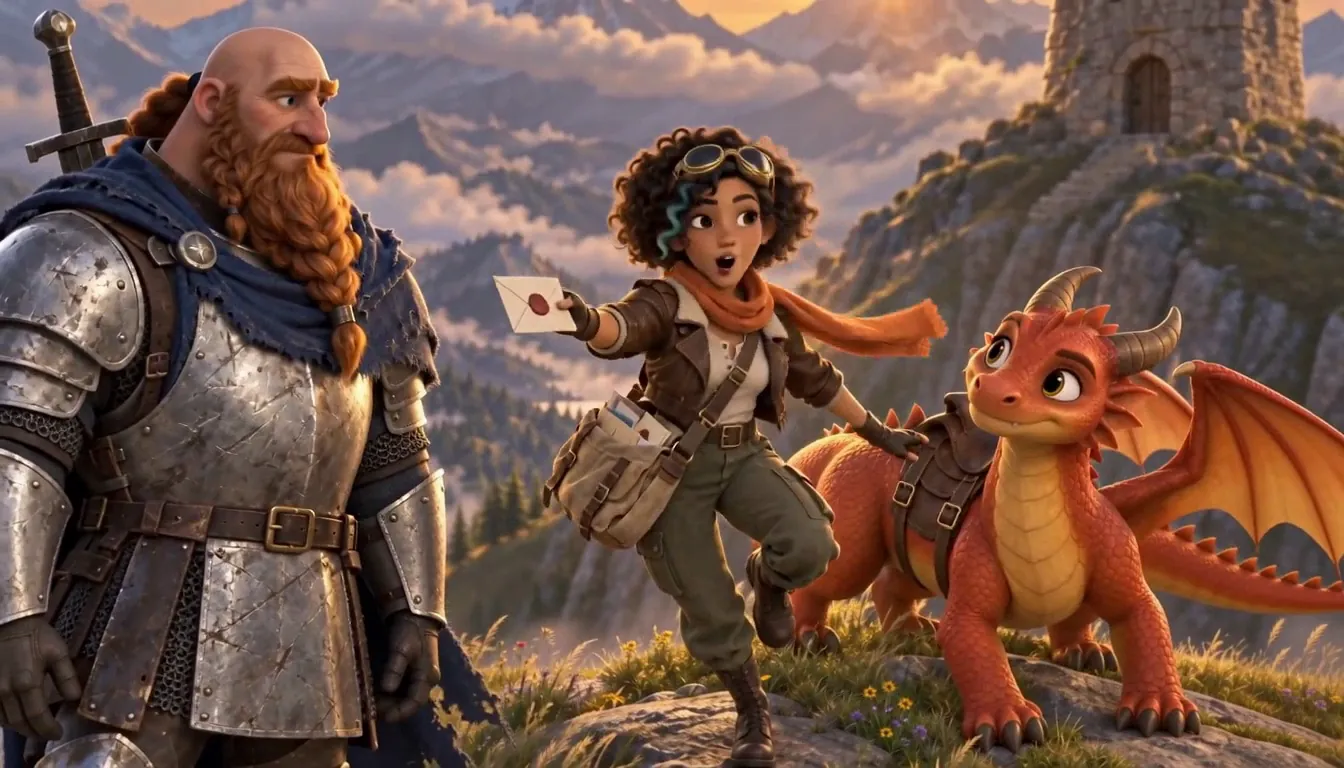
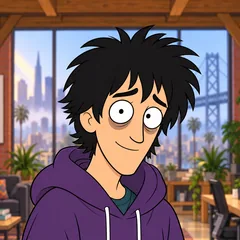
The line it came from: Three friends, one AI startup, one rate limit.
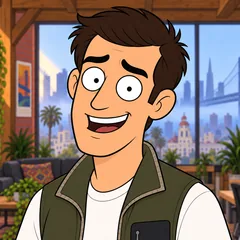 MilesFounder
 DevEngineer
 WizProdigy
Rate Limited · one line, and the Cast it drew: three Characters who keep their faces in every Episode. Our own fictional sample series, made in Character App. What happens if you decline
If consent isn’t granted, nothing leaves your device — the app says so outright: the Image stayed on your device. No upload, no processing, no character from that photo.
The words path still works: you can describe a character in text instead, and the same partner-processing disclosure applies to what you write. Declining is a real choice, not a dead end — the photo path waits until you opt in. Nothing is lost by saying no first; the story can start in words and add a face later.
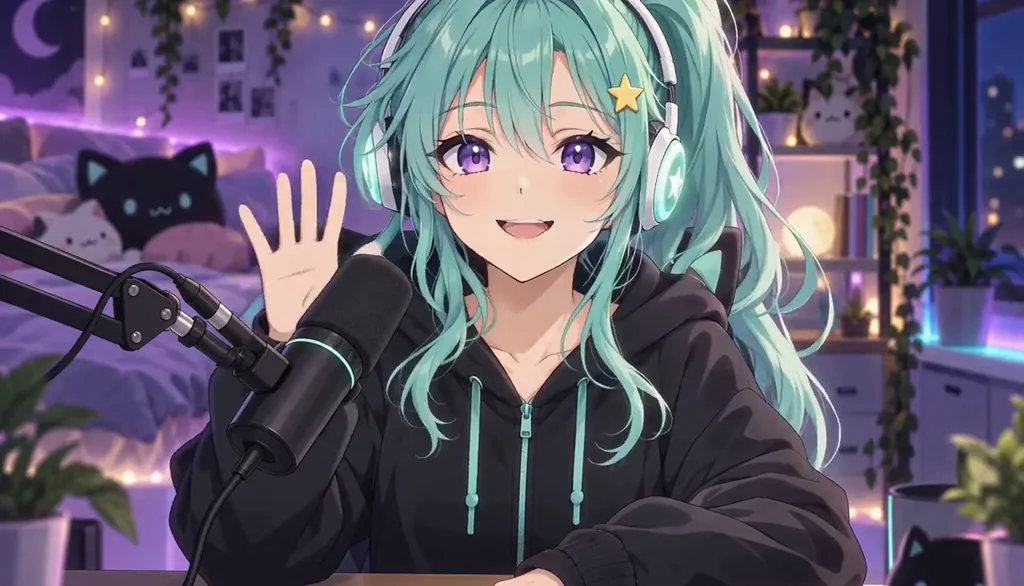
Momo Starling · Hi hi, chat! Original character made for Character App’s character pages with gpt-image-2.5 and H3 Turbo Using someone else’s face
The rule for other people is bright-line: identifiable real people — friends, celebrities, co-workers, anyone — may not be depicted without their explicit consent. Reference uploads of a real person are for when you are the subject or you have their written consent.
Prompts naming real people are recorded and reviewed, and the model providers run their own filters — a request naming a public figure is often refused upstream. If your own likeness is refused by mistake, you can email support@character.app with proof of identity for review.
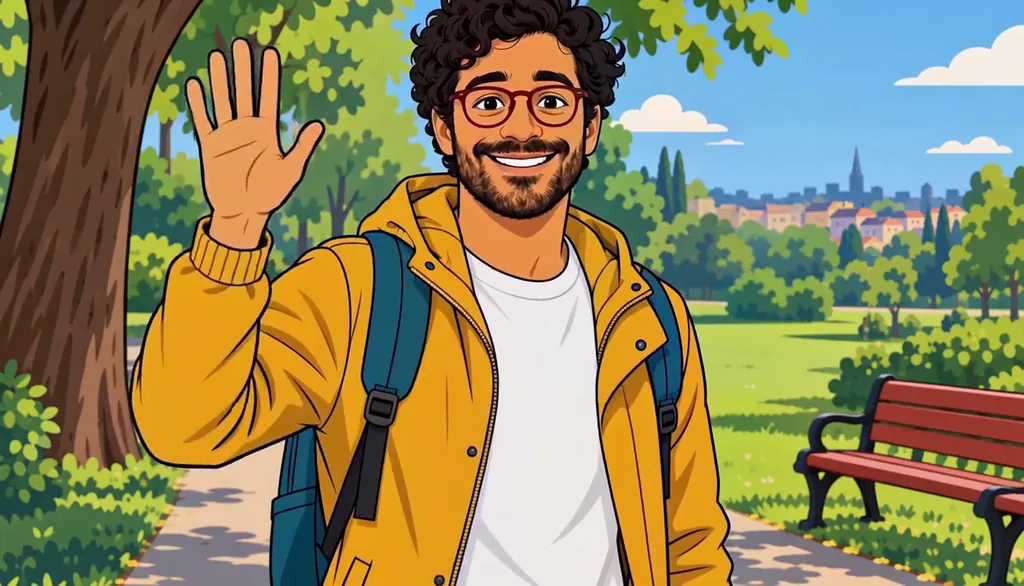
Milo Fenn · Milo, 2D cartoon. Original character made for Character App’s character pages with gpt-image-2.5 and H3 Turbo The guardrails that stay on after you upload
Consent isn’t the only layer. The providers’ own safety filters gate every generation; the content policy bars non-consensual intimate imagery, impersonation, and political deepfakes outright; and every generated image and Clip carries a Report button, triaged by a human team within 48 hours.
Voice and biometric likeness get the strictest rule: cloning a real person’s voice or face needs explicit written consent — several US states treat unauthorized use as a civil or criminal matter. None of this is optional decoration — it’s the shipping contract.
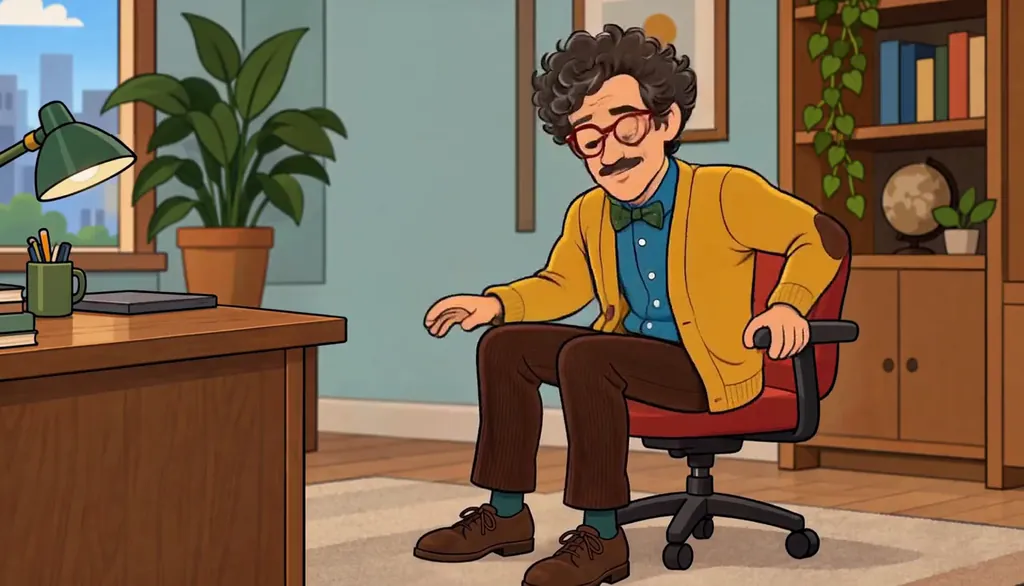
Barnaby Fitch · Swivel chair (cartoon). Original character made for Character App’s character pages with gpt-image-2.5 and H3 Turbo
Common mistakes
Assuming a public figure’s photo is fair game. Identifiable real people need consent — famous or not — and provider filters usually refuse first. “It’s a joke” isn’t consent.
Uploading someone else’s photo without asking. A friend, a sibling, an ex — their face is their consent to give. Get it in writing before the upload, not after the episode.
Treating a refusal as a bug. A refused request is a filter doing its job, not a product failing — if it’s your own likeness, the appeal path is support with proof of identity.
Expecting the photo back as-is. The output is a cartoon likeness by design — photorealism of a real person is the thing the guardrails exist to prevent.
Questions
Is my uploaded photo kept or shared?
The Image goes to the AI partners that draw the character — that’s disclosed where you upload it. The full data-handling detail lives in the privacy policy, linked below.
Can I use a photo of my partner or kid?
Only with consent — the policy is “you are the subject, or you have written consent.” For a partner that’s a conversation; for kids, take the stricter reading and don’t.
What if the app refuses my own photo?
Provider filters occasionally misfire. The policy names the appeal path: email support@character.app with proof of identity and a human reviews it.
Can I make a character of a celebrity I like?
No — depicting identifiable real people without consent is prohibited, and prompts naming real people are recorded and often refused at the provider. Make the character they’d play instead.
Can I put a friend’s clip into Star in a clip?
Only a clip you have the rights to, with people in it who agree to AI processing — Star in a clip asks you to confirm both before the clip is used. Your own likeness or an original Character is the intended lead, and public figures stay off limits.
Does deleting the character revoke consent?
They’re separate: the AI-processing grant is account-level and revoked in Account settings. Removing a character doesn’t withdraw the grant; the revoke control does.