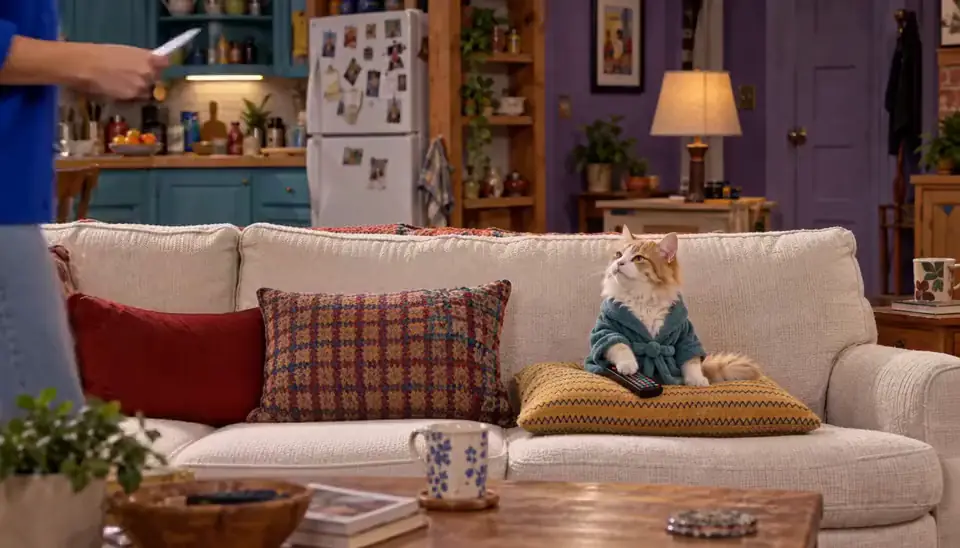
A World is four things kept in one place
Look at the World screen and you’re looking at the whole idea: a cover that’s the place, a Cast row that’s the people, an Episodes row that’s the output, and a Look that’s the style contract. A World is those things kept together so a series can accumulate.
Without the container, every scene is a fresh start — new room, re-rolled faces, no memory of anything before. With it, the place persists, the people persist, and what happened stays happened across every Episode.
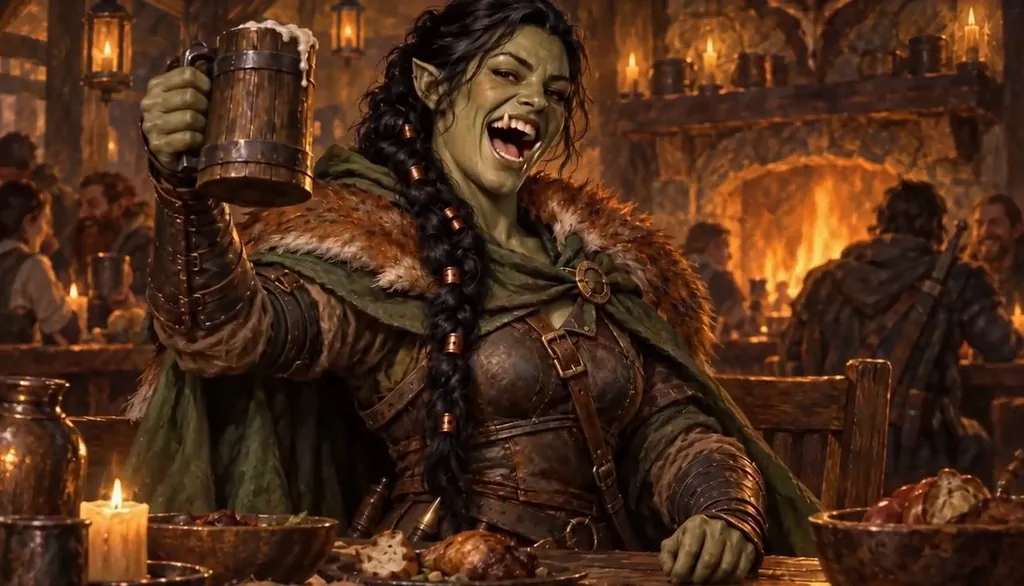
Brisa Thornvale · First round's on the dragon. Original character made for Character App’s character pages with gpt-image-2.5 and H3 Turbo Genesis builds it while you answer three questions
You rarely sit down to “build a World.” Genesis — the first-run flow — assembles it while you answer: what’s the idea, who’s in it, and what should it look like. By the time your first Character is drawn, the World around them exists.
That’s deliberate design: the container should cost minutes, not a worldbuilding hobby. Three decisions is the real price of entry — a place, a promise, a person — and the rest grows as Episodes demand it.

The Wandering Flagon · A tiny dragon. Made with H3 Turbo, the Clip model in Character App · fictional sample series The Look is a contract, not a filter
Every World picks a Look — the visual style the whole container follows. “Every Image in this World follows it — the Cast included” is the product’s own line, and it’s exact: the same Look governs your Characters, your Scene Images, and your Episode stills.
That’s why a sitcom Cast and an anime Cast can be the same people wearing different physics. Change the Look and the World re-dresses itself around them; keep it and everything drawn inside stays coherent from Scene to Scene.
The line it came from: A violinist is booked to play her ex’s engagement party.
 E1The booking
 E2Too close
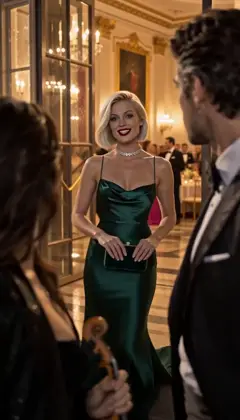 E3Your fiancée is getting cold
 E4Encore
Midnight Sonata · one line to the AI Director: it casts the Characters and writes the Story as Scenes; plan each next Episode in one sentence. A fictional sample series made in Character App. The Bible is the World’s memory
Behind the visible screen sits the Bible — the written record of what’s true here: who the Cast are, what the rules are, what already happened in the Episodes. “Anything else about them is optional — the Bible keeps it” is how the product puts it.
The Bible is why the sixth Episode can call back the first: the World remembers, so you don’t have to re-explain the grudge, the pet’s name, or the rule the town keeps — the record carries it for you.
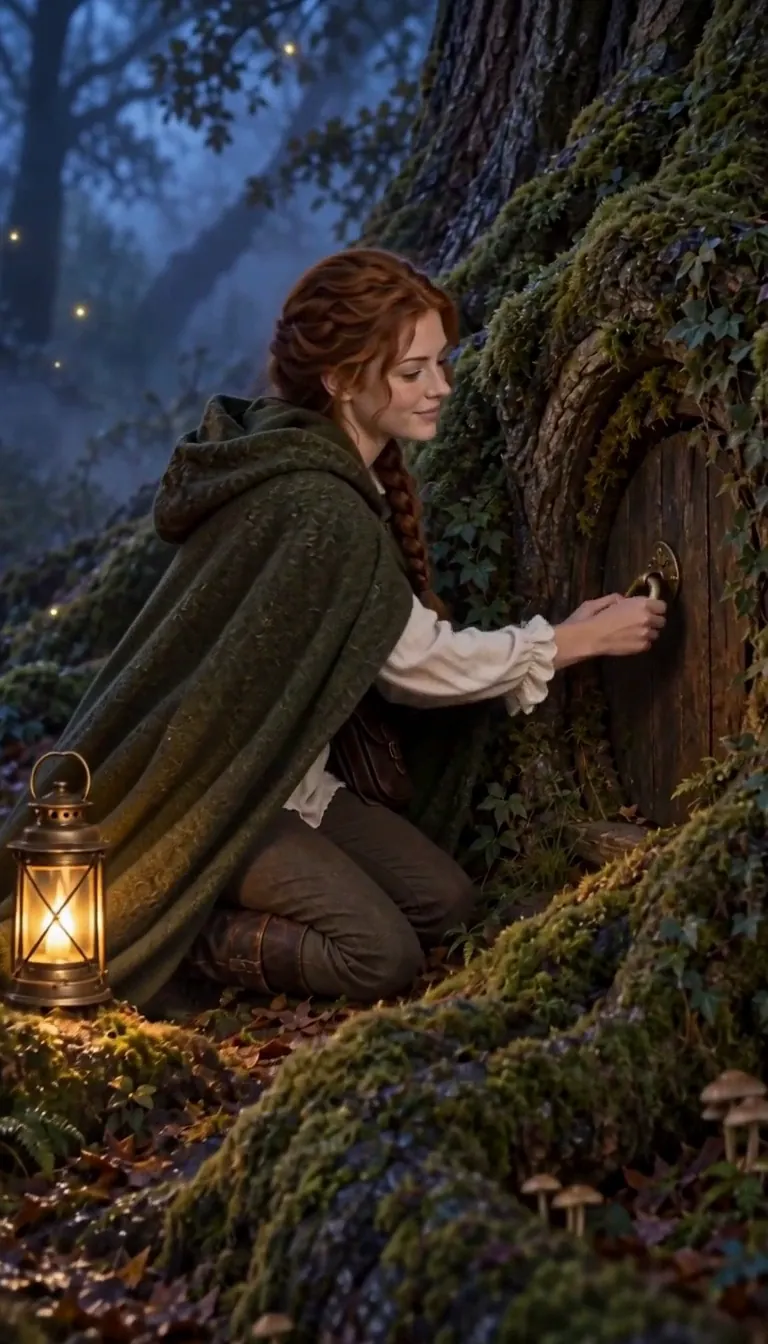
The Lantern Keeper · There you are. Made with H3 Turbo, the Clip model in Character App · fictional sample series Different Worlds, different physics
Two Worlds can share your Cast’s faces and nothing else: one keeps a fantasy archive with real stakes, the next keeps a Mission apartment where the fog arrives on cue. The World is what makes them different shows rather than different drawings of the same people.
This is also the honest answer to “should I start over?” — a new premise inside the same Cast is usually a new Season in the World you already have, not a new World built from zero.

Emberwing · Special delivery. Made with H3 Turbo, the Clip model in Character App · fictional sample series Start one — it takes less time than the tour
The fastest way to understand a World is to stand inside one: describe the show in a line, answer who’s in it, keep the first Character’s look — and the World screen fills in around you while you watch it happen.
Everything after that is additive: new Cast members join the row, Episodes stack in the list, the Bible thickens with every chapter you finish. The World you build in five minutes is the same one your fortieth Episode still lives in.



Common mistakes
Worldbuilding before storytelling. The Bible grows around Episodes that exist — three decisions (place, promise, people) is the whole cost of starting, and unused lore is the part you skip.
A new World for a new idea. Premises are cheap; Worlds are cumulative. A second idea usually belongs in the Cast and Bible you already have.
Treating the Look as decoration. It’s the style contract — pick it once, deliberately, and let it do the consistency work instead of re-describing the style per Scene.
Ignoring the Bible. Facts you never write down are facts the World can’t keep — the optional “anything about them?” field is cheap continuity insurance.
One World, one Scene. A World you abandon after the pilot is a container that never got to remember anything — the payoff starts at episode two.
Questions
Is a World the same as a story world?
Yes — same thing, product spelling. The definitional guide covers why the container matters conceptually; this page is about the actual screen: cover, Cast, Episodes, Look, and the Bible behind it.
How many Worlds can I have?
The free path includes one World build — the first run makes it. Additional Worlds are a plan feature; most series ideas are better served as a new Season in the World you already built.
Can I change the World after it’s built?
The place, the Look, and the Cast are all editable — the World is a working container, not a locked save file. What you shouldn’t casually change is what the Bible remembers, because Episodes depend on it.
What’s the difference between a World and a Room?
A World is the story container; a Room is a shared space you invite people into. Your World is private by default — nothing crosses into a Room without you sending it.
Do I need a World for a one-off image?
No — single Images and one-off stories work without committing to a container. The World earns its keep the moment you want the second of anything: second Scene, second Episode, second season.