Build a puppet worth its own show
Felt texture, button eyes, a mouth that flaps a beat late: design the puppet once and it's the same puppet in every Episode.
Continue with the free Studio · one World build, one Character a day, 4 Lite Images a day
How to make a puppet character
Describe the puppet: what it's made of, one colour, one feature and one bad habit. Character App builds it as a Character with the felt-puppet look (fabric, button eyes, a hinged mouth) and keeps the same design in every Scene. Build the rest of the ensemble the same way, then direct them in a puppet show World. You can turn yourself into a felt puppet from your own photo; anyone else needs to agree first.
Updated September 2026 · Free to start · Web and iPhone
Looking for the general tool? Start with the AI character creator.
Same Character, any Look
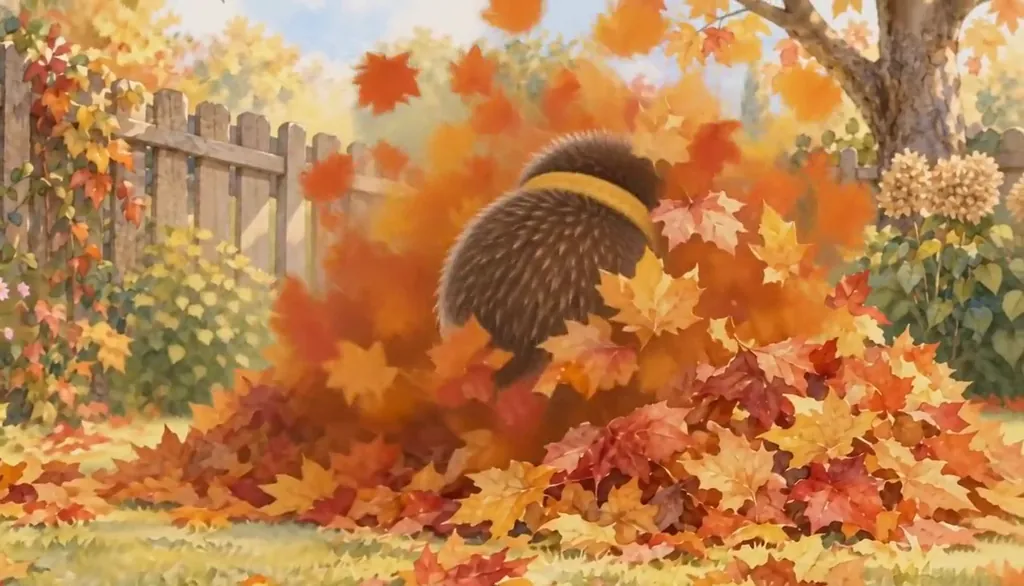
Hazel in 2 Looks: watercolour storybook, felt stop-motion. Put Hazel into another World with a different Look and the face, the hair and the wardrobe carry over; only the pen changes.
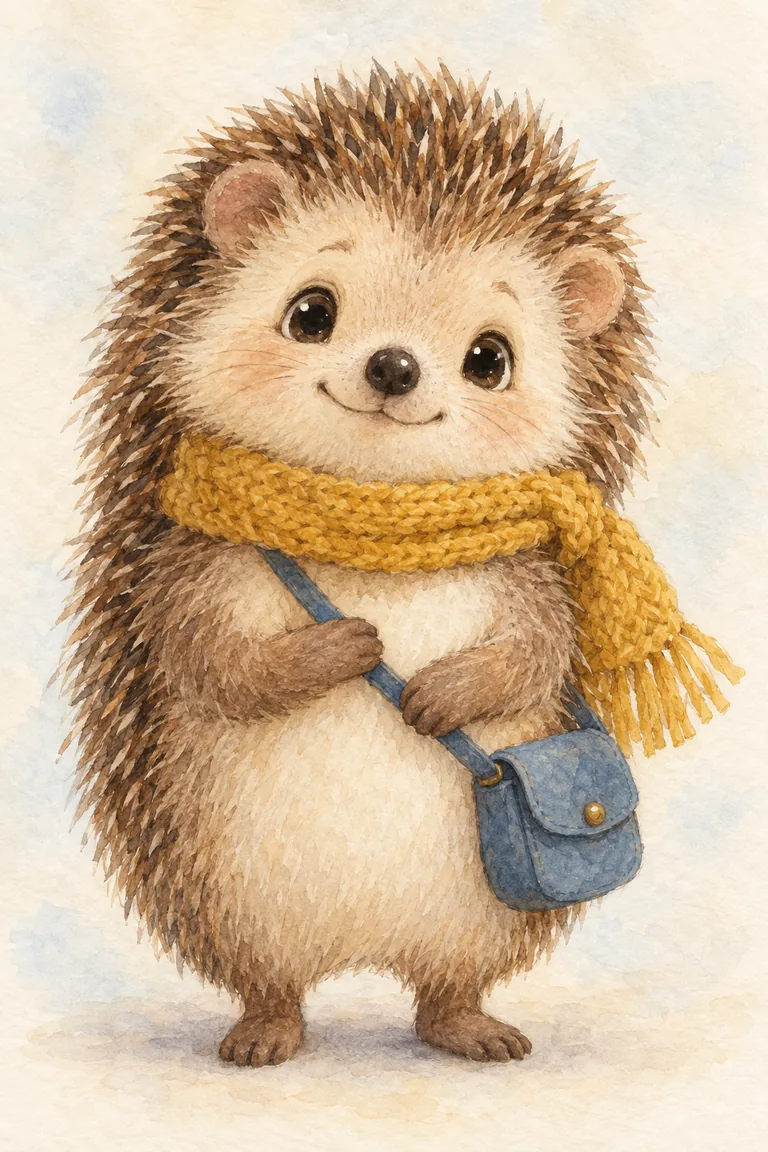
01 Watercolour storybook
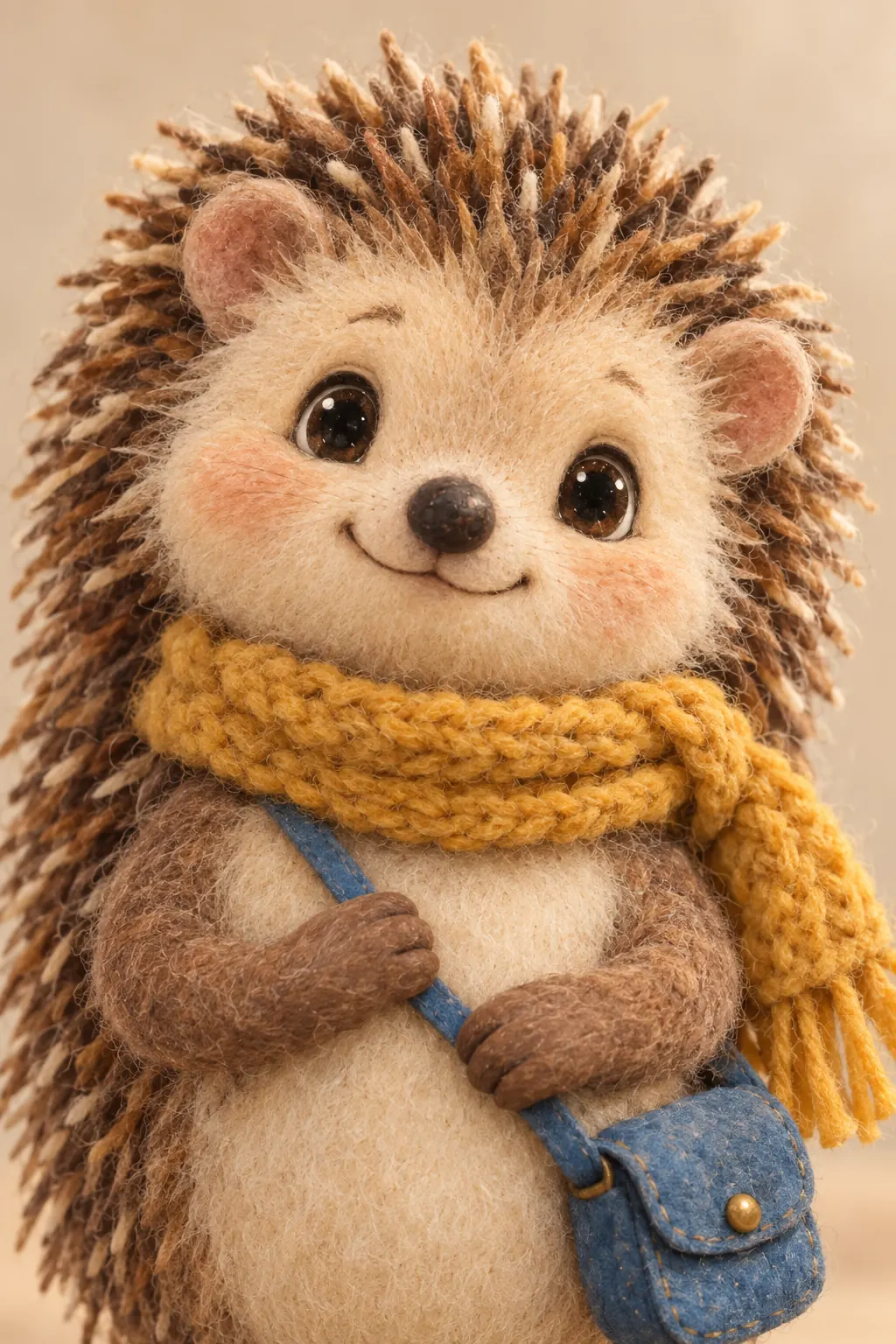
02 Felt stop-motion
Original character made for Character App’s character pages with gpt-image-2.5. Looks drawn with gpt-image-2.5 from one portrait.
The character sheet
Before Hazel is in a single Scene, there is a sheet: front, three-quarter and back views, plus the expressions the story will need. It is how we design a Character and how Character App keeps Hazel consistent from Clip to Clip, in every Look.
It is not a download. You never manage a reference sheet yourself, and the app does not export a turnaround file; the Cast keeps the Character on-model in the Scenes you direct.
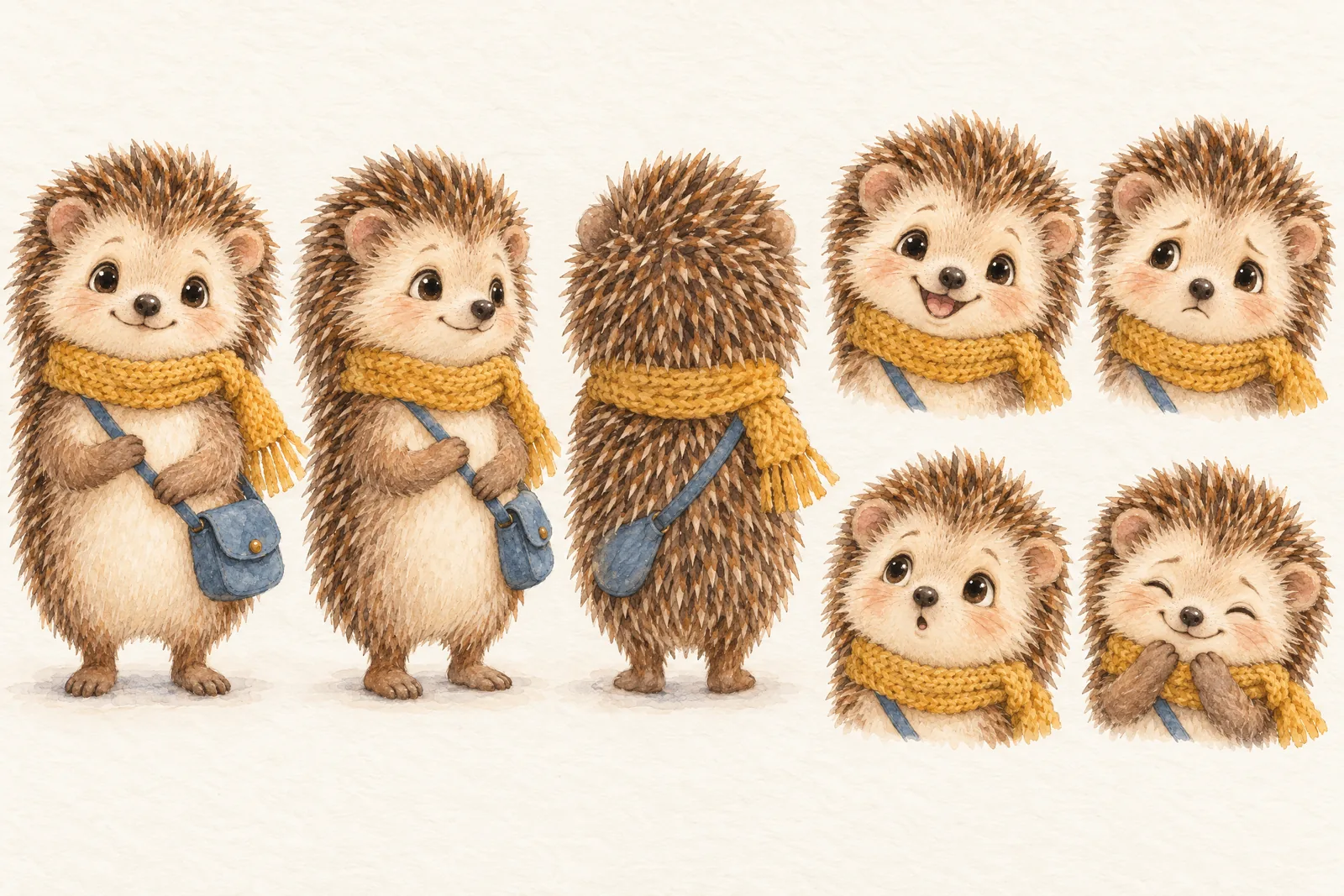
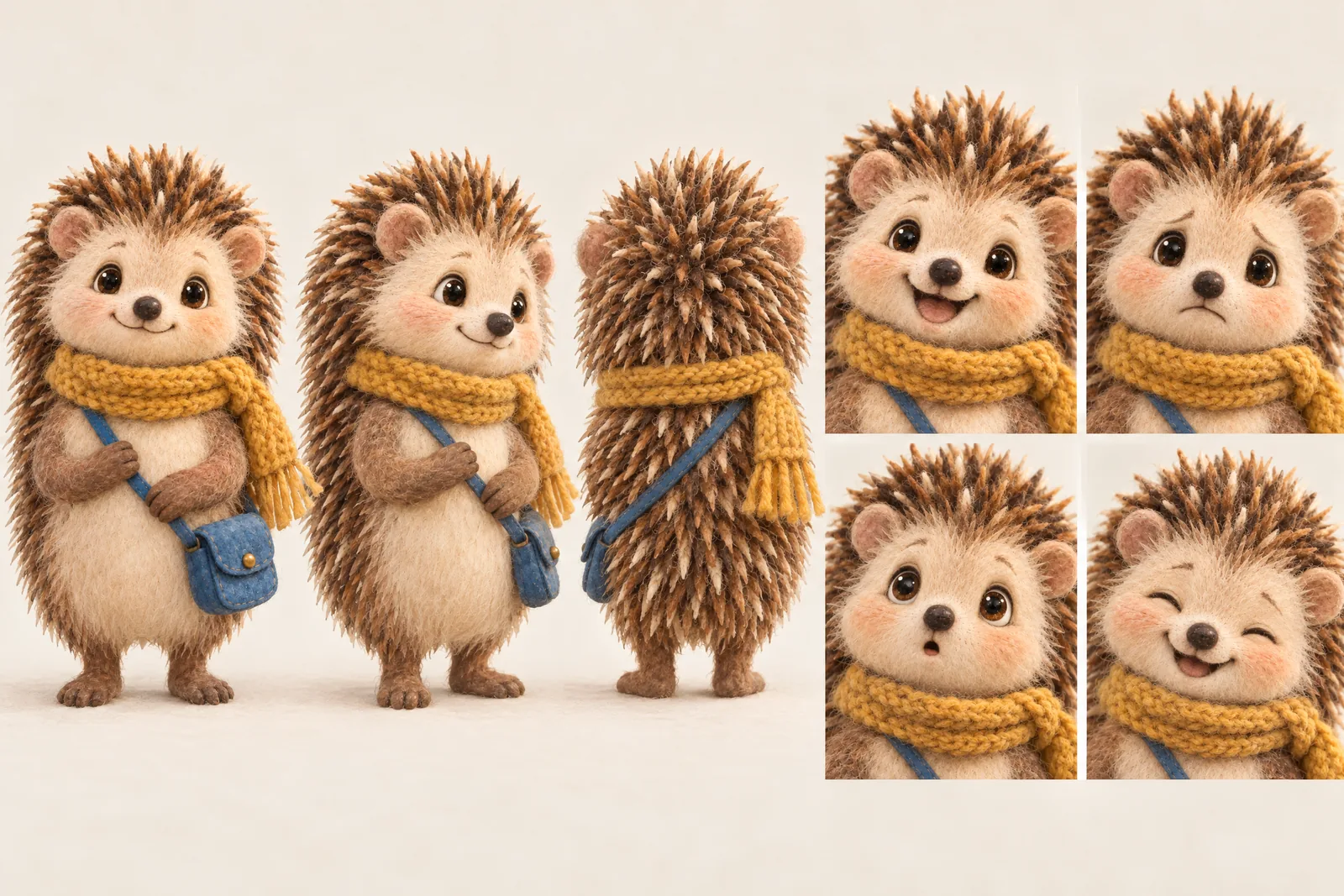
Hazel lives in your Characters
Every Character you make keeps its Looks in one place, one for each World’s Look. Use Hazel in a new World and the Cast brings the same face into that World’s Look, in every Scene and Clip.
Illustration of the Characters screen, recreated with Hazel the hedgehog’s Images. Original character made for Character App’s character pages with gpt-image-2.5.
A puppet is a Character with stitching
The felt-puppet trend runs on one joke: a fuzzy creature saying something a person never could. The joke dies when the puppet changes colour between clips. In Character App each puppet is a Character with a locked design, the same felt, the same buttons, the same crooked eyebrow, reused in every Scene. This page is about building the puppet; the puppet show page is where it gets a set, a format and a nightly monologue.
Puppet design rules
Pick the material
Felt, fleece, fake fur or an honest sock. The material is the Look, so name it.
One colour, one feature
A mustard walrus with one droopy eye. A purple monster with a single tooth. Simple reads.
The mouth
Puppets act with the mouth: wide and flappy for a loud host, a tight stitched line for the nervous one.
A bad habit
Falls off chairs. Eats the props. Cries at weather reports. The habit is the running gag.
Build the ensemble
A puppet show is a Cast: the host, the sidekick, the grumpy one in the balcony, the monster who only wants a hug. Build each as a Character in one World, the studio set, the alley behind it, the dressing room, and every Episode reuses them. Weekly segments write themselves once the ensemble has shape. Give the host a desk, the sidekick a stool and the monster a cardboard box, and the blocking takes care of itself.
Puppet you
Add your own photo and get a felt version of yourself: your hair in yarn, your glasses in wire, your face in fleece. Pets make excellent puppets and never complain about the script. Friends can join if they agree; the content policy requires the person in the photo or their written consent. Keep it original: no look-alikes of famous TV puppets.
8 puppet character ideas to start from
Press one and it lands in the idea box. Change a word or keep it; the Director takes it from there.
- 01Late NewsA nervous felt owl reads the headlines and flinches at every one.Use this idea
- 02The ChairThe host leans back for a big laugh and falls off his chair, again.Use this idea
- 03Sock DetectiveA sock puppet investigates the disappearance of its other half.Use this idea
- 04Weather WalrusA walrus presents the forecast and takes every cloud personally.Use this idea
- 05Cooking SegmentA fleece monster makes soup and eats the ladle.Use this idea
- 06Balcony CriticsTwo grumpy puppets heckle the host from the cheap seats.Use this idea
- 07Felt MeA puppet you interviews the real you, and wins the argument.Use this idea
- 08Pet GuestYour dog, in felt, is tonight's special guest and refuses to sit.Use this idea
From one line to a Character on film
- 1
Describe the puppet
Material, one colour, one feature, one bad habit, or your own photo. Character App builds a Character who keeps them.
- 2
Build the set
The studio, the desk, the balcony. A World built once, for every Episode.
- 3
Film the Episodes
Split each segment into Scenes, draw the Images, and film the Clips you like with a plan.
Questions, answered
Still curious? Using your own photo and the guides go deeper.
Can I make a puppet that looks like a famous TV puppet?
No. Invent your own puppets with their own names and designs; a cast you own is more fun to write for.
Does the puppet stay consistent across Episodes?
Yes. Each puppet is a Character with a locked design, reused in every Scene and Episode.
Can I build a whole puppet ensemble?
Yes. Build each puppet into one Cast in one World, and they appear together in every Episode.
Can I base a puppet on myself or my pet?
Yes, from your own photo, and pets are welcome. Anyone else needs to agree to be in it.
Are these real puppets?
No. It's the felt-puppet look, made by AI from your description: fabric texture, button eyes, wobbly mouths. No sewing required.
Can the puppets talk?
Write the lines into each Scene. Narration can be added to a Story, and its price is shown before anything is charged.
What does it cost?
Continue with the free Studio: currently one World build, one Character a day and 4 Lite Images a day. Clips need a plan, from $19.99 a month for 800 Credits; a 5-second Clip from an Image on H3 Max Turbo is 15 Credits, shown on the button before you press.
More character types
Every character type


Your puppet character starts with one line.
Continue with the free Studio · one World build, one Character a day, 4 Lite Images a day