Turn yourself into a character who sticks around
Add one clear photo of yourself and get a Character with your face, in anime, 3D, cartoon or live action, and still you in Episode 12.
Continue with the free Studio · one World build, one Character a day, 4 Lite Images a day

How to make a from your photo
Add one clear, well-lit photo of your own face on the web or in the iPhone app. Character App builds a Character from it: your face shape, hair and the details people know you by. Pick a Look, such as anime, stylized 3D, cartoon or live action, and that same Character appears in every Scene, Episode and Clip you direct next. It is a Character you keep, not a one-off filter. Anyone else's photo needs their permission.
Updated September 2026 · Free to start · Web and iPhone
Looking for the general tool? Start with the AI character creator.
Same Character, any Look
Milo in 6 Looks: live action, anime, 3D animated, 2D cartoon, claymation, pixel art. Put Milo into another World with a different Look and the face, the hair and the wardrobe carry over; only the pen changes.
01 Live actionMilo, realistic
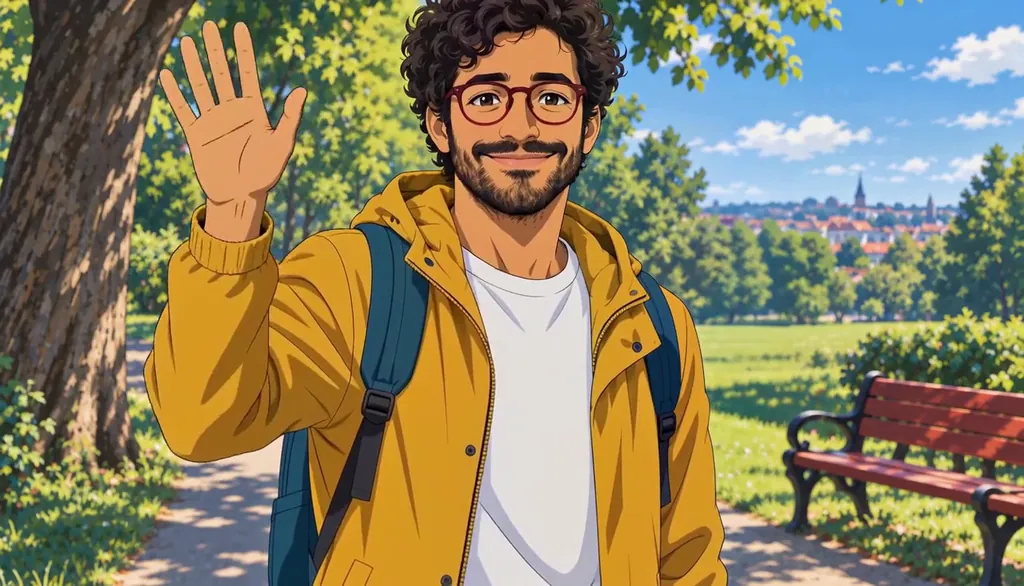
02 AnimeMilo, anime
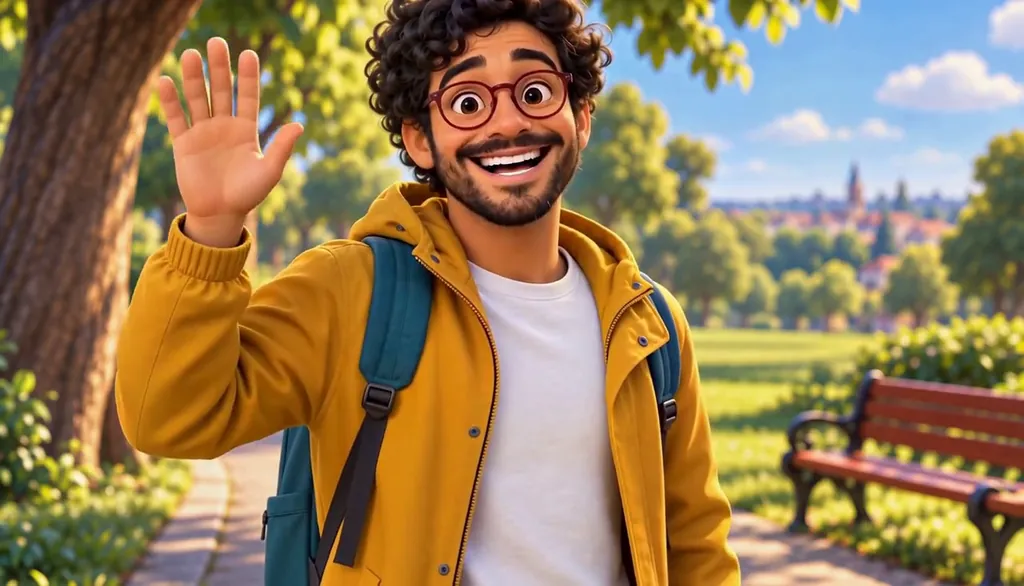
03 3D animatedMilo, 3D animated

04 2D cartoonMilo, 2D cartoon
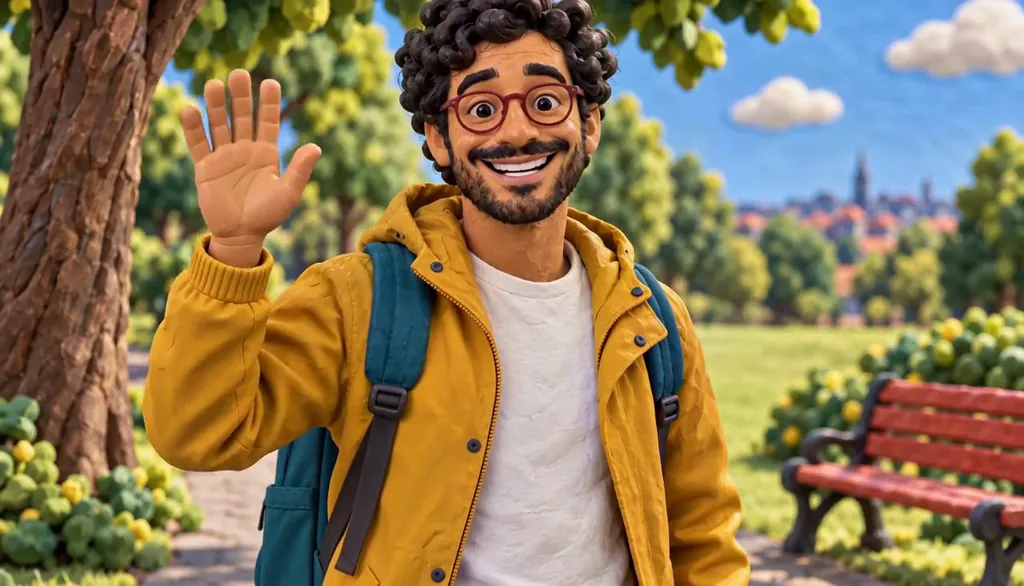
05 ClaymationMilo, claymation

06 Pixel artMilo, pixel art
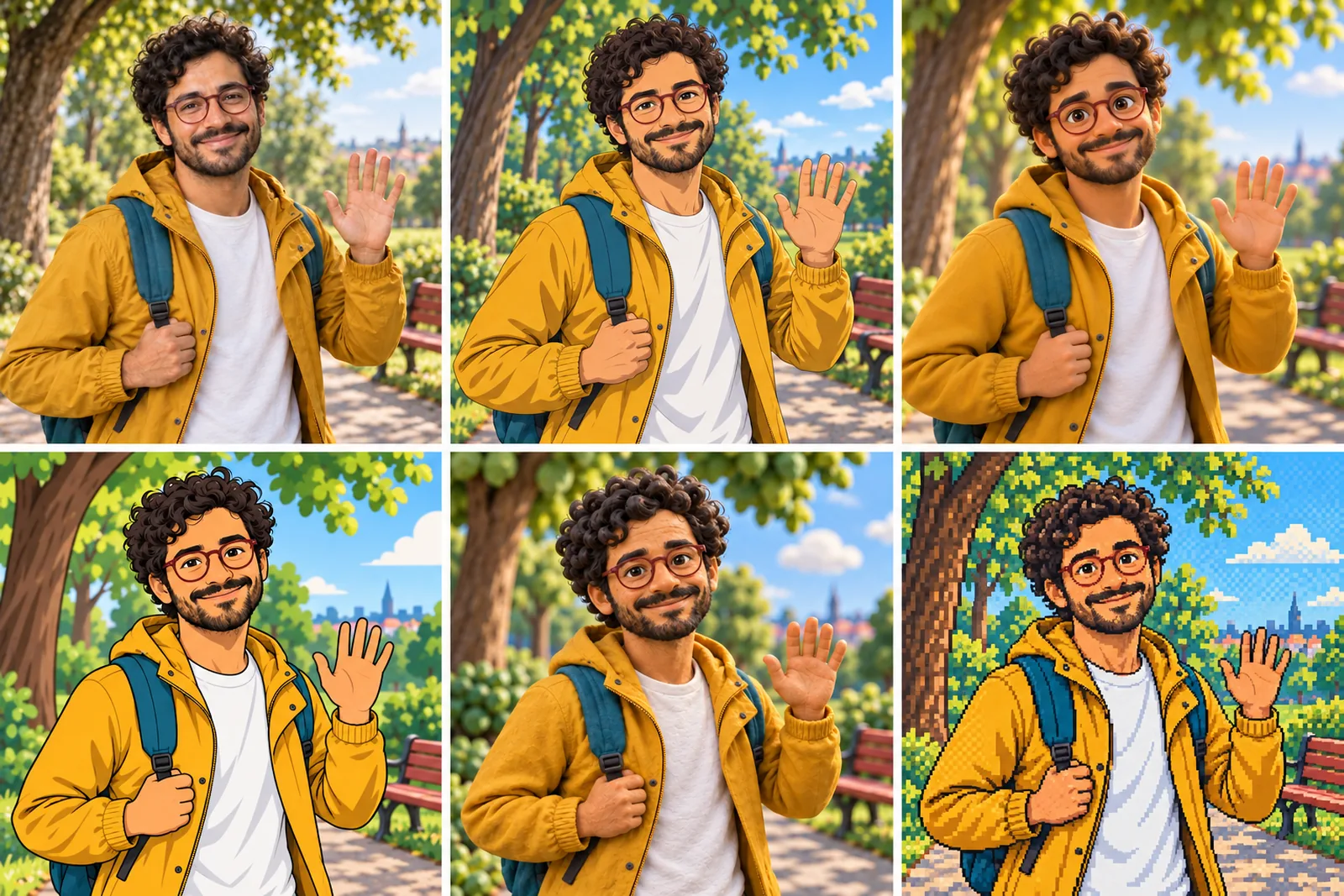
07 All six Looks
Original character made for Character App’s character pages with gpt-image-2.5 and H3 Max Turbo. Clips filmed with H3 Max Turbo, the Clip model in Character App; Looks drawn with gpt-image-2.5 from one portrait.
The character sheet
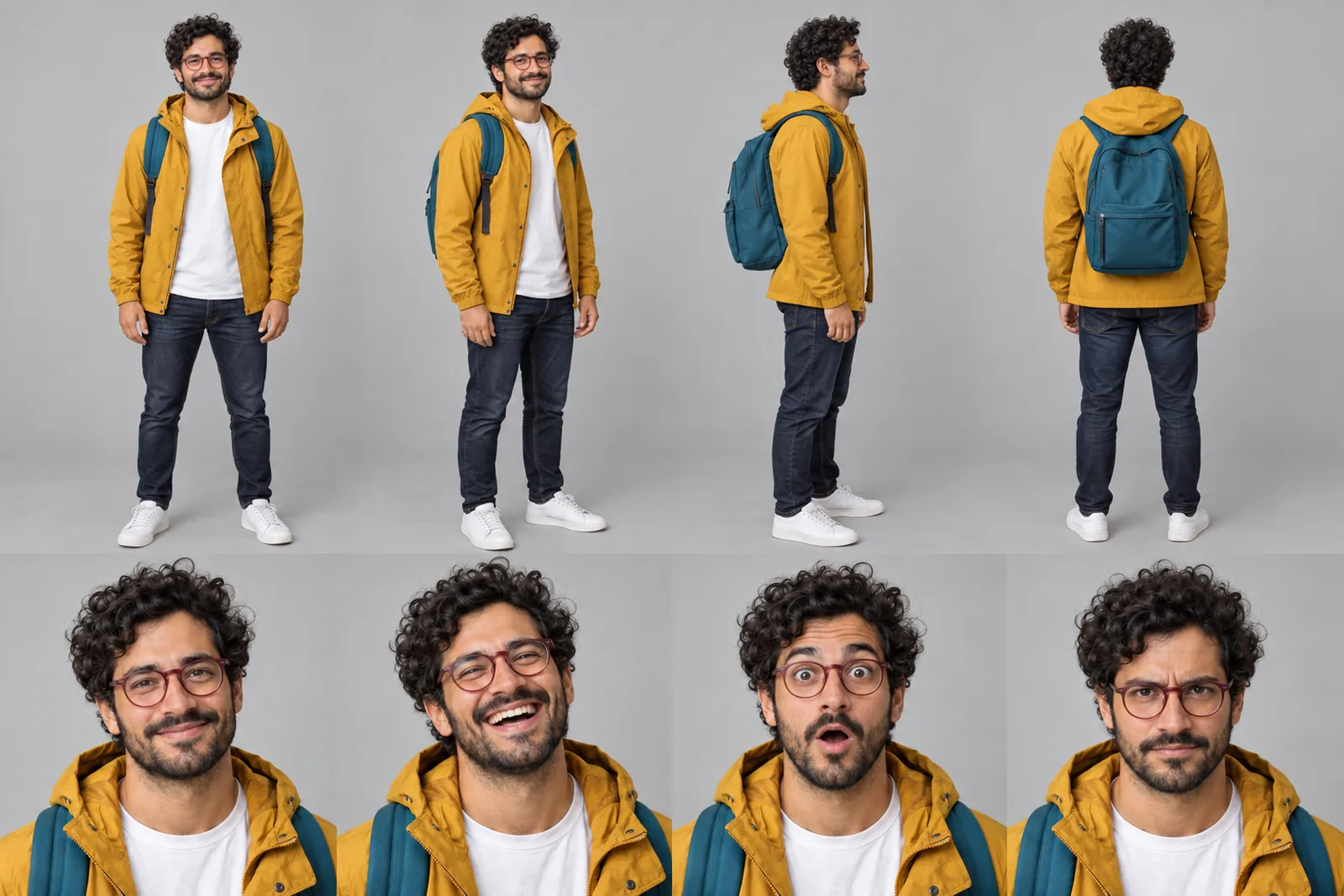
Before Milo is in a single Scene, there is a sheet: front, three-quarter and back views, plus the expressions the story will need. It is how we design a Character and how Character App keeps Milo consistent from Clip to Clip, in every Look.
It is not a download. You never manage a reference sheet yourself, and the app does not export a turnaround file; the Cast keeps the Character on-model in the Scenes you direct.
Milo lives in your Characters
Every Character you make keeps its Looks in one place, one for each World’s Look. Use Milo in a new World and the Cast brings the same face into that World’s Look, in every Scene and Clip.
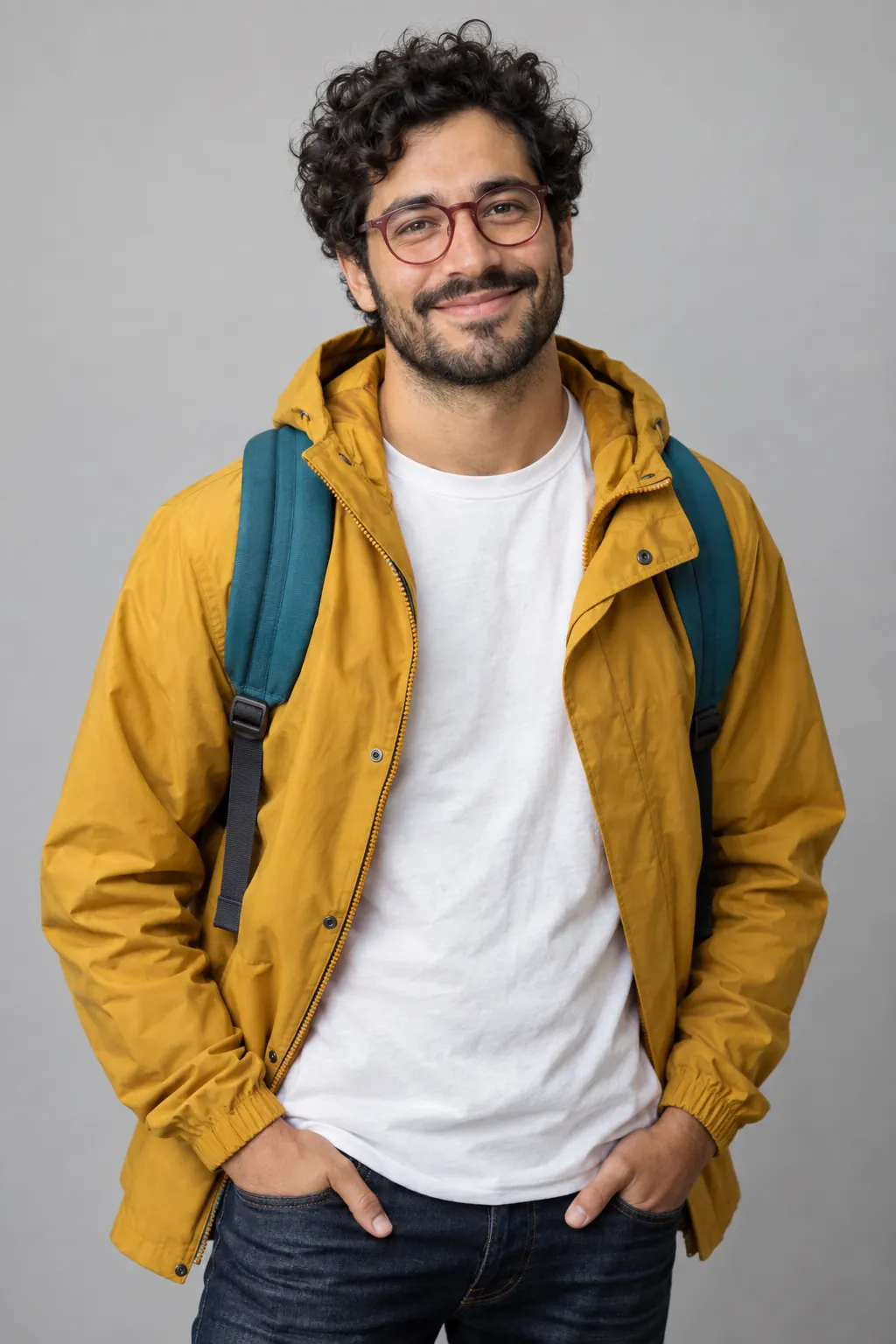
Illustration of the Characters screen, recreated with Milo Fenn’s Images. Original character made for Character App’s character pages with gpt-image-2.5.
A filter gives you one picture. A Character keeps showing up.
Most photo-to-cartoon tools hand you one stylized picture and wish you luck. Lovely for a profile photo, useless for a story, because the next picture looks like your cousin. Character App turns your photo into a Character: a Cast member who carries your face into every Scene, Episode and Look you direct. The anime you on a rooftop at dawn and the 3D you under a neon overpass are the same person, filmed as moving Clips.
What makes a good photo
Thirty seconds of care here saves a lot of squinting later.
One face, clearly lit
A front-facing photo in daylight beats a moody concert shot. No sunglasses, no hand over your chin, no second face in the frame.
Your usual self
Always wear glasses or the same earring? Wear them. The details people know you by carry across every Look.
Skip the heavy filters
Beauty filters blur the likeness. The Character should look like you on a normal Tuesday, not like your filter.
Pick a Look, then keep going
A Look is the visual style of a World. Your Character keeps what makes you recognisable (face shape, hair, colouring, the gap in your teeth) while the rendering changes around you. If you would rather design someone from scratch, the AI character creator starts from a description instead.
Anime or stylized 3D
Bigger eyes and clean lines, or soft volumes and family-film light. Still unmistakably you.
Cartoon, clay, pixel or chibi
Flat 2D, handmade clay, retro 16-bit or big-head chibi. Same face, a different hand drawing it.
Live action
A realistic you, for drama, romance or a very serious trailer about your commute.
Your face, your permission
This page is about you. Use your own photo, or one of someone who said yes: the content policy requires the person in the photo, or their written consent. No public figures. For kids' stories, invent original Characters instead of uploading their photos. Character App is for members 17 and over. Pets are welcome and rarely object.
8 from your photo ideas to start from
Press one and it lands in the idea box. Change a word or keep it; the Director takes it from there.
- 01Main Character MondayYou, in cel anime, sprinting for a train that is leaving without you.Use this idea
- 02The Chosen InternYou wake up in a fantasy World where the prophecy is about your spreadsheets.Use this idea
- 03Clay MeClaymation you versus flat-pack furniture. The furniture wins.Use this idea
- 04Noir CommuteNoir detective you investigates who took the last oat milk.Use this idea
- 05Pixel QuestSixteen-bit you jumps a row of puddles on the way to work.Use this idea
- 06Villain EraStylized 3D you sweeps a long coat around on a stormy balcony, for no reason.Use this idea
- 07The Pet SequelYour dog, also from a photo, becomes your sidekick in every Episode.Use this idea
- 08Birthday TrailerRealistic you walks away in slow motion from a cake that exploded into confetti.Use this idea
From one line to a Character on film
- 1
Add your photo
One clear photo of your own face, on the web or in the iPhone app. Character App builds a Character that keeps the likeness.
- 2
Pick a Look and a World
Anime, 3D, cartoon or live action. Your Character joins a Cast in the World where the story happens.
- 3
Direct the Scenes
Describe what you do, draw the Images, and film the Clips you like with a plan. Next Episode, you arrive as yourself.
Questions, answered
Still curious? Using your own photo and the guides go deeper.
Will it actually look like me?
It keeps the anchors people recognise: face shape, hair, colouring, glasses, that scar. A clear, unfiltered photo gives the best likeness; the more stylized the Look, the more it reads as you drawn by an artist.
Can I pick the style — anime, realistic, cartoon?
Yes: anime, stylized 3D, 2D cartoon, claymation, pixel art, chibi or live action. The Look changes; the Character doesn't.
Is this a one-time image or a Character I keep?
A Character you keep. It lives in your Cast and walks into every Scene and Episode.
Do I need a good photo, or does any photo work?
Any clear photo of one face works; front-facing daylight works best. Group shots, sunglasses and heavy filters make the likeness harder.
Can I make a Character of my friend or partner?
With their permission, yes: the content policy requires the person in the photo or their written consent. Public figures are not allowed.
What happens to my photo after I upload it?
It is the reference your Character is built from. Our privacy policy explains how photos are stored and used.
What does it cost?
Continue with the free Studio: currently one World build, one Character a day and 4 Lite Images a day. Clips need a plan, from $19.99 a month for 800 Credits; a 5-second Clip from an Image on H3 Max Turbo is 15 Credits, shown on the button before you press.
More character types
Every character type
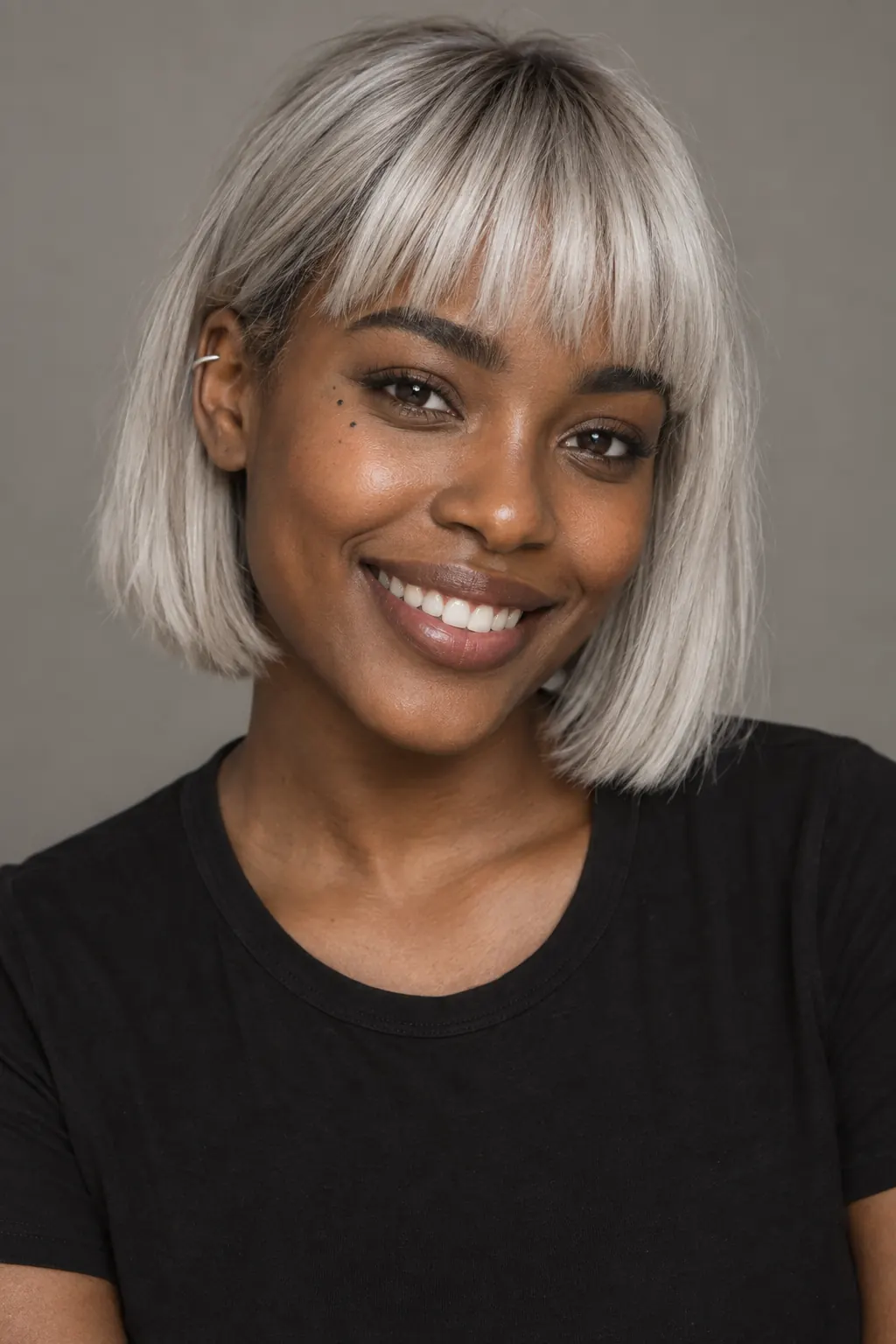
Your from your photo starts with one line.
Continue with the free Studio · one World build, one Character a day, 4 Lite Images a day