Make a sitcom people quote the next day
Type one warm premise — your couch, your cat, your people — and get a pilot whose Cast stays exactly itself, episode after episode.
Free: make your Character and its Story as picture-only Slideshows. Real video comes with a plan.
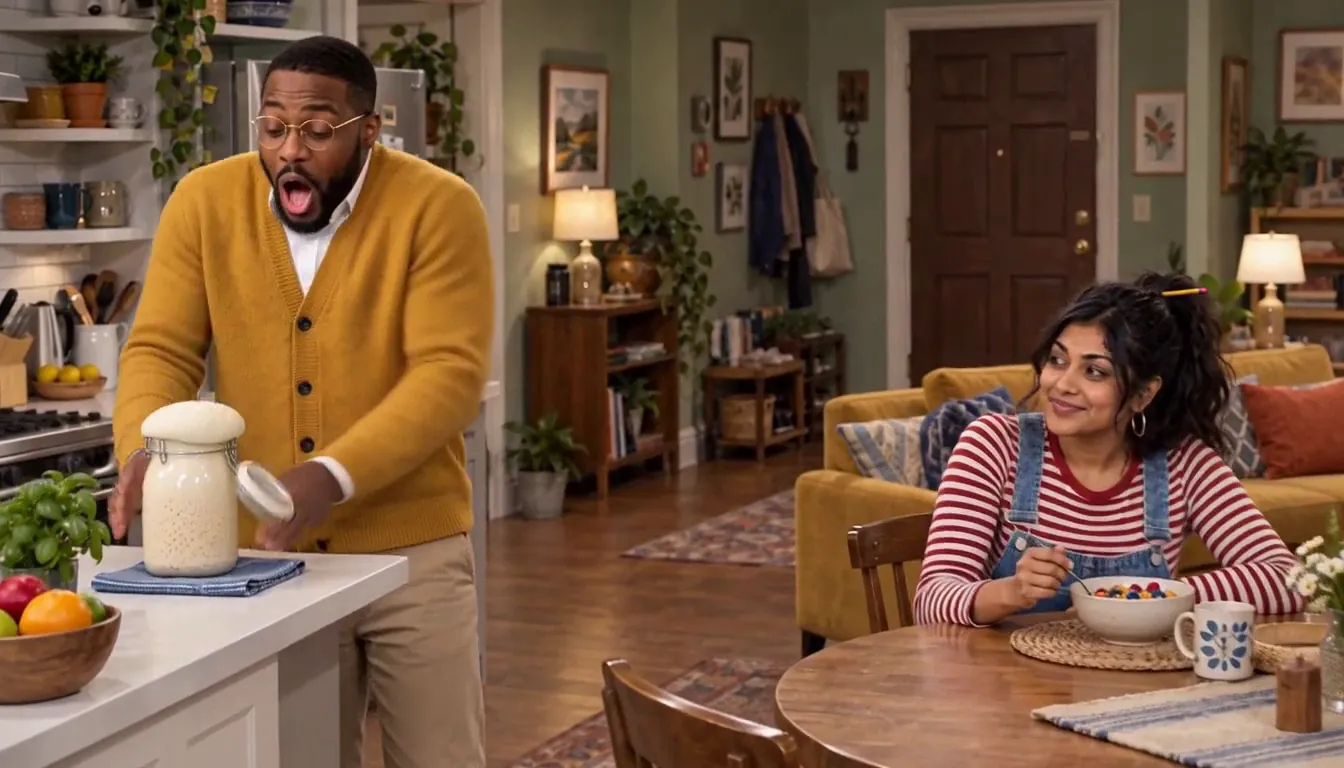
How to make your own sitcom
Character App is an AI sitcom generator for your own Cast. Write your sitcom premise in one line — your household, your coworkers, your group chat. Character App builds the living-room World and a Cast that keeps the same faces in every episode. Then you direct the pilot Scene by Scene: make the Clips, keep the takes that land, cut on the laugh. Episode 02 starts where the pilot left off, running gags included — free to start, no card.
Updated October 2026 · Free to start · Web and iPhone
Made in Character App
Real Clips from fictional sample series. Same Cast from shot to shot; tap a Clip for sound.
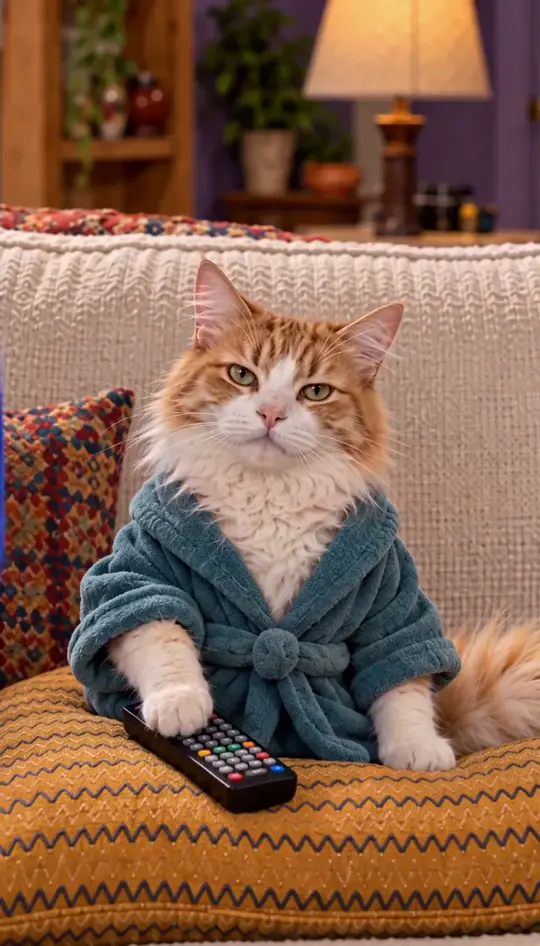
Roommates & Rent About the rent
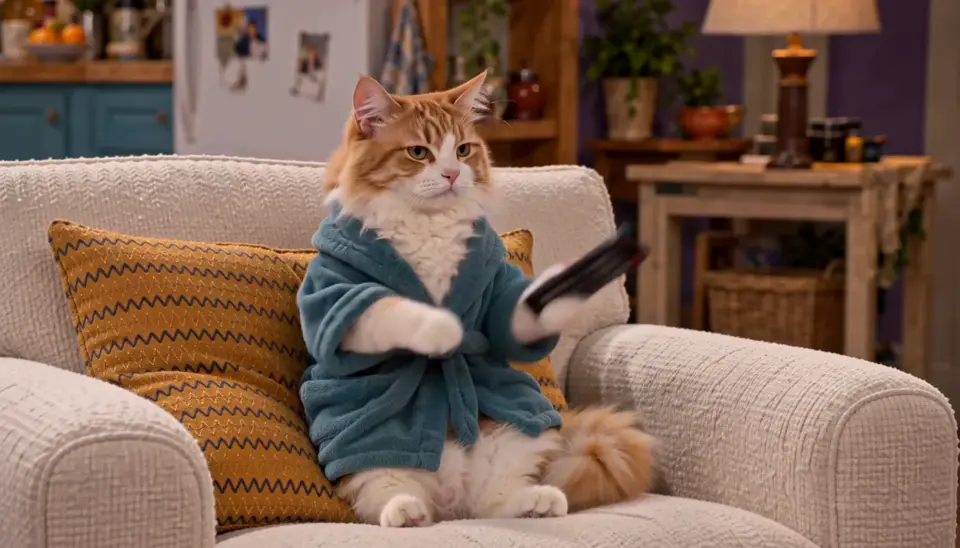
Roommates & Rent A sovereign nation

Date Night (Kind of) Opinions about the salmon
Made with H3 Turbo, the Clip model in Character App · fictional sample series
Pick your sitcom setup
Almost every sitcom is one of a handful of setups. Choose yours first, because it decides the World, how big the Cast is and where the trouble comes from. A good setup produces trouble on its own, without you having to invent a reason every week.
The household
Roommates, a couple, a sibling who moved back in. The couch is the stage and the front door is where trouble walks in. Four or five Characters is plenty; everyone needs room for a laugh.
The workplace
A front desk, a break room, a boss who means well and a printer that doesn't. Base it on your job, not your coworkers' faces. For confessionals and looks to camera, see workplace comedy.
The friend group
The same booth at the same diner, a group chat that never sleeps. A sitcom about your actual friends works, as long as everyone whose photo you use has said yes.
The pet and the human
Me and my cat, as roommates. The pet gets the best lines because it never says any. When the pet deserves top billing, pet comedy goes further.
Write jokes a Scene can hold
Each Scene becomes a short moving Clip, which makes sitcom writing simpler: one joke per Scene, and a cut on the laugh.
One physical beat per Scene
The cat nudges the mug to the edge of the counter; the roommate watches it fall. One visible action reads better than a paragraph of setup.
The reaction shot
Half of sitcom comedy is somebody else's face. Give the straight man their own close-up and let it run a beat longer than feels polite.
The button
End every Scene on a small turn: a look, a door closing, a line you wrote into the Scene. That is your cut point, and the next Scene opens on the fallout.
The rule of three
Set it up, repeat it, then break it. The roommate labels her food twice; the third time she finds a label on her that says "mine". Three short Scenes, one laugh that builds.
Sketch or sitcom?
Both run on recurring Characters. The difference is what carries over between Episodes.
Sketch comedy
Short, separate bits with the same troupe in new roles each time: the overconfident chef, the tour guide who lies, the customer who won't leave. Keep the Cast and change the premise every Scene.
Sitcom
One premise and one home, with the story carrying on. The Cast keeps its roles, grudges and unpaid rent from the pilot to the finale.
Why not both
Plenty of sitcoms open with a cold-open sketch before the titles. Start each Episode with a stand-alone bit, then get into the plot. A sketch cold open is also a cheap way to try a new Character before you give them a whole plot.
Star in your own life, with permission
A sitcom about you is funnier when the lead actually looks like you. Add your own photo and your Character resembles you in every Scene. Running gags hit harder when the audience knows the real person behind them.
Roommates, partners, friends
Only use a real person’s likeness if it’s you or you have their permission. Otherwise, describe them and the Studio draws an original Character with the same energy.
Kids in the household
Write them as original Characters from a description rather than a photo. The family chaos plays exactly the same.
Pets need no paperwork
Add a clear photo of your dog or cat and it joins the Cast with its real markings. It will not ask about residuals.
Keep it kind, mostly
Roasting your own household is the genre. Humiliating someone who didn't sign up for it isn't. If a real person could recognise themselves, show them the Episode first, or rewrite them as an original Character.
8 sitcom ideas to start from
Press one and it lands in the idea box. Change a word or keep it; the Director takes it from there.
- 01Split the RentThree roommates, one lease, and a fourth name on it nobody recognises.Use this idea
- 02The Landlord's NephewThe new neighbour fixes everything in the building and reports all of it to his uncle.Use this idea
- 03Cat CustodyTwo exes still co-parent a cat, and neither will admit the cat has picked a side.Use this idea
- 04Open MicA dentist does stand-up on Thursdays, and her patients keep turning up in the front row.Use this idea
- 05Back in My RoomA thirty-four-year-old moves back home and finds her parents have turned her bedroom into a gym.Use this idea
- 06The Group ChatFive friends, one chat, and the night somebody's mother gets added by mistake.Use this idea
- 07Night ManagerThe only employee at a 24-hour laundromat runs it like a five-star hotel.Use this idea
- 08Plus OneHe agreed to be her date at eleven weddings this summer, and they are only on wedding two.Use this idea
From one line to Episode 01
- 1
Pitch the premise
One line is enough — “me and my cat as roommates.” Character App reads it as the show, not a script, and sketches the apartment your episodes live in.
- 2
Meet your Cast
You, the cat, the neighbor who never knocks — faces locked from the pilot on, so a callback in Episode 06 still lands.
- 3
Direct the pilot
Pick the Scene, choose the shot, make the Clips and keep the takes that land. Episode 02 picks up the running gags — same Cast, same couch, new trouble.
Questions, answered
Still curious? The guides go deeper.
Can I make a sitcom about myself?
That is the whole idea. Describe your household, your job or your friend group and the Cast builds around your life — add a photo and the lead even looks like you.
Do I need a photo of myself to start?
No — plain text works. A photo in the app makes the lead resemble you, but plenty of sitcoms here start from a single sentence and a stubborn pet.
Is a Character App sitcom a real video?
With a plan, yes. Each Scene renders as a generated video Clip — motion and timing, not stills with a pan — and the episode assembles from the takes you keep. You are the Director on every one. Free makes picture-only Slideshows.
How long does a sitcom episode take to make?
Your first Scene can be generating within minutes of typing the premise. A watchable pilot is an evening, not a production season — and the cat does not need to be consulted.
Can my sitcom keep the same cast every episode?
Yes — that is what makes it a series. The Cast and the apartment World persist, so running gags still pay off six episodes in.
What does it cost to make a sitcom?
Free: make your Character and its Story as picture-only Slideshows. Real video comes with a plan. When you make video Clips, the exact Credit price sits on the button before you press it.
More genres
Every genre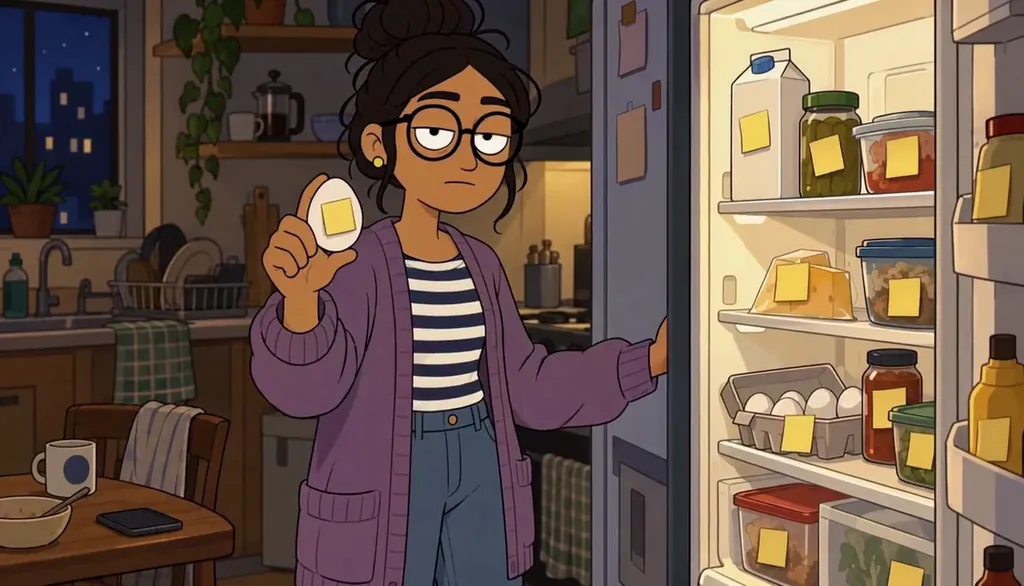 Cartoon showAdult 2D comedy — dating, friendship and fog in the Mission.
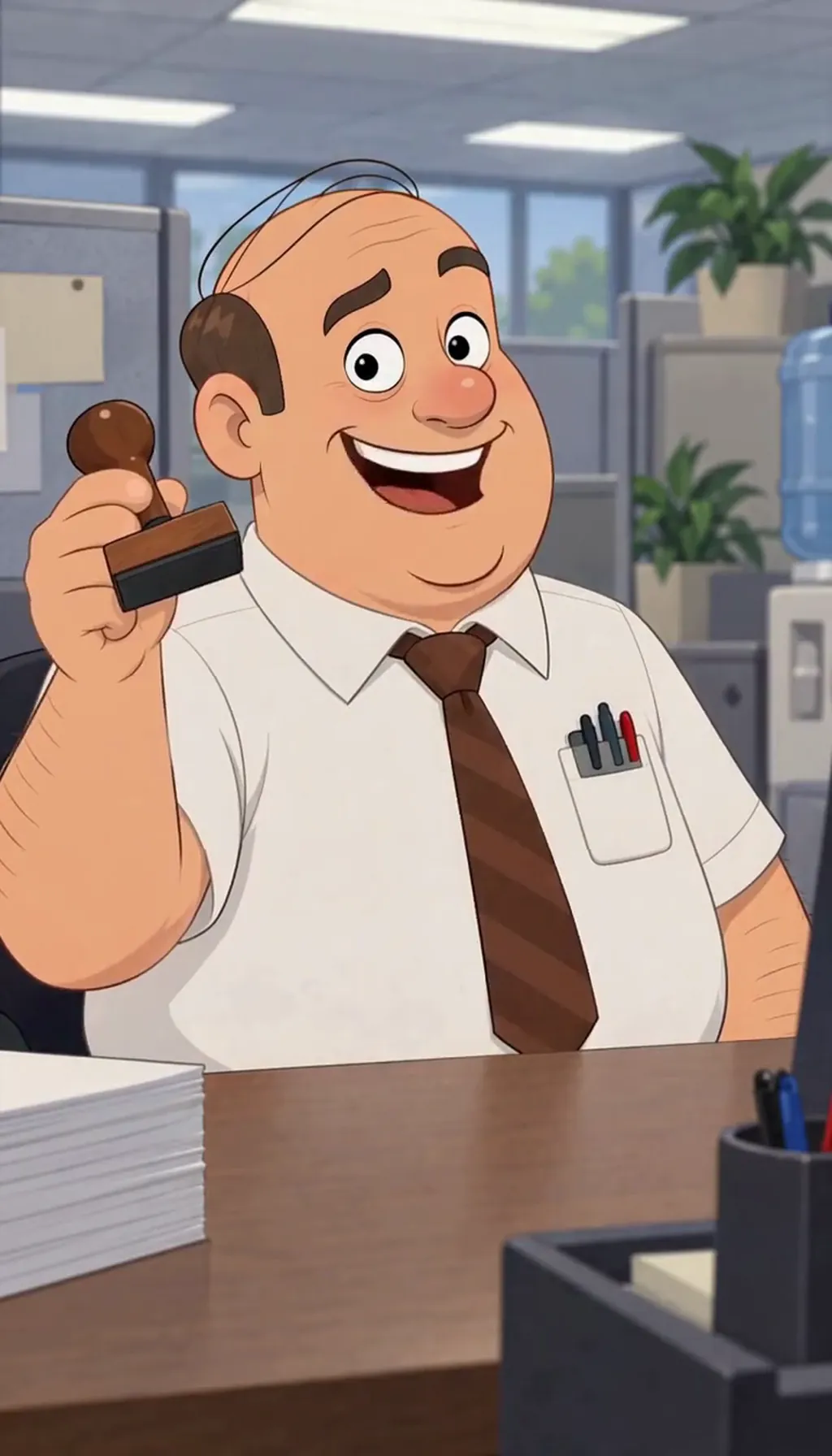 Workplace comedyAn ensemble, a camera, and a talking head who says too much.
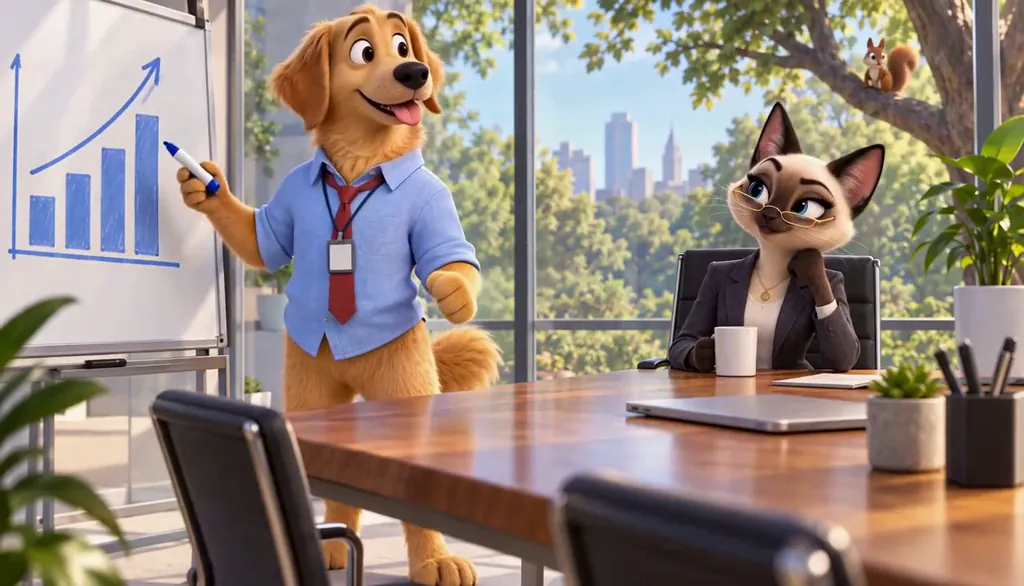 Pet comedyYour actual pet, starring in their own comedy.
Cast for this genre
Plan it as a full season with the AI series maker.
Guides for this genre
- Make a sitcom about yourselfMake a multicam sitcom where the lead is you and the scene-stealer is your pet — one candid photo and one line of premise gets you a styled Cast, a World that looks like your living room, and a first Scene in about ten minutes.
- From one photo to a seasonThe whole pipeline, end to end: one photo becomes a Cast card, a Cast card drops into a World, the World produces episodes, and episodes accumulate into a season with its own poster.
- Write dialogue for AI actorsAI dialogue sounds stiff for a fixable reason: it’s written like prose, and people don’t talk in prose.
Your sitcom starts with one line.
Free: make your Character and its Story as picture-only Slideshows. Real video comes with a plan.