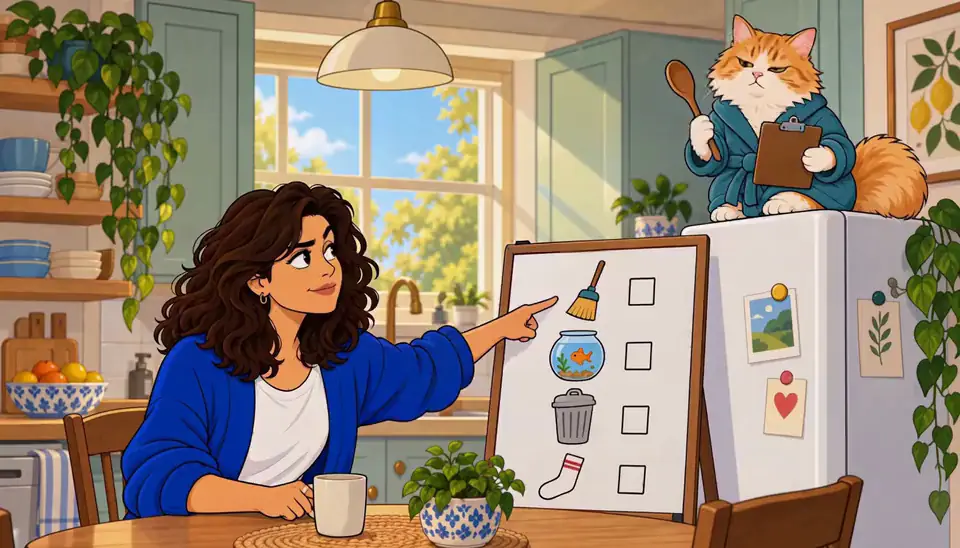
Pick your premise and upload one photo
A sitcom premise only needs two things: one relationship and one recurring irritant. “Me and my cat, who thinks he pays the rent.” “Me and the roommate who keeps helping.” If you can text it to a friend, it’s ready.
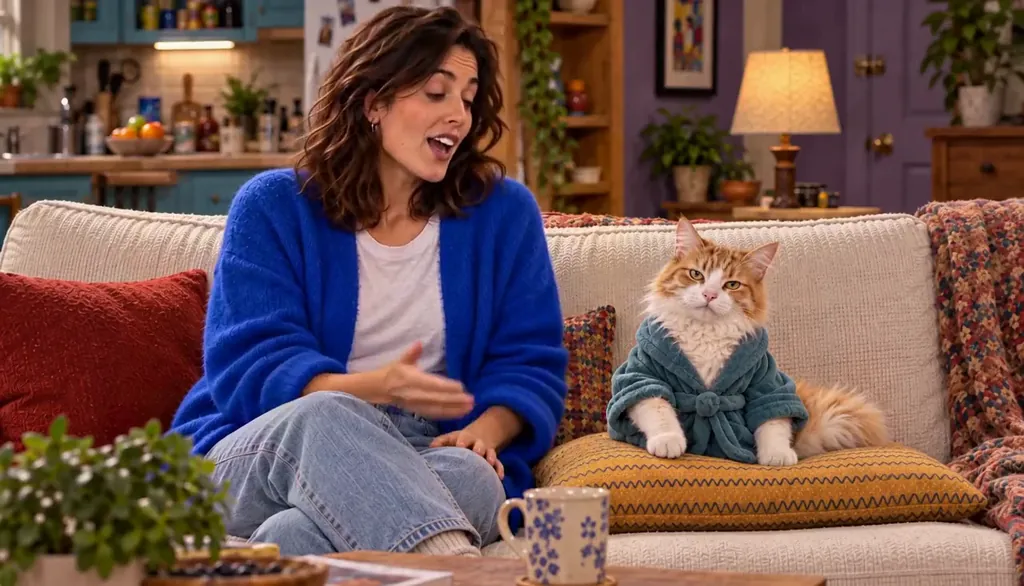
Then add one clear, ordinary photo of yourself — a candid phone shot works better than a studio portrait, because the Studio is translating you, not your photographer. Butter the cat started as exactly that: a woman on a couch, holding the real boss of the apartment.
The line it came from: Three friends, one AI startup, one rate limit.
 MilesFounder
 DevEngineer
 WizProdigy
Rate Limited · one line, and the Cast it drew: three Characters who keep their faces in every Episode. Our own fictional sample series, made in Character App. Let the Studio turn your photo into your sitcom self
The Studio restyles your photo into the show’s look: warmer light, a sitcom wardrobe, a set that reads as yours. What changes is the packaging — what stays is your actual face, which is what lets the lead be recognizably you in every episode that follows.
Check the translation before you move on. If the wardrobe is wrong or the vibe is too glossy, say so now — this is the cheapest moment to fix it, and the version you approve here is the one the Cast locks in.
Split the Rent · He's leaving us. Made with H3 Turbo, the Clip model in Character App · fictional sample series Add your scene partner and lock the Cast
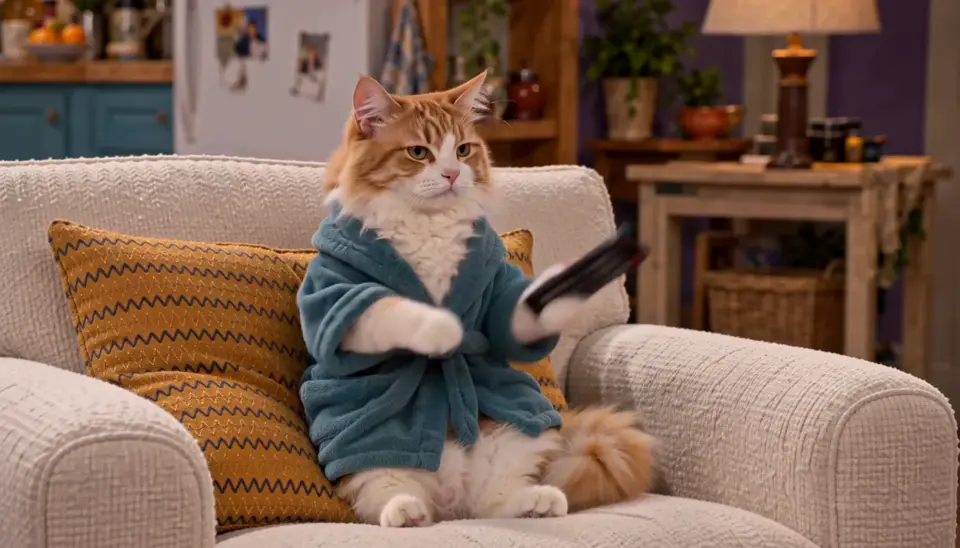
A lead needs someone to bounce off. Give your co-star — pet, roommate, partner — one signature detail that never changes: Butter’s armchair, a roommate’s headphones, a partner’s apron. That detail is what keeps them recognizable three episodes from now, in wide shots and close-ups alike.
And it’s why the locked Cast matters: once your Cast is set, every new Scene reuses the same faces instead of re-rolling them from scratch. (The consistent-cast guide goes deeper on why this works.)
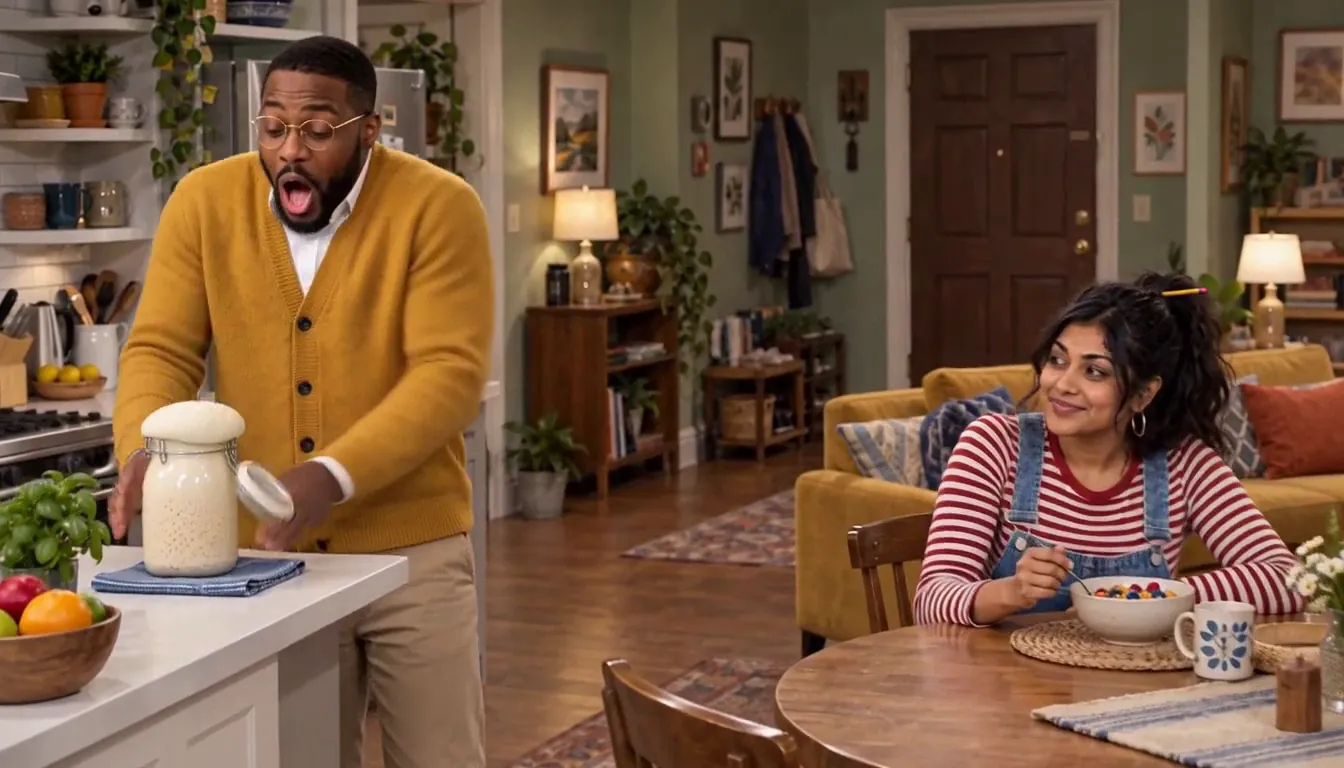
Roommates & Rent · A sovereign nation. Made with H3 Turbo, the Clip model in Character App · fictional sample series Open the Studio and type the scene
This is directing, and it’s one sentence at a time. A direction line names who, what, and how — “Butter refuses to give up the good chair during the landlord inspection.” You don’t write dialogue or pick camera angles; the Director stages the Scene, chooses the shots, and blocks the Cast around your line.
If the staging misses the joke, retype the direction — describing is the whole job. (The directing guide breaks down the five parts of a good line.)
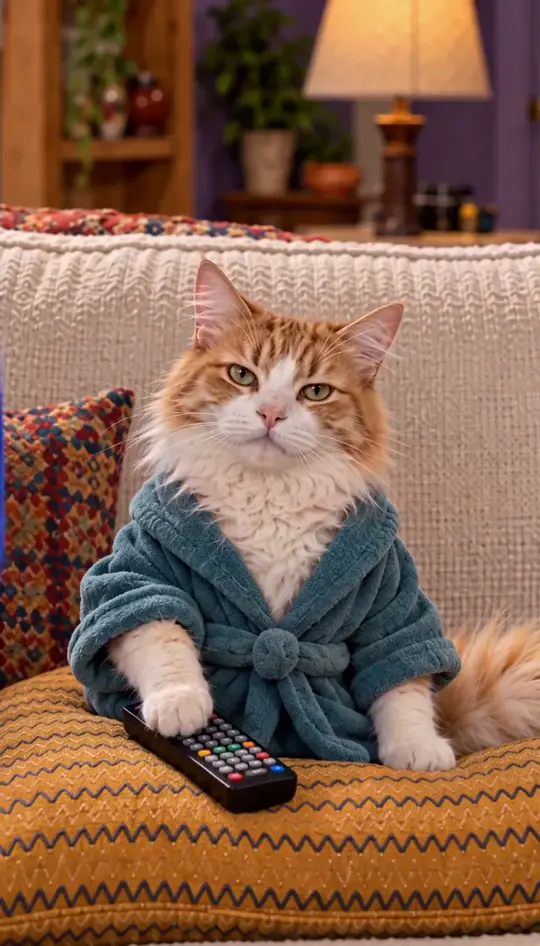
Roommates & Rent · About the rent. Made with H3 Turbo, the Clip model in Character App · fictional sample series Get your first scene back
Each Scene comes back as a video Clip you review like dailies. Watch it once for the joke: if it lands, keep the take; if the timing’s off, change one thing in the direction and run it again. Two or three passes per Scene is normal — pilots are allowed to be rough.
One honest note on cost: every completed Clip is charged whether you keep it or reject it — the price is on the button before you press, so screen for keeps, not for curiosity.
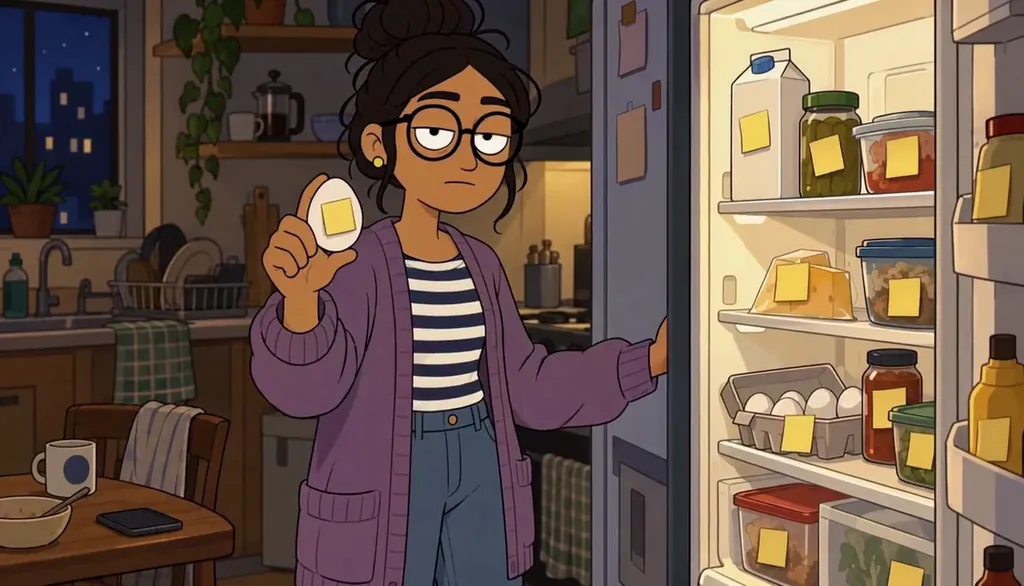
Unit 4B · He labeled the egg. Made with H3 Turbo, the Clip model in Character App · fictional sample series Direct the punchline
When a take is close but not quite it, don’t regenerate blind — direct the difference. “Hold on the cat’s face one beat longer” is a better note than “make it funnier.” One specific change per pass is how a decent Scene becomes the take you keep.
Keep two or three takes and you’ve got Episode 01 — the app cuts your kept Clips in order, no timeline, no export. Rough is fine; a pilot’s whole job is to exist.

Date Night (Kind of) · Opinions about the salmon. Made with H3 Turbo, the Clip model in Character App · fictional sample series How long it takes — and what it costs
The honest clock: premise plus photo to a styled Cast is about ten minutes; a watchable Episode 01 is one evening of directing, two or three takes per Scene. Writing and reviewing the Story — the text draft of an episode — costs nothing, so the only spend is the footage you ask for.
Free: make your Character and its Story as picture-only Slideshows. Real video comes with a plan. No card needed. Lite Images cover the stills — Cast previews and Scene images — so the pilot can cost zero on the free meter. Moving Clips and Film price per second with the exact Credit cost on the button before you press; a Plan unlocks those models when you want them.
Common mistakes
Picking a premise with no built-in friction. “We get along great” isn’t a sitcom — the irritant is the engine. Give the cat a claim on the apartment, or the roommate a habit you can’t stand.
Changing the co-star’s signature detail between prompts. If Butter’s armchair disappears, viewers lose him — lock the detail once and keep it. The consistent-cast guide is the full method.
Writing five episodes before finishing one. A rough finished pilot teaches you more than five polished openings — you need something to compare against.
Forgetting the payoff has to be seen, not described. “The cat wins” is a summary; the cat in the armchair while everyone sits on the floor is a payoff. Direct the image.
Screening takes for curiosity instead of keeps. Every completed Clip is charged whether you keep it or not — watch each take once, decide, and only re-run with a changed direction.
Describing your co-star again in the direction line. The locked Cast card already knows Butter — name him and spend the sentence on what happens.
Questions
Can I really make a sitcom with AI?
Yes — one photo plus a one-line premise gets you a styled Cast, a World, and a first Scene. From there it’s directing, not filming: you describe what happens and keep the takes that land.
Do I need to be funny to write this?
No — the structure does most of the comic work. A recurring irritant plus a payoff is a sitcom engine; you’re casting a situation, not writing jokes cold.
Will my pet or roommate look the same in every episode?
Only if you lock their signature detail early and reuse the same Cast — same reference, same face. The consistent-cast guide covers the method step by step.
How long is one episode?
Short by design — about a minute is a real episode here. The 60-second episode guide has the exact hook–scene–payoff structure.
Can I use a real photo of myself?
Yes, your own photo is the fastest way to a lead that looks like you. Only upload photos you have the right to use — yours, or someone’s who’s said yes.
How much does a first episode cost?
Free: make your Character and its Story as picture-only Slideshows. Real video comes with a plan. The free meter covers the Cast previews and Scene stills a pilot runs on. Motion prices per second with the exact cost on the button; a completed Clip is charged even if you reject it.
What if I don’t have a pet — or a funny life?
The premise needs one relationship and one irritant, not a pet — a roommate, a group chat, a sourdough starter all work. The structure carries the comedy; you supply the grudge.