Build a roster that actually looks like a team
Concept the hero, the shopkeeper and the final boss once, then film a pitch trailer where all three look like they came from the same game.
Continue with the free Studio · one World build, one Character a day, 4 Lite Images a day
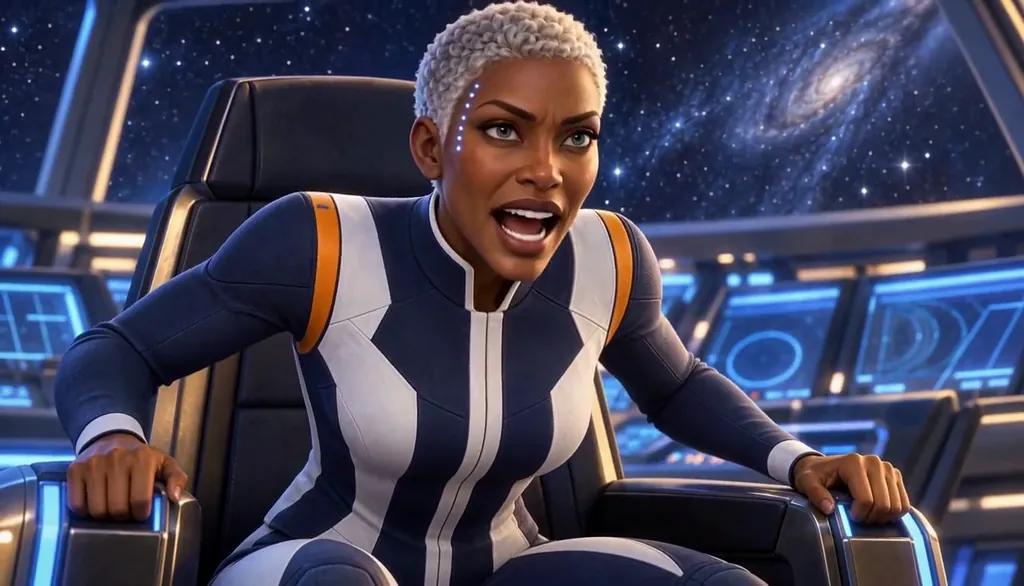
How to make a game character
Describe each character in a line: role, silhouette, signature gear. Character App builds them as a Cast that stays on-model together, then draws concept Images and films Clips of them in your game's World, for pitch trailers, devlogs and story mock-ups. It is for concept and storytelling, not a game-asset pipeline: no sprite sheets, rigs, 3D models or engine exports. You will still need production art for the build.
Updated September 2026 · Free to start · Web and iPhone
Looking for the general tool? Start with the AI character creator.
Same Character, any Look
Meet Milo Fenn, an original Character made for these pages: 6 Looks, one face. Every World has its own Look; put the same Character into another World and the Character underneath stays the same.

01 Live actionMilo, realistic
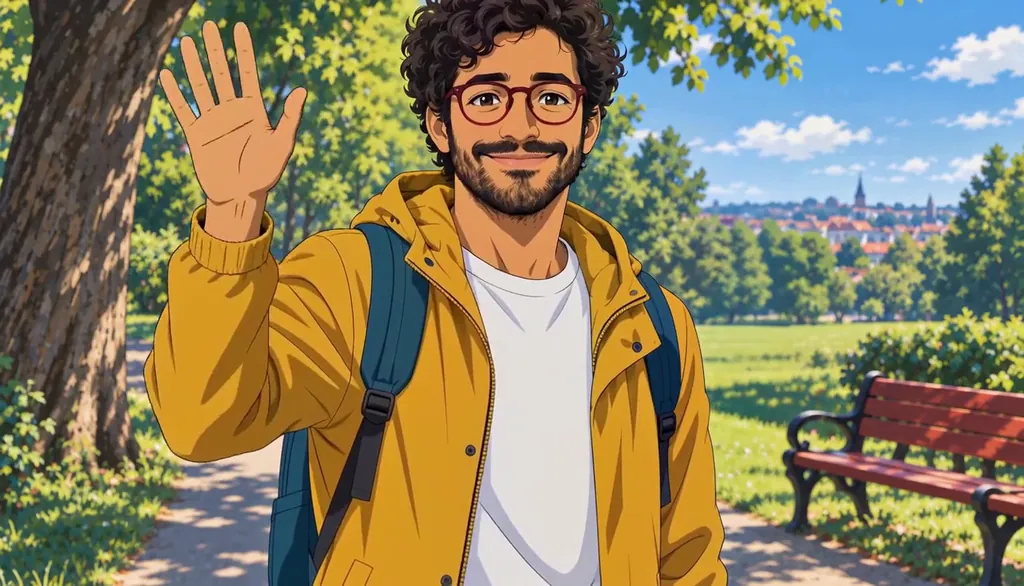
02 AnimeMilo, anime
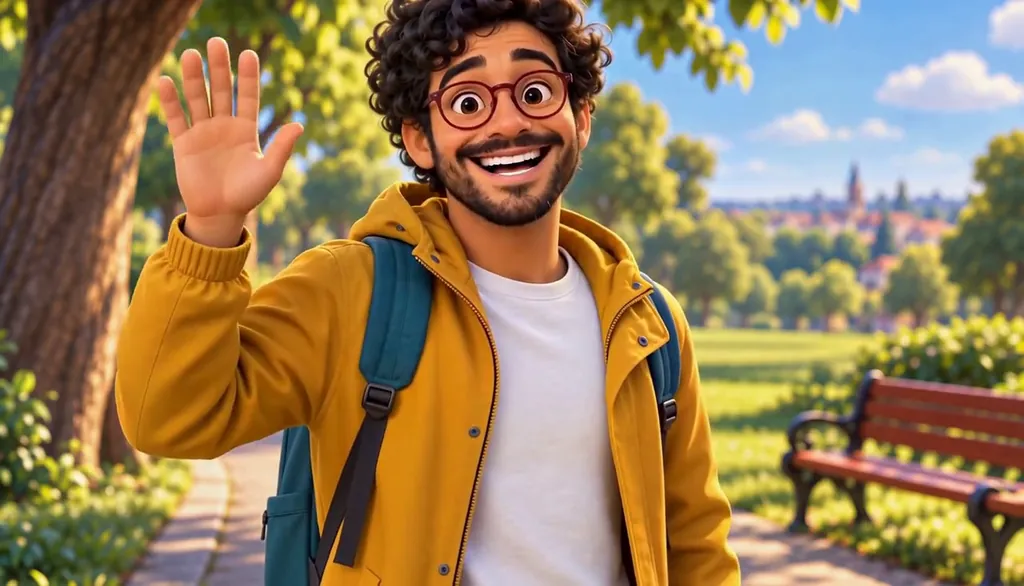
03 3D animatedMilo, 3D animated

04 2D cartoonMilo, 2D cartoon
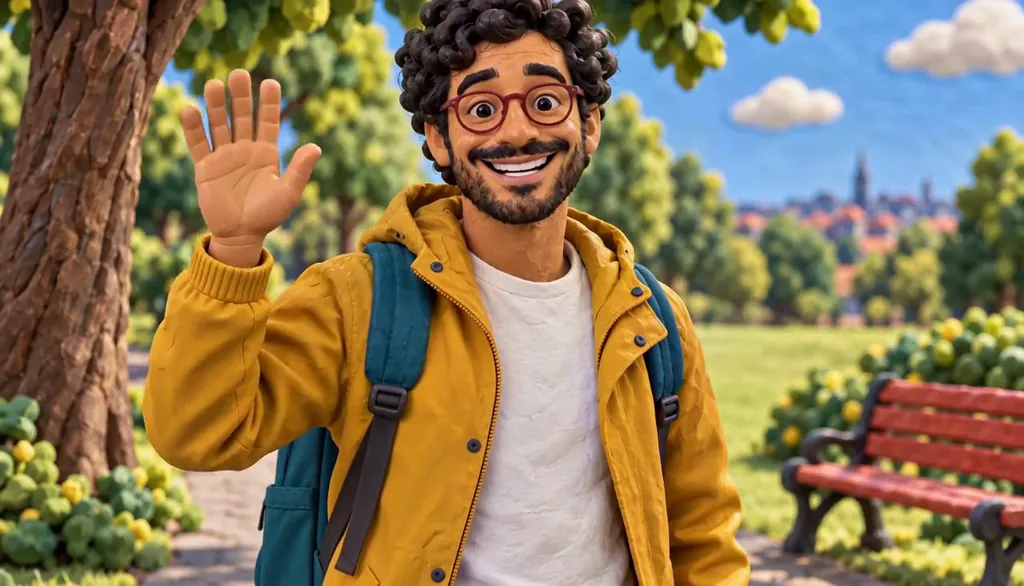
05 ClaymationMilo, claymation

06 Pixel artMilo, pixel art
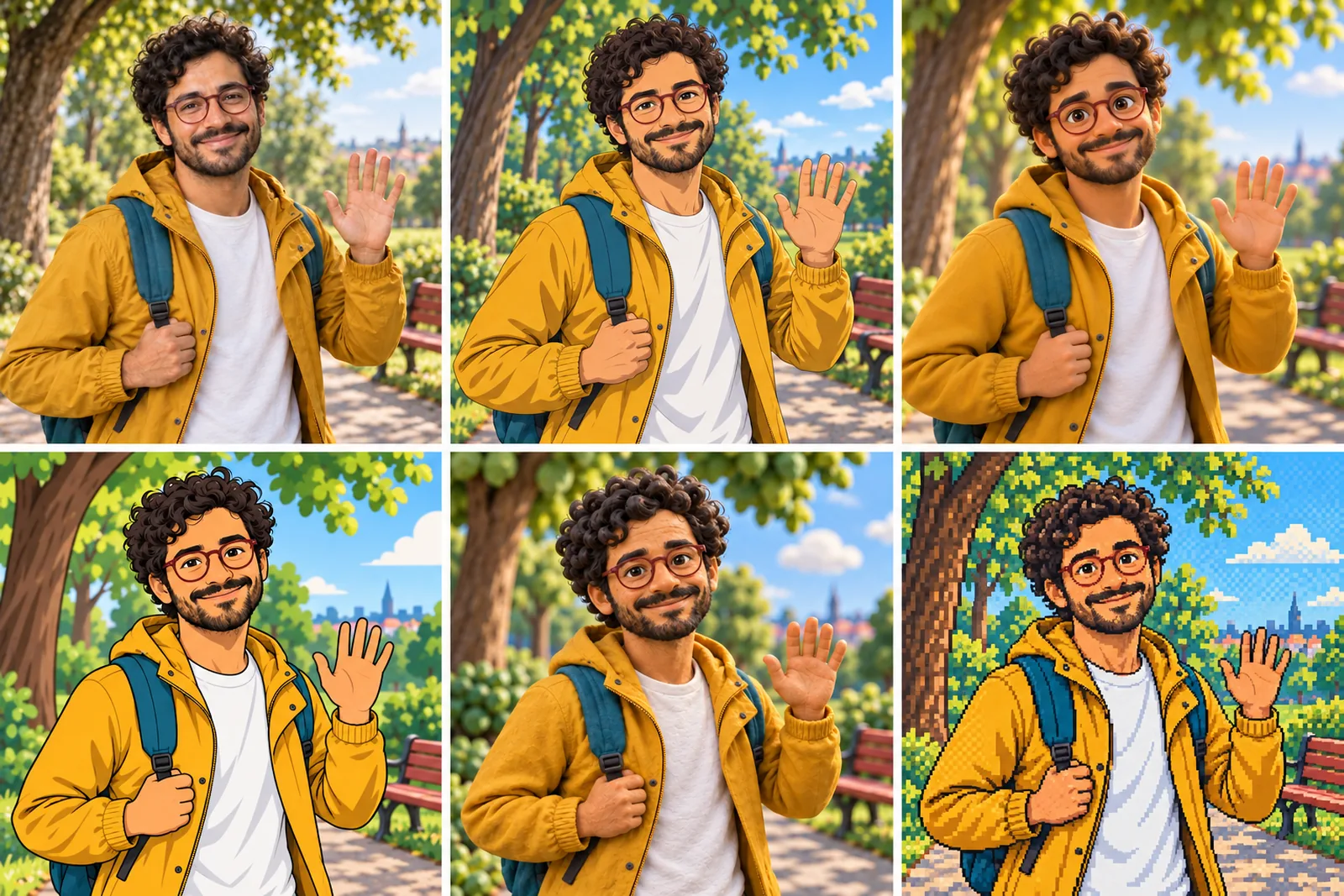
07 All six Looks
Original character made for Character App’s character pages. Clips filmed with H3 Max Turbo, the Clip model in Character App; Looks drawn with gpt-image-2.5 from one portrait.
The character sheet
Before Rhea is in a single Scene, there is a sheet: front, three-quarter and back views, plus the expressions the story will need. It is how we design a Character and how Character App keeps Rhea consistent from Clip to Clip, in every Look.
It is not a download. You never manage a reference sheet yourself, and the app does not export a turnaround file; the Cast keeps the Character on-model in the Scenes you direct.
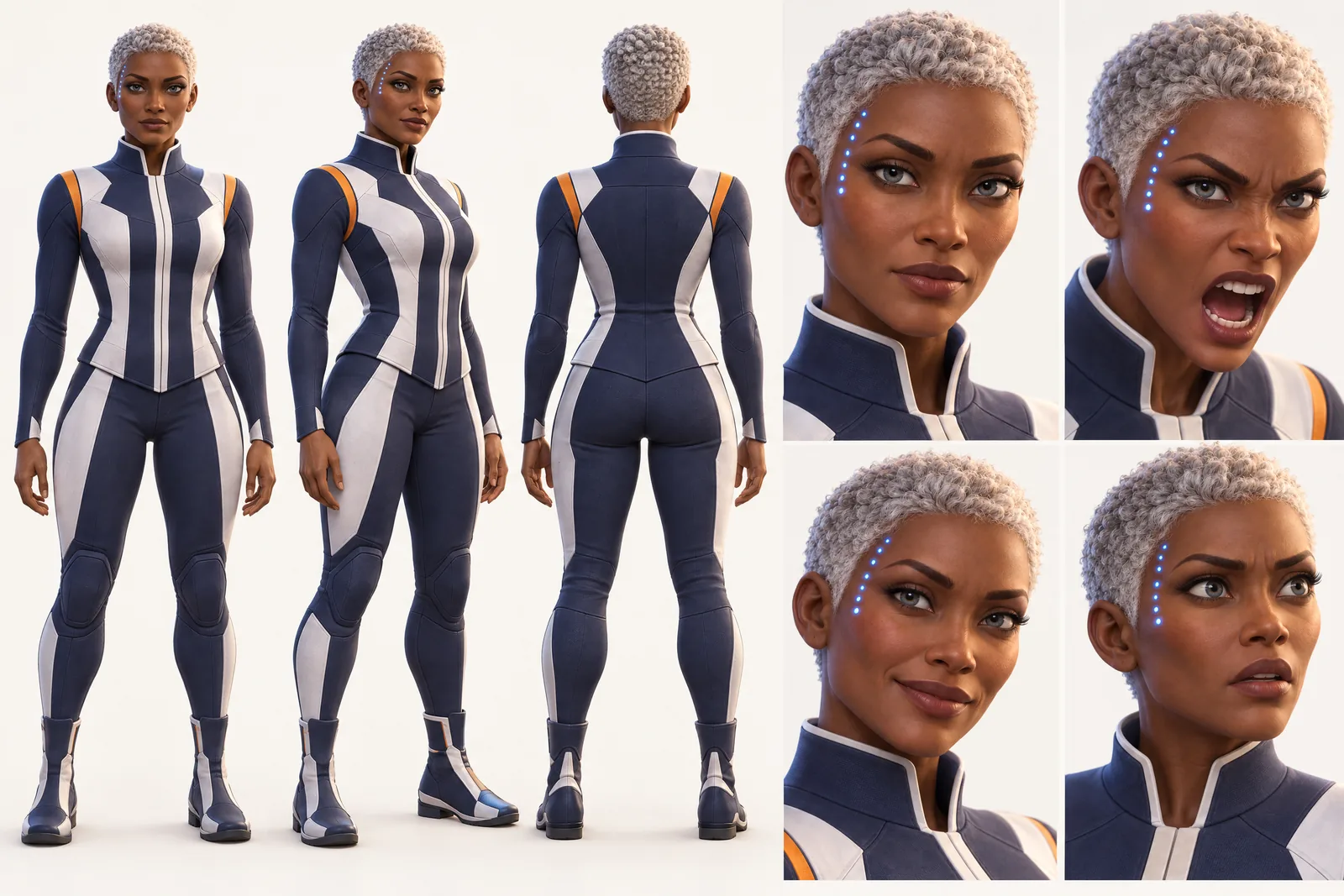
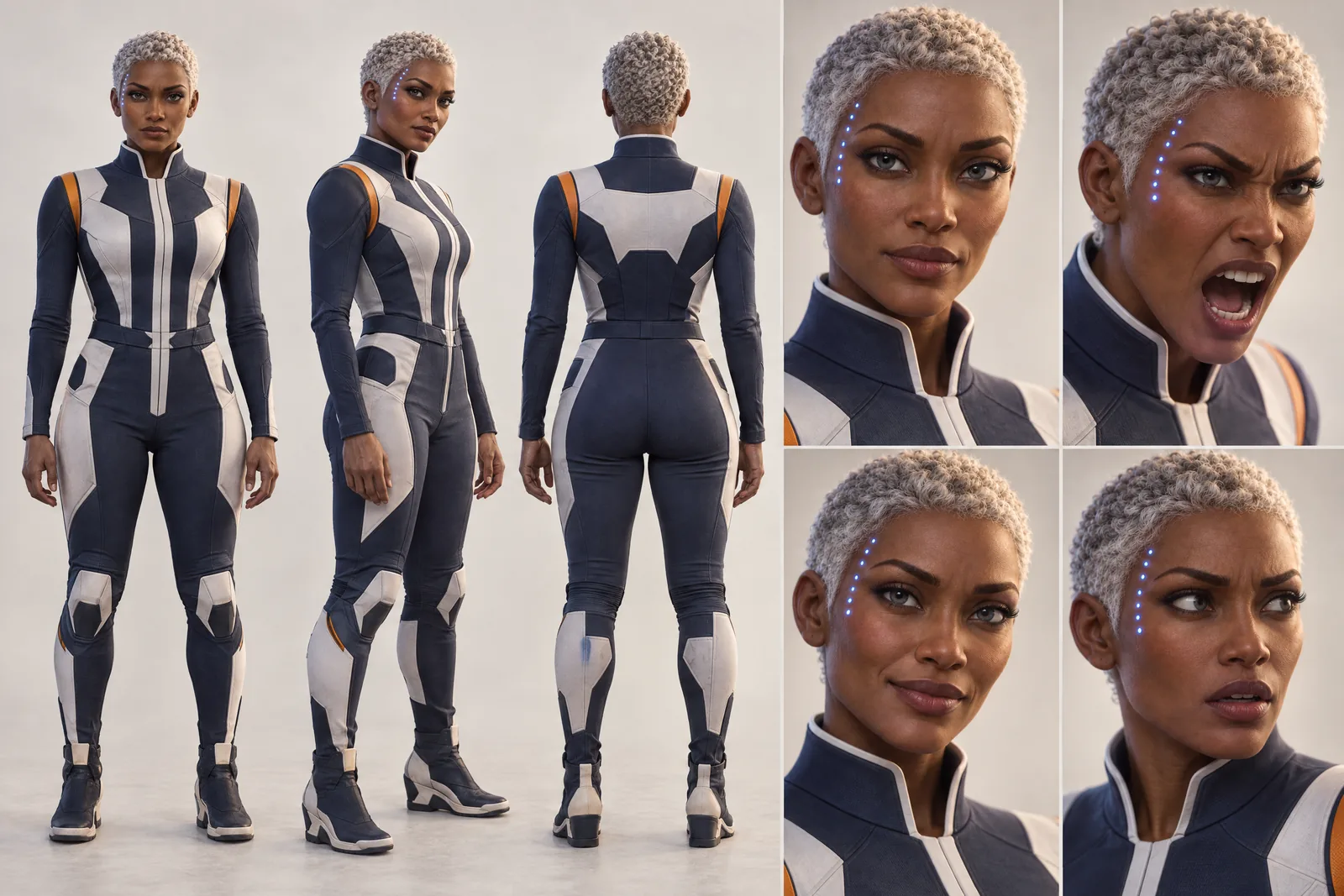
Rhea lives in your Characters
Every Character you make keeps its Looks in one place, one for each World’s Look. Use Rhea in a new World and the Cast brings the same face into that World’s Look, in every Scene and Clip.
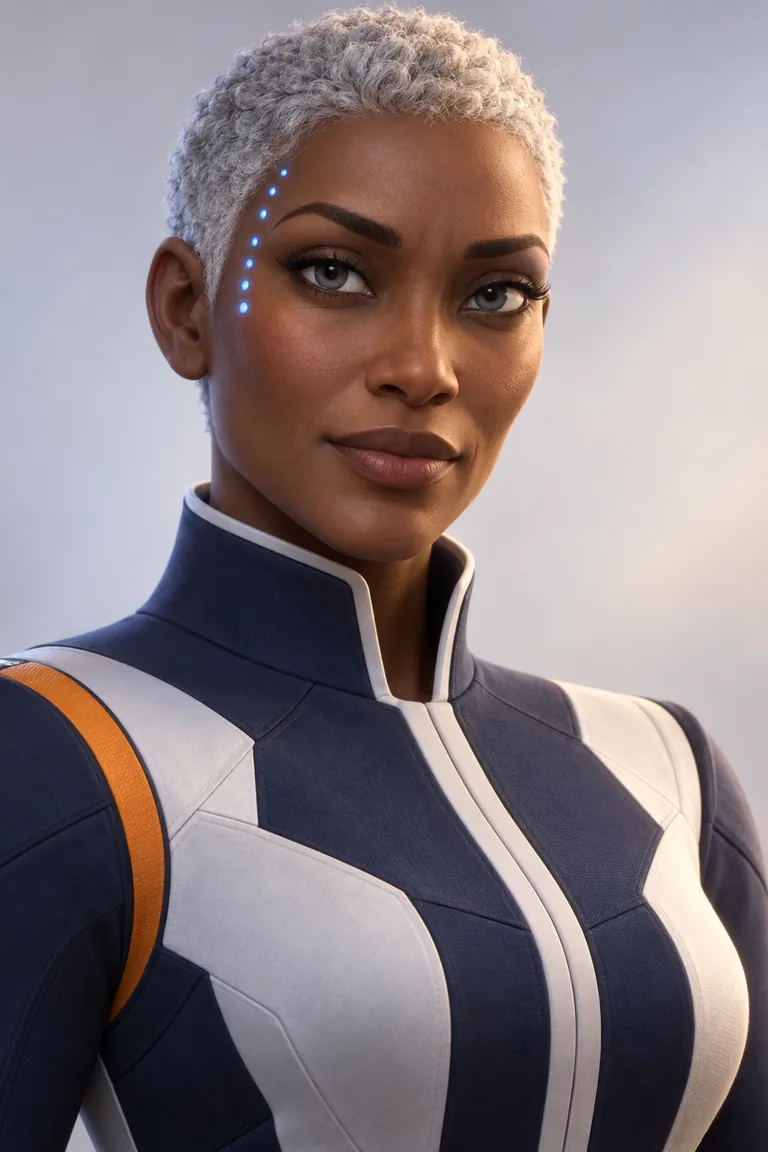
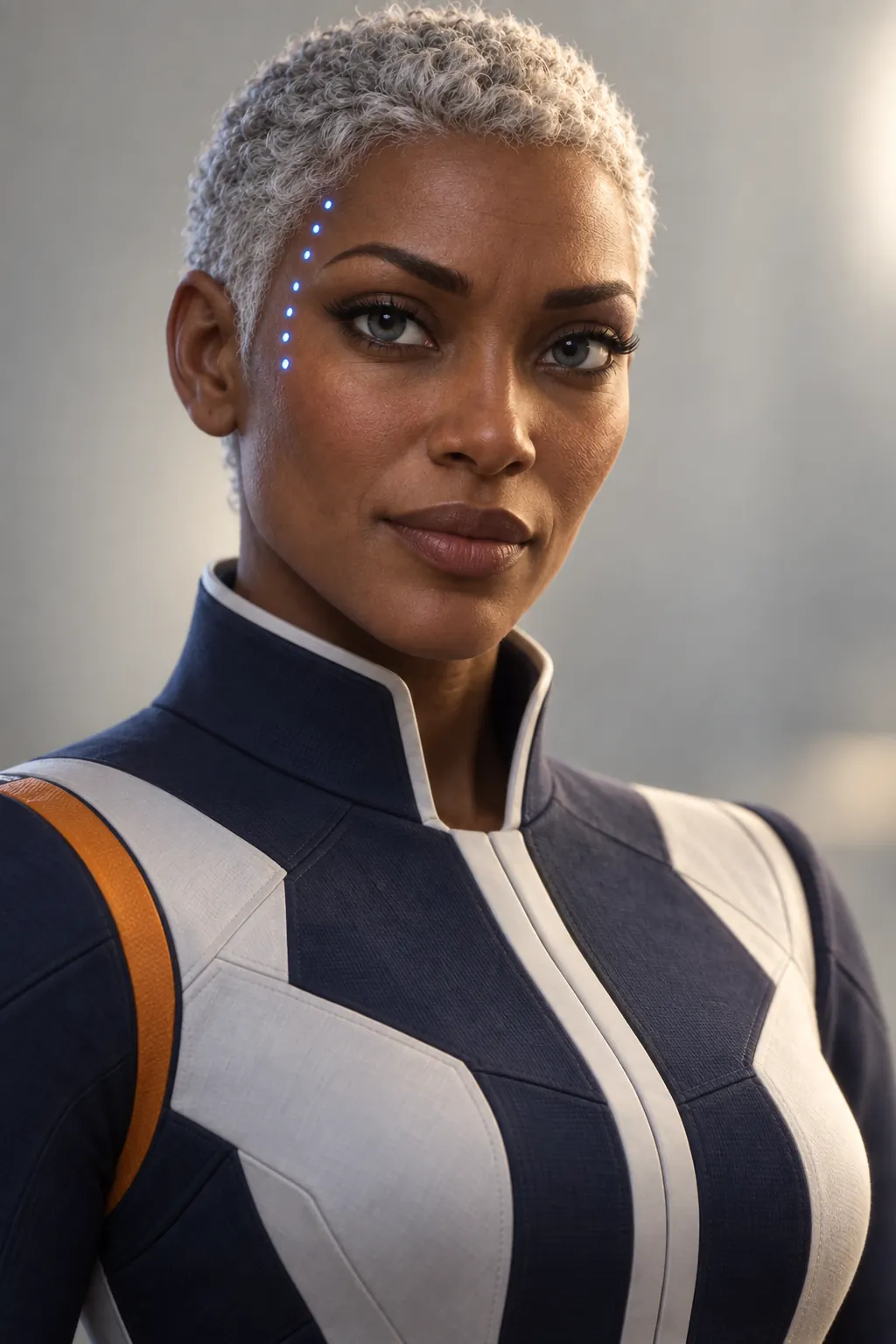
Illustration of the Characters screen, recreated with Captain Rhea Okonkwo’s Images. Original character made for Character App’s character pages with gpt-image-2.5.
Concept art that survives the second picture
The first concept of your hero is great. The second looks like a different studio drew it, and by the tenth your NPCs belong to four art directions. In Character App every character is a Cast member with fixed anchors, reused in every Scene, and the whole roster lives in one World with one Look. The courier robot, the shopkeeper and the boss read as the same game, which is the first thing anyone judging a pitch notices.
Roster design that reads
Silhouette first
Players tell characters apart by shape before colour. A round robot, a tall thin villain and a squat shopkeeper never get confused.
One Look for everyone
Stylized 3D, painterly fantasy or retro pixel art, chosen per World. The roster matches because it's drawn by the same hand.
Role in one line
“Sells potions, hates adventurers.” A one-line role gives every NPC a pose and an expression worth drawing.
Recurring NPCs
The quest-giver who shows up in every town should look identical in every town. That's what a Cast is for.
Film what the pitch needs
A trailer is a handful of beats: the hero's first step into the world, the NPC who hands over the quest, the boss reveal, one big action moment. Ask the Director to break the trailer into Scenes, draw the Images, then film the Clips worth keeping: 16:9 for the trailer, 9:16 for socials. The same roster can star in a lore short for the devlog next week.
Where it stops
Character App is for concept and story. It doesn't make sprite sheets, walk cycles, rigged or 3D models, transparent PNG sets or files for Unity, Unreal or Godot. Use it to decide who your characters are and to show people; hand those Images to whoever makes the production art.
8 game character ideas to start from
Press one and it lands in the idea box. Change a word or keep it; the Director takes it from there.
- 01Last DeliveryA courier robot crosses a flooded city to deliver one package nobody ordered.Use this idea
- 02The ShopkeeperA grumpy potion seller who has watched a thousand heroes die, and overcharged all of them.Use this idea
- 03Boss DoorThe hero pushes open a giant door, and something inside clears its throat.Use this idea
- 04Starter VillageEvery NPC in the first village has a secret, and one of them is the final boss.Use this idea
- 05Co-op ChaosTwo heroes, one bridge, one very confident troll.Use this idea
- 06Space SalvageA salvage crew boards a derelict ship and hears music playing.Use this idea
- 07Rival RacerA hover-bike racer loses one race and swears revenge in slow motion.Use this idea
- 08The Save PointA lonely campfire spirit keeps every hero's progress, and a grudge.Use this idea
From one line to a Character on film
- 1
Describe the roster
Player character, NPCs, boss: role, silhouette, gear. Each becomes a Character in the same Cast.
- 2
Build the game World
The first village, the city, the boss arena. One World and one Look keep the roster consistent.
- 3
Film the trailer
Break the pitch into Scenes, draw the Images, and film the Clips you like with a plan.
Questions, answered
Still curious? Using your own photo and the guides go deeper.
Can I design NPCs as well as a player character?
Yes. Heroes, NPCs, bosses and monsters are all Characters, and recurring ones stay the same wherever they appear.
Can I build a whole roster?
Yes. Build the characters into one Cast in one World, so they wear the same Look and read as the same game.
Does each character stay on-model across every Scene?
That's the point of a Cast: each character's anchors are reused in every Scene and Clip you direct.
Can I turn my roster into a trailer or cutscene-style Clip?
Yes. Plan the trailer as Scenes and film them as Clips, in widescreen or vertical.
Do I get sprite sheets or 3D models?
No. You get Images and Clips for concept and story. For engine-ready assets, use a game-art tool or artist.
Can I base a character on myself?
Yes, from your own photo, which is fun for a cameo NPC or a dev-team easter egg. Anyone else on the team needs to agree first.
What does it cost?
Continue with the free Studio: currently one World build, one Character a day and 4 Lite Images a day. Clips need a plan, from $19.99 a month for 800 Credits; a 5-second Clip from an Image on H3 Max Turbo is 15 Credits, shown on the button before you press.
More character types
Every character type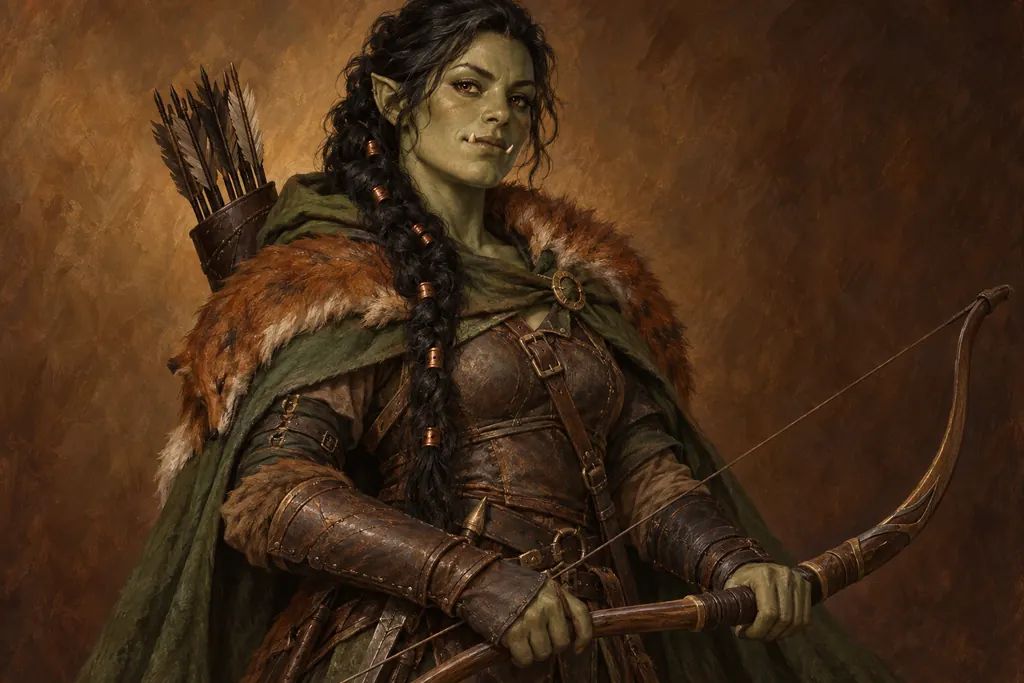
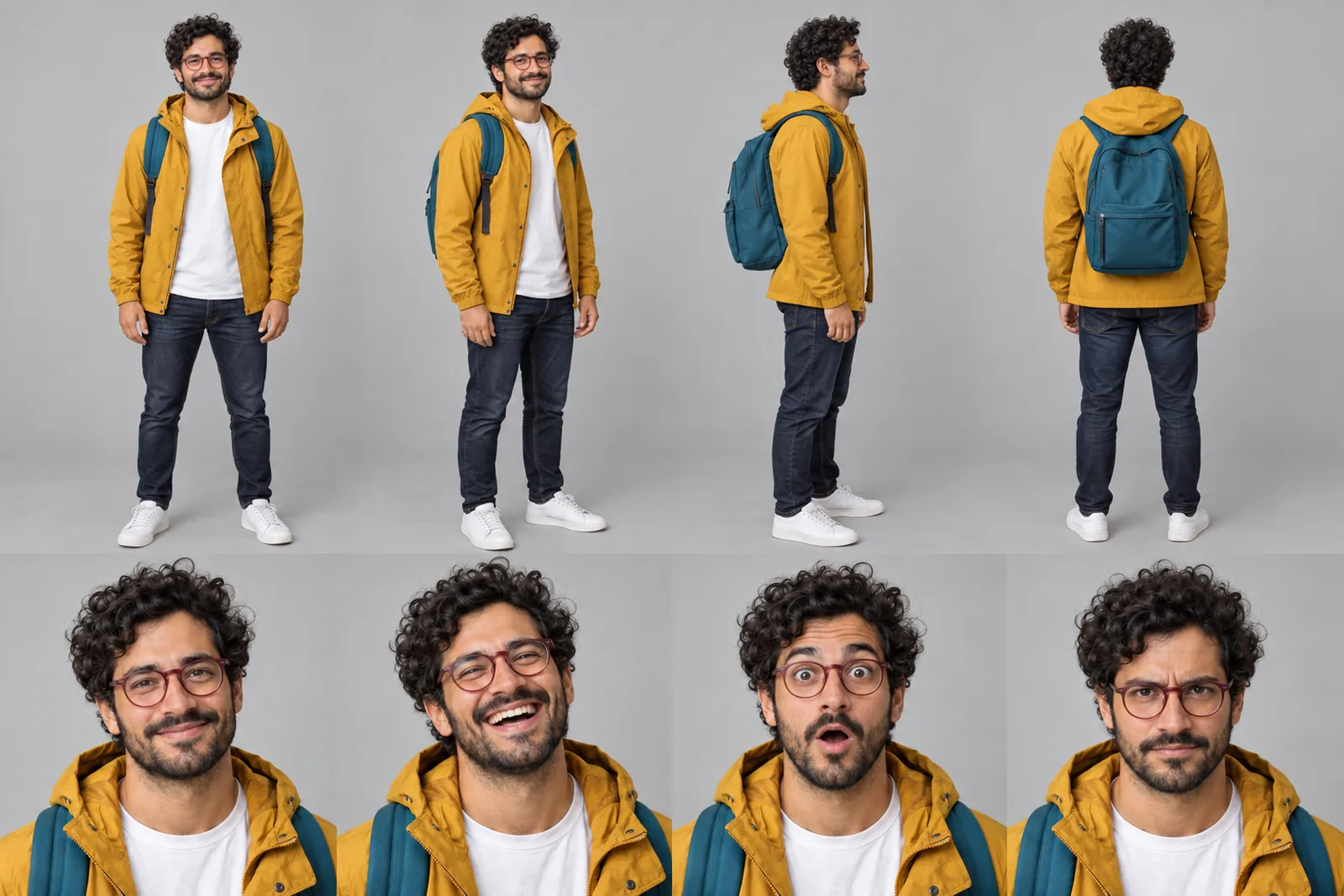
Your game character starts with one line.
Continue with the free Studio · one World build, one Character a day, 4 Lite Images a day