Make an action series where your hero makes it to the next Episode
Pitch the job, the chase or the impossible escape, then direct a season where the hero, the rival and the getaway car all stay recognizably themselves.
Continue with the free Studio · one World build, one Character a day, 4 Lite Images a day

How to make your own action series
Pitch the adventure in one line — the heist, the chase, the treasure no one else can find. Character App builds the World and casts a hero, a rival and a crew who keep their faces and gear from the first Scene to the last. Direct each Scene as a Clip: the jump, the reveal, the slow walk away from the wreck. Keep the best takes, end on the cliffhanger, and the next Episode picks up the chase. Start in the free Studio.
Updated September 2026 · Free to start · Web and iPhone
Made in Character App
Real Clips from fictional sample series. Same Cast from shot to shot; tap a Clip for sound.
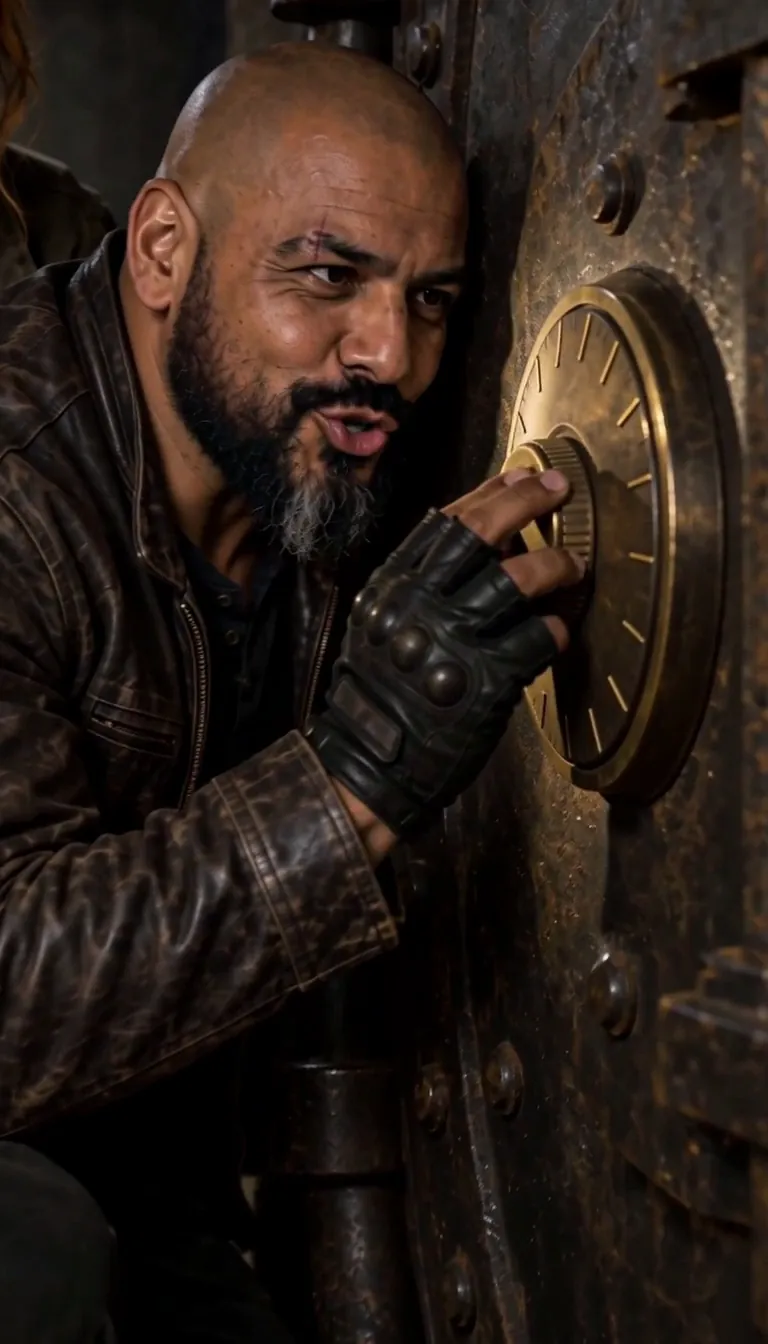
The Cartographer's Key We're in
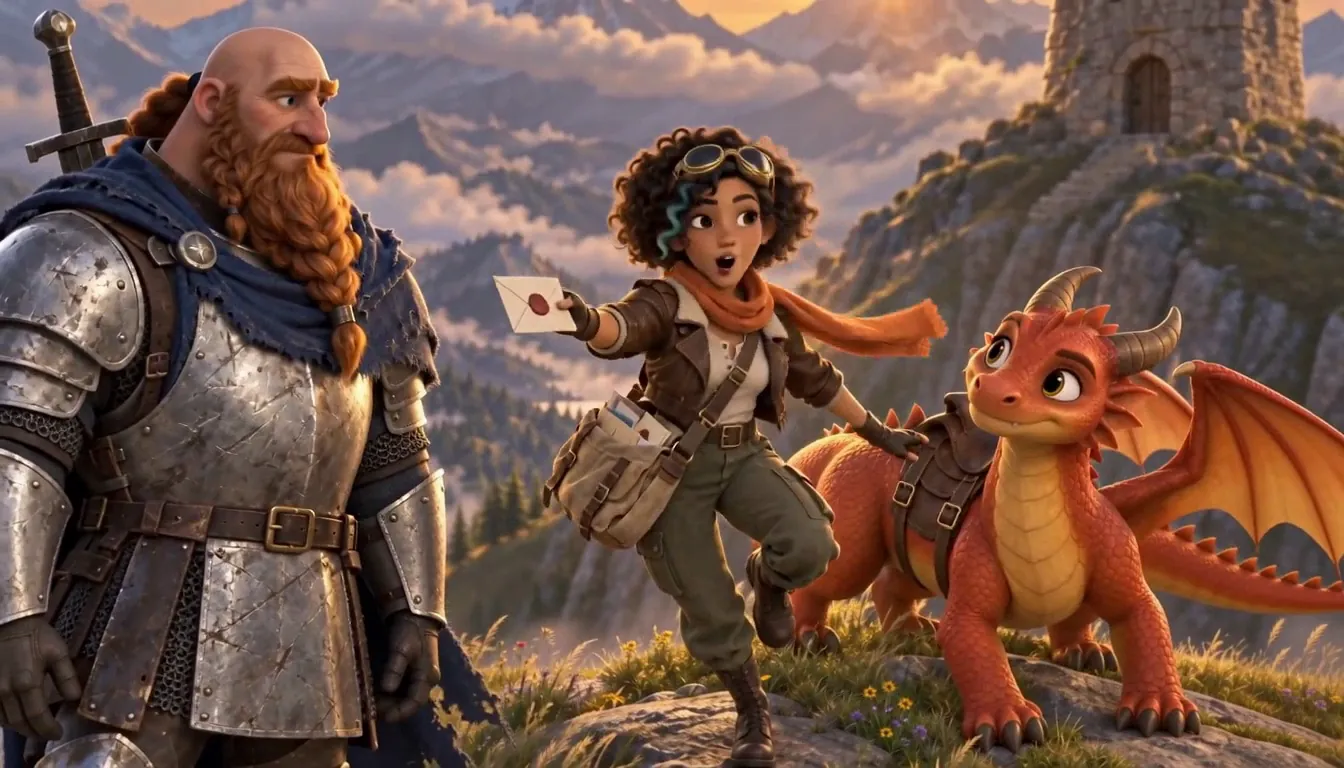
Emberwing Special delivery
Made with H3 Max Turbo, the Clip model in Character App · fictional sample series
Choose your kind of adventure
Action-adventure covers a lot of ground. Pick the engine first; it decides the pace of every Episode.
Heist
A crew, a plan, and the moment it goes wrong. Give each member one skill and one flaw. Episode 1 is the pitch; the finale is the vault.
Chase and escape
Rooftops, night markets, a motorbike through a closing gate. Short Scenes, one clear action each: she jumps, he grabs the bag, the door slams.
Treasure hunt
A map, a rival expedition, a temple that should not still be standing. One location and one clue per Episode.
Original superheroes
A new team with new powers — not borrowed from any comic, entirely yours. Costumes and powers stay consistent, so the audience learns the team.
Survival
A plane down, a storm coming, a group that doesn't trust each other. The threat is the World; the drama is the Cast.
Why the hero has to stay the same
Action is hard to follow when the hero's face, jacket or scar changes between cuts. Character App builds each Character once and keeps them on-model — close-up, wide, mid-leap. The World holds too: the same warehouse, the same car, the same bridge where it started. That is what lets a season build. The rival from Episode 2 walks back in during Episode 9, and the audience knows her instantly.
How to direct a Scene that moves
The best action Clips are one clear event. Write each shot as a subject, a verb and something you can see.
One action per shot
"She vaults the counter" films better than "a chaotic fight breaks out." String several shots together to build the sequence.
Cut on impact
End the Scene the moment the door gives way. The next Scene opens on what is behind it.
Keep it stylized
Stunts, near-misses and a lot of dust, yes. Gore, no — the content policy rules out graphic violence, and good action never needed it.
Be the lead, or build one
Add your own photo in the app and the hero resembles you. Casting a friend as your partner-in-crime? Only with their permission — the content policy requires the person in the photo or their written consent. Or describe an original hero, from the boots to the bad attitude, and let the Studio draw them. Try a few looks as Images in the Playground first, then film the one that feels like a poster.
8 action-adventure ideas to start from
Press one and it lands in the idea box. Change a word or keep it; the Director takes it from there.
- 01Last JobA retired getaway driver takes one final job — and her grandma is the client.Use this idea
- 02The CourierA bike messenger realizes everyone in the city is chasing the package in her bag.Use this idea
- 03CartographerA mapmaker's apprentice finds a chart of a coastline that doesn't exist yet.Use this idea
- 04Lantern NightFive strangers, one festival, eleven minutes to swap a jade box.Use this idea
- 05Signal LostA research team stranded on a glacier keeps picking up their own voices on the radio.Use this idea
- 06Weekend HeroAn accountant gets superpowers, but only on Saturdays.Use this idea
- 07The RelayA stolen painting passes between four thieves in four cities — one Episode each.Use this idea
- 08Low TideDivers race a rival crew to a wreck that surfaces twice a year.Use this idea
From one line to Episode 01
- 1
Pitch the job
One line: the goal, the clock, the catch. Character App reads it as the adventure and builds the World — the city, the vault, the jungle road.
- 2
Assemble the crew
Hero, rival, the one who drives too fast. Draw them from descriptions or your own photo; faces, outfits and gear lock from the first Scene.
- 3
Film the season
Direct each Scene as a Clip, keep the takes that hit, and end on the cliffhanger. Episode 2 opens mid-chase with the same Cast.
Questions, answered
Still curious? The guides go deeper.
Does my hero stay the same through a fight or chase Scene?
Yes. The hero is built once and stays on-model through close-ups, wides and fast motion, outfit and gear included. Tight, single-action shots hold up best.
Can I be the action hero?
Yes — add your own photo in the app and the lead resembles you. Anyone else you cast from a photo must have given permission; otherwise use an original Character.
Can I make a superhero series with AI?
Yes, with original heroes. Existing comic-book characters belong to someone else, so build your own team, costumes and powers — they stay consistent all season.
Is it real motion or comic panels?
Real motion. Each Scene is filmed as a Clip with movement and timing, and the Episode is cut from the takes you keep.
How violent can an action series get?
Stylized action: chases, stunts, fights that cut away on impact. Graphic violence and gore are against the content policy.
Can I build a whole season of Episodes?
Yes. The Cast and the World persist, so Episode 2 opens where Episode 1 ended and a rival you introduced early can return late.
What does an action Episode cost?
Currently the free Studio gives you one World build, one Character a day and 4 Lite Images a day. A plan unlocks Clips and Film — Starter is $19.99 a month for 800 Credits — and a 5-second Clip made from an Image on H3 Max Turbo is 15 Credits. The price is on the button before you press.
More genres
Every genre Fantasy seriesA painterly realm with a party that persists.
 Horror & mysteryThe monster keeps its face. So does the killer.
- 3D animated dramaStylized 3D with feature-film warmth and real stakes.
Guides for this genre
- Plan a season arcA season arc is one promise the whole season keeps: a question episode one asks and the finale answers.
- Build a consistent castKeep the same face, proportions, and costume in every episode — the fix isn’t better prompts, it’s architecture.
- Write a cold open that hooksA cold open is the first three seconds: the frame that either stops the scroll or loses it.
Your action-adventure starts with one line.
Continue with the free Studio · one World build, one Character a day, 4 Lite Images a day