Make a mystery your Cast survives (or doesn't)
The house at the end of the lane, the detective who notices too much, the thing in the treeline that never changes shape — built once, kept consistent, revealed on your schedule.
Continue with the free Studio · one World build, one Character a day, 4 Lite Images a day
How to make your own horror series
Pitch the dread in one line — the house, the disappearance, the rule you must never break. Character App builds the World and a Cast where the detective, the suspects and the monster keep the same face and shape in every Episode. Direct each Scene as a Clip: the slow push-in, the door left open, the reveal you have been holding back. Keep it suspense, not gore, end on the question, and the next Episode picks up the trail. Start in the free Studio.
Updated September 2026 · Free to start · Web and iPhone
Made in Character App
Real Clips from fictional sample series. Same Cast from shot to shot; tap a Clip for sound.
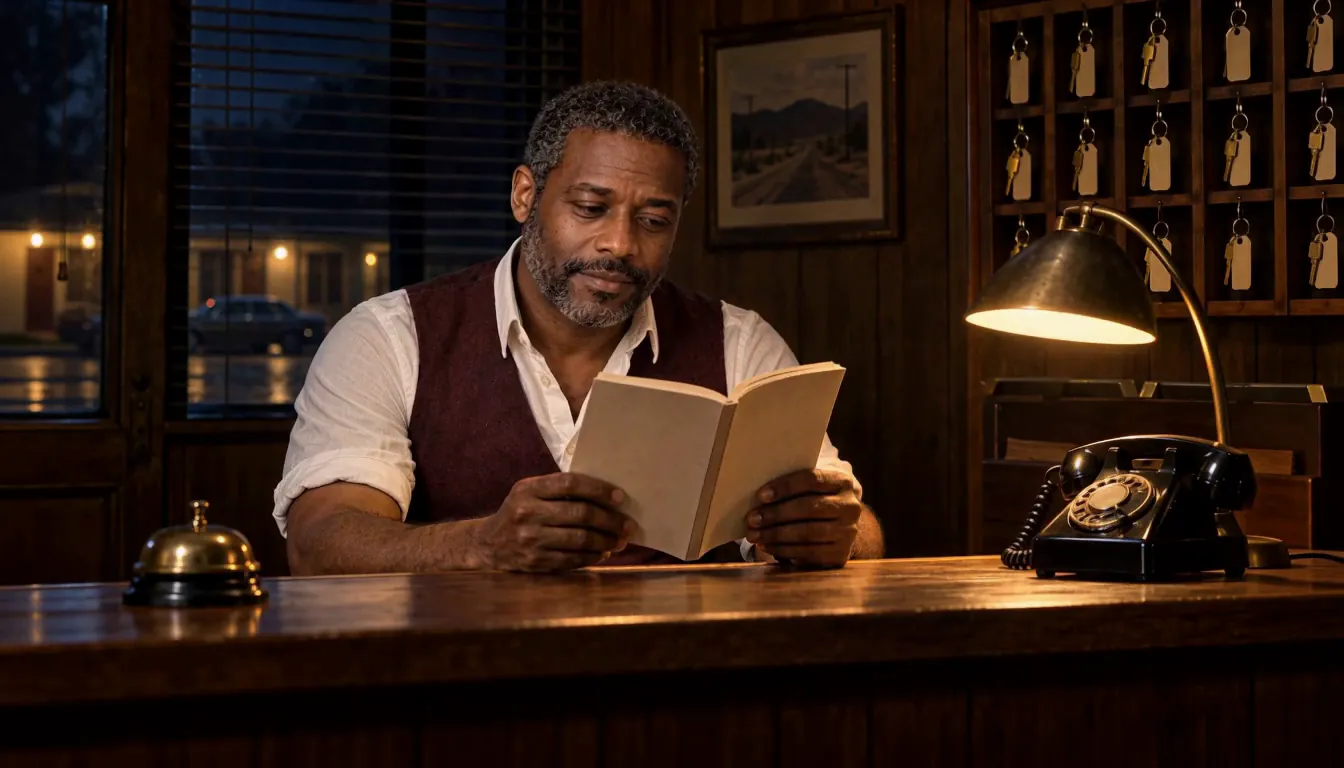
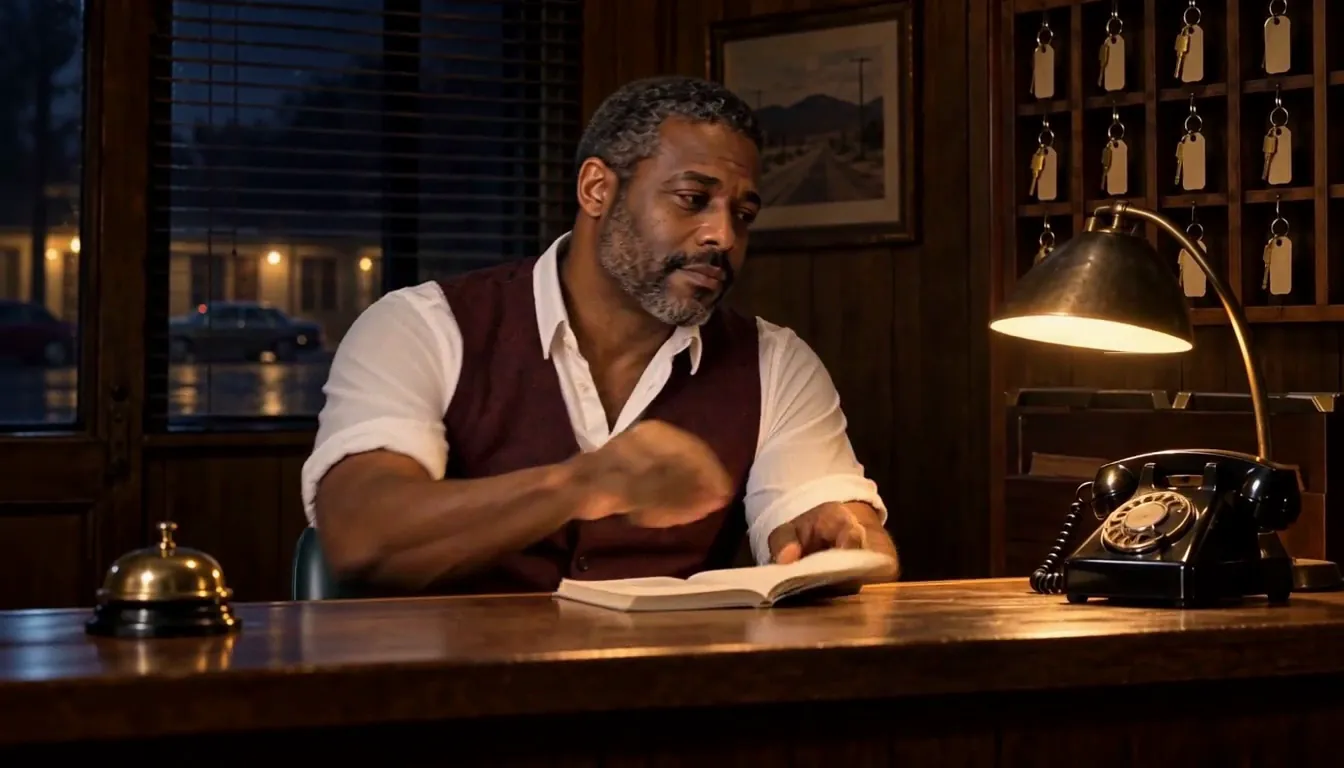
Room 9 The bell
Made with H3 Max Turbo, the Clip model in Character App · fictional sample series
Pick your fear
Horror and mystery run on the same engine — something the audience doesn't know yet. Decide what it is.
Whodunit
A body, six suspects, one detective. Each Episode clears one suspect and implicates another; the finale names the killer.
Creature horror
The monster has to be the same monster. Once the audience learns its silhouette, every dark doorway is a threat.
Haunted place
The house is a Cast member. The World keeps the same hallway, so a chair that has moved is a scare.
Psychological thriller
Someone is lying — maybe the narrator. Tight close-ups, small wrong details, a smile held too long.
Found-footage style
Handheld, badly lit, recorded rather than filmed. Keep each Scene to one thing the camera barely catches.
Why consistency is the scare
Horror is pattern, then break. The audience has to know the hallway before an open door in it means anything, and has to know the monster's shape before they spot it in the trees. Character App builds each Character — including the thing in the woods — once, and keeps it on-model across Scenes and Episodes. Clues hold too: the scratched ring, the stopped clock, the red coat. Plant it in Episode 1 and it is still there for the reveal in Episode 6.
Suspense, not gore
The scariest Scene is usually the one before anything happens. Graphic violence and gore are against the content policy, and you won't miss them.
Show less
Cut away before the moment. A shadow, a creak and a face that turns is more than enough.
Hold the frame
A long, still Scene with one small movement is scarier than any chase.
End on the question
Who knocked? Whose voice was that? Cut there, and the next Episode opens on the answer — or on a worse question.
You in the lead
Add your own photo in the app and play the detective or the final survivor. Friends as suspects? Only with their permission — the content policy requires the person in the photo or their written consent. The monster, happily, needs nobody's permission.
8 horror & mystery ideas to start from
Press one and it lands in the idea box. Change a word or keep it; the Director takes it from there.
- 01The 1911 LogA lighthouse keeper keeps recording sightings of a ship that sank a century ago.Use this idea
- 02Room 14Every guest who checks into Room 14 checks out a day earlier than they arrived.Use this idea
- 03Six Guests, One StormA snowed-in country house, a missing host, and a detective who was never invited.Use this idea
- 04The Neighbour's GardenNothing grows in the new neighbour's garden, except one thing, every night.Use this idea
- 05Don't Answer on TuesdaysA small town has one rule about the phone, and the new schoolteacher breaks it.Use this idea
- 06The Last BusThe night bus has one more stop than the timetable, and tonight it opens its doors.Use this idea
- 07Quiet TownA podcaster investigates a town where nobody has spoken above a whisper in years.Use this idea
- 08The UnderstudyEach time a lead actor disappears, the same understudy is ready to go on.Use this idea
From one line to Episode 01
- 1
Pitch the dread
One line: the place, the rule, the missing person. Character App reads it as the mystery and builds the World — the hotel, the fog, the lane.
- 2
Cast the suspects
Detective, suspects, monster. Draw them from descriptions or your own photo; each keeps the same face and shape from the first Scene on.
- 3
Film the reveals
Direct each Scene as a Clip, keep the takes that make you check behind you, and end the Episode on the question.
Questions, answered
Still curious? The guides go deeper.
Does the monster stay the same across Episodes?
Yes. The monster is a Character like any other: built once and kept on-model across Scenes and Episodes, so the audience learns its shape and dreads it.
Can I write a whodunit revealed over several Episodes?
Yes. Plant clues early, clear one suspect per Episode and hold the reveal for the finale. The Cast and the props stay consistent, so the clues still match when you pay them off.
Is AI horror gory?
Not here. It's suspense, not gore: graphic violence and gore are against the content policy. Tension, shadows and the cut before the moment do the work.
Is it real video or a narrated slideshow?
Real video. Each Scene is filmed as a moving Clip — the slow push-in, the door that drifts open — not still images with a voice-over.
Can I be the detective?
Yes — add your own photo in the app and the detective resembles you. Anyone else from a photo needs to have given permission; otherwise cast an original Character.
Can I make a vertical mystery for the phone?
Yes. Film in 9:16 for a phone-first mystery with a cliffhanger every Episode, or 16:9 for a widescreen thriller.
What does a horror or mystery Episode cost?
Currently the free Studio gives you one World build, one Character a day and 4 Lite Images a day. A plan unlocks Clips and Film — Starter is $19.99 a month for 800 Credits — and a 5-second Clip made from an Image on H3 Max Turbo is 15 Credits. The price is on the button before you press.
More genres
Every genre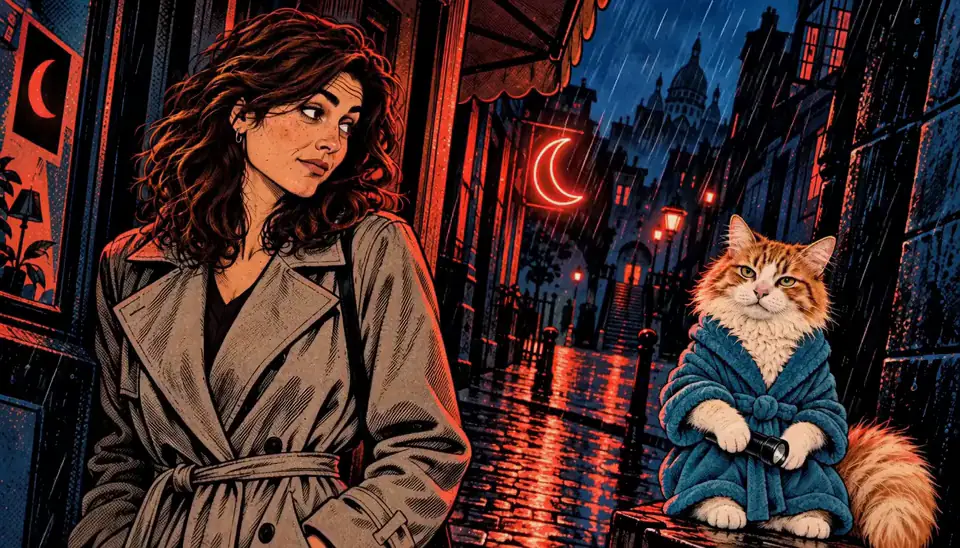 Graphic novelInk-and-halftone noir where the panels move.
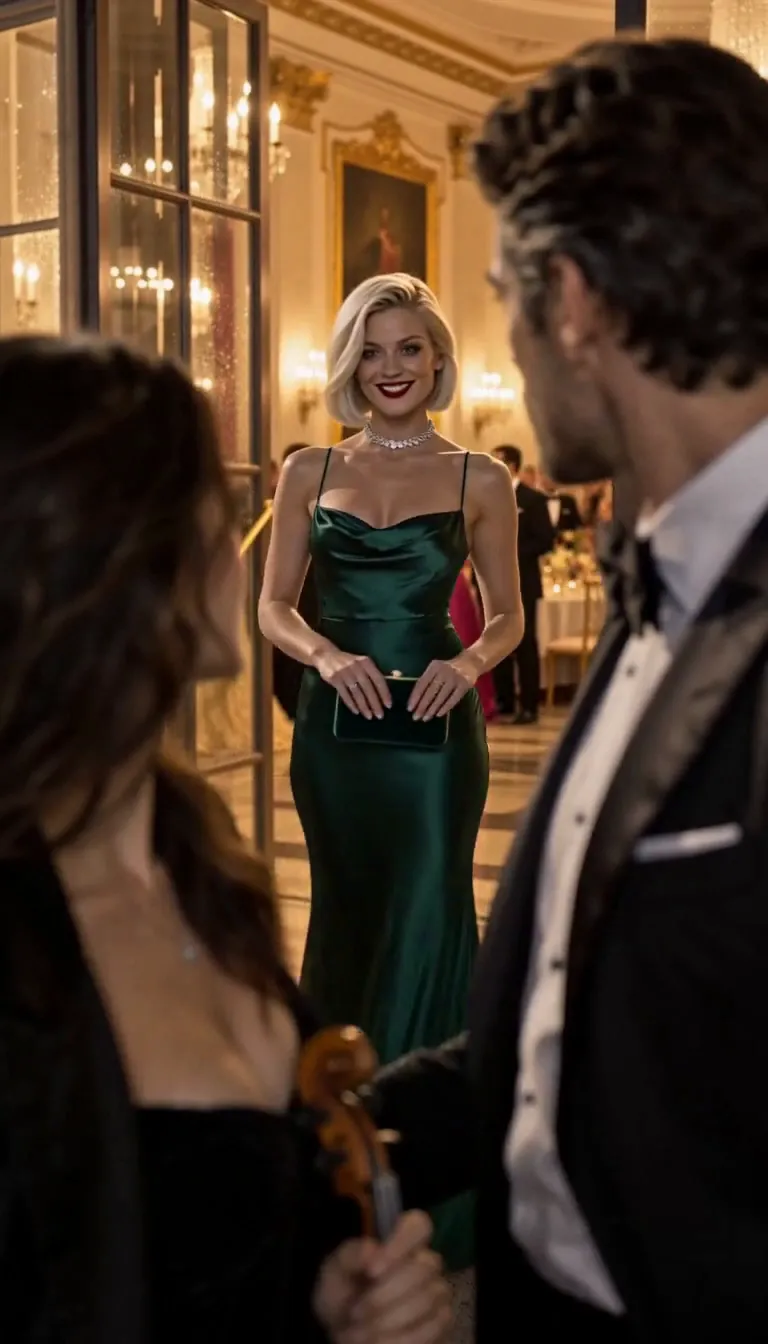 Vertical dramaGlossy 9:16 drama built on cliffhangers.
 Action-adventureYour hero, same face through every chase.
Guides for this genre
- Write a cold open that hooksA cold open is the first three seconds: the frame that either stops the scroll or loses it.
- Plan a season arcA season arc is one promise the whole season keeps: a question episode one asks and the finale answers.
- Make a graphic novel seriesA graphic novel series is a hero, an ink style, and an issue structure — an ongoing comic where the same detective walks into a new case every issue and the same shadows follow.
Your horror & mystery starts with one line.
Continue with the free Studio · one World build, one Character a day, 4 Lite Images a day