Make a graphic novel that moves
Type the premise — the lying client, the name in the margins, the vigilante’s price — and get an inked World where the panels actually move.
Free: make your Character and its Story as picture-only Slideshows. Real video comes with a plan.
How to make your own graphic novel
Ink the premise in one line — the detective, the client who lied, the figure on the fire escape. Character App draws the World in ink and halftone with a Cast sketched once and kept consistent across every panel. Then you direct the issue: each Scene becomes a moving graphic-novel Clip, and the next issue keeps the same inks. Continue with the free Studio.
Updated September 2026 · Free to start · Web and iPhone
Made in Character App
Real Clips from fictional sample series. Same Cast from shot to shot; tap a Clip for sound.
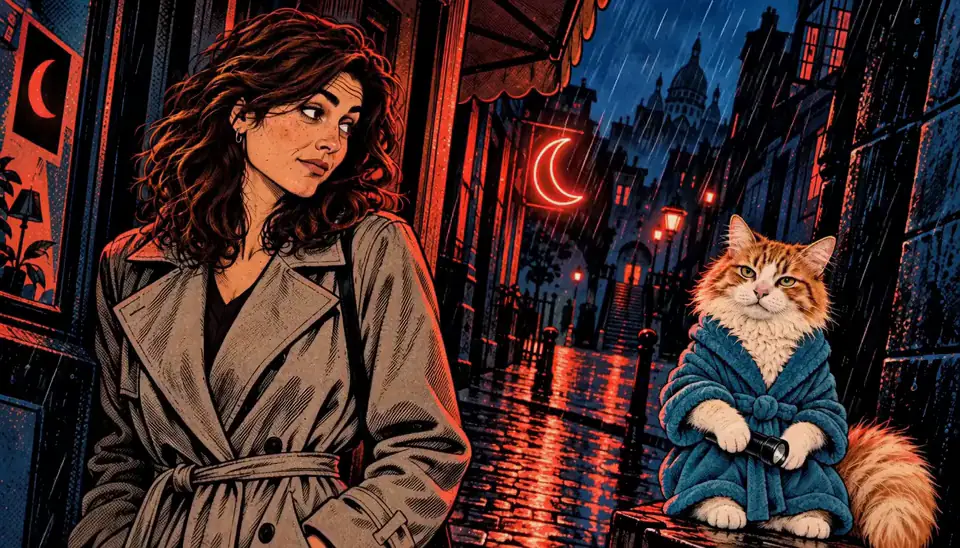
After Hours One rainy night
Made with H3 Turbo, the Clip model in Character App · fictional sample series
Pick your kind of graphic novel
Ink and halftone suit stories built on shadows, secrets and the one person who won't let a case go.
Noir detective
A recurring investigator, a city that lies and a client who lies more. One case per issue, and a larger conspiracy under all of them.
Urban fantasy
A city where the rain sometimes falls upward and a tired detective works the cases nobody can explain. Magic drawn in ink looks like a secret.
Vigilante
Someone on the fire escape who sets their own price. Keep the mask, the coat and the limp consistent, and the mystery of who they are stays intact.
Vertical-scroll serial
Inspired by webtoon and manhwa pacing: 9:16 Episodes, one reveal per scroll's worth of story, and a Cast that keeps the same faces from chapter 1 onwards.
Think in panels, film in Scenes
A graphic-novel Scene is a panel that moves. The comic instincts you already have still apply.
One panel, one action
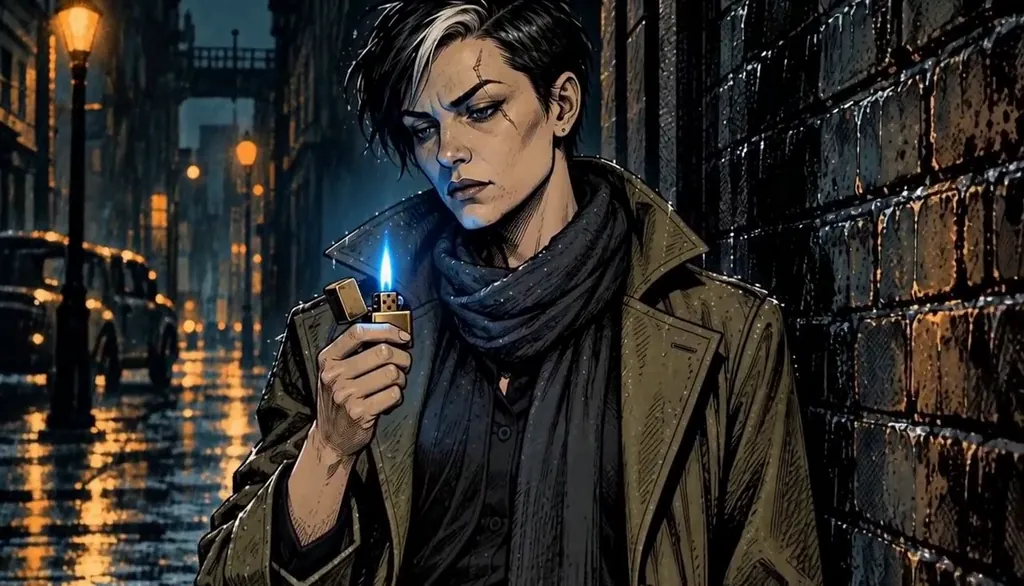
The detective flicks open a lighter. The moth in the jar starts to glow. Each Scene is one physical event, the way each panel is one moment.
Frame it like a page
Extreme close-up on the eyes, a tall splash of the whole alley, a hard low angle on the vigilante. Name the framing in the Scene direction and pace the issue like a page.
The gutter is the cut
In comics the reader fills in what happens between panels. Cut in the same place: the knock, then the door already open.
Let the ink light it
Deep blacks, cross-hatching, one accent colour. Wet streets and a single streetlamp carry more mood in ink than full colour does.
A recurring investigator, issue after issue
A detective series depends on recognising the detective: the silver streak in her hair, the scar through one eyebrow, the long olive coat. Each Character is drawn once and reused in every Scene of every issue, and the city keeps its bars, alleys and rooftops as part of your World.
Give them one mark
A scar, a streak of grey, round amber glasses. One detail you'd recognise in a thumbnail keeps the Character readable through deep shadow and heavy hatching.
The supporting cast
The bartender who knows too much, the rival at the precinct, the informant who's always eating. Minor Characters coming back is what makes a city feel lived in.
Issues as Episodes
Treat each issue as an Episode. It opens on the last panel of the previous one, with the same inks and the same coat, a little wetter.
Let the city change
Seasons pass in the World too: the bar gets a new sign, the alley gets a mural, the precinct loses a desk. Small changes against a consistent Cast make time feel real.
Bringing your own comic to life
Already writing or drawing a comic? Describe your Characters, their signature details and the city, and the Studio builds them as a Cast in the ink-and-halftone Look. Then direct your existing issues as moving Scenes. Your story and your Characters stay yours.
Start with the protagonist
Build your lead first and draw a few Images until they look right. Everyone else is built around them.
Keep it original
Your characters, not another publisher's. Invented heroes and cities are what the Cast is for.
Serialise it
Release an issue a week, each one a short Episode that ends on a turned page: the knock, the name, the photo in the envelope. Readers of serial comics already know how to wait for the next one.
Pick the format per story
16:9 feels like a printed page spread; 9:16 feels like a vertical scroll. Choose for the story, and keep the same Cast either way.
8 graphic novel ideas to start from
Press one and it lands in the idea box. Change a word or keep it; the Director takes it from there.
- 01Ashgrove After DarkIn a city where the rain sometimes falls upward, one tired detective takes the cases nobody can explain.Use this idea
- 02The Liar's MothA bartender hands a detective a jarred moth that glows only near a liar, and it's glowing at her.Use this idea
- 03One Deal Too ManyA private eye made a deal with every gang in the city, and tonight they all come to collect.Use this idea
- 04MarginsAn archivist finds her own name written in the margins of a book printed a hundred years ago.Use this idea
- 05Fire EscapeA vigilante charges one favour per rescue, and the whole neighbourhood owes her.Use this idea
- 06Extra ShotA vertical-scroll romance: a barista and a regular who orders a different name on every cup.Use this idea
- 07Shadow WorkA detective's shadow stops following her and starts solving cases without her.Use this idea
- 08The Last EditionThe night-shift editor of a dying newspaper prints tomorrow's news, and it keeps coming true.Use this idea
From one line to Episode 01
- 1
Ink the premise
One line — the detective, the lying client, the fire escape. The World draws itself in ink and halftone.
- 2
Meet the panel Cast
Investigator, client, vigilante — drawn once and kept drawn, same inks across every panel of the issue.
- 3
Direct the escape
Scenes become moving graphic-novel Clips; you pace the page and cut where the gutter should fall.
Questions, answered
Still curious? The guides go deeper.
Is it a comic or a video?
Both. The surface is ink-and-halftone graphic novel; each Scene renders as a generated Clip, so the panels genuinely move.
Can I make a graphic novel with AI?
Yes — type the premise, and the World, Cast and panel look build around it. You direct the issue Scene by Scene.
Do the characters stay consistent across panels?
Yes — the Cast is drawn once and kept on-model across every panel, issue and crossover you make.
Can I keep a recurring character across issues?
That is exactly what the Cast is for — once created, a character stays in your World for every issue you make.
Can I use my own story idea?
It only works that way. You bring the premise; the World, Cast and Scenes are built around it.
What does a graphic novel cost to make?
Free: make your Character and its Story as picture-only Slideshows. Real video comes with a plan. Each Clip lists its exact Credit price on the button before you press.
More genres
Every genre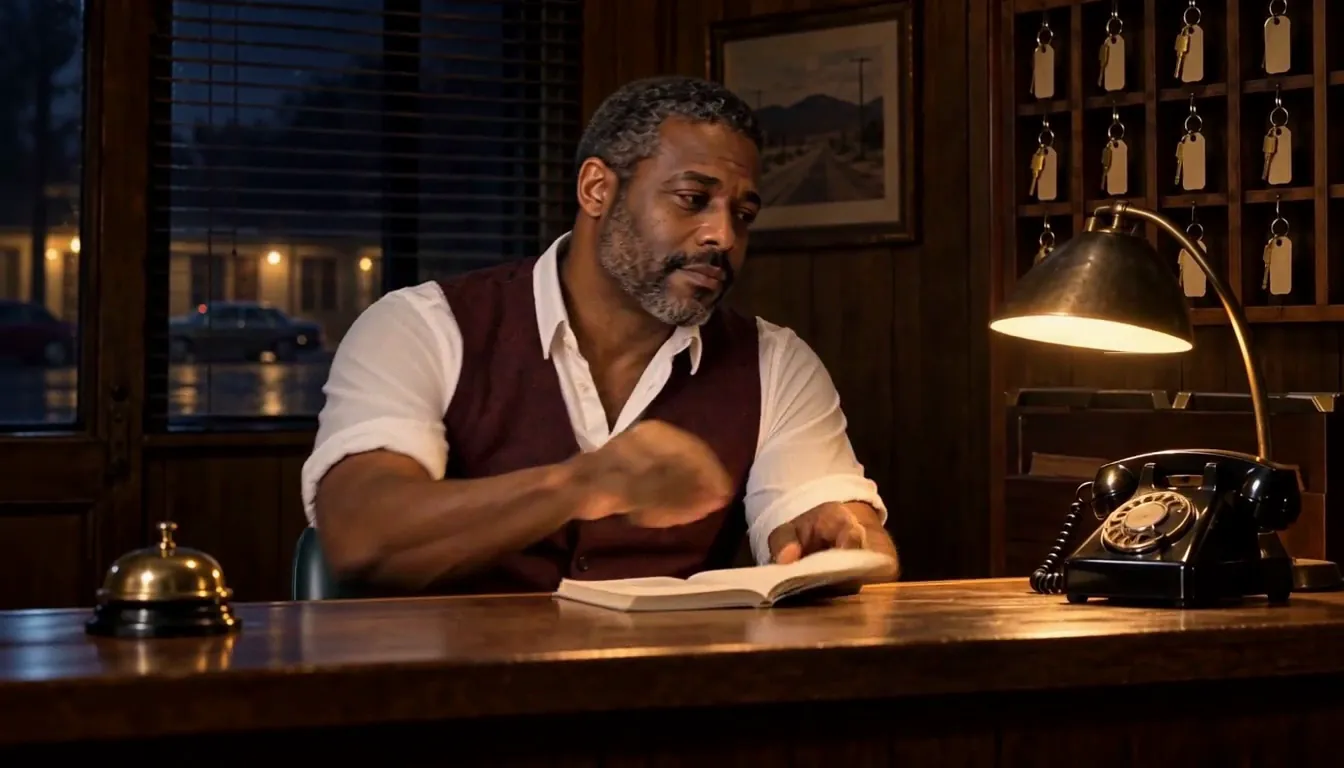 Horror & mysteryThe monster keeps its face. So does the killer.
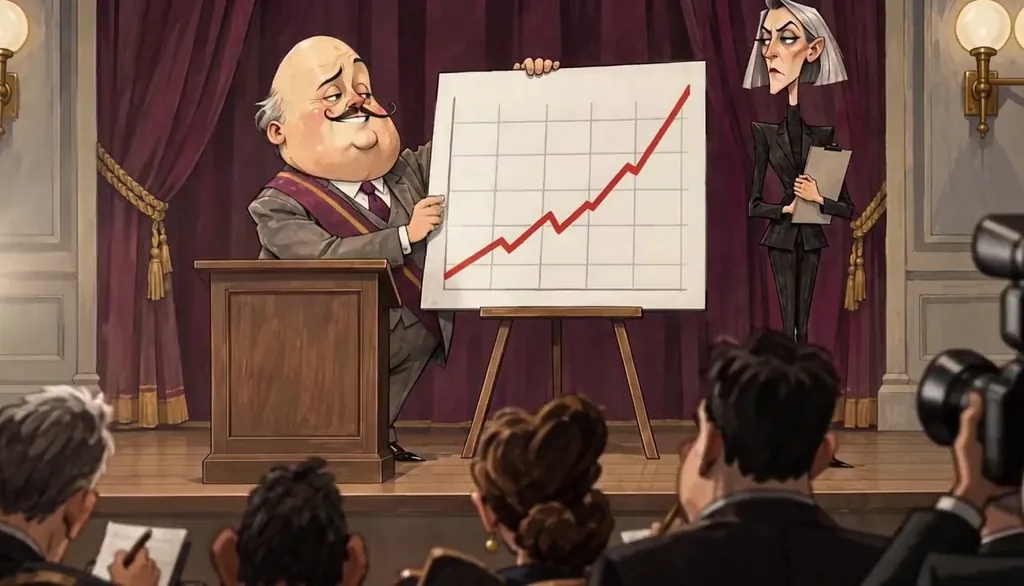 Satire comedyFlat adult 2D that roasts a new target weekly.
 AnimeCel-shaded arcs, rivals and late-waking powers.
Cast for this genre
Plan it as a full season with the AI series maker.
Guides for this genre
- Make a graphic novel seriesA graphic novel series is a hero, an ink style, and an issue structure — an ongoing comic where the same detective walks into a new case every issue and the same shadows follow.
- How the Director worksThe Director is the Studio’s conversational planner: you write one line about what should happen, it drafts an outline of Scenes, you push back in plain words until it reads right.
- Scenes, Takes, Clips, EpisodesCharacter App has five production nouns and they nest: a Scene is one dramatic moment, a Take is one filmed attempt at it, a Clip is the take you kept, an Episode is kept Clips assembled in order, and a Season is the run of Episodes.
Your graphic novel starts with one line.
Free: make your Character and its Story as picture-only Slideshows. Real video comes with a plan.