A Scene is one dramatic moment
The Scene is the smallest unit of story: one moment in one place — the argument at the door, the letter found, the look exchanged across the counter. An Episode is several of them in a deliberate order, and the planner lays them out like shot columns.
Each Scene owns its details: which Cast members are visible, the direction line describing what happens, and the drawn Image that becomes its key frame. Fix a story at the Scene level and the Episode usually fixes itself.
The line it came from: A violinist is booked to play her ex’s engagement party.
 E1The booking
 E2Too close
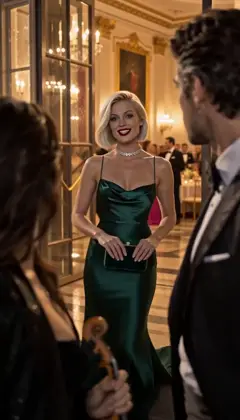 E3Your fiancée is getting cold
 E4Encore
Midnight Sonata · one line to the AI Director: it casts the Characters and writes the Story as Scenes; plan each next Episode in one sentence. A fictional sample series made in Character App. The Scene Image is the key frame
Before a Scene can move, it’s drawn: the Scene Image is the still the Clip will start from — the composition, the Cast in frame, the set dressed. Image-to-video Stories draw these automatically once the outline is approved; you can also edit direction and redraw one Scene at a time.
This is the production’s cheapest spend — Images ride Credits or the daily Lite allowance, and a wrong frame is a far cheaper fix than a wrong take discovered after filming.
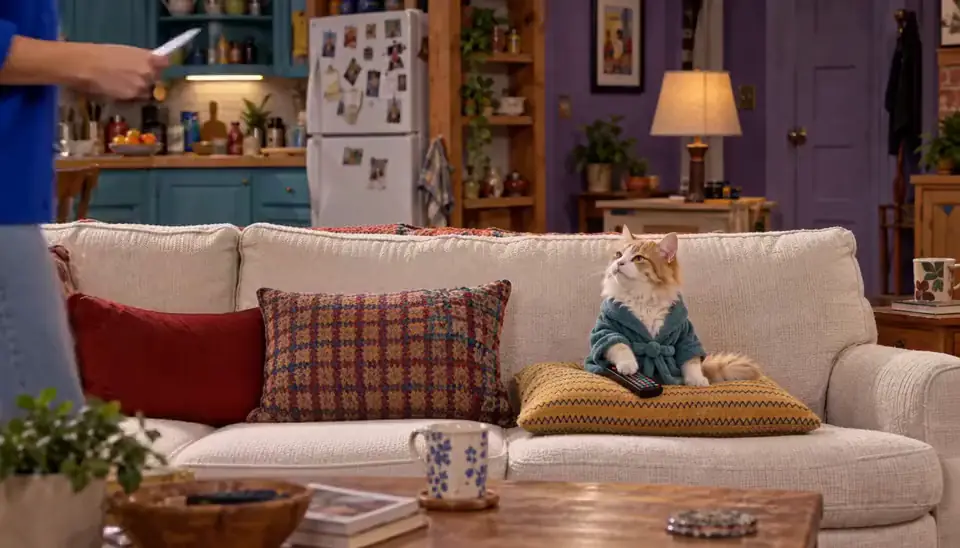
Roommates & Rent · Episode 1: Rent Is a Suggestion. Made with H3 Turbo, the Clip model in Character App · fictional sample series A Take is one filmed attempt
Filming a Scene produces a Take — one candidate Clip, a few seconds of motion rendered from the key frame and your direction. The Studio prices the press before you touch it: the exact Credit cost is on the button, sealed, no estimate.
Takes are meant to be compared. Film one, watch it, decide — or write sharper direction and film another. Rejected takes aren’t refunded for taste (every completed render is a real spend), so the direction line is where the control lives.

Roommates & Rent · About the rent. Made with H3 Turbo, the Clip model in Character App · fictional sample series A Clip is the take you kept
Keep a take and it graduates: the Clip is a finished, durable piece of footage in your Library — the version that goes into the Episode. “Keep” is the editorial decision the whole production pipeline is built around.
The distinction matters because they’re different objects: a Take is an attempt, priced per render; a Clip is kept footage, reusable and permanent. You can build a Scene with several takes and exactly one Clip still standing at the end of them.

Roommates & Rent · A sovereign nation. Made with H3 Turbo, the Clip model in Character App · fictional sample series An Episode is kept Clips in order
Assemble the kept Clips and you have an Episode — the finished chapter, watchable end to end, filed on the World’s board. The assembly is automatic once every Scene has its keeper; a missing Clip is the only thing that holds it up.
The board also tracks the working states — drawing, filming, assembling — so an Episode mid-production shows exactly which Scene still needs a take kept. Completed work is never lost to an abandoned session or a closed tab.
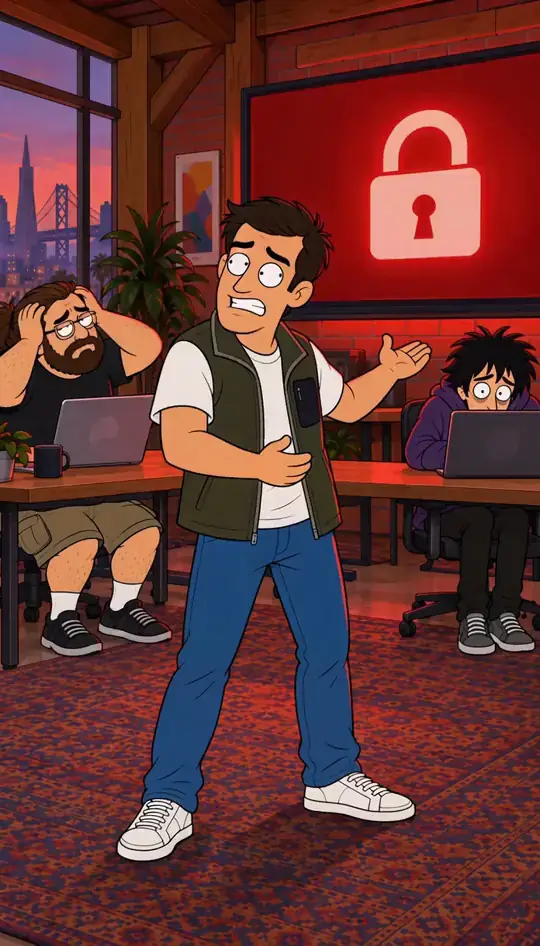
Rate Limited · Limit reached. Made in Character App · fictional QA Cast A Season is the run of Episodes
Episodes accumulate into a Season — the run of the series so far, numbered and ordered on the board. The Season is where the World’s memory pays off: episode nine can pay off a setup from episode one because both live in the same container.
And the Season is the honest scope of the product: not a viral one-off, but a run — Cast, World, and Bible all compounding across chapters instead of resetting between them. A series that remembers is a series worth returning to.
The glossary, in one pass
Scene — one dramatic moment, planned and drawn. Scene Image — the key frame it’s drawn into. Take — one filmed attempt at the Scene, priced per render. Clip — the take you kept; the durable footage. Episode — kept Clips assembled in order. Season — the run of Episodes. Film — the finished assembled video of the Episode.
Read the planner with those nouns and every label resolves: the columns are Scenes, the reel below is takes, the Cast row is who’s visible, and the price on each press is exactly what the layer above will cost.



Common mistakes
Mixing up Take and Clip. A Take is an attempt — every one is a priced render; a Clip is the keeper that makes the Episode. Budget for the takes, celebrate the Clip.
Editing the Episode when the Scene is wrong. Changes land cheapest at the smallest layer: fix the Scene’s direction before drawing, the take before assembling.
Assuming a rejected take refunds. Completed renders are real spend even when you don’t keep them — sharp direction is the budget tool, not the retry button.
Planning a Season before an Episode exists. The Season is an emergent thing — make the Episode, then the next one; the run names itself.
Filming a Scene with no keeper in mind. Know what the Clip has to do — open, turn, or land — before the render; a take with no job is a spend with no verdict.
Questions
Is a Scene the same as a Clip?
No — a Scene is the plan (the moment, the direction, the key frame); a Clip is footage. A Scene can have many takes and produces exactly the Clips you keep from them.
How many Scenes make an Episode?
As many as the outline calls for — short Episodes run a handful of Scenes. The Episode assembles when every Scene has a kept Clip, so the count is yours to pace.
Where do takes I reject go?
Nowhere you have to manage — only kept takes become Clips and land in the Library. The rejected attempts were still real renders, which is why direction matters more than volume.
What’s the difference between an Episode and a Film?
The Episode is the chapter — the assembled sequence of kept Clips. Film is the finished video itself; in the Studio’s nouns, Episodes are Films once they’re assembled.
Do Scenes, takes, and Episodes survive between sessions?
Yes — drafted Scenes, drawn Images, kept Clips, and finished Episodes all persist on the World’s board and in the Library. Only a take you never kept is truly ephemeral.
Which layer should I learn first?
The Scene. Everything above it — takes, Clips, Episodes, Seasons — is an assembly of Scenes done well, so a good Scene direction habit pays off at every level.