Pick the shape: 9:16, 1:1 or 16:9
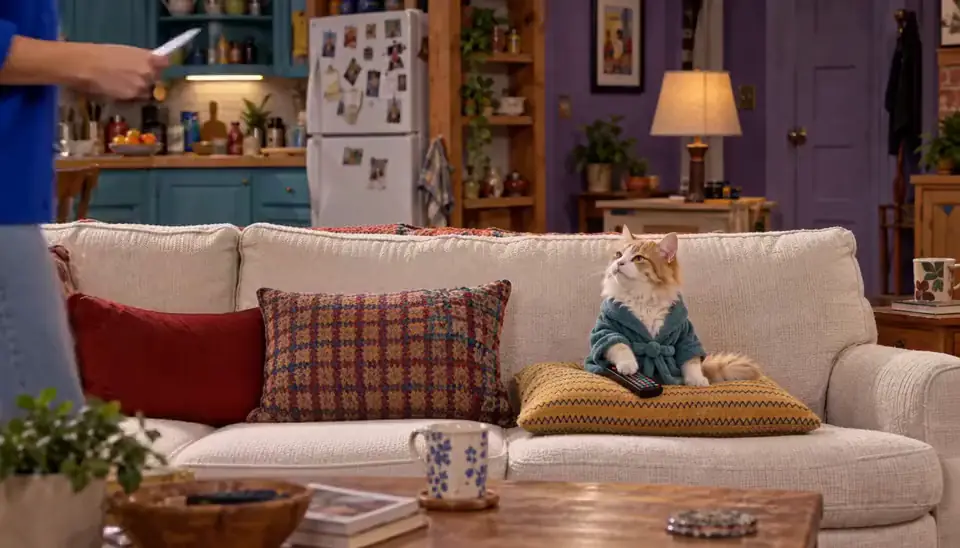
The first choice is the frame. 9:16 is the phone-first shape — the vertical-drama format built for full-screen swiping on a phone. 1:1 is the square feed shape, and 16:9 is widescreen — the short-film shape for TVs and embeds. All three come out of the same pipeline; only the composition grammar changes.
Vertical favors faces and one-thing-at-a-time staging; widescreen favors ensembles and room to breathe. Match the frame to where the audience will actually watch it, not to which looks more impressive as a still on this page.
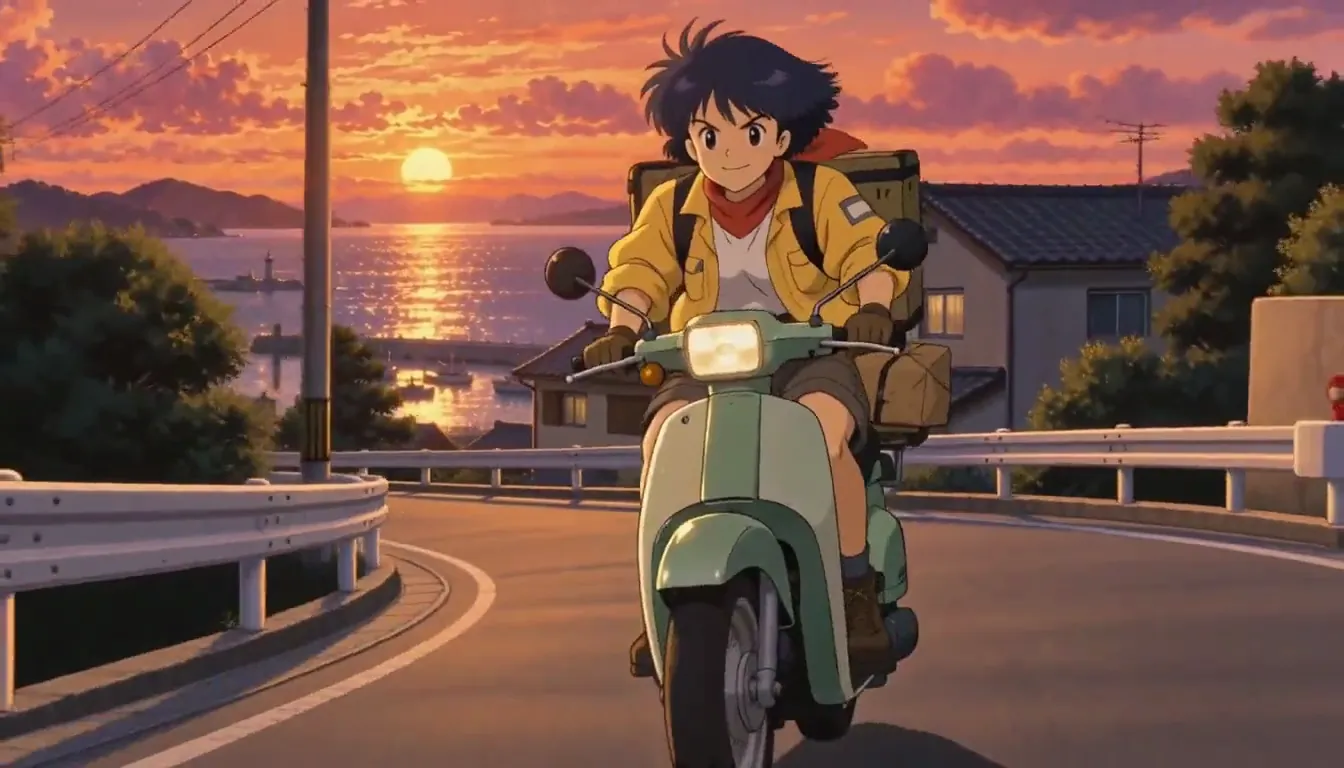
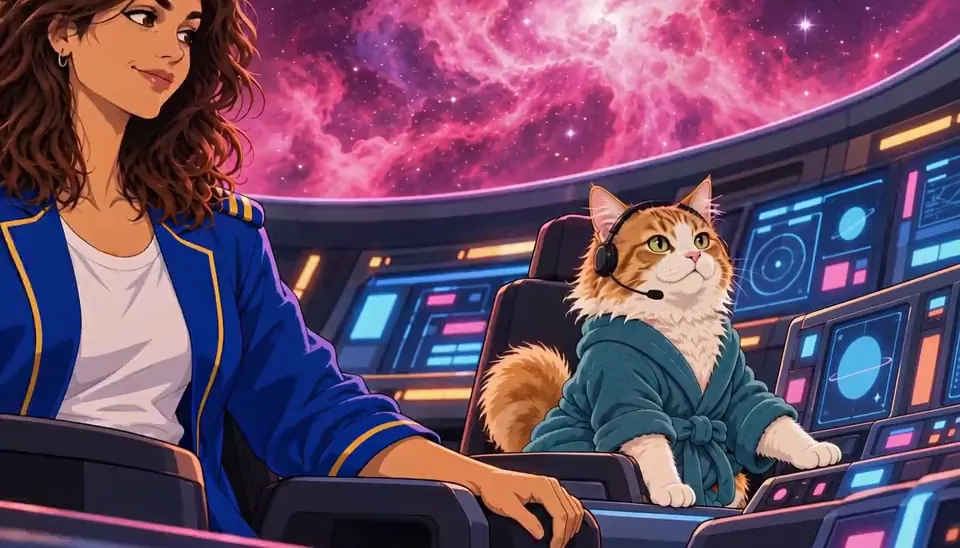
Harbor Courier (90s OVA anime) · Harbor Courier. Made with H3 Turbo, the Clip model in Character App · fictional sample series Pick the Look: the style contract
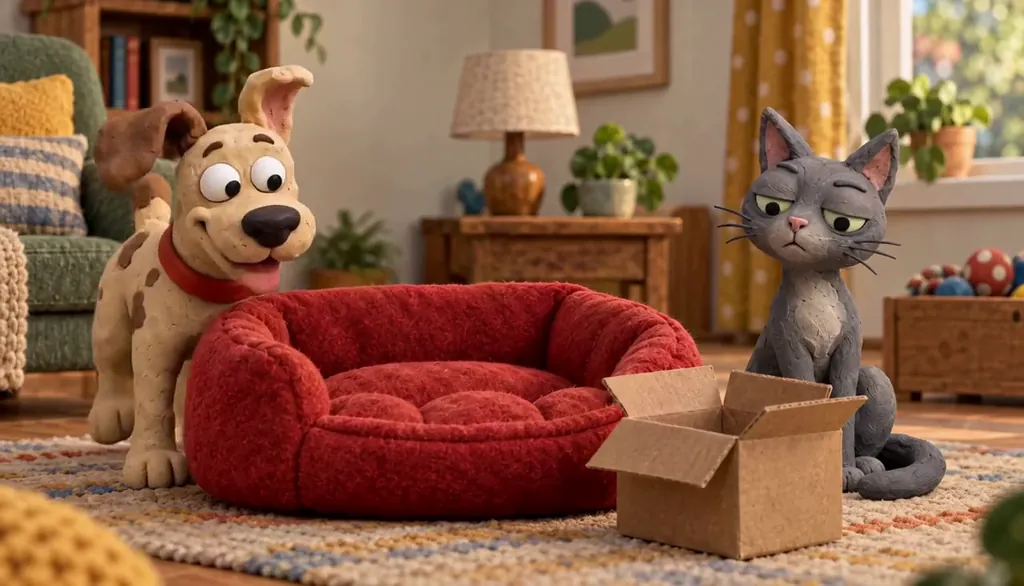
The Look is the World’s visual law — cinematic realism, flat cartoon, cel-shaded anime, inked graphic novel, painterly fantasy, polished 3D. Choose it once and every Image, Cast member, and Episode follows it automatically, frame after frame.
This is the part that makes “your own show” literal: the Look isn’t a filter laid on top of someone else’s footage — it’s the style your Cast is drawn into and the style they stay in for the whole run of the series.
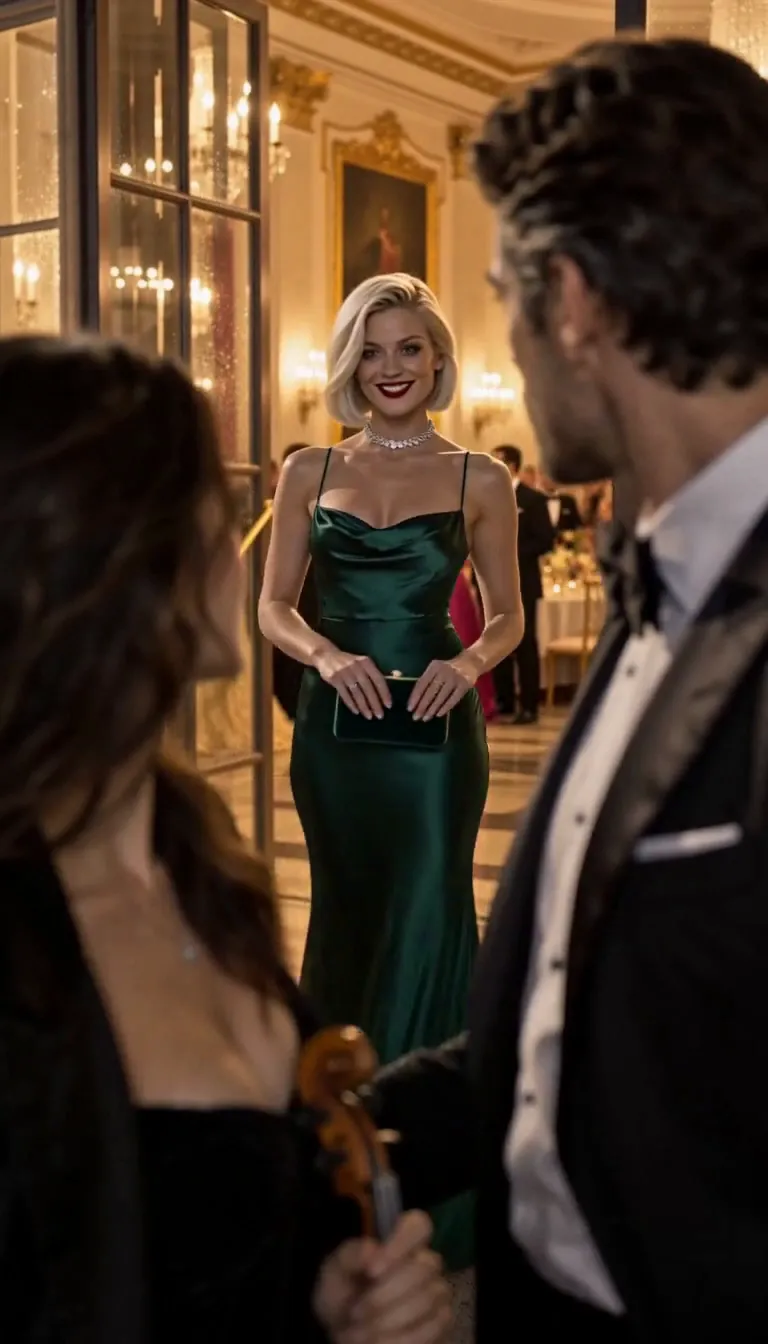
The line it came from: A violinist is booked to play her ex’s engagement party.
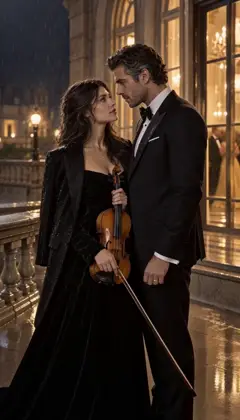 E1The booking
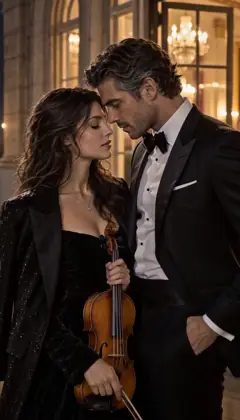 E2Too close
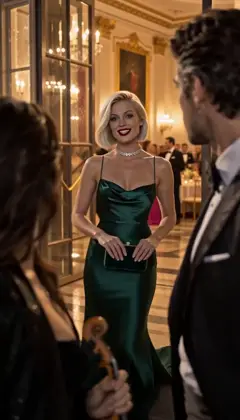 E3Your fiancée is getting cold
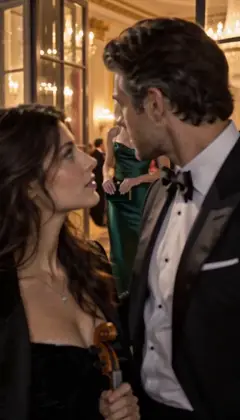 E4Encore
Midnight Sonata · one line to the AI Director: it casts the Characters and writes the Story as Scenes; plan each next Episode in one sentence. A fictional sample series made in Character App. Pick the kind of show
Ten genre spokes cover the range: sitcom, vertical drama, cartoon show, satire comedy, anime, 3D animated drama, graphic novel, fantasy series — plus two capability paths, Characters and Series, for the people and the long run. Each is its own door with its own grammar.
The genre isn’t cosmetic: it sets the writing defaults and the World’s rules — a sitcom World keeps grudges and payoffs; a vertical-drama World keeps secrets and cliffhangers. Picking one is picking which story instincts come built in.
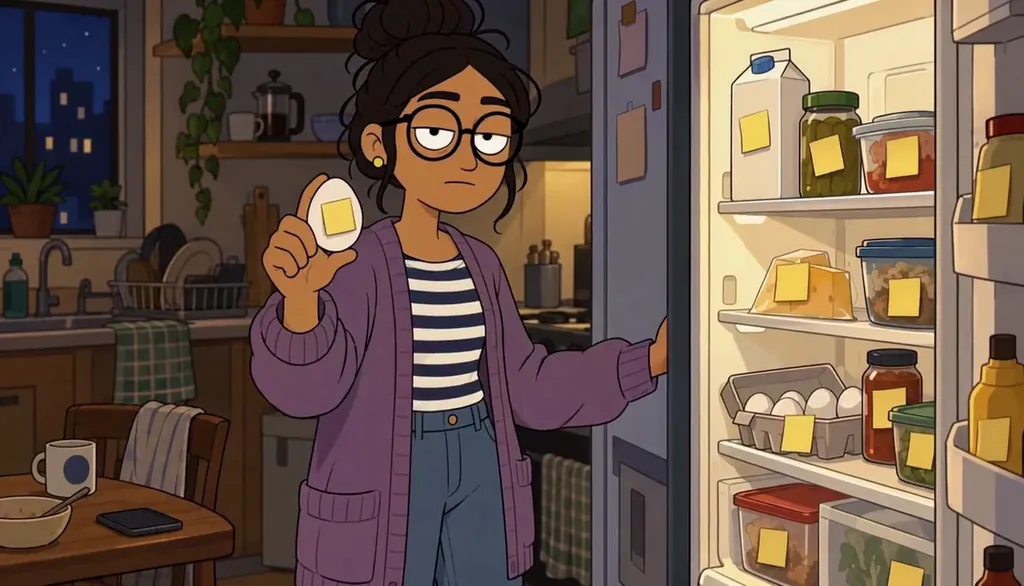
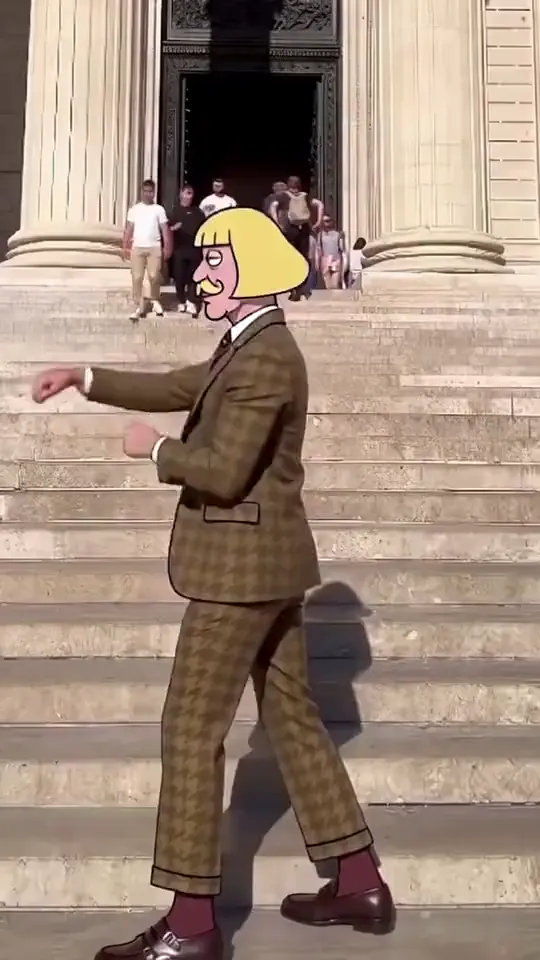
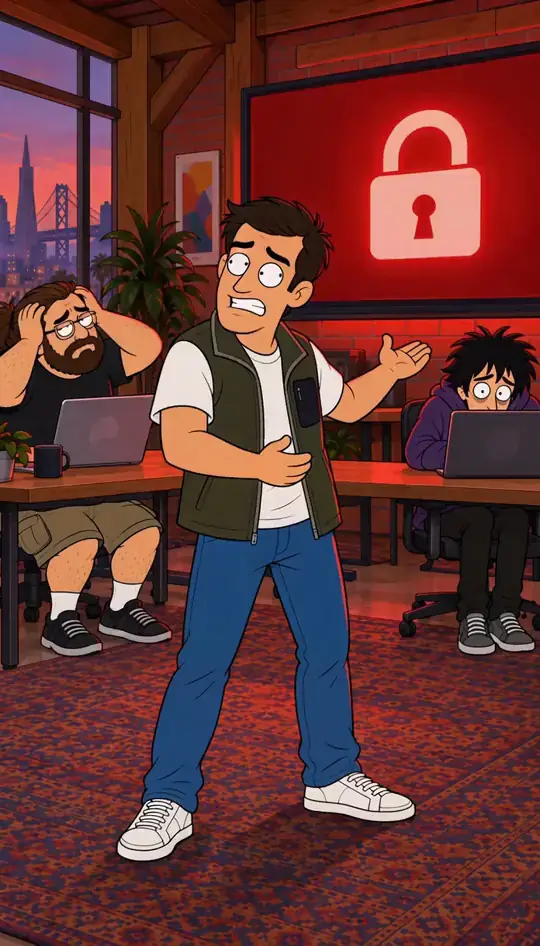
Unit 4B · He labeled the egg. Made with H3 Turbo, the Clip model in Character App · fictional sample series Your Cast travels across Looks
A Character made for one World can be re-drawn in another’s style — the person carries, the physics change. The same face reads as a sitcom lead in one World and a cel-shaded protagonist in the next one over.
That’s the point of building people instead of pictures: the Cast is portable capital. Invest in the characters once, and the formats, Looks, and genres become remixable around them for as long as the series runs — and well beyond it.
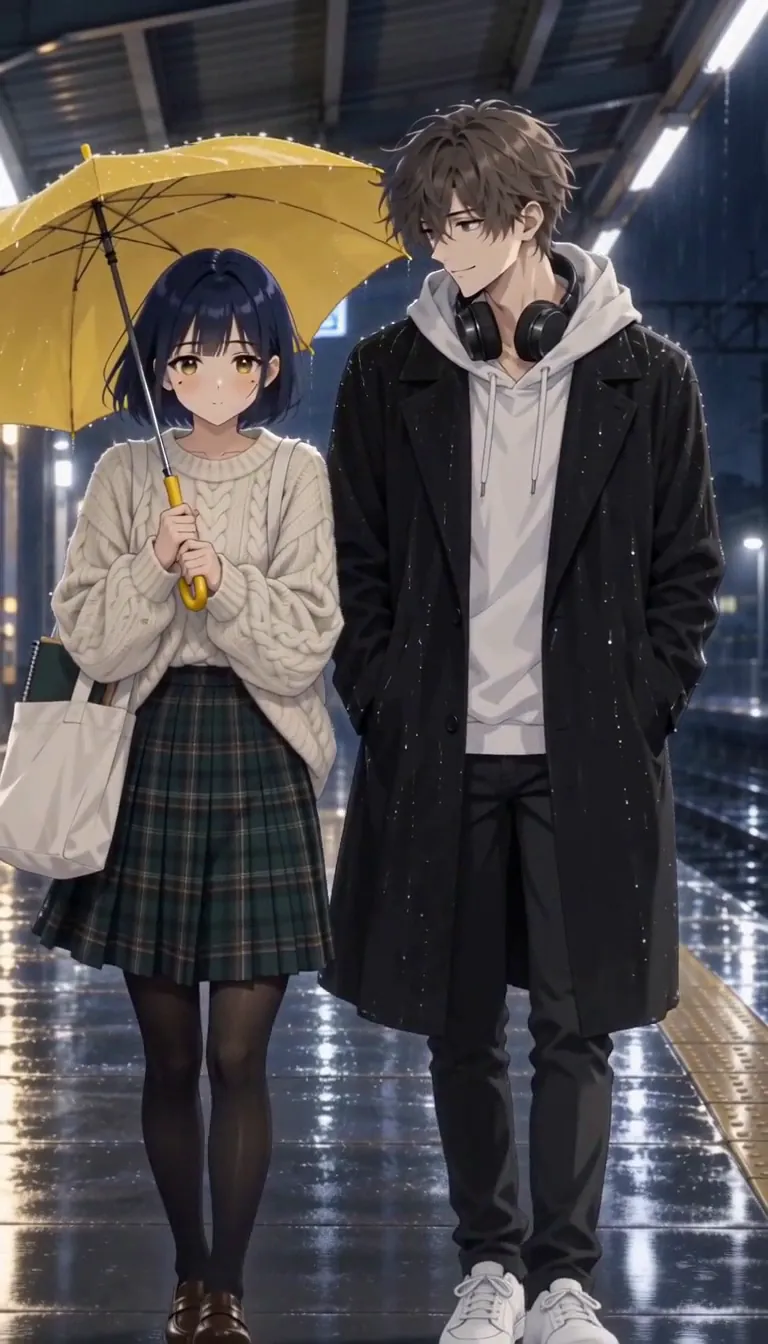
Last Train, Yellow Umbrella · The last train too. Hana, a university art student, and Ren, from the bakery by the station · made with H3 Turbo, the Clip model in Character App · fictional sample series Episodes, series, or one-offs
The unit of ambition is yours: a single Scene for a reaction clip, a standalone Episode for a story, a running Season for a series. The machinery scales the same way at every size — the Season is Episodes that kept going. The smallest unit is one Clip: Star in a clip puts your Character into a clip you filmed, up to 30 seconds, and Customize prompt changes its outfit or setting in plain words.
Short and connected is the product’s home turf: sixty-second Episodes that hook, escalate, and cliffhang are what the pipeline is tuned for — but nothing in the machinery stops a slow-burn ensemble piece either. The scope decision is editorial, not technical.
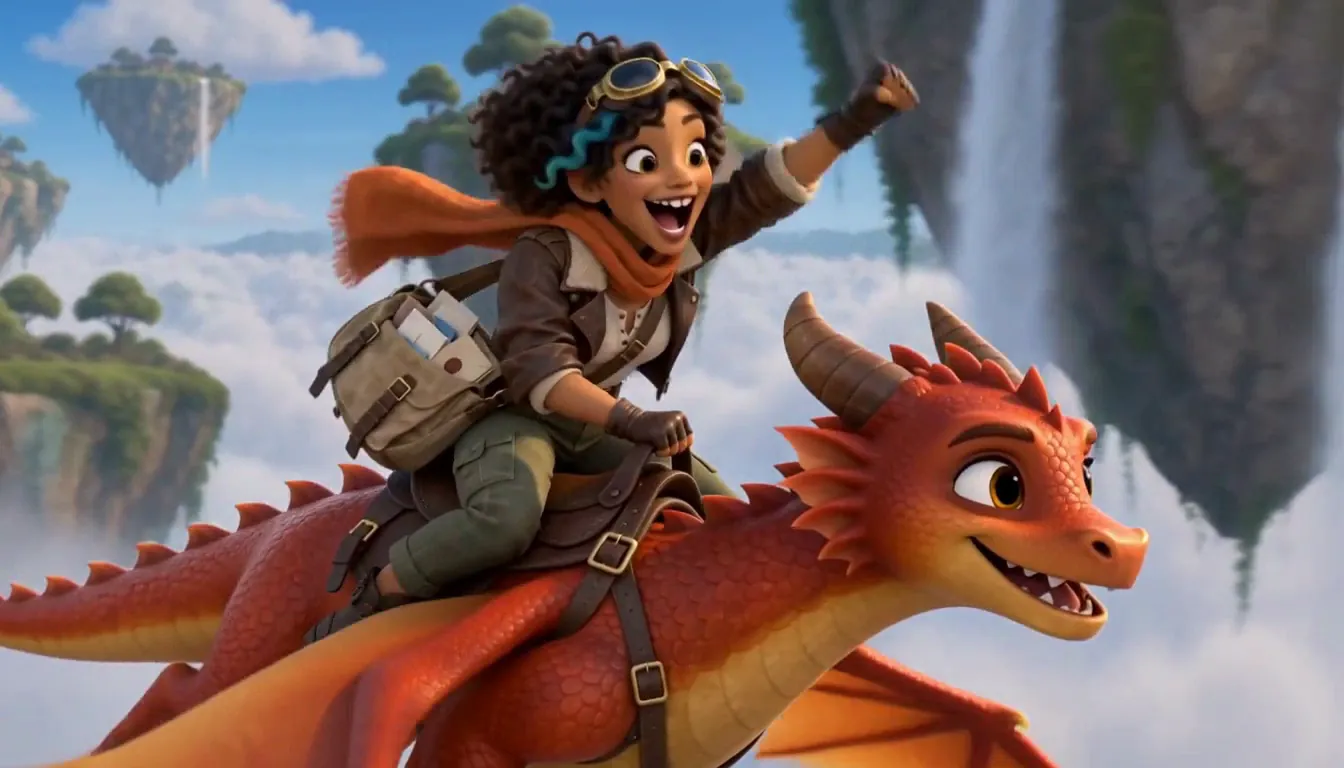
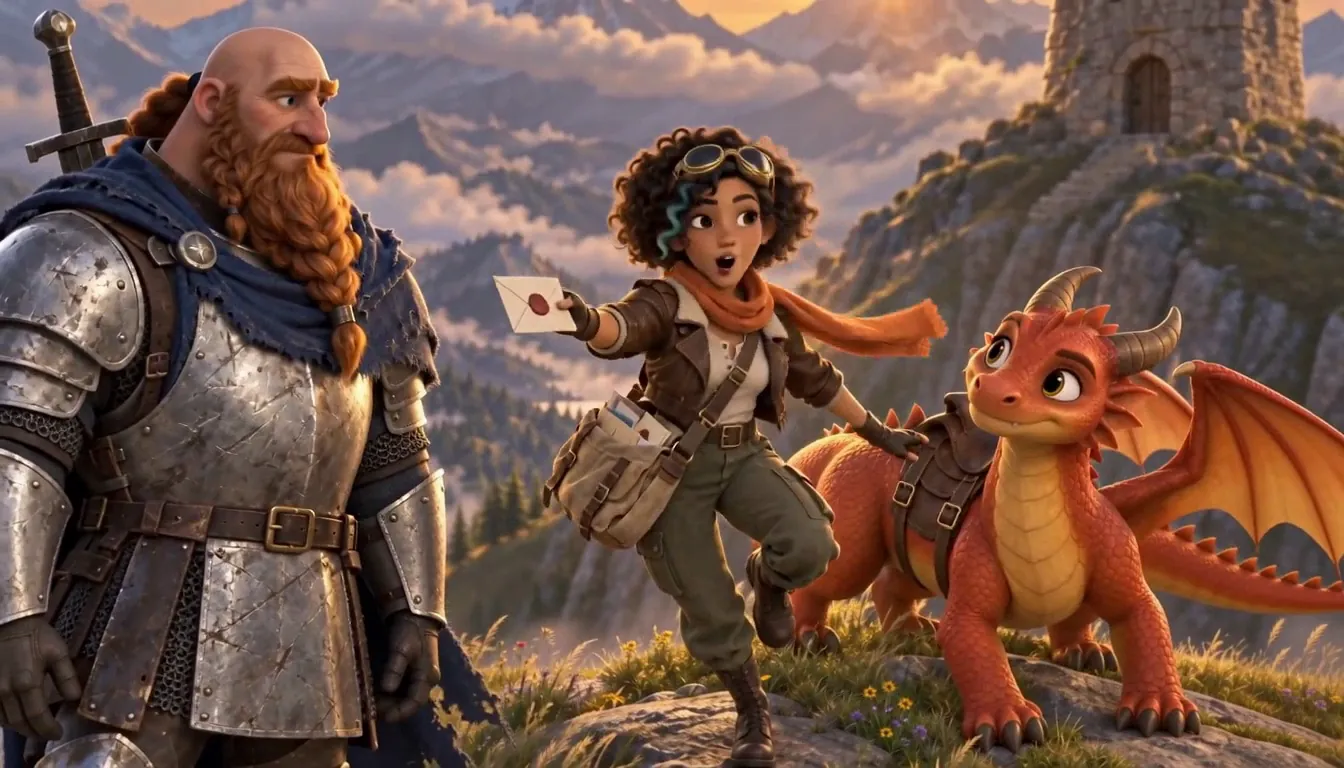
Emberwing · Emberwing. Made with H3 Turbo, the Clip model in Character App · fictional sample series Every path ends at the same door
Whatever you pick — genre, format, Look — the entry is identical: one line describing the show, then the Cast and World assemble around it. The genre spokes below route into the same Studio with the dial already set to that genre.
Start with the genre that’s closest to the thing in your head. If you’re torn between two, the Cast and World you build transfer between them — picking wrong costs a redirection later, not a rebuild from zero.
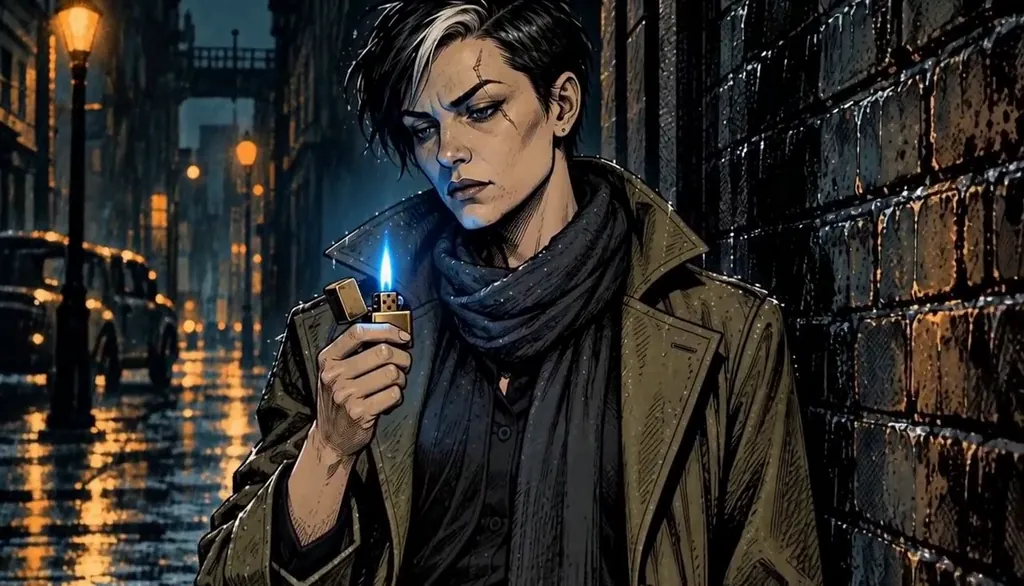
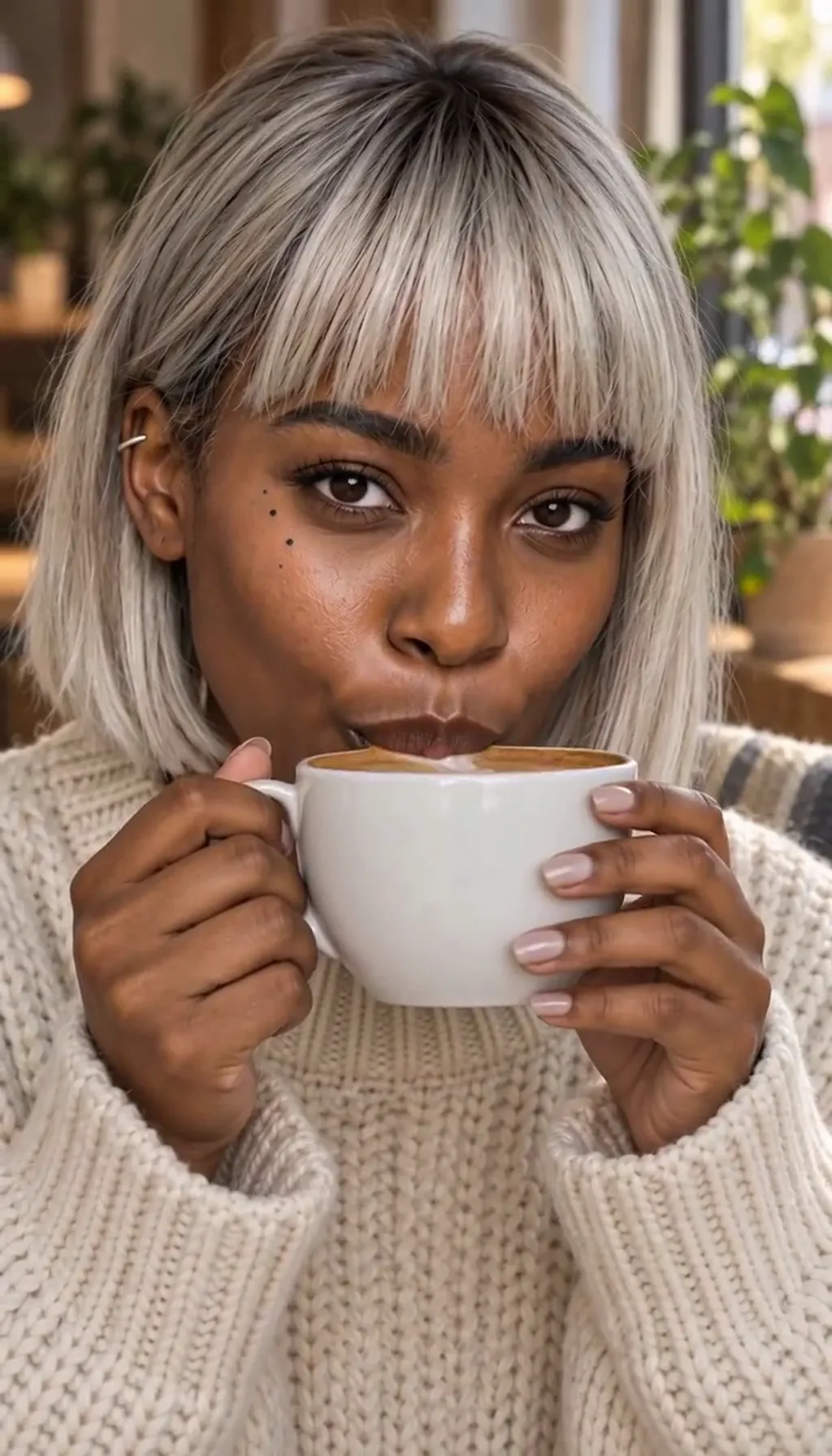
Ashgrove After Dark · Blue flame. Made with H3 Turbo, the Clip model in Character App · fictional sample series

Common mistakes
Picking the format for the wrong reason. 9:16 vs 16:9 is a where-it’s-watched decision, not a taste decision — phone-first audiences get vertical, shared screens get wide.
Choosing a genre by its stills. The Look is skin; the genre is rules — pick the one whose story defaults (secrets, gags, quests) match the thing in your head.
Assuming each genre is a different tool. It’s one pipeline — Cast, World, Director — so learning one genre teaches you all of them; switching is a redirection, not a relearning.
Starting ten shows to find one. One World with a real Cast beats five empty ones — commit to a single build long enough for an Episode to exist.
Waiting for the idea to be perfect. The premise bar takes a sentence, not a thesis — the World builds around a rough idea and improves it in production.
Questions
Can I really make something that isn’t a template?
The Cast is yours (photos or invented), the World is yours, the premise is yours — the genre only sets the Look and the writing defaults. Two sitcoms from different users share a grammar, not a cast or a story.
Which genre should I start with?
Whichever is closest to the idea already in your head — the platform page for each genre (/make/sitcom, /make/vertical-drama, and the rest linked below) shows its grammar. Wrong guesses are cheap; the Cast and World transfer.
Is it only short vertical video?
No — 9:16 is the phone-first format the product is tuned for, but 1:1 square and 16:9 widescreen are first-class options for feeds, short films and shared screens. Length and frame are your call per Episode.
Can I mix genres inside one series?
The World keeps one Look, but genre is a writing default — a comedy World can host a dramatic Episode, and a prompt can override the genre for one chapter. Style-jumping between Worlds is how you change the Look itself.
What can’t I make?
Real-person deepfakes, other people’s characters as IP copies, and anything the content policy forbids. The consent and likeness rules are real; the creative range inside them is the wide part.