Minute 0–1 · Say what it is
Open the Studio and write one line — the premise, not the plot. “Me and my roommate solving a tiny mystery before dinner” is plenty. The bar is the whole door: it takes your sentence and carries it through everything that follows, so don’t over-think the wording.
If words aren’t coming, skip writing entirely — the ready-made Worlds row sits right under the bar, and stepping into one counts as your premise. Either way, the next question is the same, and it’s the only one that matters: who’s in it?
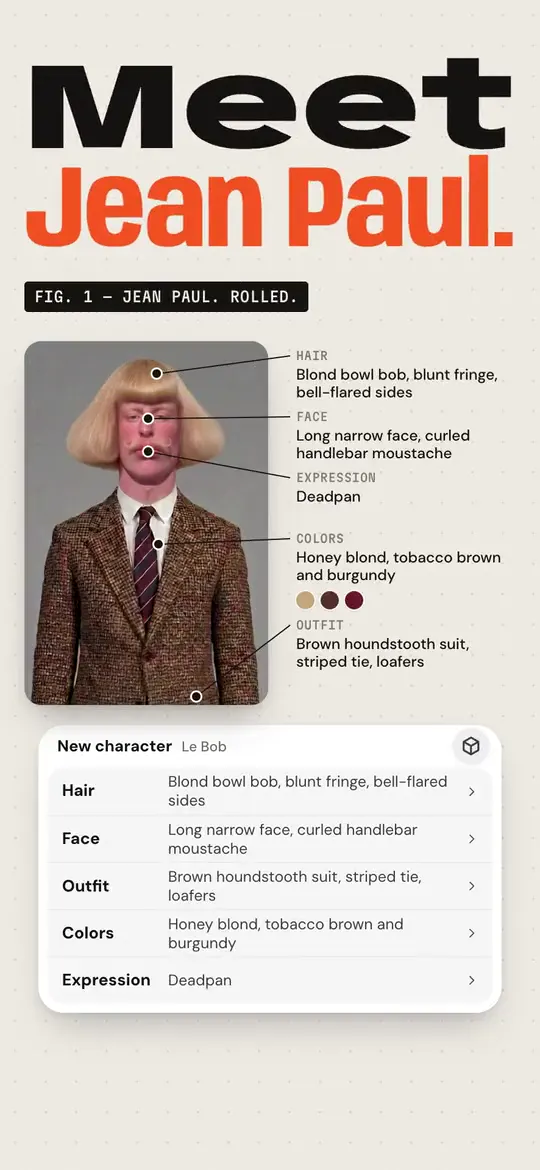
How Character App works · From a clip to a series. Jean Paul · made in Character App · H3 Turbo Minute 1–2 · Answer “Who’s in it?”
Three answers, one tap each. Put yourself in it — one photo and you’re the lead. Me and friends — up to five photos, everyone gets a seat. Make someone up — the Studio invents the lead and you skip the camera roll entirely.
A photo is the fastest route to “that’s actually me.” The picture stays on your device until you choose to use it, and the drawn result is a Character, not a filter — it belongs to the show’s Look.
The line it came from: Three friends, one AI startup, one rate limit.
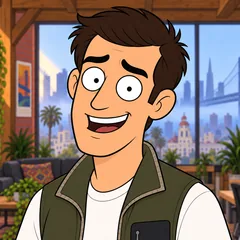 MilesFounder
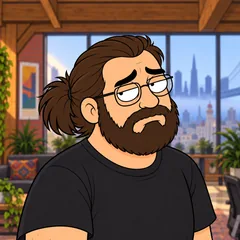 DevEngineer
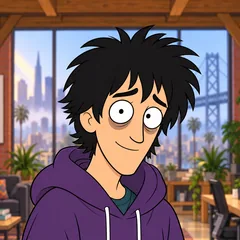 WizProdigy
Rate Limited · one line, and the Cast it drew: three Characters who keep their faces in every Episode. Our own fictional sample series, made in Character App. Minute 2–4 · Meet your Character and keep the look
The Studio draws your Character in the World’s Look and shows you the result. Name them, and add one line about them if you feel like it — a job, a mood, a thing they never say. Optional fields stay optional; the Bible keeps whatever you give it.
Then the press that matters: keep the look. The Locked marker means this exact design is now the reference every future Scene draws from — this is the moment a drawing becomes a Cast member.
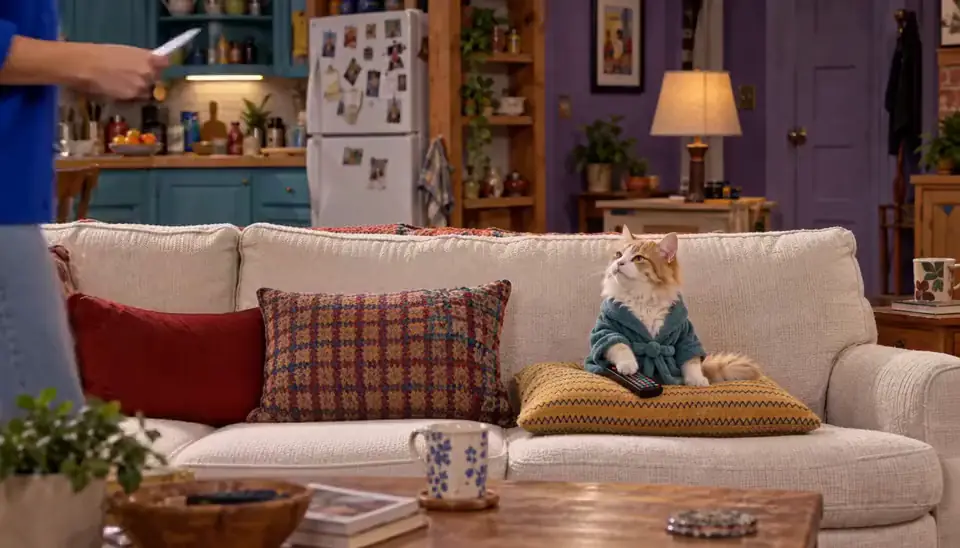
Roommates & Rent · Episode 1: Rent Is a Suggestion. Made with H3 Turbo, the Clip model in Character App · fictional sample series Minute 4–5 · Watch the World build
While you were naming a Character, Genesis — the first-run build — was assembling the World around them: the place, the Look, the opening Bible, and the Cast seats. The World screen lands with all of it already populated, so there’s nothing left for you to configure.
You don’t have to touch any of it. Read the cover, glance at the Cast row, and move on — the World’s job is to hold consistency, not demand attention. It’s there in the background for the day episode four needs to remember episode one.
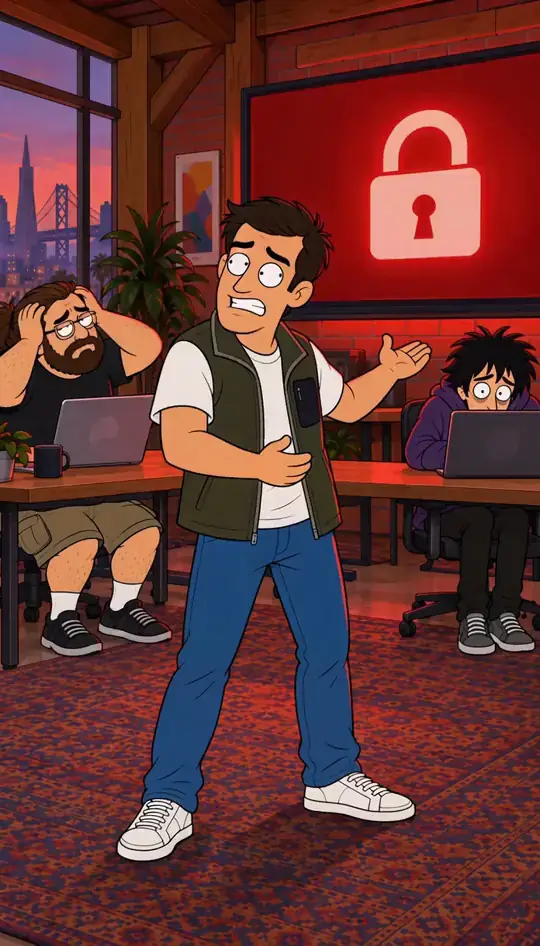
Rate Limited · Limit reached. Made in Character App · fictional QA Cast Minute 5–7 · Pitch the Director one line
Open the Director and write what happens — one line, in your own words. “The roommate finds a note slipped under the door and won’t show me what it says.” Tag the Cast members who should be in it and press Direct.
The Director drafts an outline — the episode’s shape before anything is drawn. Read it like a pitch: wrong ending? Say so. Missing a character? Tag them. The outline pass is free to redo, so make it say what you meant.

Last Train, Yellow Umbrella · The last train too. Hana, a university art student, and Ren, from the bakery by the station · made with H3 Turbo, the Clip model in Character App · fictional sample series Minute 7–8 · Draw the Scenes
Approve the outline and it fans out into Scenes — one dramatic moment each, laid out in shot order. “Draw the scenes” is the first and only image-spend checkpoint: the key frames every take will start from, priced on the press itself.
Scene Images land in the planner as they finish — you can watch them arrive one column at a time. If a frame reads wrong, edit that Scene’s direction line and redraw it on its own; the rest of the board stays put while it re-renders.
Minute 8–9 · Film a take, keep the take
Now the priced step: “Film It” turns a Scene into a Take — a short Clip candidate you can watch immediately. The Studio shows the exact Credit cost on the press itself, before anything is spent, so the number you approve is the number charged.
Watch the take. If it lands, keep it — the kept take becomes the Episode’s Clip. If it doesn’t, write a sharper direction line and film another take; retakes are how the episode gets good, not a sign it went wrong.
Minute 9–10 · The Episode lands
Kept takes assemble in order, and the Episode appears on the World’s board — a finished, watchable first episode with your face (or your invented lead’s) in it. The “Direction saved” toast is the Studio’s way of saying the work is filed.
Everything you made is durable: the Cast stays seated, the World keeps its memory, the Episode sits in the Library. Tomorrow’s episode two starts from all of it — which is why the second one takes less than ten minutes.
Common mistakes
Over-writing the premise. The bar wants a line, not a synopsis — “who + what + the friction” is enough; the Director fills in the shape.
Skipping “keep the look.” An unkept Character never joins the Cast, so the next Scene can’t find them — the Locked press is what makes the person recur.
Treating the first outline as final. It’s a draft the Director expects you to argue with — one sentence of pushback is cheaper than fixing drawn Scenes.
Filming every Scene on day one. The free path covers the World build and daily Images; Clips are the priced step — film the Scene that matters and let the rest wait.
Expecting the first take to be the take. Plan on two or three attempts per Scene — writing direction is a skill that compounds fast.
Questions
Is ten minutes realistic, or marketing?
It’s the honest shape of the first run: the Studio draws while you read, so most of the clock is watching results land. Your active input is about six small decisions — premise, photo, name, look, one direction line, keep-or-retry.
Do I need to pay within the ten minutes?
No — the World build and Scene Images ride the free path (up to 4 Lite Images a day, no card). Filming a Clip is the priced step and it shows the exact Credit cost before you approve it.
What if I don’t have a good photo?
Choose “Make someone up” and the Studio invents the lead — you lose the “that’s me” moment but keep everything else. A clear, front-facing photo with decent light is all the photo path needs.
Can I stop mid-run and come back?
Yes — the World, Cast, and every drafted Scene persist on your account. Reopening the Studio lands you where you left off, not back at the door.
What do I actually end up with?
A finished Episode assembled from the takes you kept, living on the World’s board and in your Library — plus a Cast, a World, and a Bible that make episode two faster.