Keep the monster the same face every Episode
Design the creature, the killer or the detective once — then film the slow reveal, one shadow at a time, across a whole season.
Continue with the free Studio · one World build, one Character a day, 4 Lite Images a day
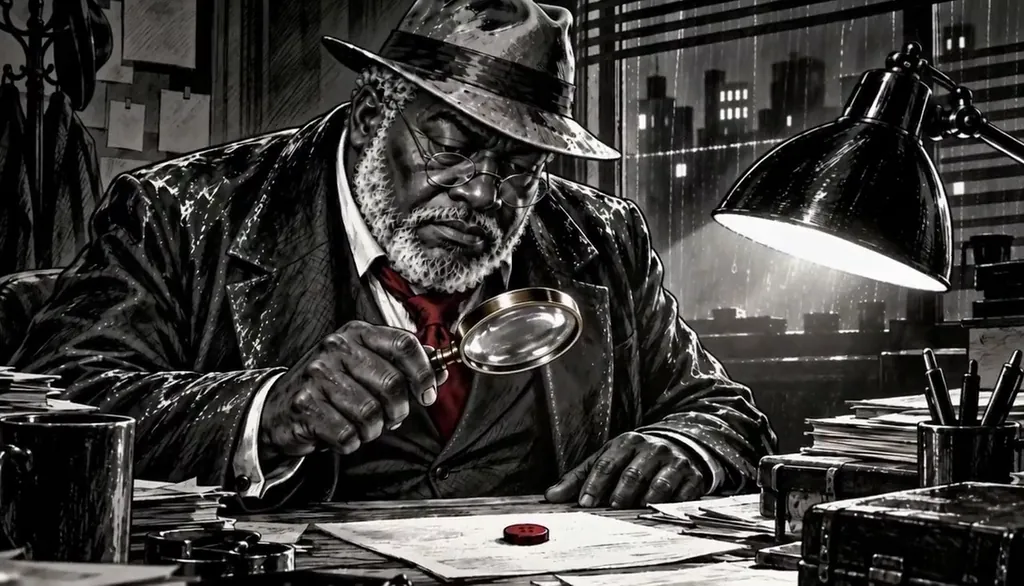
How to make a monster & horror character
Describe your monster or horror character in one line — the shape, the one wrong detail, what it wants — or start from your own photo for the detective. Character App builds that Character once and keeps the same face and silhouette in every Scene, Episode and Look, from noir ink to live-action black-and-white, then films them as Clips instead of a single poster. Add suspects and survivors to the Cast, build the house in the World and direct the dread Scene by Scene. Start in the free Studio.
Updated September 2026 · Free to start · Web and iPhone
Looking for the general tool? Start with the AI character creator.
Same Character, any Look
Otis in 2 Looks: noir ink, black-and-white live action. Put Otis into another World with a different Look and the face, the hair and the wardrobe carry over; only the pen changes.
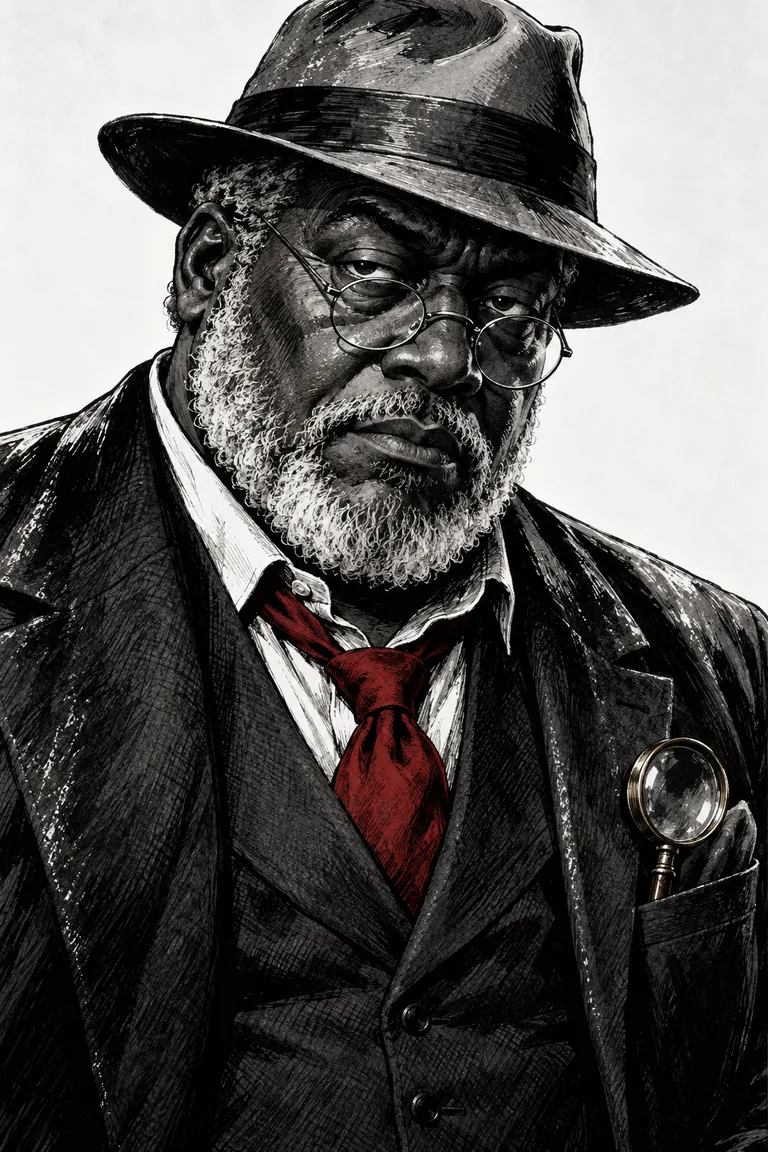
01 Noir ink
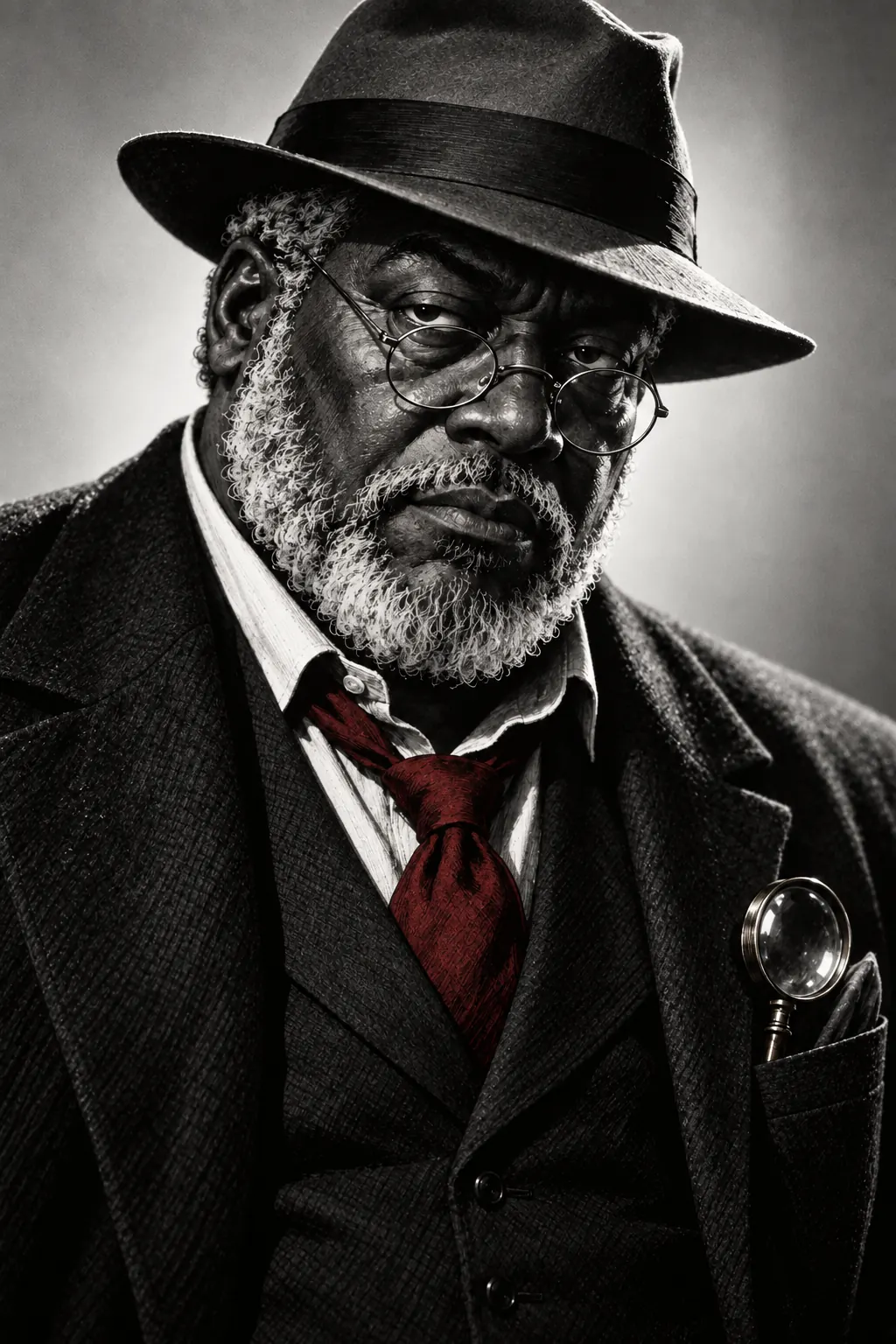
02 Black-and-white live action
Original character made for this page with gpt-image-2.5. Looks drawn with gpt-image-2.5 from one portrait.
The character sheet
Before Otis is in a single Scene, there is a sheet: front, three-quarter and back views, plus the expressions the story will need. It is how we design a Character and how Character App keeps Otis consistent from Clip to Clip, in every Look.
It is not a download. You never manage a reference sheet yourself, and the app does not export a turnaround file; the Cast keeps the Character on-model in the Scenes you direct.
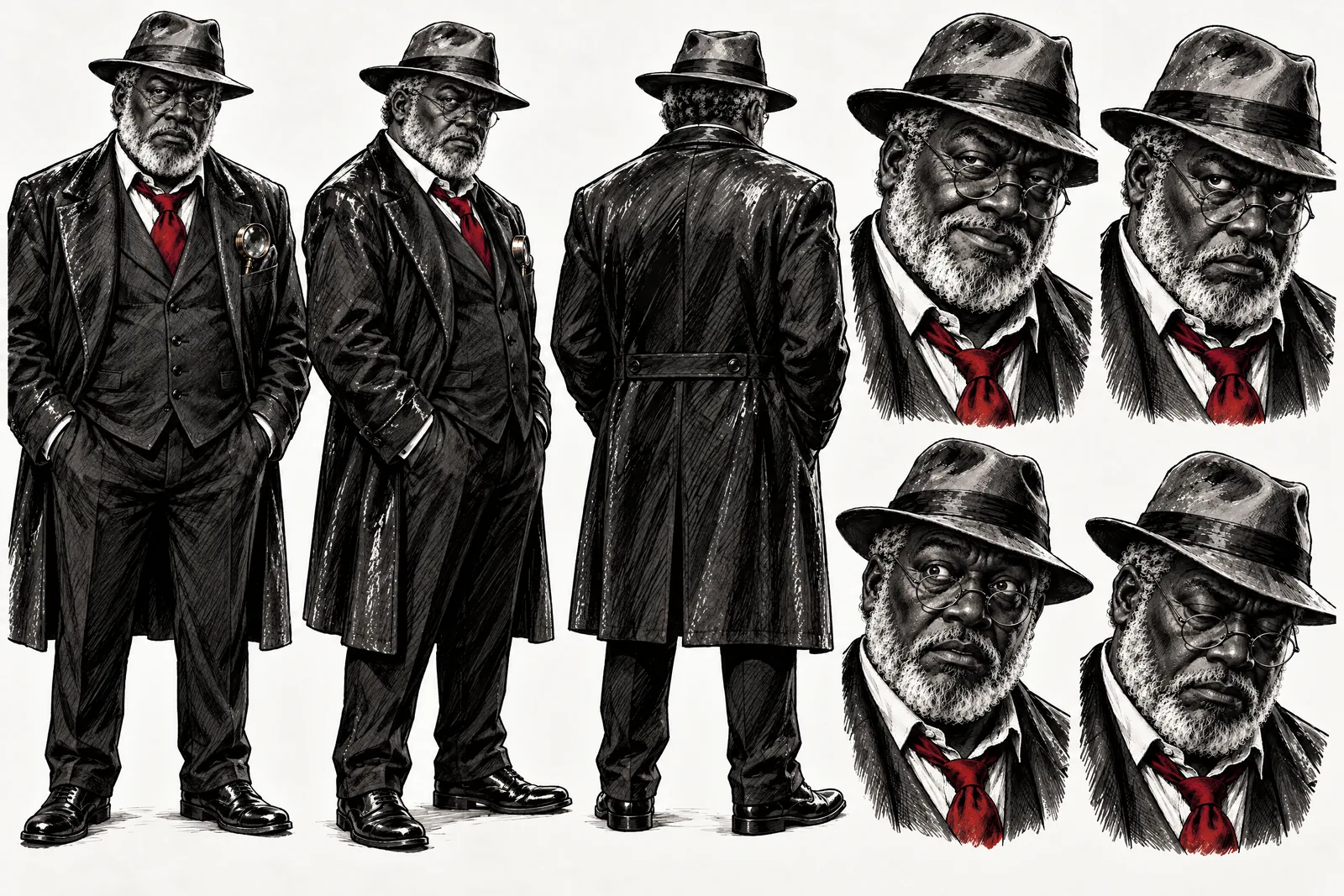
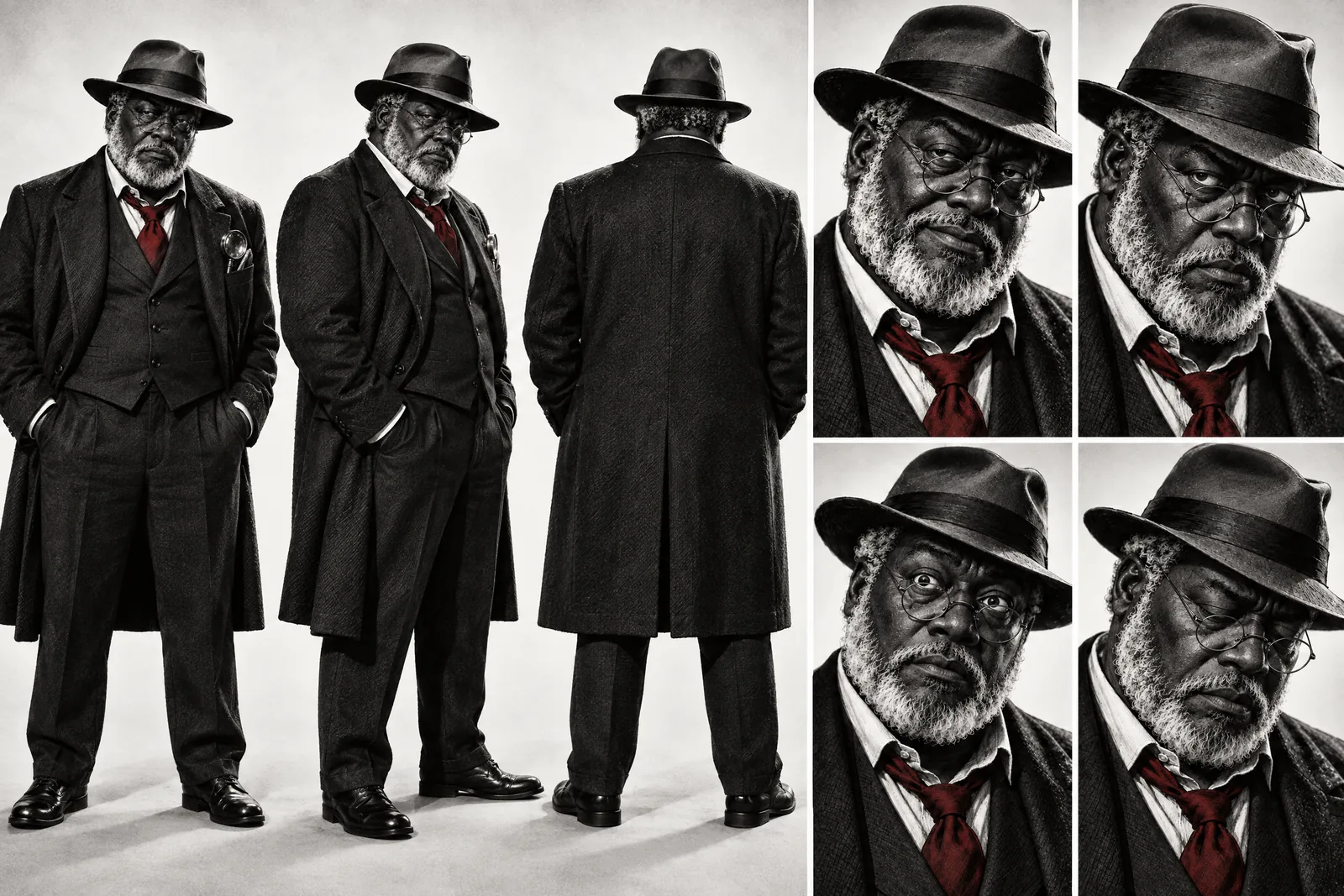
Otis lives in your Characters
Every Character you make keeps its Looks in one place, one for each World’s Look. Use Otis in a new World and the Cast brings the same face into that World’s Look, in every Scene and Clip.
Illustration of the Characters screen, recreated with Otis Blackwood’s Images. Original character made for this page with gpt-image-2.5.
Why the monster has to stay the same
Horror is built on anticipation. The audience learns a shape in Episode 1 — the too-long fingers, the lantern, the hat — and dreads it for the rest of the season. If the creature drifts between Scenes, it stops being one thing and the fear drains out. Character App builds each Character once and keeps them on-model across every Scene, Episode and Look, so the silhouette in the doorway in Episode 4 is exactly the one from the cold open. Every Scene is filmed as a Clip, so the door actually drifts open.
Design something worth dreading
The best horror characters are mostly ordinary, with one thing badly wrong.
One wrong detail
A neighbour who never blinks. A scarecrow with clean boots. Restraint is scarier than extra teeth.
A shape that reads in shadow
Most horror Scenes are dark. A clear outline — a wide hat, a crooked stance — lets the audience recognise it half-hidden.
A rule it follows
Only comes when the lamp goes out; can't cross running water. Rules give the survivors a plan and the audience something to fear breaking.
Mystery needs a detective, too
Not every horror character is the monster.
The detective
Heavy, patient, precise — wire spectacles removed before naming the killer. A tell the audience learns to wait for.
The suspects
Each with one clue on their person. Because the Cast stays consistent, the clue still matches when you pay it off.
The survivor
Resourceful, underestimated, last one standing. Starts the season scared and ends it holding the lantern.
Suspense, not gore
Graphic violence and gore are against the content policy. Shadows, sound and the cut before the moment do the work. Casting yourself as the detective? Add your own photo in the app. Anyone else needs to agree — the content policy requires the person in the photo or their written consent.
8 monster & horror character ideas to start from
Press one and it lands in the idea box. Change a word or keep it; the Director takes it from there.
- 01The LighthouseThe keeper died in March. Someone is still lighting the lamp every night.Use this idea
- 02Clean BootsThe scarecrow's boots are clean every morning, and the field is always muddy.Use this idea
- 03The AlibiA detective takes off his spectacles: the clock was wrong, and so is your alibi.Use this idea
- 04Room 9The motel has eight rooms. Guests keep checking into the ninth.Use this idea
- 05The New NeighbourHe waves every morning, from every window of the house at once.Use this idea
- 06Snowed InSix guests, one chalet, a storm — and a seventh set of footprints.Use this idea
- 07The Red ButtonOne red button on the floor of a locked study is the only clue.Use this idea
- 08Night FerryThe ferry leaves with twelve passengers and docks with eleven, every night.Use this idea
From one line to a Character on film
- 1
Describe the monster
One line: the shape, the wrong detail and the rule. Character App sketches the World — the house, the woods, the rainy parlour.
- 2
Build the Cast
Add the detective, suspects and survivors from descriptions or your own photo. Every face and silhouette stays locked.
- 3
Film the dread
Direct each Scene, keep the takes where the shadow lands and cut before the reveal. The next Episode shows a little more.
Questions, answered
Still curious? Using your own photo and the guides go deeper.
Does the monster stay the same across every Scene?
Yes — that's the point. The monster is a Character built once and kept on-model across Scenes, Episodes and Looks, so the audience learns its shape and dreads it.
Can I write a whodunit that reveals the killer over several Episodes?
Yes. Plant clues early, clear one suspect per Episode and hold the reveal. The Cast and props stay consistent, so the clues still match at the end.
How graphic can it get?
Not graphic. It's suspense: graphic violence and gore are against the content policy.
Is it a real filmed Scene or a still image?
A filmed Scene. Every Scene is a moving Clip — the slow push-in, the door that drifts open.
Can I make a vertical horror series for the phone?
Yes. Film in 9:16 with a cliffhanger every Episode, or 16:9 for a widescreen mystery.
What does a horror Episode cost?
Currently the free Studio gives you one World build, one Character a day and 4 Lite Images a day. A plan unlocks Clips and Film — Starter is $19.99 a month for 800 Credits — and a 5-second Clip made from an Image on H3 Max Turbo is 15 Credits. The price is on the button before you press.
More character types
Every character type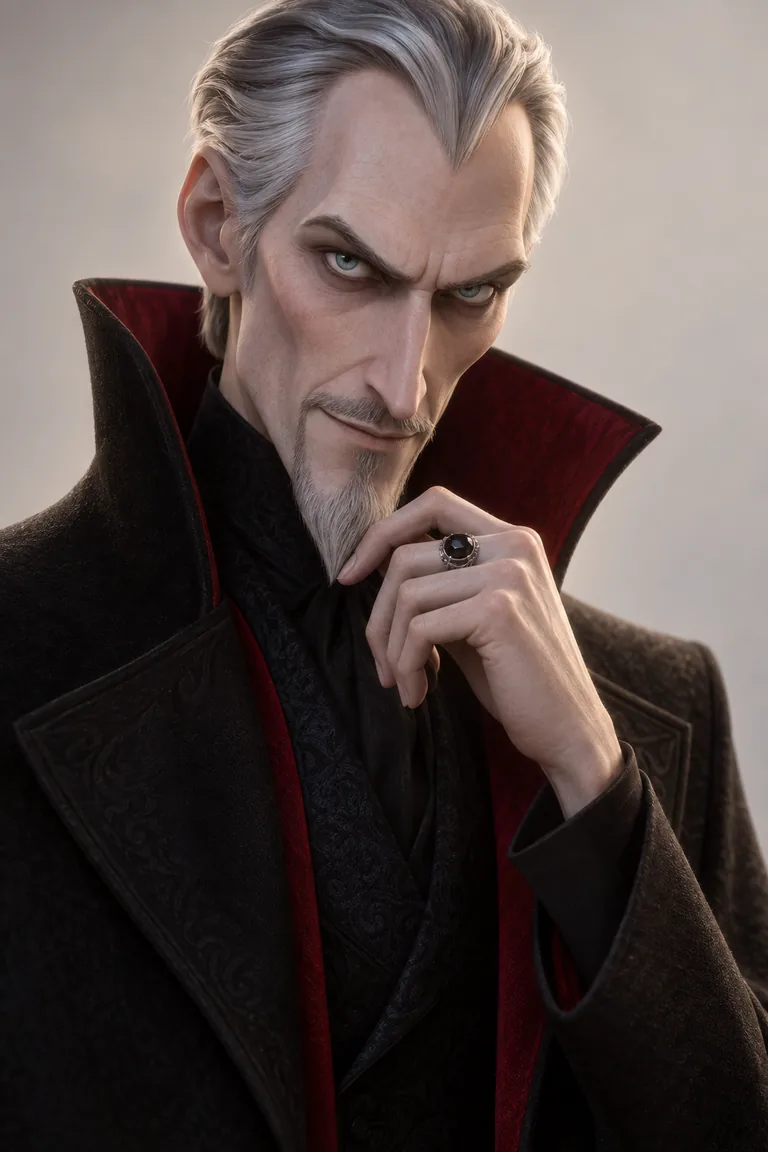 VillainOne silhouette, one calm voice, a season of dread.
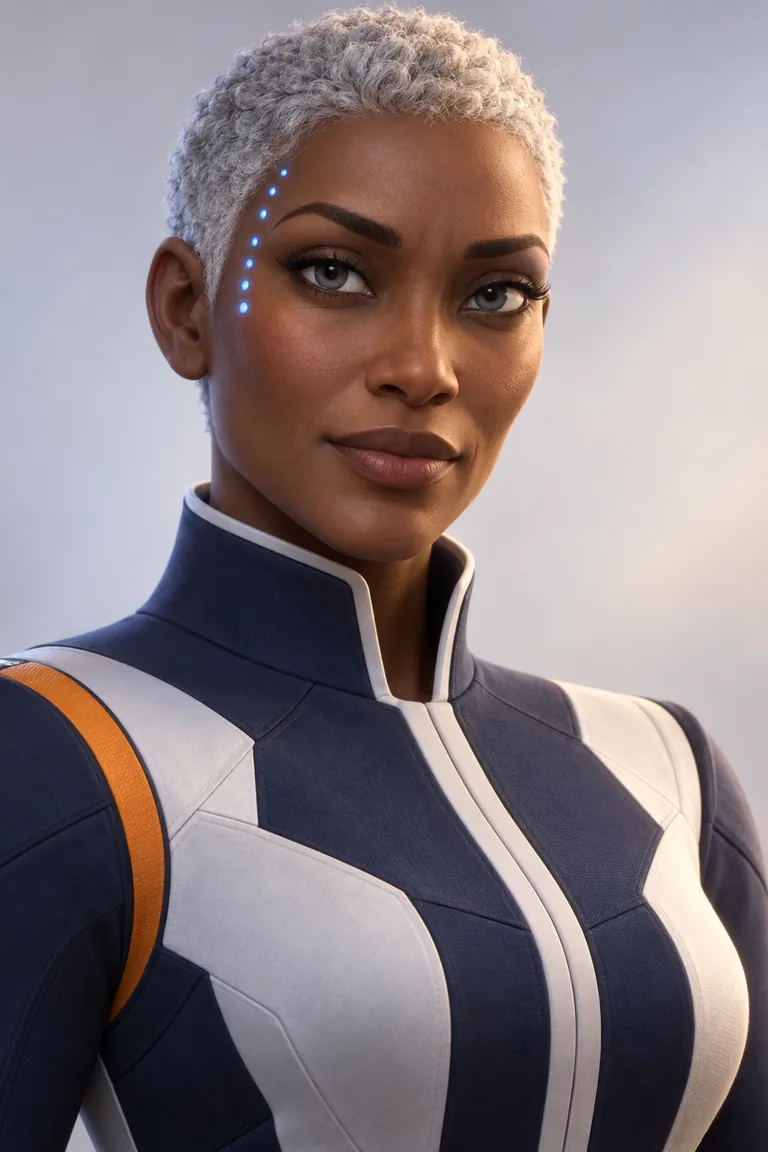 Sci-Fi CharacterOne captain, one ship, a long way out.
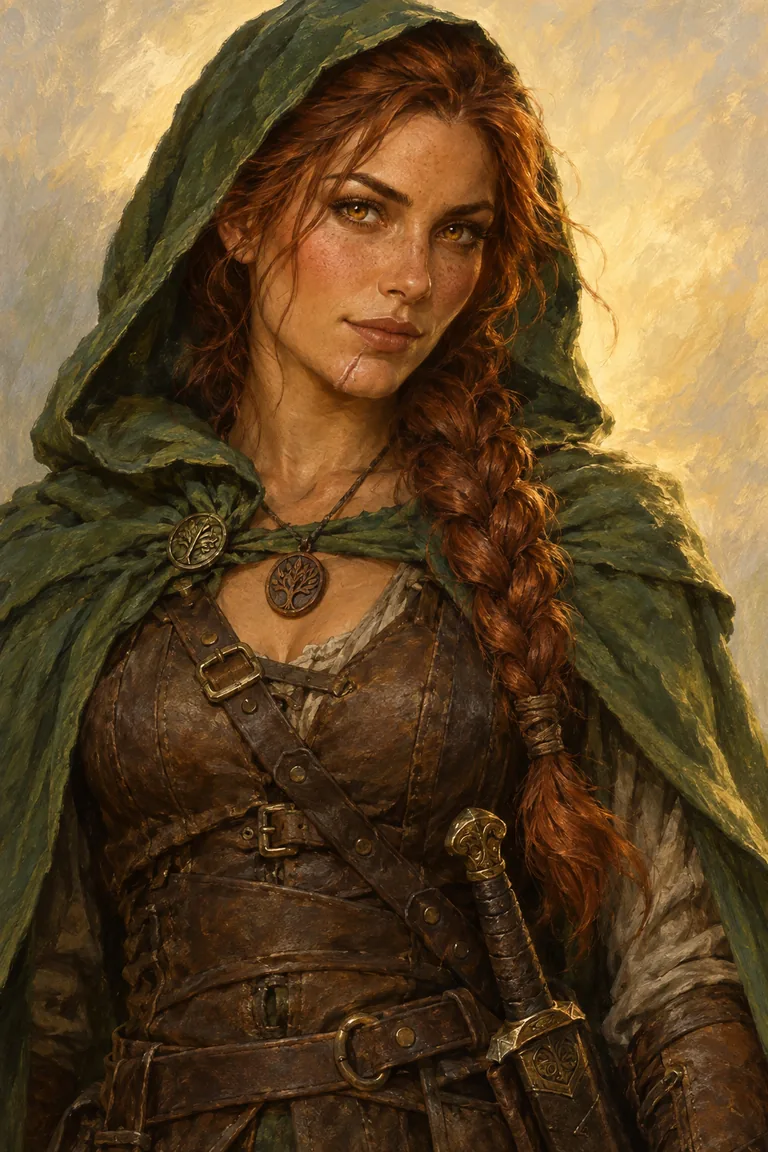 Fantasy HeroOne hero, one quest, every mile of it.
Make a show with your monster & horror character
Your monster & horror character starts with one line.
Continue with the free Studio · one World build, one Character a day, 4 Lite Images a day