A pixel character with somewhere to go
Chunky pixels, a small palette and the same hero in every Scene: a retro-game Look for Clips, not a sprite sheet for your engine.
Continue with the free Studio · one World build, one Character a day, 4 Lite Images a day

How to make a pixel art character
Describe the character, or start from one you already made, and give them a 16-bit pixel-art Look. Character App keeps the design (hair, colours, signature gear) steady across every Scene and films them as moving Clips: a retro title screen, a side-scrolling chase, a boss reveal. It is a visual style for storytelling, not a game-dev tool, so it won't make sprite sheets, walk cycles or engine-ready PNGs.
Updated September 2026 · Free to start · Web and iPhone
Looking for the general tool? Start with the AI character creator.
Same Character, any Look
Milo in 6 Looks: live action, anime, 3D animated, 2D cartoon, claymation, pixel art. Put Milo into another World with a different Look and the face, the hair and the wardrobe carry over; only the pen changes.
01 Live actionMilo, realistic
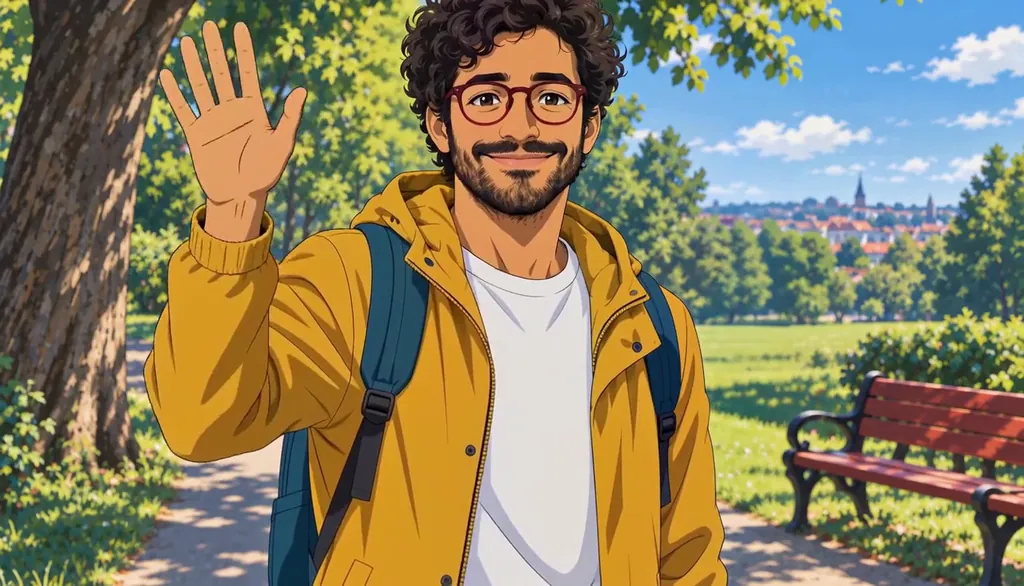
02 AnimeMilo, anime
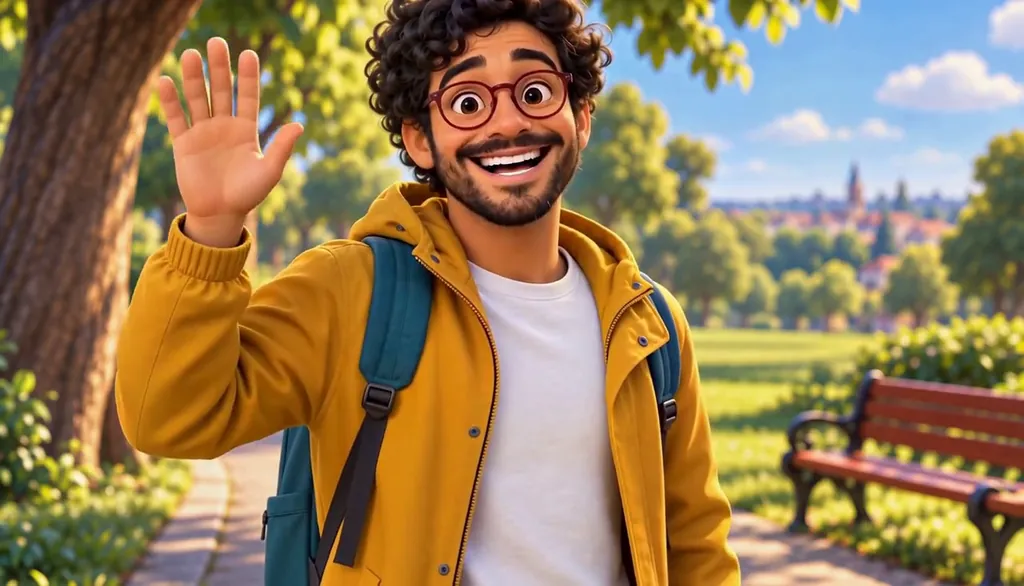
03 3D animatedMilo, 3D animated
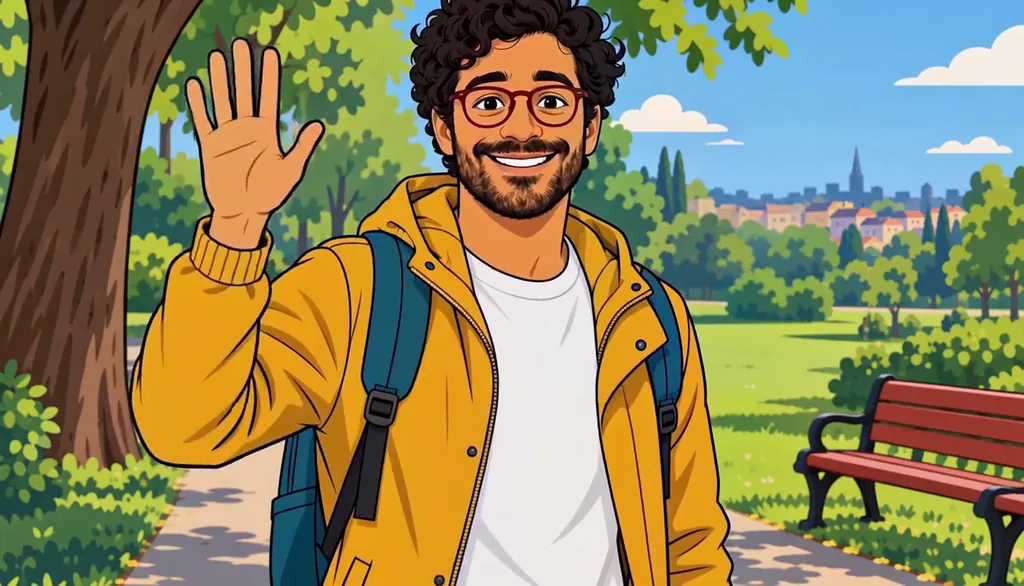
04 2D cartoonMilo, 2D cartoon
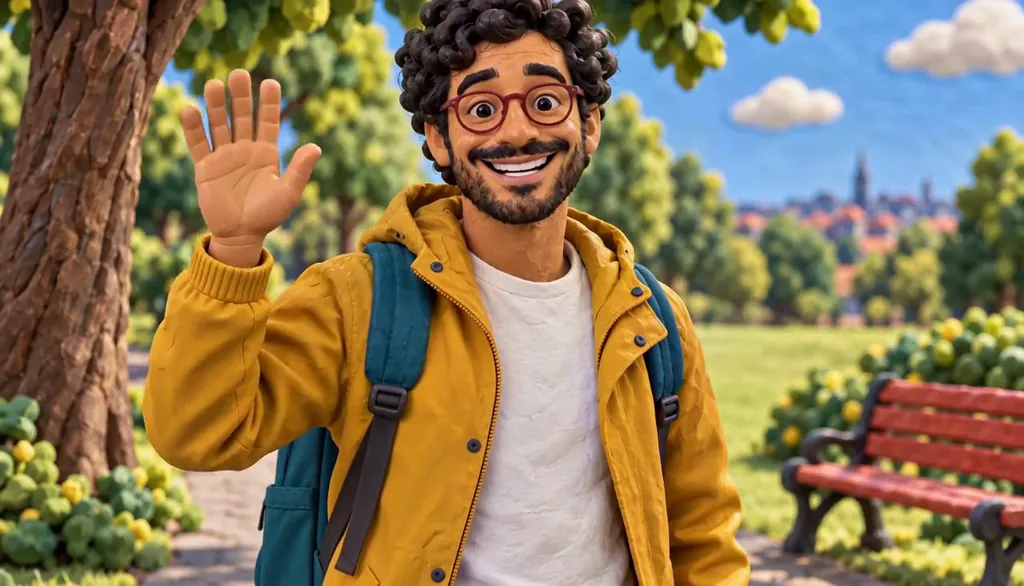
05 ClaymationMilo, claymation

06 Pixel artMilo, pixel art
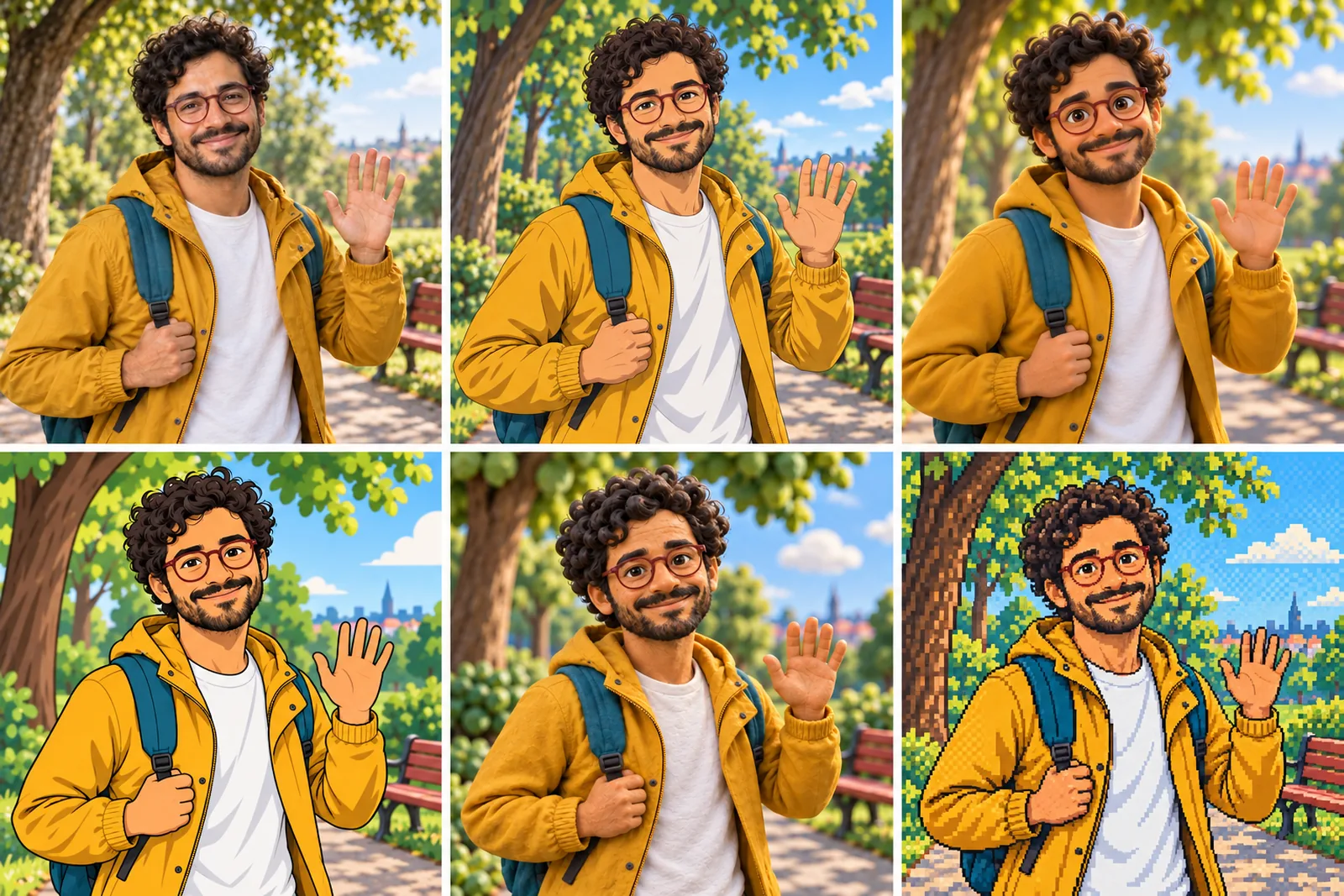
07 All six Looks
Original character made for Character App’s character pages with gpt-image-2.5 and H3 Max Turbo. Clips filmed with H3 Max Turbo, the Clip model in Character App; Looks drawn with gpt-image-2.5 from one portrait.
The character sheet
Before Milo is in a single Scene, there is a sheet: front, three-quarter and back views, plus the expressions the story will need. It is how we design a Character and how Character App keeps Milo consistent from Clip to Clip, in every Look.
It is not a download. You never manage a reference sheet yourself, and the app does not export a turnaround file; the Cast keeps the Character on-model in the Scenes you direct.
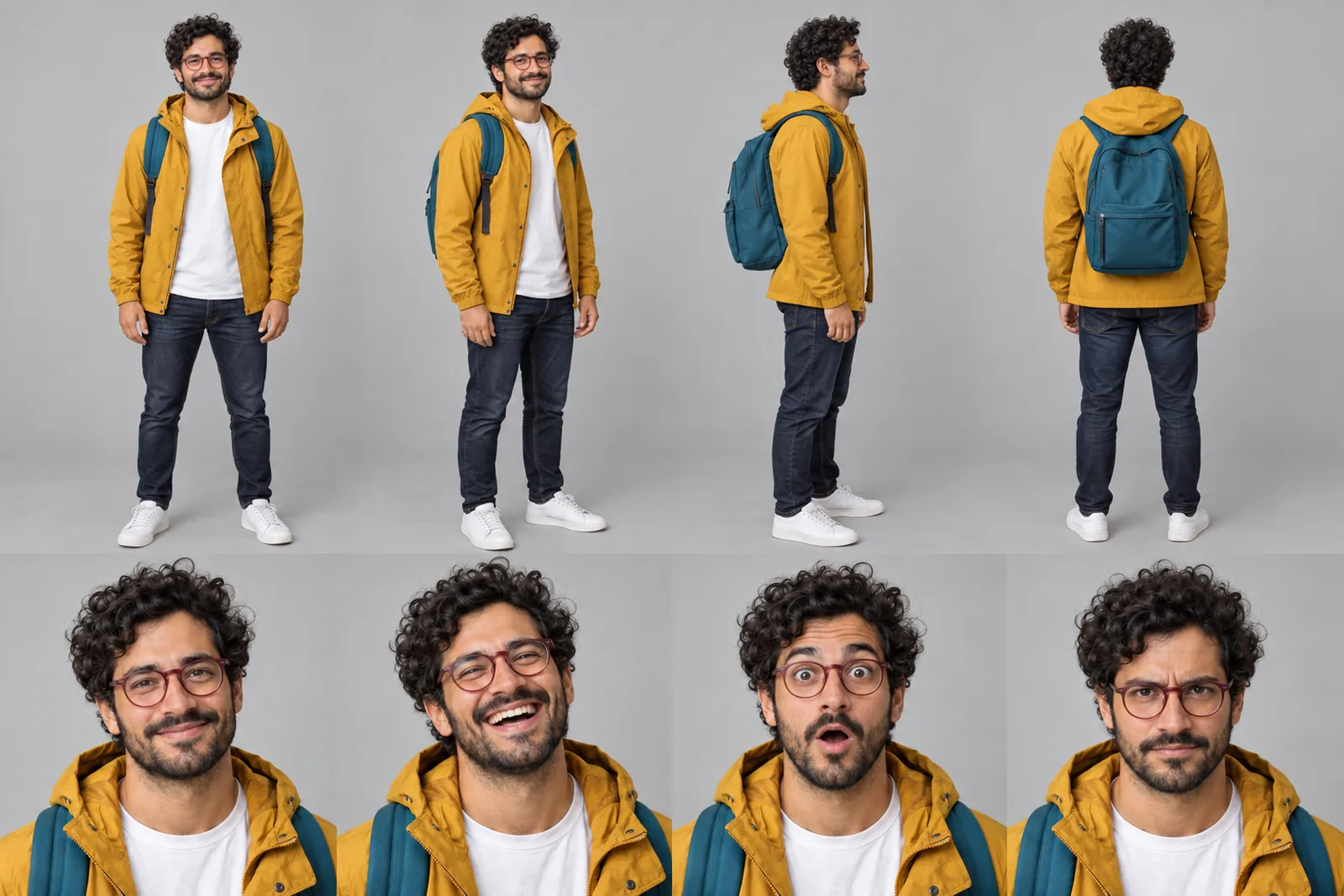
Milo lives in your Characters
Every Character you make keeps its Looks in one place, one for each World’s Look. Use Milo in a new World and the Cast brings the same face into that World’s Look, in every Scene and Clip.
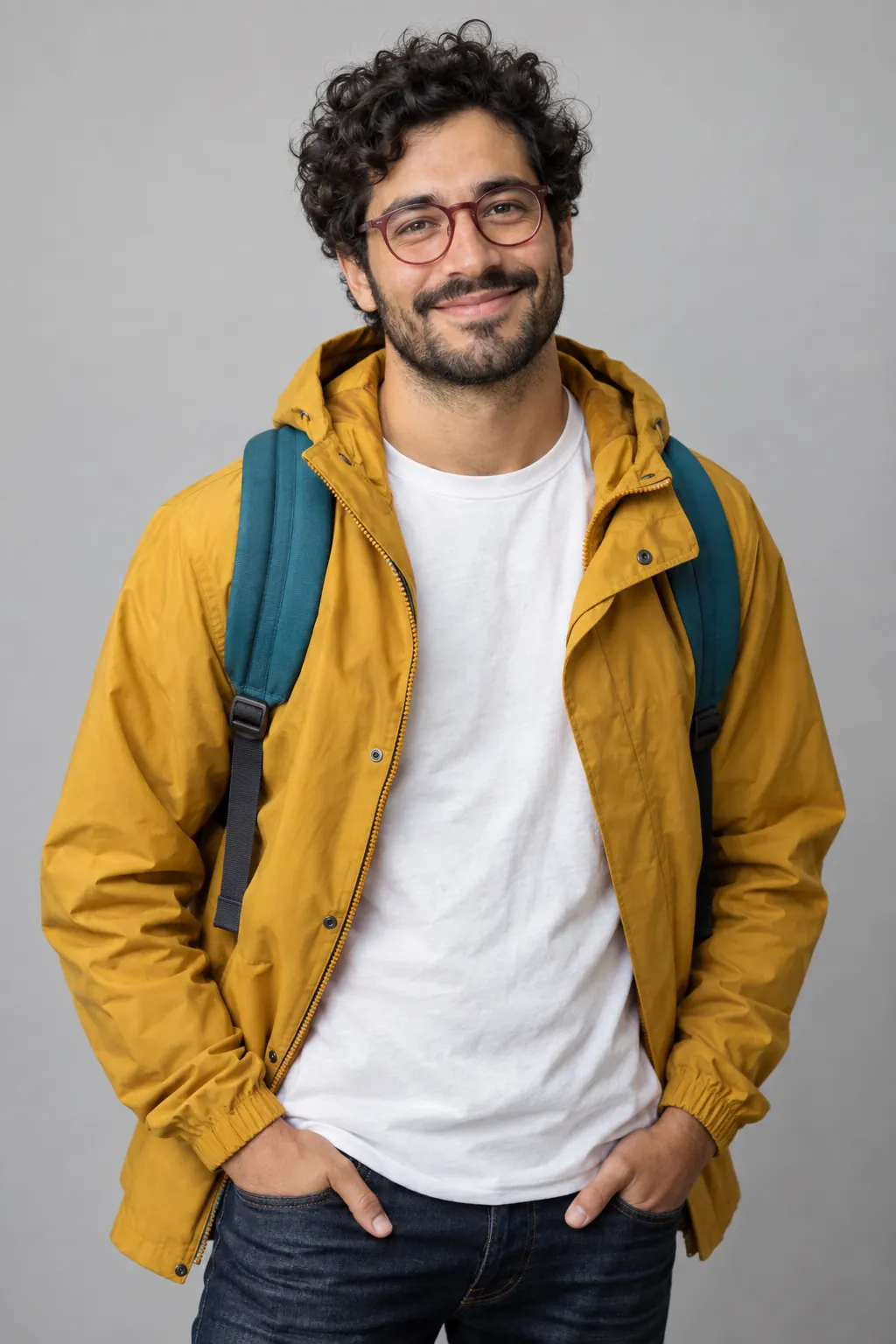
Illustration of the Characters screen, recreated with Milo Fenn’s Images. Original character made for Character App’s character pages with gpt-image-2.5.
Pixel art as a Look
Pixel-art tools usually give you one little hero on a transparent background, and a second request gives you a different little hero. Here pixel art is a Look on a Character who already exists. Milo, with his messy curls, red round glasses and mustard raincoat, turns toward camera, pushes his glasses up and waves in realistic video; put him into a World with a 16-bit Look and it's the same Milo, same park, same bench, now made of chunky pixels. That's the trick: the Character stays, the resolution drops.
Designing for low resolution
Silhouette
At 16-bit, shape is identity. Big hair, a cape, a backpack: something that reads in a few pixels.
Few colours
Three or four colours per Character. A mustard coat and a teal backpack beat a subtle plaid.
One oversized detail
Red glasses, a scarf, a giant sword. Exaggerate the thing that makes them them.
Clear poses
Jump, wave, point, fall over. Big readable actions film better than tiny gestures.
Scenes that feel like a game
Borrow the grammar of old cartridges: a title-screen shot, a level start, a side-on chase, the boss door, a game-over slump. Build one World as your game map and keep the Cast in it, and a short series starts to feel like a game you half remember renting. Brainrot edits and retro 80s parodies love this Look too. Keep each Scene to one clear action, a jump, a grab, a fall, and the retro feel does the rest.
What this isn't
No sprite sheets, walk cycles, tilesets, transparent PNG sets or engine exports. Clips are rendered video in a pixel-art style, so the pixels won't always sit on a perfect grid. For grid-perfect game assets, a pixel editor or a dedicated game-art tool is the better fit.
8 pixel art character ideas to start from
Press one and it lands in the idea box. Change a word or keep it; the Director takes it from there.
- 01Rain RunA 16-bit courier races a rain cloud across the rooftops.Use this idea
- 02Press StartA hero stands on a cliff as the title screen fades in.Use this idea
- 03Boss DoorA tiny knight knocks politely on a giant door.Use this idea
- 04Extra LifeA hero finds a glowing mushroom and has doubts.Use this idea
- 05Game OverA defeated hero sits on the floor as the screen goes dark.Use this idea
- 06Side QuestA villager asks for ten wolf pelts and one very specific sandwich.Use this idea
- 07Arcade NightTwo pixel rivals face off on the neon pier.Use this idea
- 08Same MeA realistic Character waves, and the next shot is his 16-bit self.Use this idea
From one line to a Character on film
- 1
Describe the hero
Silhouette, a few colours, one oversized detail, or bring a Character you already made.
- 2
Build the game World
The town, the forest level, the boss castle, in a pixel-art Look.
- 3
Film the levels
Split the idea into Scenes, draw the Images, and film the Clips you like with a plan.
Questions, answered
Still curious? Using your own photo and the guides go deeper.
Does this export a game-ready sprite sheet?
No. For engine-ready sprite sheets, a dedicated game-dev tool is the better fit. This gives a Character a pixel-art Look inside real Scenes and Clips.
Can I turn an existing Character into pixel art?
Yes. A Character you already built can appear in a pixel-art World and keep its anchors.
Can pixel art mix with other styles for the same Character?
Yes. The same Character can be realistic in one World and 16-bit in another, which makes a great before-and-after cut.
Is this good for retro-game-style videos?
That's what it's for: title screens, chases, boss reveals and parodies, filmed as Clips.
Can I make a pixel-art version of myself?
Yes, from your own photo: your hair, glasses and favourite jacket in a handful of pixels. Anyone else needs to agree first.
Is it true pixel-perfect art?
It's a pixel-art look rendered as video, so pixels won't always sit on an exact grid. For pixel-perfect assets, use a pixel editor.
8-bit or 16-bit?
Describe the era and palette you want. More pixels usually keep faces more recognisable, so 16-bit is a good default.
What does it cost?
Continue with the free Studio: currently one World build, one Character a day and 4 Lite Images a day. Clips need a plan, from $19.99 a month for 800 Credits; a 5-second Clip from an Image on H3 Max Turbo is 15 Credits, shown on the button before you press.
More character types
Every character type

Your pixel art character starts with one line.
Continue with the free Studio · one World build, one Character a day, 4 Lite Images a day