Start From a Picture. Build a Character Around It.
Bring an Image you have the right to use, decide what should remain recognizable, and keep the selected reference with the Cast member for later Scenes.
A source picture is an anchor, not ownership. Rights and consent still apply.
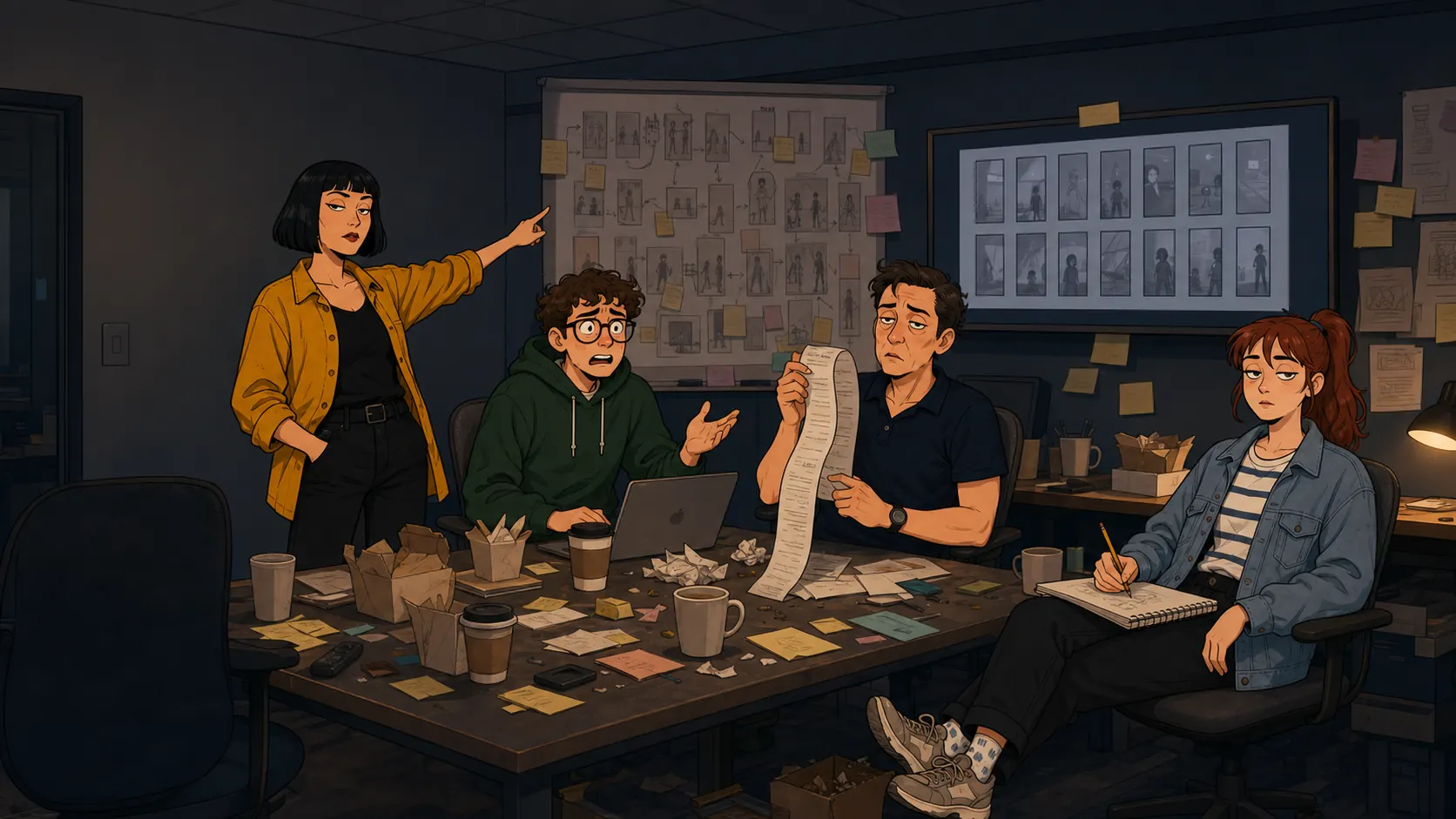
What the picture should answer
Face and silhouette
Let the picture establish the proportions and features that should remain recognizable.
World direction
Translate the same person into grounded 2D comedy or stylized 3D without rebuilding the identity.
How to make a character from a picture
Keep the source clear, the rights clear, and the appearance decisions small enough to review.
Choose a permitted Image
Use your own artwork, your own likeness, licensed material, or another source you are authorized to use.
Describe the intended change
Name the World direction, role, wardrobe, and expression without fighting the visible evidence in the source.
Keep and test
Select a reference, place it in a real Scene, and compare the result against the source before continuing.
Use the Image for identity and the brief for Story.
A picture is usually better at face shape, hair, posture, and wardrobe than a paragraph. Use the written direction to add the role, mood, World Look, and Scene purpose.
When the visual brief contradicts the source, drift becomes more likely. Make one deliberate change at a time and keep the approved result.
Permission travels with the source.
Uploading an Image does not create rights to the person, artwork, or character inside it. Use sources you own or are authorized to use, and keep likeness consent clear.
Move from 2D to 3D without changing the Cast member.
Keep the hairstyle, face shape, wardrobe colors, and posture stable while changing only the rendering language. Then review the result in the same Scene composition.
FAQ
- Can I upload a photo to make a character?
- Yes, when you have the required rights and consent. The picture can guide appearance while you choose the World direction and Story role.
- Can I use a drawing instead of a photo?
- Yes. Original artwork, licensed illustrations, and permitted 3D renders can all serve as a visual reference.
- What picture works best?
- Use a clear, well-lit Image where the face, hair, silhouette, and wardrobe are easy to read. Avoid heavy occlusion when those details matter to the continuing Cast member.
- Can I make both 2D and 3D characters?
- Yes. Choose a grounded 2D cartoon direction, a stylized 3D direction, or another current World Look. Keep one approved Cast reference as the visual anchor for later Scenes.
- Will the character look identical in every Scene?
- No visual model can promise an identical result every time. A clear reference, stable wardrobe notes, and consistent World direction can reduce drift; review every Image and Clip before keeping it.
- Can I use the character in a vertical drama?
- Yes. Build the Cast member first, plan a 9:16 Story, then reuse the approved reference while directing each Scene. Close-ups, wardrobe continuity, and readable expressions matter most on a phone screen.