The Interactive Story Creator You Actually Direct
Pitch the Story. Cast the roles. Move Scene by Scene until the ending lands.
Change one Scene without rebuilding the rest.
Direct Your Story
Make it a series
Once you can direct one episode, run the same cast through a binge-ready vertical drama series.
Create your cast
Every story you direct needs characters that hold their look. Build them from a photo or a prompt.
Plan the narrative
Map the whole story scene by scene before you spend a credit, then direct each beat.
From pitch to finished episode in three steps
The director-first workflow: pitch the story, cast the roles, then shape every scene until it is right.
Pitch your story and cast the roles
Start with a premise, then create or assign the characters who will carry it. Their locked references anchor every scene you direct from here.
Direct each scene by hand
Work through the story scene by scene. Write the action, set the camera, choose who appears, and render — then judge the result and adjust.
Rewrite, reshoot, and re-render until it lands
Not happy with a take? Rewrite the line, change the shot, or rework the ending and render that scene again. Iterate freely until the episode matches your vision.
A prompt box gives you one take. A story gives you control.
Type a prompt into a standard AI video tool and you get exactly one result — and if it is wrong, your only move is to rewrite the prompt and roll the dice again. There is no scene to go back to, no line to tweak, no shot to reshoot in isolation.
Character App replaces the single prompt box with a story you direct. Every scene is a separate, editable unit: you can rewrite just that scene, re-render just that shot, or reorder the sequence without touching the rest of the episode. Directing, not gambling.
Every scene is yours to shape.
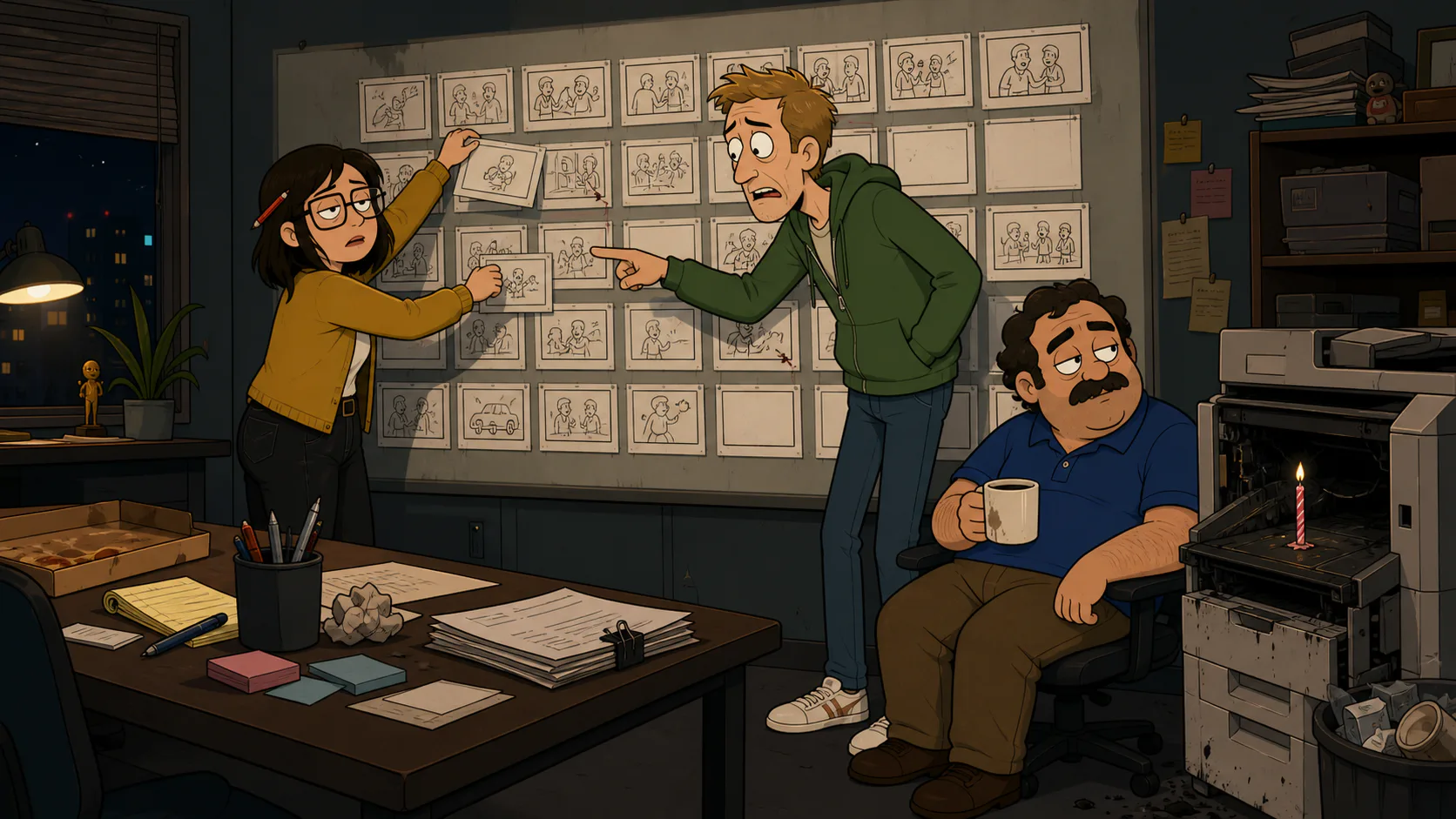
The Story editor is the director's chair. Each scene holds its own action prompt, camera direction, and cast assignment, and each renders independently — so refining one beat never forces you to regenerate the whole story.
That granularity is what "interactive" means here: the interaction is between you and the edit, iterating shot by shot until the story is right.
- Rewrite the action or dialogue on any single scene
- Change the camera direction — push in, pan, crane, or hold
- Reassign which characters appear in a scene
- Re-render one shot without disturbing the rest of the episode
- Reorder scenes to change the pacing or the ending
Direct freely without losing your characters.
Iterating hard on a story usually means fighting drift — every re-render risks a slightly different face. Character App removes that tax. Because your cast lives in locked profiles, you can reshoot a scene ten times and the characters look identical every take.
That is what makes real directing possible. You are free to experiment with the action, the camera, and the ending, knowing the one thing that must stay constant — who your characters are — never wavers.
You are the director, scene by scene.
To be clear about the word: interactive here is about your control over the making of the story, not a branching path your audience clicks through. There is no choose-your-own-adventure playback — the final episode is a linear vertical video you export and post.
The interactivity is upstream, in Studio: keep shaping Scenes, swapping currently available models, and rendering new takes until the cut is right. Plans start at $19.99/mo with 800 to 4,000 monthly Credits; the exact quote appears before each paid action.
FAQ
- How is this different from a normal AI video prompt box?
- A prompt box gives you one generation from one prompt. Character App gives you a story made of separate, editable scenes — you can rewrite, recast, and re-render any single scene without redoing the rest, directing the episode instead of gambling on one take.
- Can I change a scene after I render it?
- Yes. Every scene is independently editable. Rewrite the action, adjust the camera, swap which characters appear, or re-render that shot as many times as you like. Nothing is locked after the first take.
- Does "interactive" mean my viewers choose what happens?
- No. The interactivity is creator-side — you are the director shaping every scene. The finished episode is a standard linear vertical video you export and share. There is no branching or choose-your-path playback for the audience.
- Do my characters stay consistent while I iterate?
- Yes. Your cast lives in locked profiles, so re-rendering a scene ten times never changes their faces, wardrobe, or style. You can experiment freely with the action and camera while the characters stay identical across every take.
- Can I use different models as I refine a scene?
- Yes. Each Scene has its own model setting. Use a lower-cost current option for drafts and choose a higher-cost option only where its capabilities help. Reusing the Cast reference can reduce drift, but results vary by shot.