Create the characters. Build your own Story World.
Start with a character or running joke. Build the Cast, World, Bible, and next Scene around it.
Director helps with the next move. You decide what belongs in the World.
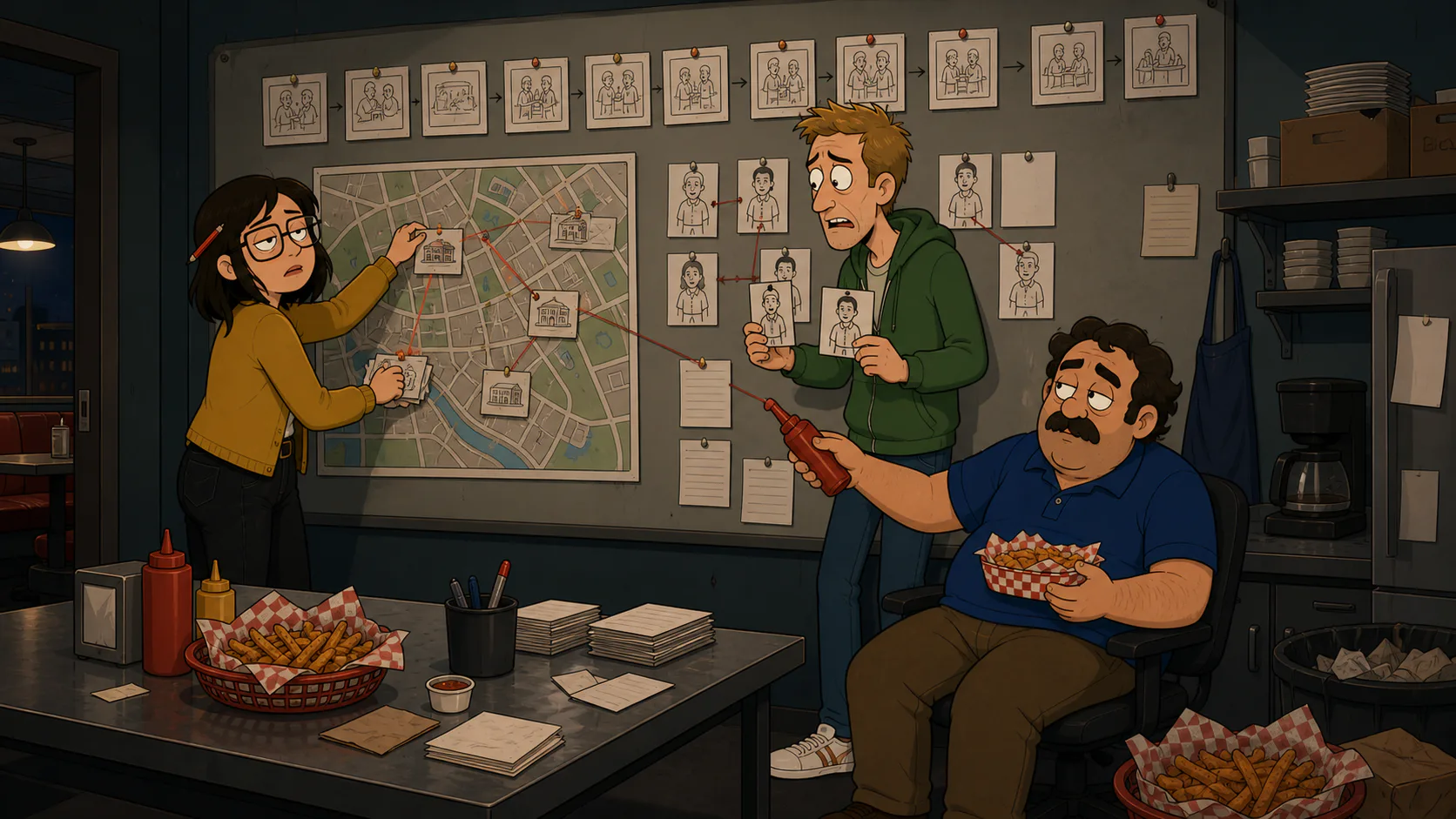
Explore the story World system
Give the World a memory
Use the Bible for the Look and settled facts that should ground future work.
Direct the next Turn
Talk with Director in your private Studio and review the plan before paid work.
Bring collaborators inside
Invite people to the World and move selected work into the shared Room.
From first spark to a living World
Character App gives every part of the creative process a durable home, without taking audience or spending decisions out of your hands.
Start with a character or spark
Name the character, topic, niche, premise, or story problem you want to keep exploring.
Build the memory
Keep approved Cast references and add settled facts to the Bible as the World takes shape.
Make the next Turn
Use Director to plan, Draw Images, Film Clips, and keep the strongest work in the Library.
A story World is more than a prompt history.
The best niche is often the thing you already cannot stop talking about. A long-running story then needs memory: who the Cast are, what the World looks like, what has already happened, and which creative decisions are settled. Character App keeps those layers connected so you can return tomorrow without reconstructing the project from scattered chats and folders.
The World is the container. Studio is private work with Director. The Room is where invited collaborators can respond. The Bible holds the truth. The Library keeps the work you may want again.
AI helps with the next move. You keep authorship.
Director can propose a Scene, a Story plan, or a Bible update, but you review what enters the World. Paid work waits for an explicit Credits quote and confirmation. Sending work to collaborators names the audience on the action.
- Private Studio work stays private until you send it
- Bible updates remain reviewable
- Paid actions show their quote before you approve them
Characters, Scenes, Clips, and Stories stay in one creative loop.
Use the same Cast and Look across new locations, emotions, and formats. Reference-led consistency is an aid rather than a guarantee, so every result remains yours to review, keep, revise, or leave behind.
FAQ
- What is an AI story World builder?
- It is a workspace for creating and managing the Cast, lore, Look, Scenes, Clips, Stories, and collaborators around one continuing fictional World. Character App keeps those parts connected instead of treating each prompt as a separate project.
- Can I build a story World around any topic or niche?
- Yes. Start with a sport, relationship, subculture, profession, original character, local legend, or another topic you care about. You shape the World and its audience; Director helps with the next creative move.
- Can I start from one character?
- Yes. A character, an Image, or a short premise can be the first anchor. From there you can shape the World, add Cast, and build the Bible.
- Does Character App make decisions for me?
- Director proposes creative moves, but you review what belongs in the World. Audience changes and paid work require explicit actions.
- Can I work with friends?
- Invites and the shared Room are rolling out in stages, so availability can vary by account. When available, collaborators enter the World with a named seat and selected Studio work can be sent to the Room.
- Where do finished Images and Clips go?
- The Library keeps searchable Images, Clips, Stories, and pinned work. Private culls remain private.
- Which AI models can I use?
- The available model lineup depends on account, plan, platform, and rollout. See /ai-video-models for the current product approach and in-app availability rules.