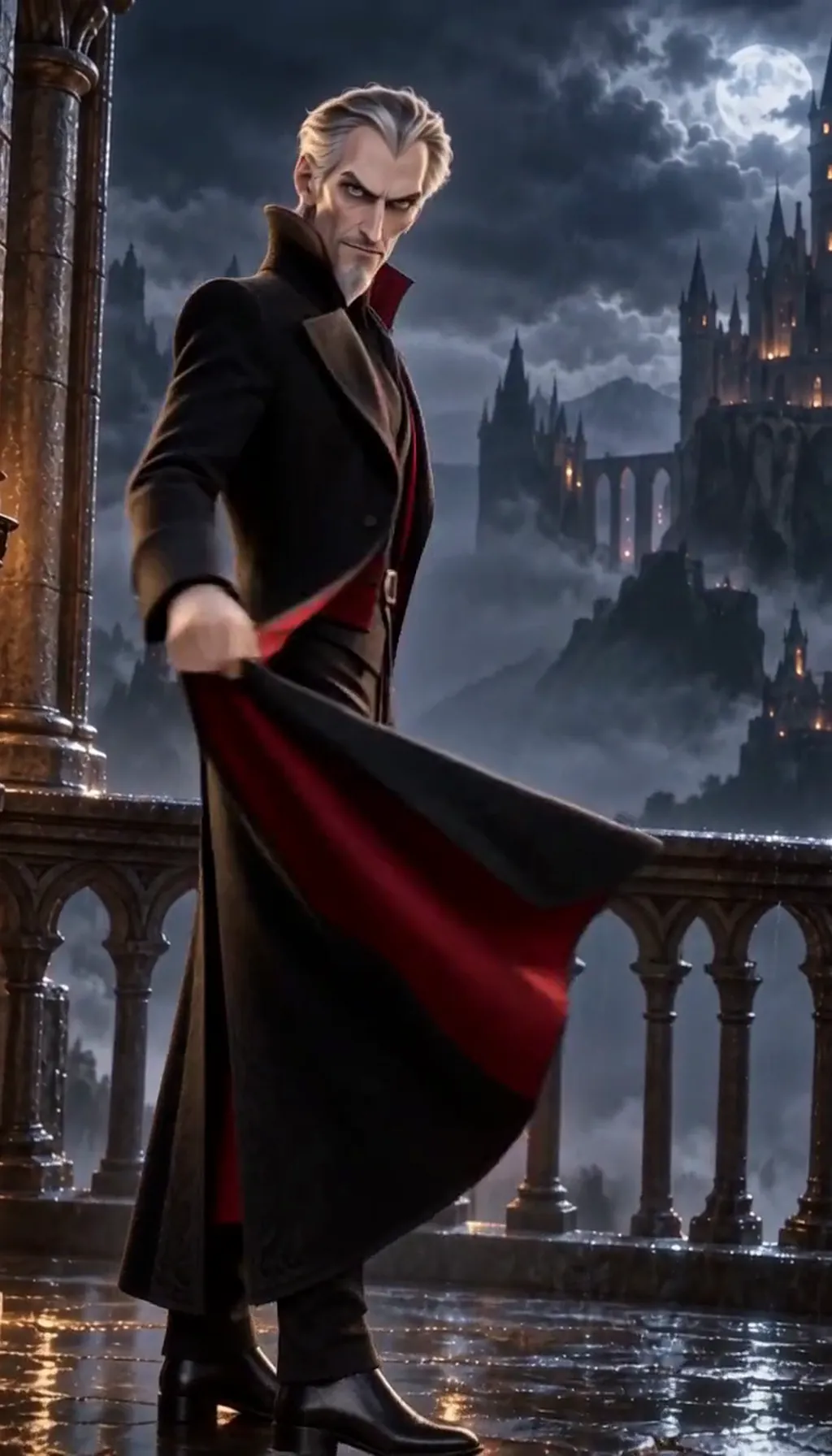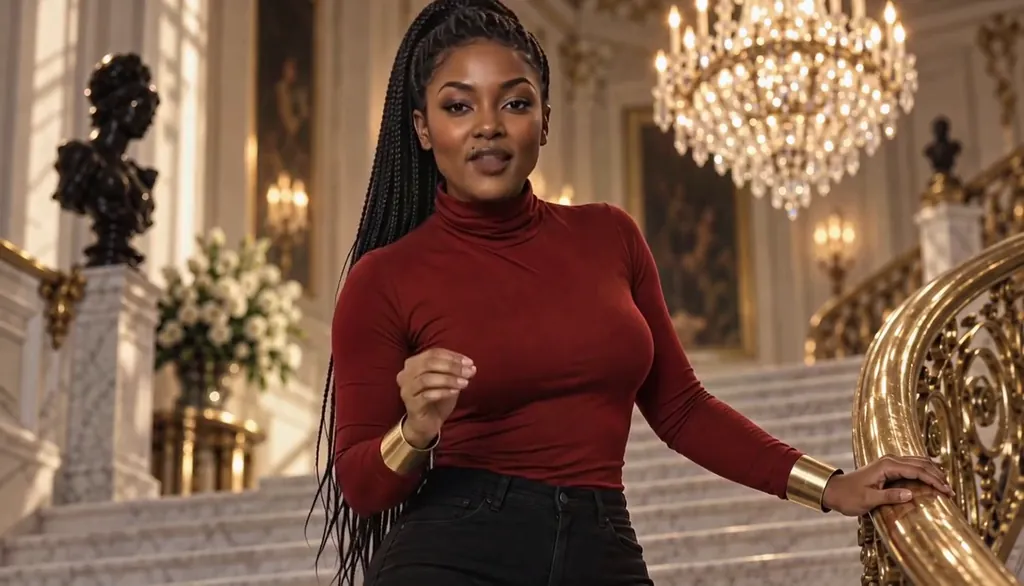
Learn the six cliffhanger types
Every vertical-drama ending is one of six moves. The reveal — a character learns what you already suspected. Danger — someone walks toward the thing they shouldn’t. Decision-point — a hand hovers over the handle; cut before it lands. Return-of-the-thing — the ledger, the ring, the phone comes back. The unanswered question — a line that demands a reply the episode withholds. And the visual sting — no information at all, just an image that means trouble.
Learn to spot them and you can write them: each type is a different way of refusing to end.
The reveal cliffhanger
The audience knows, or suspects — now someone on screen finds out. In The Arranged Introduction, a food delivery goes to the wrong penthouse and both leads refuse to let go of the bag: the reveal isn’t what’s in the bag, it’s who’s holding the other end.
Write a reveal by deciding what the viewer already half-knows, then give it a face. The episode ends the moment the truth has a body in the room — not a line after.
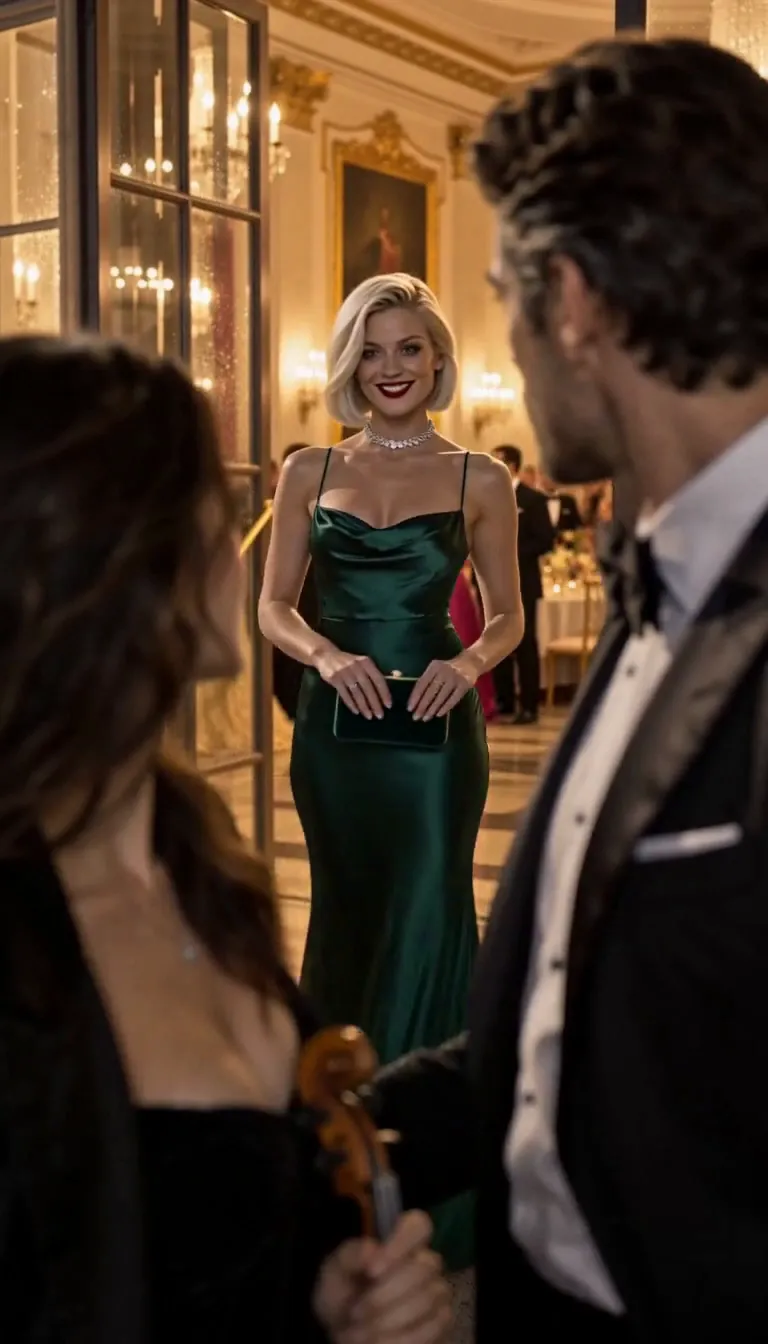
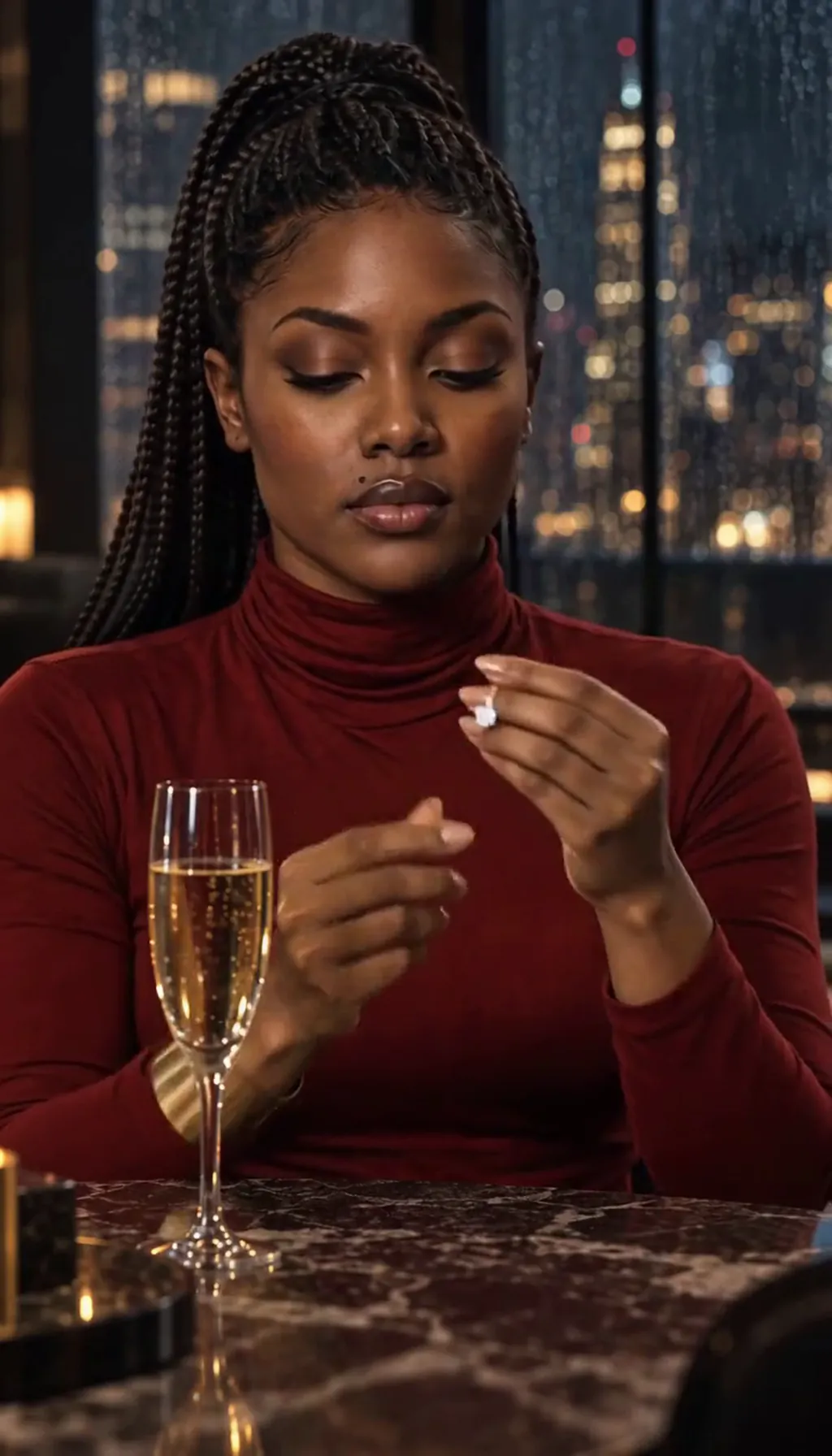
Midnight Sonata · Your fiancée is getting cold. Made with H3 Turbo, the Clip model in Character App · fictional sample series The danger cliffhanger
Danger works when the viewer sees it and the character doesn’t. She steps toward the car. We know it’s the wrong one — the headlights say so — and the episode cuts before the door opens.
The method: show the threat in frame with the oblivious character, hold half a second past comfort, end. Never resolve danger in the same episode you introduce it — a cliffhanger that resolves itself is just a scene that ran long, and nobody comes back for it.
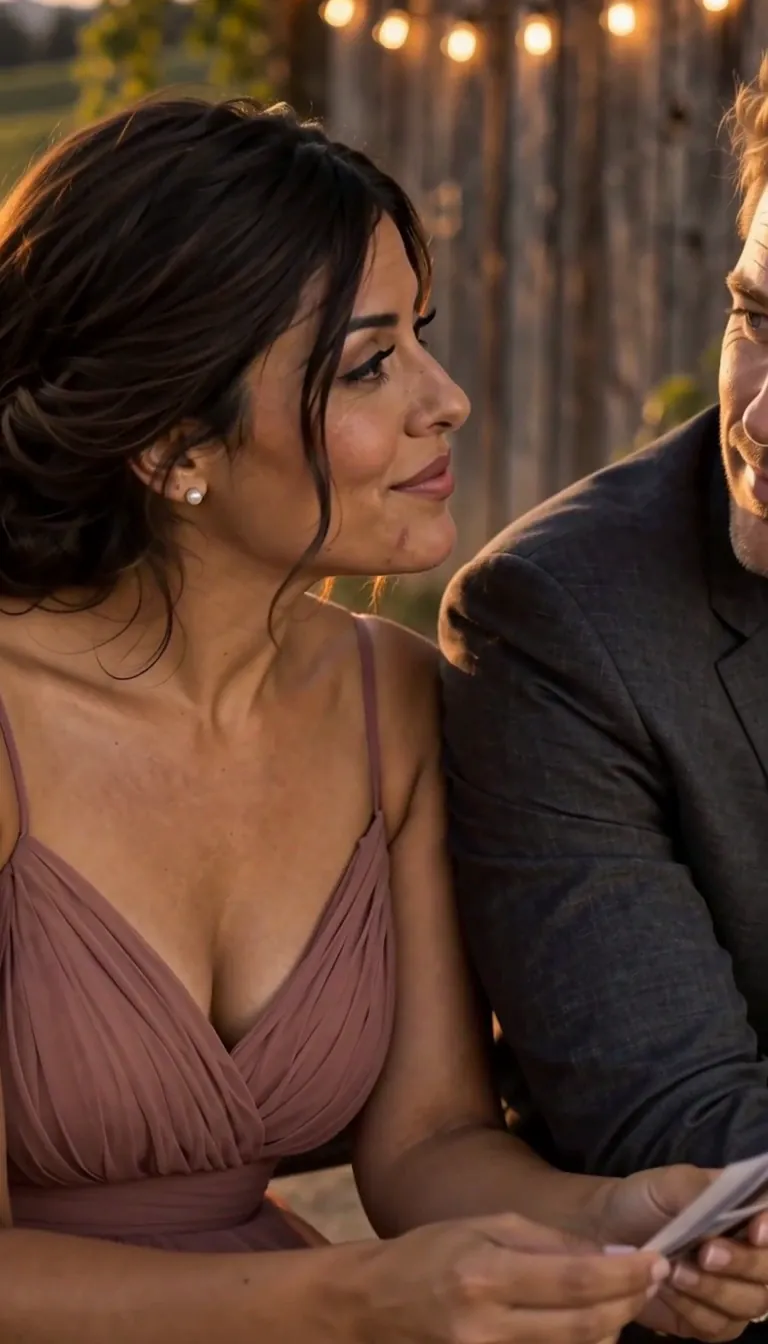
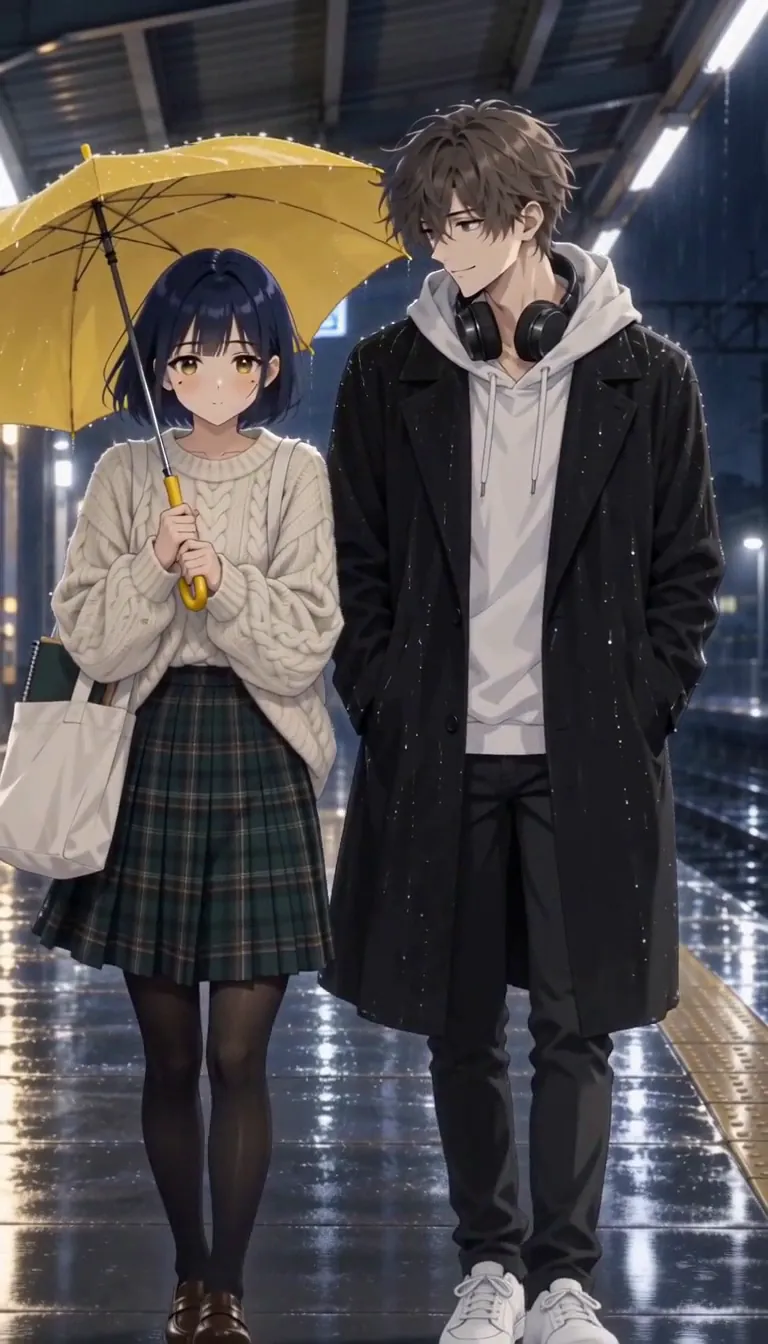
Second Dance · We were twenty-two. Made with H3 Turbo, the Clip model in Character App · fictional sample series The decision-point cliffhanger
Cut on the muscle, not the choice. “Her hand hovers over the door handle” is an ending; “she opens the door” is next episode’s opening. The decision-point cliffhanger lives in the half-second where either choice is still true — direction lines like “close on her hand” tell the Director exactly where to freeze.
If you can name the two options in the shot, you can end there. The viewer argues about which she’ll pick; that’s the episode doing its job after it’s over.
The line it came from: A violinist is booked to play her ex’s engagement party.
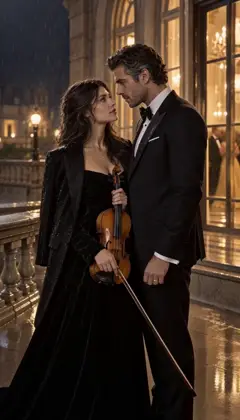 E1The booking
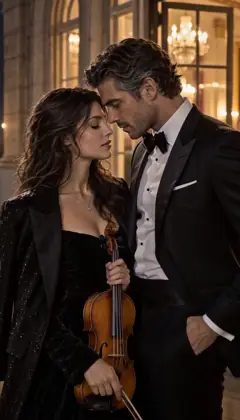 E2Too close
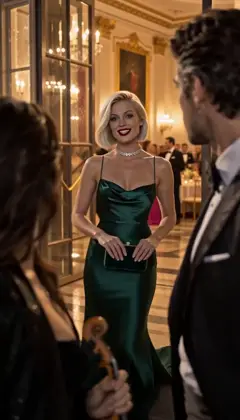 E3Your fiancée is getting cold
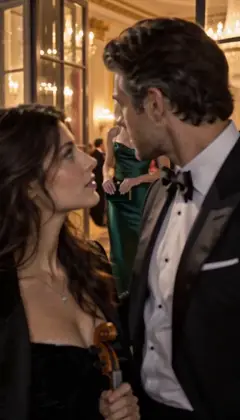 E4Encore
Midnight Sonata · one line to the AI Director: it casts the Characters and writes the Story as Scenes; plan each next Episode in one sentence. A fictional sample series made in Character App. The unanswered-question cliffhanger
Someone asks the thing the whole episode was circling — and the cut lands before the answer. In The Engagement Party, he introduces her as his plus-one at his own engagement party, and her face is the episode’s last frame.
Write it by letting the question hang in a held shot: the question is dialogue, the ending is the image of the person who has to answer it. If your last frame is a face mid-thought, you did it right.
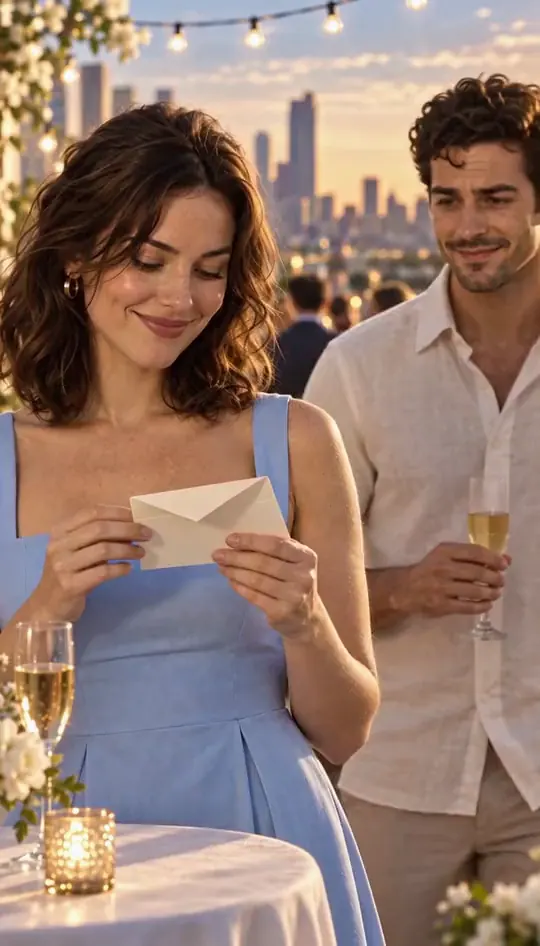
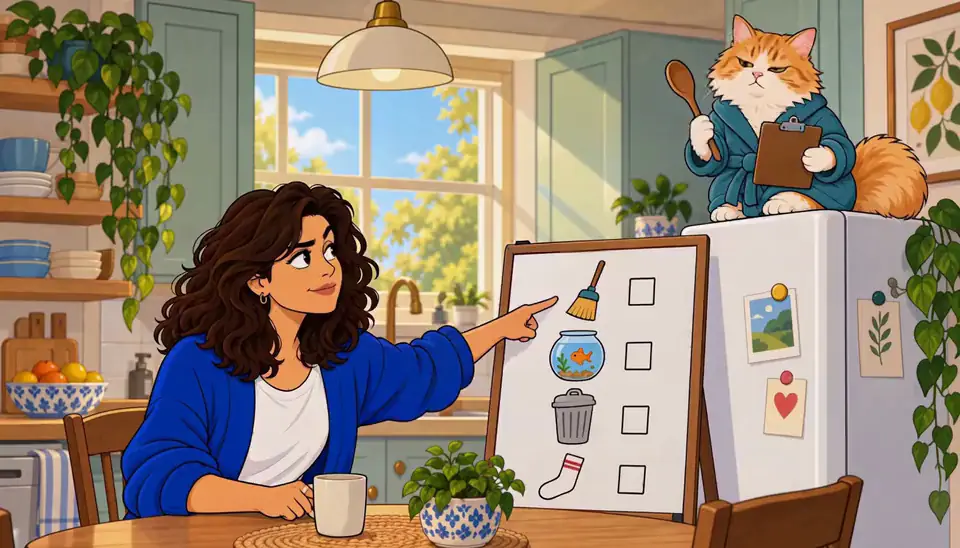
One More Thing · The envelope. Made with H3 Turbo, the Clip model in Character App · fictional sample series Write yours: setup, turn, held shot
Now yours. Take any episode you’re planning and answer three lines. Setup: what does the episode think it’s about? Turn: what becomes true in the last ten seconds? Held shot: what’s the single image that carries it — a face, a hand, a doorway?
If your turn needs a paragraph, it’s not a turn yet. Keep cutting until it fits in one shot. Then put that shot last and let the episode end there, mid-breath — the next episode writes its own opening from the question you left.
How long it takes — and what it costs
Learning the six types is one read; writing your own ending is three lines and about ten minutes in the Studio. The Story — the text draft of an episode — costs zero Credits, so you can audition five endings on paper before anything is drawn.
Free: make your Character and its Story as picture-only Slideshows. Real video comes with a plan. No card needed. Draw the held frame as a Lite Scene Image and check it on the free meter; the moving version is a Clip priced per second, exact cost on the button before you press. The ending is free to write — spend on the one that lands.

Common mistakes
The cliffhanger reveals too much. If the shot answers the question, there’s no reason to come back — cut one beat earlier than feels safe.
Ending on a new problem. The twist should belong to the episode’s own thread — a brand-new threat in the last five seconds reads as a stunt, not a payoff.
Stakes in dialogue, not in frame. A held wide shot can’t carry a close-up’s reveal — match the shot size to the size of the turn.
Ending on a line. Dialogue can ask the question but the image has to hold it — last frame is a face, a hand, a doorway.
Spending a Clip to check an ending. The Story draft and a Lite Scene Image show the frame on the free meter — fix the ending on paper first, then spend.
A cliffhanger that needs the next episode to make sense. The question has to stand alone — “who sent it” works; three clauses of backstory don’t. Trim until the question fits in one breath.
Questions
What makes a good cliffhanger?
One unanswered question carried by a single image. If the viewer can name what they’re waiting for — the door, the name, the answer — it works; if they can only name a feeling, it’s not specific enough yet.
How do I end an episode without it feeling abrupt?
Abrupt is fine; unresolved is the point. What reads as “abrupt” is usually a turn that wasn’t set up — plant the thread in the first ten seconds and the cut feels earned, not chopped.
Can every episode end on a cliffhanger, or does that get exhausting?
Yes, if the type rotates. Six reveals in a row go flat; alternate reveal, danger, decision and the quiet unanswered question so the audience can’t predict which refusal is coming.
Do I need to resolve last episode’s cliffhanger immediately?
No — answer it early, then spend the episode earning the next one. The cadence is open-on-the-answer, close-on-the-question.
What’s the difference between a cliffhanger and a cold open?
A cold open buys the first three seconds; a cliffhanger sells the next episode. One hooks the current viewer, the other creates tomorrow’s — you need both, at opposite ends.
Can I test an ending without paying for a Clip?
Yes — write it in the Story (the zero-Credit draft) and draw the held frame as a Lite Scene Image on the daily meter. Spend the Clip only when the ending reads right as a still.
What if the Director stages the wrong freeze?
Name the shot in the line — “close on her hand,” “hold on his face” — and retake with only that change. One note per pass keeps the blocking you already liked.