Understand what 9:16 changes about a shot
A vertical frame doesn’t show a room — it shows a person in a sliver of room. Faces and hands do the storytelling; wide establishing shots mostly read as wallpaper. If your scene depends on a vista, 9:16 is the wrong canvas — stack the story vertically instead: skyline behind shoulders, face above hands.
The practical rule: every shot should have one clear subject. Two people arguing fit fine if you stack them — foreground face, background silhouette — but three people across a frame won’t read.

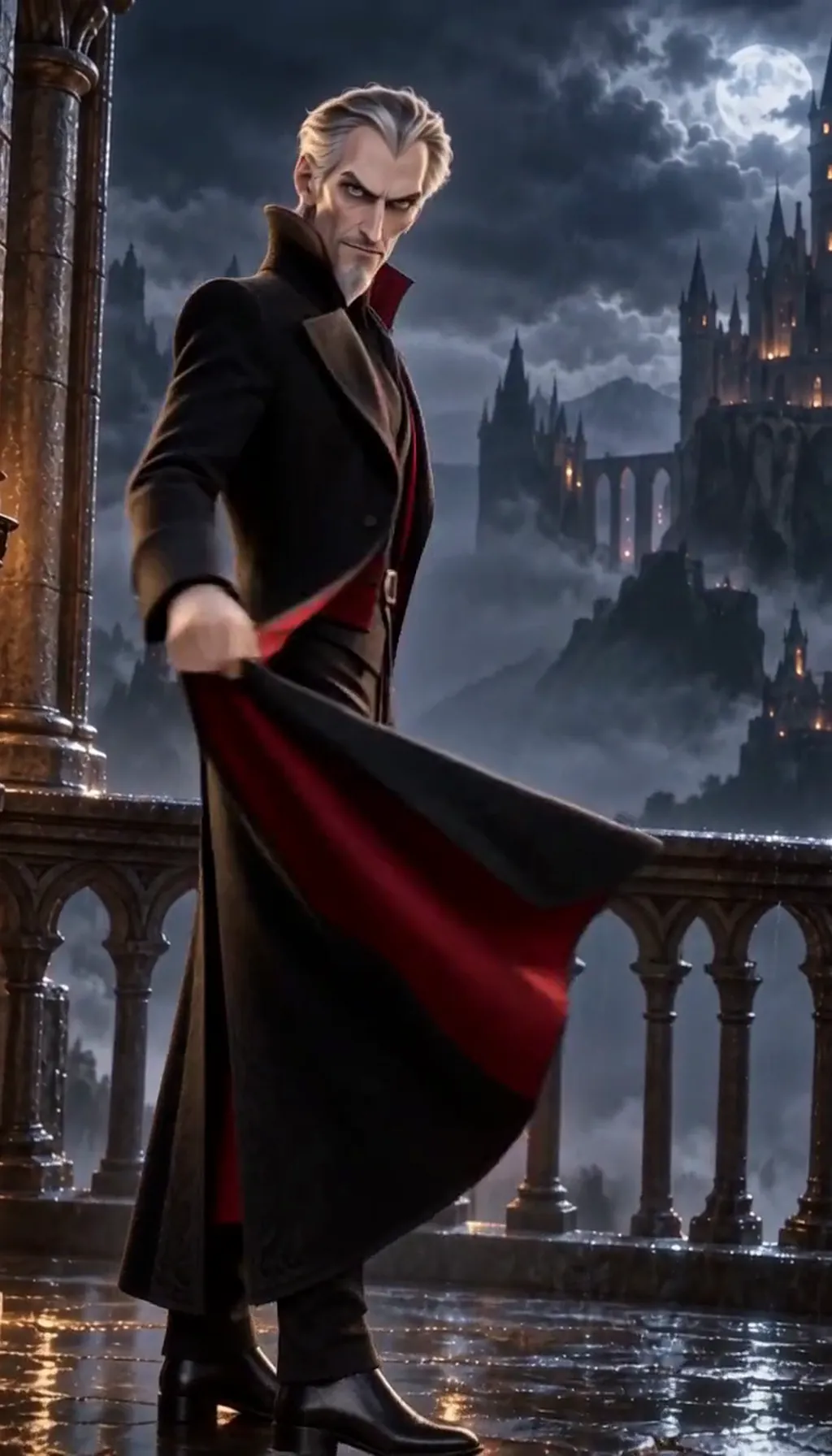
One More Thing · The envelope. Made with H3 Turbo, the Clip model in Character App · fictional sample series Write the scene’s five shots before opening the planner
Most vertical scenes need five shots, not twelve. The skeleton: one establishing close on whoever wants something, one reverse on what they want, one medium where the tension turns, one close on the reaction, one held shot to end on.
Write them as five lines on paper first — “close on her, close on the ring box, medium both, close on him, hold on her face.” If you can’t name five, the scene isn’t a scene yet; it’s a premise looking for its beats.

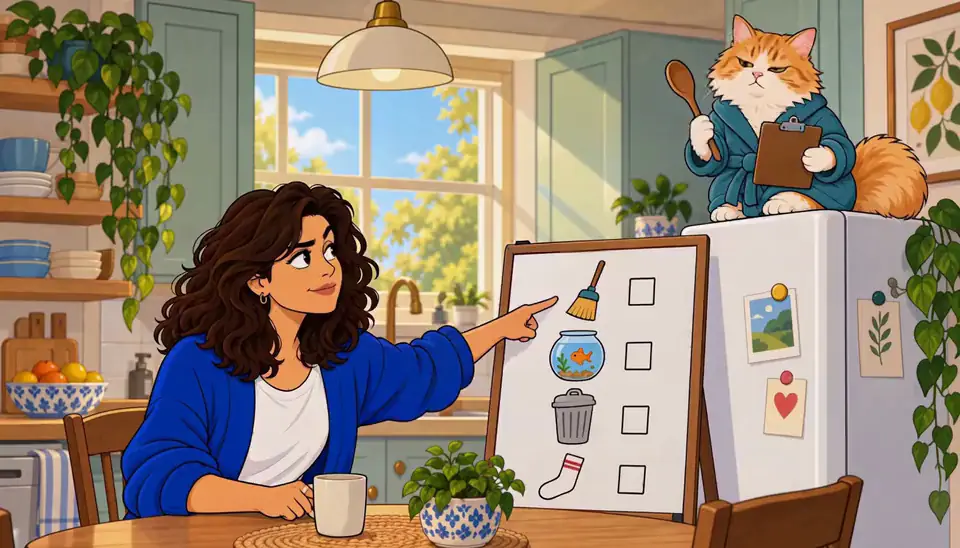
Delphine Okafor · Keep the ring. Original character made for Character App’s character pages with gpt-image-2.5 and H3 Turbo Lay the shots into the Scene Planner
Now open the Scene Planner and lay your five shots in order — each becomes a card the Director will stage. The planner is where the list stops being notes: drag a card up and the scene re-orders; the shot sizes and the cast come along with each card.
This is also where weak shots expose themselves. A card that doesn’t change what the viewer knows is a card to delete — in 9:16 every frame is close enough to feel wasted.
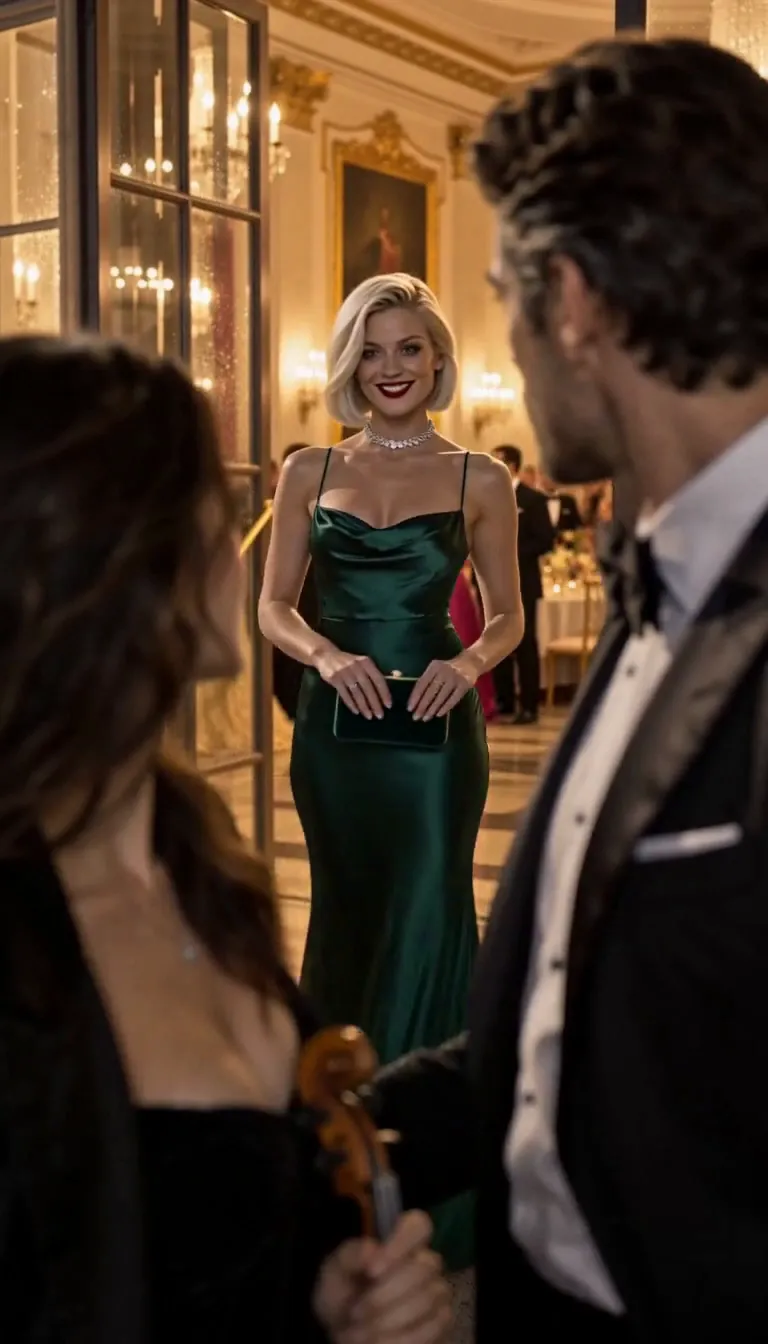
The line it came from: A violinist is booked to play her ex’s engagement party.
 E1The booking
 E2Too close
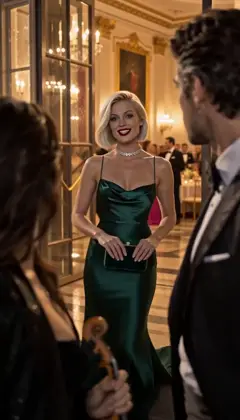 E3Your fiancée is getting cold
 E4Encore
Midnight Sonata · one line to the AI Director: it casts the Characters and writes the Story as Scenes; plan each next Episode in one sentence. A fictional sample series made in Character App. Order for tension, not geography
Shot order is the scene’s argument. Start on the person who wants something, not the person who has it — the viewer sides with the want. Save the widest shot for the turn: in 9:16, going from close to slightly-less-close is a big enough jump to land as a shift.
And hold the last card longer than feels right. The held shot is where the scene’s meaning settles — the cliffhanger guide calls it the only frame the viewer remembers.
A quick ordering check: read the five cards as sentences — want, obstacle, turn, reaction, hold. If any card could move without changing the scene’s logic, it isn’t carrying tension; swap it or cut it before you spend a single Clip.

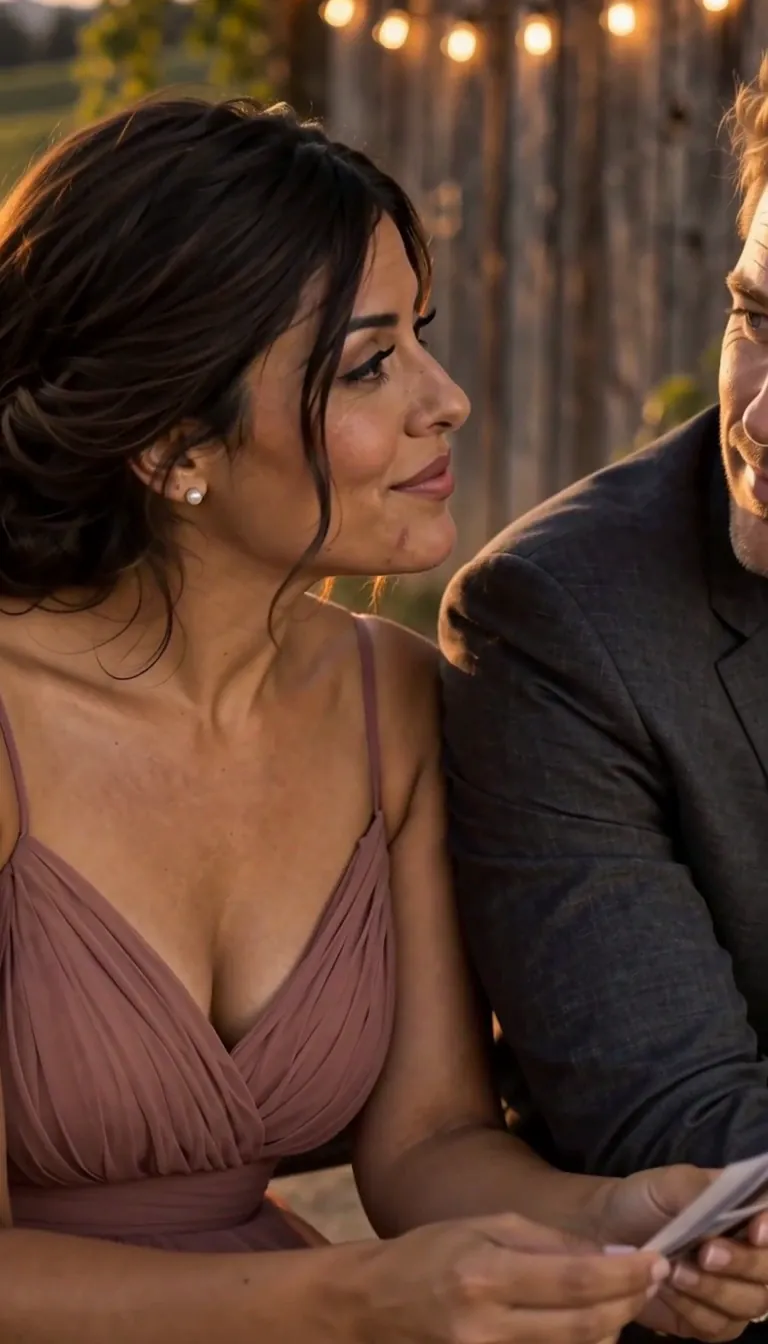
Last Train, Yellow Umbrella · The last train too. Hana, a university art student, and Ren, from the bakery by the station · made with H3 Turbo, the Clip model in Character App · fictional sample series Board the turn as a contrast, not a cut
The moment the scene changes should be visible in the board itself: shot three sits between the two sides of the argument. If your turn is “she finds the letter,” the card before is her face, the card after is the letter — the board shows the turn as a collision of two images.
Check the board as a strip: shots one and five should look like different movies. If the scene ends visually where it started, the turn didn’t turn.
How long it takes — and what it costs
Twenty minutes: five lines on paper, then five cards in the planner. The boarding itself is free — Scene Images draw on the Lite Image meter, so you see every shot framed before a single Clip is priced.
Free: make your Character and its Story as picture-only Slideshows. Real video comes with a plan. No card needed. Spend enters at motion: each Clip is priced per second with the exact Credits on the button, and every completed take is charged — which is why the board exists. A scene boarded first wastes nothing.



Common mistakes
Boarding in 16:9 habits. Wide establishing shots and three-across groupings die in a vertical frame — stack subjects or lose them.
Twelve shots where five would do. A vertical scene is intimate; overcutting an argument reads as anxiety, not pace.
The establishing shot first. Open on the want, not the room — the skyline is a garnish, the face is the meal.
Ending the board on the action. The last card is a held reaction, always — action resolves, a face withholds.
Boarding after generating. The whole point is checking frames on the free Lite meter — draw Scene Images first, fix the order, then spend on motion.
A turn that lives in dialogue. The board shows images, not lines — if the turn isn’t a picture (“the letter,” “her face”), it won’t read at 9:16. Make the turn a thing you can point a camera at.
Questions
Do I need to know how to draw to storyboard?
No — a shot list is words, and the Scene Planner turns each line into a staged shot. Five lines of “close on X” is a complete board.
How many shots does a vertical scene need?
Usually five: establishing close, reverse, medium turn, reaction close, held shot. Add shots only when each one changes what the viewer knows. Five also maps cleanly to the arc — want, obstacle, turn, reaction, hold.
What’s different about boarding for 9:16 vs 16:9?
Everything vertical: one subject per shot, faces and hands over scenery, subjects stacked instead of spread. A 16:9 board cropped to 9:16 loses its edges — board for the real frame. If a shot reads fine wide and dies vertical, it was never a 9:16 shot.
Should the last shot always be a held close?
Almost always — the held reaction is where meaning lands. The exceptions are the visual stings: an image (a hand, a door, a screen) that is itself the cliffhanger.
Can I storyboard before I have a Cast?
You can, but the board gets better with faces attached — blocking decisions change when you know who’s on which side of the frame. Lock the Cast first if you can.
Does the Scene Planner cost Credits?
Planning is free. Free: make your Character and its Story as picture-only Slideshows. Real video comes with a plan. Scene Images ride the Lite meter. Credits start at the Clip, priced per second on the button.
Can I reorder shots after they’re drawn?
The cards reorder freely while they’re still plans — that’s what the board is for. Once a shot is a completed Clip it’s a charged take, so get the order right in stills.