01
Name the contradiction before the outfit
The useful starting point is a tension the audience can understand without a biography. Celeste believes every public problem deserves exact measurement. Her world keeps offering problems that are too small, strange or personal to measure. That gap gives her behavior a reason and gives you situations to return to. Write it in one sentence before making a portrait.
Try this brief: “Celeste Brindle is a municipal inspector who believes a precise measurement can settle any argument.” Leave birthplace, favorite food and elaborate childhood history for later. The first brief should tell you what she does in a queue, at a picnic or beside an empty parking space. If it only describes appearance, add a belief that can cause trouble.
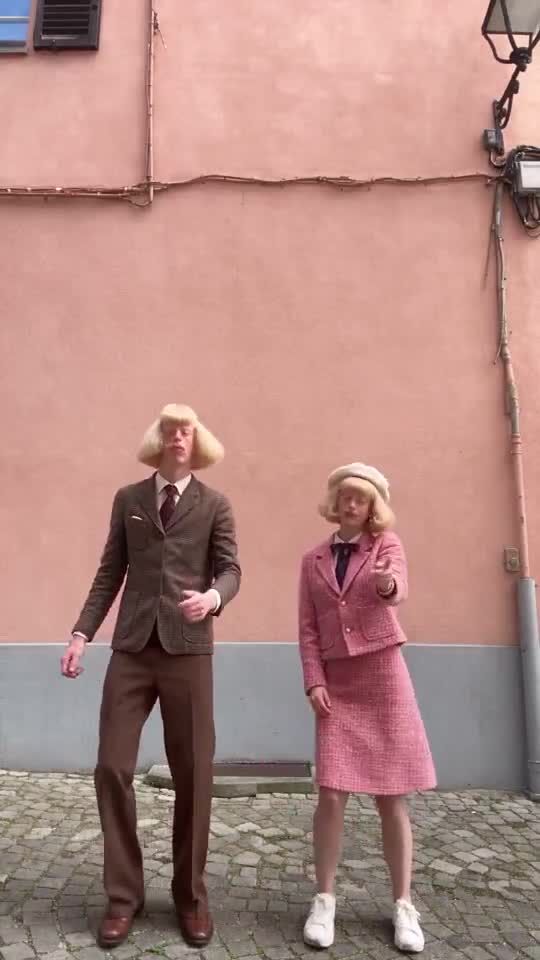 Observed reference · Jean + Clarabelle
02
Choose three visual anchors that belong to her
For Celeste, keep a cobalt raincoat, a squared silver hairstyle and a long wooden ruler. Jean Phil’s own anchors are a blond bob, a brown patterned suit and a straight face; choose yours the same way. The coat supplies a large color area, the hairstyle supplies a simple head shape and the ruler explains her occupation at a glance.
Use Barnaby’s existing character art as an example of readable design, not as Celeste’s finished result. His glasses, curly hair and mustard cardigan create recognizable anchors. Your anchors should work together just as clearly. Make a small thumbnail of your first Image and check whether one feature dominates. Too many equally loud accessories will fight for attention.
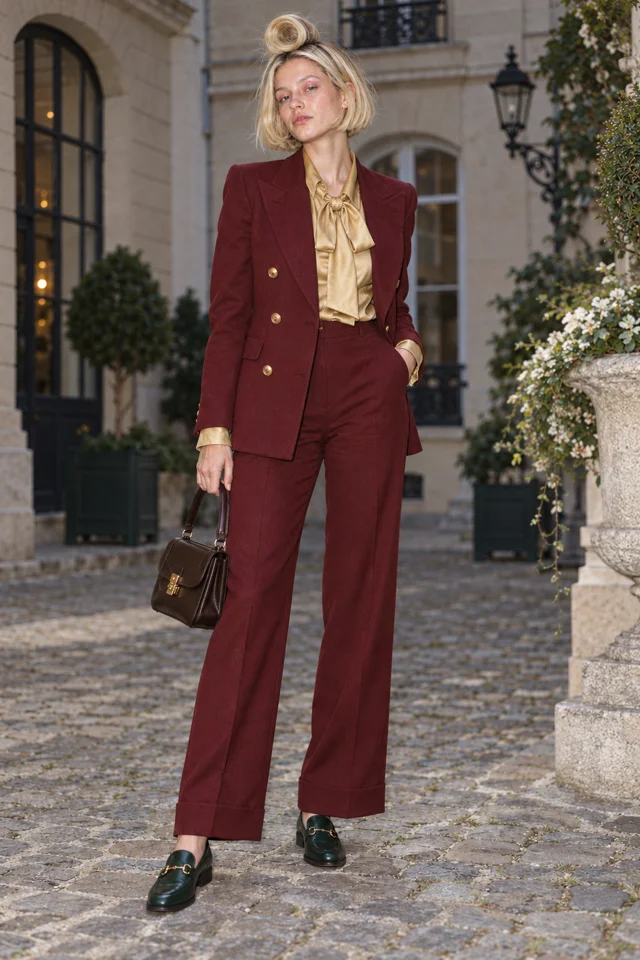
The artwork is our concept example. Your edited brief opens the real Character form; no drawing starts here.
03
Give the face a consistent emotional rule
Celeste stays professionally serious while the task gets more ridiculous. The expression is part of the joke because the audience can see how little the emergency warrants her concentration. Describe “calm, attentive expression” rather than asking for an exaggerated comic face in every Image. A neutral starting expression leaves room for the scene to create the humor.
Keep the character’s emotional rule distinct from a promise about output consistency. You can reuse her chosen reference and inspect each new result, but you still need to review face, hair, proportions and clothing. If one result changes an essential feature, revise or select another result before treating it as the reference for subsequent Clips.
Every entrance is a runway.
Live action selected for this walkthrough. Choose your Look in the app; this inspector keeps the original reference artwork.
04
Write one small action and three situations
Celeste’s bit is measuring the wrong thing with great care. Clip one: she measures the gap between two people who refuse to speak. Clip two: she measures a pigeon’s personal space while it walks away. Clip three: she measures the width of an invisible parking dispute. Each premise keeps the same behavior and changes the obstacle.
Begin with one subject and one clear action. A short physical joke should be understandable in a still before it becomes understandable in motion. Describe where the character stands, what she notices and how the action ends. You can start with words and an Image reference in the Playground; inspect the available controls and displayed price before making a Clip.
To put your Character into a dance or shadowboxing clip, open the Playground, choose Star in a clip, pick your saved Character, then pick a Dance or Boxing template or drop in your own clip. Read the price shown before you press Make.
DIRECT YOUR ORIGINAL CHARACTER
Give your Character one clear action.
Open Playground to make a Clip with a Character reference of your own.
Open Playground ↗CREATOR WORKSPACE PREVIEW
Your Character. Their next move.
Give your original Character a face, a fit and a bit.
Pick an original cast concept to inspect.
01 · ORIGINAL CONCEPT
02 · YOUR CHARACTER
Original cast artwork for this guide. Selecting a concept does not generate a Clip or transfer a performance.
Create my Character ↗03 · CHARACTER PREVIEW
ONE CHARACTER · TWO SMALL ACTIONS
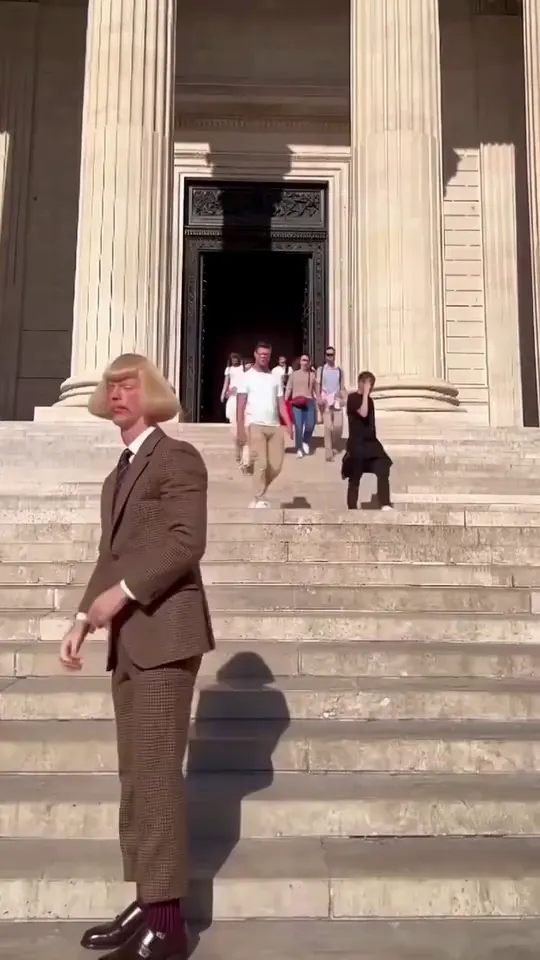
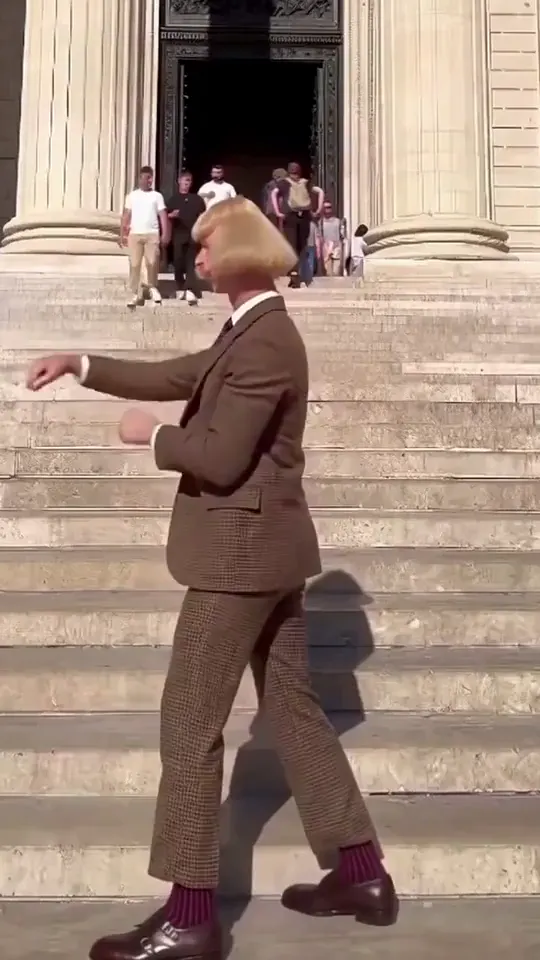
Jean Paul is one of our own house Characters. One face, one small action each, two Clips made with H3 Turbo.
05
Keep the reference and review the first sequence
Once an Image feels right, use that Character reference for the next attempt instead of rewriting the whole persona from memory. Compare the three results side by side: does Celeste look like the same inspector, does her calm expression survive, and does the ruler remain legible? Keep a simple written checklist so changes are deliberate.
You do not need a World just to explore a Character in the Playground. A World becomes useful when you want the cast, setting and Story to grow together. Start there when Celeste gains a rival, repeated locations or a larger episode idea. The immediate goal is a recognizable original character and a clear joke, not a complicated franchise plan.
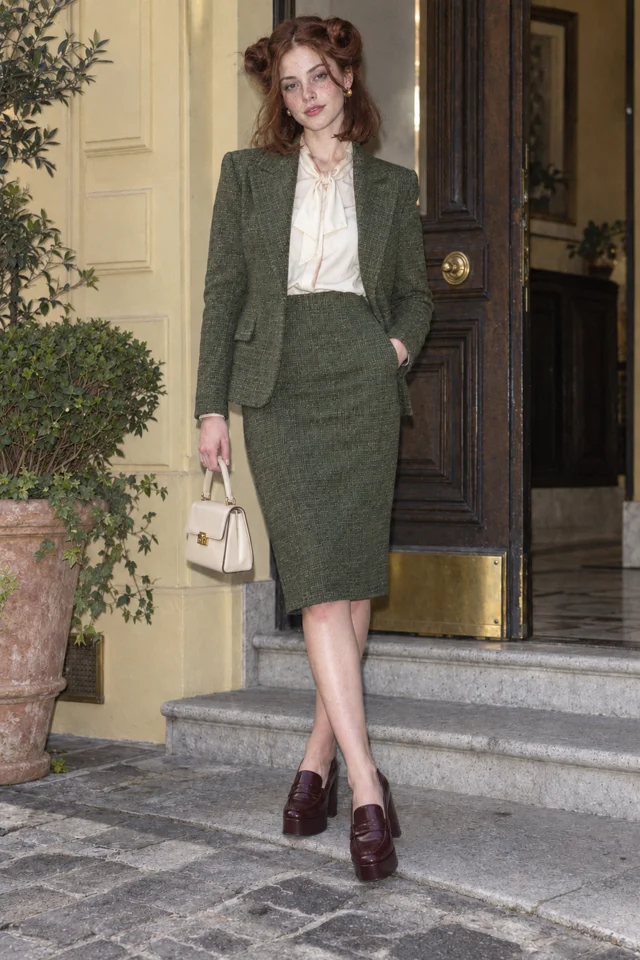
SCENE 1An entrance
Lucie Loop makes a perfectly serious entrance.
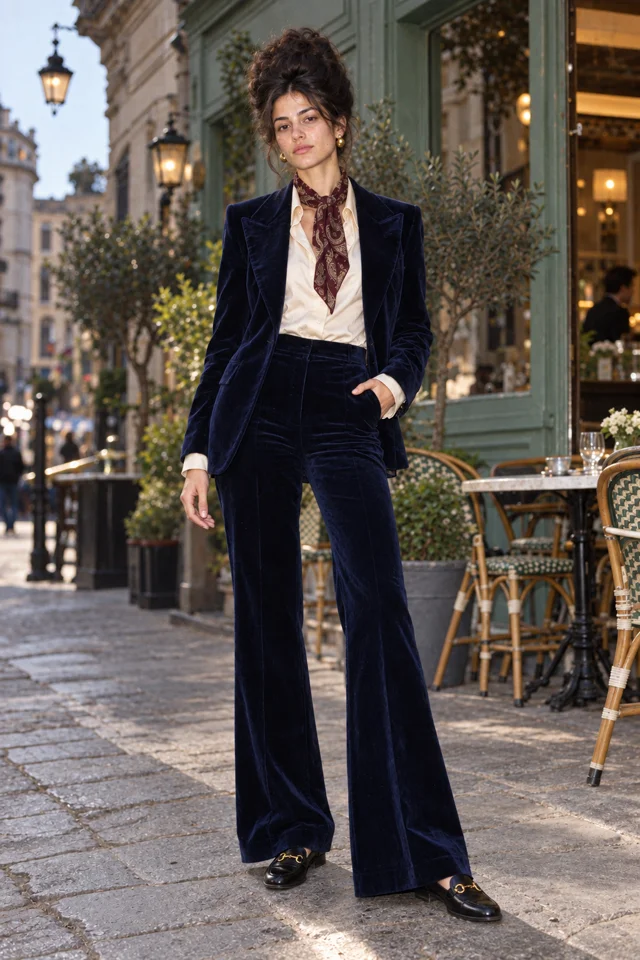
 SCENE 2
A complication
Ines Brume has already claimed the good chair.
 SCENE 3
A next episode
Sofia Velluto turns a small errand into a new episode.
Original artwork and illustrative Scene cards · not generated Film frames.
Start my World ↗Keep it sharp.
- Describing only the haircut and the suit. Without a belief or a bit, there is nothing to watch twice.
- Adding backstory before the Character has a visible behavior.
- Changing the outfit, expression, setting and joke at once, so you cannot tell which decision worked.
Things you’re wondering.
Can I make my own Jean Phil AI character?
Yes. Describe the face, the fit and the bit in your own words (a blond bob, a brown suit, a straight face, a physical joke), keep the Character you like and put it in a dance or shadowboxing clip with Star in a clip. Character App is not affiliated with Jean Phil or with the @jean_philanthrope account.
Who is Jean Philanthrope?
Jean Philanthrope is the name of the Instagram account, @jean_philanthrope, behind the blond-bobbed Jean Phil character. Press reports describe him as AI-generated; see our explainer for what is and is not known.
Do I need a World to begin?
You can explore a Character and short Clips in the Playground. Add a World when a recurring cast, setting or Story needs a shared home.
Can I start with words rather than a photo?
Yes. Describe an original fictional Character through appearance and personality, then review the resulting Image. A real person’s photo adds permission considerations that a wholly fictional brief avoids.
What should stay fixed across the first Clips?
Keep the chosen Character reference and a short list of signature traits. Change the scene or task deliberately, then review whether each result still represents the same persona.