Work from the exact file you will publish
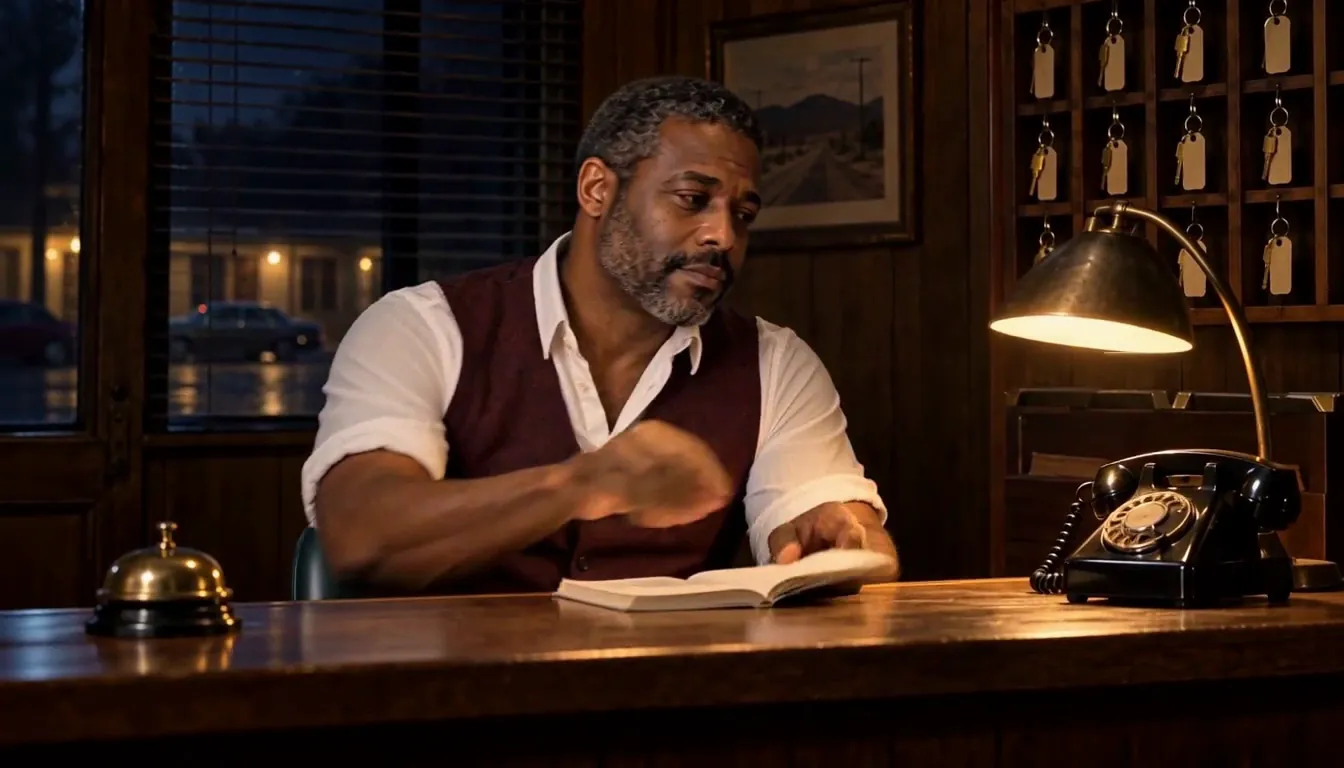
Play the Clip and listen all the way through before you type. Biscuit addresses the viewer as “darling,” then pauses. That word and the pause are part of this performance. Leave them in the transcript even if a shorter draft of the line reads fine on paper.
The timings in the table start at the first frame of this 9.42-second edit. Adding a title card at the front moves every spoken word later. When you change the cut, open that version in your editor and check the captions against it.
Try thisFree: your idea as a World with its first Story in pictures. A plan films every Scene.
Break the text where the thought changes
The first cue contains one complete sentence. On a narrow screen, breaking it after “first” keeps “three seconds, darling” together on the next line. In cue two, the comma after “mid-event” gives you another natural break. “Withhold the explanation” then reads as a whole instruction.
Try putting “withhold the” on one line and “explanation” on the next. Watch the clip again and notice where your eye has to wait for the object. Line breaks are editorial decisions you can test before you adjust a single timestamp.
Leave a genuine pause empty
Watch the gap from 4.090 to 4.610 seconds. The first caption has gone and the second has yet to appear. The source voice finishes “darling” at about 3.74 seconds, giving the reader a brief hold before the gap. “Start” is heard at about 4.66.
The next cue change is much quicker. The second cue ends at 7.550 and the final one begins at 7.590 because the speaker continues directly into the consequence. Making every gap the same length would lose that difference in delivery.
Open the SRT beside the film
Download the three-cue SRT and open it in a text editor. Each block has a number, its beginning and ending time, and the words displayed during that interval. SRT uses a comma before milliseconds. A blank line separates the blocks.
In an external subtitle editor or a publishing tool that accepts SRT, pair the file with the matching cut. Scrub to cue two and check that its line breaks survived. The native web player on this page uses the same cue text and times in WebVTT format.
Watch the result at its viewing size
Turn the sound off and read the captions on your phone. Can you follow the sentence and still look at Biscuit before the next line appears? Turn sound back on and check the last word. In this cut “out” ends around 9.22 seconds and the last picture ends at about 9.417. The SRT releases at 9.416.
For your own film, also include who is speaking and meaningful sounds when the listener needs them to follow the scene. When planning words before recording, use the timed voiceover script template. Character App’s Slideshow maker has its own on-screen words workflow.
Common mistakes
Transcribing an earlier script and missing a word the speaker added in the take.
Leaving a caption hanging into the next shot because the audio track had a longer tail.
Reading the text at desktop size only and splitting a short phrase awkwardly when it wraps on a phone.
Questions
What is an SRT sidecar?
It is a separate text file that pairs subtitle cues with video times. An editor or publishing tool that accepts SRT can display it with the matching media. Keep the original video alongside it.
How should I pick caption lengths?
Start with a complete thought that fits the viewing area and lasts long enough to read. Check it at phone size. The three cues in this example have different lengths because the speech and pauses differ.
Why do SRT and WebVTT look different?
SRT uses commas for fractional seconds. WebVTT uses decimal points and a WEBVTT header. The native player and the SRT download here use the same three sets of times and words.
Where can I use this file?
Use it to practice with the matching cold-open Clip in a subtitle editor or a publishing tool that accepts separate captions. In Character App’s Slideshow editor, the Words & voice panel is where you edit the on-screen words.