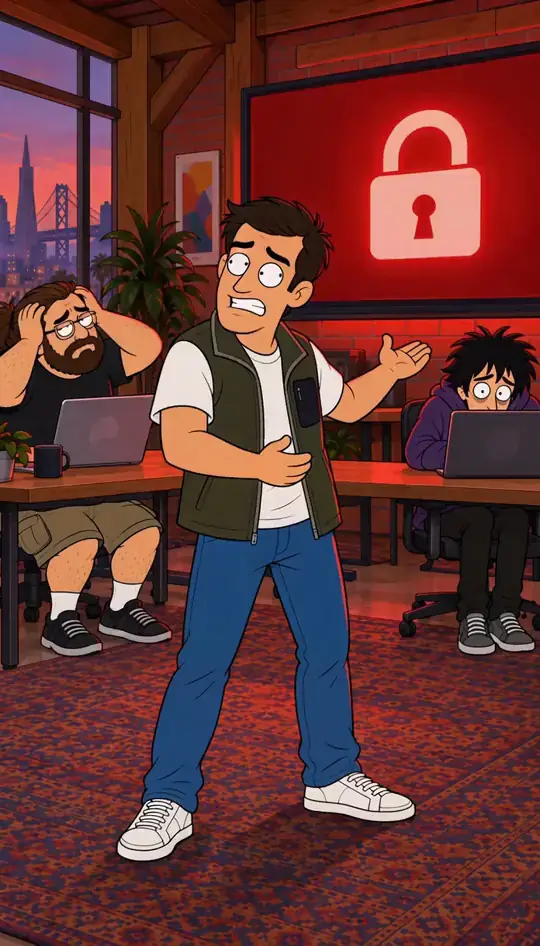


Text to video: fastest to try, hardest to repeat
You type a scene and the model invents the whole picture, people included. It is the quickest way to test an idea and the worst way to make a series: the words describe many faces, and each Clip picks a new one.
Character App does not film words alone. A Clip with no Character is refused before any charge and offers to make one.
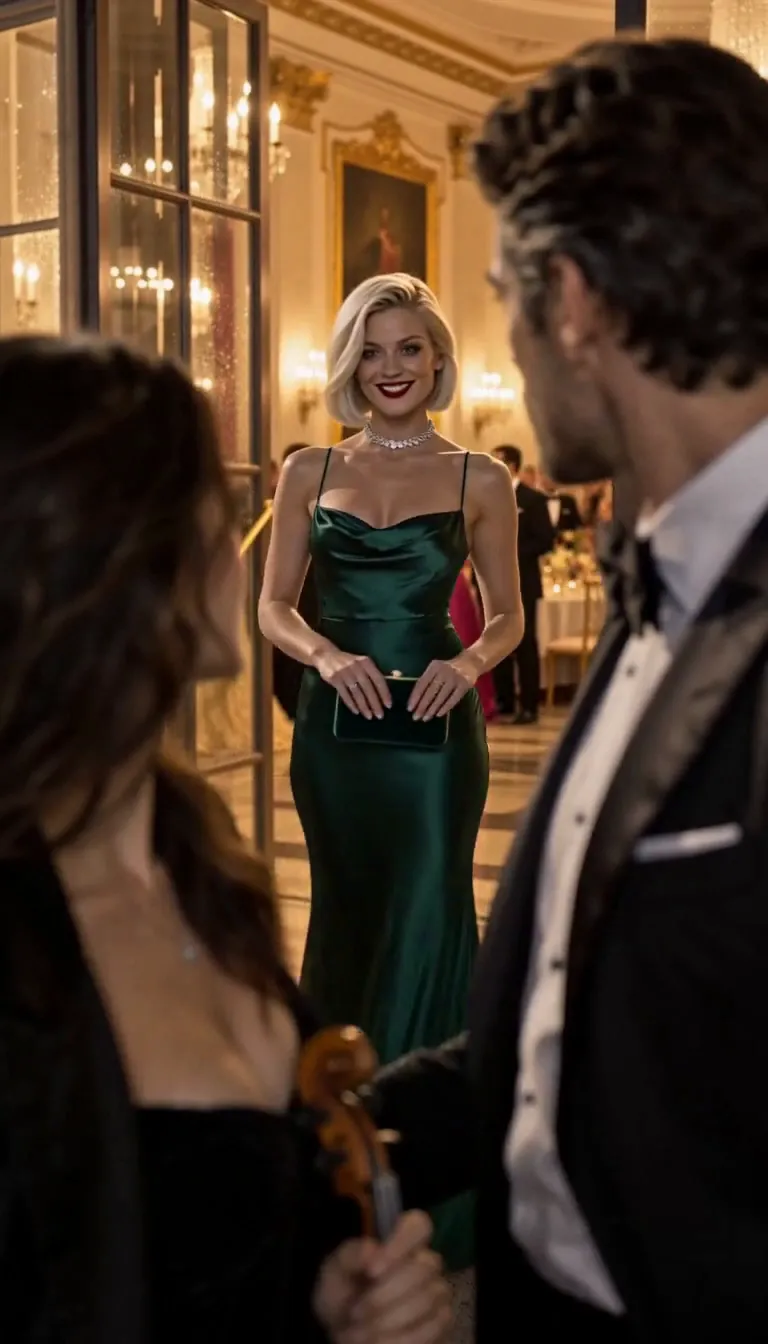
Image to video: one picture, set in motion
You give the model a starting picture and it animates from there. The opening frame matches; after that the face and outfit can wander, and the next Clip starts from whatever picture you give it next.
In Character App a start picture (a Scene Image, an upload or a Character portrait) is sent as a reference: it shapes the look and the opening composition rather than locking the first frame.
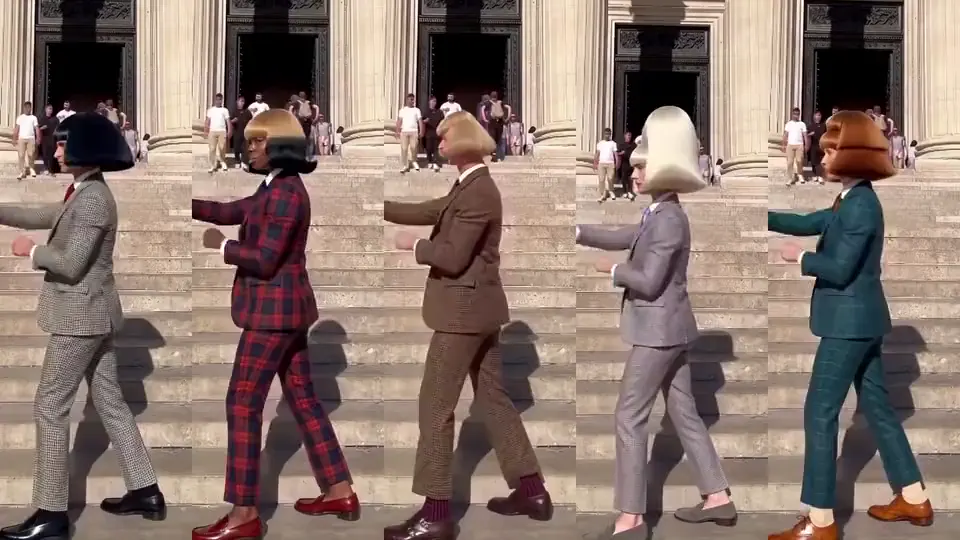
Reference to video: a saved character in every Clip
You give the model pictures of who should appear, and it films them doing what the words say. Because every Clip starts from the same reference, the face, build and outfit carry over.
This is how H3 Turbo, the default, films in Character App. Seedance 2.5 takes up to 9 pictures; H3 Omni Fast takes up to 9 pictures and 3 audio clips; H3 takes every reference kind.
Which to use
Testing a look or a joke: any mode. A recurring Character, a vertical drama or a branded series: reference to video, on one model for the whole series. Compare models in the Playground before you commit.
Common mistakes
Using text to video for a series and fighting face drift every Clip.
Treating a start picture as a guaranteed first frame on a reference model.
Changing the reference picture between Clips of the same Scene.
Questions
What is reference to video?
A mode where the model films the people in your reference pictures, so a saved Character keeps the same face in every Clip.
Is image to video the same as reference to video?
No. Image to video animates one starting picture; reference to video films a Character from its pictures and keeps it across Clips.
Can I make a Clip from words only in Character App?
You type the words, but every Clip films a Character. With no Character, the Clip is refused before any charge and offers to make one.
Which model takes the most references?
Seedance 2.5 and H3 Omni Fast take up to 9 pictures; H3 takes every reference kind (turn it on in Account settings).