Holiday videos starring your own Characters, and when to make each one
Pick the holiday and the shape: a sitcom, a movie, a card, a Story in eight or twenty-four parts. Type the idea in the box and the AI Director writes the Scenes with your Characters. A narrated Slideshow Story is about $1.00 (40 Credits); a filmed 5-second Scene is about $0.62 (25 Credits).
Free: your idea as a Story starring your Character, with Scene 1 filmed. A plan films every Scene.

How to make a holiday video with AI
Choose a holiday page below, or type your own idea here. You make a Character from a photo of yourself (17+), your pet or a few words, and the AI Director writes a short Story in Scenes. Watch it as a narrated Slideshow, then film the Scenes you love as Clips and export the MP4 to send or post yourself.
Updated · A 5-second Clip on HG H3 Max: about $0.62 (25 Credits) · Web and iPhone
At Starter’s price ($19.99 a month for 800 Credits); our arithmetic.
Sample Clips
Real Clips from fictional sample series. Same Cast from shot to shot.
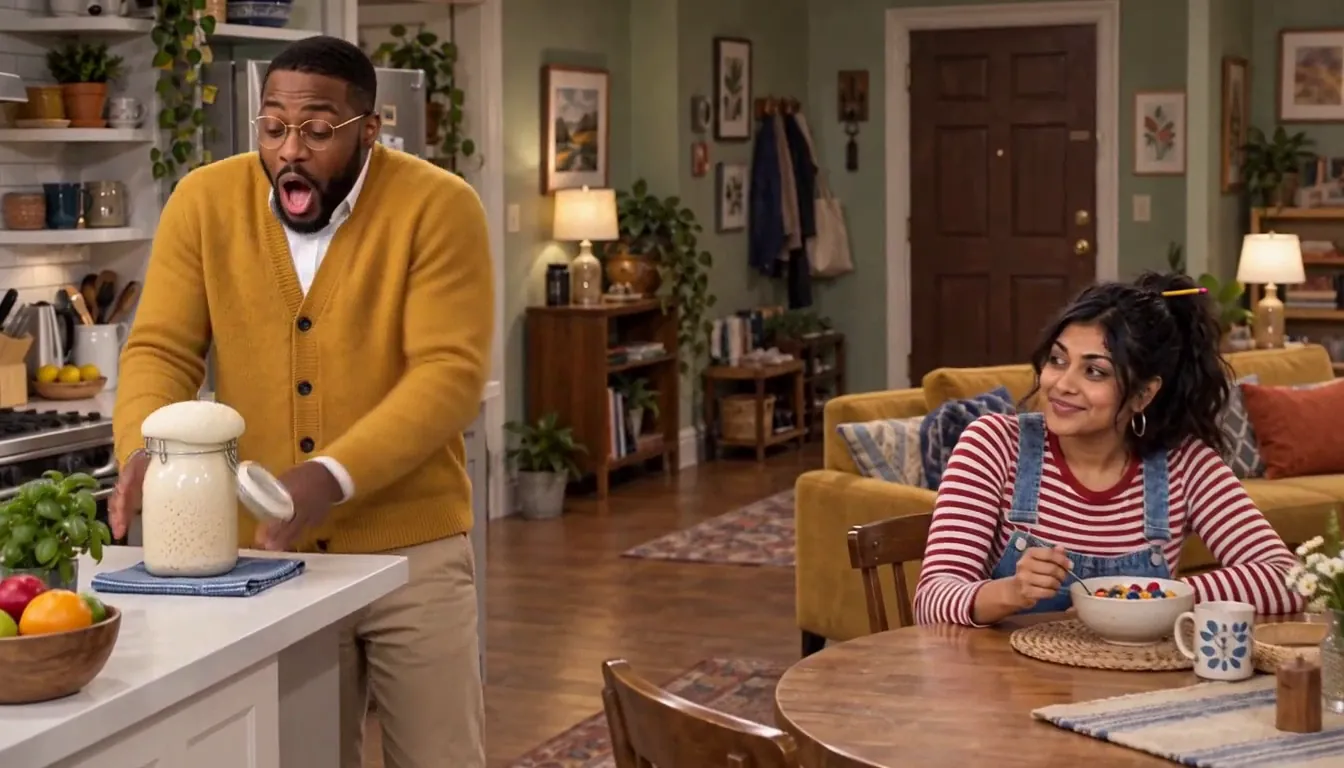
Split the Rent He's leaving us
Example from our house series Split the Rent, not a holiday Story. Made with H3 Turbo in Character App.
The make-by calendar for 2026
These are the last comfortable days to start, so the Story is written, watched and filmed with time to spare. A Slideshow takes minutes; filming Scenes and choosing takes an evening.
Mon 30 Nov: advent
Door 1 opens on Tuesday 1 December. Write the first week's Story by the Monday night. Advent calendar Story.
Thu 3 Dec: Hanukkah
The first candle is lit on Friday 4 December, before sundown. Have night one's Scene ready the day before. Hanukkah story video.
Fri 18 Dec: cards
A card that moves arrives the moment you send it, but people open cards the week before. Christmas card video.
Sun 20 Dec: the family films
Sitcom, movie, pet special: start by the last weekend so every Scene is filmed by Christmas Eve. Family Christmas sitcom.
Mon 21 Dec: Santa movie
Made after bedtime, watched on Christmas Eve, Thursday 24 December. Santa movie for kids.
Wed 30 Dec: New Year's Eve
The year's recap plays at the party on Thursday 31 December. New Year's Eve video.
Which page fits your idea
If your family will watch it together, start with the sitcom or the movie. If you will send it to people who are not in the room, the card or the gift reveal. If the dog is the star, the pet story. If it is one grown-up hamming it up, the elf video or the holiday rom-com.
Who can be in it
Every Character is an adult. You can be one from your own photo (17 or older), another grown-up only from their own photo and with their OK, your pet from one clear photo, and anyone else from a few words: Santa, an elf, a snowman with opinions. Children watch these films; they are never cast in them, and the Studio refuses words that describe a child.
What it costs
A narrated Slideshow Story of up to 5 slides is about $1.00 (40 Credits), and each slide after that adds about $0.20 (8 Credits). Filming a Scene as a 5-second HG H3 Max Clip is about $0.62 (25 Credits). Episode 1, 4 Clips with their Scene pictures, is about $3.10 (124 Credits). Every price is on the button before you press. Exporting an MP4 comes with a plan. Dollar figures: At Starter’s price ($19.99 a month for 800 Credits); our arithmetic.
8 holiday videos ideas to start from
Press one and it lands in the idea box. Change a word or keep it; the Director takes it from there.
- 01Calm ChristmasThe whole family agrees to a calm Christmas this year, and it lasts until the oven timer goes off.Use this idea
- 02Eight Nights of LatkesElodie Sterling, a pastry chef, swears she can perfect her grandmother's latkes in eight nights.Use this idea
- 03Door Twenty-FourEach door of the advent calendar holds a clue, and door twenty-four holds the answer.Use this idea
- 04Santa's BackupSanta sprains his ankle on our roof, and Grandpa has to fly the last forty houses.Use this idea
- 05The CardThe family photo for the Christmas card takes eleven tries, and the dog ruins all eleven.Use this idea
- 06Bodo's LightsBodo, a small orange felt monster, is put in charge of the street's lights and connects them all to one plug.Use this idea
- 07The RevealA trip to the coast is revealed through four clues hidden in the wrapping paper.Use this idea
- 08CountdownOn New Year's Eve the family recaps the year in five Scenes, and agrees on none of them.Use this idea
From one line to Episode 01
- 1
Make your Character
A clear photo of you (17+), your pet, or a few words. Pick an Art style, check it, press Keep.
- 2
Pick the holiday
Type your idea or roll one. The AI Director writes the Scenes with your Character in each one.
- 3
Watch, film, send
Watch the Story as a narrated Slideshow, film the Scenes you love as Clips, and export the MP4 to send yourself.
Every holiday page
- Advent calendar StoryA Christmas Story in 24 short Scenes, one behind each advent door from 1 December.Start by 30 Nov: door 1 opens on 1 Dec
- Hanukkah story videoA family story in eight Scenes for the eight nights of Hanukkah, 4 to 12 December 2026.First candle: Fri 4 Dec 2026
- Family Christmas sitcomYour family's Christmas as a sitcom episode: the grown-ups and the dog, from their own photos.Make it by Sun 20 Dec
- Family Christmas movieYour family's grown-ups and pets in a short Christmas adventure: a quest, a blizzard, a deadline.Make it by Sun 20 Dec
- Christmas videoA short Christmas story starring a Character made from your photo, your pet or a few words.Make it by Sun 20 Dec
- Santa movie for kidsA Santa story for your kids to watch, starring grown-ups and pets they know.Make it by Mon 21 Dec
- Christmas card videoA three-slide Christmas card that moves: the family as Characters, one moment, your sign-off.Send by Fri 18 Dec
- Elf videoTurn yourself into an elf from one photo, then make it dance.Post any day in December
- Christmas gift reveal videoReveal a trip, tickets or a big present with a four-Scene Story starring you.Make it by Wed 23 Dec
- Christmas pet storyYour dog or cat, from one photo, in a Christmas special: the chimney intruder, the tree, the first snow.Make it by Sun 20 Dec
- Holiday movieA cheesy holiday rom-com where you are the lead: cast from your photo, written by the AI Director.Any weekend in December
- New Year's Eve videoYour year retold in five Scenes, narrated, ready for midnight on 31 December.Make it by Wed 30 Dec
Questions, answered
Still curious? The guides go deeper.
Can AI make a holiday video starring my family?
Yes, a short one, with the grown-ups and the pets. Each adult becomes a Character from their own photo, with their OK; pets from one clear photo. The AI Director writes the Scenes. Children cannot be Characters.
Is it free?
Free: your idea as a Story starring your Character, with Scene 1 filmed. A plan films every Scene.
When should I start a Christmas video?
By Sunday 20 December 2026 for anything you will film, so every Scene is ready by Christmas Eve. Cards by Friday 18 December. Advent by Monday 30 November.
Do you use real holiday characters or songs?
No. Stories are original, music comes from our own library, and there are no characters from films, brands or toys. Santa, elves and snowmen are folklore and fair game.
Can I keep it private?
Yes. Nothing is public unless you post it. Export the MP4 and send it in your family chat, or play it on the TV.
More genres
Every genre- Mum has planned Christmas Day to the minute, and the minute the guests arrive the oven dies.Family Christmas sitcomYour family's running jokes, written as a Christmas episode.
- Santa sprains his ankle on our roof on Christmas Eve, and Grandpa has to fly the last forty houses himself.Santa movie for kidsGrandpa in the sleigh, the dog in the harness.
- Grandma's latke recipe is written in a code only she can read, and the family has eight nights to crack it.Hanukkah story videoEight nights, eight Scenes, one family story.
Cast for this genre
Plan it as a full season with the AI series maker.
Guides for this genre
- Use your own photo and likenessYes — your own photo is the intended input, and the rules around it are explicit.
- Add narration and music to an AI videoThe quickest way to add narration and music to an AI video is to make it with both from the start.
- What a vertical drama costsA live-action vertical drama costs six figures a season; with AI, most of the cost is video generation.
Your holiday videos starts with one line.
Free: your idea as a Story starring your Character, with Scene 1 filmed. A plan films every Scene.