Make a memorial tribute film that tells their stories
Not a slideshow of goodbyes — a gentle, celebratory film of the stories everyone still tells: the garden, the terrible jokes, the kitchen where everyone gathered.
Continue with the free Studio · one World build, one Character a day, 4 Lite Images a day
How to make a memorial tribute film
Gather two or three stories the family tells about them — the fishing trip, the famous pancakes, the way they danced at every wedding. With the family's permission, add a few photos, and Character App builds a gentle likeness and the places those stories happened. Choose a soft animated or cinematic look, direct each story as a Scene, and keep only the takes that feel like them. Export the finished film for the service or the anniversary. Start in the free Studio.
Updated September 2026 · Free to start · Web and iPhone
Made in Character App
Real Clips from fictional sample series. Same Cast from shot to shot; tap a Clip for sound.

Grandpa's Garden Gentle hands
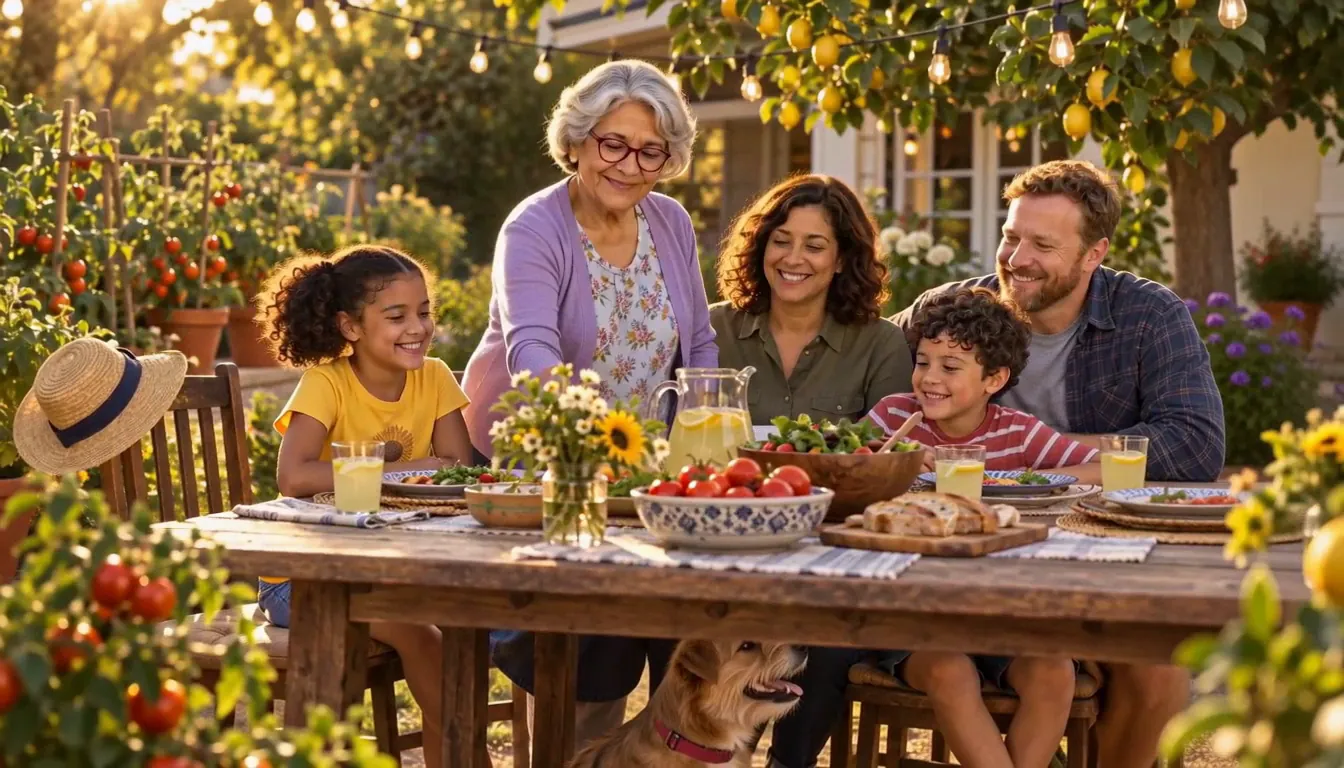
A fictional family, made for this page.
Celebrate the life, not only the loss
The tributes people remember are full of the person: their habits, their places, their laugh. Start from the stories told around the kitchen table rather than a timeline of dates.
The signature story
The one every relative tells — the fish that got away, the night the car broke down, the dance at every wedding. One story makes a whole film.
Their places
The garden, the workshop, the corner booth at the diner. The World keeps each place just as you describe it.
The small habits
The whistle on the stairs, the crossword in pen, the hat they never took off. Small details are what make a likeness feel like them.
For a pet, too
A quiet film for the dog who walked beside you for twelve years — the park, the favourite stick, the spot by the door.
Permission comes first
A tribute uses the likeness of someone who can no longer say yes, so ask the people who can. Talk with the family before adding any photo, and only make one with the agreement of the family members closest to them. Use photos of them as an adult. If anyone would rather the likeness stay private, tell the stories with a gentle original Character instead — the stories carry it.
Gentle by design
Choose a soft look — a warm animated style or quiet cinematic light. Keep Scenes slow and simple: a hand on a garden gate, a kettle on the stove, a wave from the porch. Every Scene takes notes, so you can soften the light, slow the motion or try another take until it feels right. Nothing about it needs to be dramatic, and nothing needs to be finished in one sitting.
For the service, and for every year after
Export the finished film to play at the service or send to family who could not travel. Your World stays private and in place, so on a birthday or an anniversary you can add one more story — a quiet way to keep remembering together.
8 memorial tribute film ideas to start from
Press one and it lands in the idea box. Change a word or keep it; the Director takes it from there.
- 01Sunday PancakesGrandpa at the stove, flipping one pancake too high, every Sunday for forty years.Use this idea
- 02The GardenA year in her garden, told one season per Scene.Use this idea
- 03Every WeddingThe uncle who was always first on the dance floor, and last off it.Use this idea
- 04The WorkshopSawdust, a radio, and the birdhouses he built for every grandchild.Use this idea
- 05The Long Way HomeDad's famous scenic detours, which always added an hour and a story.Use this idea
- 06Crossword MorningsCoffee, the paper, and a pen she never needed to erase.Use this idea
- 07Twelve SummersA tribute to a golden retriever, from muddy puppy to grey-muzzled king of the porch.Use this idea
- 08Her KitchenThe table where every family argument started and every one was settled.Use this idea
From one line to Episode 01
- 1
Choose the stories
Write one or two lines about the stories the family tells. Character App reads them as the film and builds the places they happened.
- 2
Create the likeness gently
With the family's agreement, add a few photos, or describe them for an original Character. The likeness stays consistent from Scene to Scene.
- 3
Film each memory
Direct each story as a Scene, keep the takes that feel like them, and export the film for the service or a quiet evening at home.
Questions, answered
Still curious? The guides go deeper.
Whose permission do I need to make a memorial tribute film?
Talk to the family first. For someone who has passed, only make a tribute with the agreement of the family members closest to them. If anyone is unsure, use an original Character instead of a photo.
Can I use photos from across their life?
With the family's agreement, a few clear adult photos help the Character resemble them. You can describe how they looked in earlier years and set Scenes in those times.
Can I control the tone and pace?
Yes. You choose the look, keep Scenes as slow and quiet as you like, and give any Scene a note — softer light, gentler motion — before keeping a take.
Is it a photo slideshow?
No. Each story is filmed as a Scene with real motion — a hand on a gate, a kettle on the stove — rather than still photos with a pan.
Can I make a memorial film for a pet?
Yes. Add a photo of your pet and they become the Character; film the walks, the naps and the favourite spot by the door.
Is a tribute film private?
Yes. Your World stays yours and nothing posts anywhere on its own. Export the finished film and send it only to the people you choose.
What does a tribute film cost?
Currently the free Studio gives you one World build, one Character a day and 4 Lite Images a day. A plan unlocks Clips and Film — Starter is $19.99 a month for 800 Credits — and a 5-second Clip made from an Image on H3 Max Turbo is 15 Credits. The price is on the button before you press.
More genres
Every genre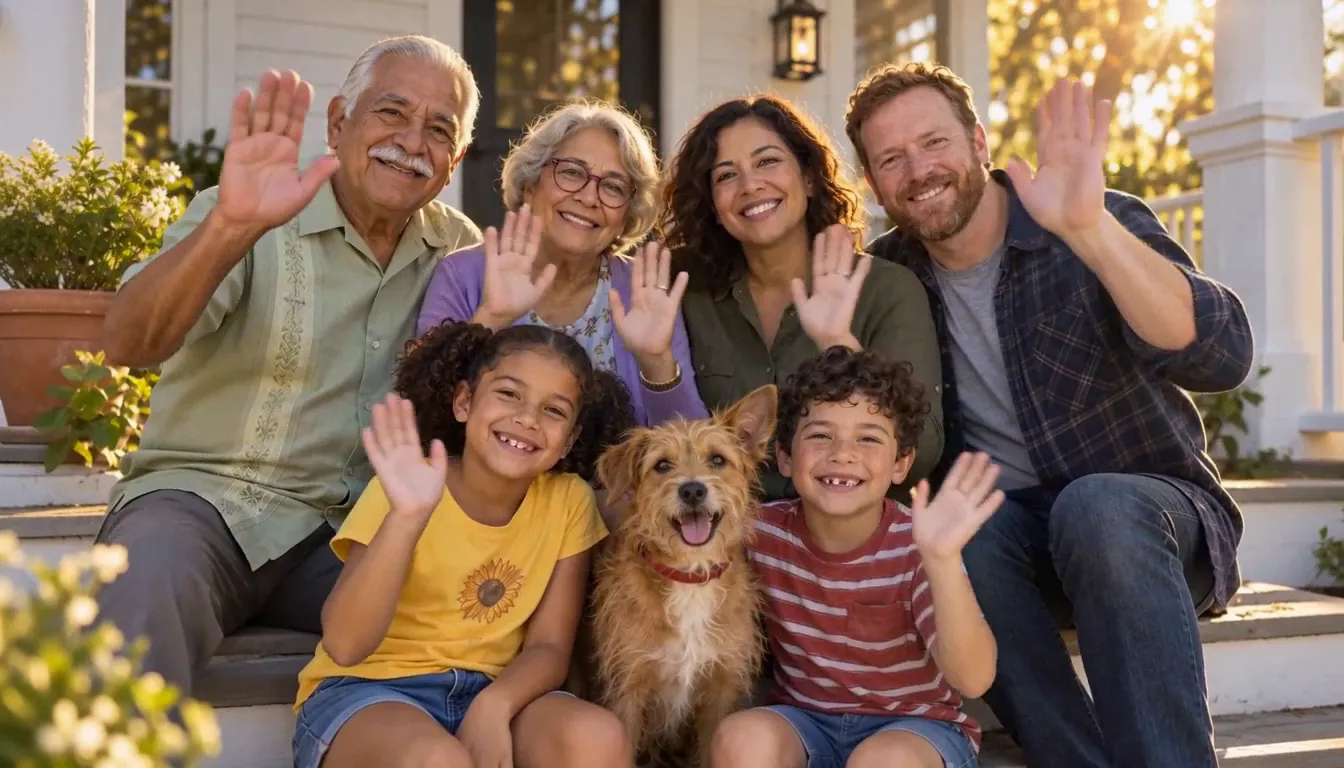
Your memorial tribute film starts with one line.
Continue with the free Studio · one World build, one Character a day, 4 Lite Images a day