Set up the party once
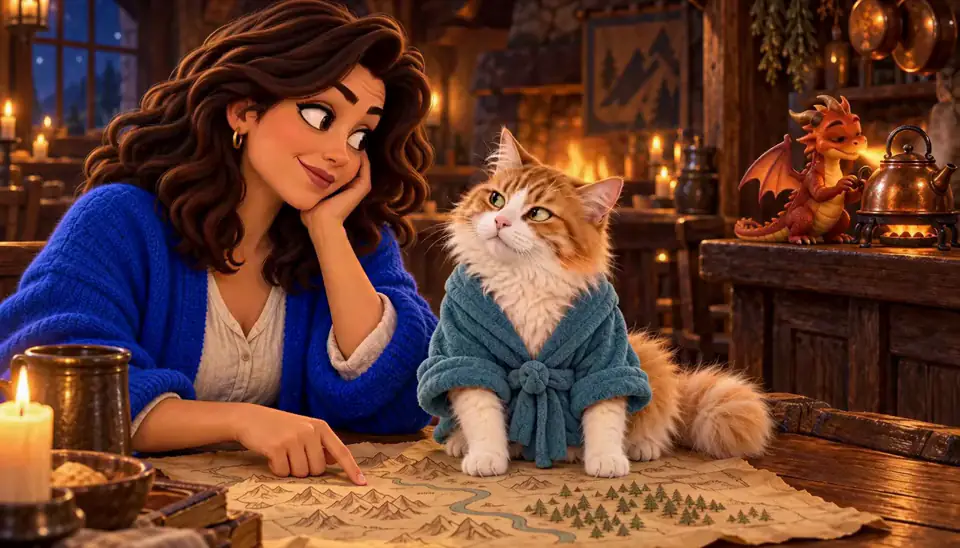
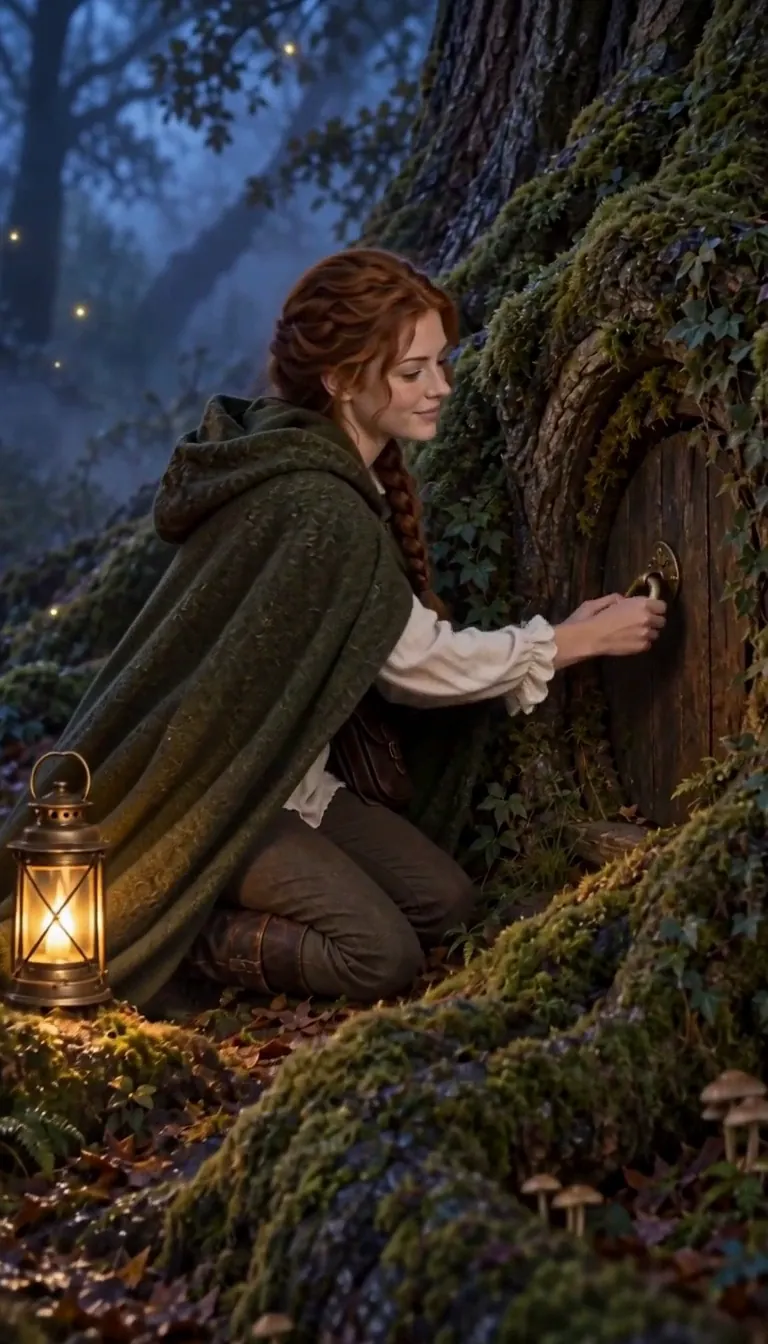
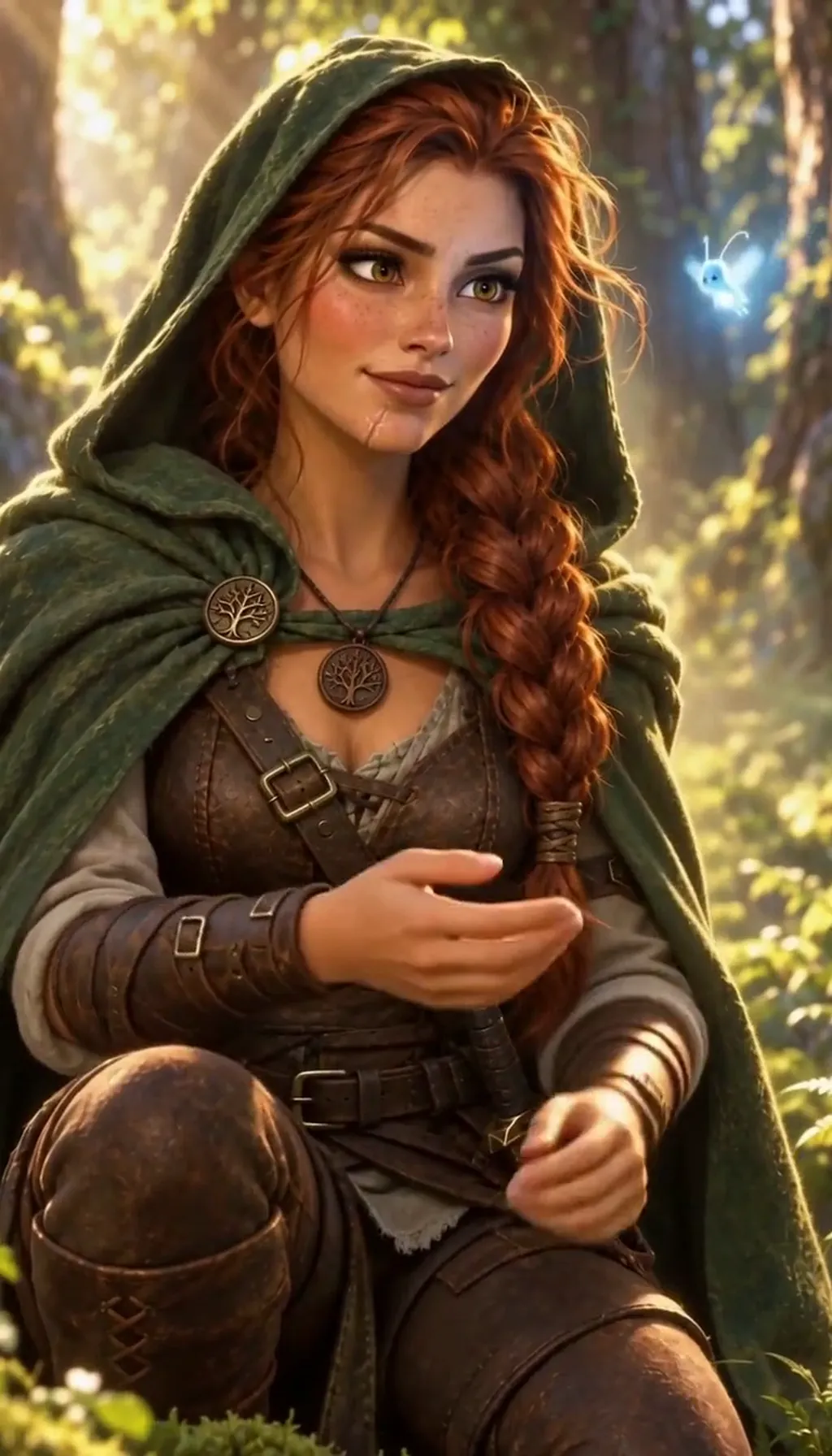
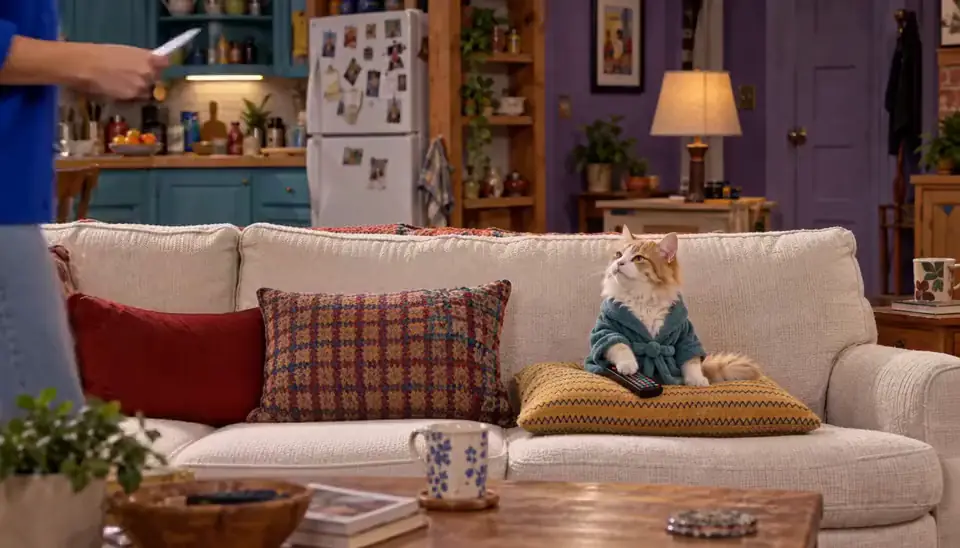
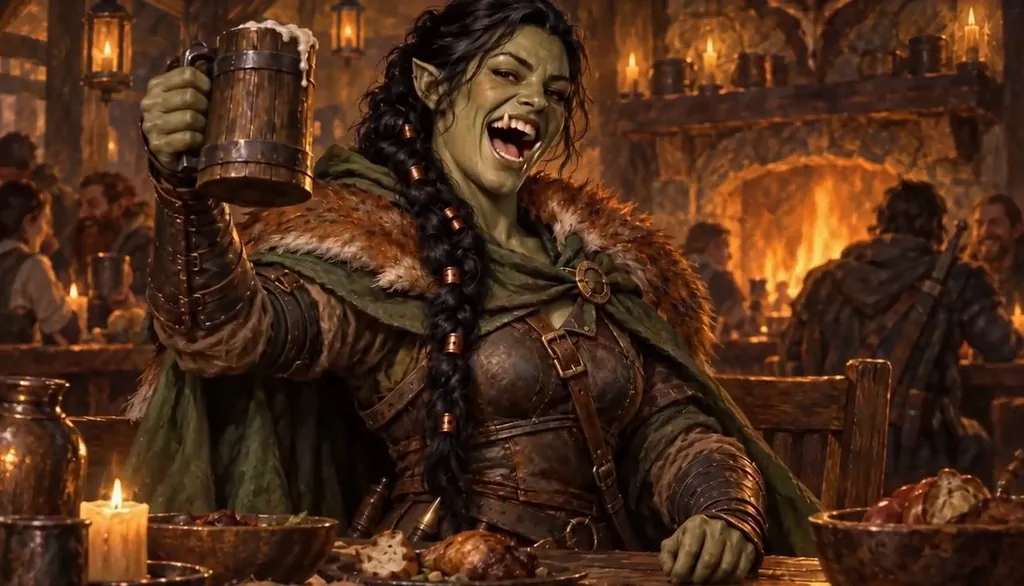
Make each party member as a Character: a few words each (class, look, one prop), or a player can cast themselves from their own photo, with their OK. One Character a day is free, so a four-player table is set up in a few days, or at once with a plan.
Put them in one World for the campaign, with the Art style you want every week. Painted fantasy is the classic, but a cartoon or anime recap is just as good. From now on every recap draws the same faces in the same style.
Write last session in five lines
Use the same five beats every week, one short line each:
1. Where we were: "The party arrived in the swamp town of Mirelow." 2. What we did: "We took a job escorting a cart of turnips." 3. What went wrong: "The turnips were cursed and ate the cart." 4. Who we met: "A tavern ghost who offered us a map for a favour." 5. The cliffhanger: "We now owe a dragon money."
Keep it short. The AI Director works from a short premise, not pages of notes, and a recap is better short anyway.
Let the Director draw it
Paste the five lines as the Story idea and ask for a recap. The AI Director writes it as Scenes with your party in them, and each Scene is drawn as a slide in the World’s Art style.
Read it through. If the ghost should be friendlier or the dragon angrier, say so in plain words and it rewrites. Free members get this as a picture-only Slideshow.
Add the narrator
With a plan, the recap becomes a narrated Slideshow with music from our library: 40 Credits for up to five slides on the web. Put it on the screen at the start of the session, or drop the MP4 in the group chat the night before.
Honest limits: you cannot record your own voice or upload audio on the web, and the music is from our library, not your own track.
Do it every week
Because the party and the World are saved, next week is just five new lines. After a few sessions you have a whole season of recaps with the same faces, and the World remembers who you met.
Want the sessions themselves as an animated series? See turn your D&D campaign into an animated series.
Common mistakes
Pasting all your notes. Five short lines beat five pages: the Director works from a short premise, and the table wants thirty seconds, not ten minutes.
Changing the party’s look every week. Make each hero once as a Character and keep using them.
Using official monsters, settings or named characters. Keep your homebrew original. Character App is not affiliated with Wizards of the Coast.
Expecting free narration. Free is the picture-only Slideshow; narration and music come with a plan.
Questions
How do I make a D&D session recap video?
Make your party as Characters once, write last session in five short lines, and the AI Director turns it into a Slideshow with your party in every slide. Free as pictures; narrated with music for 40 Credits on a plan.
Is there a D&D session recap template?
Five beats, one line each: where we were, what we did, what went wrong, who we met, and the cliffhanger. Use the same five every week.
Can I paste my session notes or a recording?
Write a short five-line summary instead. Recording or uploading audio is not supported on the web, and the Director works from a short premise.
Can my players be in it?
Yes. Each player can cast themselves from their own photo, with their OK. Everyone in it is an adult.
What does it cost?
The picture-only recap is free (one written Story a day). A narrated recap with library music is 40 Credits on the web with a plan. The Creator plan is $39.99 a month for 1,600 Credits, about 40 Slideshow Stories.