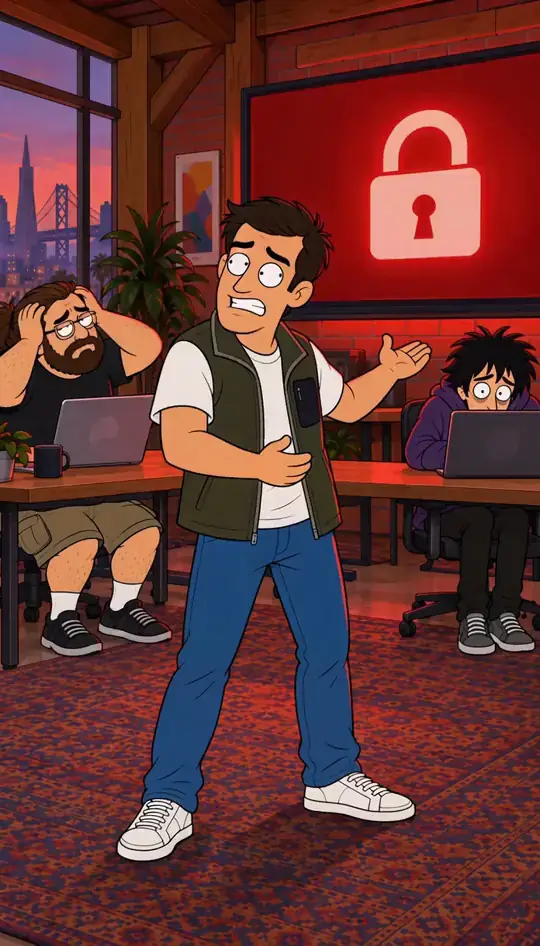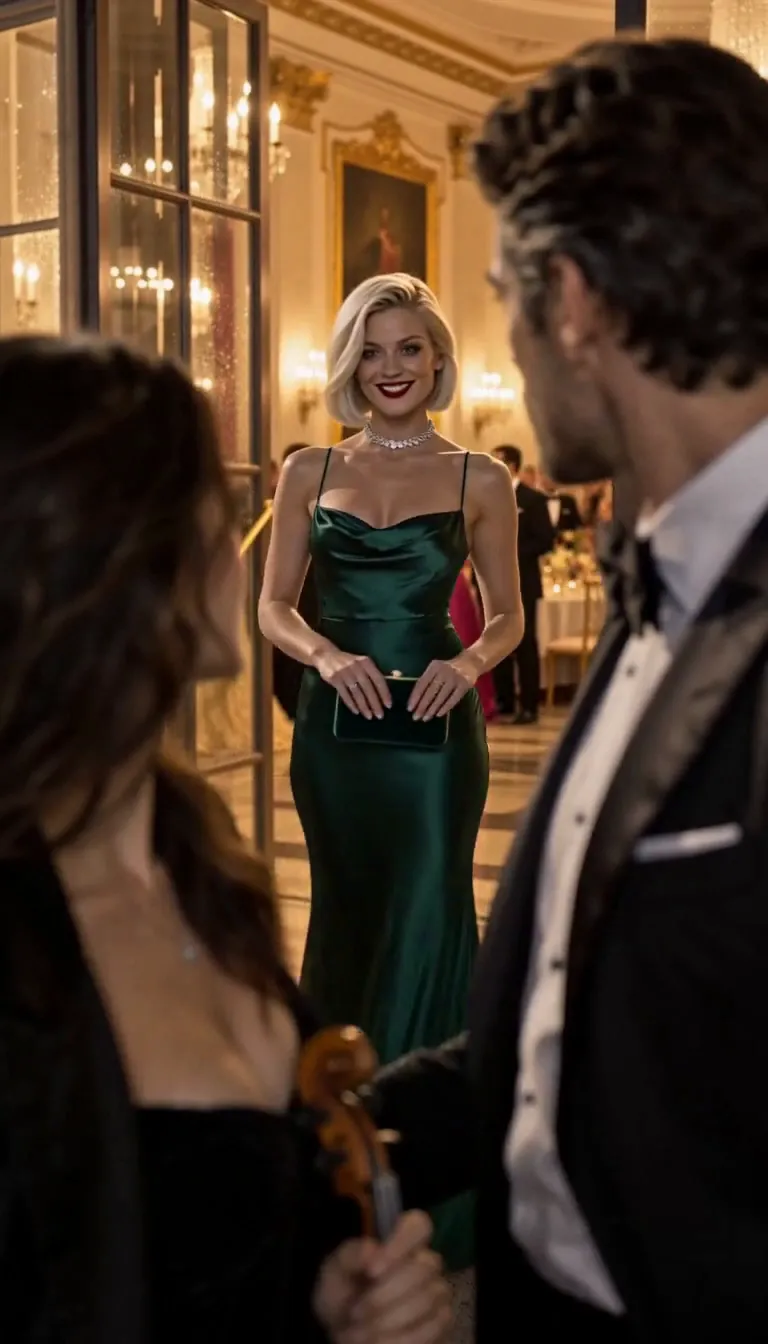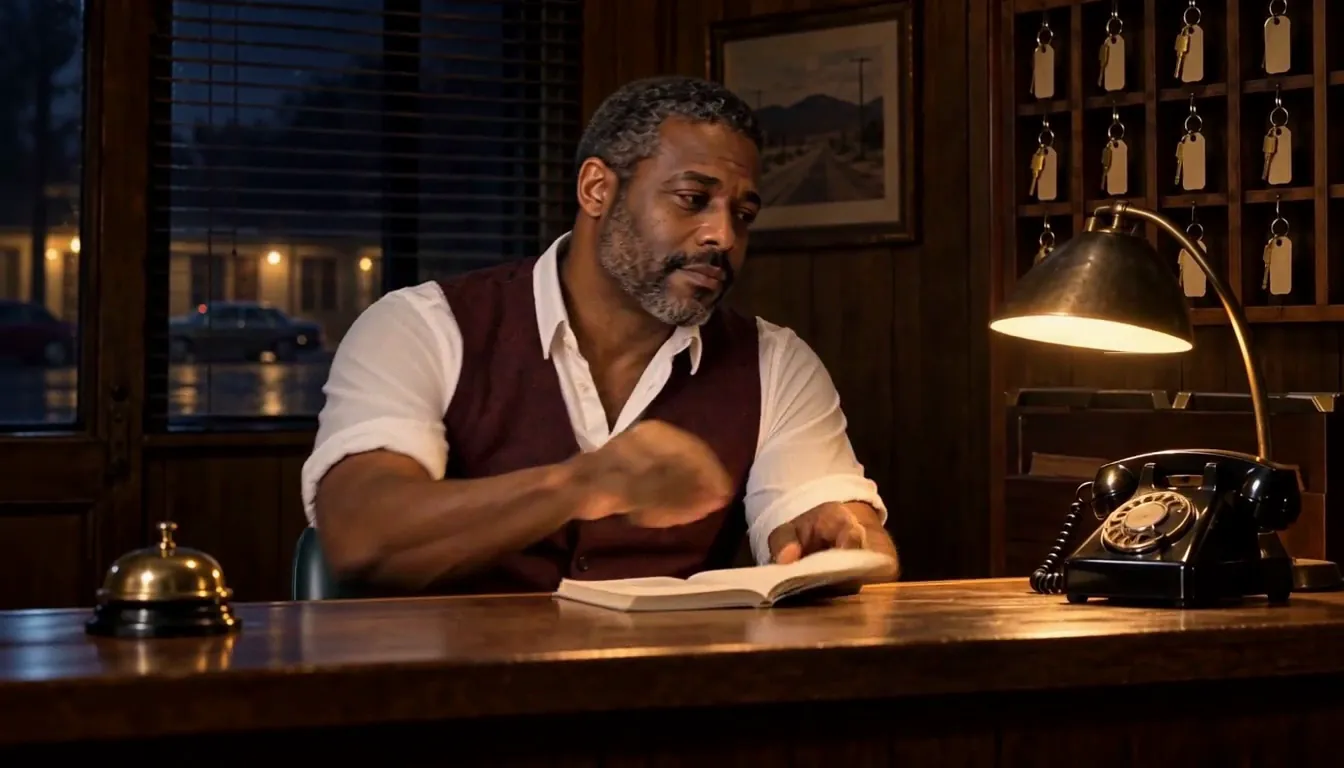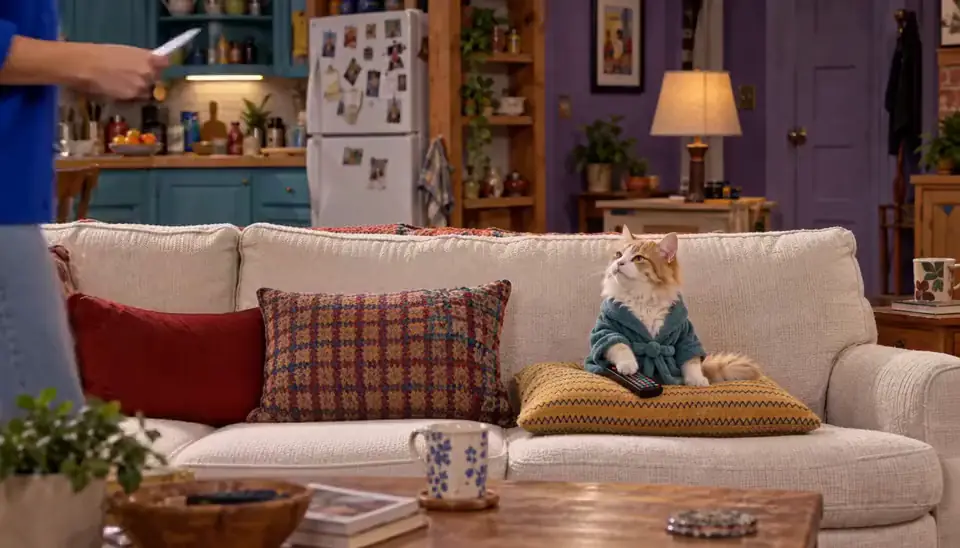


Export in 9:16 with words on
In Character App, open the Slideshow Story and press Make video. Pick 9:16, keep With words on, and pick Voice + music. The export runs in the background in Activity; Save video then opens the share sheet or downloads the MP4. Export needs a plan.
Make a 16:9 copy as well if you also post to YouTube’s main feed.
Put the hook in the first two seconds
People decide in the first swipe. Open on the most surprising picture or line, not on a title card. For a series, end each post on a question the next one answers. How to write a cold open that hooks goes deeper.
Label realistic AI content
TikTok’s guidelines say: “we require creators to label AI-generated or significantly edited content that shows realistic-looking scenes or people.” YouTube says: “We require creators to disclose AI-generated or altered content that seems realistic.” Instagram has a Label AI content option in its phone apps.
A clearly animated or cartoon video is usually outside those rules, but labelling never hurts. Rules change; check each platform’s page before you post.
Choose the sound mix for the platform
Voice + music is ready to post. Voice only leaves room for a trending sound added on the platform. Silent leaves room for your own voice-over.
Or share a private link
To show someone before you post, Make public link gives a watch link with an end date that you can revoke. Its page is not indexed by search engines.
Common mistakes
Posting a 16:9 export to TikTok with black bars.
Turning words off: muted viewers scroll past.
Leaving the AI label off a realistic video. The platform may label, restrict or remove it.
Questions
Do I have to label AI videos on TikTok?
Yes for realistic-looking AI scenes or people: TikTok requires creators to label AI-generated or significantly edited content that shows realistic-looking scenes or people (Community Guidelines, checked 2026-11-01).
Will labelling my AI video hurt its reach?
We can’t promise reach either way. The platforms say the label is a disclosure; leaving it off a realistic video risks the post being labelled, restricted or removed.
Can I post a free picture Slideshow?
Free makes picture-only Slideshows inside the app. Exporting a video to post comes with a plan.
Does Character App post for me?
No. You export the MP4 and post it yourself, or send a private watch link. There is no public feed in the app.