Make a 90s anime with your own Characters
Save your OC once in the Retro anime Art style: cel shading, film grain, dusk light. Every Scene after that keeps the same face, the same jacket and the same scooter.
Free: make your Character and its Story as picture-only Slideshows. Real video comes with a plan.
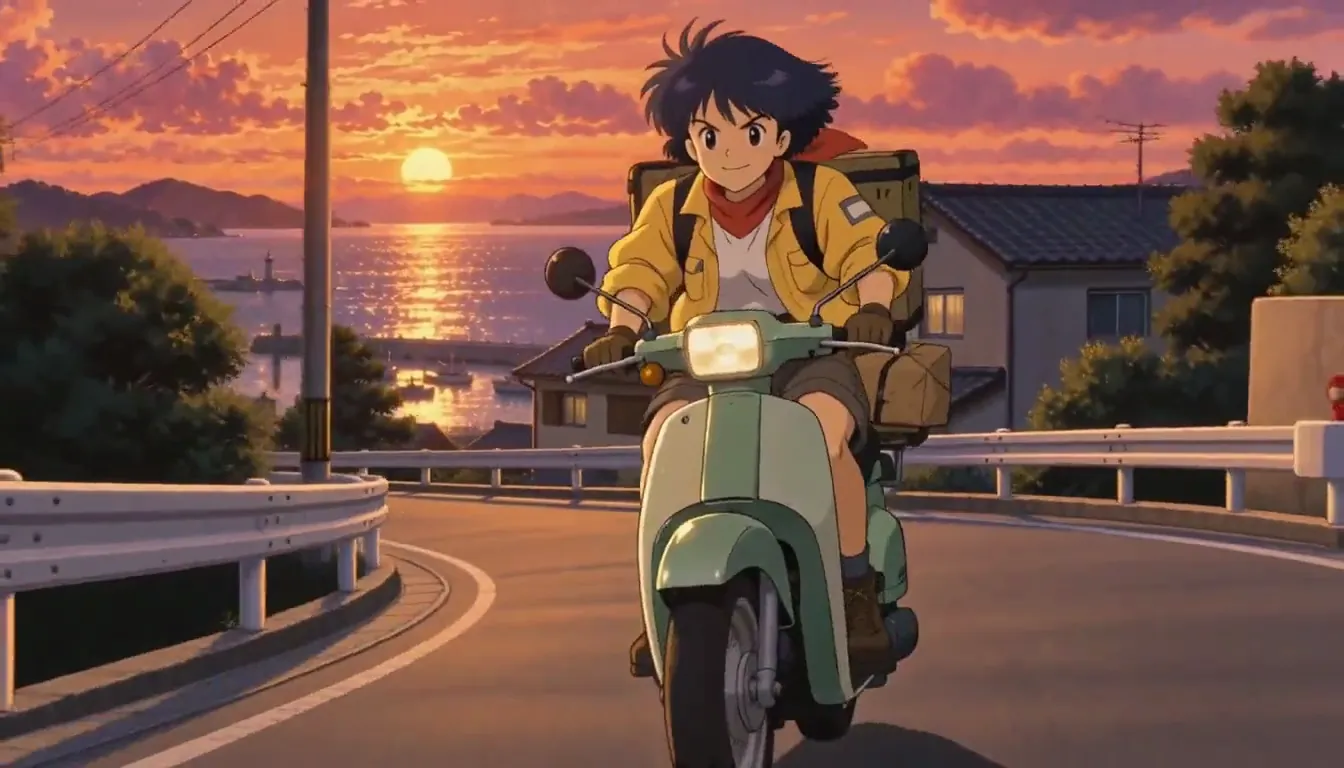
How to make a 90s anime with AI
Make your Character from words or your own drawing and pick the Retro anime Art style. Write the premise in one line and the AI Director turns it into a Story of Scenes. Watch it free as a picture-only Slideshow, then, with a plan, film each Scene as a Clip and put the Clips together into an Episode.
Updated November 2026 · Free to start · Web and iPhone
The 90s anime look, in plain words
Cel shading means flat colour with hard-edged shadows, no soft gradients. Add film grain, a dusk palette of orange, teal and violet, thick ink lines, and framing that feels like an old 4:3 TV even in 16:9. The Retro anime Art style carries all of that, so your premise can spend its words on the story.
A prompt that works
Name the place, the hour and the trouble: a harbor city at dusk, a courier on a scooter, one sealed case. The look is already handled.
What to leave out
Show titles and studio names. Describe the feeling instead: grain, long shadows, a synth score you can almost hear.
A series, not one retro shot
Most 90s anime generators hand you one retro clip and start from zero next time. Here your Character is saved once and the World stays put, so Episode 3 still has the same courier, the same harbor and the same scuffed helmet. Looking for the Saturday-morning cartoon instead? That lives on 90s cartoon.
Start from your own drawing
Already drew your OC? Upload the drawing and your Character keeps its design, then redraw it in Retro anime or keep your own linework. Use art you made or have the rights to. Every Character is an adult.
5 90s anime ideas to start from
Press one and it lands in the idea box. Change a word or keep it; the Director takes it from there.
- 01Sealed CaseA night-shift courier in a harbor city is paid to deliver one sealed case and told never to look inside.Use this idea
- 02Rent Over PrideTwo rival pilots share a cramped apartment because rent is cheaper than pride.Use this idea
- 03Noodle Safe HouseA retired idol runs a noodle stand that is secretly a safe house for runaway androids.Use this idea
- 04One More PortA salvage crew of three owe money at every port in the system, and one more after this job.Use this idea
- 05Tomorrow's CallerA late-night radio host keeps getting calls from a listener who describes tomorrow's news.Use this idea
From one line to Episode 01
- 1
Save your OC
Make your Character from words or your own drawing, choose the Retro anime Art style, and keep the one you like.
- 2
Let the Director write it
Type the premise. The AI Director writes a Story in Scenes; watch it free as a picture-only Slideshow.
- 3
Film it with a plan
Film each Scene as a Clip, a few seconds each, keep the best take, and put the Clips together into an Episode.
Pictures free. Filming with a plan.
Free: make your Character and its Story as picture-only Slideshows. Real video comes with a plan. The free Studio is currently one World build, one Character a day, 4 Lite Images a day.
With a plan, a narrated Slideshow Story is 40 Credits for up to 5 slides, narration and music included, and a 5-second Clip on H3 Turbo is 25 Credits. Every button shows its price before you press.
Creator · $39.99 a month 1,600 Credits, spent any of these ways
- 64 HD H3 videos
- 266 Nano Banana 2.1 pictures
- ~29 Seedance 2.5 videos
- 40 Slideshow Stories
Or Characters, Stories and Episodes from the same Credits. Starter ($19.99) makes 32 HD H3 videos; Pro ($99.99) makes 160. Every button shows its price before you press.
Questions, answered
Still curious? The guides go deeper.
Can AI make a 90s anime-style series?
Yes. Pick the Retro anime Art style for your Characters and the World, and every Scene keeps the cel shading, grain and dusk light. The Characters keep their designs from Episode to Episode.
Is the Clip on this page real?
Yes. Harbor Courier is one of our house sample series, made in Character App with H3 Turbo in the Retro anime look.
How long can a 90s anime Episode be?
Each Clip is a few seconds long. An Episode is a sequence of Clips put together, so its length depends on how many Scenes you film.
Can I remake a real 90s anime?
No. Keep the feeling and invent the characters. Show and studio names stay out of your premise.
What is free, and what needs a plan?
Free: make your Character and its Story as picture-only Slideshows. Real video comes with a plan. Clips, narrated Slideshows and Episodes use plan Credits, and every button shows its price before you press.
More genres
Every genre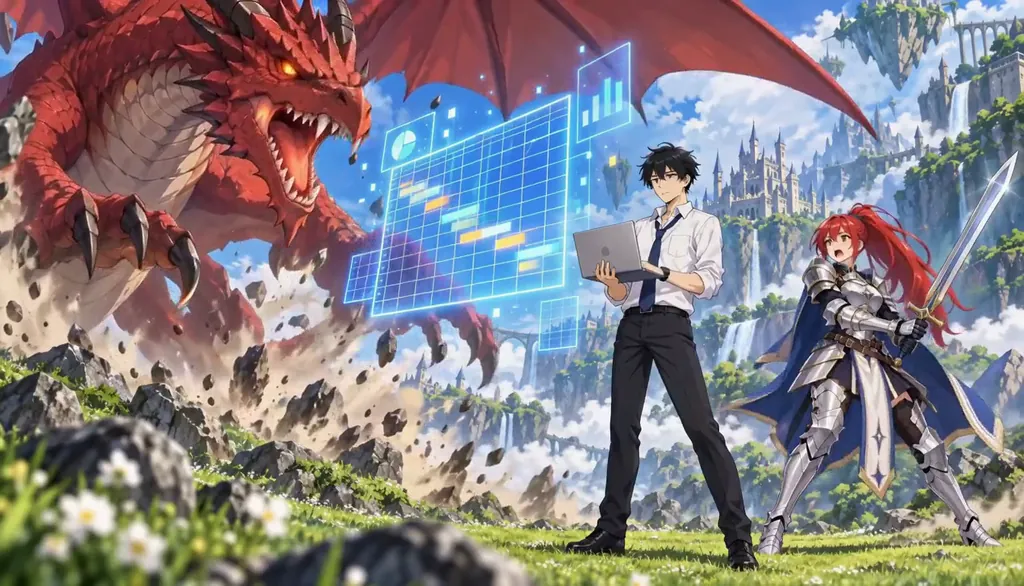 AnimeCel-shaded arcs, rivals and late-waking powers.
 Retro 90s cartoonSaturday morning, rebuilt around your characters.
 Mecha animeA pilot, a machine and the same dents every sortie.
Cast for this genre
Plan it as a full season with the AI series maker.
Guides for this genre
- Turn yourself into an anime character from a photoTurn a photo of yourself (or a willing friend) into a recurring anime character: one candid shot becomes a Cast card with your actual face, readable in every episode.
- One character, different art stylesTo keep one AI character in different art styles, make the Character once from a clear picture, then add each style as a Look on that same Character instead of starting over.
- Plan a season arcA season arc is one promise the whole season keeps: a question episode one asks and the finale answers.
Your 90s anime starts with one line.
Free: make your Character and its Story as picture-only Slideshows. Real video comes with a plan.