Make a mecha anime: a pilot, a machine and a war neither chose
Save the pilot and the machine as Characters, so the paint job, the number and every dent come back in every sortie.
Free: make your Character and its first talking Clip, then a narrated Slideshow Story every day. More video comes with a plan.
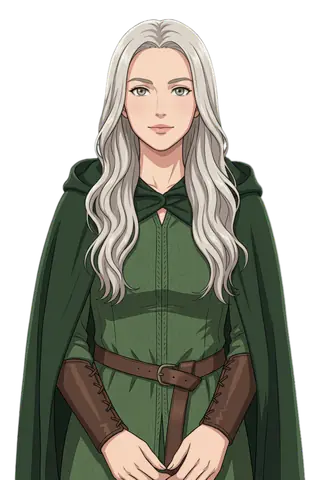 Anime
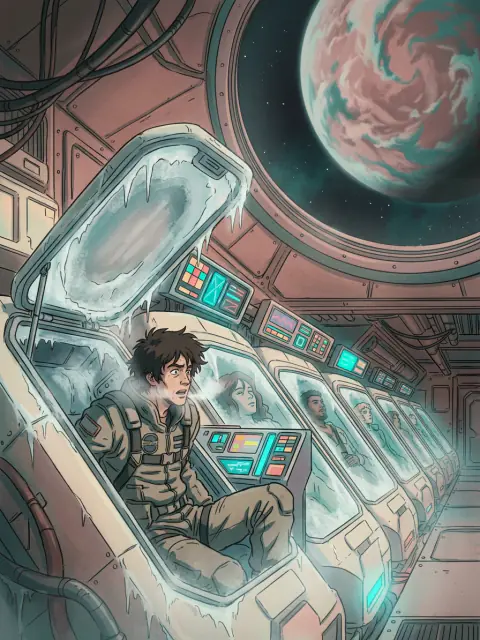 Sci-fi
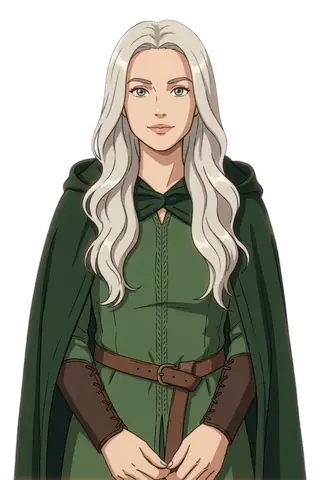 Retro anime
How to make a mecha anime with AI
Make the pilot a Character, then make the machine a Character too, so its design matches in every Scene. Describe the hangar and the war in a line and the AI Director writes the Story. Film each sortie as Clips and put them together into an Episode.
Updated November 2026 · Free to start · Web and iPhone
Sample Clips
Real Clips from fictional sample series. Same Cast from shot to shot; tap a Clip for sound.
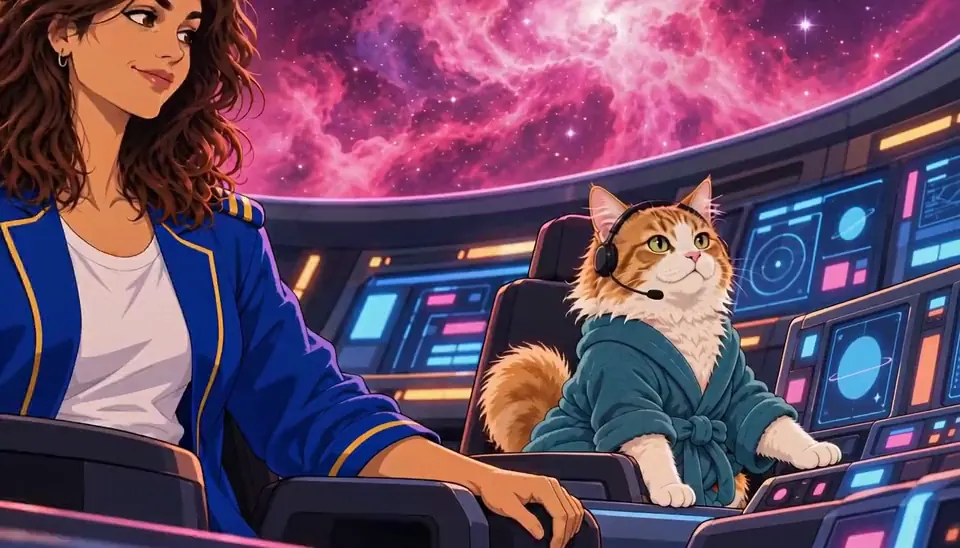
The Long Haul The snack cupboard
Example from our house series The Long Haul, a space anime, not a mecha Story. Made with H3 Turbo, the default Clip model in Character App · fictional sample series
The machine is a Character too
In a mecha series the robot is a lead. Save it as a Character from a description or your own design drawing: its colours, its number, the cracked visor. Then it stays the same machine in the hangar, in the sky and in the wreck.
Sorties as Clips
A battle is a sequence of short Clips: the launch, the first hit, the turn, the landing. Write it as a Story, check it as a Slideshow, then film the beats. For fights between people, see anime fight scene.
Space anime
The same machinery makes a space anime: a crew, a ship that is part of the World, a war on the edge of the map. For the 90s cel look with grain and dusk light, try 90s anime; for every other kind of anime, make your own anime.
5 mecha anime ideas to start from
Press one and it lands in the idea box. Change a word or keep it; the Director takes it from there.
- 01Say SorryA scrap-dealer pilot inherits a machine that only starts when she apologizes to it.Use this idea
- 02One CockpitTwo pilots share one cockpit and do not share one opinion.Use this idea
- 03Port CraneA decommissioned war robot works as a port crane and still salutes passing ships.Use this idea
- 04Repair CrewA top pilot washes out and joins the crew that repairs the machines.Use this idea
- 05Under the ReservoirA space colony votes on whether to wake the giant robot sleeping under the reservoir.Use this idea
From one line to Episode 01
- 1
Make pilot and machine
Two Characters from words or your design drawings: the pilot, then the robot, both in an anime Art style.
- 2
Plan the sortie
The AI Director writes the battle in Scenes.
- 3
Film it
Film each Scene as a Clip, a few seconds each, keep the best take, and put the Clips together into an Episode.
What is free, and what a plan adds
Free: make your Character and its first talking Clip, then a narrated Slideshow Story every day. More video comes with a plan. The free Studio is currently one World build, one Character a day, 4 Lite Images a day.
Another narrated Slideshow Story the same day is 40 Credits for up to 5 slides, narration and music included, and a 5-second Clip on H3 Turbo is 50 Credits. Every button shows its price before you press.
Creator · $39.99 a month 1,600 Credits, spent any of these ways
- 32 HD H3 videos
- 266 Nano Banana 2.1 pictures
- ~29 Seedance 2.5 videos
- 40 Slideshow Stories
Or Characters, Stories and Episodes from the same Credits. Starter ($19.99) makes 16 HD H3 videos; Pro ($99.99) makes 80. Every button shows its price before you press.
Questions, answered
Still curious? The guides go deeper.
Can AI make a mecha anime?
Yes. Save the pilot and the machine as Characters, let the AI Director write the Story, and film each sortie as Clips put together into an Episode.
Will the robot look the same every Episode?
Saving it as a Character is how: every Scene is drawn from the same kept design.
Is the Clip on this page a mecha Clip?
No. It is from The Long Haul, one of our house space anime series, shown as an example of an anime Clip made in Character App.
Can I use robots from an existing series?
No. Design your own machines and pilots.
What is free, and what needs a plan?
Free: make your Character and its first talking Clip, then a narrated Slideshow Story every day. More video comes with a plan. Clips, more Slideshows and Episodes cost Credits, and every button shows its price before you press.
More genres
Every genre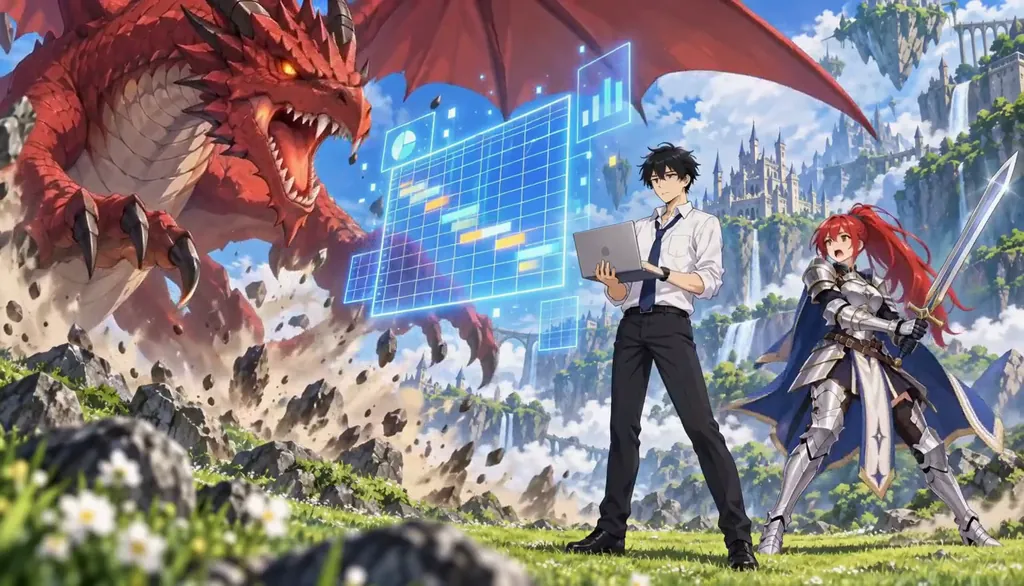 AnimeCel-shaded arcs, rivals and late-waking powers.
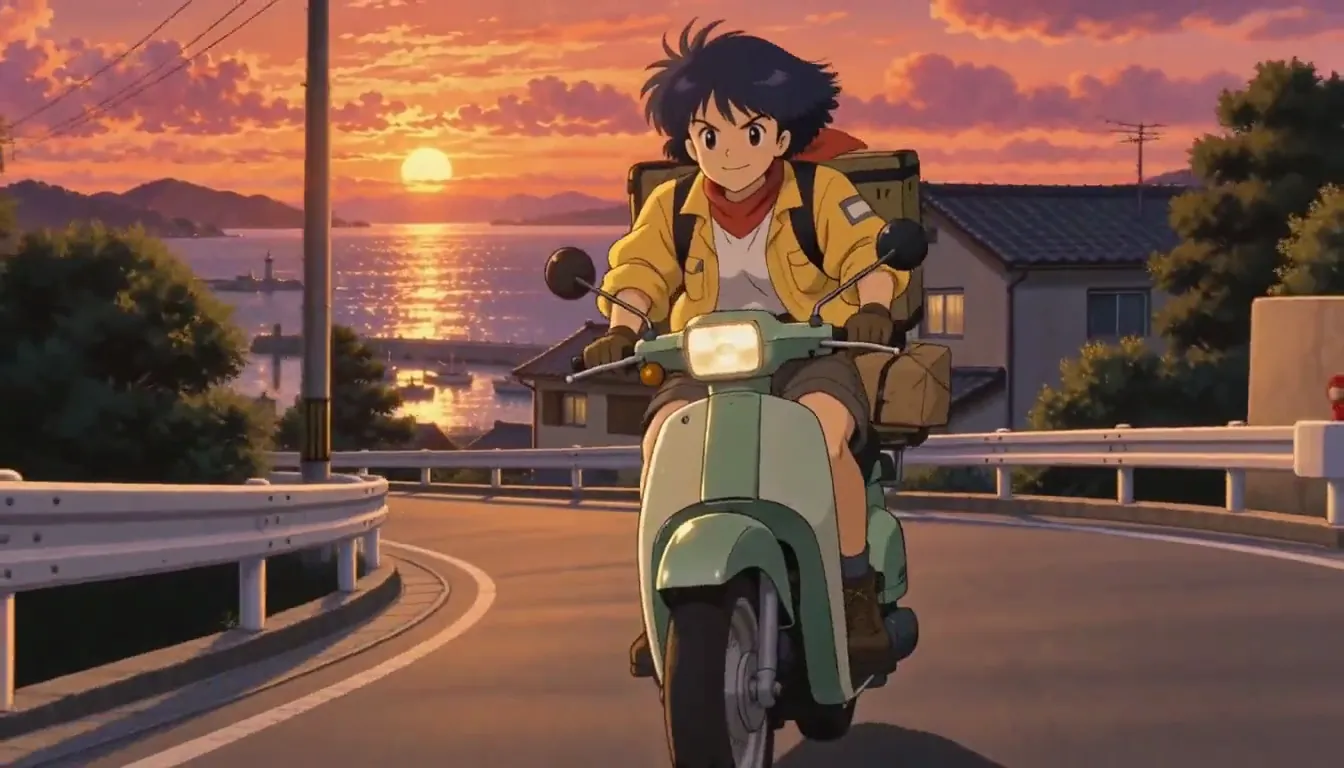 90s animeCel shading, film grain, your own OC.
- Anime fight sceneTwo fighters, locked designs, beat by beat.
Cast for this genre
Plan it as a full season with the AI series maker.
Guides for this genre
- Build a consistent castKeep the same face, proportions, and costume in every episode — the fix isn’t better prompts, it’s architecture.
- Plan a season arcA season arc is one promise the whole season keeps: a question episode one asks and the finale answers.
- Scenes, Takes, Clips, EpisodesCharacter App has five production nouns and they nest: a Scene is one dramatic moment, a Take is one filmed attempt at it, a Clip is the take you kept, an Episode is kept Clips assembled in order, and a Season is the run of Episodes.
Your mecha anime starts with one line.
Free: make your Character and its first talking Clip, then a narrated Slideshow Story every day. More video comes with a plan.