Which AI video model fits this shot?
Choose what you want to make and, for video, whether cost or detail and speed matter more. The finder prices one example, shows what each US web plan could cover and tells you where to pick the model.
Free: your idea as a Picture Story starring your Character. A plan films every Scene.
By the Character App team · Updated November 2026 · Prices from the live price list
Which AI video model should I use?
Episode default
HG H3 Max 150 Credits · about $3.75 at the US web Starter rate
Film six five-second Scenes from your saved references at 25 Credits per Scene. (30-second reference-led Episode. Choose HG H3 Max when setting up the Episode.)
- Starter$19.99 a month on web · 800 Credits5 of these a month · about $3.75 at its rate
- Creator$49.99 a month on web · 2,400 Credits16 of these a month · about $3.12 at its rate
- Pro$99.99 a month on web · 6,000 Credits40 of these a month · about $2.50 at its rate
- Clip estimate
- One five-second take at the displayed resolution
- Episode estimate
- Six five-second Scenes filmed from saved references
- Reference-to-video
- Scene Images are optional when filming from saved references
- Monthly capacity
- One US web plan’s Credits spent on the selected example
Choose the surface before the model
- 1
For an Episode, compare two H3 options
Choose HG H3 Max to keep the filming bill low or H3 Turbo for fast Character takes. Seedance reference options also appear in the web Story/Film picker.
- 2
For an action Clip, follow the movement
Pick Wan 3.0 for a motion study or Wan 3.0 Prime when turnaround matters. Keep the moving subject in frame for the whole take.
- 3
For a reference-led shot, count the cast too
A messenger, a particular satchel and a brick arch each give the shot something to match. Select Multi-Reference to price a Seedance 2.5 Clip.
- 4
For a narrated pitch, price slides
A Slideshow Story costs 40 Credits for up to 5 slides. This is a whole narrated sequence, so compare its total with your shot list.
| Project | Pick | Credits per second | Where to choose it |
|---|---|---|---|
| Episode on a budget | HG H3 Max | 5 | Episode |
| Fast Character takes | H3 Turbo | 10 | Episode |
| Reference-led standalone take | Seedance 2.5 | 11 at 480p · 25 at 720p | Web Playground |
| Fast standalone draft | Seedance 2.5 Flash | 10 at 480p · 20 at 720p | Web Playground |
| Movement or faster turnaround | Wan 3.0 / Prime | 12 / 15 | Playground |
Five-second filming rates from the Studio price table (2026-11-15). The Episode estimate covers six takes filmed from saved references.
Choose a model for each messenger shot
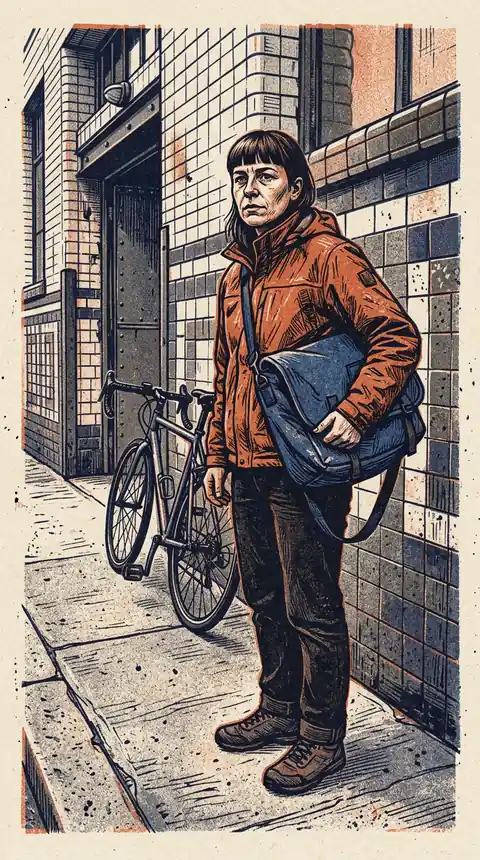
Example Character and Scenes, drawn for this page with Nano Banana 2.1.
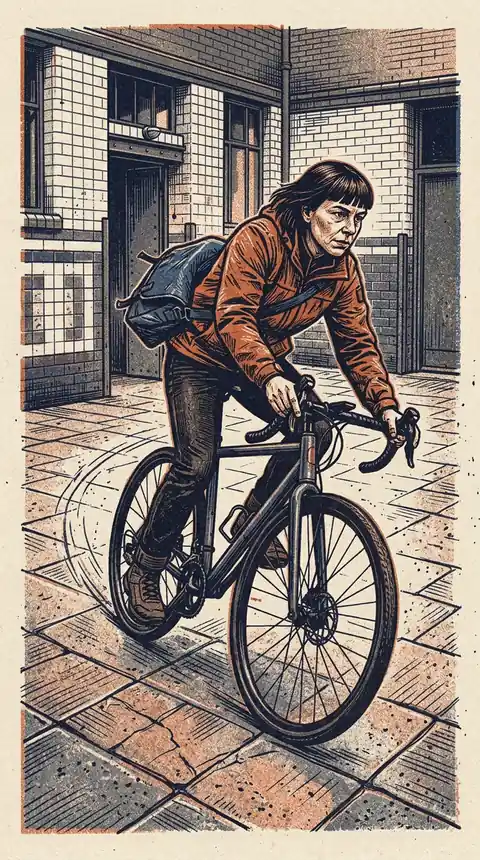 Scene 1
Follow the turn in one action Clip. Pick Wan 3.0 in the Playground.
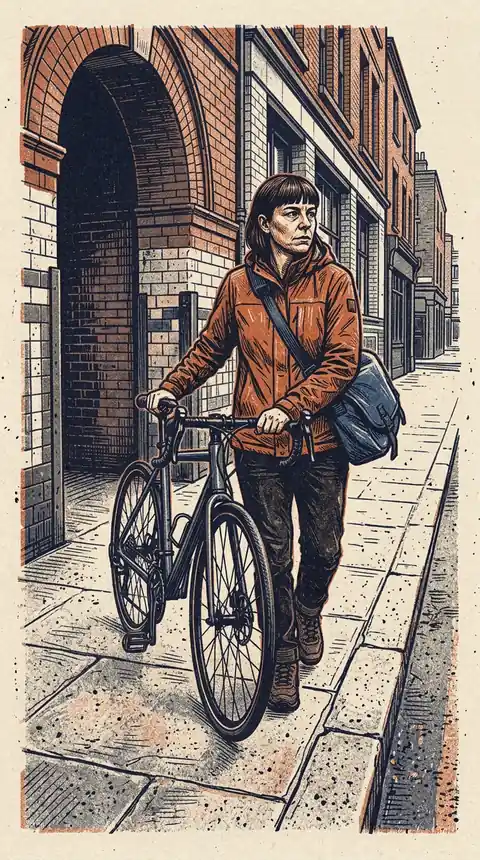 Scene 2
Use references for the messenger, her bag and the brick arch.
Budget the chase and the reveal separately
For a messenger turning a sharp corner, the five-second Wan 3.0 motion insert costs 60 Credits. For a second insert where the bag and the arch must match your references, price a Seedance 2.5 take at 480p (55 Credits).
Change one choice at a time. The finder shows the cost of one accepted take. Add another take to your budget if you want to try the turn from a second angle.
What a plan makes
Plans are monthly and cancel any time, with no watermark and commercial use under the Terms. One pool of Credits makes any of these.
An HD H3 video is a 5-second Clip on HG H3 Max, the default model; a Seedance 2.5 video is 5 seconds at 480p; a Slideshow Story is 5 slides. Plans & Credits
Questions, answered
What does the Episode estimate cover?
It covers filming six five-second Scenes from saved references. If you draw new pictures for a Story, budget for those separately.
Can I finish my draft at 1080p?
On web, Make it 1080p finishes an eligible standalone Seedance 2.5 Regular 480p take without reference audio. It adds 60 Credits a second within 14 days. Choose Regular before filming a draft you intend to finish.
Does the button select a Clip model for me?
It opens the Playground in Clip mode. Pick the model and resolution named in your result, then check the price shown before filming.
Keep going
Every format and genreMake the Character once. Use it everywhere.
Free: your idea as a Picture Story starring your Character. A plan films every Scene.