Local business video ads: an AI micro drama series
A local business micro drama is a short 9:16 series about your shop, café or service and the neighborhood around it, one small story per Episode. It turns a local ad into something people share with neighbors. You make your Characters once, write the season with the AI Director, test it free as a picture Slideshow, and film it with a plan.
Free: make your Character and its Story as picture-only Slideshows. Real video comes with a plan.
Updated November 2026
Why a series beats a one-off ad
Local customers already know you exist; what they need is a reason to talk about you. A series about the regular, the rival shop across the street or the dog who visits every morning gives them one. It also gives you a weekly post with no new shoot, which is hard for a small team to manage otherwise.
A 5-Episode series outline
Each Episode is 30-90 seconds: one problem, one turn, and a last line that makes the next one necessary.
- Episode 1
Opening time
Rosa opens her café at 7 a.m. The same dog sits outside every morning. Nobody knows whose it is.
Cliffhanger Today the dog brings a note in its collar.
- Episode 2
The note
The note is an order: 'One flat white, extra hot.' No name, no money.
Cliffhanger At 7:05, the order is paid by phone, from an unknown number.
- Episode 3
The rival
The new café across the street starts giving the dog treats.
Cliffhanger Tomorrow the dog sits outside the other café.
- Episode 4
Rain
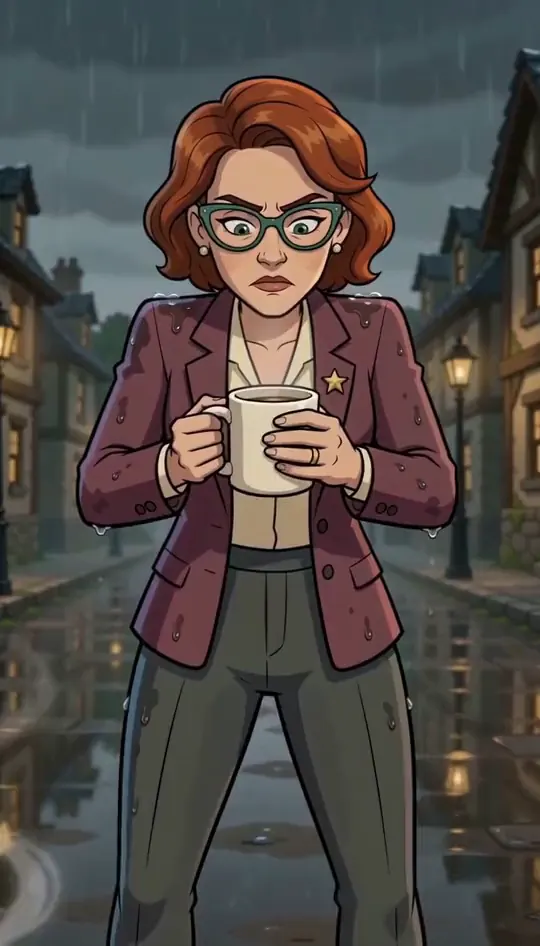
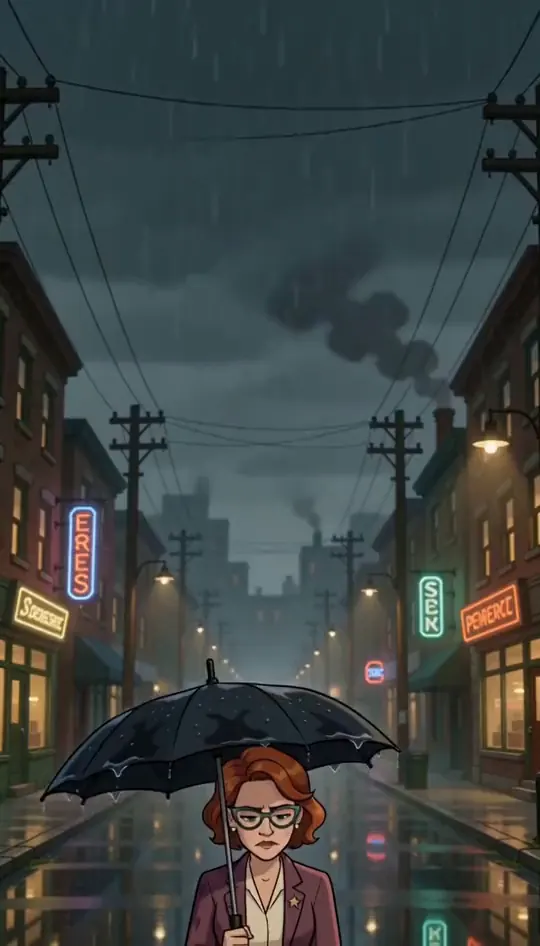
A storm. Rosa runs across the street with a towel. The rival owner is already there.
Cliffhanger The owner of the dog walks up: it is the rival's grandmother.
- Episode 5
Two coffees
The two cafés agree: one flat white each morning, alternating days. The street follows the dog.
Cliffhanger Next week: the dog brings a second note.
Episode 1 script: Opening time
One filmable action per shot. Change the names and the place; keep the last line on the cliffhanger.
- Shot 1
Wide shot, early morning: Rosa unlocks the café door; the street is empty.
- Shot 2
Medium shot: a scruffy dog sits on the step, as always.
- Shot 3
Close-up: Rosa smiles and kneels down.
- Shot 4
Insert: a folded note tucked in the dog's collar.
- Shot 5
Close-up: she unfolds it.
- Shot 6
Insert: the note reads 'One flat white, extra hot.'
- Shot 7
Close-up on the dog, looking up at her.
- Shot 8
Close-up on Rosa, last line: 'Who sent you?' Cut.
Make it in Character App
Free: make your Character and its Story as picture-only Slideshows. Real video comes with a plan.
- 1
Make your Character
Make the lead once, from a few words, your own photo, or both, in any Art style. The kept picture is the reference for every Scene after.
- 2
Build the World
Describe the place (the shop, the office, the street) or start it from your own photos. It stays the same in every Episode.
- 3
Write Episode 1 with the AI Director
Paste your Episode 1 script, or pitch it in one sentence. The AI Director writes the Scenes with your Characters cast in each one. Edit anything before you spend.
- 4
Try it free as a picture Slideshow
Make the Episode as a picture-only Slideshow to check the story. With a plan, a narrated Slideshow Story with music is 40 Credits for up to 5 slides.
- 5
Film it with a plan
Film each Scene as a 9:16 Clip. A 5-Clip Episode on H3 Turbo is 125 Credits; Creator ($39.99 a month, 1,600 Credits) makes about 64 HD H3 videos, or 12 such Episodes. The price is on every button.
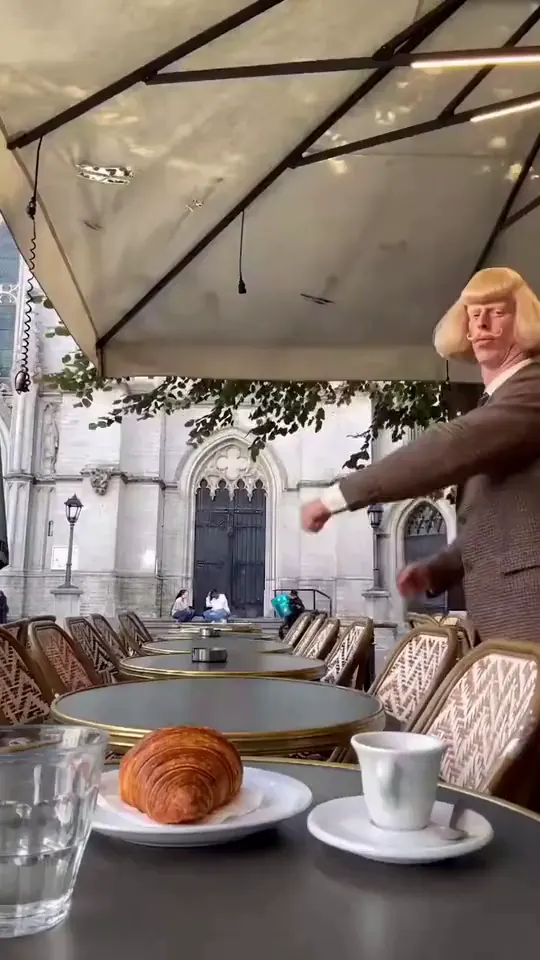
What it looks like: Jean Paul
Stills from our house Clips (Jean Paul and our 9:16 sample shots), made in Character App. Not a client project.
Where to post it
Export each Episode as a 9:16 video, with or without on-screen words, and post it yourself to TikTok, Instagram Reels and YouTube Shorts, or run it as a paid ad. Character App does not post for you. Every plan includes commercial use per the Terms, with no watermark. For each platform’s rules, read where to publish a vertical drama; to plan more Episodes, see vertical drama tropes and how to write a cliffhanger.
Questions, answered
What video ads work for a local business?
Stories about the neighborhood with your business in them: the regular, the rival, the weekly ritual. People share a story with neighbors more readily than an offer.
Can I put my real shop in it?
Yes. Start the World from your own photos or a description, and it stays the same in every Episode.
Do I need to be on camera?
No. Make an original Character, or cast yourself from your own photo if you want to.
Can I run the Episodes as paid local ads?
Yes. Export a 9:16 video and use it in TikTok, Instagram or YouTube ads. Every plan includes commercial use per the Terms.
What does it cost to make?
Free: make your Character and its Story as picture-only Slideshows. Real video comes with a plan. With a plan, a narrated Slideshow Story is 40 Credits for up to 5 slides.
More business series
All vertical drama ads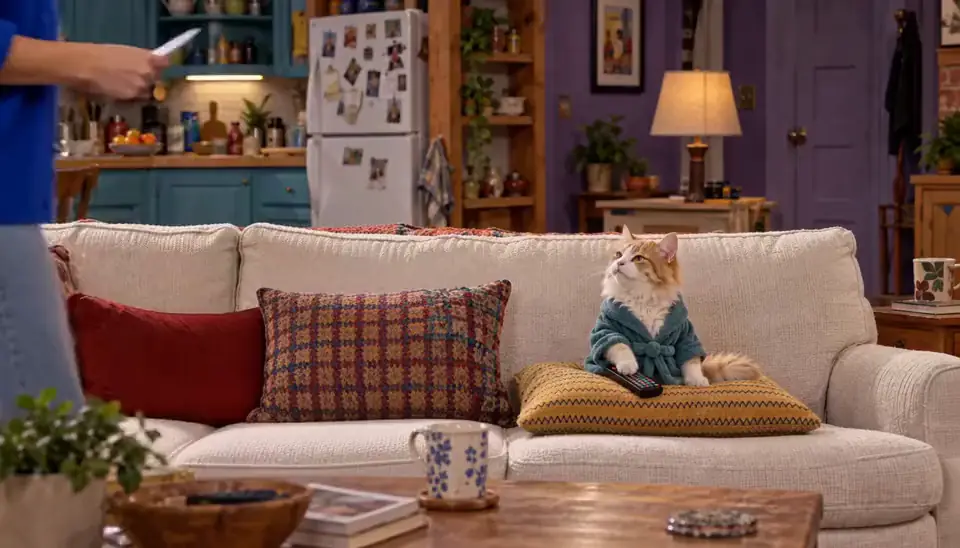 Real estateOutbid again: Maya and Theo lose their third house by $5,000. In the car, Theo opens a spreadsheet; Maya opens a bottle.
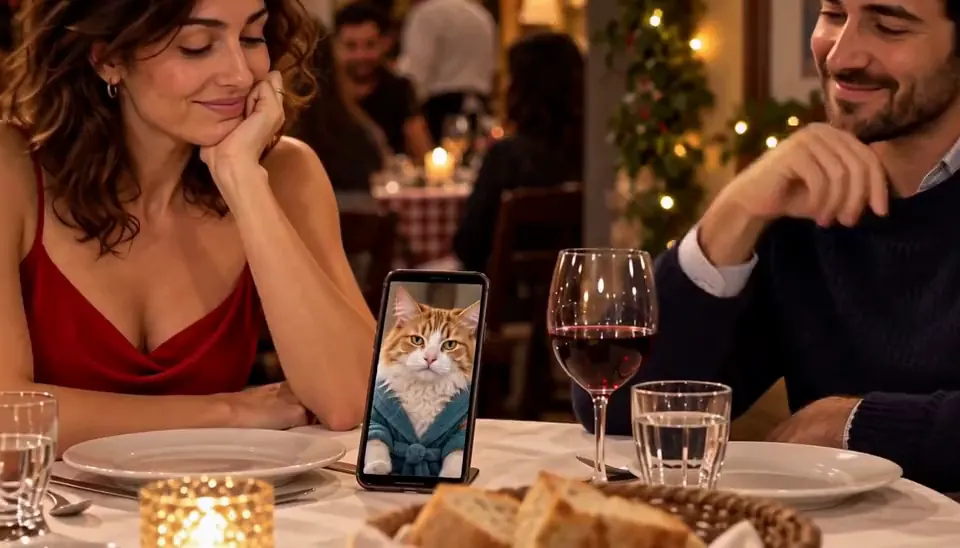 RestaurantsTable six: June has eaten at table six every Friday for ten years. Tonight a stranger is sitting there.
 CoachingDay one: Sam promises a coach she will run a 10K in eight weeks. She has not run since school.
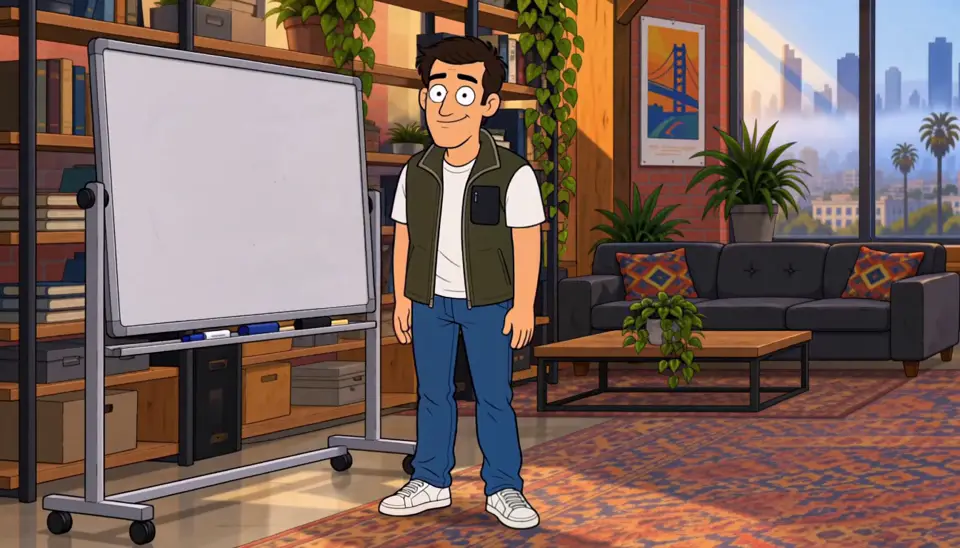 RecruitingBadge photo: Priya's first day. Her badge photo is terrible, her laptop will not start, and her manager is out sick.
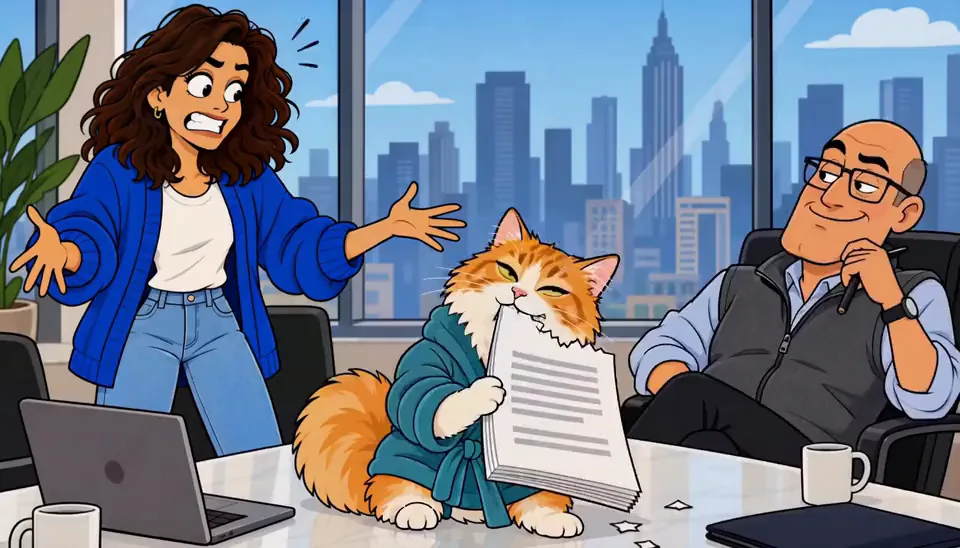 Online coursesThe rejection: Leo's portfolio gets its tenth rejection. The email says 'not quite ready.'
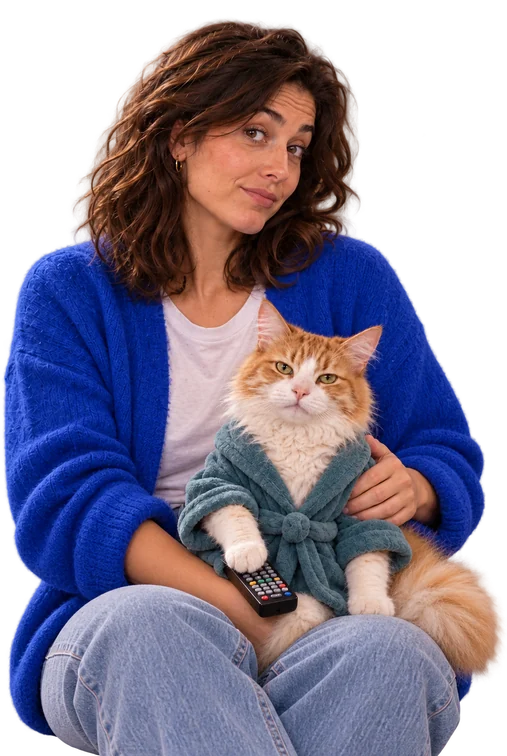 Product launchThe problem: Nia's bag strap snaps on the way to the most important meeting of her life.
Episode 1 starts with one line.
Free: make your Character and its Story as picture-only Slideshows. Real video comes with a plan.