Course promo videos: AI micro drama trailers for creators
A course promo micro drama is a short 9:16 series that follows one student from stuck to skilled, one lesson per Episode. It works as a trailer for your course: viewers watch the change happen and want the same result. You make the student once, write the season with the AI Director, and release it before your launch.
Free: make your Character and its Story as picture-only Slideshows. Real video comes with a plan.
Updated November 2026
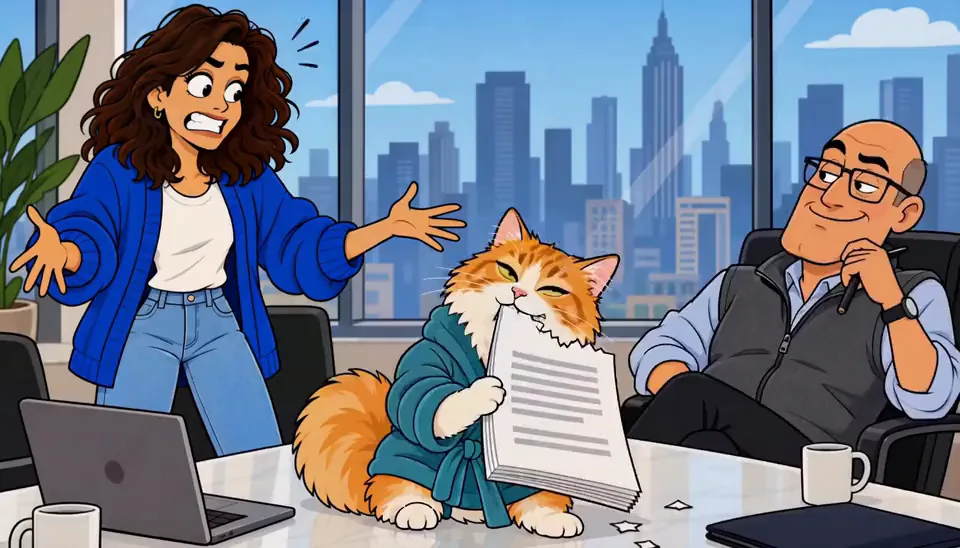
Why a series beats a one-off ad
A course launch usually means a countdown and a sales page. A series gives people something to watch first. Each Episode shows one lesson from your course solving one problem, so by Episode 5 viewers have seen the method work five times and understand exactly what they are buying.
A 5-Episode series outline
Each Episode is 30-90 seconds: one problem, one turn, and a last line that makes the next one necessary.
- Episode 1
The rejection
Leo's portfolio gets its tenth rejection. The email says 'not quite ready.'
Cliffhanger He finds a note in his own handwriting: 'Ask for feedback this time.'
- Episode 2
Lesson one
He learns to cut his portfolio to five pieces. It hurts. It is better.
Cliffhanger The piece he cut is the one a studio asks about.
- Episode 3
Lesson two
He rewrites the case study around the problem, not the process.
Cliffhanger A recruiter replies in four minutes.
- Episode 4
The interview
He freezes on one question. He remembers lesson three and answers with a story.
Cliffhanger 'We'll be in touch' — the same words as before.
- Episode 5
The offer
The offer arrives. He opens his old notes and adds one line for the next student.
Cliffhanger Enrolment opens Monday.
Episode 1 script: The rejection
One filmable action per shot. Change the names and the place; keep the last line on the cliffhanger.
- Shot 1
Close-up: an inbox, a new email titled 'Your application.'
- Shot 2
Close-up: Leo's face reading it, the screen light on his glasses.
- Shot 3
Insert: the line 'not quite ready' highlighted.
- Shot 4
Medium shot: he closes the laptop and leans back.
- Shot 5
Wide shot, small apartment: ten printed rejection emails pinned to the wall.
- Shot 6
Close-up: his hand pins the eleventh.
- Shot 7
Insert: a sticky note under the pile, in his handwriting: 'Ask for feedback.'
- Shot 8
Close-up on Leo, last line: 'When did I write that?' Cut.
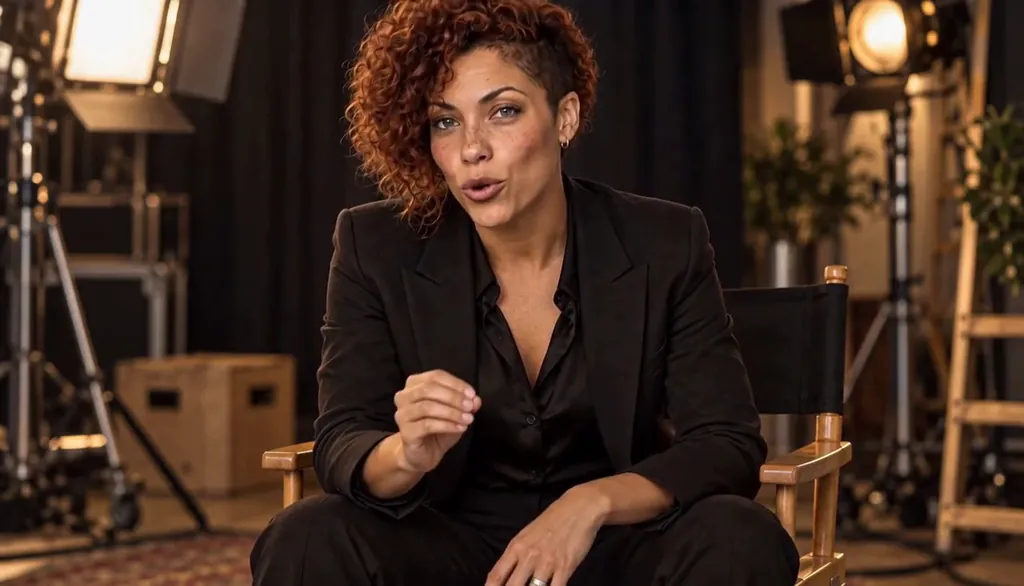

Make it in Character App
Free: make your Character and its Story as picture-only Slideshows. Real video comes with a plan.
- 1
Make your Character
Make the lead once, from a few words, your own photo, or both, in any Art style. The kept picture is the reference for every Scene after.
- 2
Build the World
Describe the place (the shop, the office, the street) or start it from your own photos. It stays the same in every Episode.
- 3
Write Episode 1 with the AI Director
Paste your Episode 1 script, or pitch it in one sentence. The AI Director writes the Scenes with your Characters cast in each one. Edit anything before you spend.
- 4
Try it free as a picture Slideshow
Make the Episode as a picture-only Slideshow to check the story. With a plan, a narrated Slideshow Story with music is 40 Credits for up to 5 slides.
- 5
Film it with a plan
Film each Scene as a 9:16 Clip. A 5-Clip Episode on H3 Turbo is 125 Credits; Creator ($39.99 a month, 1,600 Credits) makes about 64 HD H3 videos, or 12 such Episodes. The price is on every button.
What it looks like: Stealth Mode
Stills from our house show Stealth Mode and our guide explainer Clips, made in Character App. Not a client project.
Where to post it
Export each Episode as a 9:16 video, with or without on-screen words, and post it yourself to TikTok, Instagram Reels and YouTube Shorts, or run it as a paid ad. Character App does not post for you. Every plan includes commercial use per the Terms, with no watermark. For each platform’s rules, read where to publish a vertical drama; to plan more Episodes, see vertical drama tropes and how to write a cliffhanger.
Questions, answered
What is a good promo video for an online course?
One that shows the result happening to someone. A short series where one student uses one lesson per Episode works as a trailer and as proof.
Should the student be me?
It can be. Many creators cast a student Character instead, so viewers see themselves in it, and appear as the teacher.
How early should I post the series?
Two to three weeks before launch: one Episode every few days, ending on the launch date.
Can I use the same Character in my course videos?
Yes. The Character stays the same in every picture and Clip you make, so it can guide the course itself too.
What does it cost to make?
Free: make your Character and its Story as picture-only Slideshows. Real video comes with a plan. With a plan, a narrated Slideshow Story is 40 Credits for up to 5 slides.
More business series
All vertical drama ads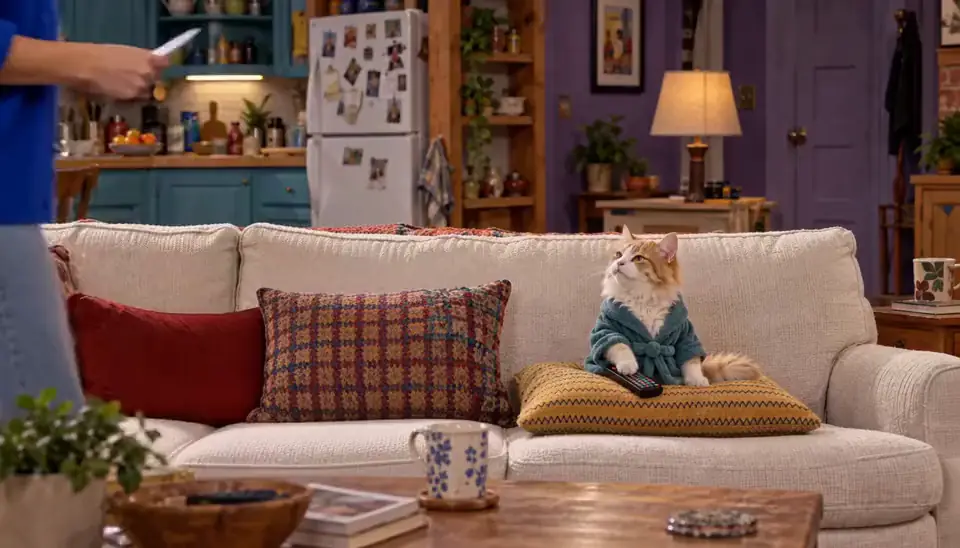 Real estateOutbid again: Maya and Theo lose their third house by $5,000. In the car, Theo opens a spreadsheet; Maya opens a bottle.
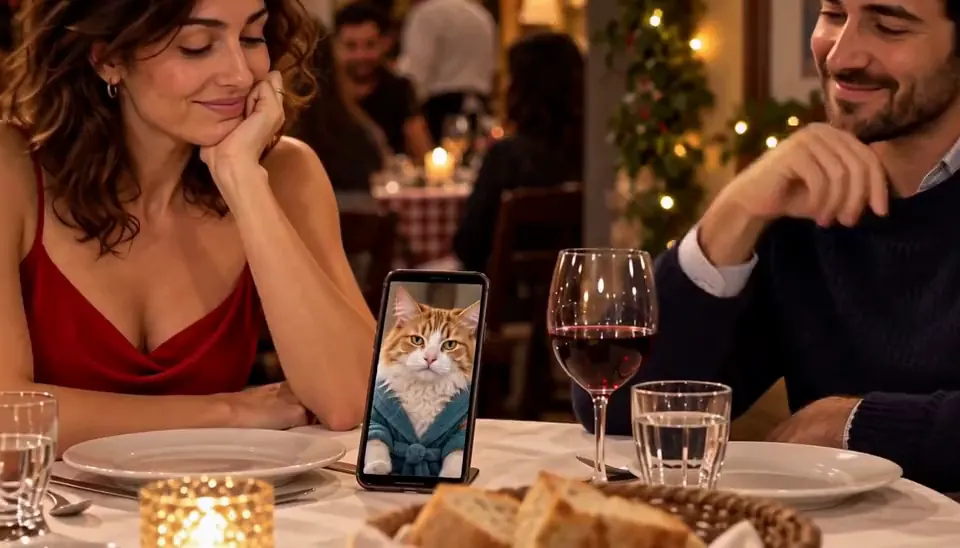 RestaurantsTable six: June has eaten at table six every Friday for ten years. Tonight a stranger is sitting there.
 CoachingDay one: Sam promises a coach she will run a 10K in eight weeks. She has not run since school.
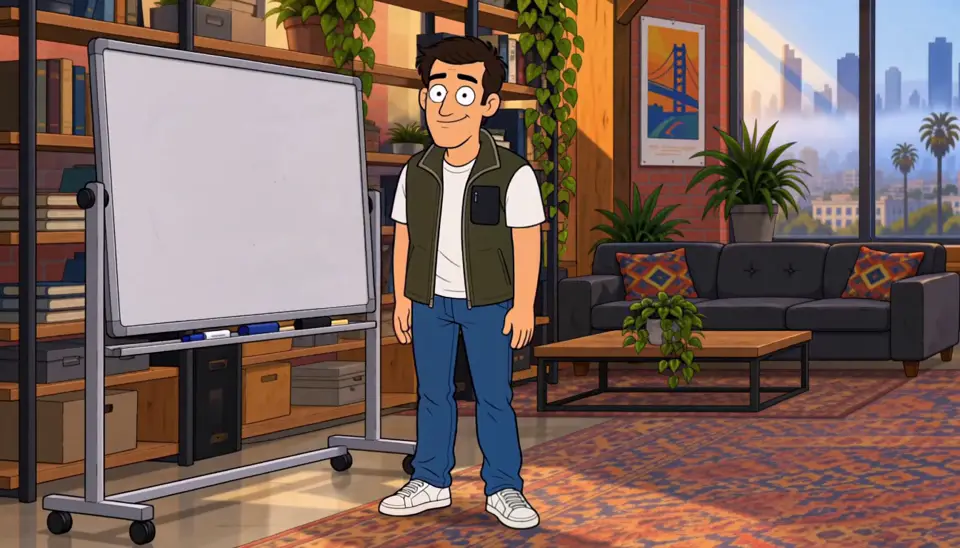 RecruitingBadge photo: Priya's first day. Her badge photo is terrible, her laptop will not start, and her manager is out sick.
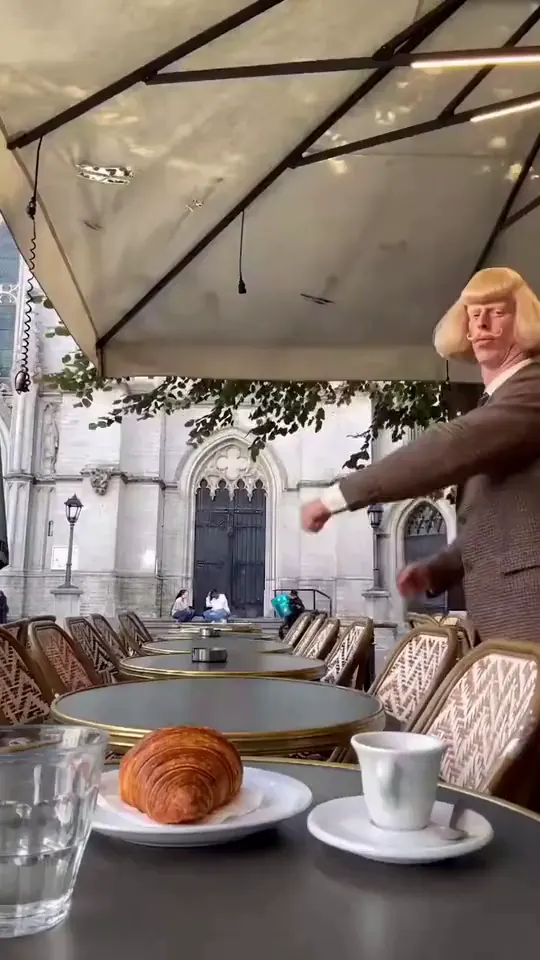 Local businessOpening time: Rosa opens her café at 7 a.m. The same dog sits outside every morning. Nobody knows whose it is.
 Product launchThe problem: Nia's bag strap snaps on the way to the most important meeting of her life.
Episode 1 starts with one line.
Free: make your Character and its Story as picture-only Slideshows. Real video comes with a plan.