A wedding invitation video starring the two of you, drawn
Make a wedding invitation video with the couple drawn as cartoon Characters from your own photos. Type your story and the details, and the AI Director writes a short narrated Slideshow: how you met, the question, the date and the place. A save the date as a narrated Slideshow is about $1.00 (40 Credits).
Free: your idea as a Story starring your Character, with Scene 1 filmed. A plan films every Scene.
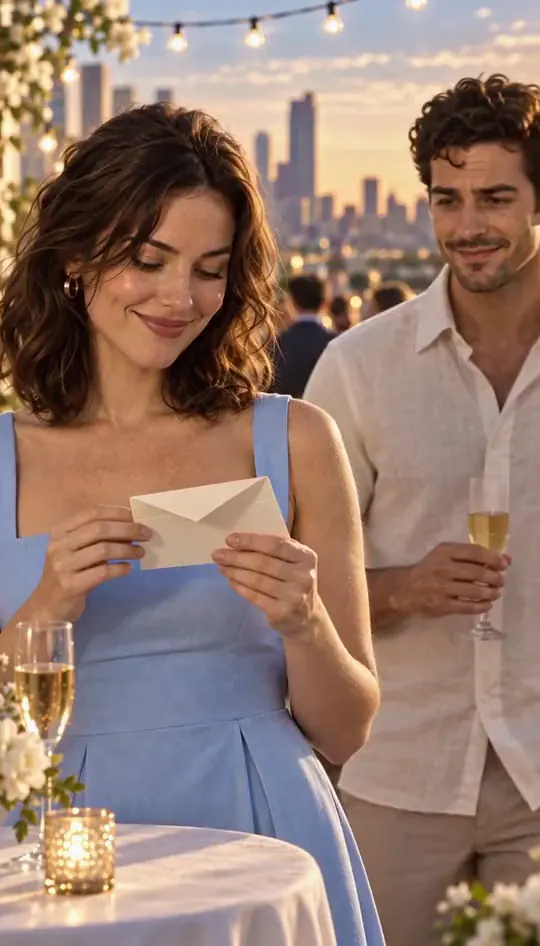
How to make a wedding invitation video
Each of you becomes a Character from your own photo (both 17+, both agreeing), in one cartoon Art style. Type how you met, the proposal, and the date and place. The AI Director writes a narrated Slideshow in Scenes. Read every slide and listen to the narration, then export the MP4 and send it yourselves.
Updated · A 5-second Clip on HG H3 Max: about $0.62 (25 Credits) · Web and iPhone
At Starter’s price ($19.99 a month for 800 Credits); our arithmetic.
Sample Clips
Real Clips from fictional sample series. Same Cast from shot to shot; tap a Clip for sound.
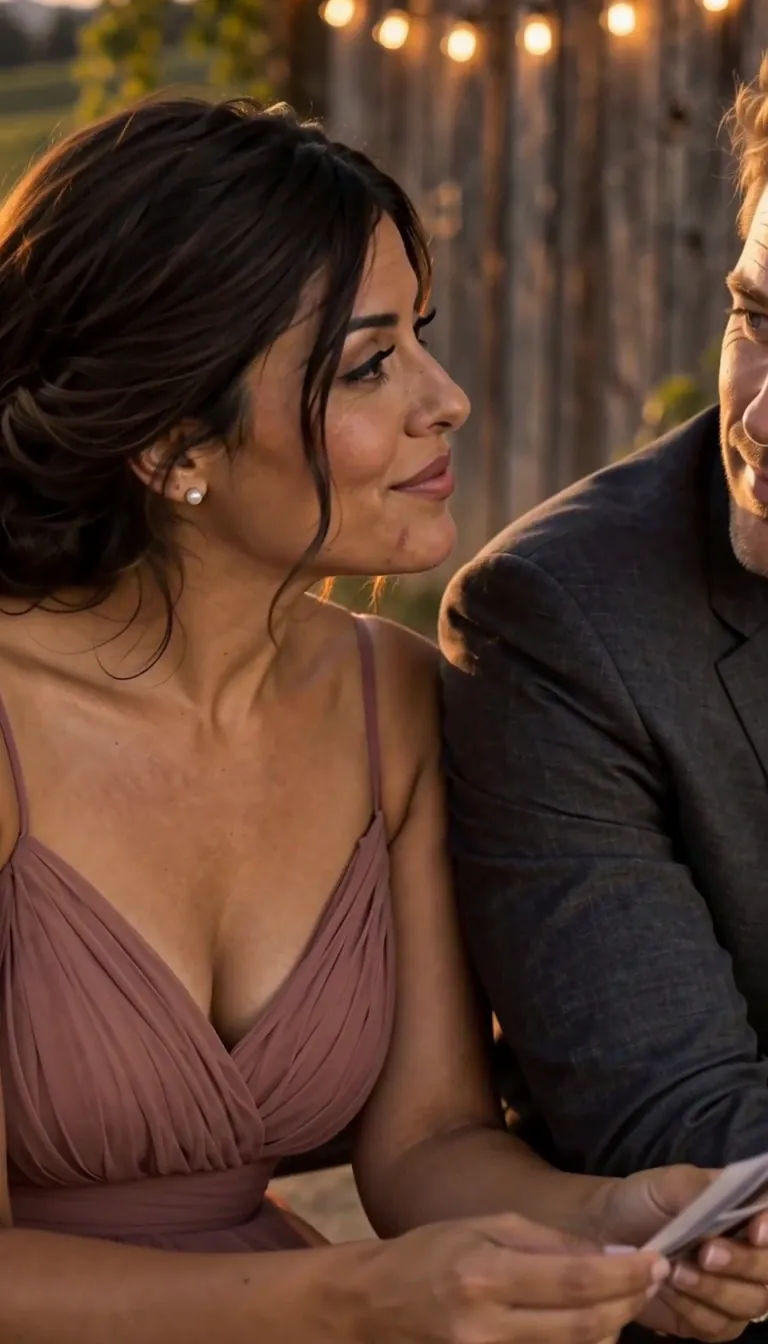
Second Dance We were twenty-two
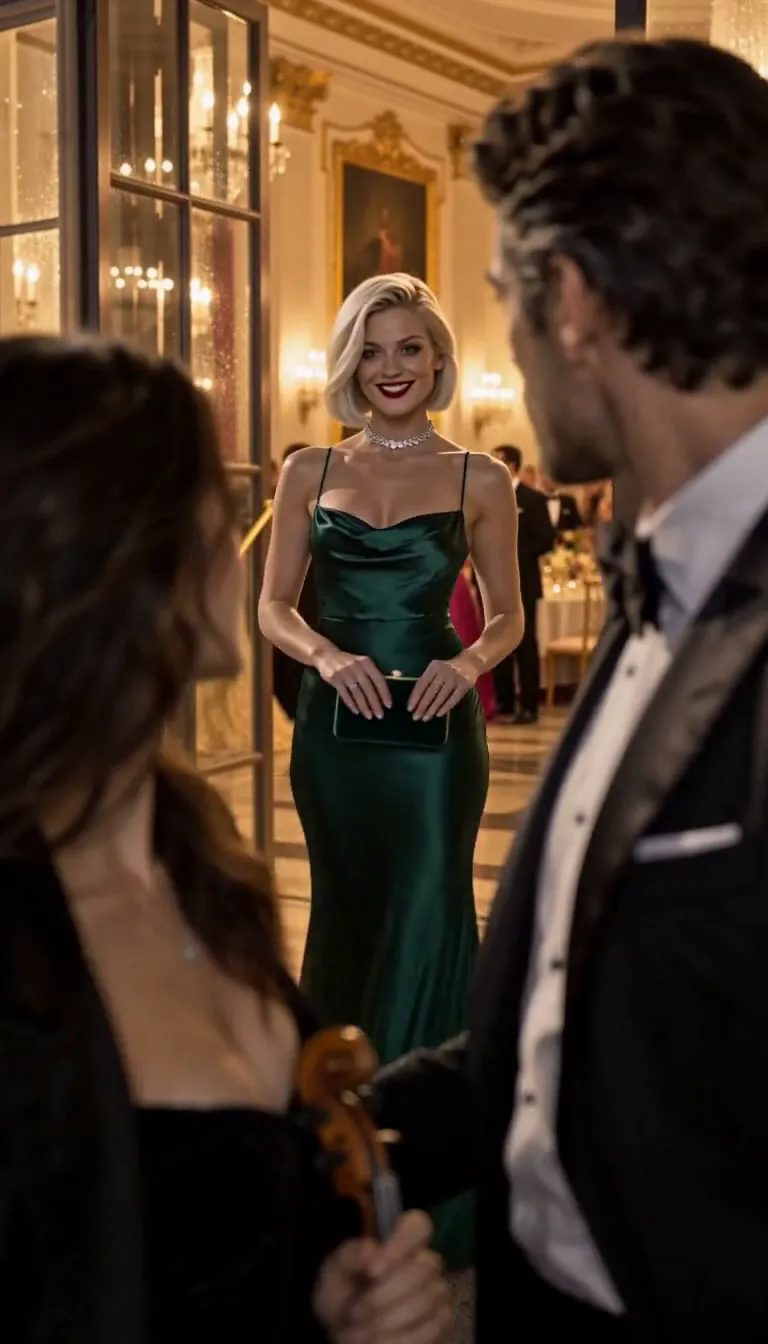
Midnight Sonata Your fiancée is getting cold
Example from our house series Second Dance, not a wedding invitation. Made with H3 Turbo in Character App. · Example from our house series Midnight Sonata, not a wedding invitation. .
One cartoon couple, three videos
Make the two of you once and keep the Characters. The same faces carry the whole wedding year, so the thank-you looks like it came from the same couple as the save the date.
The save the date
Three or four slides: how you met, the proposal, the date and the city. No venue or times yet.
The invitation
The place, the time, the dress code, how to reply. Keep the detail on the card or the wedding website too; the video is the hello.
The thank-you
After the day: the two of you, married, saying thank you. Film one Scene as a Clip if you want it to move.
When to send each one
The usual etiquette, worked out for a Saturday 18 September 2027 wedding. Move the dates with yours.
Save the date · 6 to 8 months before
For 18 September 2027, between Monday 18 January and Thursday 18 March 2027. Destination weddings go earlier, up to a year.
Invitation · 6 to 8 weeks before
For 18 September 2027, between Saturday 24 July and Saturday 7 August. Ask for replies by about Saturday 28 August.
Thank-you · within a few weeks
Send it while the day is still fresh, with one funny moment from the reception.
Check every name, date and place
Guests will plan around what your video says. The narration speaks the names, the date and the place you typed: listen to it end to end, read every slide, and change a word in the editor before you export. Spell names the way you want them said. Keep the full details on a card or website as well.
Who is in it
The couple, each from their own photo and with both of you agreeing, and the pets from one clear photo each. Add the best friend or a parent only from their own photo and with their OK, or from words. Every Character is an adult, so the flower girl and page boy are guests, not Characters.
What the invitation costs
A save the date of up to 5 slides is about $1.00 (40 Credits); each slide after that adds about $0.20 (8 Credits). The save the date, invitation and thank-you as three four-slide Stories are about $3.00 (120 Credits) together. Filming the proposal Scene as a 5-second HG H3 Max Clip is about $0.62 (25 Credits). The MP4 export comes with a plan. Dollar figures: At Starter’s price ($19.99 a month for 800 Credits); our arithmetic.
8 wedding invitation video ideas to start from
Press one and it lands in the idea box. Change a word or keep it; the Director takes it from there.
- 01The QueueOur save the date: we met in a queue for the same sold-out concert, he proposed in that queue ten years later, 18 September 2027.Use this idea
- 02The Wrong TrainHow we met on the wrong train to the wrong city, and the station café where we are getting married.Use this idea
- 03Told by the DogOur invitation, narrated by our dog, who has opinions about the guest list and the seating plan.Use this idea
- 04Two BridesTwo brides, one allotment: how a fight over a marrow became a wedding in the community garden.Use this idea
- 05Rain, Take ThreeElodie Sterling and Lucien send a save the date about the proposal in the rain he had to start three times.Use this idea
- 06Second Time AroundTwo widowed neighbours in their sixties invite everyone to the wedding nobody on the street saw coming.Use this idea
- 07Thank You, AllOur thank-you: the cake that leaned, the band that played our song twice, and every guest who danced anyway.Use this idea
- 08Bodo the Ring BearerBodo, a small orange felt monster, is trusted with the rings for one afternoon and guards them far too well.Use this idea
From one line to Episode 01
- 1
Draw the couple
Each of you from your own photo (17+, both agreeing), in one cartoon Art style. Keep both Characters.
- 2
Type the story and the date
How you met, the proposal, the date and the place. The AI Director writes the slides and the narration.
- 3
Check, export, send
Read every slide and listen through, then export the MP4 and send it to your guests yourselves.
More holidays and seasons
Every page and its make-by date- Advent calendar StoryA Christmas Story in 24 short Scenes, one behind each advent door from 1 December.Start by 30 Nov: door 1 opens on 1 Dec
- Hanukkah story videoA family story in eight Scenes for the eight nights of Hanukkah, 4 to 12 December 2026.First candle: Fri 4 Dec 2026
- Family Christmas sitcomYour family's Christmas as a sitcom episode: the grown-ups and the dog, from their own photos.Make it by Sun 20 Dec
- Family Christmas movieYour family's grown-ups and pets in a short Christmas adventure: a quest, a blizzard, a deadline.Make it by Sun 20 Dec
- Christmas videoA short Christmas story starring a Character made from your photo, your pet or a few words.Make it by Sun 20 Dec
- Santa movie for kidsA Santa story for your kids to watch, starring grown-ups and pets they know.Make it by Mon 21 Dec
- Christmas card videoA three-slide Christmas card that moves: the family as Characters, one moment, your sign-off.Send by Fri 18 Dec
- Elf videoTurn yourself into an elf from one photo, then make it dance.Post any day in December
- Christmas gift reveal videoReveal a trip, tickets or a big present with a four-Scene Story starring you.Make it by Wed 23 Dec
- Christmas pet storyYour dog or cat, from one photo, in a Christmas special: the chimney intruder, the tree, the first snow.Make it by Sun 20 Dec
- Holiday movieA cheesy holiday rom-com where you are the lead: cast from your photo, written by the AI Director.Any weekend in December
- New Year's Eve videoYour year retold in five Scenes, narrated, ready for midnight on 31 December.Make it by Wed 30 Dec
- Valentine's videoYour real love story in Scenes, starring you and your partner, for 14 February 2027.Make it by Sun 7 Feb 2027
- Mother's Day videoOne true story about your mum in Scenes, for Mothering Sunday (7 March) or Mother's Day (9 May 2027).UK by Sun 28 Feb · US by Sun 2 May
Questions, answered
Still curious? The guides go deeper.
Can AI make a cartoon wedding invitation of us?
Yes. Each of you becomes a Character from your own photo, both agreeing, in a cartoon or another Art style. The AI Director writes a narrated Slideshow Story with how you met and your date.
Is it free to download?
Free: your idea as a Story starring your Character, with Scene 1 filmed. Downloading the invitation as an MP4 comes with a plan.
Will it get our names and date right?
The narration speaks what you type. Listen through and read every slide before you export, and keep the full details on a card or wedding website too.
When should we send a save the date?
The usual etiquette is six to eight months before the wedding, and up to a year for a destination wedding. Invitations go six to eight weeks before.
Can our children be in it?
No. Characters are adults only; the Studio draws no child from a photo or from words. Sign the invitation from the whole family instead.
More genres
Every genre- How we met: we both reached for the last umbrella at the station, and neither of us let go.Valentine's videoHow you met, told in Scenes, starring the two of you.
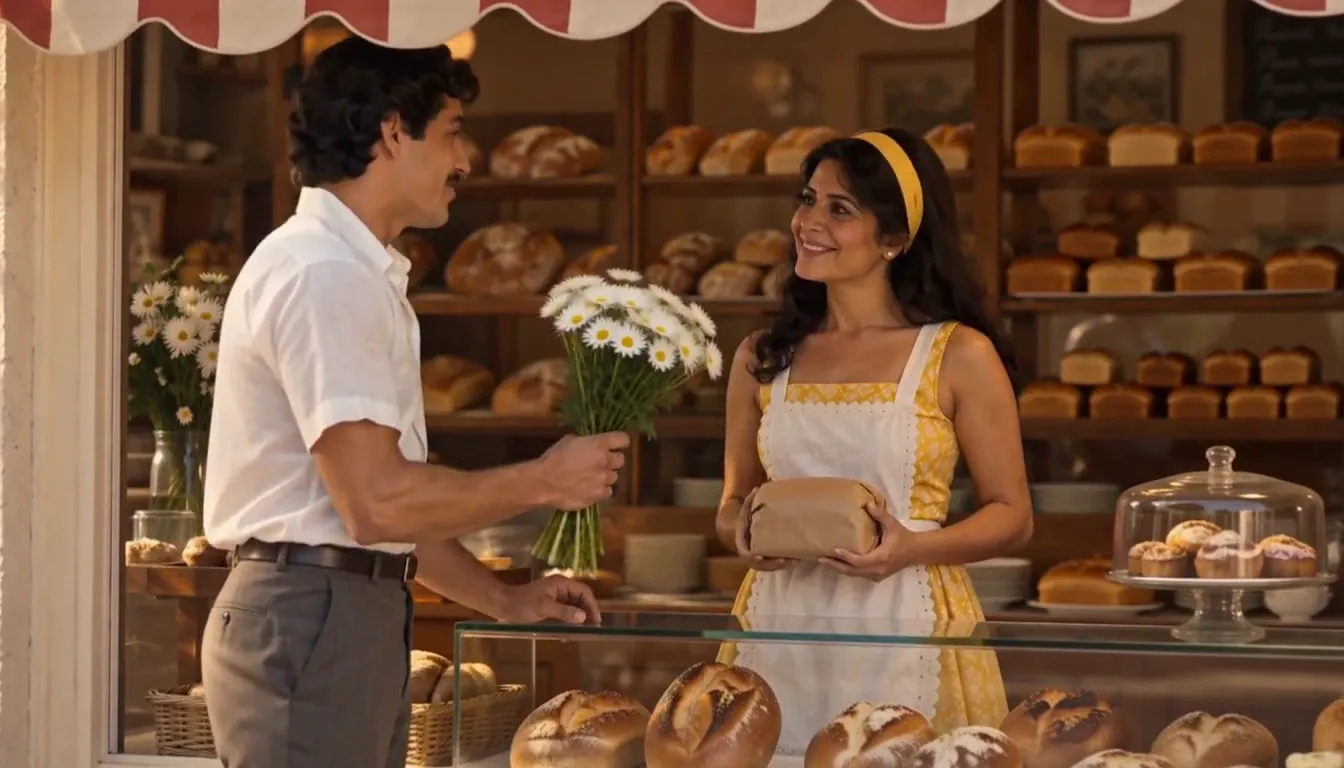 Wedding & anniversary filmYour love story, one Episode a year.
 Anime coupleThe two of you, as an anime love story.
Cast for this genre
Plan it as a full season with the AI series maker.
Guides for this genre
- One character, different art stylesTo keep one AI character in different art styles, make the Character once from a clear picture, then add each style as a Look on that same Character instead of starting over.
- Add narration and music to an AI videoThe quickest way to add narration and music to an AI video is to make it with both from the start.
- Use your own photo and likenessYes — your own photo is the intended input, and the rules around it are explicit.
Your wedding invitation video starts with one line.
Free: your idea as a Story starring your Character, with Scene 1 filmed. A plan films every Scene.