Character App vs Character AI (c.ai)
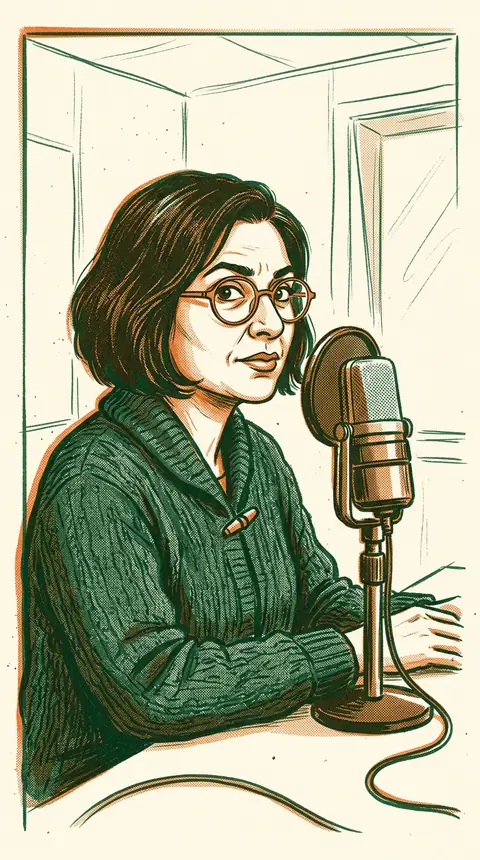
A station announcer with a dark bob, copper glasses and a bottle-green cardigan.
 The excuse
 The evidence
If you want to talk to a character and wait for a reply, you're looking for Character.AI. If you already know what your character would say and want an audience to see what happens next, Character App lets you direct that Scene. The similar names belong to separate services.
From a roleplay exchange to a Scene
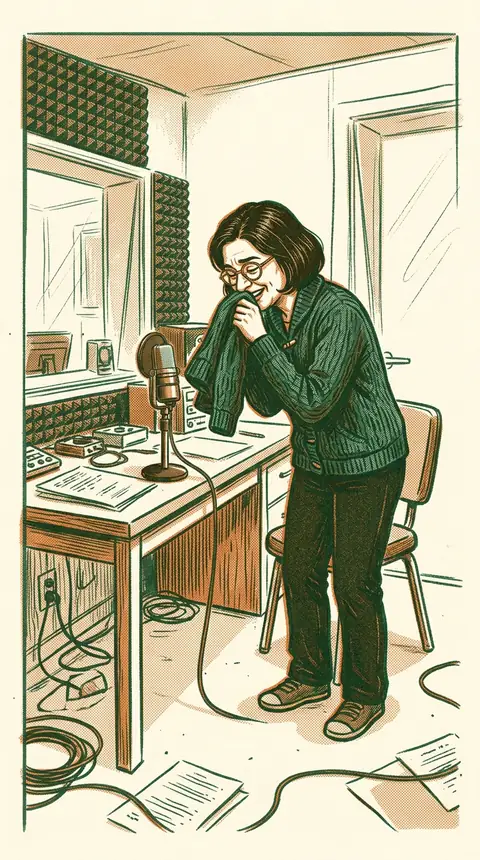
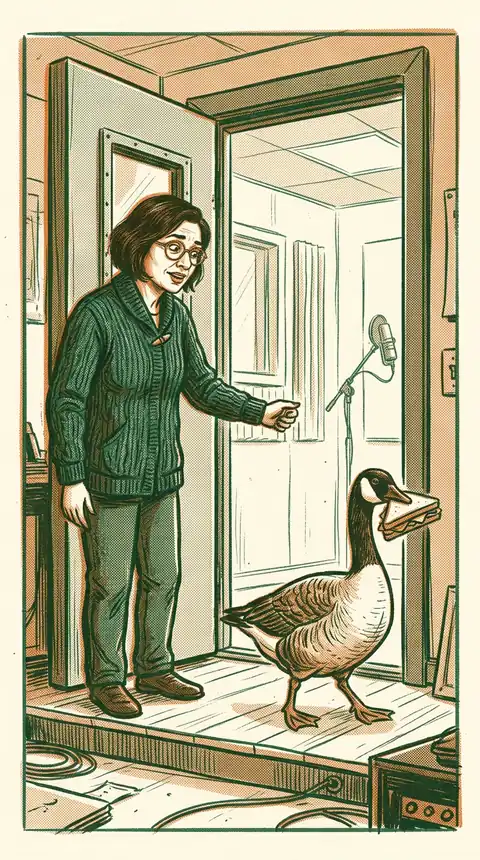
A station announcer says, “There’s a perfectly good reason for the delay.” In a chat, the fun might be asking her what it is. On screen, give the audience an answer they can see. The announcer hides a laugh behind her sleeve. Cut to the platform, where a goose emerges from her booth with her sandwich.
Bring across the parts of your own writing that make the character recognizable. The copper glasses and green cardigan belong in the Character description. Her excuse belongs in the dialogue. The goose belongs in the Scene where the audience discovers it. You can do all of that without copying a private conversation into a public story.
Which app fits what you came to do?
| Topic | Character App | Character.AI |
|---|---|---|
| Your part | Write the line, cast your Character and decide what the audience sees | Choose c.ai if you'd like to be the other person in the conversation |
| What to start with | Your description or a picture you have permission to use | Return to Character.AI for your existing persona |
| Cost | Free: your idea as a World with its first Story in pictures. A plan films every Scene. US web Starter is $19.99 a month for 800 Credits. | See pricing in the Character.AI app |
When the character comes back next week
Keep the announcer in the same World if you're turning the station into a comedy. You can change the delay, the passenger and the joke while the Cast and the World's Art style carry over. A narrated Slideshow Story also works for a joke told through still pictures. The reveal can land on the last slide even if nobody speaks on camera.
Frequently asked questions
Does Character App have a chat window where my OC talks back?
There is no roleplay chat with your Character. The AI Director helps you write and film a Story. If the point of the evening is finding out how a persona replies to you, stick with Character.AI.
Can I use an original character I wrote about on c.ai?
Yes. Write a short description of your own OC in the Character creator. Keep the portrait you want to cast and give the Director a situation for the opening Scene. There's no need to recreate an entire chat history.
Can other people watch the result?
You can share a finished Story by watch link or export a finished video. Your audience gets the Scene you directed, including the reveal you chose for the last shot.
Sources and disclosure
Character App is independent of Character.AI. Character.AI shows its prices in its own app; we print none. Character App lists its own US web offers on Pricing.