Character App vs invideo AI
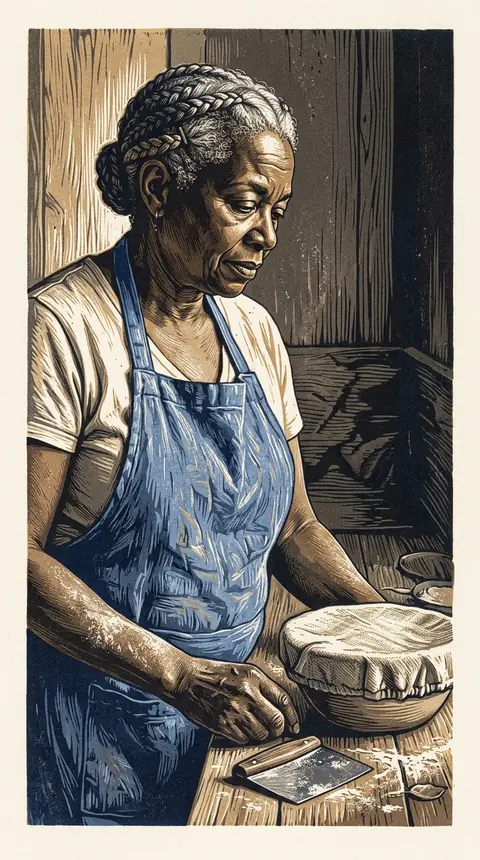
A baker with silver braids and a blue linen apron dusted with flour.
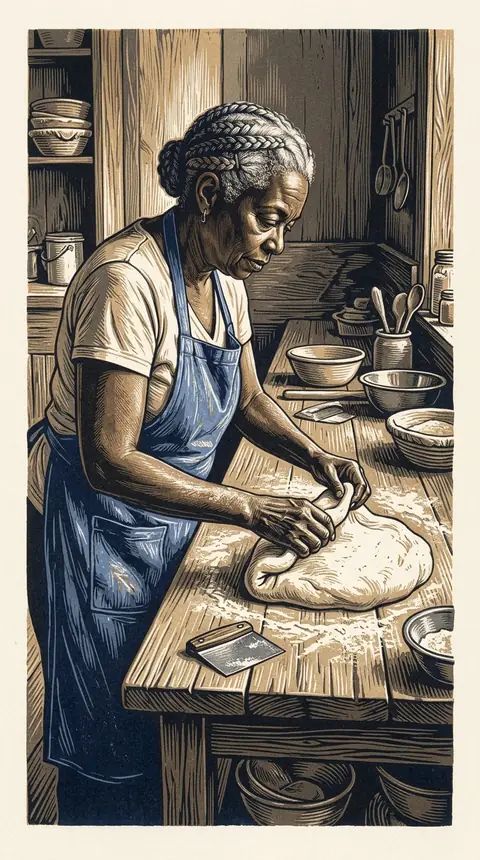 Show the fold
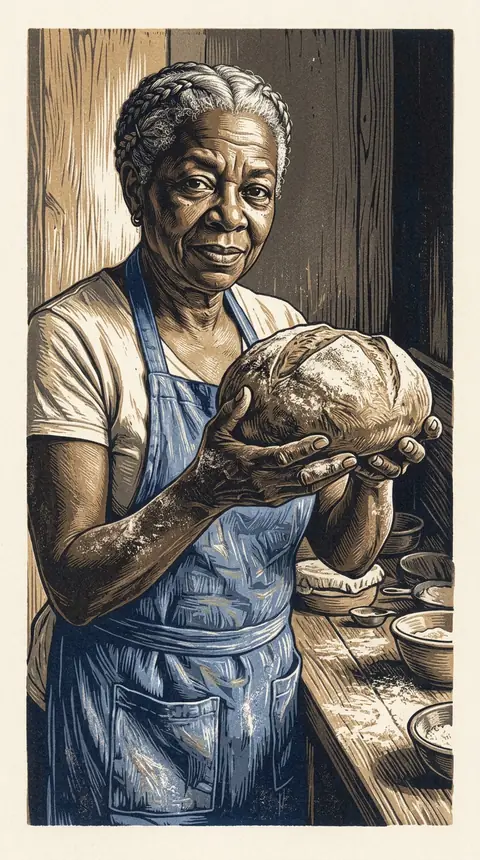 Show the loaf
Choose invideo if you're already making explainers there and the voiceover carries the piece. Choose Character App when the person teaching the lesson is a reason viewers come back. Before you pick, read your script aloud and mark the places where it matters whose hands, face or kitchen the audience sees.
Does the audience need to recognize the baker?
Take a bread lesson. “Fold the dough over itself” can work over any accurate demonstration. But suppose the baker's promise is to show whether her loaf rose. Now the loaf she holds up to the camera has to belong to the baker and loaf you saw at the beginning. A generic cutaway would leave the question unanswered.
In Character App, make the baker once from words or your own picture. Give the Director her lesson in plain language. Plan a Scene for the fold and another for the finished loaf. Keep the same apron in both. Next week you can cast her again to explain why a different batch went flat.
Comparing the subscription units
| Topic | Character App | invideo |
|---|---|---|
| What you're budgeting | Credits for the pictures, narration or filmed takes your lesson needs | Seats on Starter, Plus or Max |
| Where to find your price | US web Starter is $19.99 a month for 800 Credits | See their pricing page for the offer in your region |
| A good reason to choose it | You need a recognizable presenter across lessons | Your team wants to choose a per-seat subscription for its invideo work |
invideo prices per seat and by region, so we print no figure. Compare on the same billing period and count everyone who needs a seat.
A still lesson or a filmed demonstration?
Free: your idea as a World with its first Story in pictures. A plan films every Scene.
Use a narrated Slideshow Story when the pictures can carry the instruction. The baker can explain the fold over a picture of the dough, then hold up the baked loaf while the narration describes its rise. A Slideshow Story of up to five slides costs 40 Credits at the listed rate. For the moment that actually needs motion, a five-second HG H3 Max Clip costs 25 Credits. Decide whether the viewer needs to see the fold happen before filming another take.
Frequently asked questions
I already have a script. What should I give the Director?
Start with one lesson and the visible action that proves its point. “A baker shows how a loose fold changes the rise” gives the Director a presenter, a demonstration and an ending. Review the Scenes before you film. The script-to-video page walks through the handoff.
Can the host speak over still pictures?
Yes. A narrated Slideshow Story combines pictures, narration, music and on-screen words. The baker can stay in the series even on a week when the lesson needs only stills.
Can I compare invideo’s Max tier directly with US web Creator?
Start by pricing the invideo seats you need. On Character App, US web Creator costs $49.99 a month for 2,400 Credits, enough for 60 Slideshow Stories at the five-slide rate if that is all you make. Use your own mix of lessons and filmed demonstrations for the comparison.
Sources and disclosure
Character App is independent of invideo. Seat and tier names come from invideo pricing. Character App’s web prices are on Pricing.